Bring Any Script to Life with an AI Robot Voice Generator
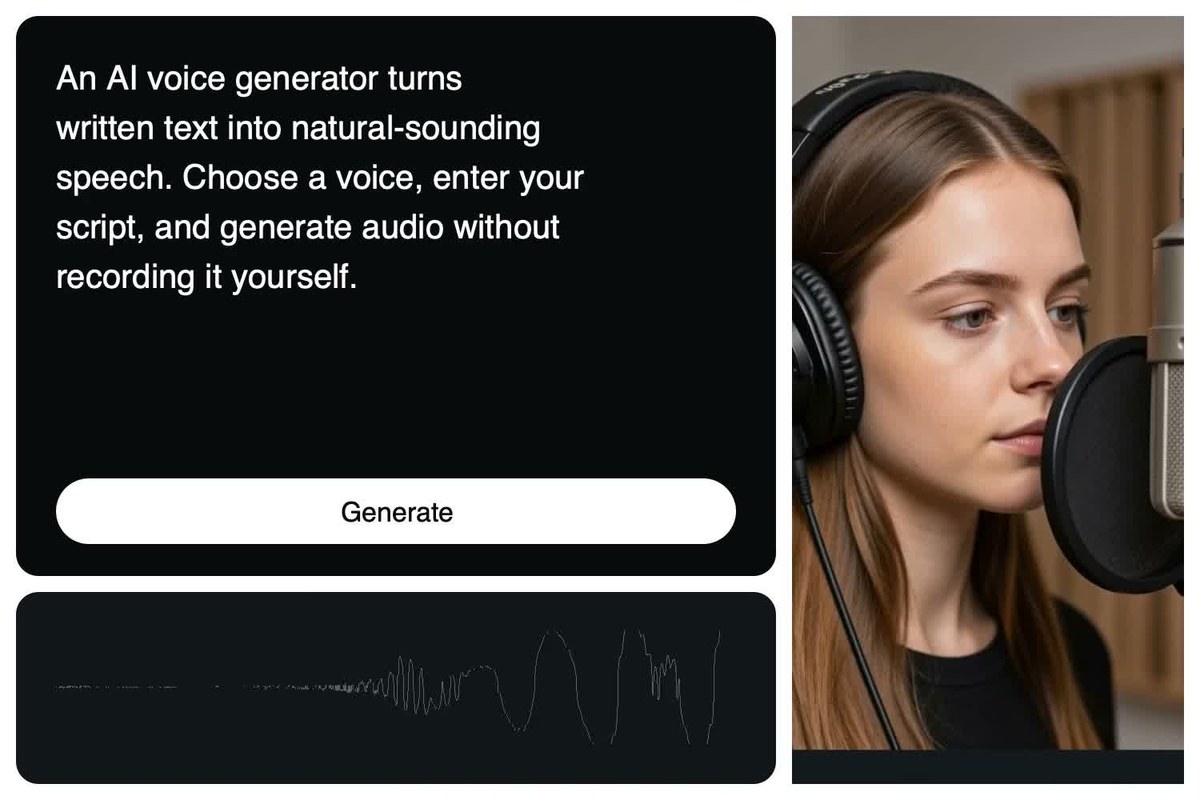
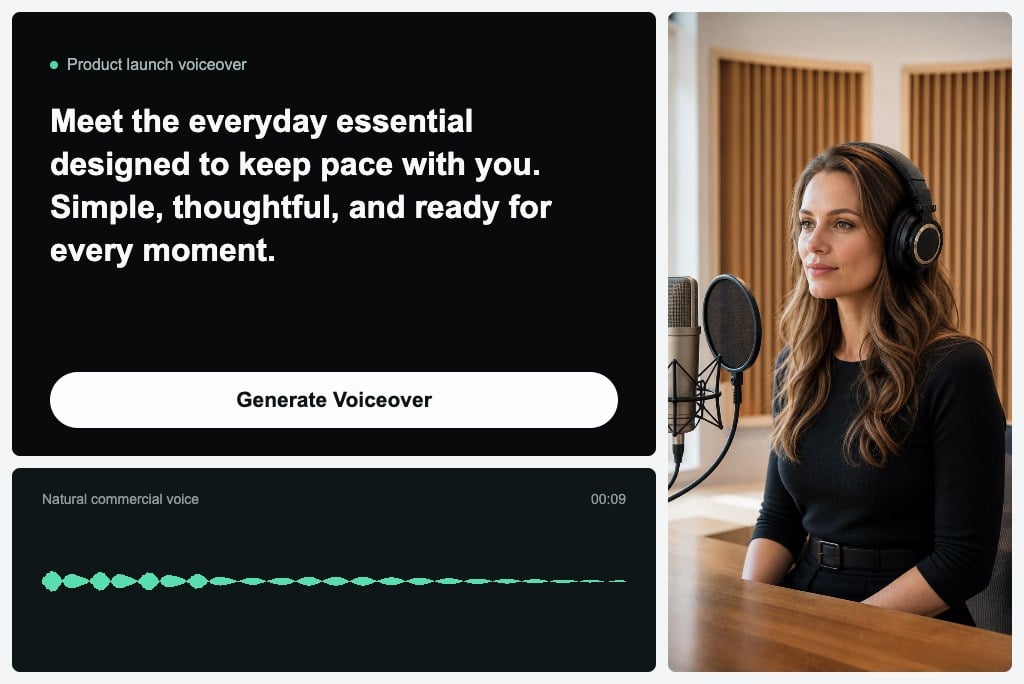
Paste dialogue, narration, alerts, or character lines into our robot speech generator to create clear synthetic audio. The simple text-to-speech workflow creates ready-to-use audio for videos, games, prototypes, and interactive stories without requiring a recording session.
Find the Perfect Voice for Every Robot Character
A robotic voice generator gives your characters a distinct identity, from friendly assistants and retro computers to sci-fi narrators and mechanical announcers. Use this flexible robot voice maker to find a voice that matches your character and scene, so the performance feels purposeful rather than generic.
Make Every Line of Dialogue Clear and Expressive
The robotic text-to-speech tool lets you control pace, emphasis, and pronunciation based on your script. Use the voice controls in the robot voice generator to choose a calm, energetic, playful, or commanding style, then preview each line for a clear and expressive result.
Power Videos and Games with a Robot Talk Generator
Create dialogue, narration, and system messages using a text-to-speech robot voice for games, product demos, social clips, or animated stories. Because the tool works online, you can move from a draft to production-ready audio wherever inspiration strikes.
Robot Voices for Real-World Scenarios
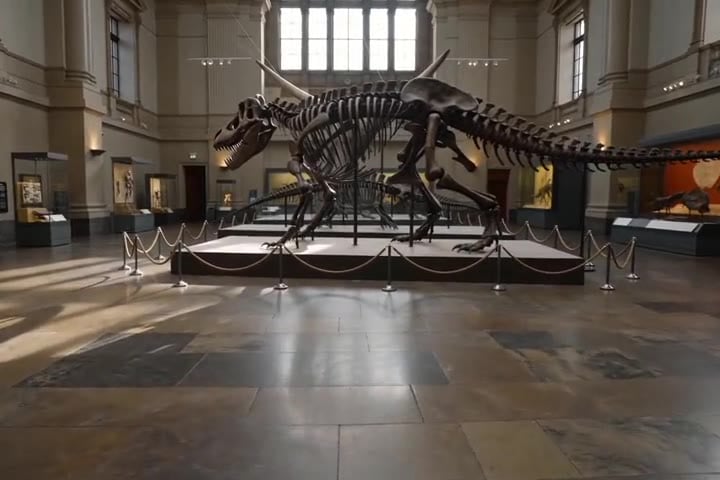
Museum Audio Guides
Guide visitors through dinosaur halls, galleries, and collections with clear robot-voiced narration that can be updated whenever exhibits change.
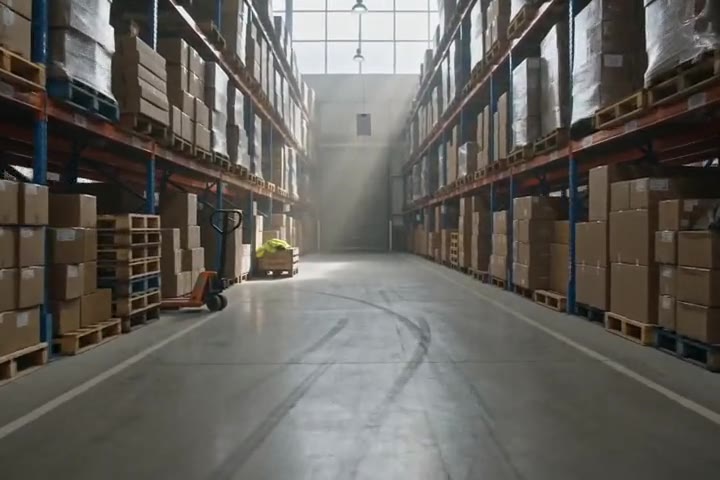
Warehouse Safety Announcements
Deliver consistent robot-voiced reminders for aisle safety, loading procedures, shift changes, and emergency instructions throughout a warehouse.
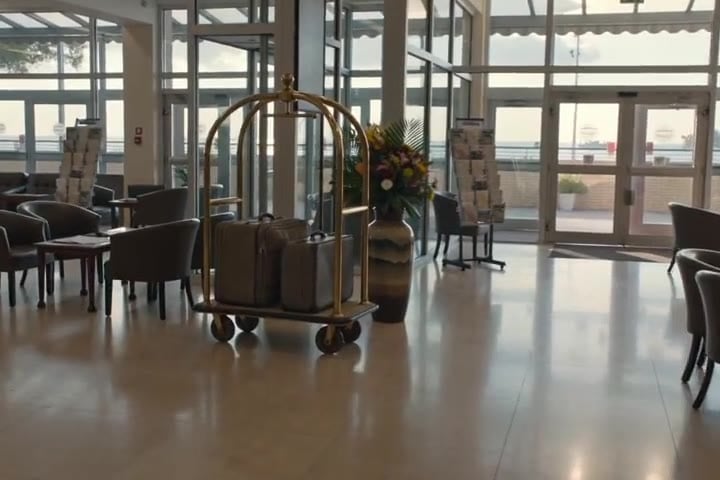
Hotel Welcome Messages
Greet arriving guests with polished robot-voiced messages covering check-in, amenities, local tips, and after-hours assistance.
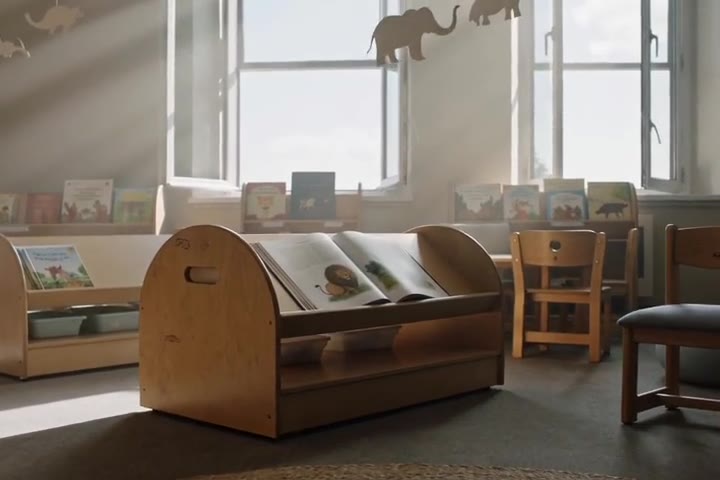
Library Story Time
Turn children's stories and reading prompts into friendly character narration for library reading corners, school visits, and community programs.

Flower Shop Greetings
Welcome customers with warm opening messages, seasonal bouquet highlights, pickup reminders, and simple announcements tailored to the flower shop.

Hospital Delivery Notices
Create calm, clear supply delivery notices and service updates for hospital logistics teams, delivery staff, and support areas.

Theme Park Opening Announcements
Start the day with upbeat robot-voiced announcements about park opening, attraction schedules, queue updates, and wayfinding information.

Escape Room Mission Briefings
Set the scene with mechanical mission briefings, countdowns, puzzle hints, and atmospheric instructions before each escape-room game begins.
How to Create a Robot Voice with insMind
Step 1: Enter the Text You Want the AI to Say
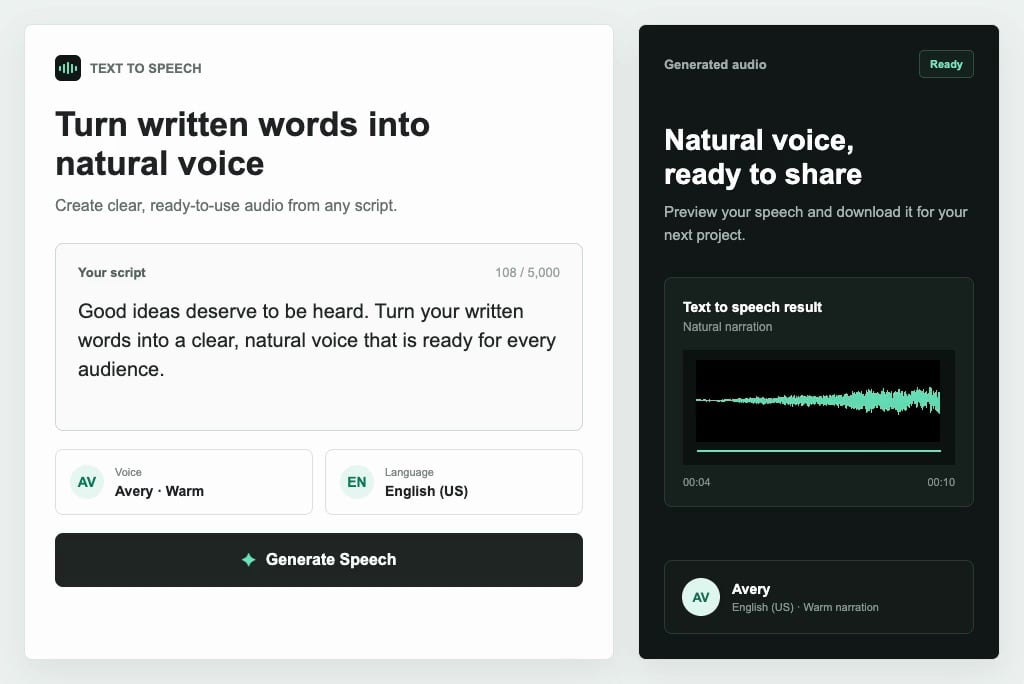
Type or paste the exact words you want the AI robot voice to speak. Add punctuation and sentence breaks to guide the pauses and rhythm.
Step 2: Choose a Voice Type in the Upper-Left Corner
Open the voice menu in the upper-left corner and select the robot voice type that best fits your content, character, and mood.
Step 3: Click the Button in the Lower-Right Corner
After checking your text and voice choice, click the Generate button in the lower-right corner. insMind will turn your text into robot speech in moments.
Step 4: Edit or Download Your Robot Voice
Listen to the result, then revise the text or choose another voice type and generate again if needed. When it sounds right, download the audio for your project.
Why Choose the insMind Robot Voice Generator

Multiple Robot Voice Styles
Create friendly assistants, retro machines, precise computers, sci-fi narrators, or intimidating robot characters without making every script sound the same.

Clear Text-to-Speech Output
Turn written lines into clear, easy-to-understand synthetic speech with pacing and pronunciation suited to narration, dialogue, alerts, and automated announcements.

Flexible Tone and Delivery
Match calm, playful, technical, energetic, or ominous delivery to the character, platform, audience, and purpose of each script.

Fast Online Workflow
Move from text to previewable robot audio without microphones, recording rooms, voice actors, or repeated manual takes.

Ready for Creative Projects
Use the generated voice in games, animations, explainers, AI story videos, product demos, podcasts, and social content.

Easy Preview and Export
Compare voice styles, revise the script, regenerate the result, and download the finished audio once the delivery fits your project.
FAQs About the insMind Robot Voice Generator
What is a robot voice generator?


How do I make a robot voice with AI?
Can I turn text into a robot voice?
How does a robot voice generator turn text into speech?
Can I create robot speech online?
What can robot voices be used for?
Is the insMind robot voice generator free to try?
Can I use and download the generated robot speech?