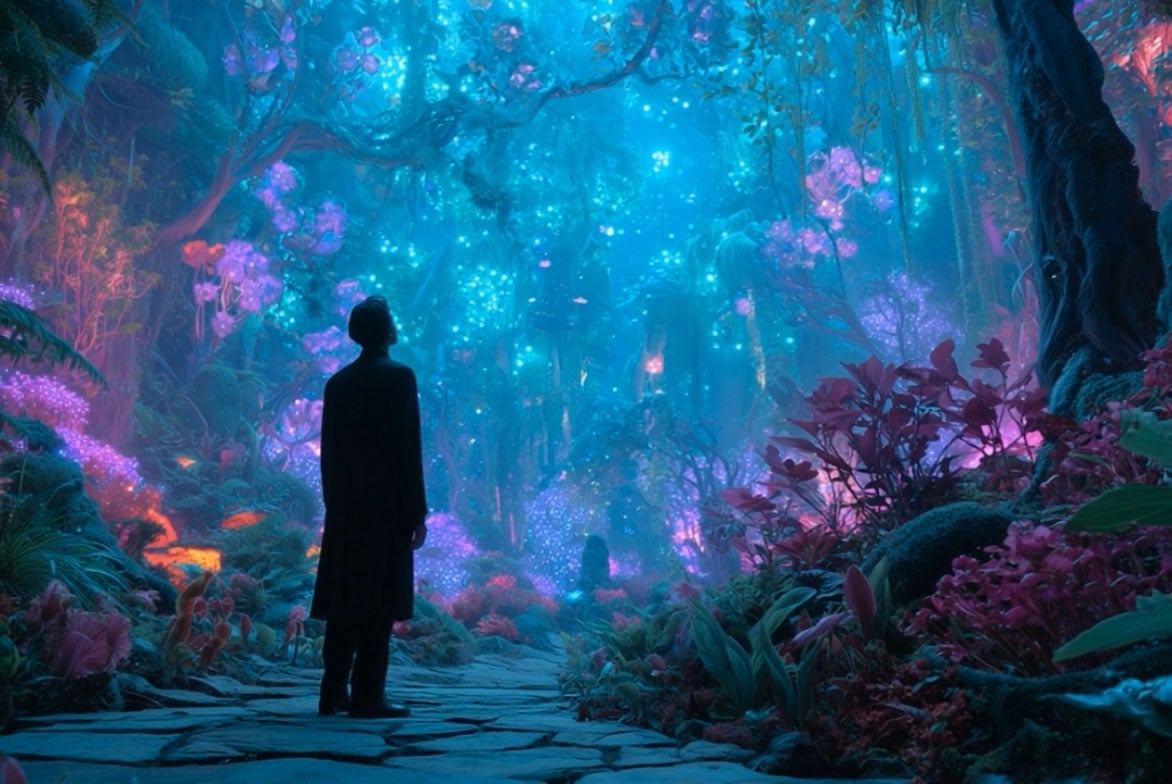
Use insMind as an online Sora 2 alternative when you want a practical text to video workflow. Describe the subject, camera movement, lighting, timing, audio mood, and final scene so the generator can build a clearer clip.

Sora 2 Alternative AI Video Generator
00:00
00:00
00:00
00:00
Compare More AI Video Models on insMind
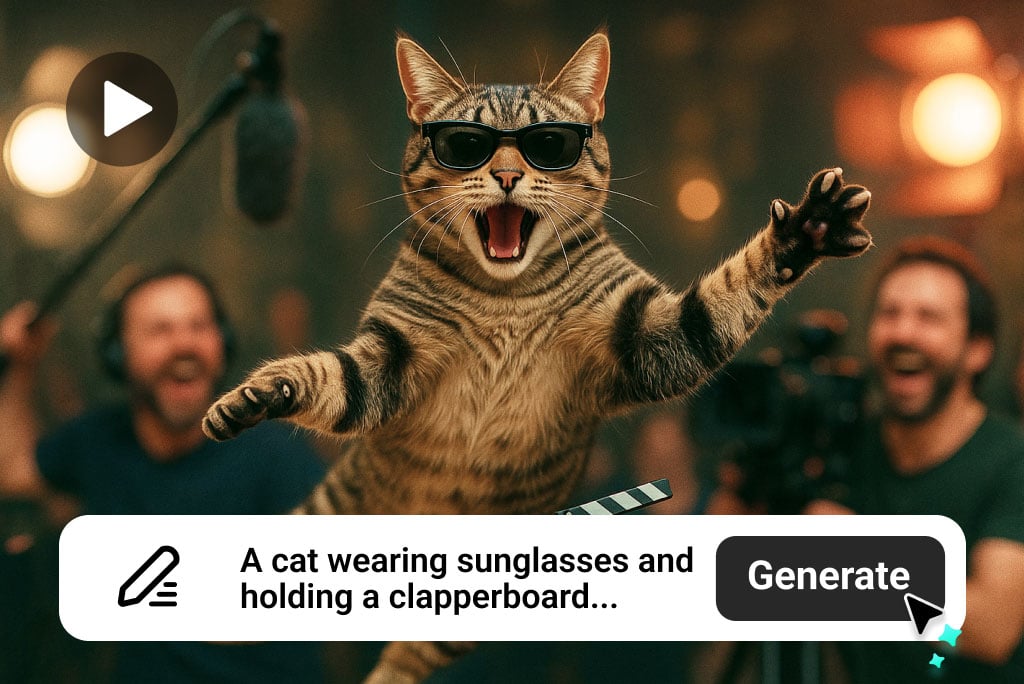
Create Sora 2-Style Videos from Text Prompts
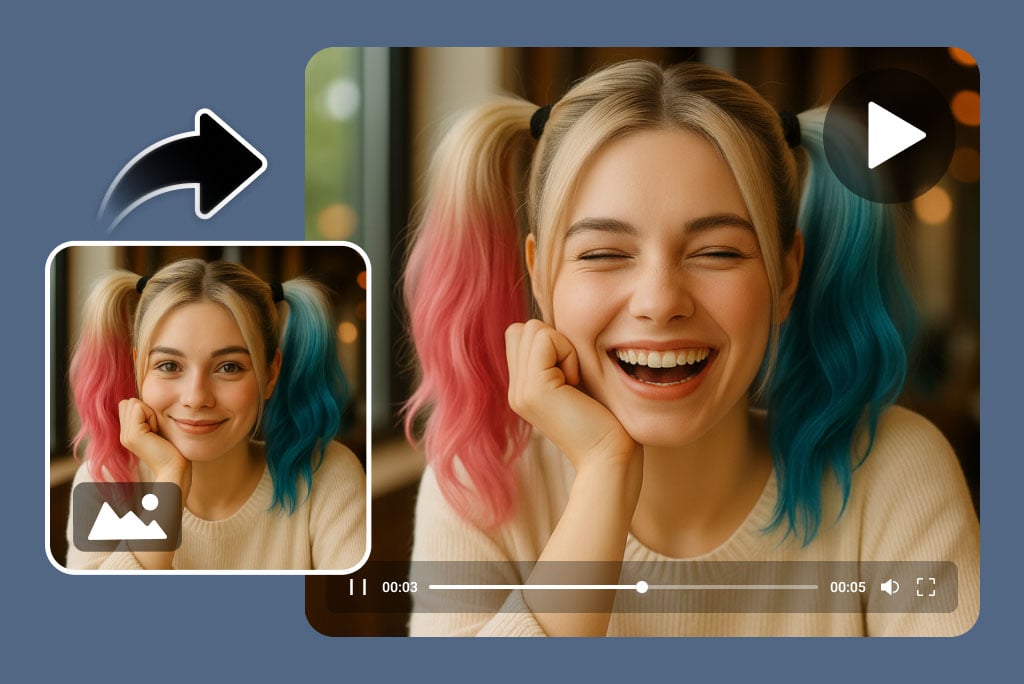
Turn Images into Sora 2-Style Motion
Upload a product image, portrait, artwork, or brand visual and tell the AI how it should move. This directly supports Sora 2 image to video and free image to video searches, and connects naturally with insMind's image to video generator.
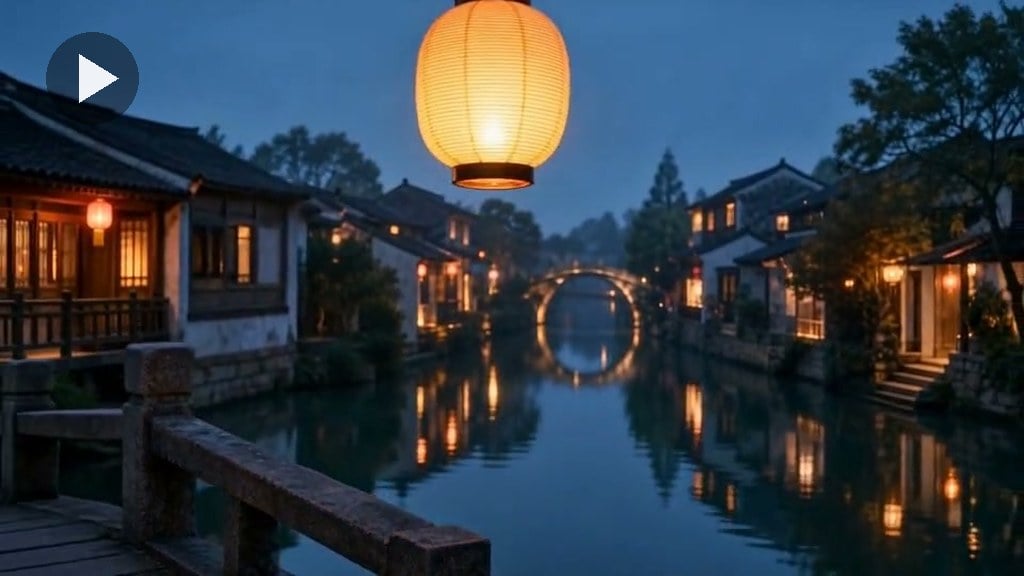
Compare Models for Audio, Faces, and Control
Sora-style prompts are not all the same. Use Seedance 2.5 for cinematic motion, Google Veo 3.1 for model comparison, and Kling AI when the scene includes a realistic human face or talking presenter. Seedance 2.0 and Wan 2.7 are also useful comparison points, but are not repeated as links on this page.
How to Create Sora 2-Style AI Videos on insMind
Step 1: Start with a Prompt or Image
Write a Sora 2-style prompt or upload a reference image. Include the subject, motion, camera direction, lighting, audio mood, and intended use.
Step 2: Pick the Workflow
Choose prompt-to-video for full scene creation, image-to-video for animating a reference, or Kling for face-forward presenter and lip-sync videos.
Step 3: Generate and Review
Check the output for motion quality, subject consistency, audio fit, and framing. Refine the prompt when the scene needs clearer direction.
Step 4: Export for Your Channel
Use horizontal clips for websites, ads, and story scenes, or vertical clips for TikTok, Reels, Shorts, and mobile-first campaigns.
What Can You Create with a Sora 2 Alternative?
Use insMind for Sora 2-style AI video generation across social content, product ads, music visuals, explainers, and cinematic stories.
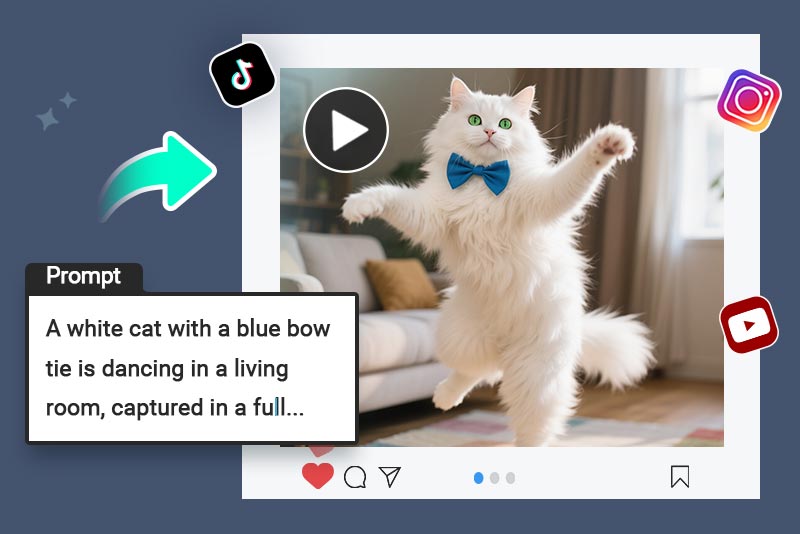
Social Media Videos
Create short AI videos for TikTok, Instagram Reels, and YouTube Shorts with fast openings, strong motion, and audio-ready pacing.
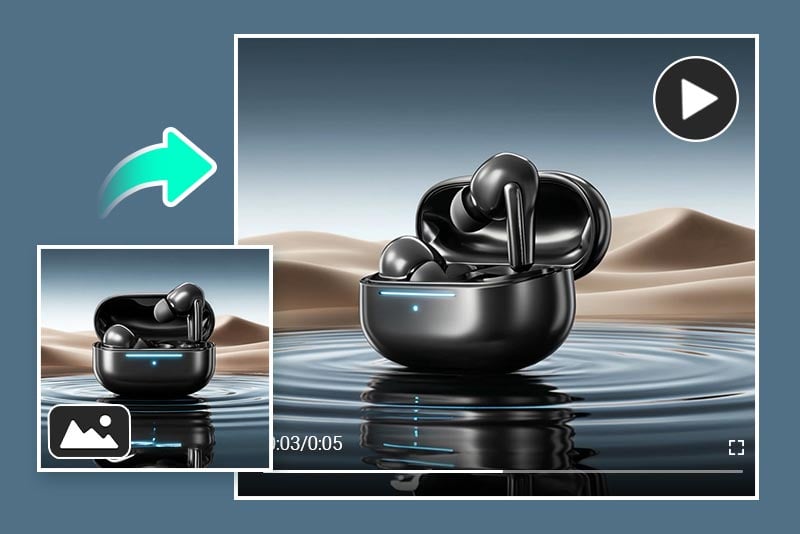
Marketing Videos
Turn product photos, campaign prompts, or brand concepts into launch ads, demos, and paid-media creatives.
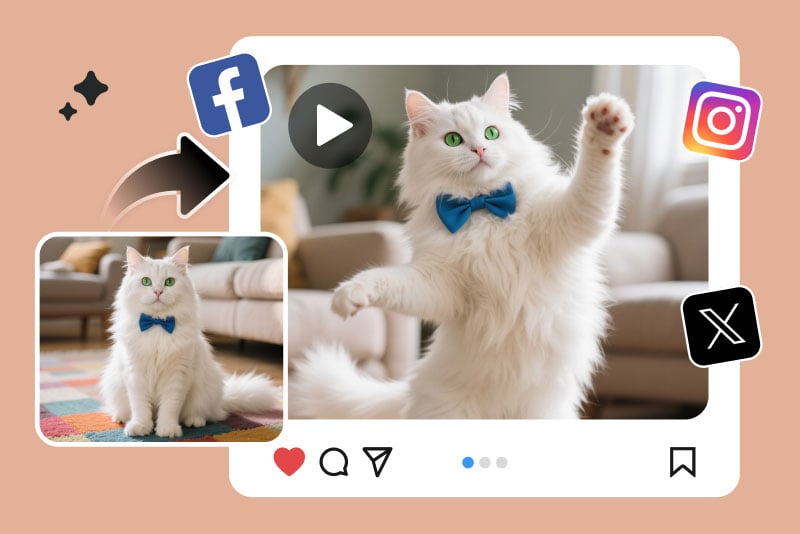
Entertainment and Memes
Generate funny, surreal, or trend-inspired clips that feel native to social feeds.
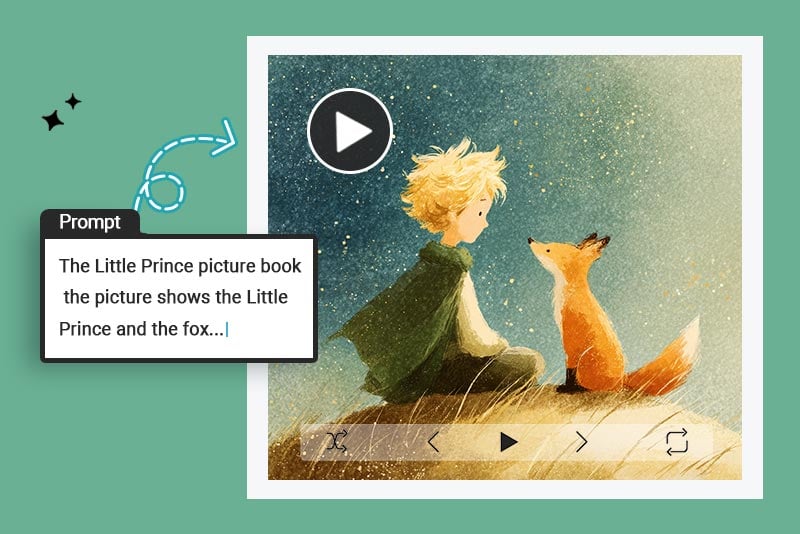
Creative Storytelling
Build cinematic scenes with planned camera movement, dramatic lighting, realistic motion, and clear story beats.
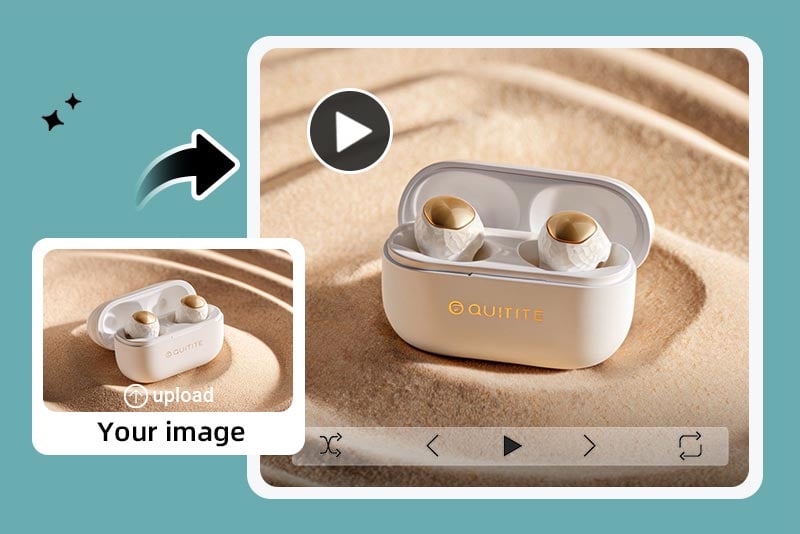
Product Demos and Ads
Show product details, reflections, use scenarios, and premium motion without a studio shoot.
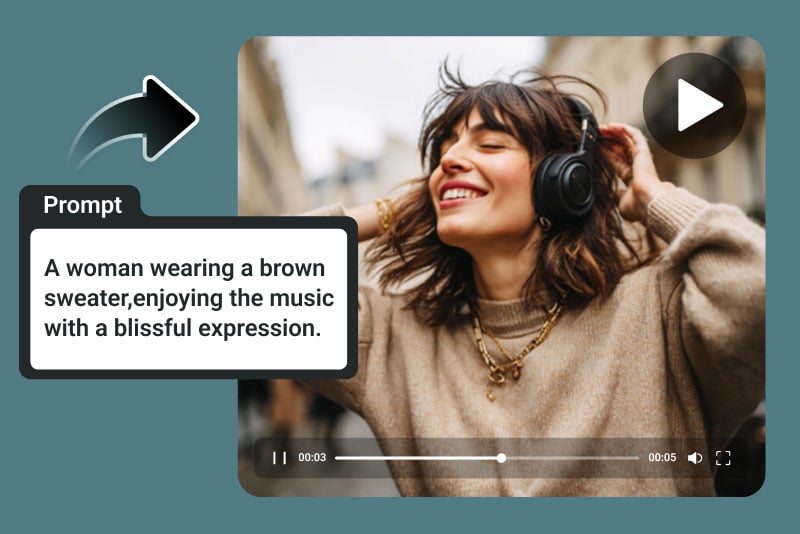
Music Videos
Match a music mood with beat-driven visuals, animated atmosphere, and native audio-ready video ideas.
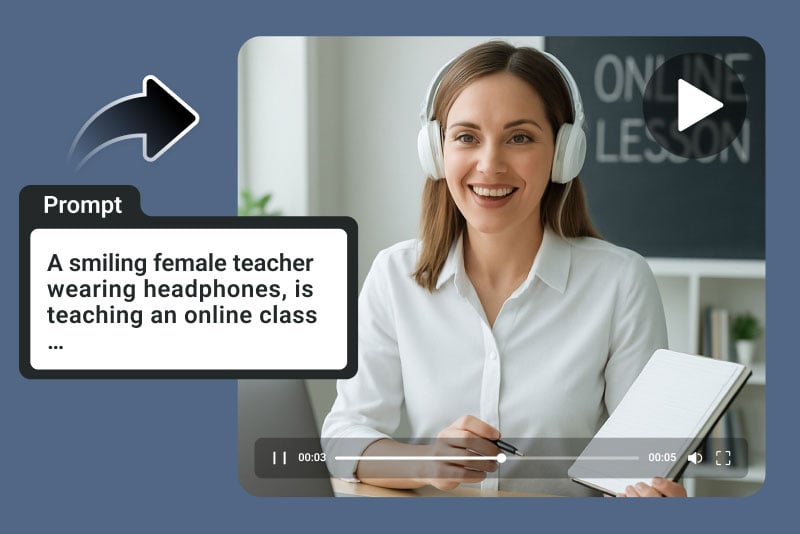
Educational and Explainer Videos
Explain concepts with short scenes, simple motion, and clear visual storytelling.
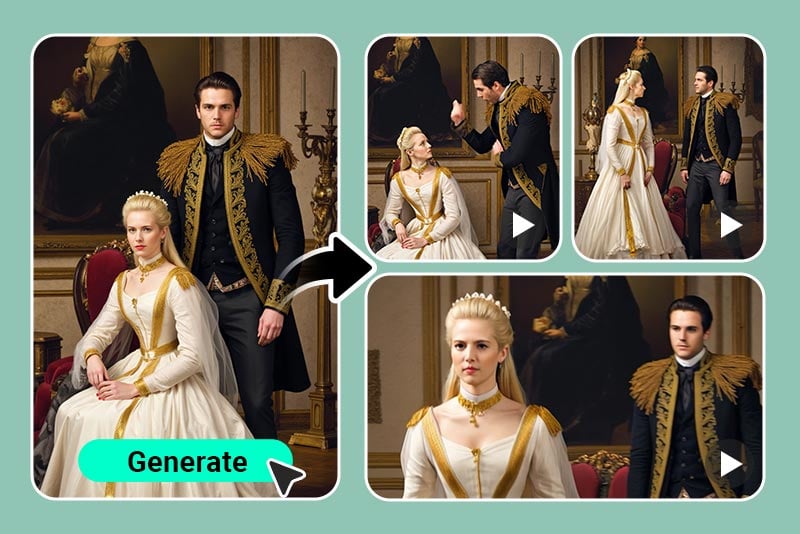
AI Art Animation
Animate illustrations, concept art, and still creative assets with smooth camera transitions.
Why Use insMind as Your Sora 2 Alternative?

Prompt-to-Video Scene Planning
Turn detailed prompts into cinematic AI videos by describing the subject, camera movement, lighting, motion, pacing, and audio mood in one workflow.

Image-to-Video Reference Control
Animate product photos, portraits, artwork, or visual concepts while keeping the key subject recognizable from the uploaded image.

Native Audio and Model Choice
Create audio-ready ads and story clips, then compare Seedance 2.5, Google Veo 3.1, Wan 2.7, and Kling AI when you need different motion, realism, or face-video strengths.
FAQs About Sora 2 Alternative
What is a Sora 2 alternative AI video generator?


It is an online AI video workflow for users who want Sora 2-style results from text prompts, images, audio-ready scenes, or model comparisons without relying on one single model path.
Can I create Sora 2-style videos online from text prompts?
Yes. Start with a detailed prompt that includes subject, scene, camera movement, lighting, motion, and audio mood. This supports searches such as Sora 2 online, Sora 2 video generator, and text to video Sora.
Can I make Sora 2 image to video clips?
Yes. Upload a reference image and describe how it should move. For a dedicated photo animation workflow, use the image to video generator as well.
Does this Sora 2 alternative support audio?
Yes. The examples include native-audio style product and story clips so users can evaluate motion and sound together.
Which workflow is better for human faces or talking videos?
Use the Kling AI video generator route for face-forward, presenter, lip-sync, avatar, or talking-head videos because identity consistency and speaking pace matter there.
How does it compare with Seedance 2.5, Veo 3.1, Wan 2.7, and Kling?
Use this page as a Sora-style entry point, then compare Seedance 2.5, Seedance 2.0, Google Veo 3.1, Wan 2.7, and Kling for speed, audio, realism, frame control, and human-video needs.
Is this useful for MindVideo AI Sora 2 searches?
Yes. If you searched for MindVideo AI Sora 2, Sora 2 MindVideo, or a Sora 2 alternative, this page gives you an insMind workflow for online AI video creation plus model comparisons.
Explore More insMind Video Tools and Effects
00:00
00:00
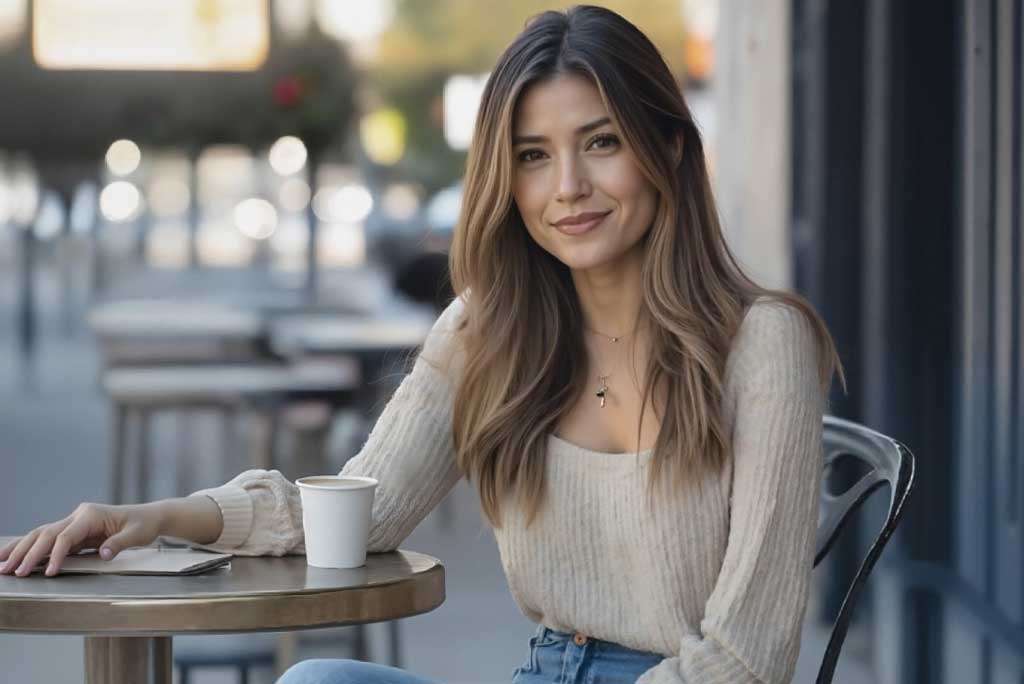
Image to Video
Create custom videos from your photos with AI.
00:00
00:00
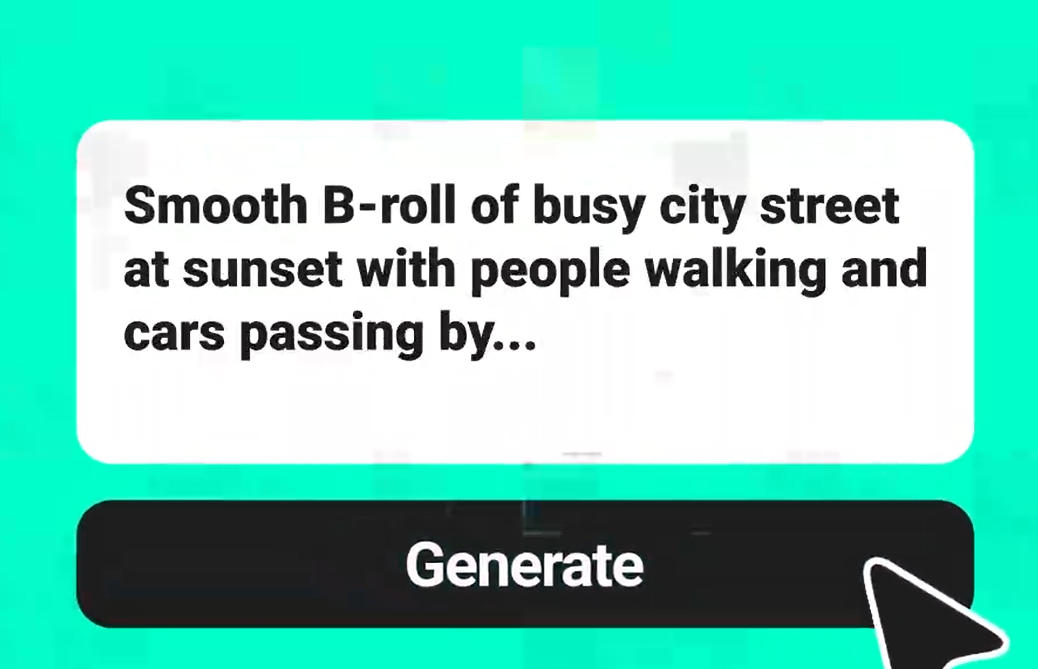
Text to Video
Turn any text prompt into high-quality videos in minutes.
00:00
00:00
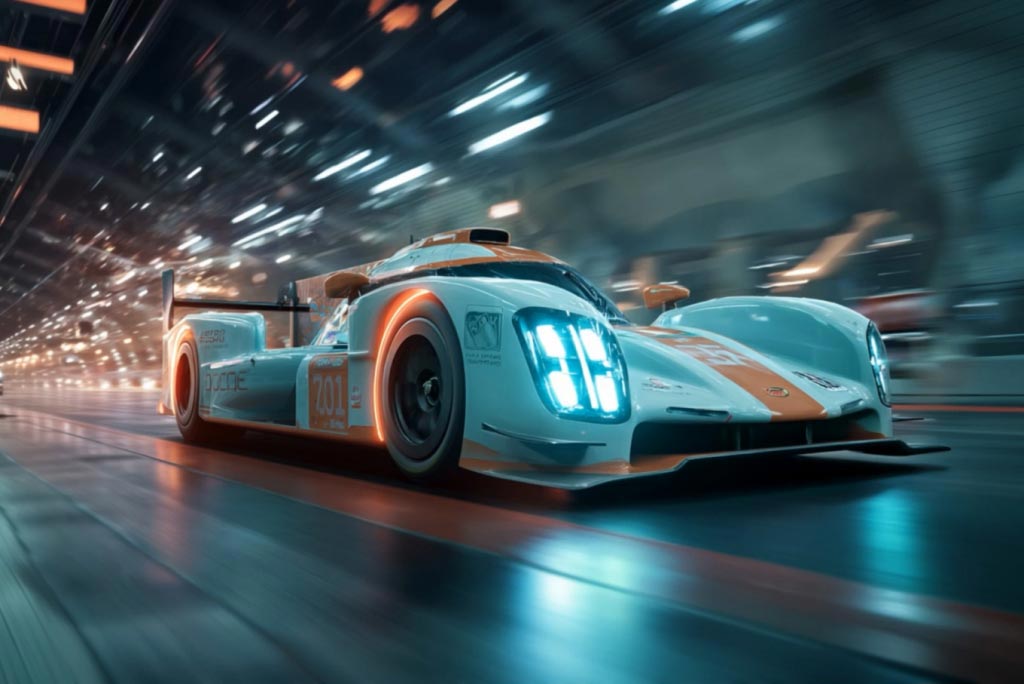
AI Video Generator
Create high-quality videos from text and images with AI tools.
00:00
00:00
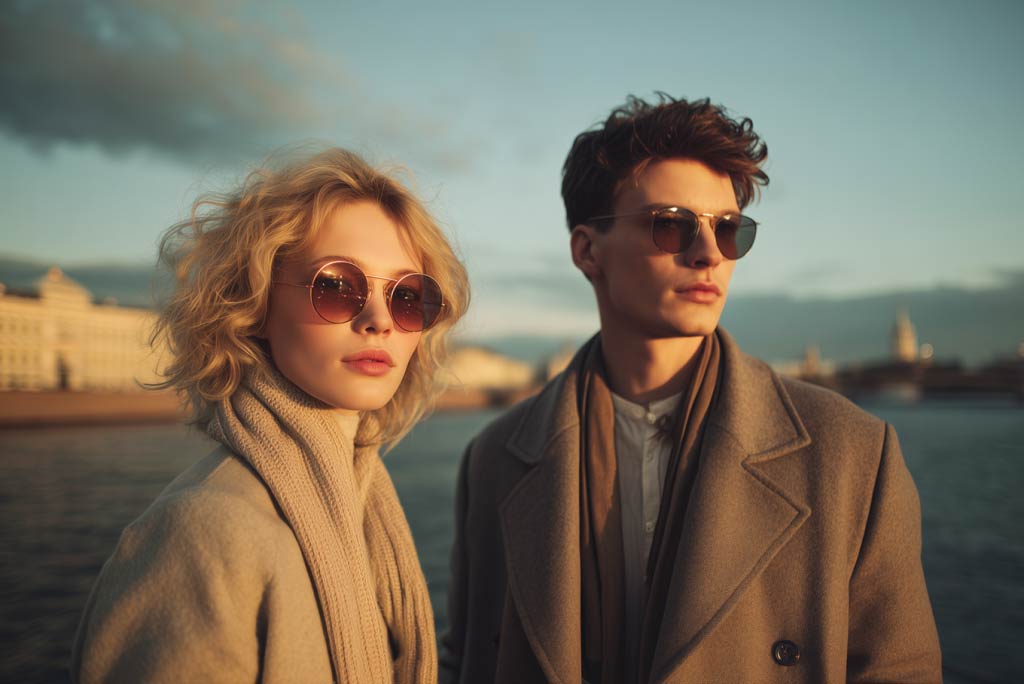
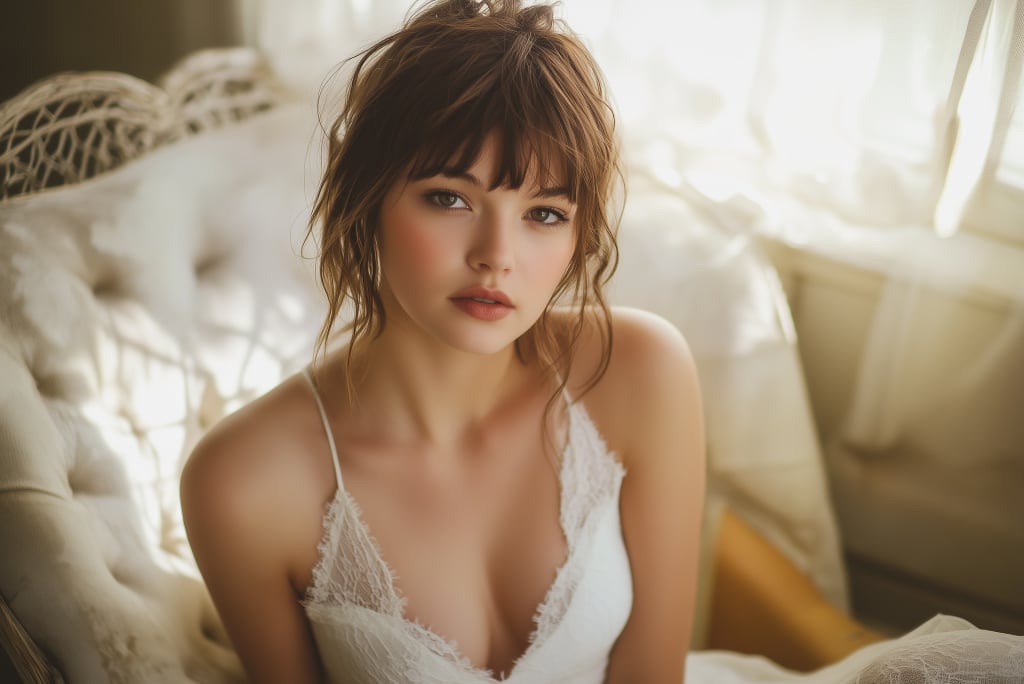
AI Couple Video Generator
Turn photos or prompts into romantic AI couple videos.
00:00
00:00
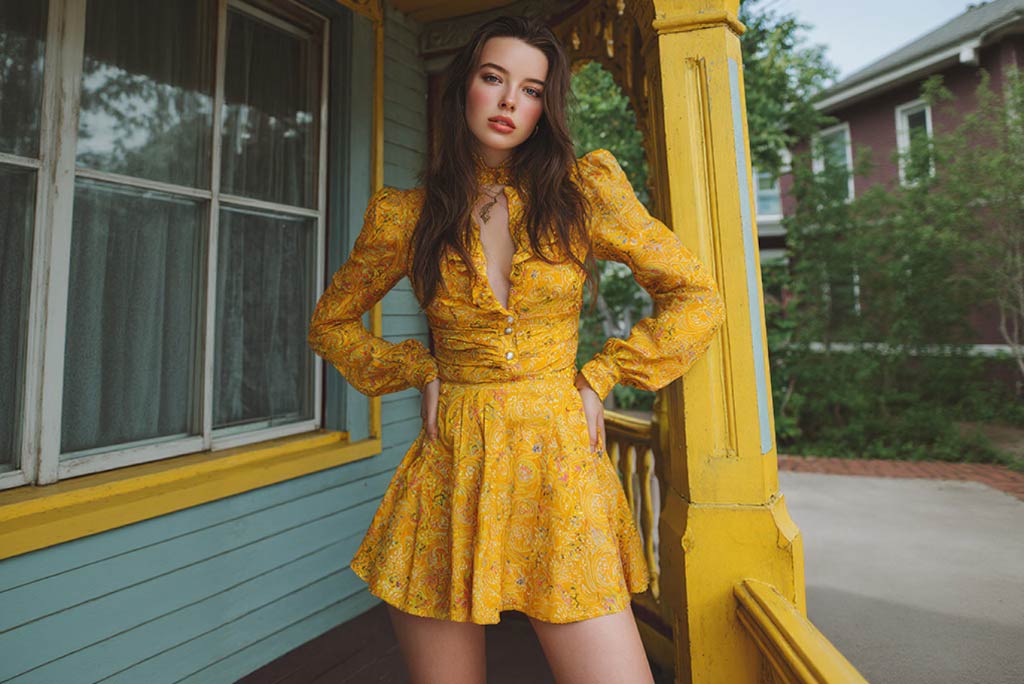
Animate Photos
Animate your still photo with AI online for free.
00:00
00:00
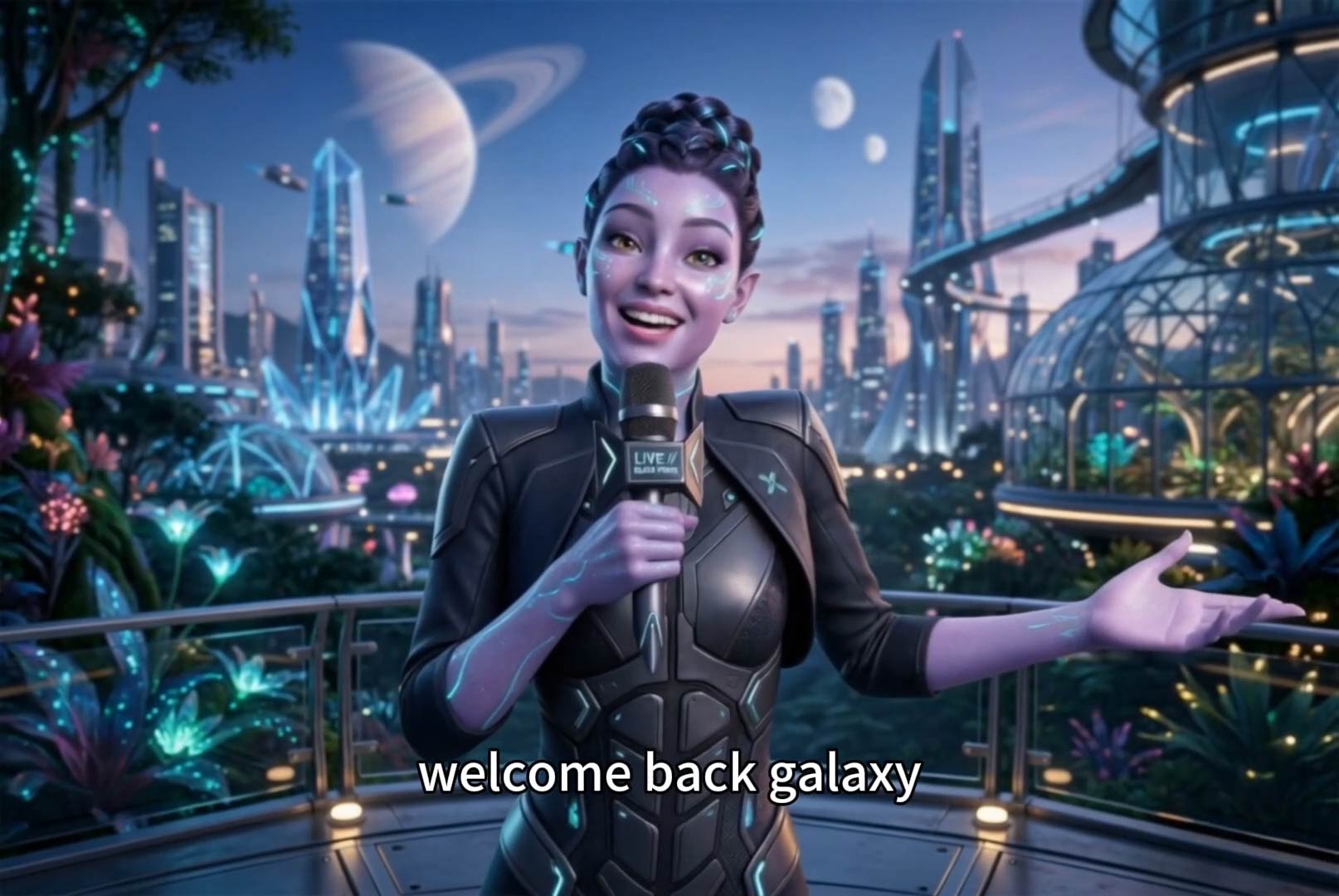
AI Character Animation
Transform any photo into a moving AI character video.
00:00
00:00
AI Faceless Video Generator
Create engaging videos without appearing on camera using AI.