Khi watermark nằm trên nền đơn giản, AI có thể giúp làm sạch vùng đó nhanh hơn chỉnh sửa thủ công. Với vùng có họa tiết phức tạp, hãy phóng to và đánh dấu sát mép để giảm vệt lem.

Xóa watermark trên ảnh online bằng AI

After
Before
Or drop image here, paste image or URL
Try with one of these


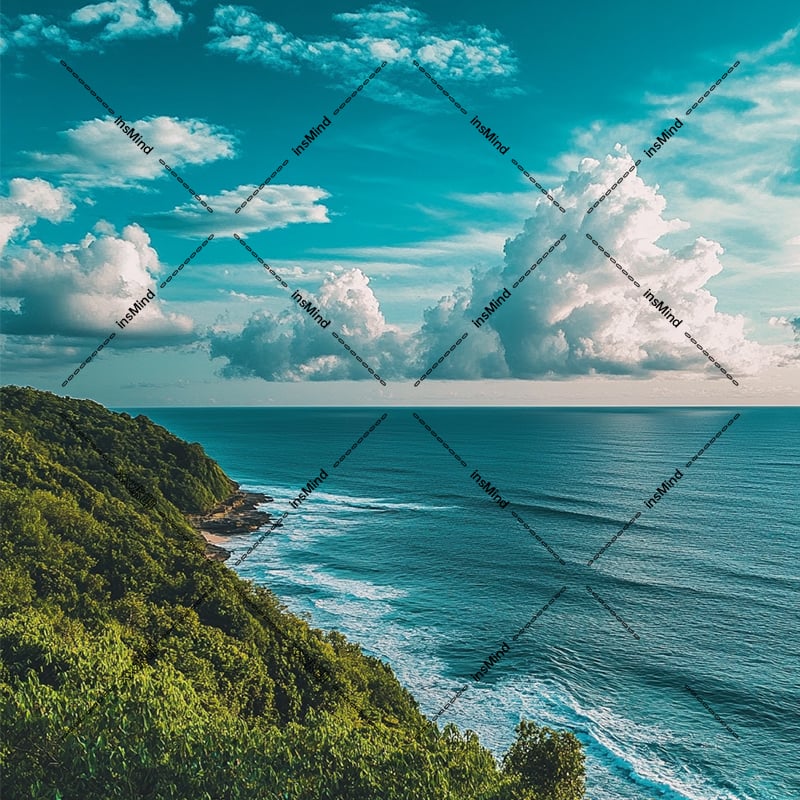
After
Before

Xóa watermark khỏi ảnh mà không cần Photoshop

Giữ nền ảnh trông tự nhiên sau khi xóa
Điểm quan trọng không phải chỉ là làm mất chữ hoặc logo, mà là phần nền sau đó có còn hợp lý hay không. Hãy xem kỹ cạnh chữ, bóng, hoa văn và vùng da nếu watermark nằm trên chân dung.

Xóa logo, chữ, dấu thời gian và nhãn cũ
Bạn có thể xử lý nhiều kiểu dấu khác nhau: watermark bán trong suốt, logo góc ảnh, timestamp, chữ chú thích hoặc nhãn cũ trên ảnh sản phẩm. Với dấu lớn, nên xử lý từng vùng nhỏ.

Không chỉ xóa watermark
Sau khi làm sạch ảnh, bạn có thể tiếp tục xóa vật thể, xóa chữ, giảm chói hoặc cải thiện chất lượng ảnh. Đừng đưa mọi nhu cầu vào một lần xử lý nếu ảnh có nhiều vấn đề khác nhau.

Công cụ xóa watermark online trên trình duyệt
Không cần cài phần mềm. Mở công cụ trên máy tính hoặc điện thoại, tải ảnh lên, đánh dấu vùng cần xóa và tải kết quả sau khi kiểm tra.
Method 1: How to Remove Watermark from Photos with AI Automatically

1
1 Tải ảnh lên
Chọn ảnh có watermark, logo, chữ hoặc dấu thời gian. Nếu có thể, hãy dùng bản ảnh rõ nhất để AI dễ khôi phục nền.

2
2 Đánh dấu vùng cần xóa
Dùng cọ hoặc vùng chọn để phủ kín watermark. Với chữ nhỏ hoặc logo mảnh, hãy phóng to và chọn sát mép.

3
3 Xem lại và tải xuống
Chạy xử lý, kiểm tra nền sau khi xóa và lặp lại nếu còn vệt. Khi ảnh đã sạch, tải phiên bản mới về máy.


Cách xóa watermark khỏi ảnh online

1
1 Chọn ảnh cần chỉnh
Tải lên ảnh bạn có quyền sử dụng. Công cụ này nên dùng cho ảnh cá nhân, ảnh sản phẩm của bạn hoặc tài liệu đã được phép chỉnh sửa.

2
2 Quét watermark bằng cọ
Tô phủ toàn bộ chữ, logo hoặc dấu chìm. Đừng chọn quá rộng nếu xung quanh có chi tiết quan trọng như mặt người, sản phẩm hoặc hoa văn.

3
3 Xử lý, kiểm tra và tải ảnh
Nhấn bắt đầu, xem trước kết quả và xử lý lại vùng còn lỗi nếu cần. Sau đó tải ảnh đã xóa watermark về máy.


Công cụ liên quan để làm sạch ảnh
Dùng các công cụ này khi ảnh không chỉ có watermark mà còn có chữ, vật thể, bóng hoặc vùng chói cần xử lý.
Khi nào nên dùng công cụ xóa watermark AI
Hãy dùng cho ảnh bạn sở hữu hoặc có quyền chỉnh sửa, đặc biệt khi watermark, logo, chữ hoặc dấu thời gian làm ảnh khó dùng lại.
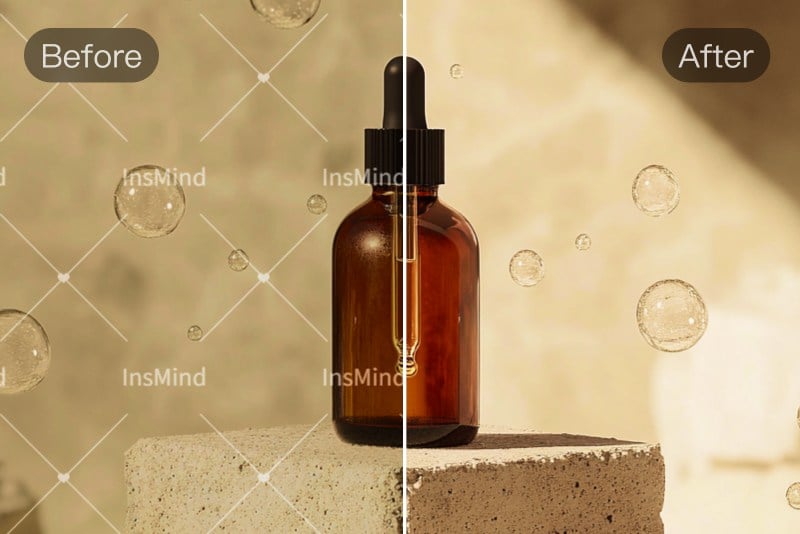
Ảnh sản phẩm
Làm sạch nhãn cũ, logo nhà cung cấp hoặc watermark trên ảnh sản phẩm của chính bạn trước khi đăng lên sàn, website hoặc mạng xã hội.
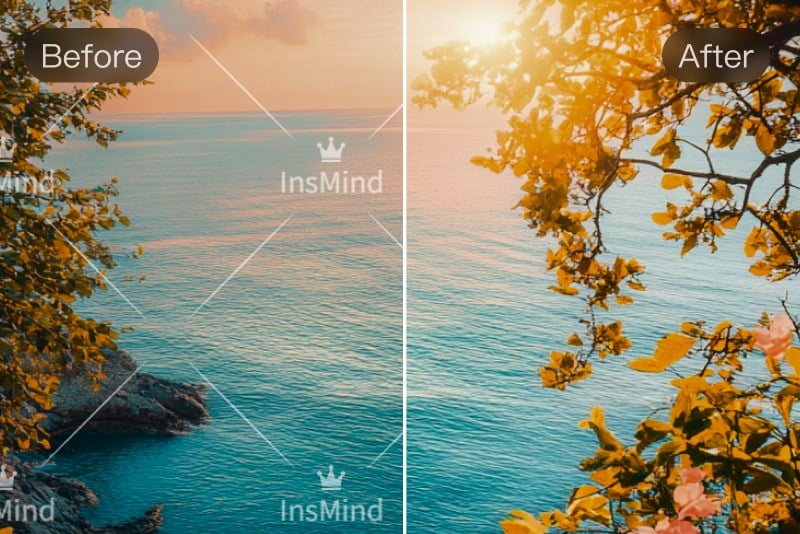
Ảnh marketing
Xóa chữ nháp, dấu mẫu hoặc nhãn chiến dịch cũ để tái sử dụng ảnh cho banner, bài đăng hoặc tài liệu nội bộ.
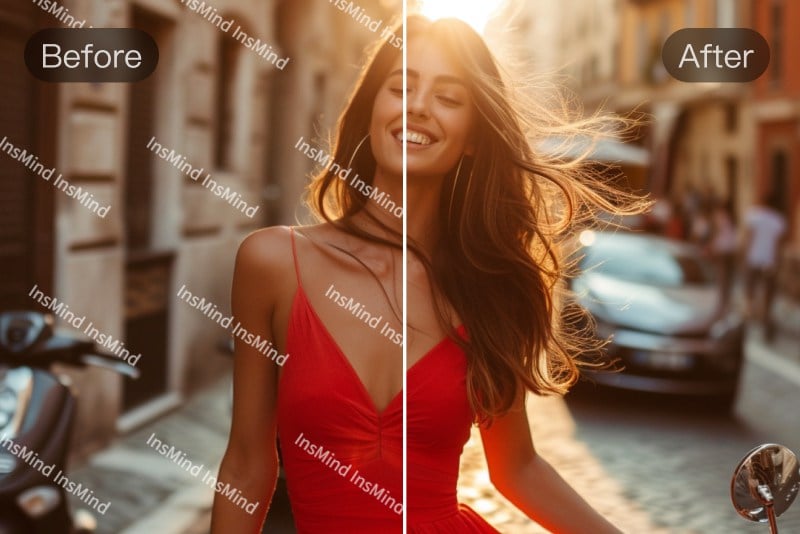
Ảnh cá nhân
Loại bỏ dấu thời gian, sticker hoặc chữ thừa trên ảnh cá nhân nếu bạn muốn lưu giữ phiên bản gọn hơn.

Ảnh tài liệu được phép chỉnh
Xử lý logo, chữ mờ hoặc dấu cũ trên hình ảnh bạn có quyền sử dụng. Không dùng để vi phạm bản quyền của người khác.

Ảnh nền đơn giản
Watermark trên nền trời, tường, bàn hoặc vùng màu đều thường dễ xử lý hơn nền nhiều hoa văn.

Ảnh có watermark trong suốt
Với dấu mờ nằm trên nhiều chi tiết, hãy xử lý từng phần nhỏ để kiểm tra kết quả sau mỗi lần.

Ảnh mạng xã hội
Dọn chữ, nhãn hoặc timestamp trước khi cắt ảnh thành bài đăng, story hoặc ảnh đại diện.

Ảnh cần chỉnh tiếp
Sau khi xóa watermark, bạn có thể dùng công cụ cải thiện ảnh hoặc xóa vật thể để hoàn thiện phần còn lại.
Những loại watermark có thể xử lý
Kết quả phụ thuộc vào kích thước watermark, độ phức tạp của nền và chất lượng ảnh gốc.
Logo ở góc ảnh
Perfect for cleaning images with repeating logos or text overlays. AI detects all the watermarks from the image and removes them without leaving visible artifacts.
Chữ phủ trên ảnh
Remove corner or center logos from images while preserving details. Useful when cleaning up licensed photos, marketing visuals, or reused assets for other projects.
Dấu thời gian
Easily erase handwritten or stylized signature watermarks placed by photographers or creators. Perfect for preparing clean images for presentations or marketing use.
Watermark trong suốt
Remove bold stamp-style watermarks like "Sample" or "Draft" often seen on previews or reports. AI restores the covered area cleanly for polished and final-ready visuals.
Nhãn sản phẩm cũ
Get rid of custom text watermarks such as website names, notes, or captions. AI removes the text and reconstructs the background for a natural result.
Vết bẩn hoặc dấu thừa
Remove timestamps from camera or phone photos to clean up personal photos. Great for sharing on social media or reusing old images without distracting date overlays.
Chữ trên nền phức tạp
Delete watermarks from online platforms or apps. Ideal for repurposing content across channels and keeping visuals clean and brand-neutral.
Logo lớn
AI watermark deleter accurately detects light and semi-transparent watermarks blended into backgrounds. It removes them without damaging textures, so the image looks untouched and professionally edited.
Vì sao chọn insMind để xóa watermark trên ảnh
Trang này nên tập trung vào thao tác nhanh, kiểm soát vùng xóa và khả năng chỉnh tiếp sau khi AI xử lý.

Có thể đánh dấu vùng xóa
Bạn kiểm soát phần cần xử lý thay vì để công cụ đoán toàn bộ ảnh.

Phù hợp nhiều kiểu dấu
Dùng cho watermark, logo, chữ, timestamp, sticker hoặc nhãn cũ trên ảnh.

Có thể chỉnh tiếp sau khi xóa
Nếu ảnh còn chói, bóng, vật thể thừa hoặc thiếu nét, bạn có thể chuyển sang công cụ liên quan để hoàn thiện.
Câu hỏi thường gặp về xóa watermark
Làm cách nào để xóa watermark trên ảnh online?


Tải ảnh lên insMind, dùng cọ đánh dấu vùng có watermark, chạy xử lý và kiểm tra kết quả trước khi tải xuống.
Xóa watermark có làm giảm chất lượng ảnh không?
Kết quả phụ thuộc vào ảnh gốc và vị trí watermark. Nếu dấu nằm trên nền đơn giản, ảnh thường sạch hơn; nếu nằm trên mặt người hoặc hoa văn, hãy kiểm tra kỹ.
Tôi có thể xóa logo hoặc chữ trên ảnh không?
Có, bạn có thể đánh dấu logo, chữ, timestamp hoặc nhãn cũ. Với vùng chữ lớn, nên xử lý từng phần để dễ kiểm soát.
Công cụ này có miễn phí không?
Bạn có thể dùng thử công cụ online. Các giới hạn tải xuống hoặc chất lượng có thể phụ thuộc vào trạng thái tài khoản và gói sử dụng hiện tại.
Có nên xóa watermark trên ảnh của người khác không?
Không nên nếu bạn không có quyền sử dụng hoặc chỉnh sửa ảnh đó. Hãy dùng công cụ cho ảnh của bạn, ảnh được cấp phép hoặc tài liệu được phép chỉnh sửa.
Ảnh nào khó xóa watermark hơn?
Ảnh có watermark lớn, nền nhiều họa tiết, chữ nằm trên mặt người hoặc chi tiết nhỏ thường khó xử lý hơn và có thể cần nhiều lần chỉnh.
Có thể dùng trên điện thoại không?
Có. Bạn có thể mở công cụ trên trình duyệt di động, tải ảnh lên, đánh dấu vùng cần xóa và tải kết quả.
Sau khi xóa watermark tôi nên làm gì tiếp?
Hãy phóng to kiểm tra vùng vừa xóa. Nếu ảnh còn mờ, bóng hoặc vật thể thừa, dùng thêm công cụ cải thiện ảnh, xóa bóng hoặc xóa vật thể.
Công cụ chỉnh ảnh liên quan
Tiếp tục làm sạch hoặc cải thiện ảnh sau khi xóa watermark.

Magic Eraser AI
Xóa vật thể, chữ hoặc vùng thừa trên ảnh bằng cọ chọn.
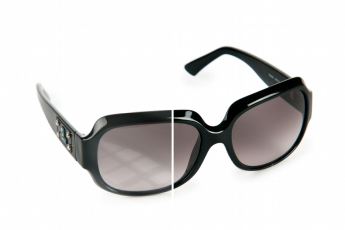
Xóa chói trên ảnh
Giảm vùng phản chiếu hoặc ánh sáng gắt còn lại sau khi chỉnh.

Xóa bóng khỏi ảnh
Làm sạch bóng đổ trên ảnh sản phẩm hoặc chân dung.
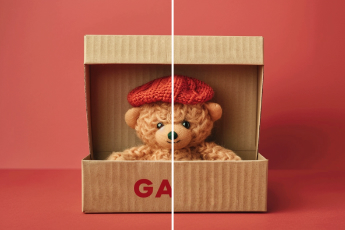
Xóa chữ trên ảnh
Loại bỏ chữ, caption hoặc nhãn không cần thiết.

Xóa người khỏi ảnh
Dọn người thừa khỏi ảnh du lịch, sản phẩm hoặc nền.

Sửa chữ trong ảnh
Chỉnh hoặc thay chữ khi bạn không muốn xóa toàn bộ nội dung.
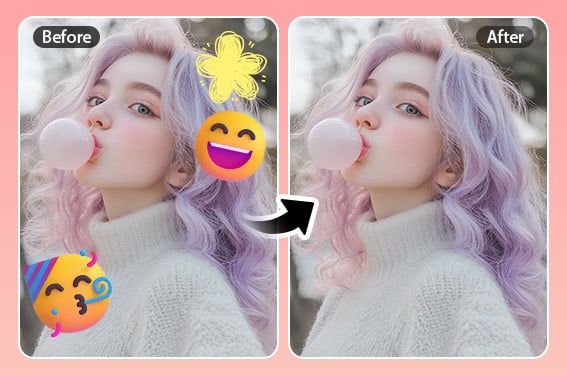
Xóa sticker khỏi ảnh
Gỡ emoji, sticker hoặc nhãn trang trí khỏi ảnh.

Dọn ảnh
Làm sạch nhiều chi tiết nhỏ trong một quy trình chỉnh sửa.