
Change PNG Color Online






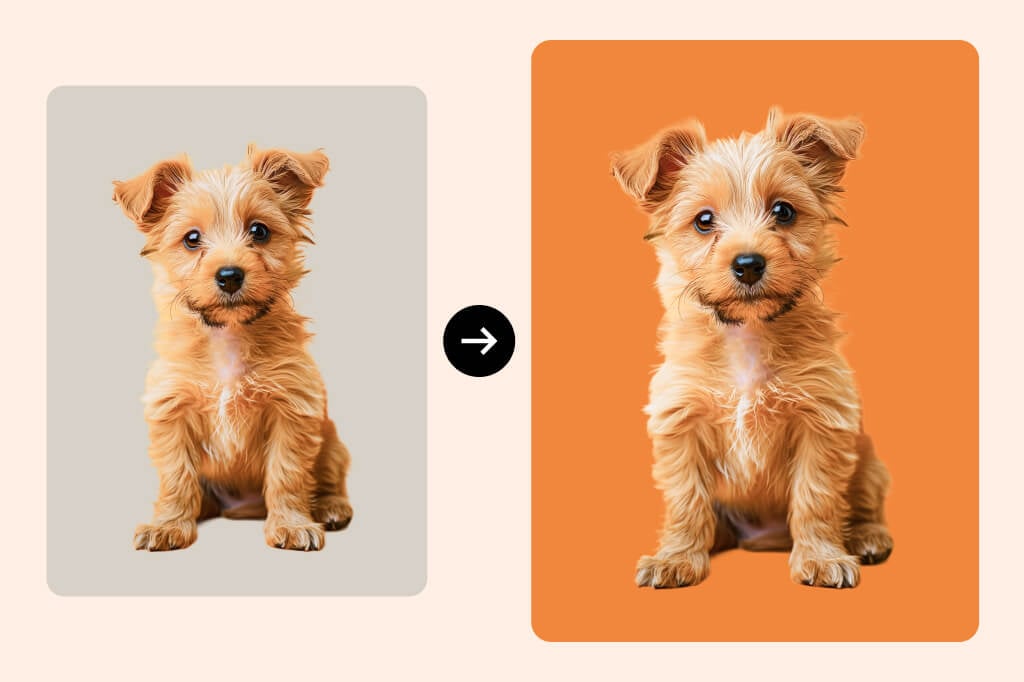
Recolor PNG Graphics without Rebuilding Them
Use the PNG color changer when the file shape is right but the color no longer fits your brand, campaign, or marketplace requirement. For full-photo recoloring, use the broader change color of image workflow.
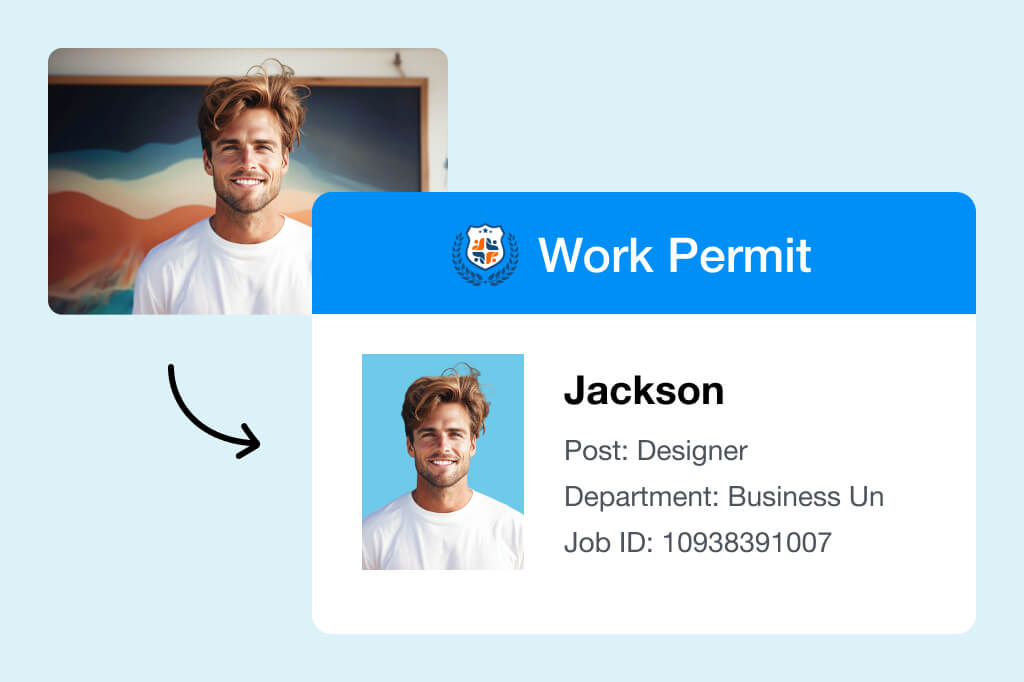
Change ID Photo or Profile Background Color
When your PNG has a clean subject cutout, you can test background colors quickly and keep the result consistent across profile, ID, or team images.
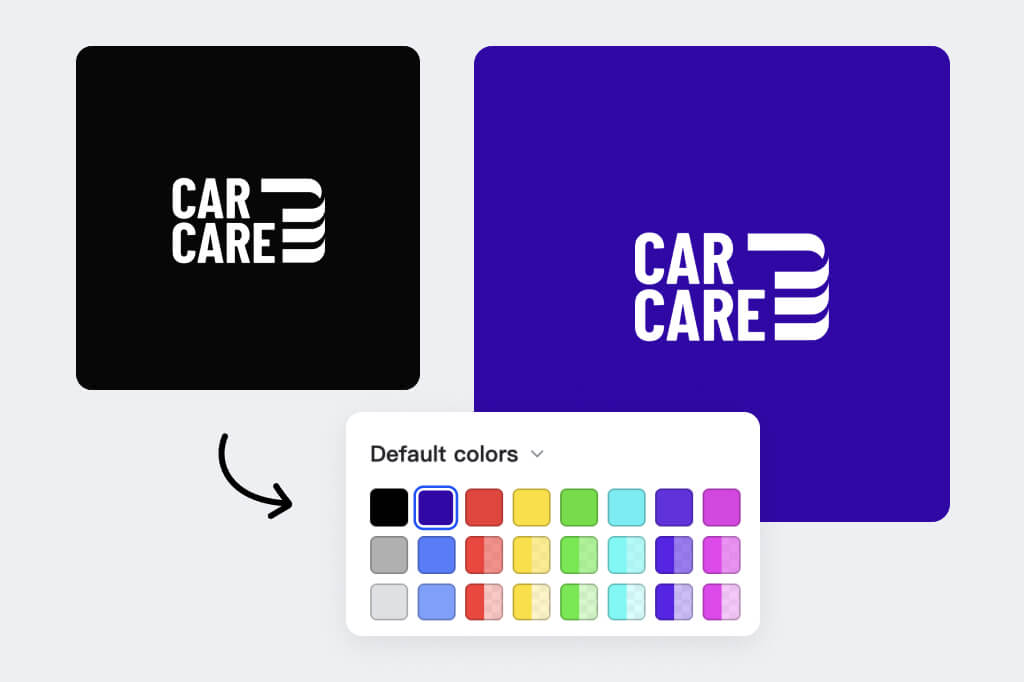
Match Logos and Icons to Brand Colors
Recolor simple logo marks, app icons, and badges for campaign pages. Check small details at 100% zoom so thin lines do not disappear after the color change.
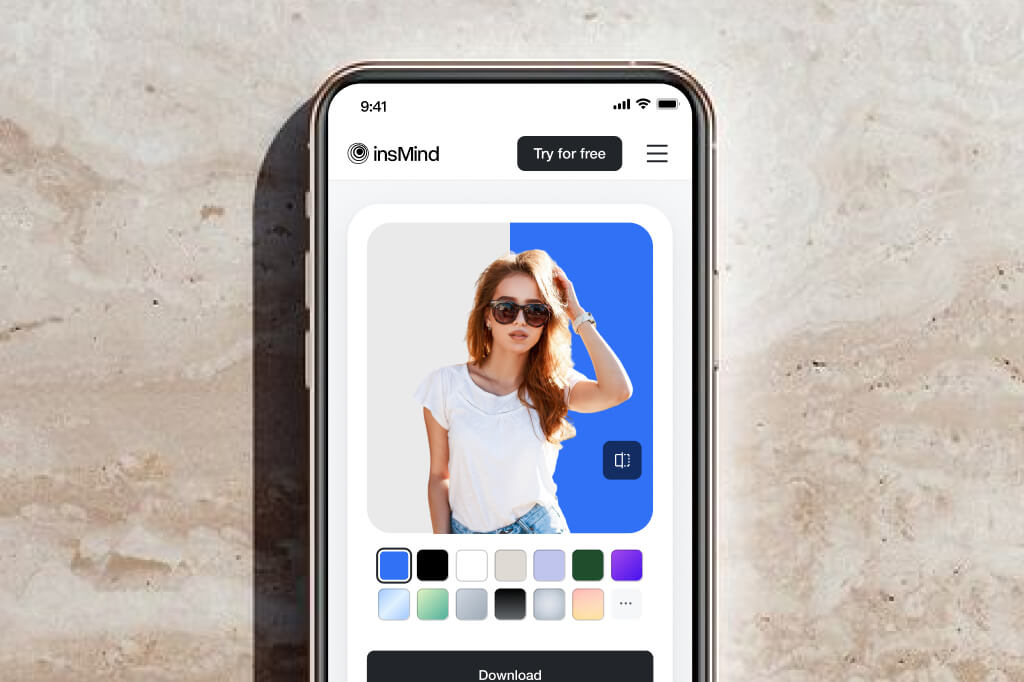
Work in the Browser on Any Device
No design software is needed for a quick PNG recolor. Upload the file, choose the color, preview the edges, and download the updated graphic.
How to Change PNG Color Online
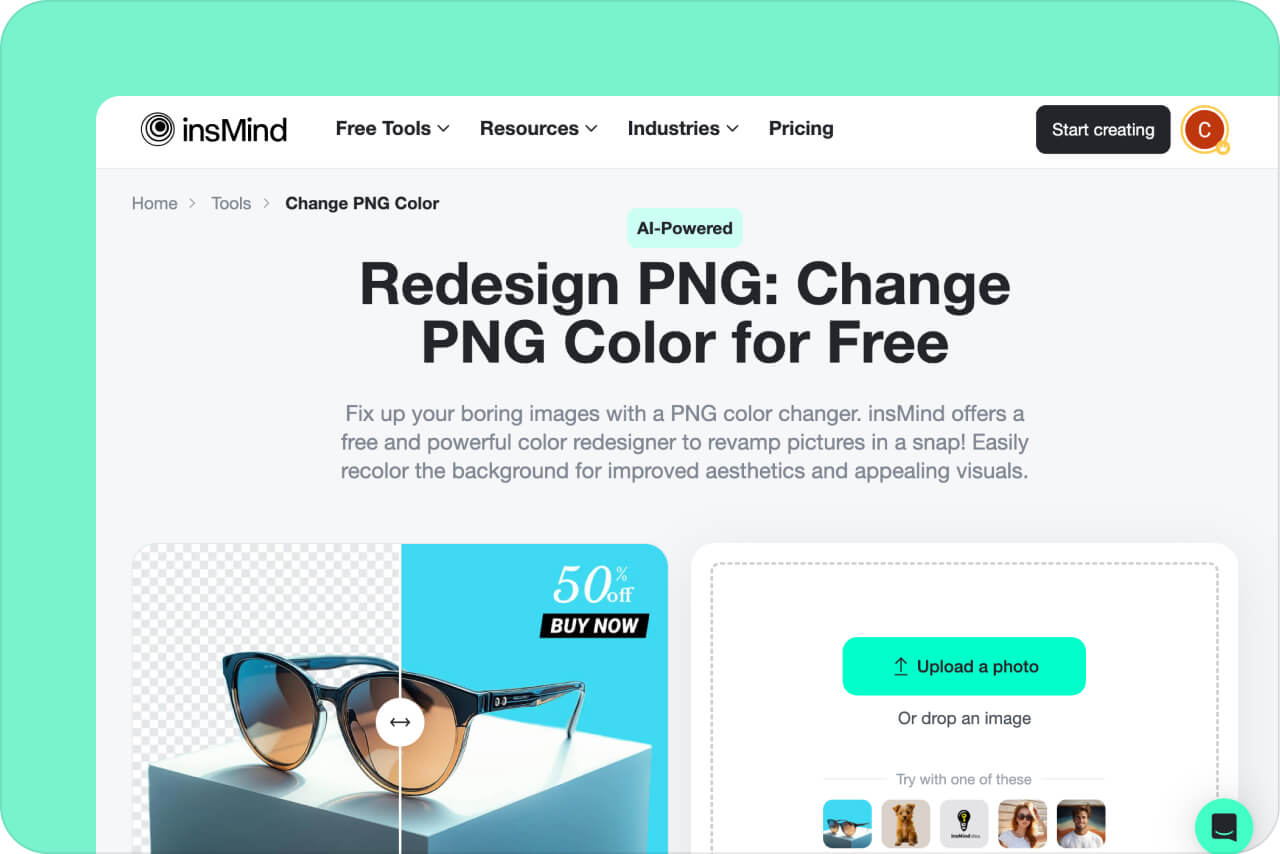
1 Open the PNG color tool

2 Upload an Image
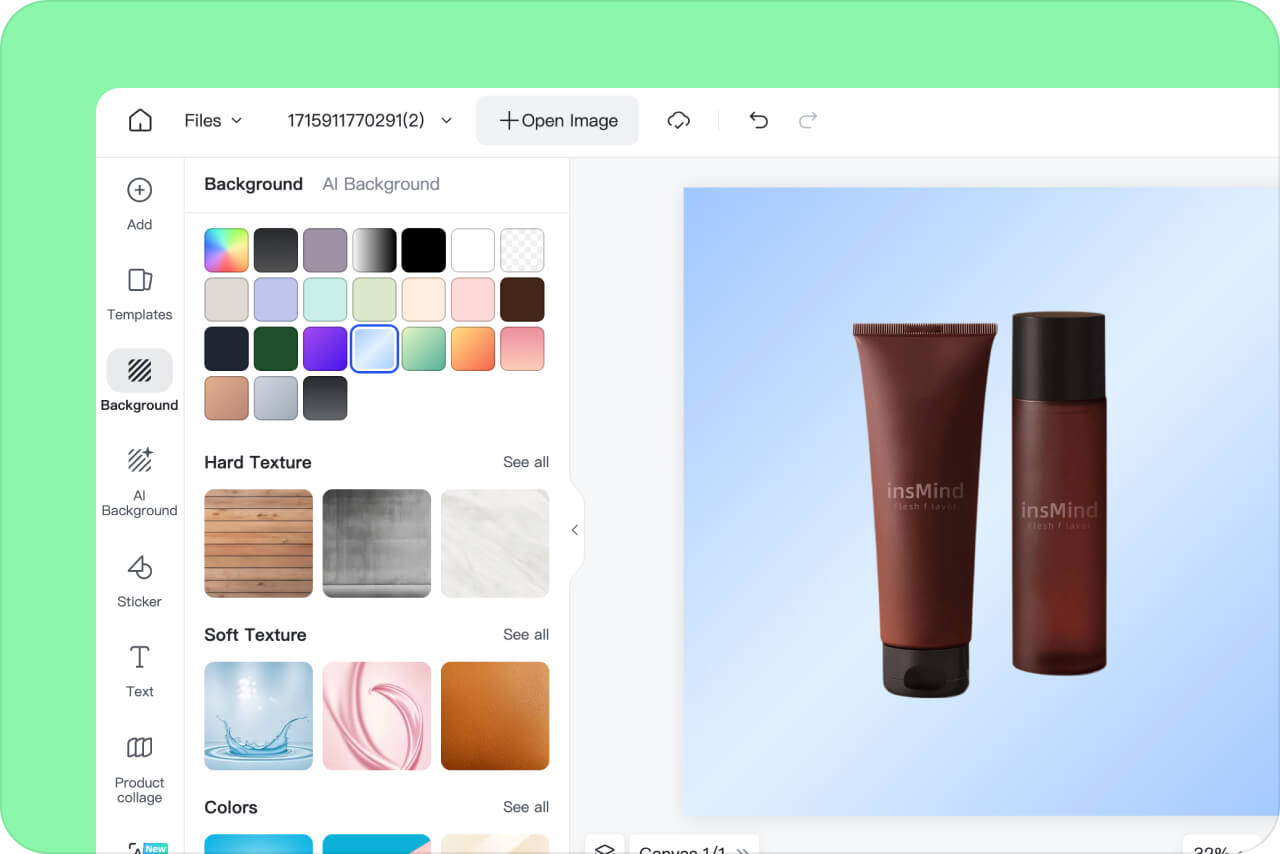
3 Choose the color area and replacement color
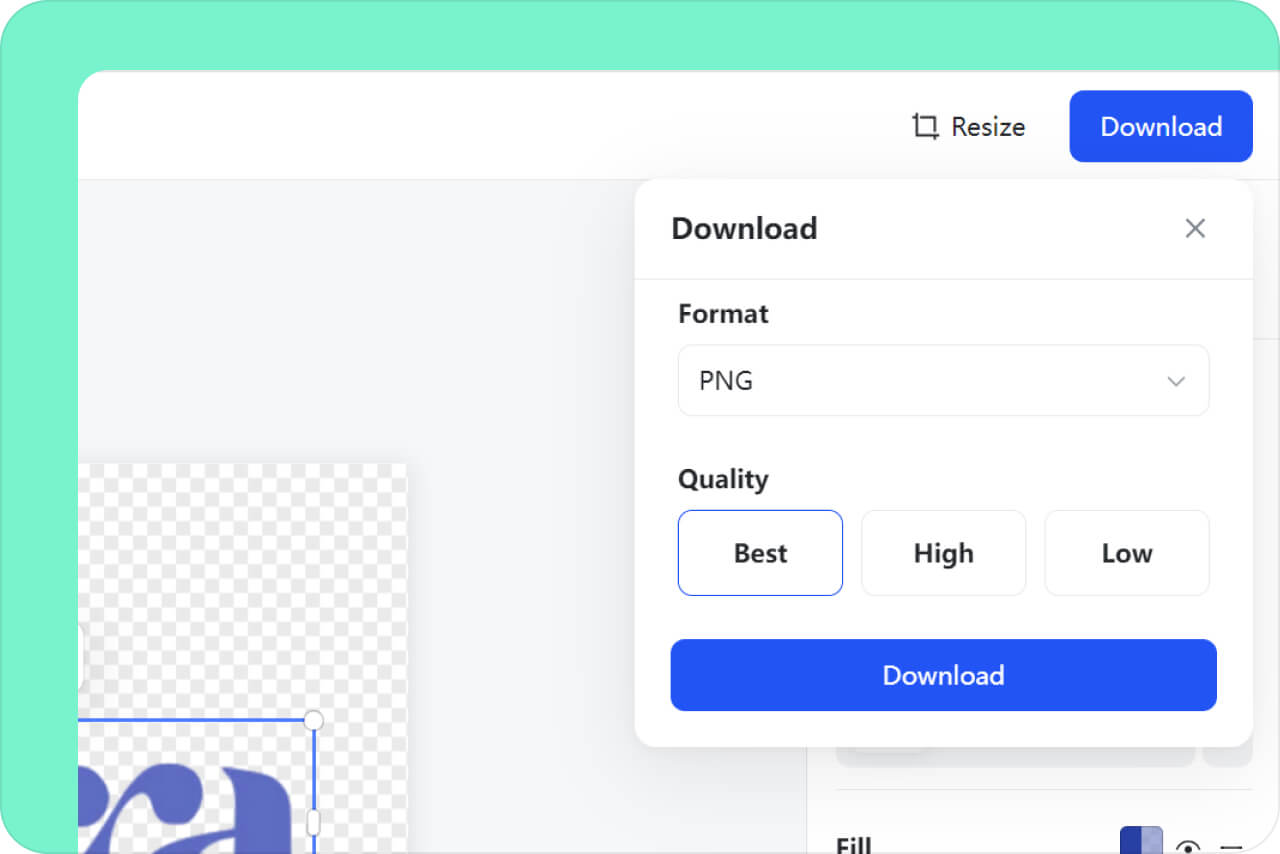
4 Download the Image

Common PNG Color Changer Use Cases

Product Graphics
Test a new color on a simple product cutout, badge, or transparent graphic. Use the broader image color changer when the whole photo, fabric, or object surface needs a more complex recolor.
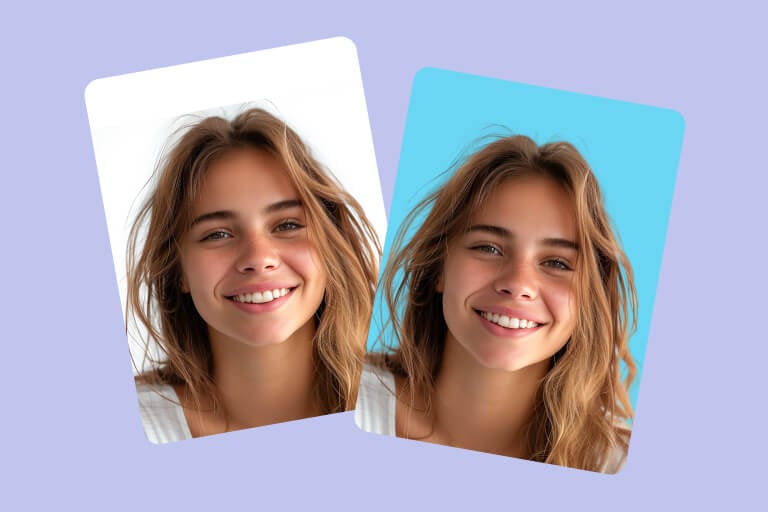
Profile and ID Backgrounds
Change a clean PNG background color for ID-style photos, profile images, or team pages. Check hair, shoulders, and transparent edges before using the file.

Marketing Assets
Match PNG icons, badges, or simple graphics to a campaign color. Keep one source file so you can compare color versions without rebuilding the design.
Why Choose insMind PNG Color Changer?

One-Click Color Change
insMind can transform images with a single click. Upload an image and select a color to redesign it almost instantly.

High-Quality
Get high-quality image output within seconds. AI-powered tools neatly crop the background to replace it with a new one. Enjoy clean, sharp edges on your subjects, leaving no spot untouched.

All-in-one
insMind is extremely versatile. The application can easily remove the background, recolor it, or replace it with AI-generated backdrops. Get all the features in one place!
More Tools for Image Color and Background Edits
FAQs About PNG Color Replacer
Can I change the PNG color?


What makes a good PNG color changer?
How do I change the color of my PNG?
Is there a free PNG color changer?
Why should I change the PNG color?
More Tools for Cleaner Color Edits
Use related tools when you need to change a full image color, remove a background, or prepare product graphics after recoloring a PNG.
AI Background
PNG Maker

Remove Color from Image

Magic Eraser
AI Image Enhancer
AI Image Expand

AI Shadow

"Thoroughly impressed by insMind and its background tools. The PNG color changer automatically removed the background and filled all the areas neatly. Recommended!"
@Eliza Park