
00:00
00:00
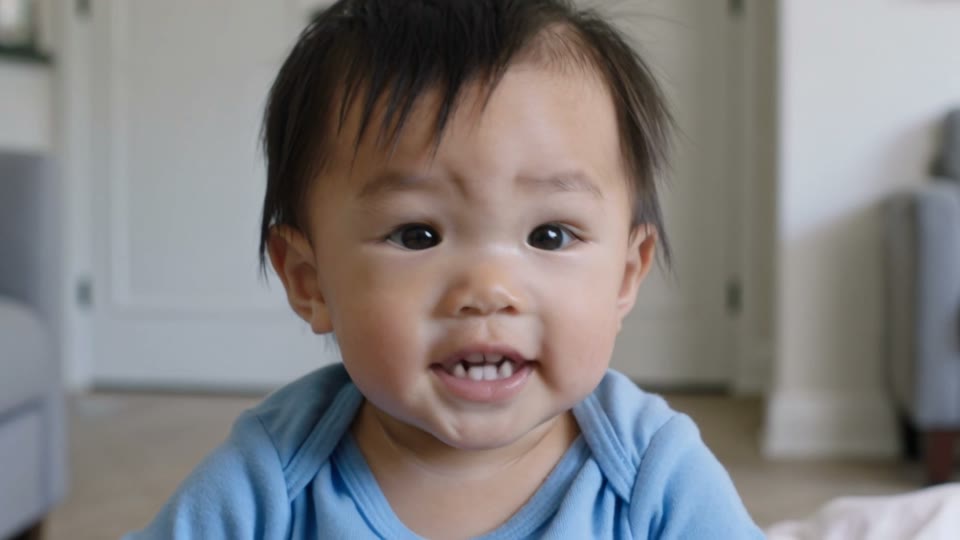
Make a Baby Photo Talk Naturally
00:00
00:00
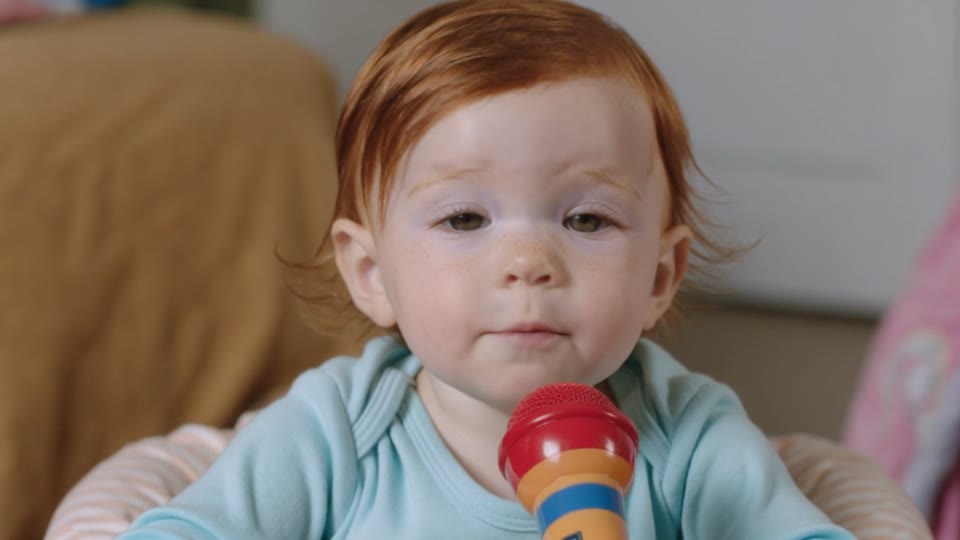
Create Baby Podcast or Interview Moments
How to Make a Baby Talking Video with insMind
Step 1: Upload a Baby Photo
Choose a clear baby portrait with visible eyes, face, and mouth area. Front-facing or slightly angled photos usually create the most natural talking motion.
Step 2: Add Lines or Audio
Type what the baby should say, or upload a short audio clip when you want the video to follow a specific voice, rhythm, or baby-style sound.
Step 3: Describe the Talking Style
Write a short prompt for the mood, expression, camera ratio, and use case. For example, ask for a birthday greeting, cute vlog intro, family announcement, or funny reaction.
Step 4: Generate and Download
Click generate, preview the talking baby video, and download the result for family chats, TikTok, Instagram Reels, YouTube Shorts, or private keepsakes.
Why Choose insMind AI Baby Talking Video Generator

Natural Baby Lip Sync
Create synced mouth movement from typed lines or uploaded audio while keeping the baby video cute and expressive.

Works from One Photo
Start with a single clear baby image and turn it into a talking clip, similar to an image to video workflow.

More Baby Video Ideas
Pair talking clips with cute animations, family greetings, baby announcements, and playful reactions for more creative results.

Friendly Online Workflow
Upload, prompt, generate, preview, and download online without camera setup, voice acting, or manual video editing.

Cute Social Video Output
Make short clips for Reels, Shorts, TikTok, family groups, baby announcements, birthday wishes, and playful memes.

Script or Audio Control
Type the exact words or upload a voice clip to guide the baby talking rhythm, emotion, and timing.
FAQs About insMind AI Baby Talking Video Generator
What is an AI baby talking video generator?


An AI baby talking video generator turns a still baby photo into a short video where the baby appears to speak. You upload a clear image, add typed lines or audio, and generate a cute talking clip with mouth movement, facial expression, and natural timing.
How do I make a baby photo talk with AI?
Upload a baby photo, then type what the baby should say or add a short audio clip. You can also describe the mood, expression, and scene style in the prompt. insMind uses these inputs to generate a talking baby video you can preview and download.
Can I type what the baby should say?
Yes. You can write a short message, greeting, joke, or announcement in the prompt. For best results, keep the line simple and natural, especially when you want clear mouth movement and an easy-to-read talking baby moment.
Can I upload audio for the baby talking video?
Yes. When you want the result to follow a specific rhythm, voice style, or baby-like sound, upload an audio file and describe how the baby should speak. Short, clear audio usually works better than noisy recordings or long voice clips.
Does the video support lip sync?
The tool is designed to create talking motion that follows your script or uploaded audio. A front-facing baby photo, clear facial details, and a concise line help the AI produce more natural lip sync, mouth movement, and expression timing.
What kind of baby photo works best?
Use a sharp, well-lit photo where the baby's face is visible and not covered by hands, toys, heavy shadows, or blur. A front-facing or slightly angled portrait usually gives the most stable talking animation and more recognizable facial details.
Can I make a baby podcast-style video?
Yes. You can create a tiny host, vlog intro, pretend interview, or baby podcast moment. Upload a baby photo, add a short script or audio, and describe the host-like expression, camera framing, and cheerful talking style you want.
Can I make the baby speak in different languages?
You can guide the video with text or uploaded audio in different languages, depending on the voice or script you provide. For the clearest result, use short phrases, clean pronunciation, and a prompt that explains the desired expression and tone.
Can I create baby greeting videos for family?
Yes. Baby talking videos are great for birthday wishes, holiday messages, family announcements, grandparent surprises, and group chat greetings. Upload a favorite baby photo, write the message, and create a sweet video that feels personal.
Can I make a funny baby talking meme?
Yes. You can write a playful one-liner, mock interview answer, tiny influencer reaction, or family joke, then turn the baby photo into a short meme-style video. Keep the message light, friendly, and appropriate for family or social sharing.
More Baby Talking and Lip-Sync Video Tools
00:00
00:00
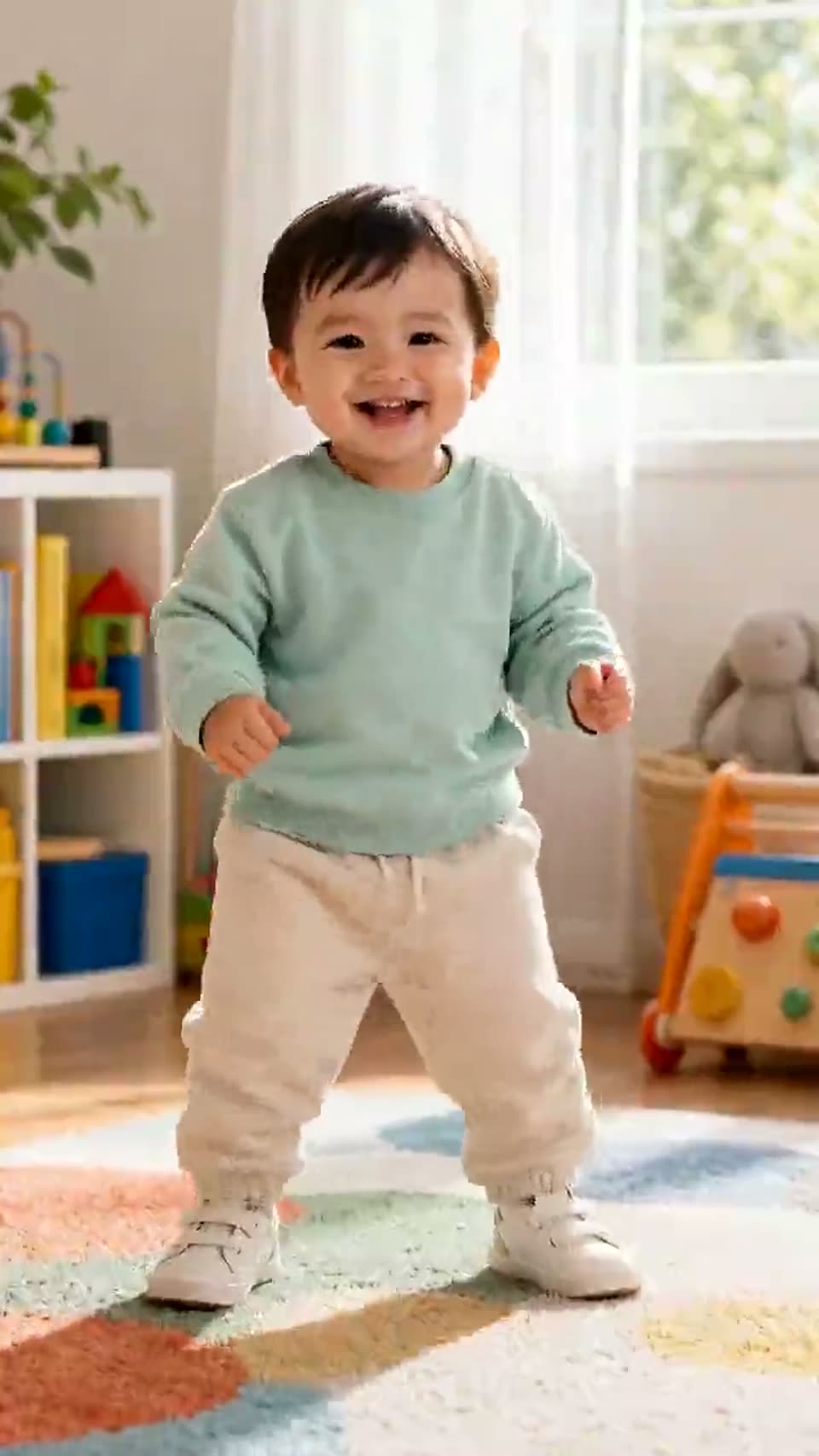
AI Baby Dance
Turn baby photos into funny dancing videos automatically.
00:00
00:00
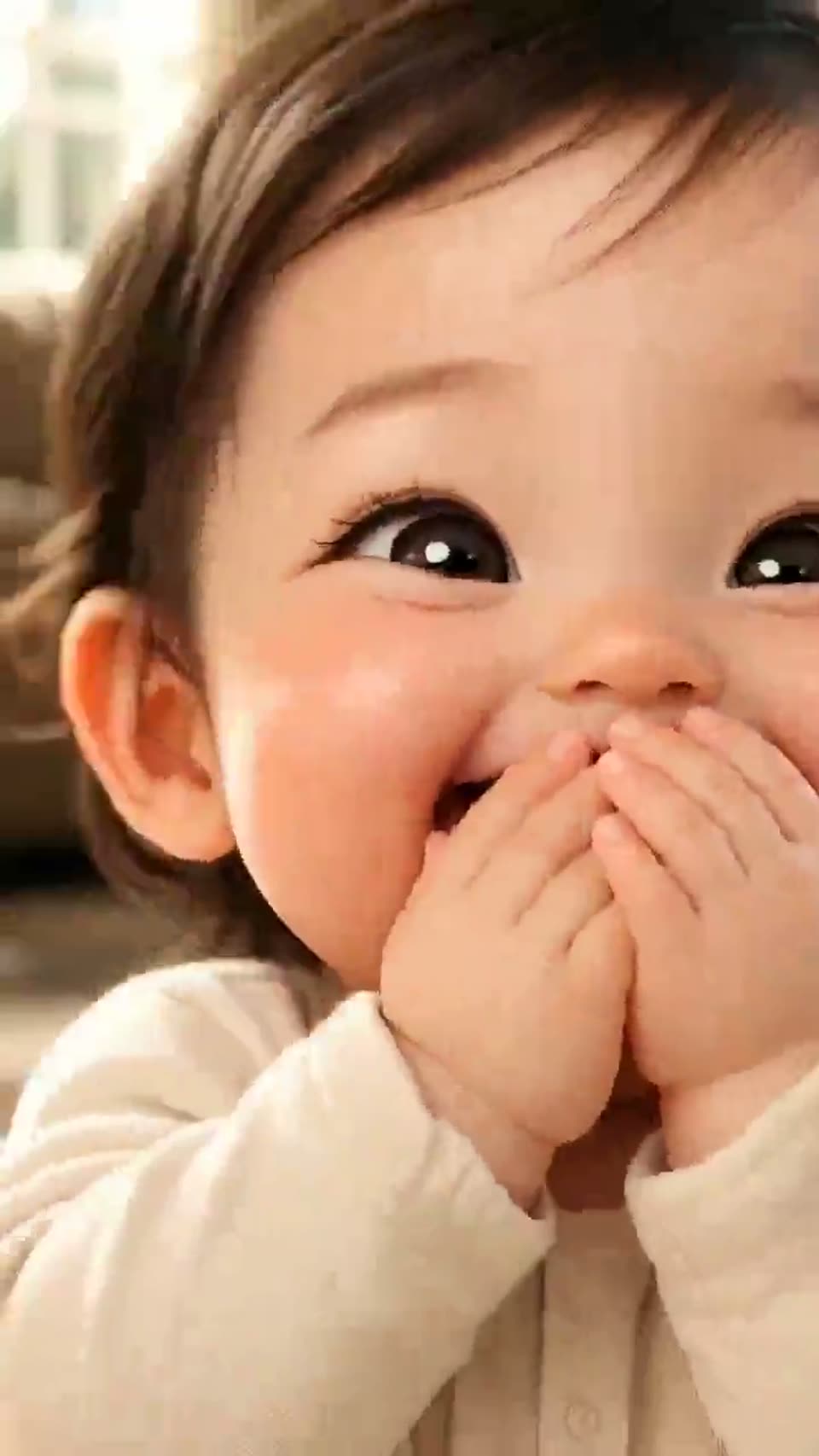
AI Baby Holding Laugh
Turn photos into funny baby laughing reaction videos.
00:00
00:00
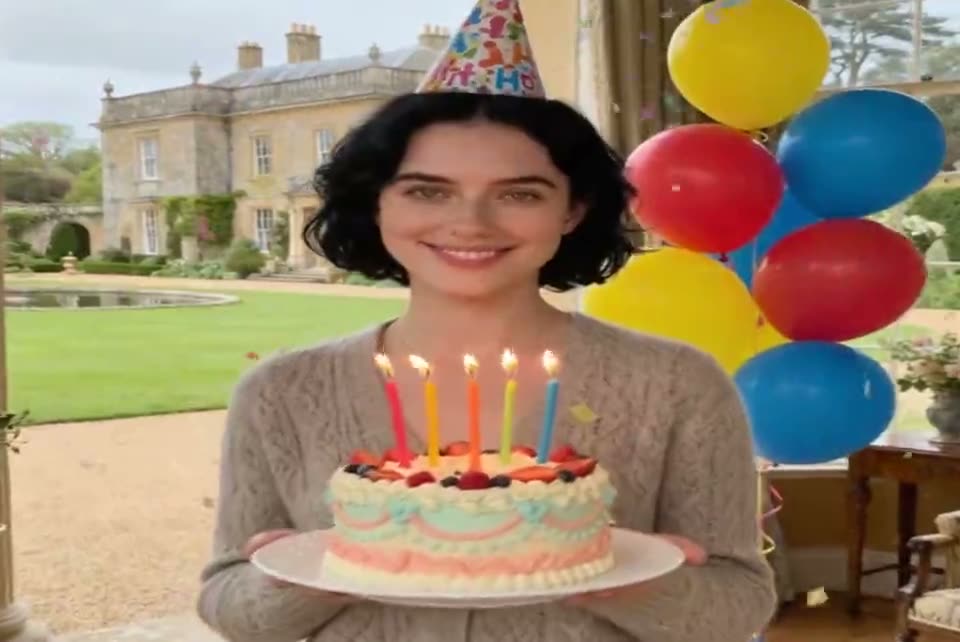
Birthday Video Maker
Create warm birthday videos from prompts, photos, or short ideas.
00:00
00:00
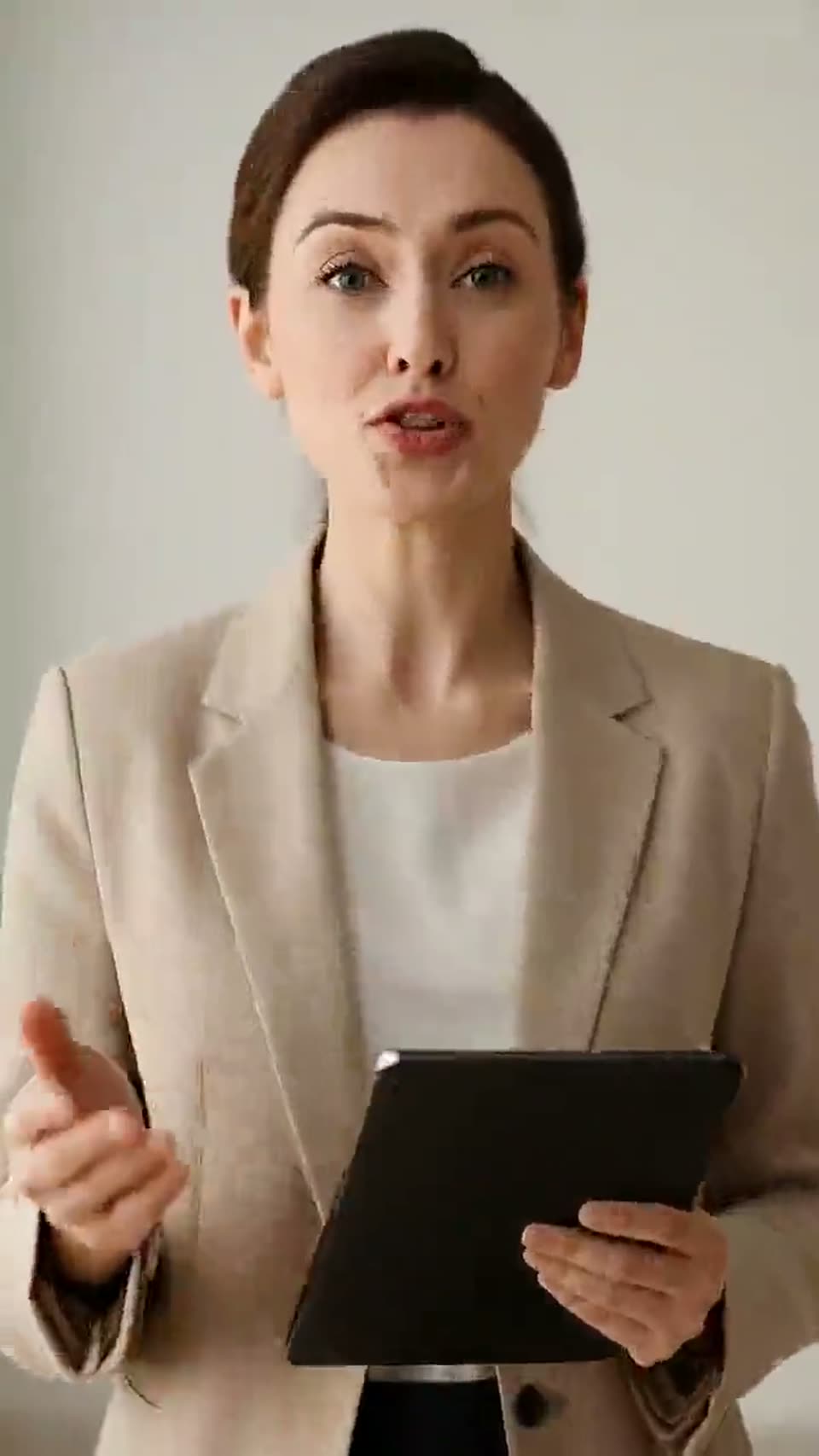
AI Avatar Video Generator
Create talking avatar videos for marketing, education, and social content.
00:00
00:00
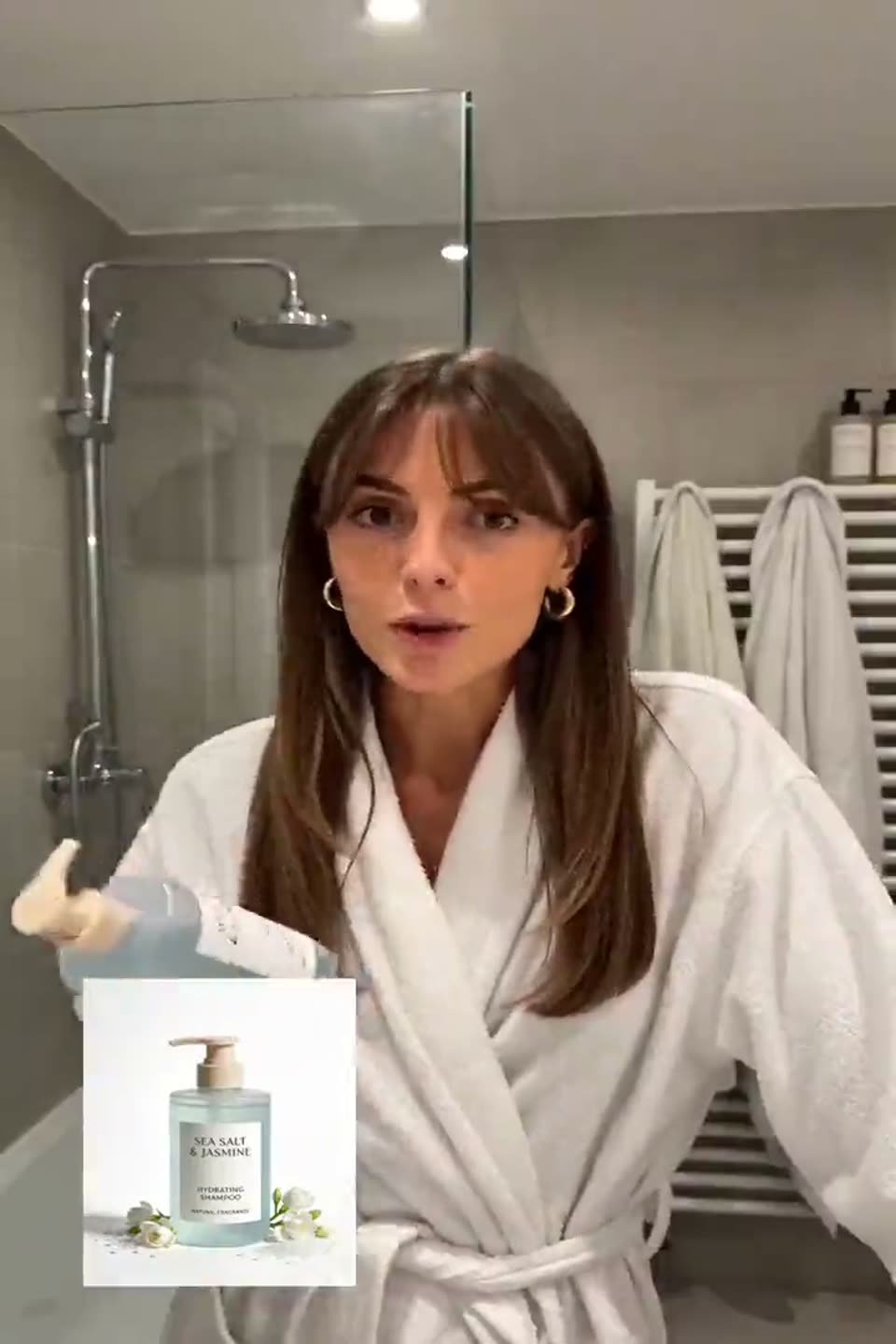
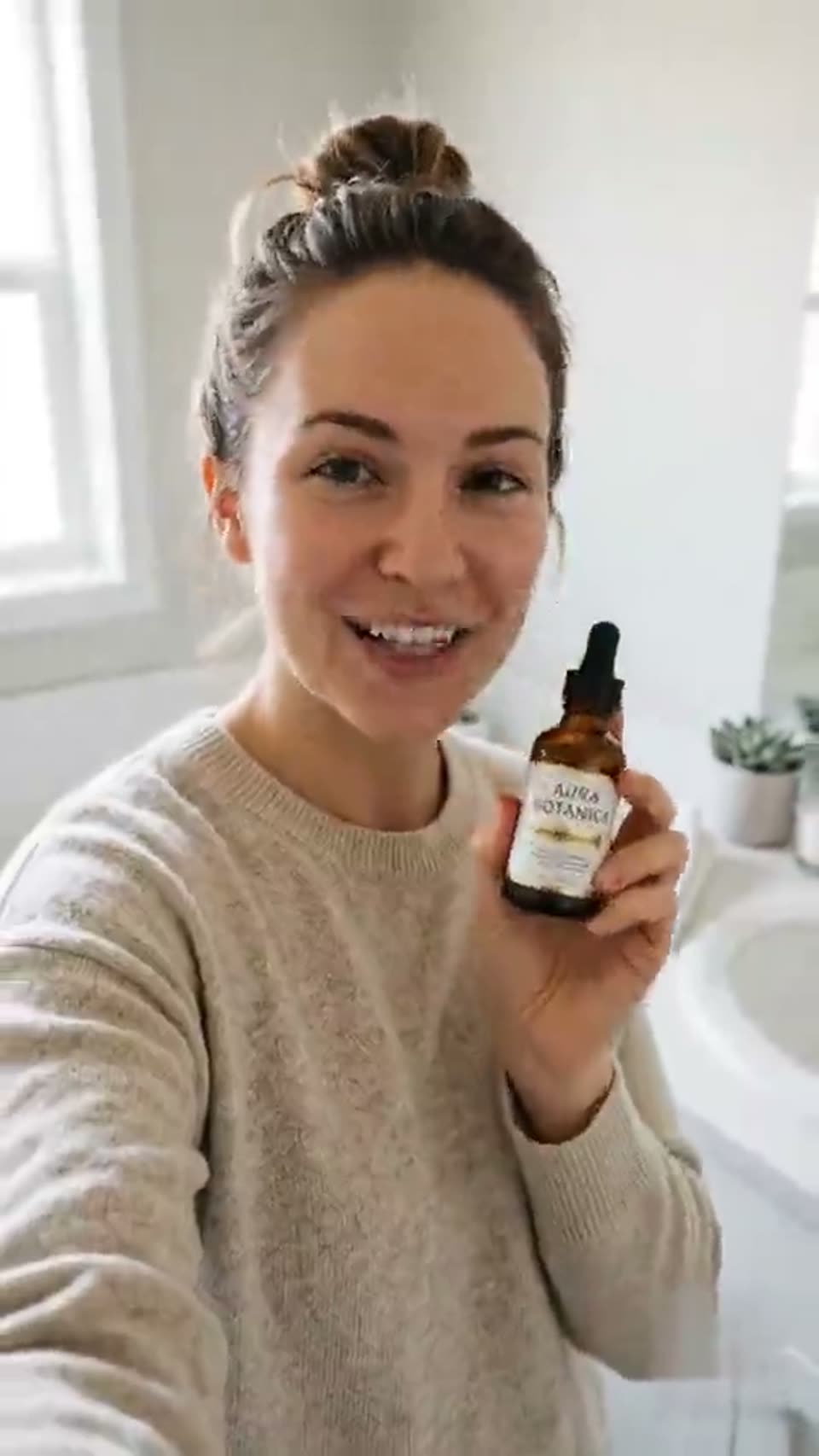
AI UGC Video Generator
Make natural creator-style UGC videos for products, stories, and social posts.
00:00
00:00
AI Ad Video Generator
Generate short ad videos for products, campaigns, and social media.
00:00
00:00
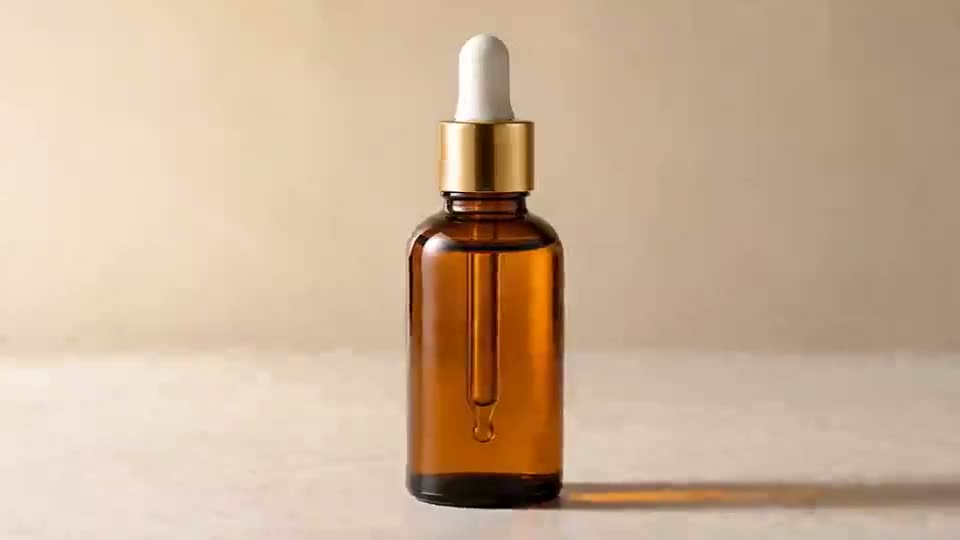
AI Product Demo Generator
Create clean product demo videos that highlight features and benefits.
00:00
00:00
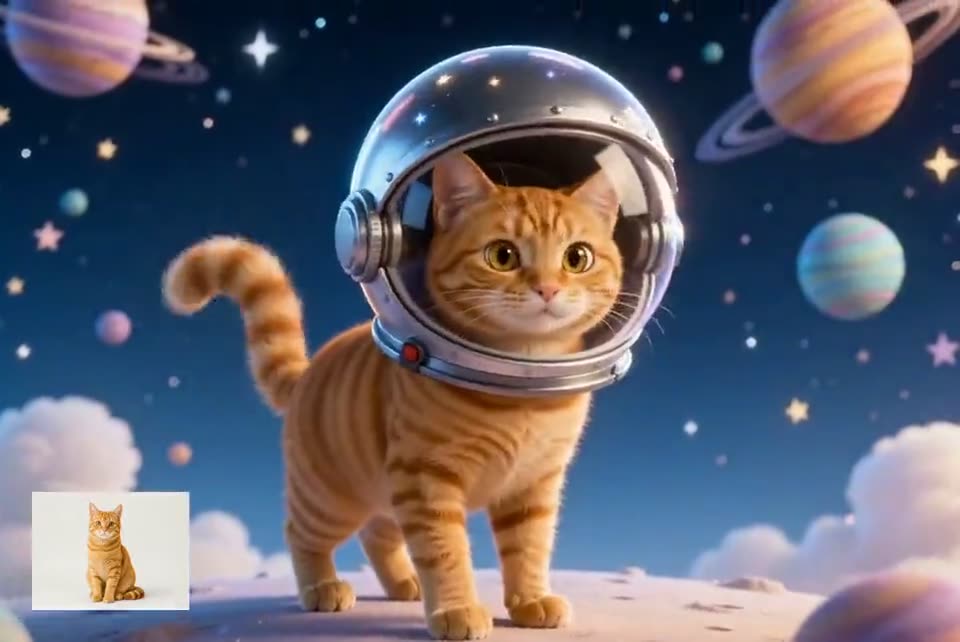
AI Cartoon Video Generator
Turn ideas into playful cartoon-style videos for fun and storytelling.