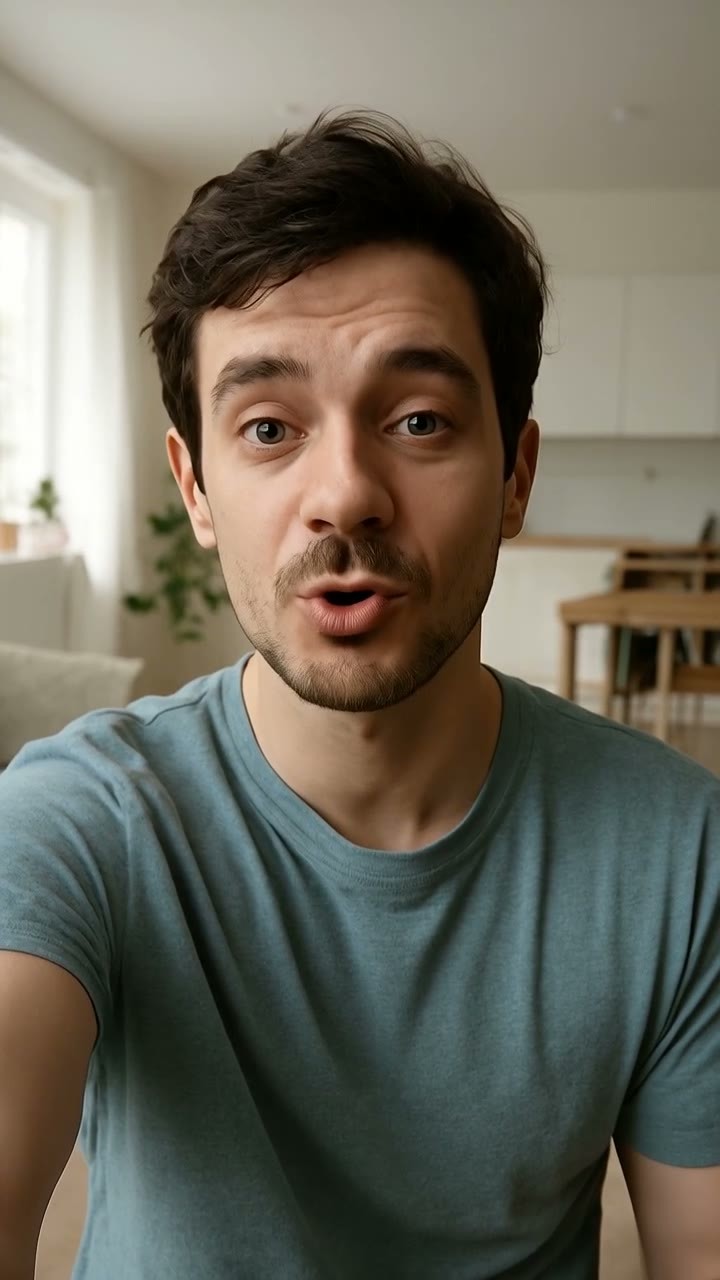
Upload a clear headshot and turn it into a convincing speaking clip with synced mouth movement and lifelike expression. This AI lip sync workflow helps creators and teams move from still image to polished content faster than a traditional AI video generator setup.

00:00
00:00
Transform Portraits into Natural Talking Videos

00:00
00:00
Create Product Spokesperson Videos Without Filming
Build product testimonials, founder intros, and promo clips from a single portrait instead of booking talent, lighting, and reshoots. For brands already producing AI product video generator assets, lip-synced spokesperson videos add a more personal message without increasing production overhead.
How to Make a Lip Sync Video
Step 1: Upload a Portrait and Enter Your Script
Upload a clear front-facing portrait for the best facial animation results. Then add your script and describe the speaking style, emotion, or tone in the prompt to guide the AI-generated talking video.
Step 2: Choose Video Format and Generation Settings
Select your preferred video format, such as 9:16 for TikTok or Reels, along with resolution and video duration settings. Customize the output style to match your content goals and platform needs.
Step 3: Generate Natural Lip Sync Animation
The AI automatically matches lip movement, facial expressions, and subtle head motion to your script, creating a more realistic talking portrait video without manual editing or filming.
Step 4: Download and Share Anywhere
Preview the generated lip sync video, then download it for social media, marketing videos, ecommerce promotions, online lessons, or short-form content creation.
Use AI Lip Sync Videos Across Marketing, Social, and Education
These scenarios show how talking portraits help teams publish message-driven videos without cameras, actors, or repeated edits.

Talking Product Testimonials
Ecommerce teams turn founder portraits into believable product testimonials that explain benefits, build trust, and refresh landing page creative without organizing another shoot.

Lip-Synced Social Selfies
Creators animate selfies into short speaking posts for Reels and Shorts, adding scripted humor, reactions, or commentary without recording on camera.

Multilingual Spokesperson Ads
Marketers produce localized spokesperson ads from one portrait and multiple scripts, keeping visual consistency while adapting messaging for different regions.

Talking Lesson Introductions
Educators build short lesson intros from a portrait, helping students recognize the speaker, follow the topic faster, and engage before slides begin.
Why Choose insMind for AI Lip Sync Videos

Natural mouth timing without frame-by-frame editing
Instead of manually matching speech to facial movement in a video editor, you can generate synchronized talking clips automatically. That reduces production time while keeping speech timing more consistent across short-form content.

Portrait-based production instead of live filming
A single clear image can become a spokesperson video, which helps teams avoid cameras, studio setup, makeup, and reshoots. It’s a practical option when budgets, schedules, or talent availability slow down regular production.

Script-to-video output for faster message testing
You can swap scripts quickly and generate multiple versions for ads, lessons, or social posts. Compared with refilming each variation, this makes A/B testing offers, hooks, and language updates much more efficient.

Multilingual delivery from one visual asset
Use one portrait across different languages while keeping the same face, framing, and overall presentation. That’s more scalable than organizing separate shoots for every market or rebuilding creative from scratch.

Vertical-ready formatting for social distribution
Choose outputs like 9:16 and short durations that fit Shorts, Reels, and TikTok placements. This avoids extra resizing work and helps teams publish talking portrait content in platform-ready dimensions sooner.

Spokesperson-style videos without hiring on-camera talent
Brands can produce testimonial, promo, or intro videos from existing portraits rather than casting new presenters. That lowers production friction while still giving campaigns a face-led format that feels direct and personal.
FAQs About insMind AI Lip Sync Video Generator
What is an AI lip sync video generator?


An AI lip sync video generator turns a portrait into a talking video by matching mouth movement to speech. You can use a script input to create spokesperson clips, social videos, lesson intros, or product testimonials without filming a live person.
How do I create a lip-synced video with AI?
Upload a clear portrait, add a script input, choose settings like aspect ratio and resolution, then generate the video. The AI analyzes facial features and speech timing to produce a clip where the lips move in sync with the spoken content.
Can I make a photo talk with AI?
Yes. A still portrait can be animated into a talking video using AI lip sync technology. This is useful for creators, educators, and brands that want face-led video content without recording a new on-camera performance.
Can I upload my own audio for lip syncing?
Yes, you can typically upload your own audio to guide the lip sync result. That helps when you already have a recorded voiceover, want a specific speaking style, or need to match the video to an existing campaign asset.
Can I generate lip sync from a text script?
Yes. You can enter a text script instead of recording audio first. The system uses the script and selected voice settings to generate speech, then aligns facial movement to that spoken output for a finished talking portrait video.
Can AI lip sync videos support multiple languages?
Yes, AI lip sync videos can support multiple languages when paired with the right script or voice input. This makes it easier to create localized spokesperson ads, educational intros, or social content from one portrait across different markets.
Can I create product spokesperson videos without filming?
Yes. You can use a portrait to create product spokesperson videos for ecommerce, ads, and landing pages without booking a shoot. It’s a practical way to present product benefits, testimonials, or founder messages using fewer production resources.
Can I animate a selfie into a talking video?
Yes. A clear selfie can work as the source image for a lip-synced talking video. This is especially useful for creators making short social content, reaction clips, or personalized messages from photos they already have.
Can I create talking avatar videos for social media?
Yes. Lip-synced portraits work well for social media because they can be formatted for vertical platforms and short durations. You can turn a portrait or selfie into a talking avatar-style clip for Reels, Shorts, TikTok, or story-based campaigns.
Does the AI keep facial movements natural?
The goal is to keep mouth shapes, timing, and subtle facial motion believable enough for short-form viewing. Results are usually best when you start with a clear front-facing portrait, clean audio, and a concise script that fits the video length.
Recommended Lip Sync Tools You'll Love
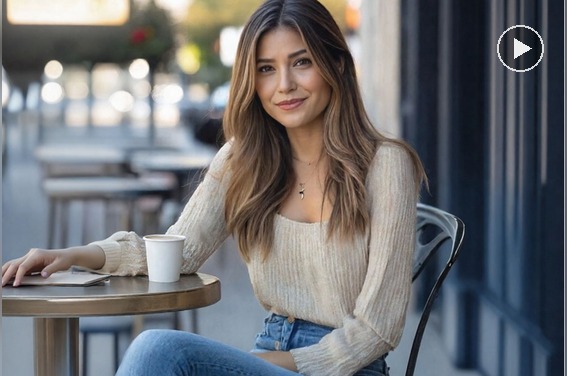
AI Talking Photo Generator
Turn any photo into a talking video with realistic facial movement and natural lip sync.
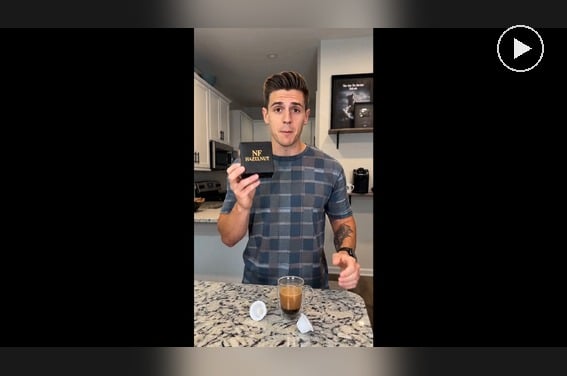
AI Spokesperson Video Generator
Create spokesperson videos with realistic avatars and natural voice sync.
00:00
00:00
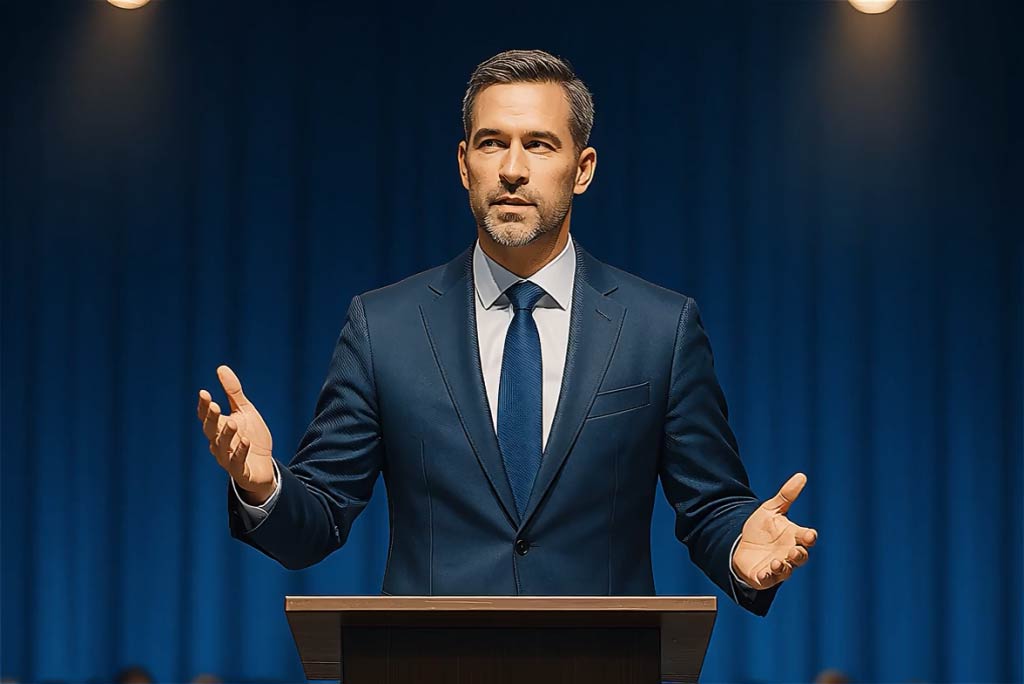
Wan 2.5
Create talking videos with lip-sync and body gestures from a prompt or image.
00:00
00:00
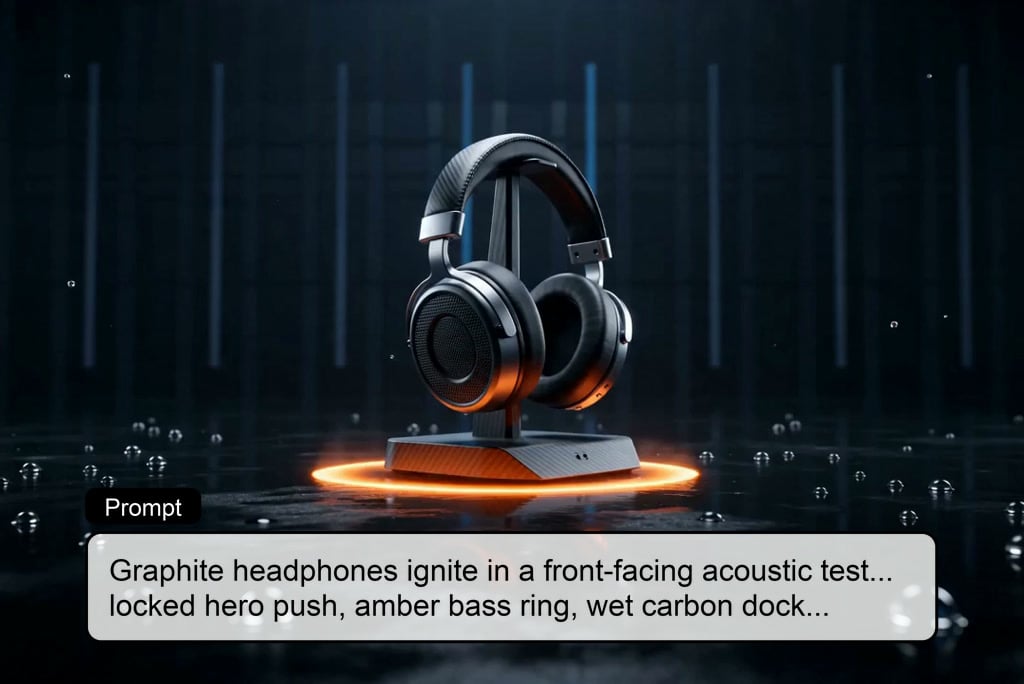
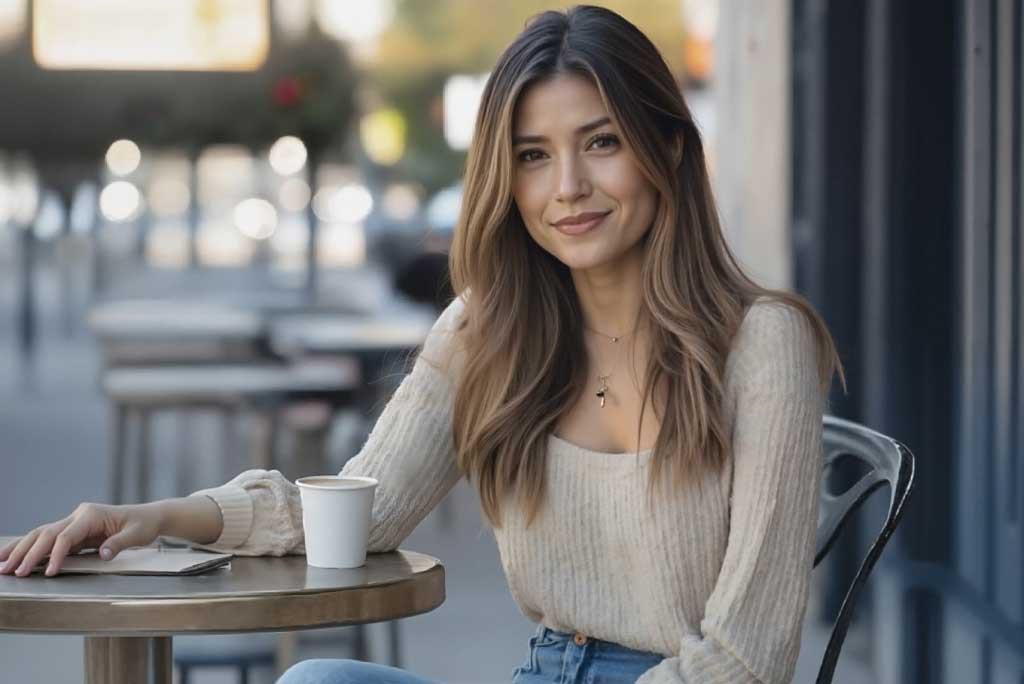
Wan 2.7 Video Generator
Create high-detail AI videos with motion, audio, and strong control.
00:00
00:00
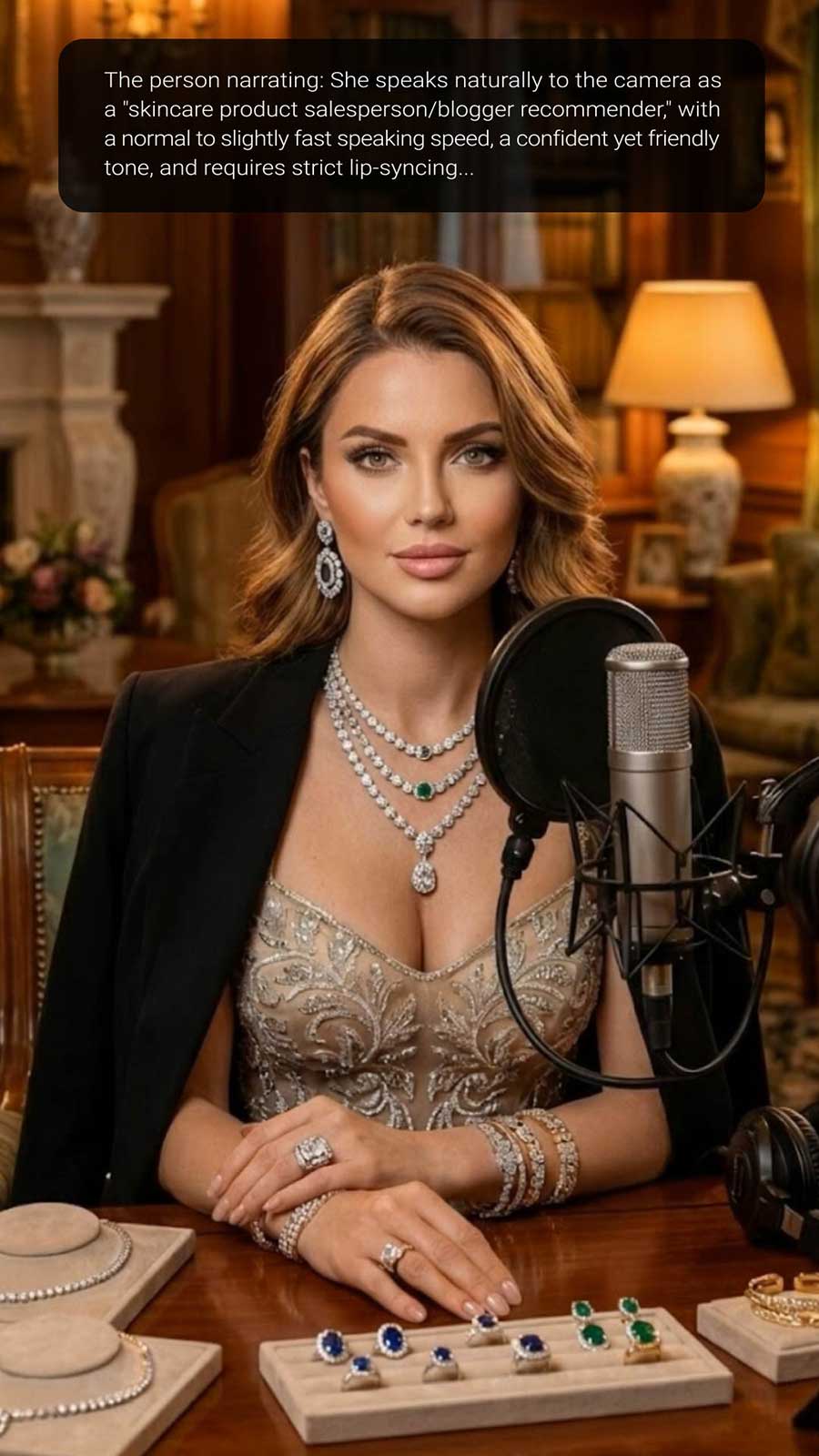
Image to Video
Create custom videos from your photos with AI.
00:00
00:00
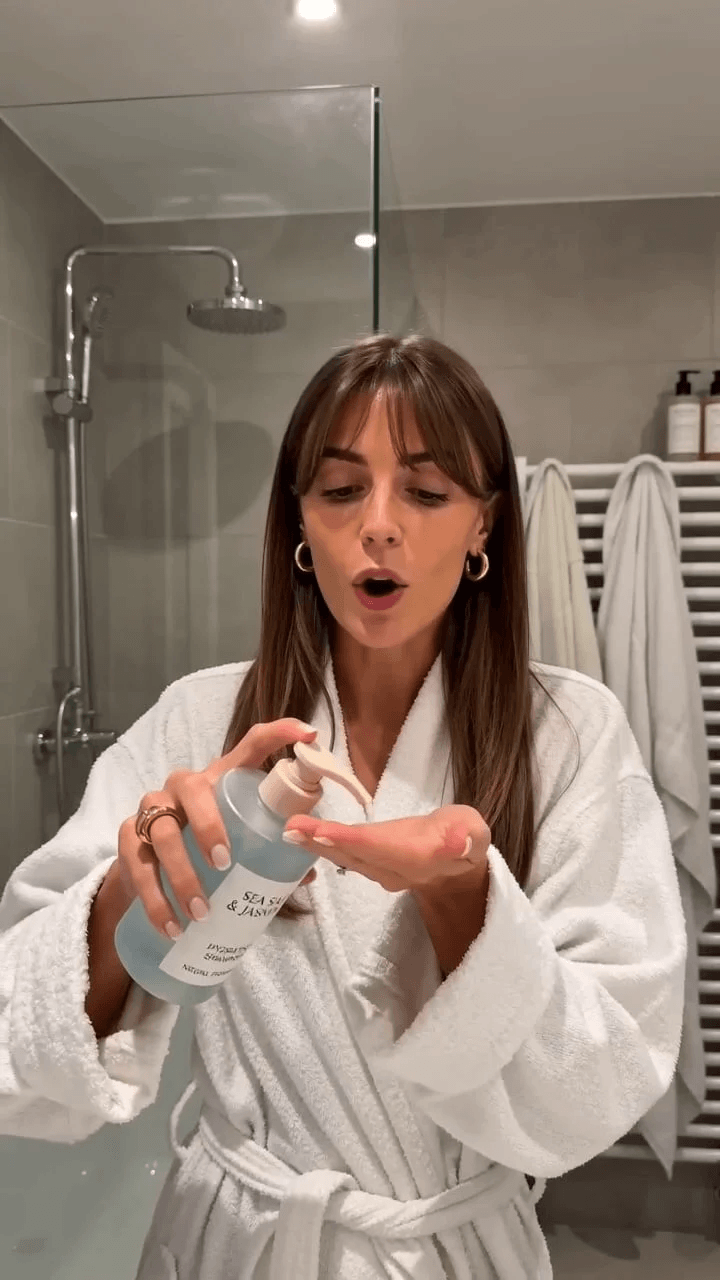
AI Influencer Video Generator
Create virtual influencer videos without filming or real creators.
00:00
00:00
AI UGC Video Generator
Create authentic UGC-style video ads with AI in minutes.

00:00
00:00
AI Video Generator
Create high-quality videos from text and images with AI tools.