
00:00
00:00
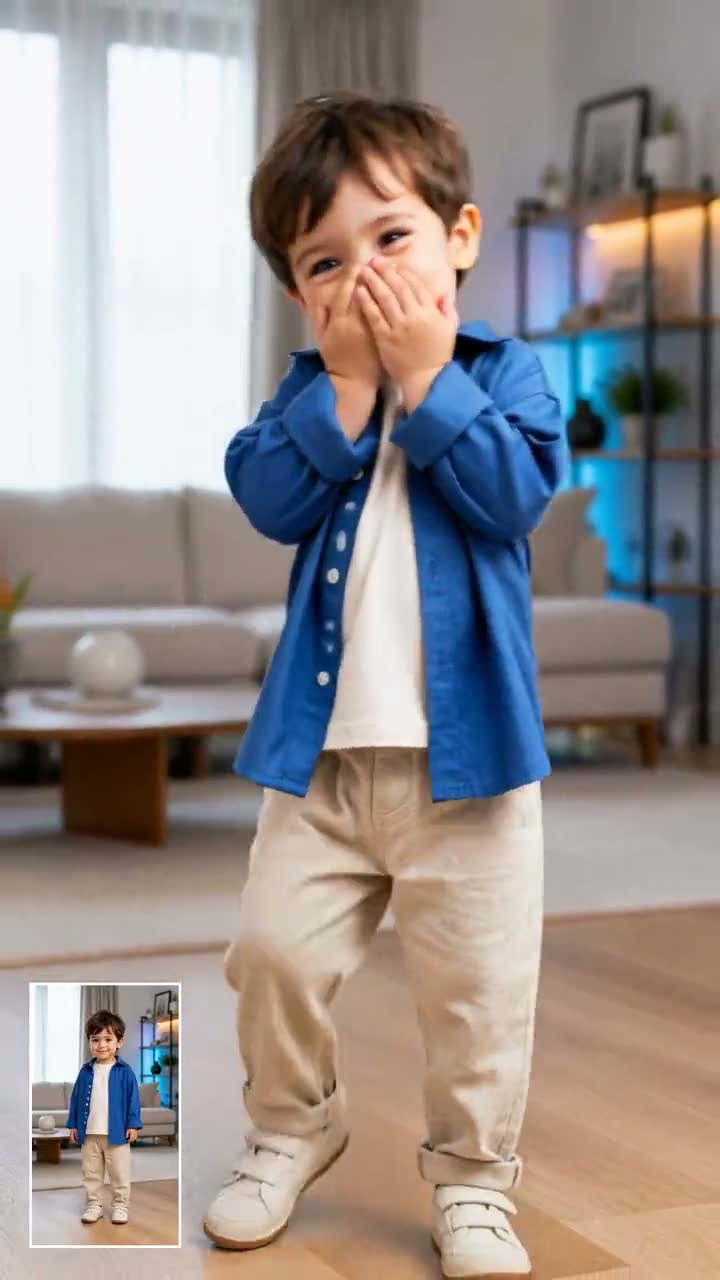
Preserve the Hand-Covered Baby Laugh
00:00
00:00
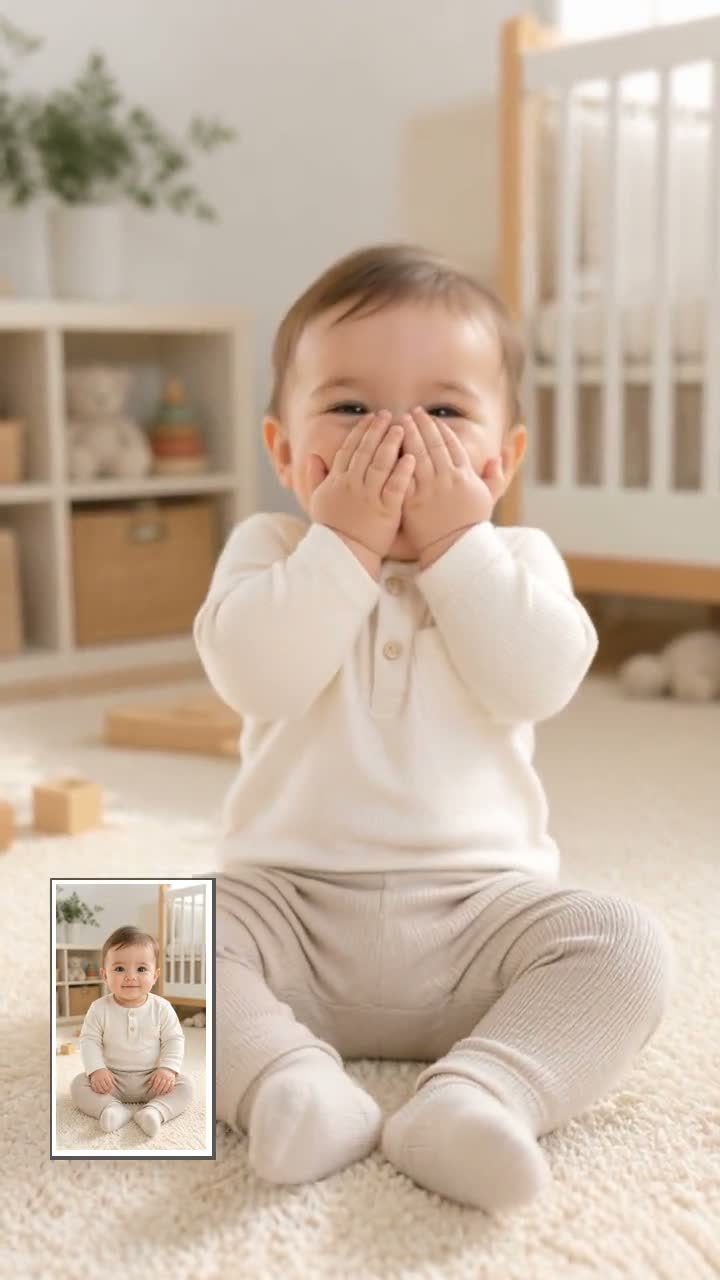
Create Vertical Meme Clips for TikTok and Reels
How to Use AI Baby Holding Laugh
Step 1: Upload a Portrait
Choose a clear selfie, baby photo, character image, or portrait with the face visible. A front-facing image works best for a recognizable baby laugh effect.
Step 2: Enter a Laugh Prompt
Describe the hand-covered laugh, meme lighting, camera motion, and audio style you want. Keep the prompt short and focused on the reaction.
Step 3: Generate the Video
Choose your preferred video settings and let the AI turn your image into a funny baby holding laugh video with natural motion and expressions.
Step 4: Download and Share
Preview the generated video, download it instantly, and share it on TikTok, Instagram Reels, YouTube Shorts, or messaging apps as a funny reaction meme.
Why Choose insMind AI Baby Holding Laugh Generator

Photo-to-Video Workflow
Start from one image and create a finished baby laugh clip without manual video editing.

Made for Short-Form Feeds
Generate vertical 9:16 videos that fit TikTok, Instagram Reels, YouTube Shorts, and chat reactions.

Prompt-Friendly Control
Guide the laugh style, lighting, camera movement, and mood with simple natural language prompts.

Cute, Expressive Motion
Create playful giggles, hand-covered laughs, eye squints, and small head tilts for meme-ready reactions.

Multiple Variations
Try several prompt styles from one photo to find the funniest version before posting.

More AI Video Effects
Explore related tools like AI Laughing Face Effect and AI Baby Video Generator for more reaction ideas.
FAQs About AI Baby Holding Laugh Generator
What is the AI Baby Holding Laugh Generator?


The AI Baby Holding Laugh Generator turns a photo into a short baby laughing reaction video. It is designed for cute, meme-style outputs where the baby covers its mouth, giggles, and reacts like a social media punchline.
How do I create an AI baby laughing video from a photo?
Upload a clear portrait, enter a prompt that describes the hand-covered laugh, choose a vertical social format, and generate the video. insMind creates the movement, facial expression, camera feel, and audio-ready reaction from your image.
What prompt should I use for a realistic baby laughing meme?
Use a prompt that mentions the baby covering its mouth, natural giggles, bright eyes, small shoulder bounces, a short camera push-in, and no text or watermark. Add 9:16, 720p, 5 seconds, and audio enabled for social-ready output.
Is the AI Baby Holding Laugh Generator free to try?
You can try this tool online for free. Available features and usage limits may vary by account and permissions.
Can I use a character image instead of a real selfie?
Yes. You can use a character image, illustration, or stylized portrait if it has a clear face and works with the baby laugh concept. For best results, choose images with visible facial features and simple backgrounds.
Can I change the lighting or meme style?
Yes. Add style details such as blue-purple meme lighting, soft studio lighting, warm bedroom lighting, or a cinematic phone-camera push-in. The more specific your visual direction is, the easier it is to create a distinct result.
Can I make a loop version for social media?
Yes. Write the prompt so the baby ends in a pose close to the opening frame, such as a settled smile or hand-covered giggle. A 5-second vertical clip usually works well for looping Reels and meme replies.
Can I make several baby laugh versions from one photo?
Yes. You can reuse one image with different prompts, such as realistic laugh, blue meme lighting, mischievous giggle, or group-chat reaction. This helps you compare styles and choose the funniest version.
Explore More AI Baby Laugh and Fun Video Tools
00:00
00:00
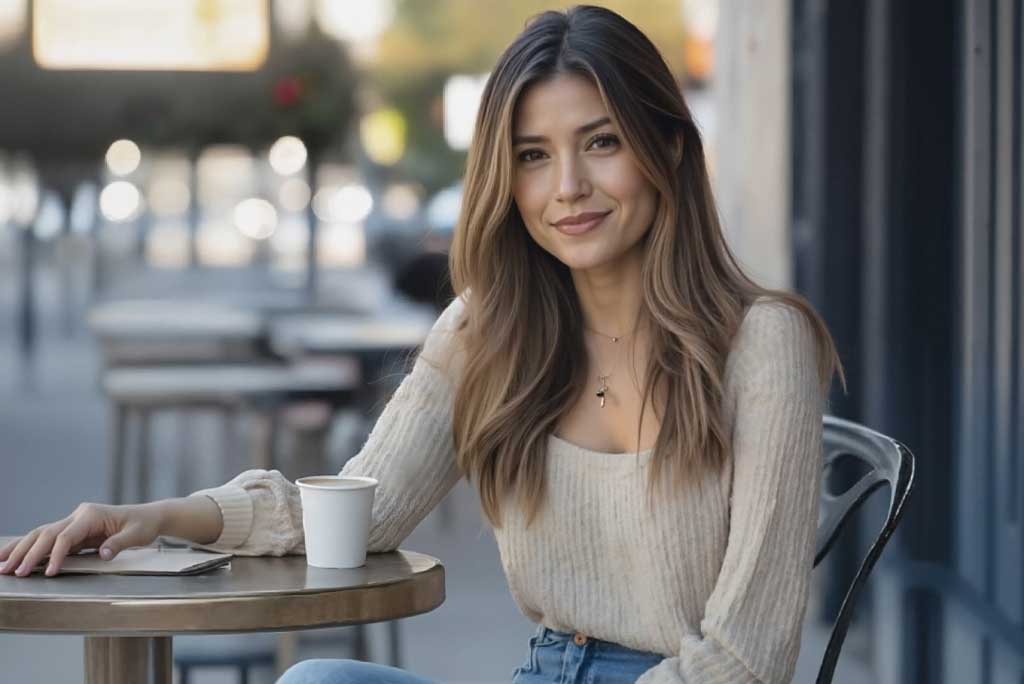
Image to Video
Create custom videos from your photos with AI.
00:00
00:00
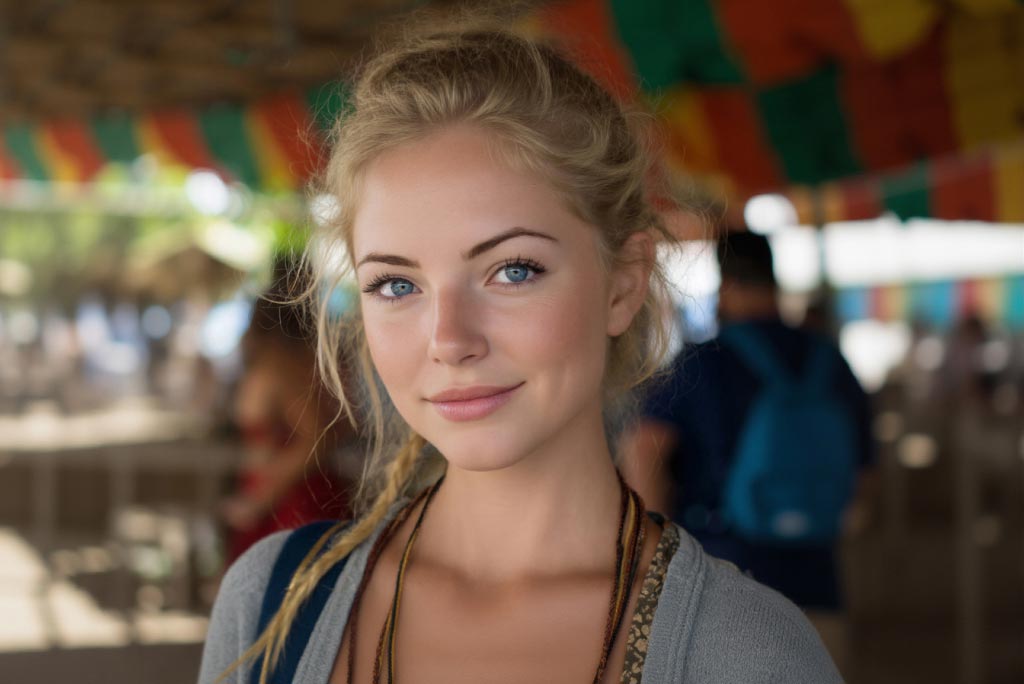
AI Laughing Face Effect
Animate photos to realistic laughing facial videos quickly.
00:00
00:00
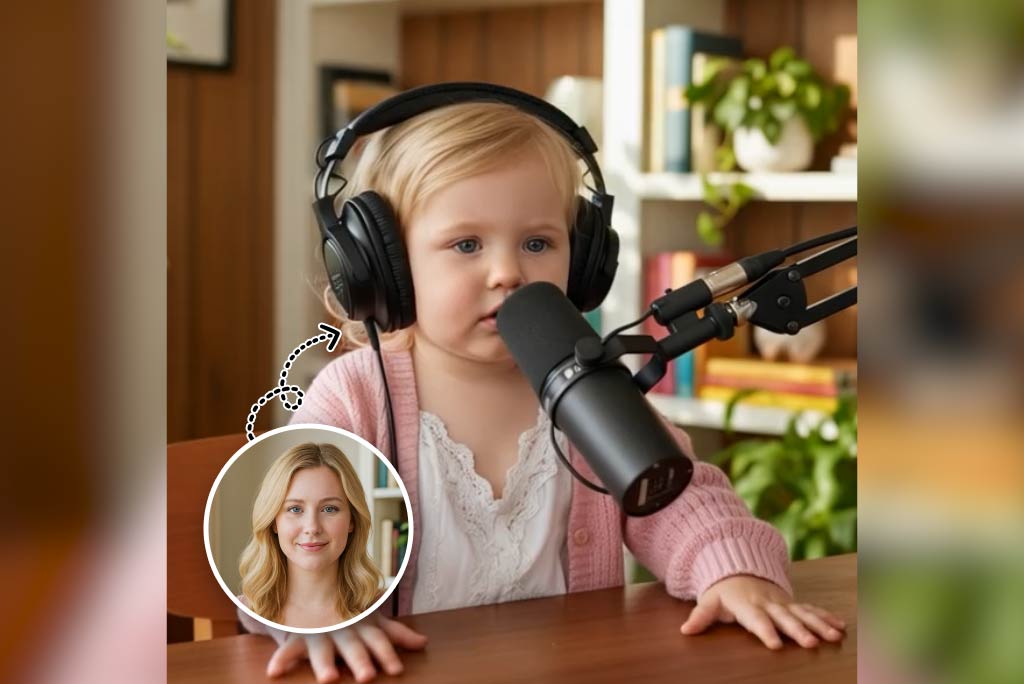
AI Baby Video Generator
Turn any photo into a cute, animated baby video.

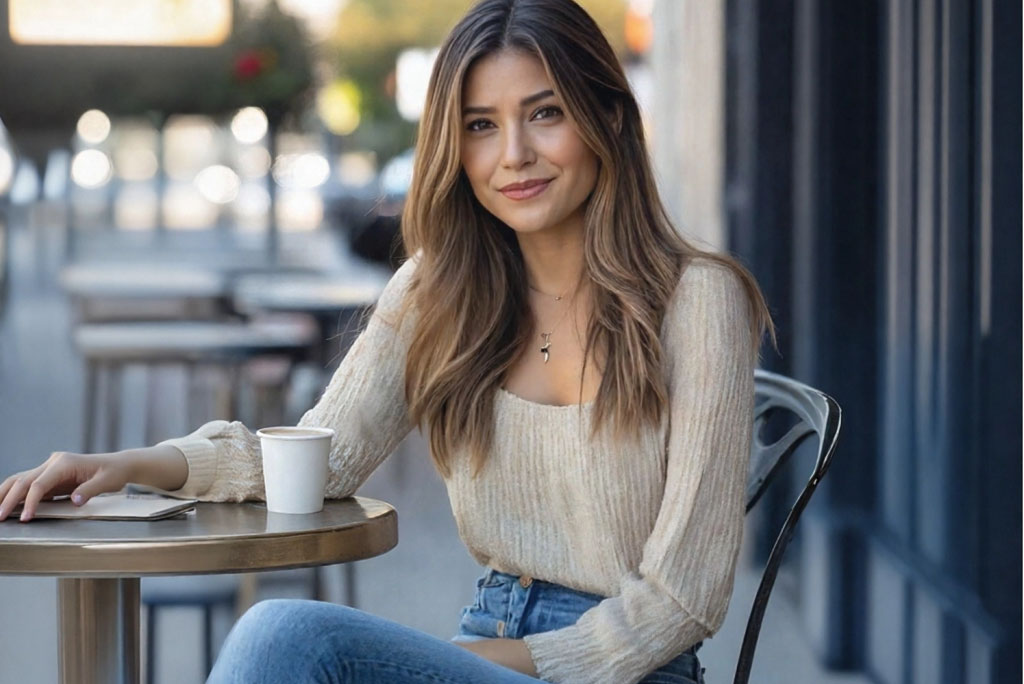
Funny Video Generator
Create hilarious AI funny videos from text and images instantly.
00:00
00:00
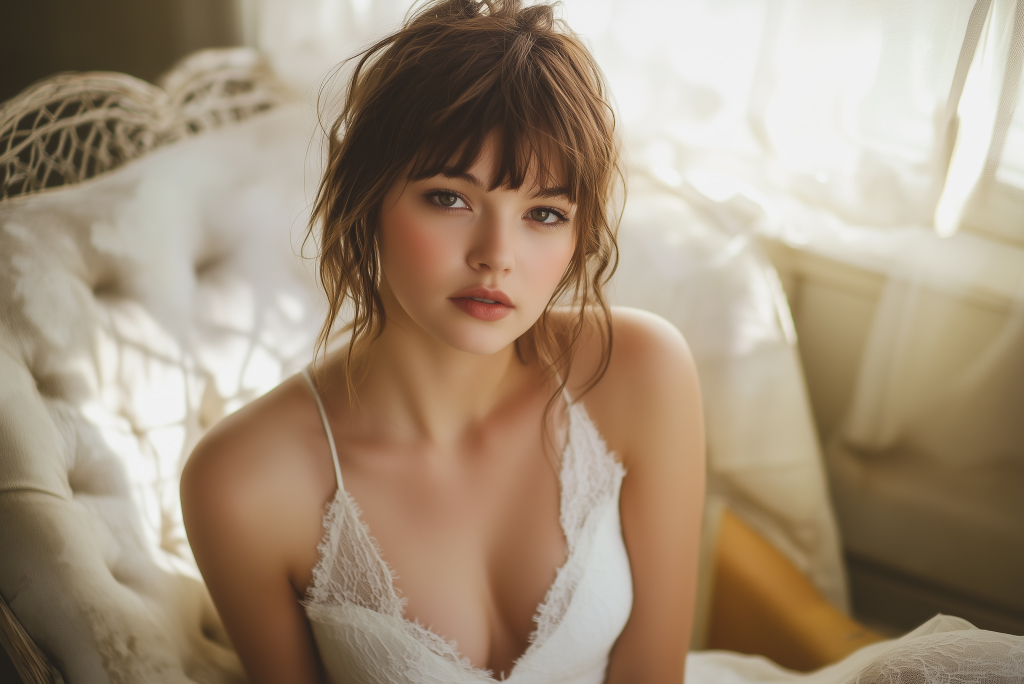
AI Face Animator
Bring photos to life with realistic face animation.
00:00
00:00
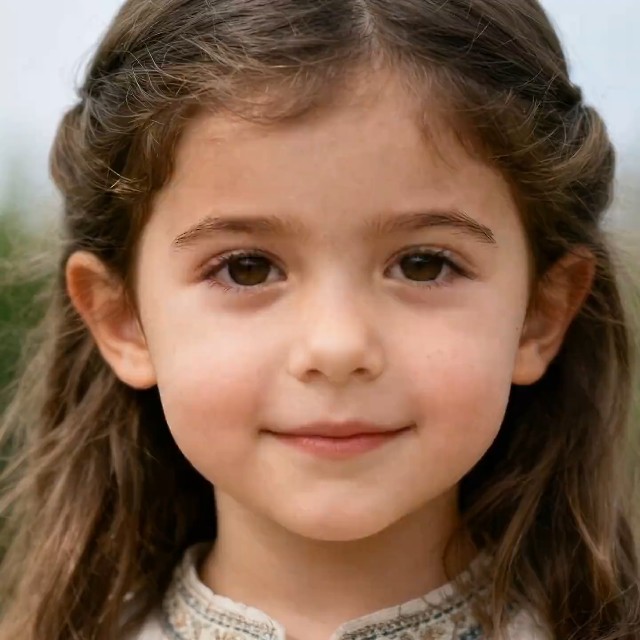
AI Photo Animator
Animate your still photo with AI online and try it for free
00:00
00:00
Face Dance
Create fun face dance videos from a single photo with insMind's Face Dance effect.