
How to Create AI Baby Dance Videos
Step 1: Upload a Baby Photo
Start by uploading a clear baby photo or kid portrait. The AI will instantly analyze the facial features, body structure, and pose to set the foundation.
Step 2: Describe a Dance Style
Choose popular options like a funny dance, hip-hop, or a viral TikTok dance. You can also customize the background and camera movement using simple text.
Step 3: Generate the Baby Dance Video
Click Generate. Our system will animate the photo, apply your chosen dance motion, and render a fun, shareable video in seconds.
Step 4: Download and Share
Download your newly created video and use it for TikTok, Reels, meme content, or simply for heartwarming family entertainment.
FAQs About insMind AI Baby Dance Video Generator
What is an AI baby dance video generator?


An AI baby dance video generator is a tool that turns a baby photo into a short animated dancing video. It is commonly used for funny social posts, meme content, and light family entertainment.
Can I make a baby dance with AI from one photo?
Yes. A single clear baby photo is usually enough to generate a dancing video. insMind reads the visible face, body, and pose, then applies motion to the image.
Can I turn a baby photo into a dancing TikTok video?
Yes. This is one of the most common use cases. A baby portrait can be turned into a short, playful video suitable for TikTok or Reels.
Can I use a kid portrait instead of a baby photo?
Yes. The workflow can also work with kid portraits or even stylized character images, as long as the image is clear enough for motion generation.
What kind of dance styles can I choose?
Popular options include funny dance, hip-hop bounce, cute wiggle, and viral short-form dance styles. The prompt helps determine how exaggerated or gentle the motion feels.
Is this good for TikTok and Instagram Reels?
Yes. AI baby dance videos are especially suited to short-form platforms because the output is quick, visual, and easy to share.
Can I make a funny baby meme video with AI?
Yes. Meme-style baby dance clips are a strong use case because the workflow is light, image-based, and easy to reuse for joke formats.
Can I animate a cartoon baby too?
Yes. If the input is a cartoon baby or illustrated character, insMind can still turn it into a dancing video using image-to-video generation.
What kind of photo works best?
A clear, front-facing or slightly angled baby photo with a visible face and body works best. Clean lighting usually helps the output look more stable.
Explore More AI Image-to-Video and Fun Video Tools
00:00
00:00
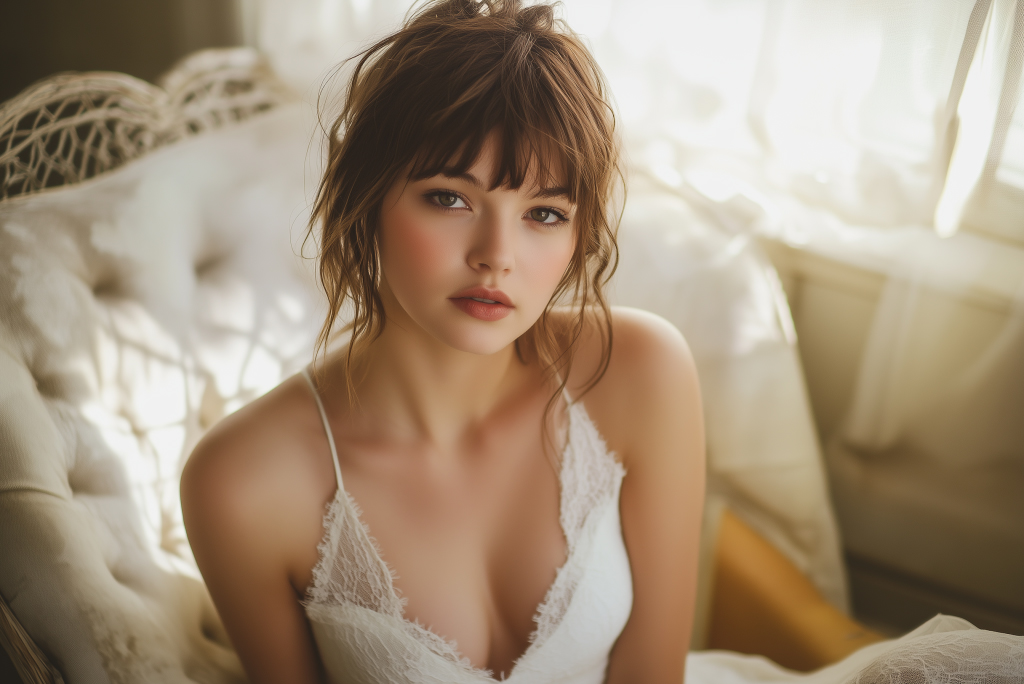
AI Photo Animator
Animate still images into moving videos in seconds.
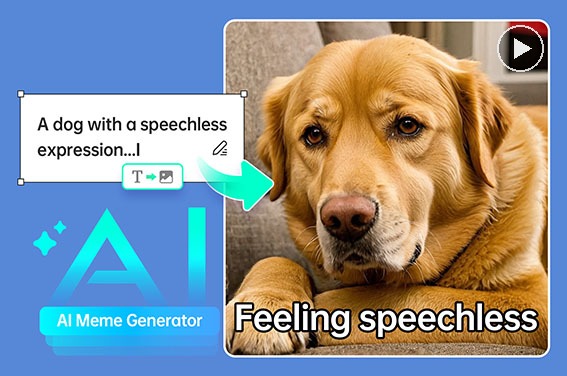
AI Meme Generator
Create funny meme videos and viral visual content with AI.
00:00
00:00
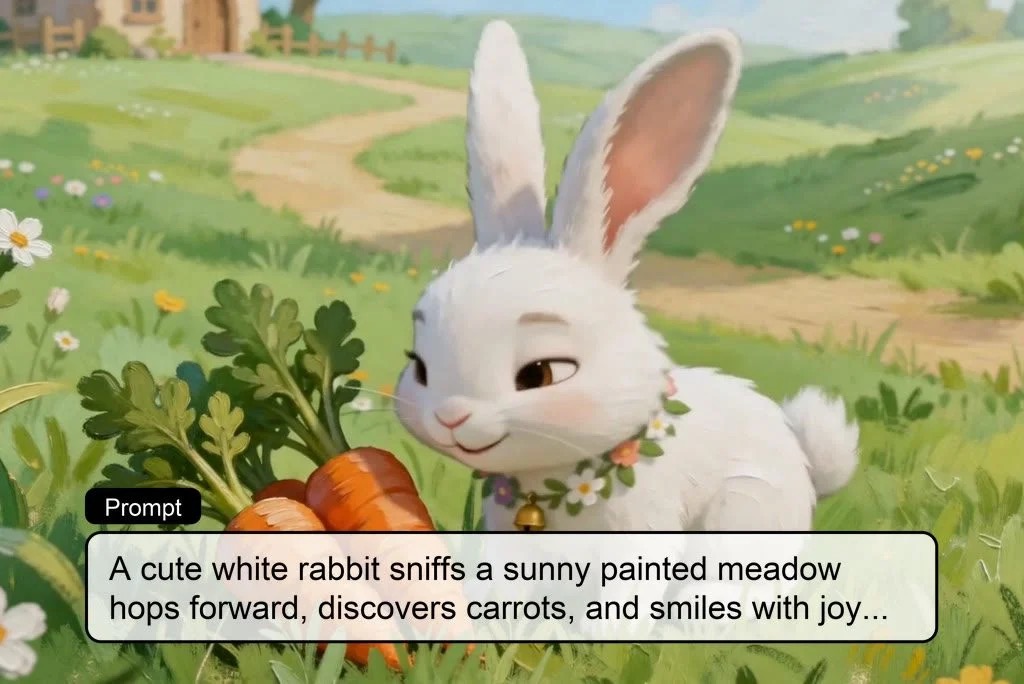
AI Kids Video Generator
Turn story ideas into fun and educational kids videos automatically.
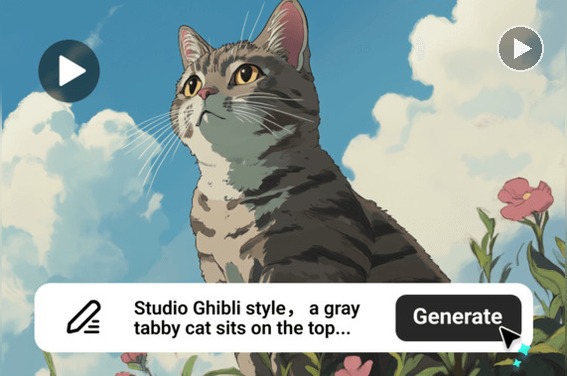
AI Cartoon Video Generator
Create cartoon videos from text, images, or scripts with AI.
00:00
00:00
AI Dance Generator
Turn your still photo into a dancing video with AI.
00:00
00:00
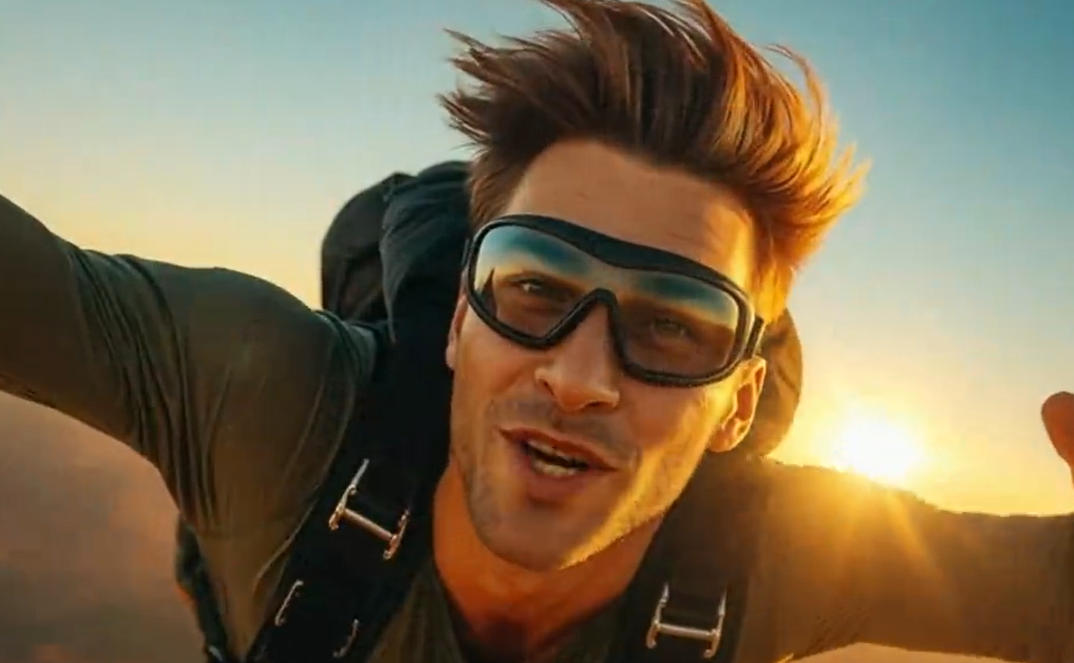
AI YouTube Shorts Generator
Create engaging vertical videos in minutes with AI.
00:00
00:00
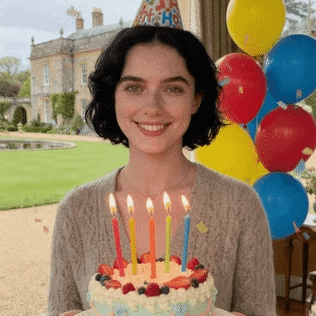
Birthday Video Maker
Make personalized birthday videos with AI for fun celebrations.
00:00
00:00
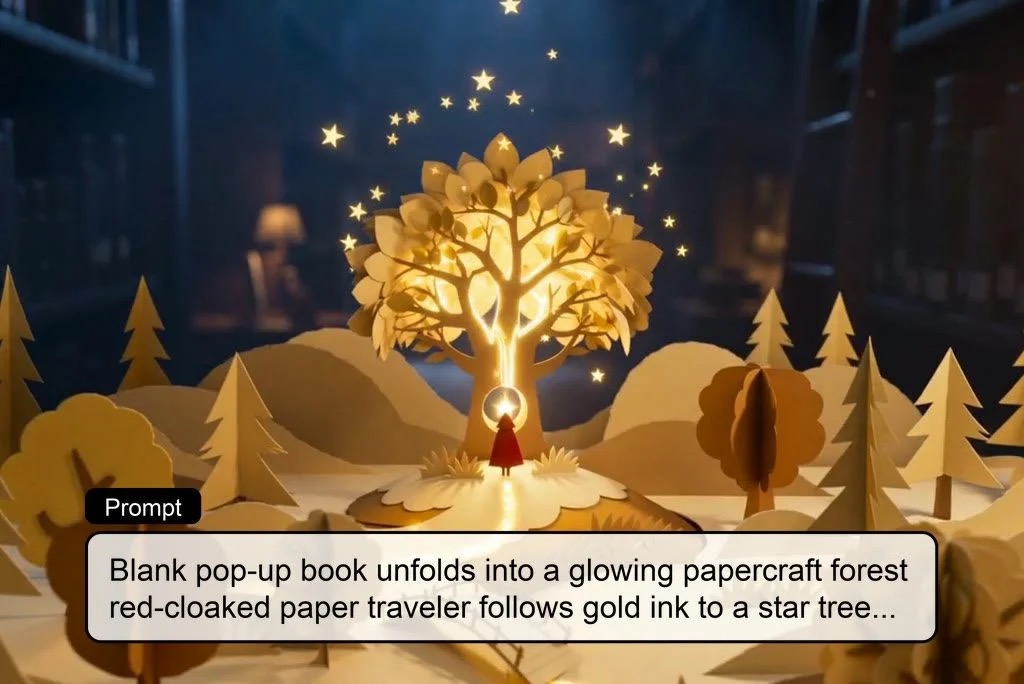
AI Story Video Generator
Turn scripts and story ideas into animated videos automatically.