Use the PNG color changer when the file shape is right but the color no longer fits your brand, campaign, or marketplace requirement. For full-photo recoloring, use the broader change color of image workflow.

Change PNG Color Online

After
Before
up to 30 images
Or drop image here, paste image or URLTry with one of these





After
Before
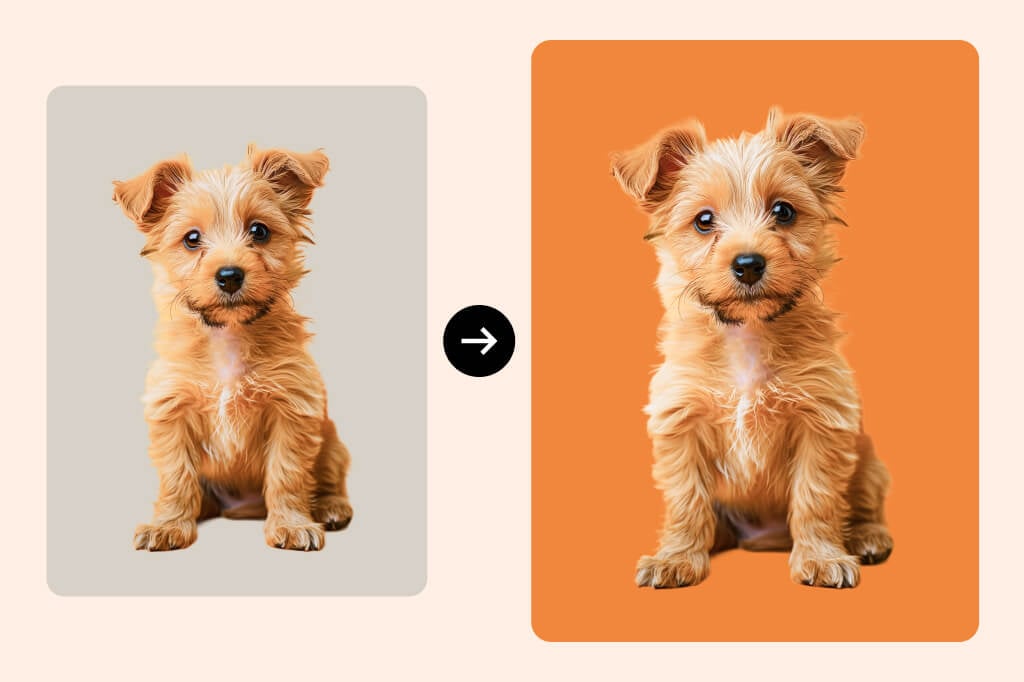
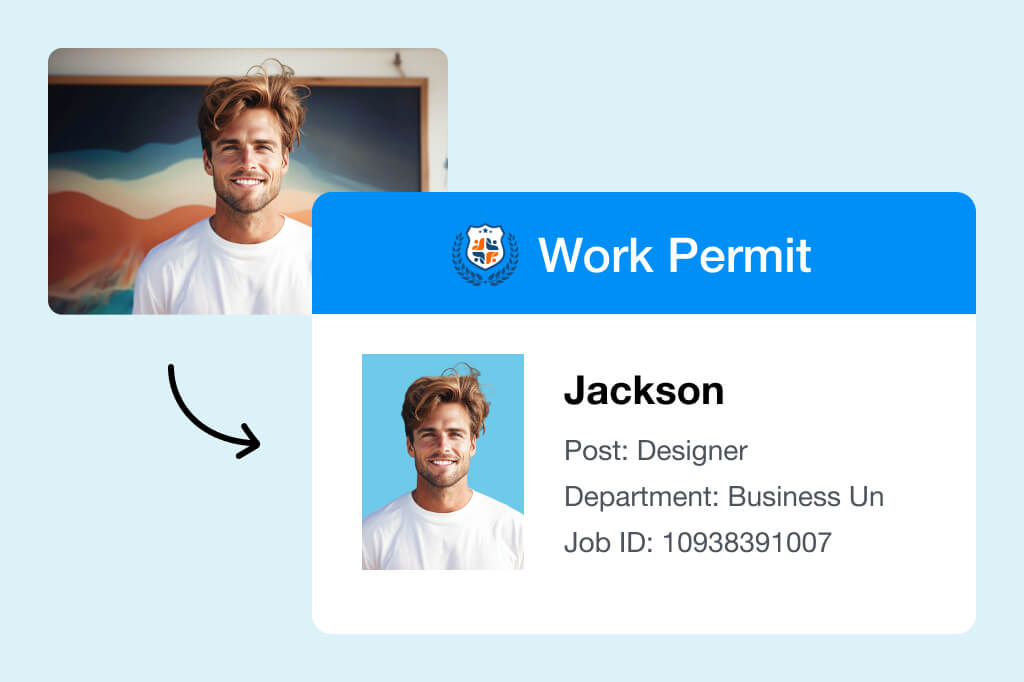
Change ID Photo or Profile Background Color
When your PNG has a clean subject cutout, you can test background colors quickly and keep the result consistent across profile, ID, or team images.
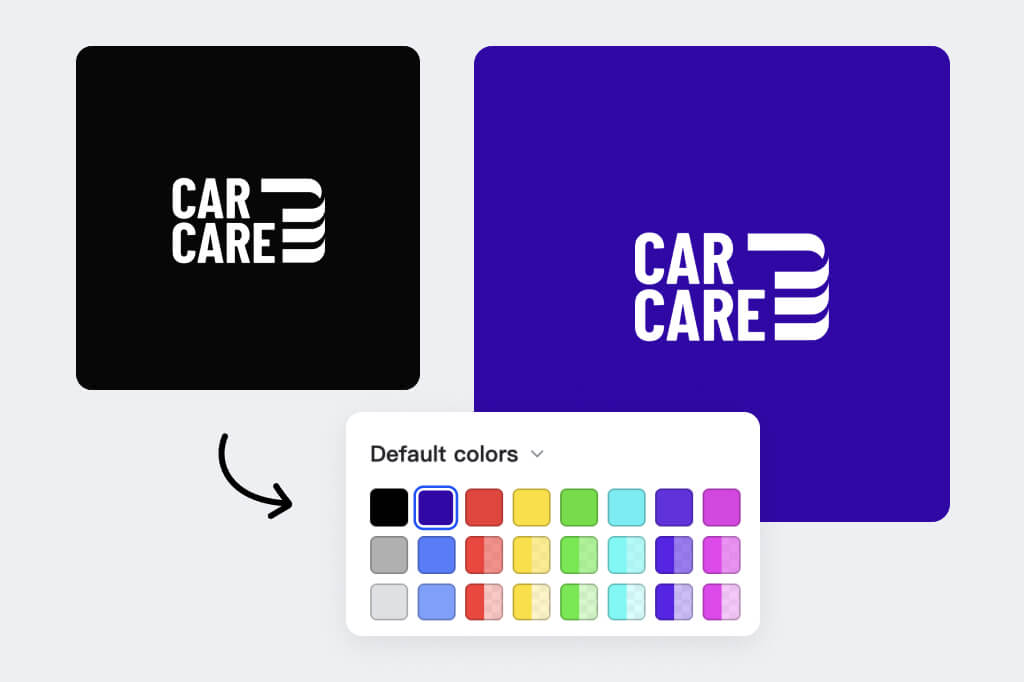
Match Logos and Icons to Brand Colors
Recolor simple logo marks, app icons, and badges for campaign pages. Check small details at 100% zoom so thin lines do not disappear after the color change.
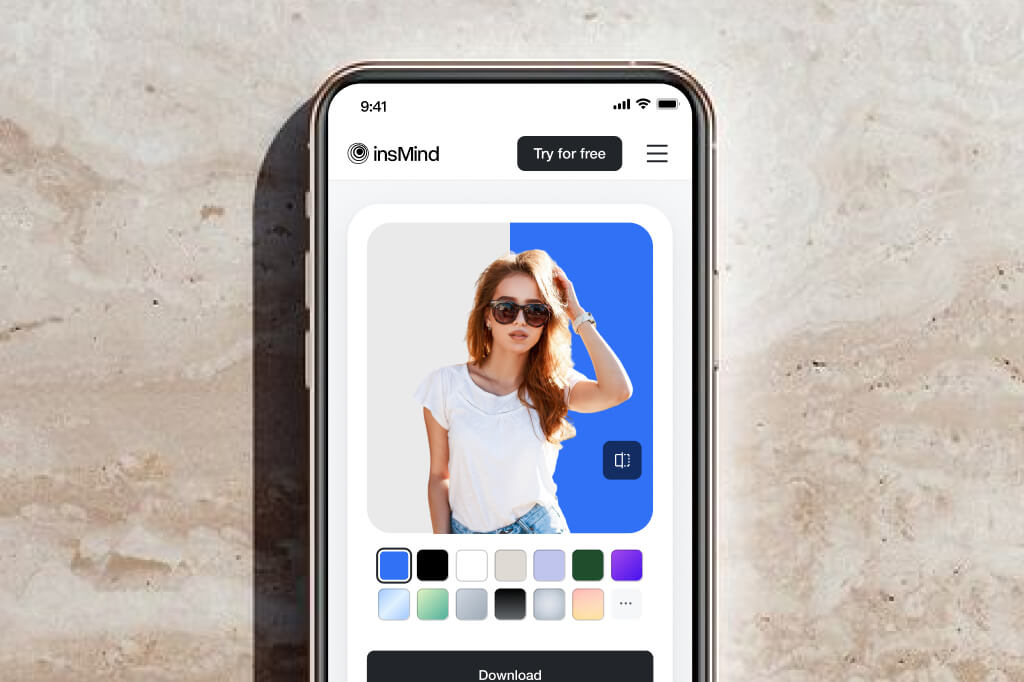
Work in the Browser on Any Device
No design software is needed for a quick PNG recolor. Upload the file, choose the color, preview the edges, and download the updated graphic.
How to Change PNG Color Online
1
1 Open the PNG color tool
Open the tool in your browser and start with the cleanest PNG you have. A transparent file or a simple cutout usually gives a cleaner recolor than a compressed screenshot.

2
2 Upload an Image
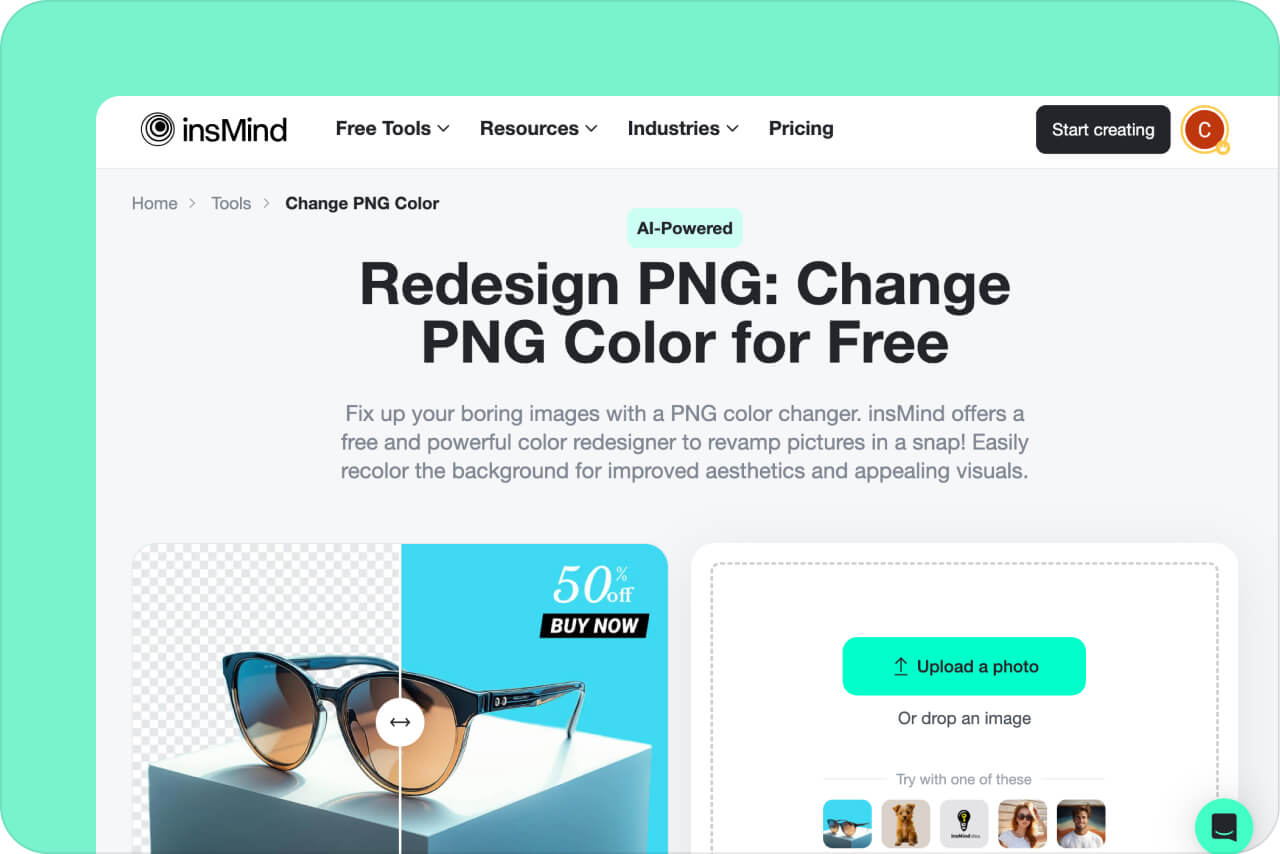
Click "Upload a photo" to upload an image from your PC or mobile. Alternatively, you can drag and drop a picture on the insMind interface to upload it.
3
3 Choose the color area and replacement color
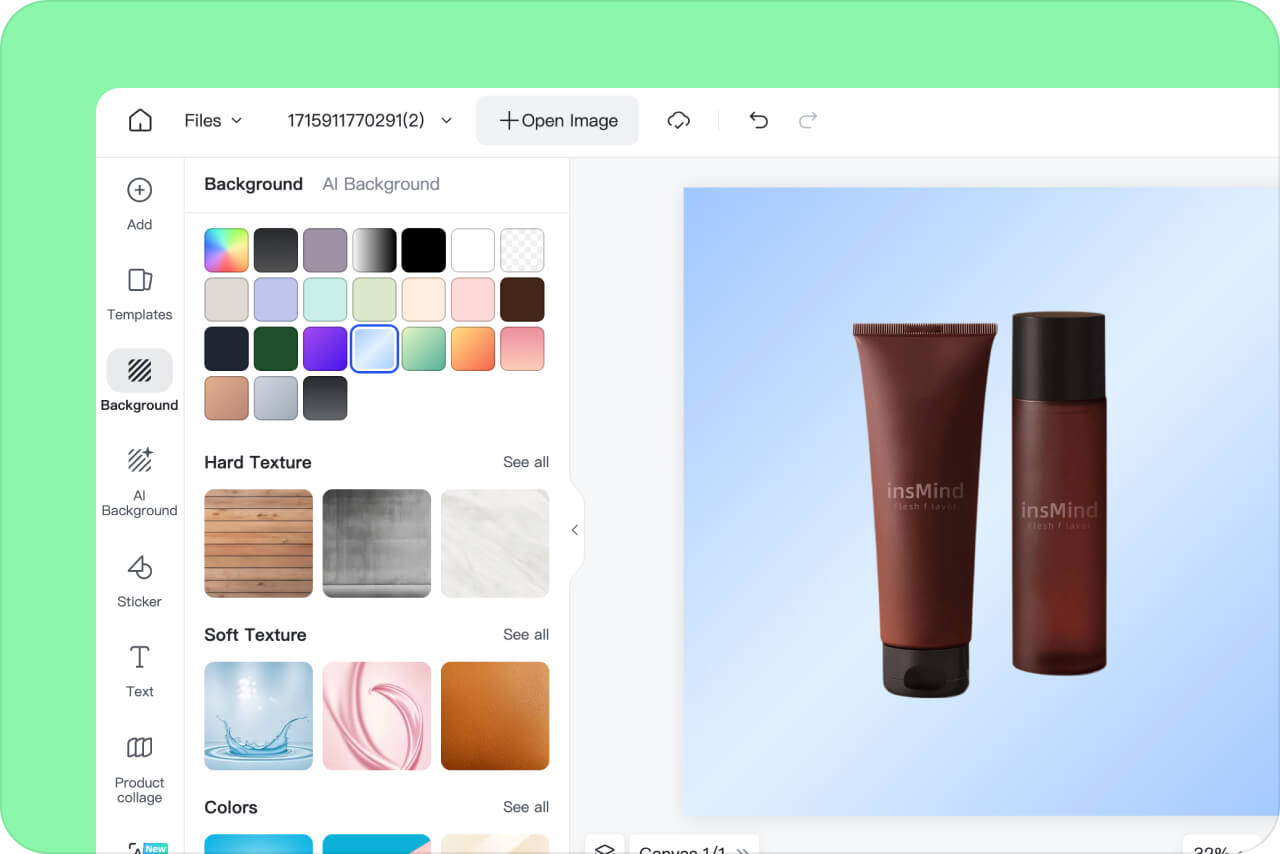
Pick the color you want to change and preview the new shade. For logos, icons, or thin lines, zoom in and check edges before downloading.
4
4 Download the Image
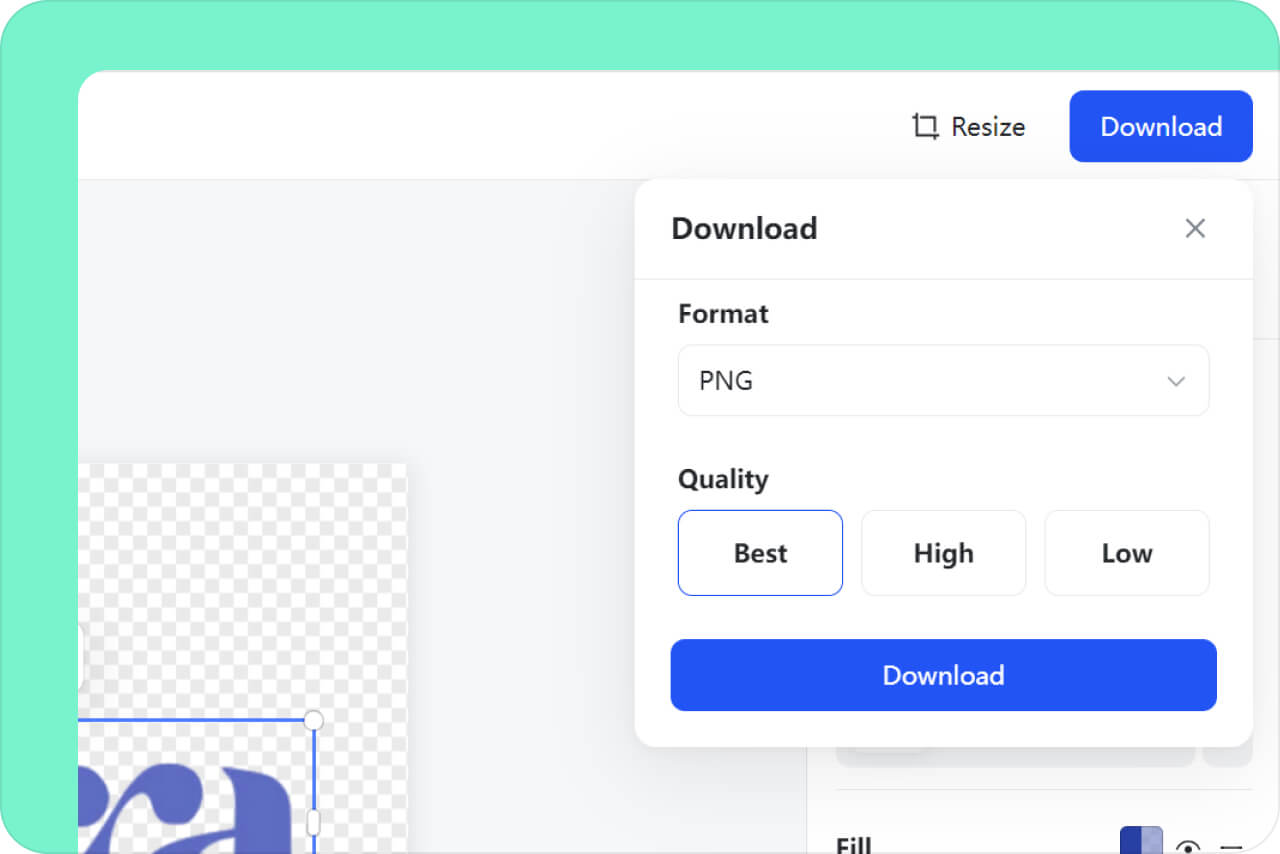
Once you've changed the color of your PNG image, click the "Download" icon on the top right. Choose the format and resolution, and click "Download" to save the image on your device.

Common PNG Color Changer Use Cases
Product Graphics
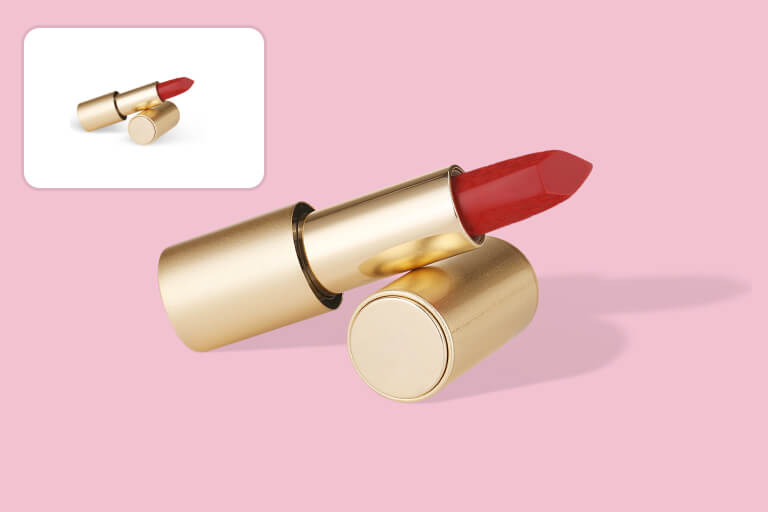
Test a new color on a simple product cutout, badge, or transparent graphic. Use the broader image color changer when the whole photo, fabric, or object surface needs a more complex recolor.
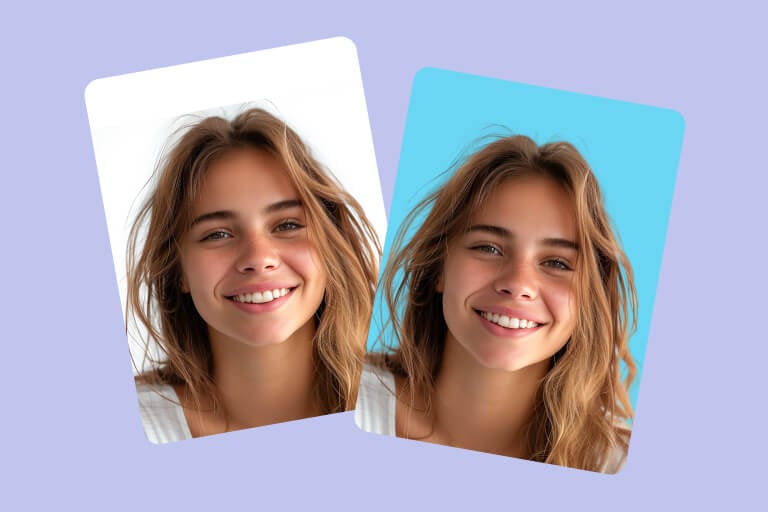
Profile and ID Backgrounds
Change a clean PNG background color for ID-style photos, profile images, or team pages. Check hair, shoulders, and transparent edges before using the file.

Marketing Assets
Match PNG icons, badges, or simple graphics to a campaign color. Keep one source file so you can compare color versions without rebuilding the design.
Why Choose insMind PNG Color Changer?

One-Click Color Change
insMind can transform images with a single click. Upload an image and select a color to redesign it almost instantly.

High-Quality
Get high-quality image output within seconds. AI-powered tools neatly crop the background to replace it with a new one. Enjoy clean, sharp edges on your subjects, leaving no spot untouched.

All-in-one
insMind is extremely versatile. The application can easily remove the background, recolor it, or replace it with AI-generated backdrops. Get all the features in one place!
More Tools for Image Color and Background Edits
AI Background GeneratorBackground RemoverPNG MakerRemove Color from ImageBlack Background RemoverLogo Background RemoverHD Photo ConverterBlack Background RemoverWhite Background RemoverAI Image EnhancerAI Image UpscalerMidjourney Image UpscalerUnblur ImagesMagic EraserRemove Text from ImagesRemove Shadow from PhotoRemove People from PhotoRemove Watermark from PhotoRemove Glare from PhotoCleanup Picture
FAQs About PNG Color Replacer
Can I change the PNG color?


Yes. Upload a PNG, choose the color area you want to change, preview the result, and download the updated file. Simple graphics, icons, and transparent cutouts usually work best.
What makes a good PNG color changer?
A useful PNG color changer should preserve transparency, keep edges clean, and let you preview whether thin lines, logos, or text still look sharp after the color change.
How do I change the color of my PNG?
To change the color of a PNG in insMind, import your image into the software, remove the background, and choose a new color. The process is easy, fast, and free!
Is there a free PNG color changer?
You can try the PNG color changer online. Some export quality, advanced editing, or account features may depend on the options shown in the product.
Why should I change the PNG color?
Change a PNG color when the shape is right but the shade no longer fits your brand, campaign, profile, or product page. It is faster than rebuilding a simple transparent graphic from scratch.
More Tools for Cleaner Color Edits
Use related tools when you need to change a full image color, remove a background, or prepare product graphics after recoloring a PNG.
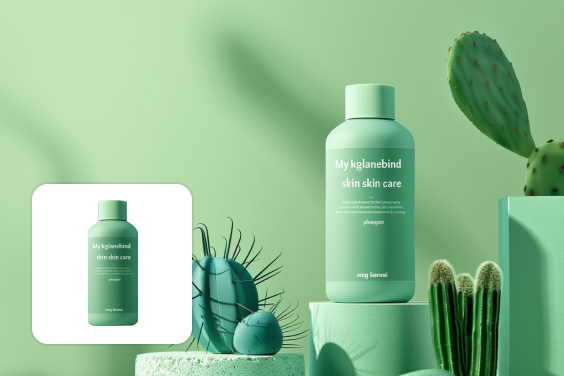
AI Background
100,000+ High-Definition backgrounds, automatically generated and perfectly integrated into your scene through our Advanced AI algorithms.
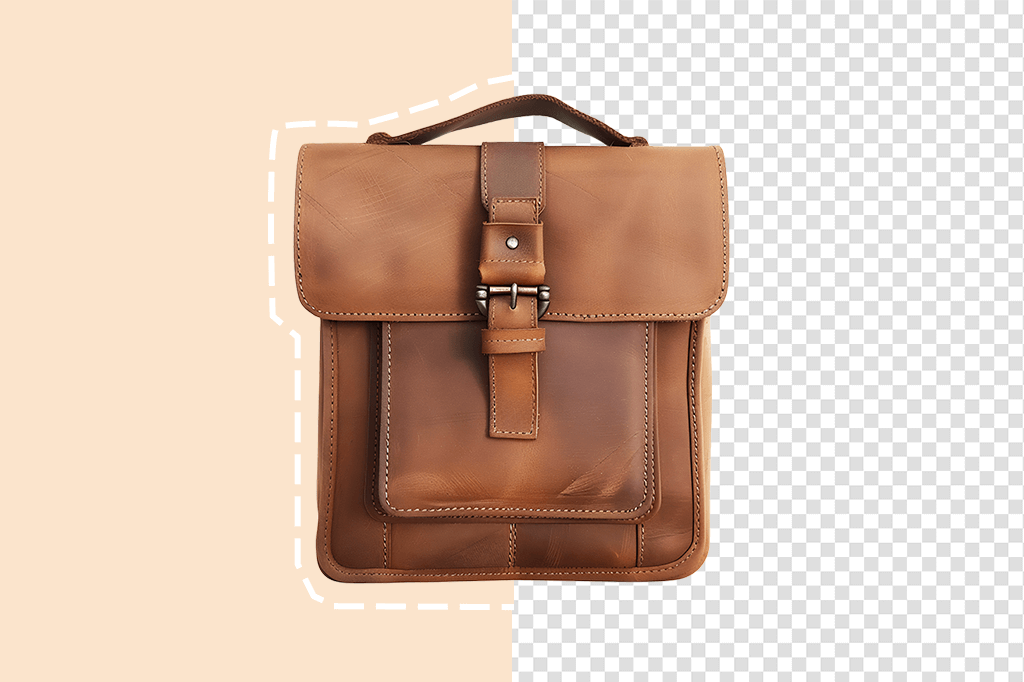
PNG Maker
Turn your photo into a transparent PNG instantly

Remove Color from Image
Erase background color from photos with one click

Magic Eraser
Instantly remove objects, people, text, and any element you want from photos.
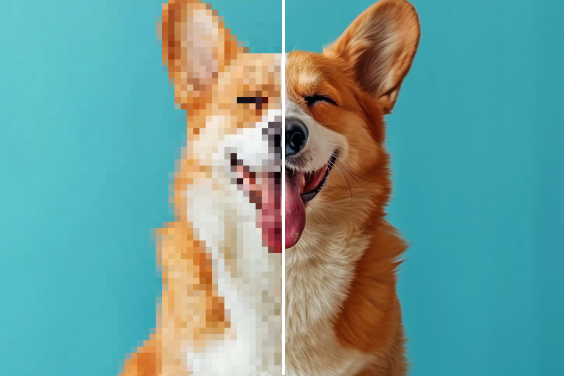
AI Image Enhancer
Increase your photo's resolution without quality loss.
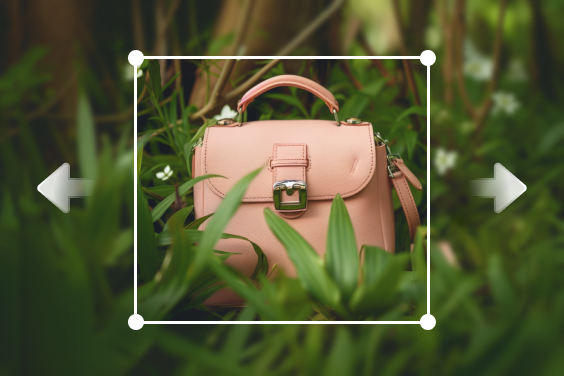
AI Image Expand
Expand images & backgrounds by AI outpainting.

AI Shadow
Generate realistic, studio-quality shadows in seconds.

Smart Resize
Automatically resize all images to all your different media channels up to 10x times faster.
"Thoroughly impressed by insMind and its background tools. The PNG color changer automatically removed the background and filled all the areas neatly. Recommended!"
@Eliza Park