


A good YouTube ad is not just a pretty edit. It is a short, sharp piece of storytelling that opens fast, shows the product clearly, and gives viewers a reason to keep watching instead of skipping. That is why youtube video ads best practices are really about structure, pacing, and clarity.
Table of Contents
YouTube Ad Examples and Script Patterns
Need youtube ad examples you can actually borrow from? Start with the structure, not the exact words. The most effective ads often follow the same pattern: problem, proof, payoff, CTA. That formula works whether you are launching a product, promoting a service, or refreshing an old campaign.
| Ad Type | Example Hook | Why It Works |
|---|---|---|
| Product demo | "Still editing ad videos the hard way?" | Frames the pain point immediately and leads into the product. |
| UGC style | "I did not expect this shortcut to save this much time." | Feels personal and casual, which helps lower resistance. |
| Before/after | "Here is the version people scroll past, and here is the one that gets watched." | Creates contrast and keeps the payoff visual. |
| Offer-led | "Create a stronger YouTube ad in minutes, not hours." | Moves fast and makes the benefit easy to remember. |
A useful youtube ad script does not need to sound fancy. It needs to sound believable. Write like a person talking to a person, and keep the CTA tied to the action you want the viewer to take.
For example, an ecommerce brand might say: "Show the bottle, show the result, show the reason to click." A creator brand might say: "Open with the problem, show the transformation, then end with the next step." Those are simple youtube ads tips, but they work because they remove confusion.
YouTube Ad Tips for Better Recommendation
Want your ad to feel less like a commercial and more like a smart recommendation? Start with the script. The best youtube ad tips usually come down to writing fewer words and choosing better ones. If your opening line sounds vague, the rest of the ad has to work harder.
Hook the viewer, name the problem, show the product, prove the benefit, then give one action to take next.
- Lead with a pain point, not a brand intro.
- Keep on-screen copy short enough to read on a phone.
- Show the product in use, not only as a still shot.
- Use one CTA phrase across the voiceover, the text, and the end frame.
- Write at least two versions so you can test different angles.
That is also why people search for youtube ads tips and how to make a good youtube ad. They are not really asking for more words. They want a structure that removes guesswork. If you already have a script and just need motion, the AI video generator can turn that idea into a cleaner first draft.
How to Create YouTube Video Ads with insMind
Want to move from best practices to production? Here is the practical workflow for how to create YouTube video ads with insMind. This is the same kind of process you would use when testing a new youtube ad maker workflow, except you get a clearer path from idea to draft.
Step 1: Upload an Image
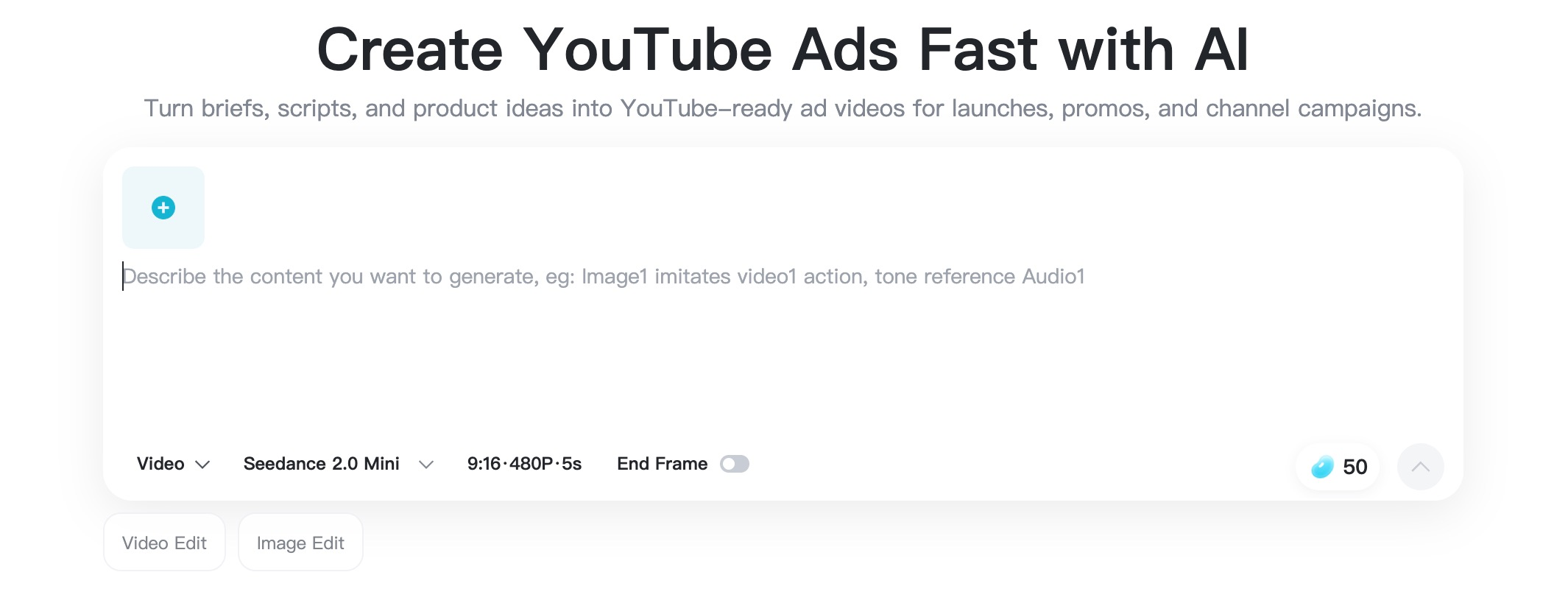
Open the YouTube Ad Maker and start with an image upload or a clear ad description.
Go to the insMind YouTube Ad Maker and upload the product image, brand asset, or reference picture you want to turn into a YouTube ad. Start with a clear visual so AI understands what should appear in the final video.
Step 2: Describe the Result You Want
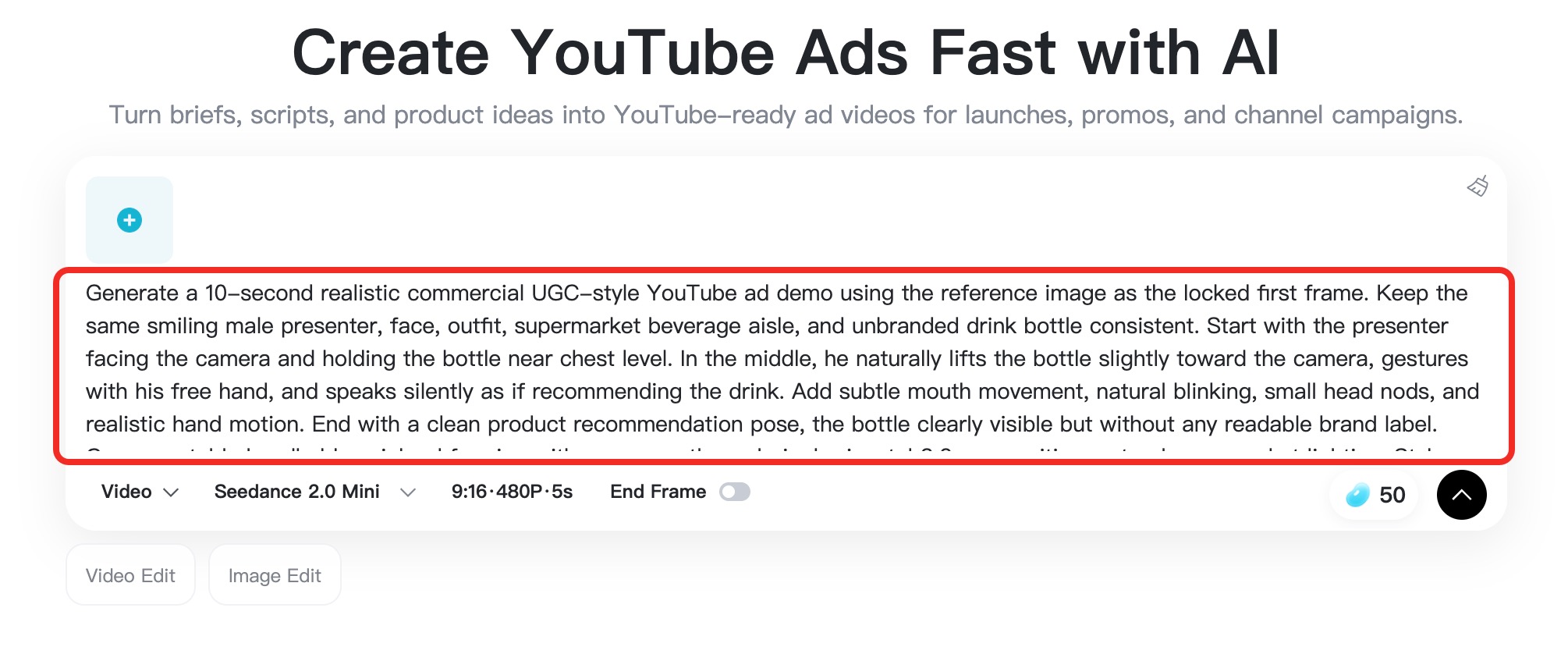
Describe the product, audience, scene, hook, benefit, CTA, tone, pacing, and format.
Tell AI what kind of ad you want to create. Mention the product, audience, scene, opening hook, key benefit, CTA, tone, pacing, and format. A strong youtube ad script works best when those details are visible up front instead of hidden in your head.
Need a fast script-to-video workflow? The script to video ai page is a good reference when you already have copy and want to turn it into a structured visual draft.
Step 3: Generate the Video
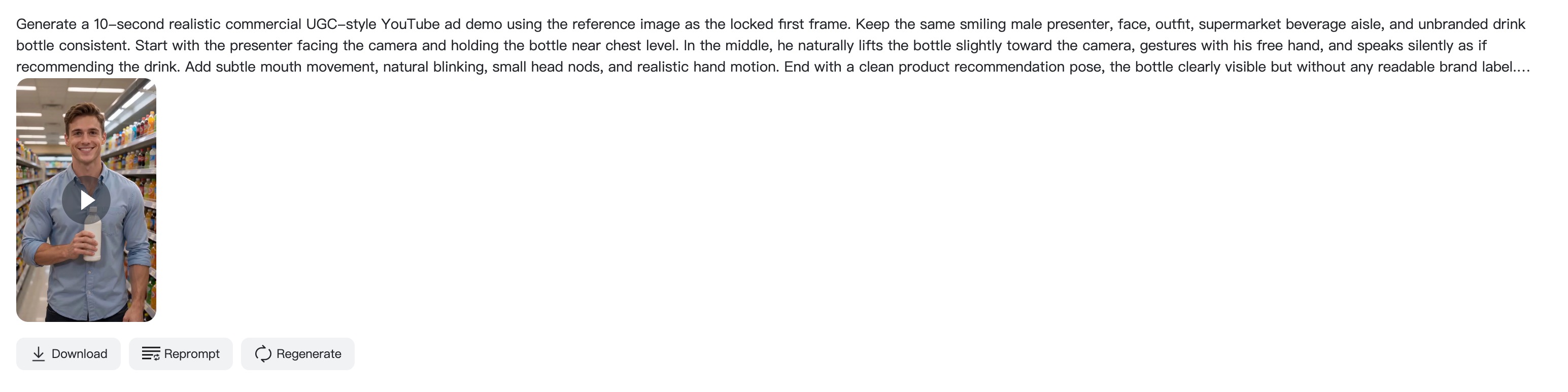
Generate the YouTube ad from your image and prompt, then review the first result.
Click generate and let insMind create the YouTube ad from your image and prompt. Review the first result like a viewer would. Ask yourself whether the message is clear in five seconds, whether the product is easy to recognize, and whether the pacing feels natural.
If the concept needs more polish after generation, the youtube video editor can help you tighten the final version for platform-specific delivery.
Step 4: Adjust or Download
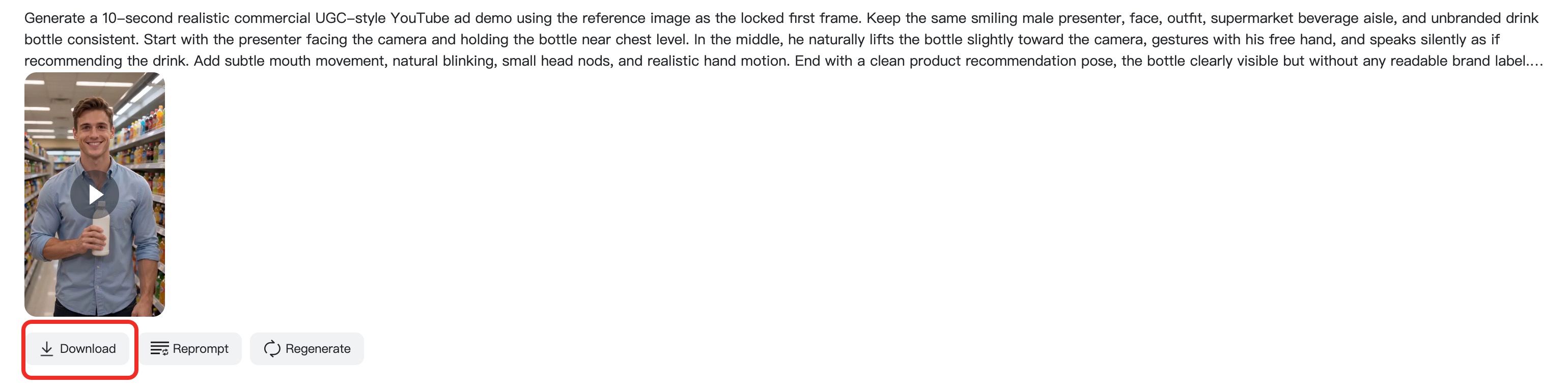
Refine the prompt if needed, then download the finished YouTube ad video.
Refine the prompt if the ad needs a different angle, scene, speed, or CTA. When the video looks right, download it for YouTube, Shorts, landing pages, or paid campaigns. That same ad idea can often become a Shorts cut, a square version, or a new test for a different audience.
For that kind of variation, the AI UGC video generator can be a helpful next stop if you want a more creator-style feel.
Common YouTube Ad Mistakes to Avoid
Even solid products can underperform when the ad copy and pacing miss the moment. Here are the mistakes that tend to hurt most campaigns:
- Starting with a logo or slow intro instead of the core message.
- Trying to explain too much in one short video.
- Using tiny text that disappears on mobile.
- Leaving the CTA for the final second only.
- Ignoring how the ad looks with sound off.
- Making the same edit for every audience segment.
When you see weak performance, the answer is usually not to make the video longer. It is to make the message clearer. That is one of the most important youtube ads best practices and one of the easiest to forget under pressure.
FAQs About YouTube Ads Best Practices
What makes a good YouTube ad?
A good YouTube ad opens fast, shows the value early, and keeps one clear message from start to finish. It should feel specific enough to hold attention, but simple enough that viewers understand it in a few seconds.
How long should a YouTube video ad be?
There is no one perfect length, but short cuts are easier to test. Many brands do well with 15 to 30 seconds for skippable placements and even shorter edits for bumper-style or Shorts-style delivery.
What should a YouTube ad script include?
Include a hook, the problem, the product, one benefit, and one CTA. If you can say the whole script out loud without stumbling, it is probably closer to a usable ad.
Can insMind help me make YouTube ad examples faster?
Yes. You can start from a product image or a text prompt, generate a draft, review the pacing, and refine the result. That makes it easier to test several youtube ad examples without rebuilding every version from scratch.
Do I need a different version for Shorts?
Usually, yes. A vertical cut is better for mobile-first viewing, while a standard widescreen version is still useful for in-stream placements. The framing, pacing, and copy density should change with the format.
What is the fastest way to make a good YouTube ad?
Start with a simple script, use one clear product benefit, and generate the first version inside insMind. Then trim anything that slows the hook or distracts from the CTA.

Jayson HarringtonI am the Chief Editor of insMind. I provide tips and skills to help users design better photos with insMind, whether for e-commerce, social media, or any other use.


