


 Sarah Michelle·May 27, 2026
Animaker helped make animated explainers easier for non-designers. But in 2026, video creation is moving in a different direction. Teams no longer want to build every scene from a character library, adjust each motion path by hand, and then repeat the same process for every ad, reel, product launch, or training update.
Prompt-first creation means more videos now start from a written scene idea instead of a blank timeline. Image-to-video motion lets product photos, characters, and brand visuals become short clips faster. Teams still use templates, but they now expect AI to speed up drafts and variations, while technical users continue to look for open-source control beyond web tools.
This article looks at the best Animaker alternatives through that lens. Some tools are better for corporate animation, some are better for whiteboard explainers, some are better for design templates, and some are built for open-source animation work. insMind leads this list for creators and marketing teams that want an AI-first path from idea, image, or prompt to a usable video.
Table of Contents
What Video Creators Want After Animaker
The reason to compare apps like Animaker is not that Animaker suddenly stopped being useful. It still works well for template animation, character scenes, and simple explainers. The bigger shift is that the job has changed. A marketing team may need five TikTok concepts by noon. A founder may need a product teaser before a launch page goes live. A teacher may need a visual explainer from a document. A creator may want to turn one image into a cinematic clip.
Those jobs do not always fit a traditional animated-scene workflow. If your biggest bottleneck is choosing characters, arranging scenes, and fine-tuning motion manually, an Animaker AI alternative can feel more natural. Instead of starting with a blank timeline, you start with a prompt, an image, a script, or an existing asset.
When evaluating free Animaker alternatives and paid tools, look for the workflow that matches your real output. Do you need an animated business explainer? A branded social video? A stylized AI clip? A whiteboard video from a prompt? Or a complete AI video generator that helps you test ideas faster? For the last category, insMind is especially strong because it supports visual video creation through text to video AI, image-to-video, and AI video effects.
- More teams are replacing manual scene building with prompt-led creation.
- Short-form social content now rewards speed and variation, not only polished templates.
- Product and ecommerce videos increasingly start from images instead of footage.
- Open-source animation still matters, but mainly for users who want technical control.
Animaker Alternatives at a Glance
Use this table as a map, not a final verdict. The best Animaker alternative depends on whether you care most about AI generation, animation control, branded templates, whiteboard explainers, or open-source production.
| Tool | Animation / Video Style | AI Workflow | Best Replacement Scenario | Learning Curve |
|---|---|---|---|---|
| insMind | AI product clips, image-to-video, social visuals | Prompt + image based generation | When Animaker feels too manual for fast creative testing | Easy |
| Vyond | Character animation and workplace explainers | Template and scene-based creation | When you still need corporate animated training videos | Medium |
| Golpo | Whiteboard explainers and educational visuals | Document or prompt to whiteboard video | When you need to explain complex ideas clearly | Easy |
| Canva Video | Branded social videos and simple motion graphics | Templates plus light AI/design tools | When video belongs inside a broader design workflow | Easy |
| Renderforest | Promos, logo reveals, intros, and slideshows | Template-first creation | When you need polished branded assets quickly | Easy |
| Biteable | Simple business videos and internal updates | Guided template workflow | When teams need clear videos without deep editing | Easy |
| Pictory | Script, blog, and webinar repurposing videos | Text-to-video and content summarizing | When your source material is already written or recorded | Easy |
| InVideo | Marketing templates and social promos | Script/template assisted editing | When you want a broad marketing video editor | Medium |
| DomoAI | Stylized AI clips and anime-like transformations | AI visual transformation workflow | When style and visual experimentation matter most | Easy to medium |
| OpenToonz | Traditional 2D animation and frame-by-frame work | Manual open-source animation | When you want full animation control and no SaaS lock-in | Advanced |
Best Animaker Alternatives by Use Case
Instead of ranking these tools as if they all solve the same problem, it is better to ask what kind of video you are trying to make. The sections below explain where each tool fits and where it may feel limited.
1. insMind: Best for AI-first video creation beyond templates
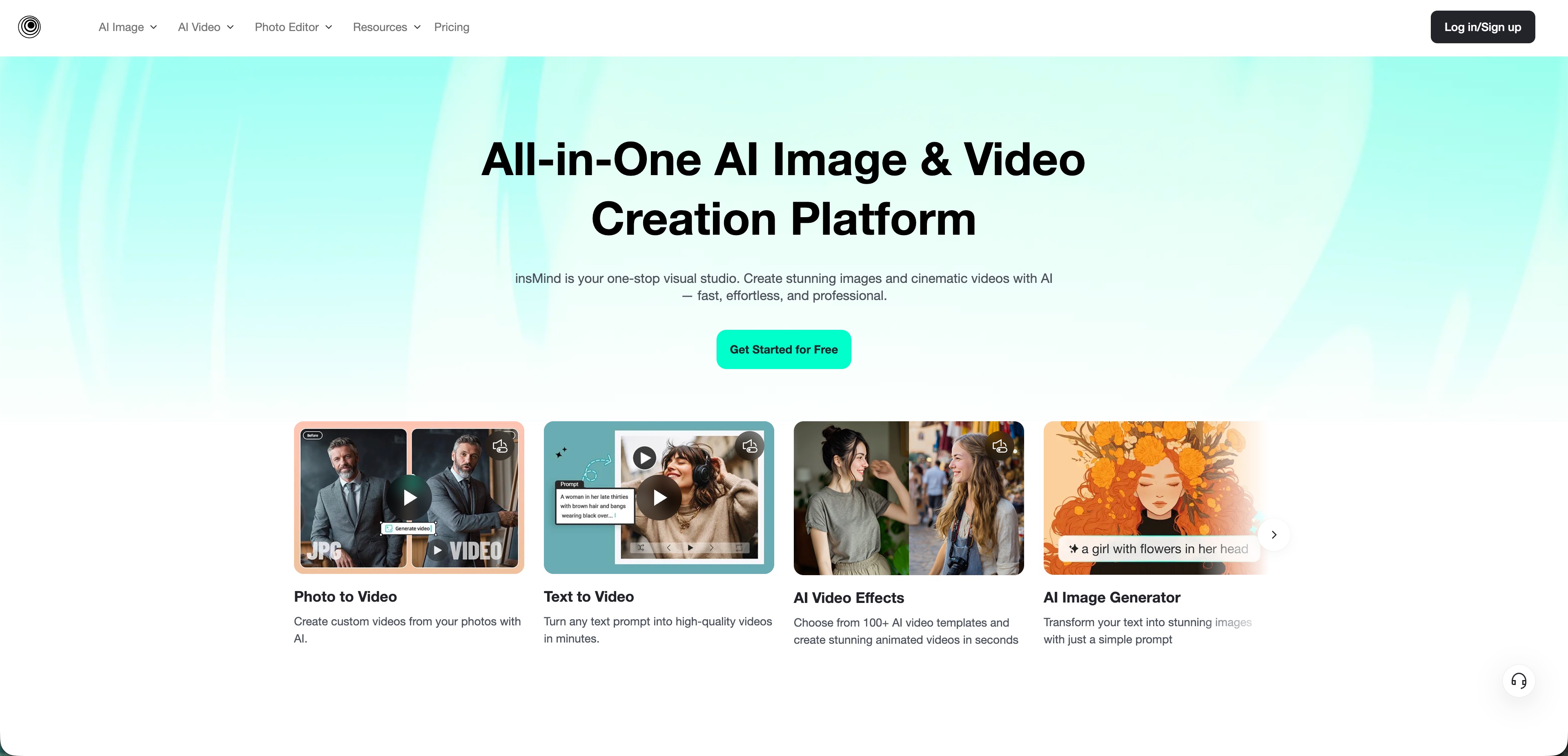
insMind is the best fit when your goal is not simply to find another animated explainer builder. It is for users who want AI to help create the video itself: the scene, the motion, the visual direction, and the first usable draft. That makes it especially useful for ecommerce sellers, social teams, creators, and small businesses that need more than one polished animation every now and then.
You can start with an AI video generator when you have a broad idea, use image to video when you already have a product photo or brand visual, and explore AI video effects when you need short, eye-catching formats. Compared with Animaker, insMind feels less like a slide-by-slide animation studio and more like a creative AI workspace.
That difference matters. If you are producing social ads, product teasers, launch videos, or campaign concepts, the ability to generate several directions quickly can be more valuable than perfecting every hand-built character scene.
- Fast AI workflow for prompt-based and image-based videos
- Strong fit for products, ads, social clips, and visual experiments
- Less dependent on manual scene assembly than Animaker-style tools
- Works well for creators and marketers without a production team
- Not made for frame-by-frame character animation control
- Clear prompts and good source visuals still improve the final result
2. Vyond: Best for polished workplace animation
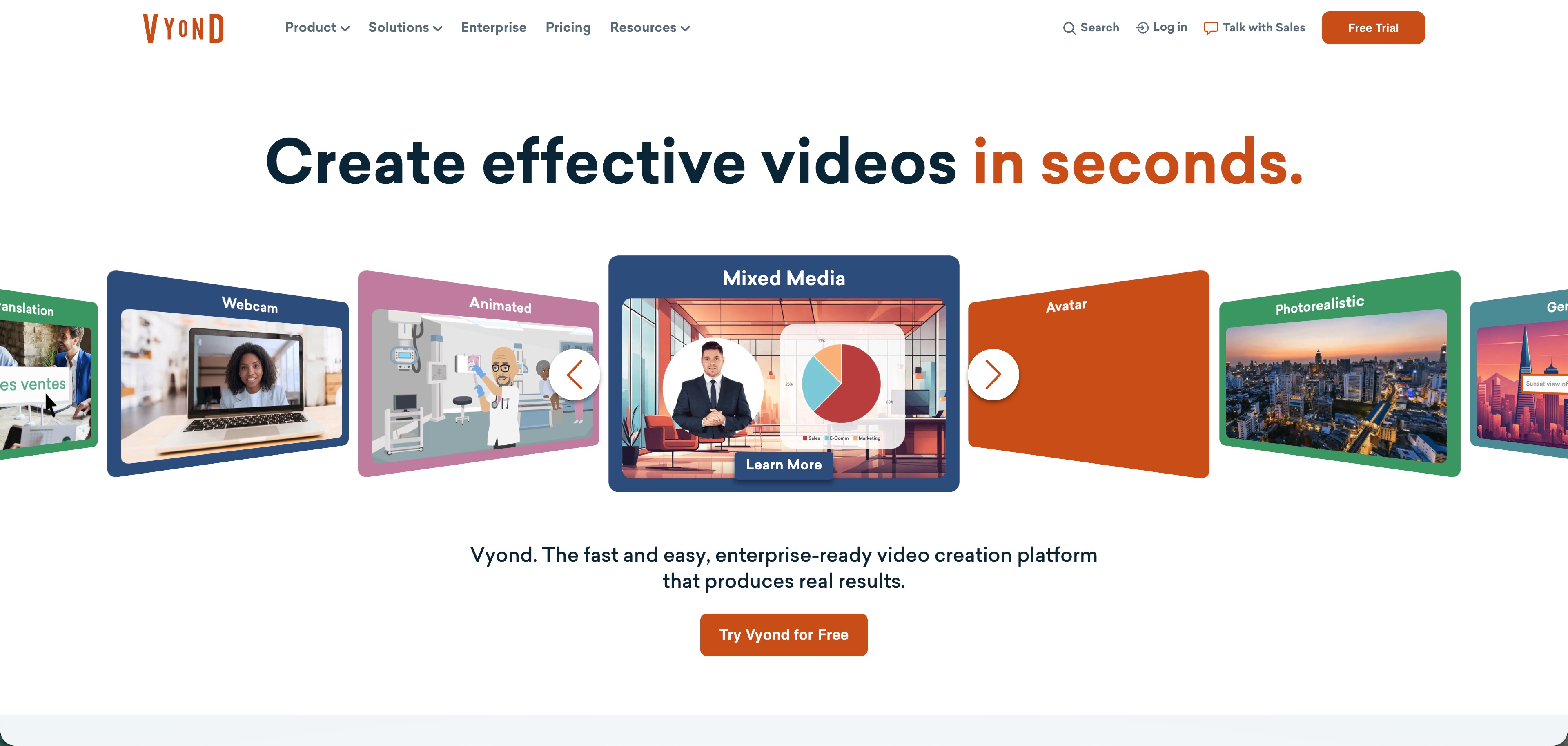
Vyond is the most natural choice for teams that still want traditional animated business storytelling, only with a more enterprise-ready feel. It is built around characters, workplace settings, branded communication, training content, compliance lessons, and internal explainers.
It is not the fastest route for AI-generated product videos or social variations, but it is strong when consistency and professional business animation matter. If Animaker feels too lightweight for an enterprise training library, Vyond belongs on your shortlist.
- Strong for HR, training, and internal communication
- Professional character scenes and business templates
- Better fit for controlled workplace messaging
- Can be more than casual creators need
- Less direct for prompt-led AI video generation
3. Golpo: Best for whiteboard lessons from prompts
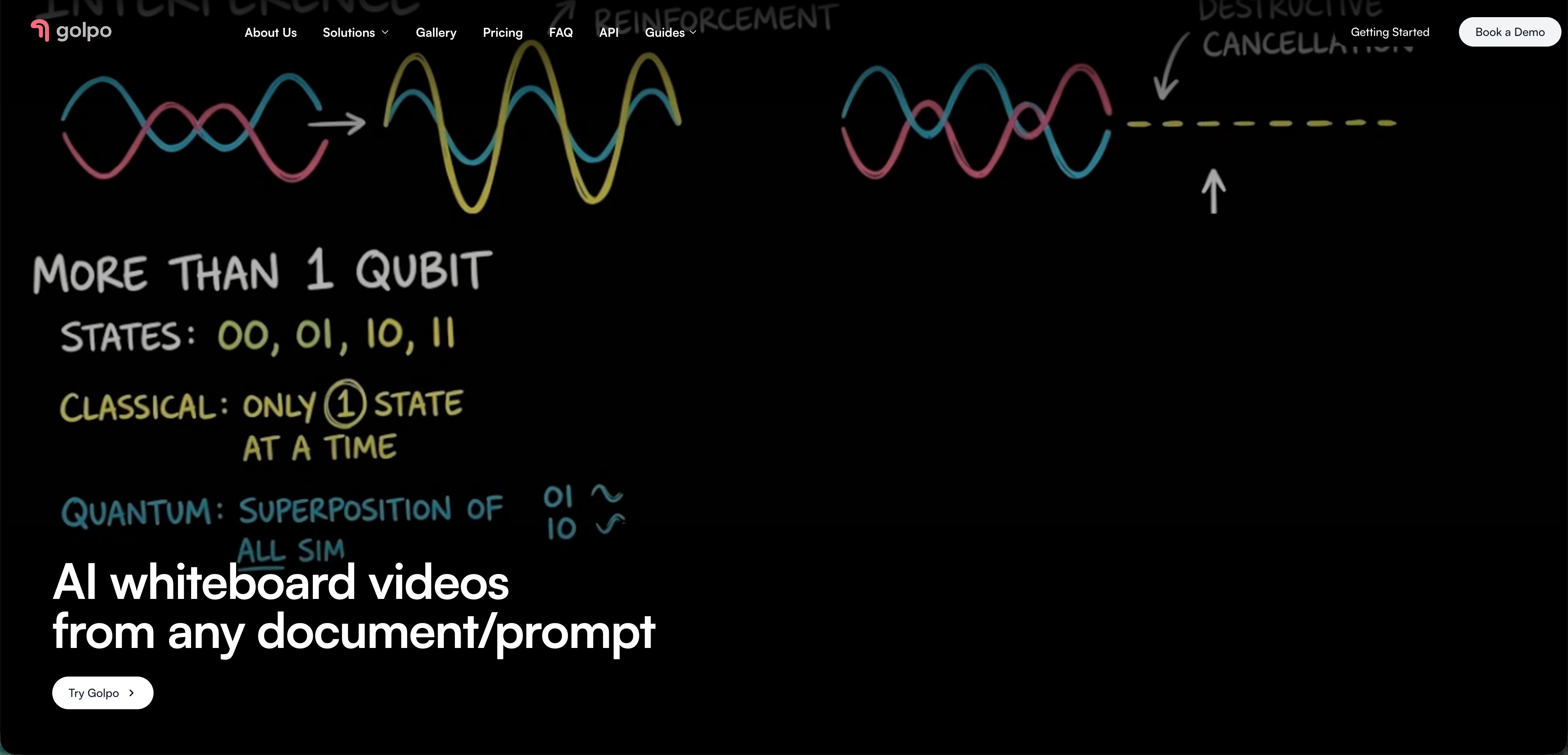
Golpo serves a narrower but useful need: whiteboard-style explainers. If you have a document, prompt, or concept that needs to be taught visually, this format can work better than a character animation or a stock-footage video.
It is a good option for educators, technical founders, and content teams explaining complex ideas. It is less suitable if you want broad creative video generation, product clips, or social ad variations. In that case, insMind gives you more range.
- Good for educational and conceptual explainers
- Prompt and document-based creation can save setup time
- Whiteboard format helps simplify complex topics
- Narrower than general AI video tools
- Not the best option for product visuals or brand ads
4. Canva Video: Best when design assets come first
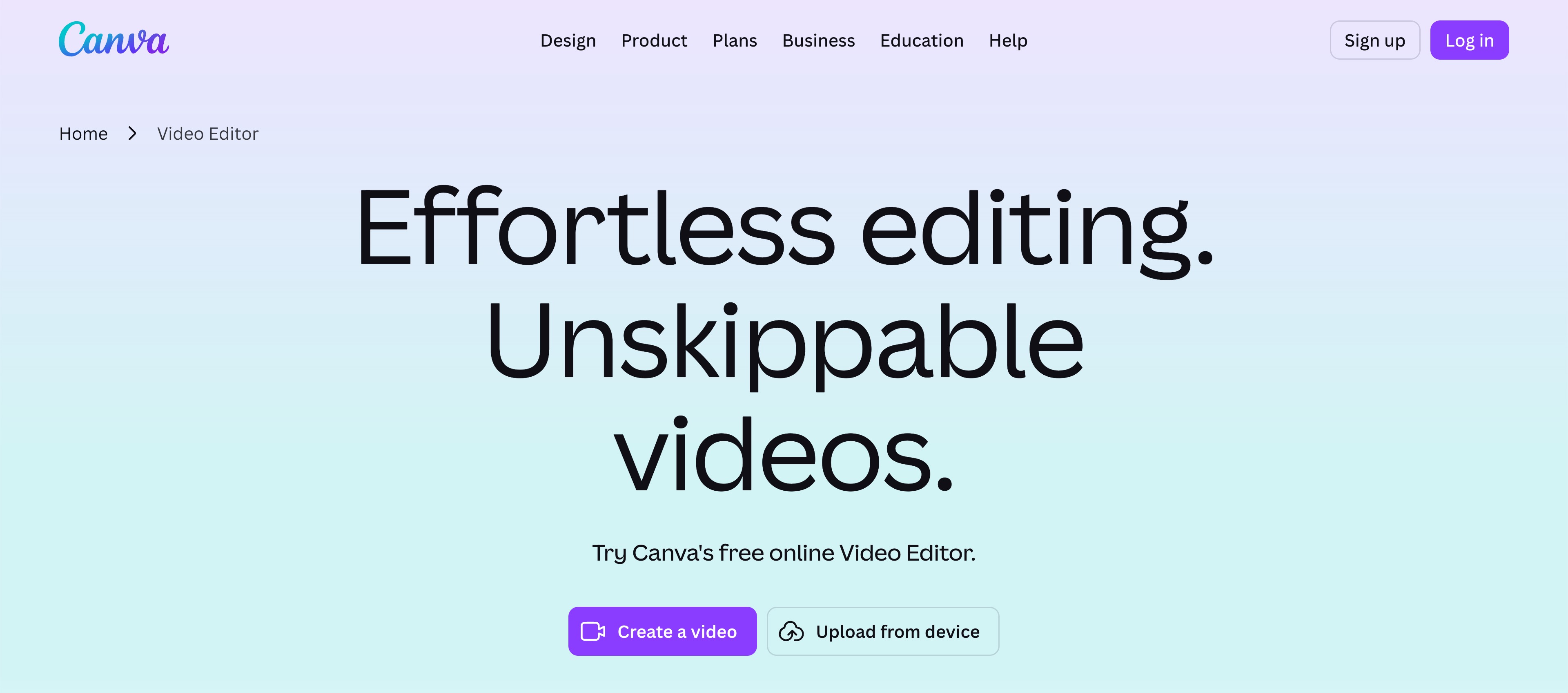
Canva Video works best when video is one part of a larger design system. If your team already creates thumbnails, decks, ads, social posts, and brand templates in Canva, using it for simple video production can be very convenient.
It is one of the easiest free Animaker alternatives to test for branded social videos. The tradeoff is depth. Canva is excellent for layout and brand consistency, but it is not built for deep animation control or highly flexible AI video generation.
- Excellent brand kits and template library
- Easy for marketers and non-designers
- Convenient when videos support social campaigns
- Animation controls are relatively light
- AI video creation is only one part of the platform
5. Renderforest: Best for quick branded promo assets
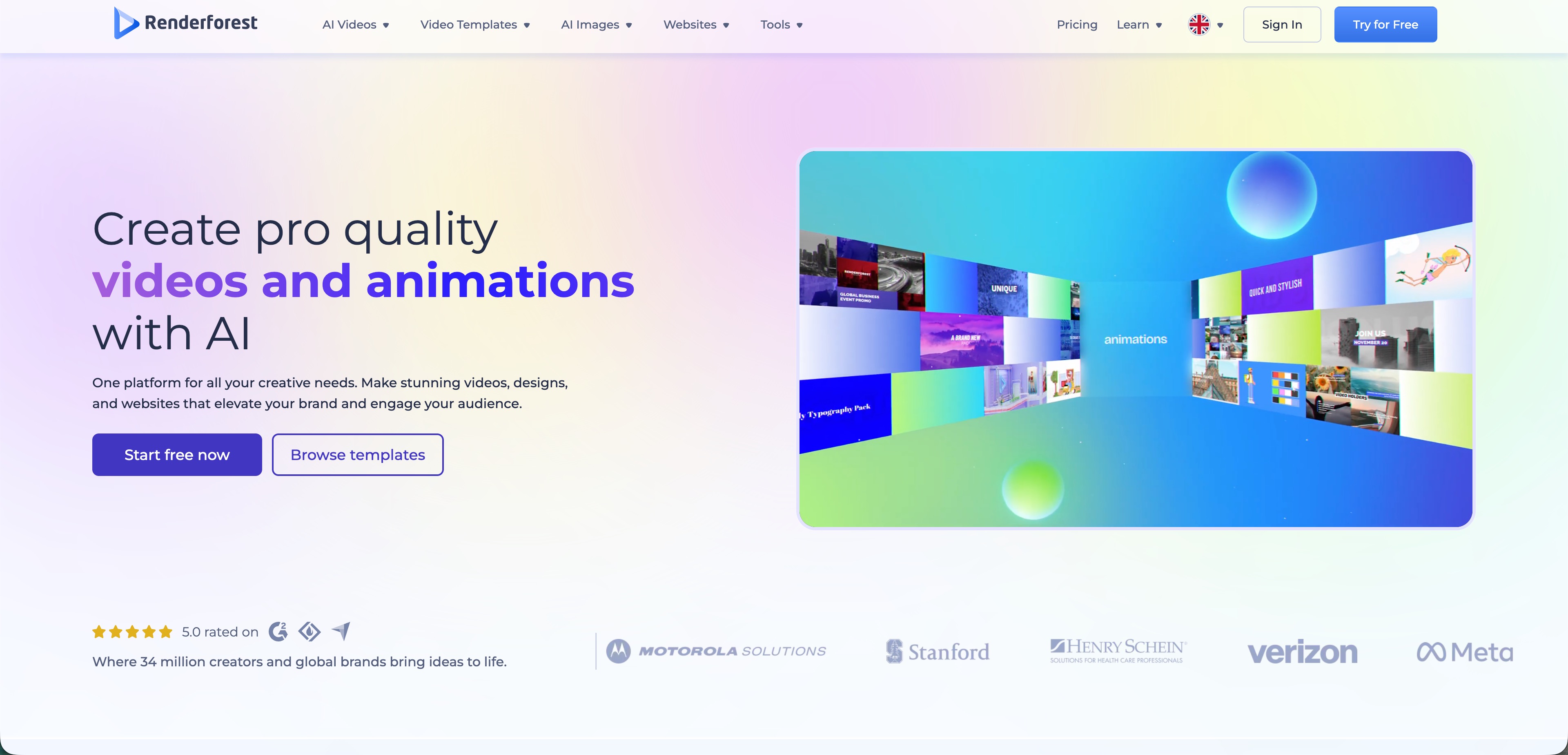
Renderforest is useful when you need something finished quickly: a logo reveal, intro, slideshow, promo, mockup, or template-based brand video. It is less about building a custom animation system and more about choosing a format that already works.
That makes it efficient, but also easier to outgrow. If your team wants original visual directions generated from ideas or images, insMind gives you a more flexible AI-first path.
- Large selection of ready-made formats
- Fast for intros, promos, and brand reveals
- Useful for small teams that need quick assets
- Creative results can feel template-led
- Less suited to original AI scene generation
6. Biteable: Best for lightweight team communication
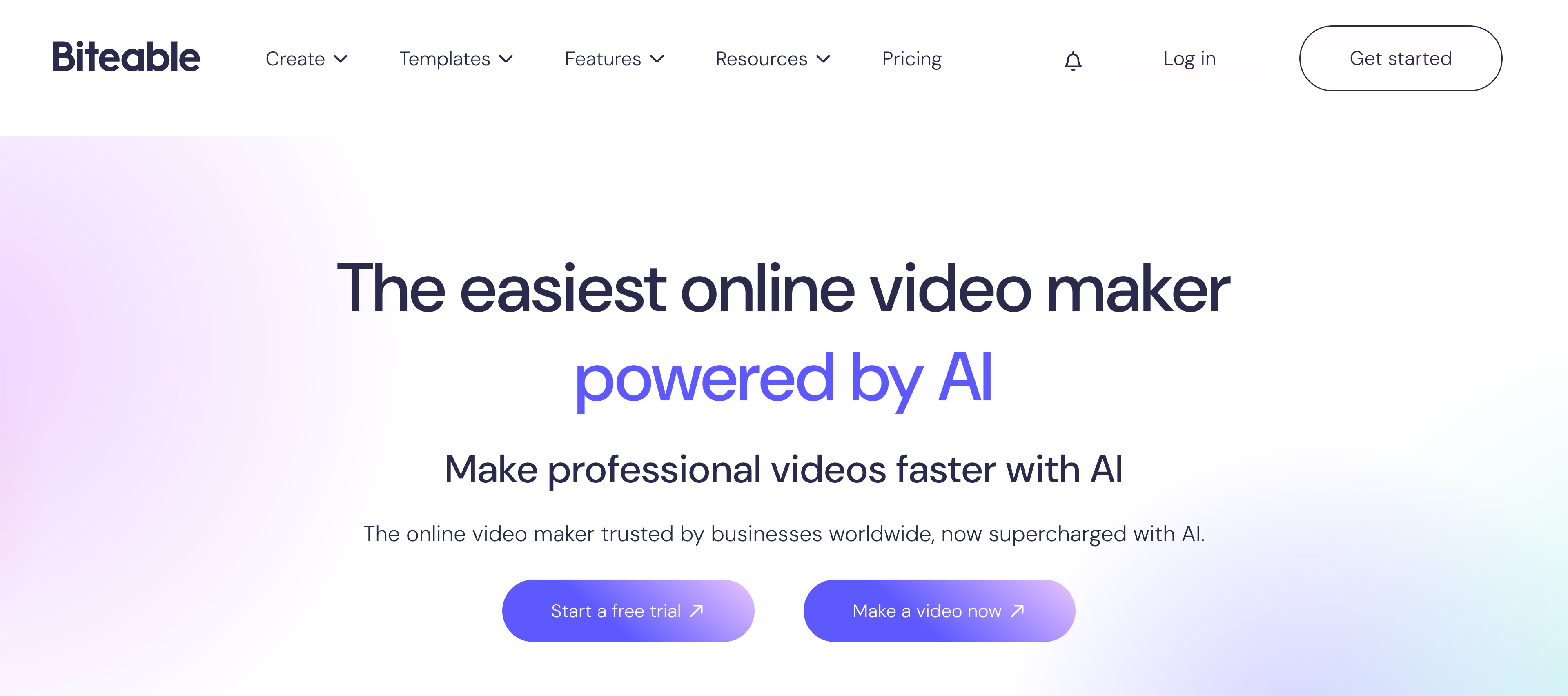
Biteable is a practical tool for teams that want clear, simple videos without spending time inside a complex editor. It can work for announcements, explainers, team updates, short product messages, and basic social assets.
Think of it as a low-friction communication tool. If you need a deeper creative engine for generating product visuals, experimenting with styles, or building multiple ad ideas, insMind will give you more room.
- Simple workflow for business users
- Good for internal updates and explainers
- Cleaner than many advanced editing tools
- Less useful for complex animation projects
- Not as broad as AI video generation platforms
7. Pictory: Best when your source is text
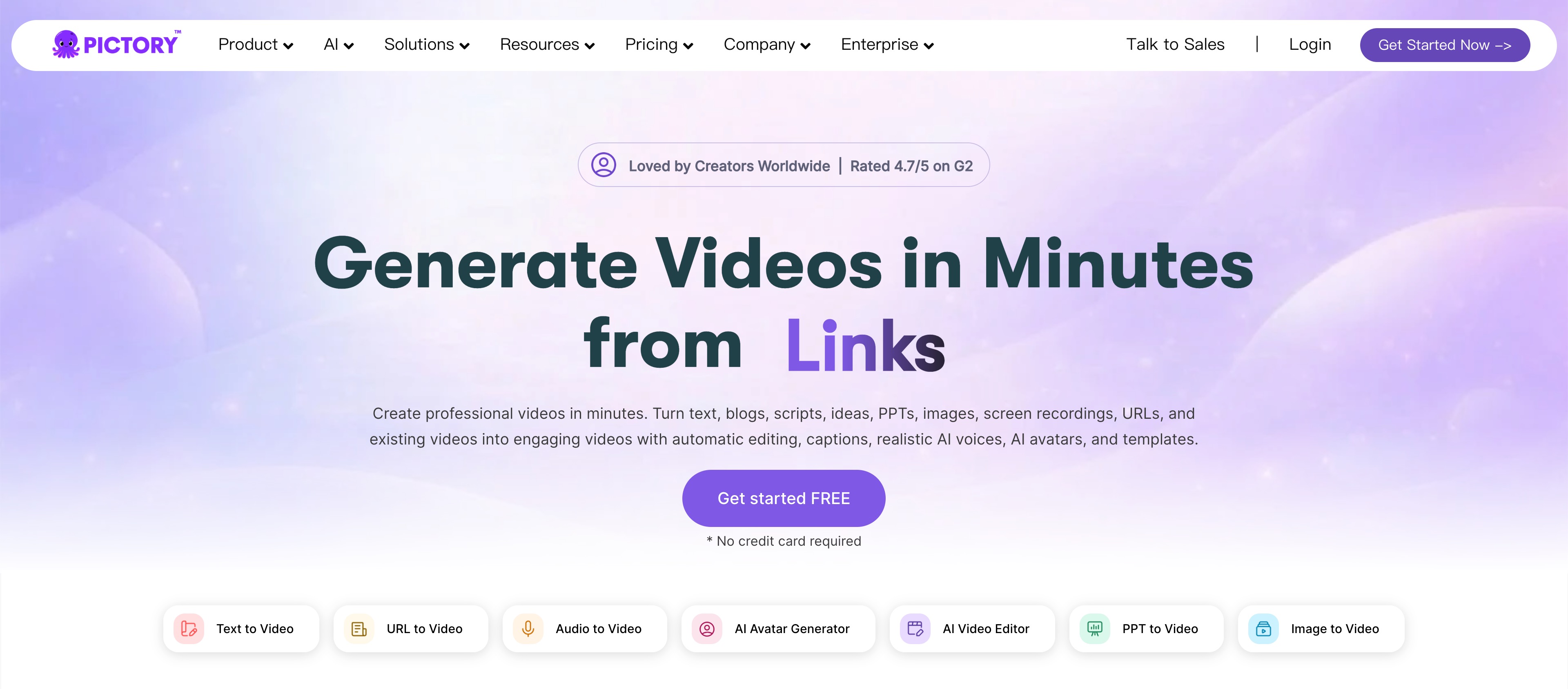
Pictory is worth considering if your video workflow starts with existing material: blog posts, scripts, webinars, transcripts, or educational content. It helps turn long-form text into shorter, more watchable videos.
It is not a direct replacement for character animation, but it is useful for content repurposing. Choose Pictory for editorial workflows. Choose insMind when you want to generate a new visual concept from a prompt or image.
- Useful for blogs, scripts, webinars, and transcripts
- Can speed up content repurposing
- Helpful captions and summary-oriented workflow
- Less focused on original animation
- Can feel more editorial than visual-first
8. InVideo: Best for marketing templates with AI help
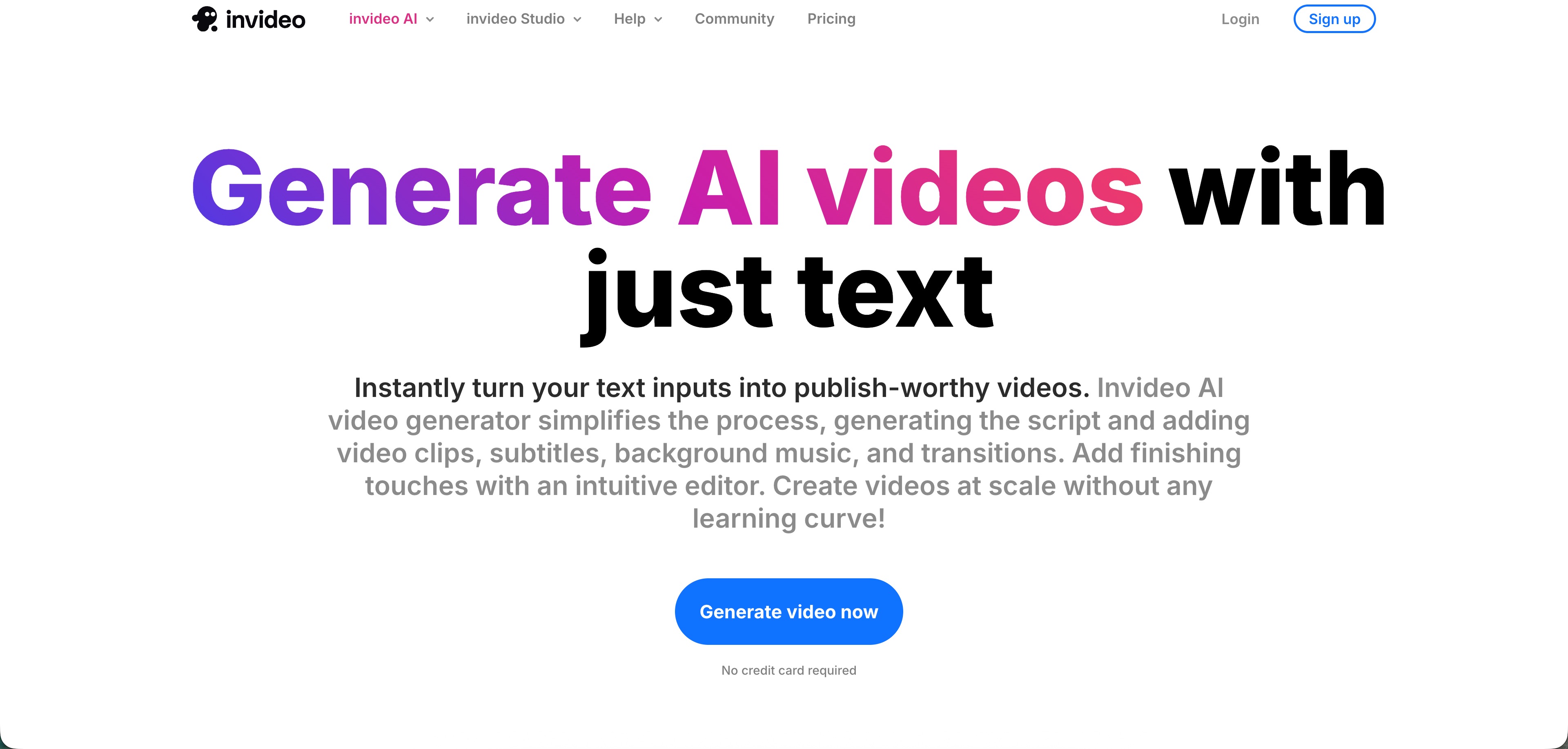
InVideo is a broad marketing video tool with templates, stock assets, editing features, and AI assistance. It can work well for promotional videos, social content, and teams that like starting from a structured template.
It is closer to a marketing video studio than an animation specialist. If you want a lighter workflow built around fast AI visual ideation, insMind may feel more direct.
- Large template and stock asset library
- Useful for promotional and social videos
- AI-assisted drafting can save time
- Interface can feel busy
- Template-based output may need extra polish
9. DomoAI: Best for stylized AI transformations
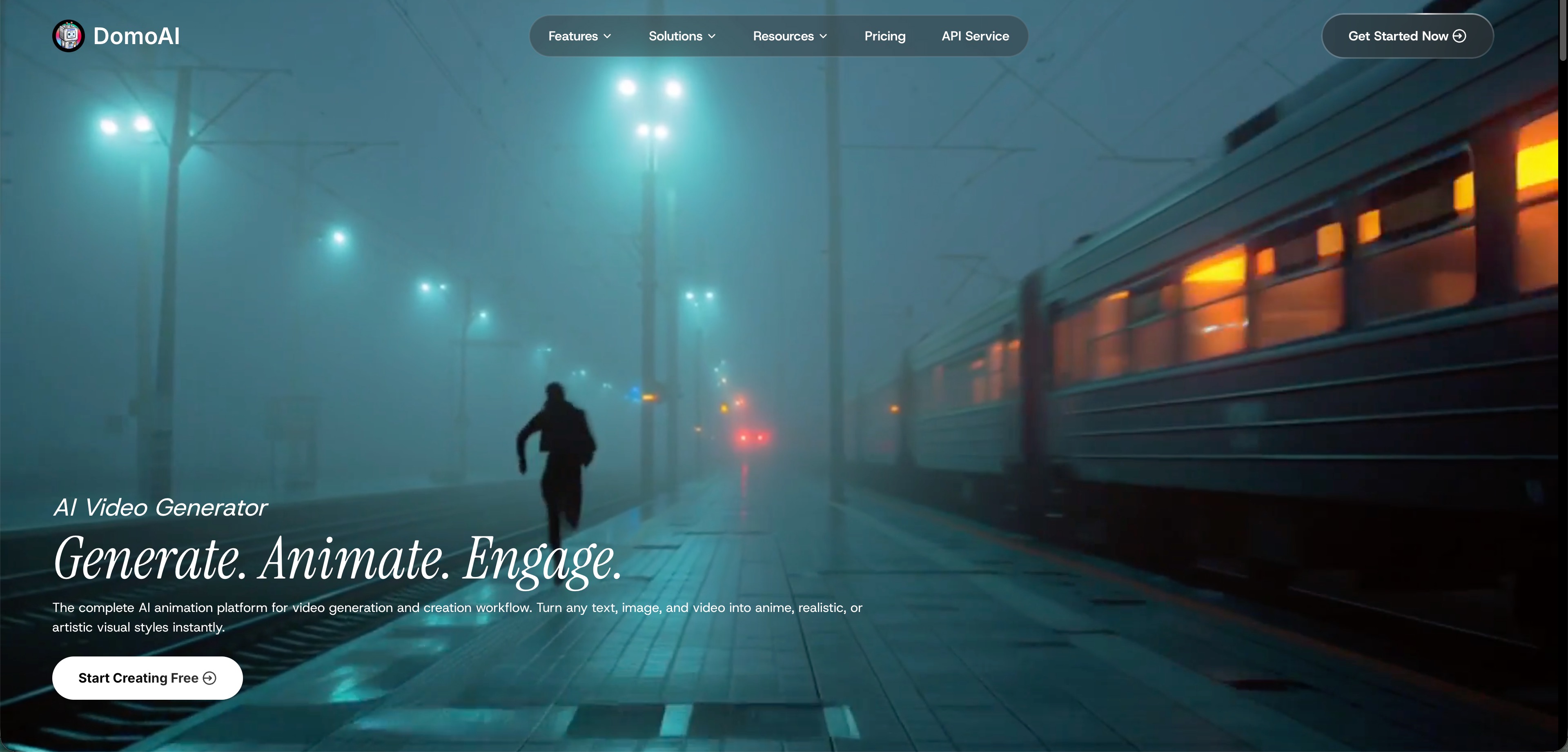
DomoAI is a good pick when style is the main attraction. It is often used for AI video looks, anime-inspired treatments, image transformations, and creative effects that feel more experimental than corporate.
It is not the best replacement for structured business explainers, but it is useful for creators who care about visual transformation. For broader marketing and product workflows, insMind is the more practical daily tool.
- Strong for stylized and anime-like visuals
- Fun for creative experimentation
- Useful for short visual clips
- Less business-oriented than Vyond or Biteable
- Not ideal for structured training explainers
10. OpenToonz: Best open-source choice for real 2D animation
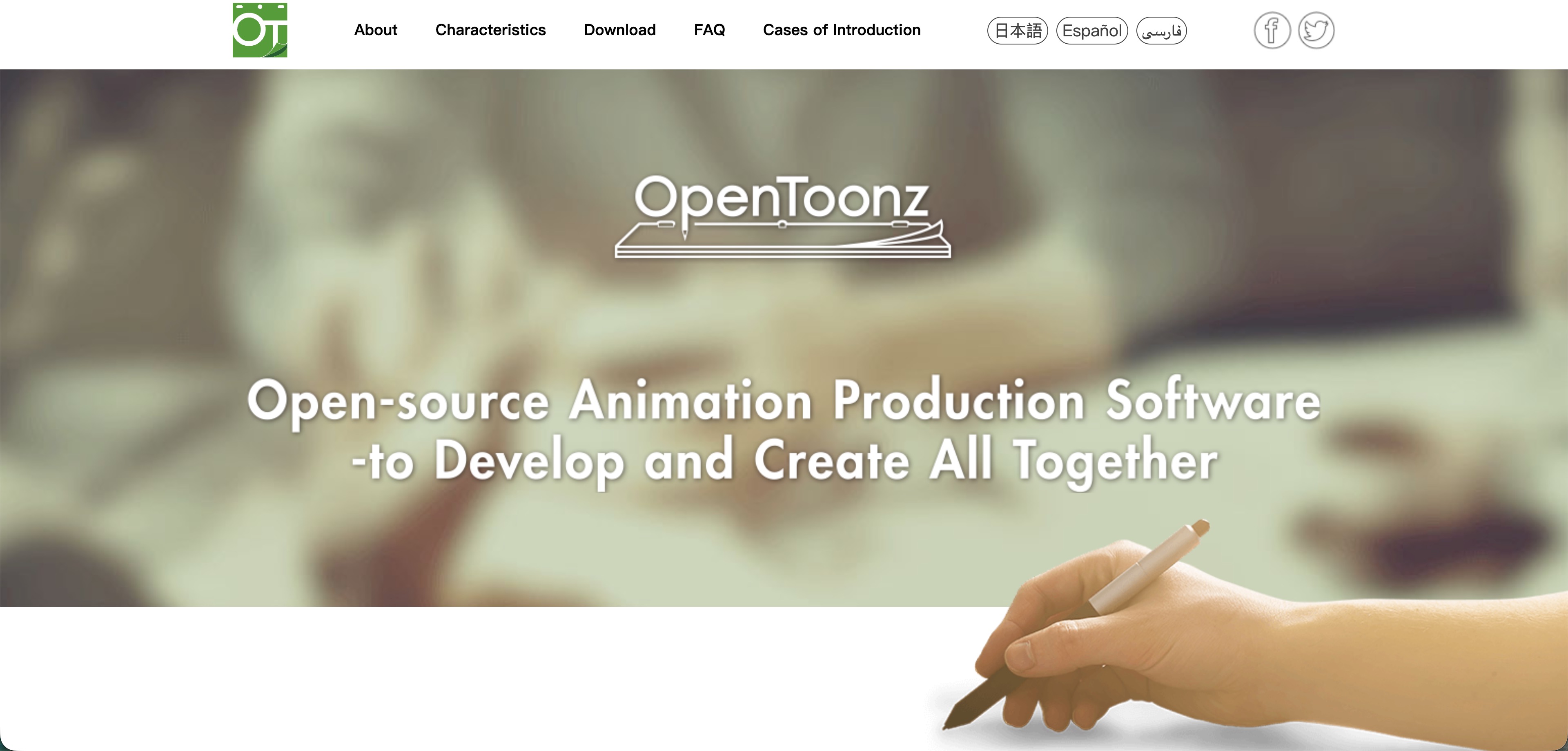
If your search includes Animaker alternatives open source, OpenToonz deserves a place on the list. It is a serious 2D animation program for drawing, compositing, frame-by-frame work, and traditional animation production.
The tradeoff is speed. OpenToonz gives you control, but it does not give you a quick browser workflow for marketing videos. Use it if you want craft and ownership. Use insMind if you need AI-assisted video output quickly.
- Free and open source
- Deep control for 2D animation work
- Good for technical and artistic users
- Steeper learning curve than browser tools
- No simple AI marketing video workflow
How to Create AI Videos with insMind
If Animaker feels slow because every idea has to become a hand-built animated scene, try a different starting point. In insMind, you can begin with an image or prompt, choose video settings, generate the result, and download the finished clip. The steps below match the actual insMind workflow shown in the screenshots.
Step 1: Start from Image to Video
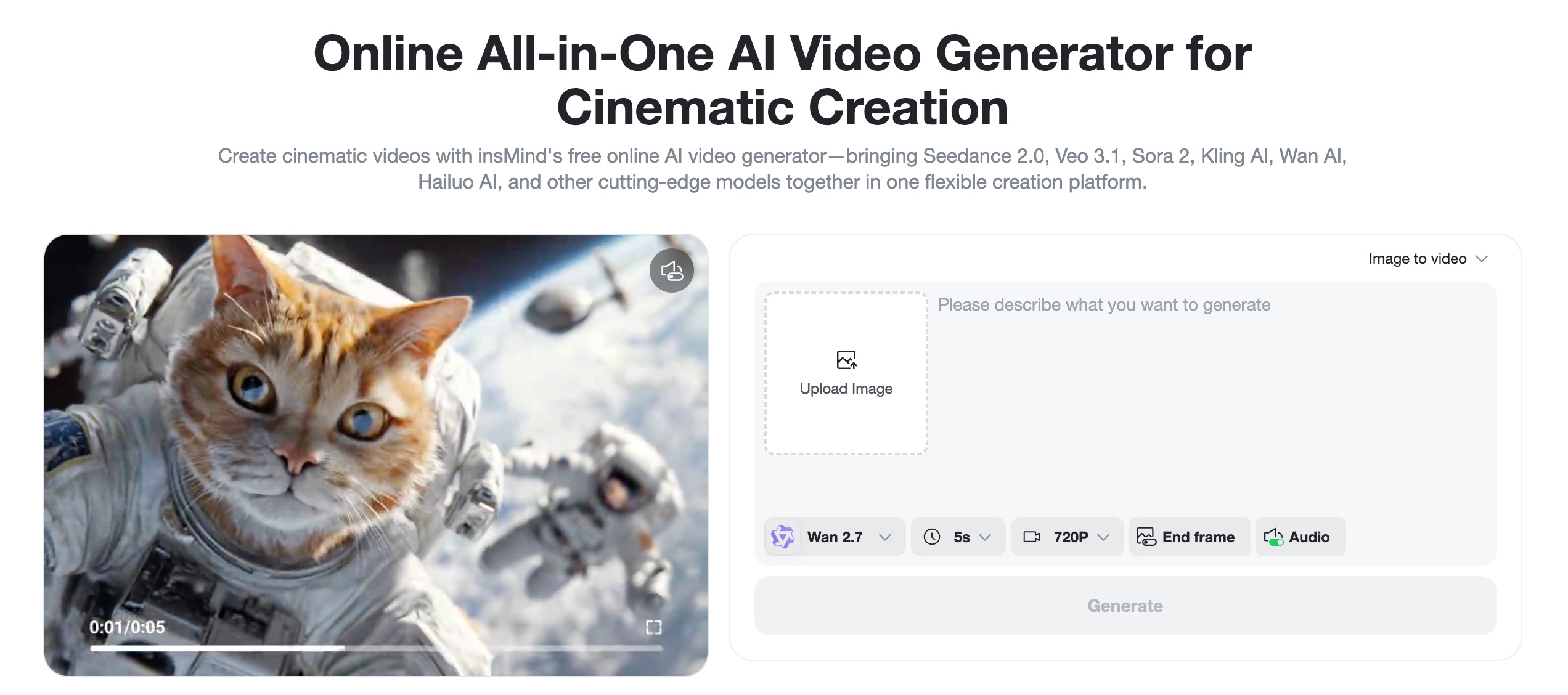
Open insMind's video generator and choose the image-to-video workflow when you already have a visual to animate. Upload a product photo, character image, brand creative, illustration, or reference frame. This is a useful replacement for building an animated scene from scratch because the image gives the AI a clear visual base.
Step 2: Add a Prompt and Select Settings
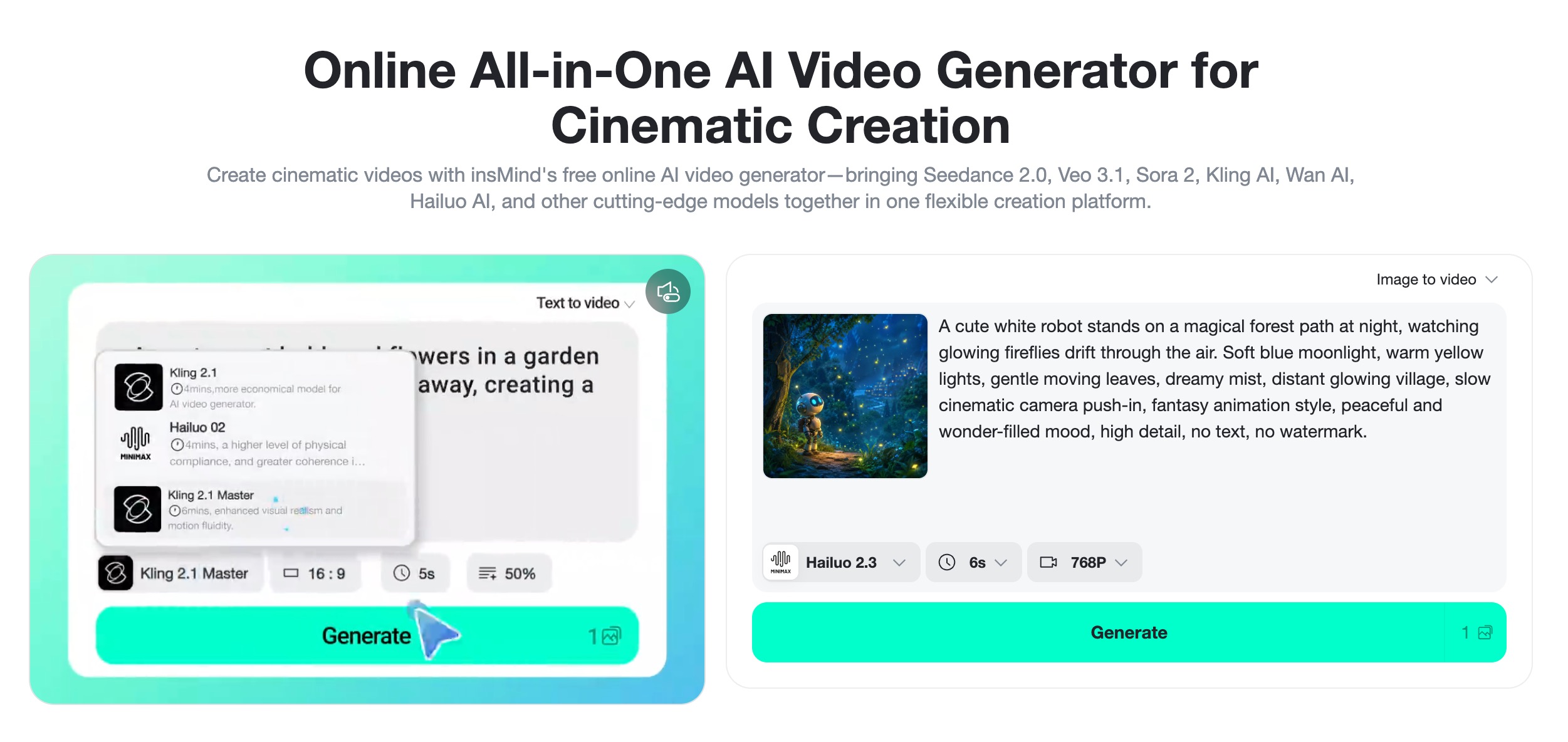
Write a prompt that describes the motion, mood, camera movement, and final style. Then choose the model, duration, and quality settings shown in the panel. A prompt such as "slow cinematic camera push-in, soft lighting, dreamy atmosphere" gives the tool more direction than a short generic command. If your idea begins as a script, the script to video AI workflow can help turn it into a clearer video direction.
Step 3: Generate and Check the Preview
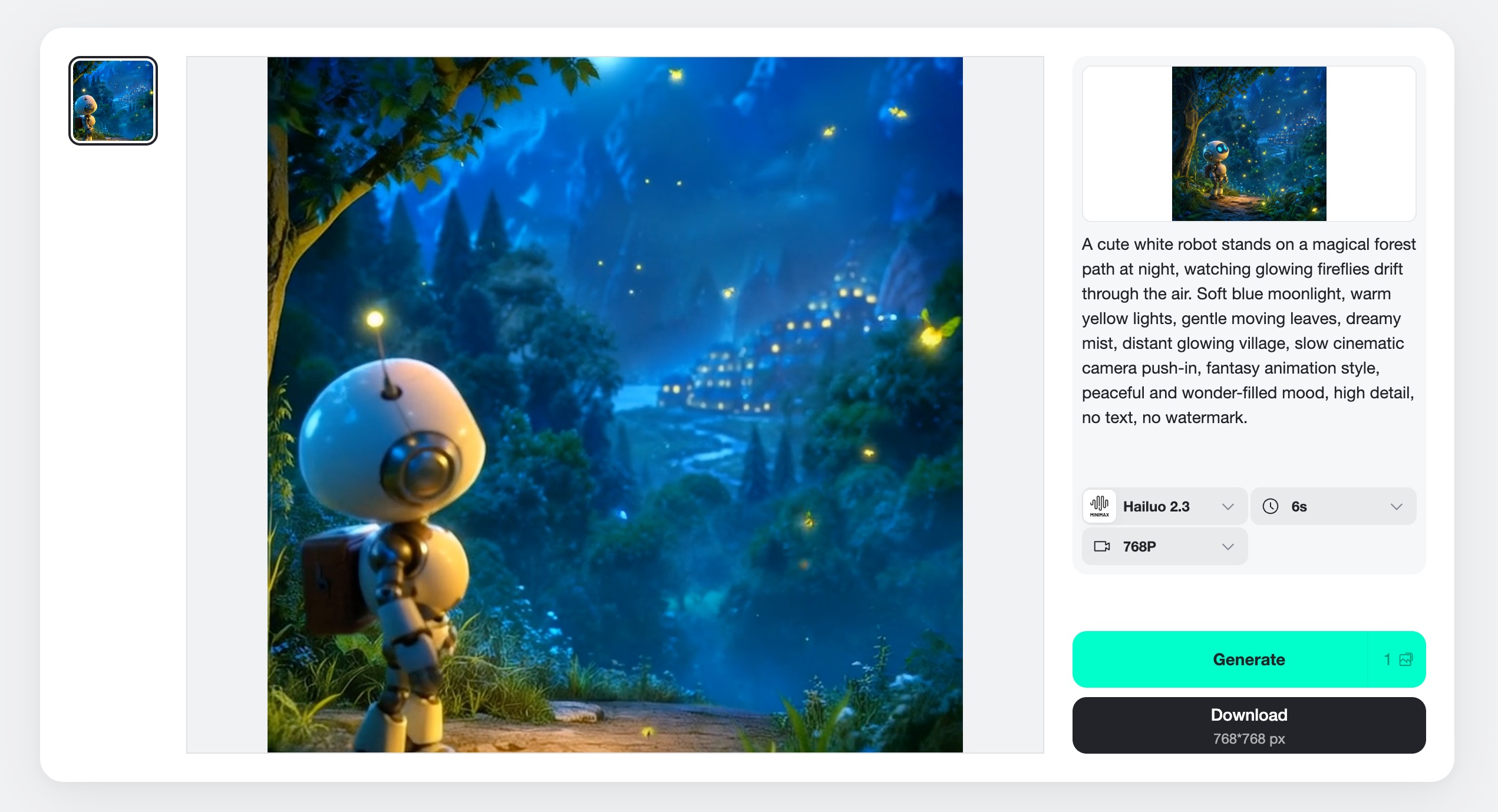
Click Generate and review the preview once the video is ready. Check whether the subject, motion, lighting, and overall framing match the goal. If the result is close but not perfect, refine the prompt before downloading. Small prompt changes can make a big difference in camera movement and scene mood.
Step 4: Download the Finished Video
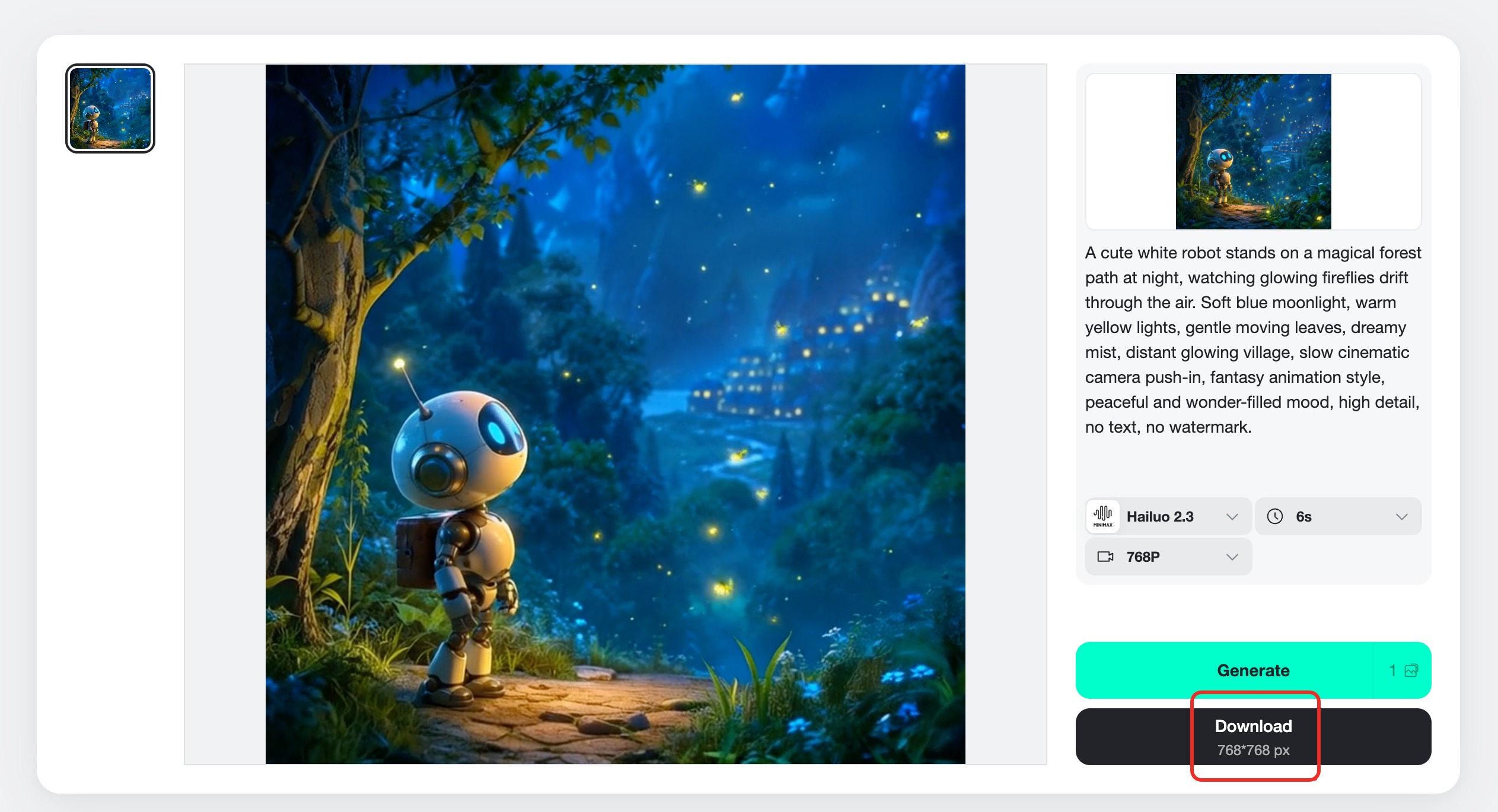
When the video works, click Download and save the finished file. You can use the result in social posts, product campaigns, landing pages, presentations, or creative tests. This workflow is especially useful when you need several versions quickly and do not want to rebuild every animation manually.
Which Animaker Alternative Should You Pick?
Do not choose based on the longest feature list. Choose based on the first input you usually have. If you begin with a product photo or visual concept, insMind is a strong starting point because it can animate images and generate video ideas with AI. If you begin with a training script and need animated workplace characters, Vyond or Biteable may be better. If you begin with a blog post or webinar, Pictory is more relevant.
For brand templates and social design systems, Canva and Renderforest are easy to test. For stylized AI experiments, DomoAI is worth a look. For real open-source animation control, OpenToonz is the serious option, though it requires more time and skill.
If your main goal is speed, variation, and modern AI video creation, insMind should be high on the list. It lets you animate photos, create product motion, test short ad concepts, and build visual stories without starting every project from a manual animation timeline.
Decision shortcut: pick Vyond for corporate animation, Canva for brand templates, Pictory for text repurposing, OpenToonz for open-source craft, and insMind for fast AI-generated visual videos.
FAQs About Animaker Alternatives
What is the best Animaker alternative for AI video creation?
insMind is the best fit if you want to move from manual animated templates to AI-generated videos. It works well for product clips, image-to-video animation, social concepts, and fast campaign testing.
Which tool is closest to Animaker for business animation?
Vyond is one of the closest options for business animation because it focuses on workplace scenes, characters, training content, and corporate communication. Biteable is also useful for simpler team videos.
Are there free Animaker alternatives?
Yes. Some tools offer free plans, free trials, or limited free exports. OpenToonz is free and open source, but it is a full animation program rather than a browser-based AI video maker.
What are the best Animaker alternatives open source?
OpenToonz is the strongest option in this list for open-source 2D animation. It is powerful for users who want manual control, but it takes more learning time than template-based or AI-based web tools.
Can insMind replace Animaker?
insMind can replace Animaker when your priority is AI video generation, image animation, product visuals, and fast social content. If you need traditional character-scene animation for training, compare insMind with Vyond or Animaker before switching fully.
Move From Manual Animation to AI Video
The strongest Animaker alternative is not necessarily the one with the most similar interface. It is the one that removes the bottleneck in your current workflow. For many teams, that bottleneck is no longer editing skill. It is the time it takes to turn an idea into several usable video directions.
insMind helps solve that problem by letting you create from prompts and images, test visual ideas quickly, animate existing assets, and download finished clips for real campaigns. If your next video project needs more speed and creative range than a template animation workflow can offer, insMind is a smart place to start.
Sarah Michelle
I'm a freelance writer with a passion for editing and designing photos. Here at insMind, I strive to educate users on image creativity, photography, and enhancing product photos to help grow their businesses.
Keep reading

How to Use Seedance 2.5 for AI Videos
Learn how to use Seedance 2.5 for text-to-video and image-to-video, write stronger prompts, guide motion with references, and review results.

How to Make a Creepy Voice for Horror Content Step by Step
Learn how to make a creepy voice for horror videos, podcasts, and games with insMind.

How to Remove TikTok Watermark: 4 Easy Steps for Clean Videos
Learn how to remove TikTok watermark from videos in four practical steps with insMind.

Top 10 Seedance 2.5 Alternatives for AI Video in 2026
Compare top Seedance 2.5 alternatives and learn how to create AI videos with insMind.

Seedance 2.5 vs. MiniMax H3: Which AI Video Model Should You Use?
Compare Seedance 2.5 and MiniMax H3 for AI video creation.

30 Instagram Reels Prompts You Can Copy and Try
Copy-ready Instagram Reels prompts for products, fashion, creators, travel, food, pets, and lifestyle videos.

How to Write Instagram Reels Prompts for AI Videos
Learn to write Instagram Reels prompts for polished AI videos, product clips, creator posts, and lifestyle content.

30 TikTok Video Prompts You Can Copy and Try
Copy-ready TikTok video prompts for ads, creators, products, fashion, pets, travel, and more.

How to Create an AI Micro-drama: A Step-by-Step Guide
Learn how to create an AI micro-drama with insMind.

How to Create a Short Film Using AI in 2026
Learn how to create a short film using AI with insMind.

Instagram Reel Ads: Examples, Specs, Sizes, and Best Practices
Learn Instagram Reel ad specs, examples, safe zones, and best practices.

YouTube Ads Best Practices: How to Create Video Ads
Learn YouTube ads best practices and create video ads with insMind.

YouTube Channel Trailer Examples: 15 Inspiring Ideas for Your Channel
Explore YouTube channel trailer examples and create a polished trailer with insMind.

15 Best YouTube Ad Examples and Templates to Inspire Your Next Campaign
Explore YouTube ad examples and templates, then create video ads with insMind.

How to Make a Hype Video with AI: The Easy Guide
Learn how to make a hype video with AI using insMind.

Instagram Ad Templates for Feed, Stories, Reels, and Carousel Ads
Learn Instagram ad templates for Feed, Stories, Reels, and Carousel Ads.

Facebook Video Ad Specs: Sizes, Formats, and Lengths for 2026
Learn Facebook video ad specs, sizes, formats, and lengths for 2026, then make ad-ready videos with insMind fast.

How to Create Facebook Video Templates for Posts, Ads, Covers, and Live Video
Learn how to use Facebook video templates for posts, ads, covers, and live video with insMind.

Instagram Ad Examples: 15 Creative Ideas That Convert
Explore 15 Instagram ad examples and learn how to make them with insMind.

Instagram Ad Sizes and Specs: Complete 2026 Guide
Find Instagram ad sizes, specs, ratios, and dimensions for every major placement.

10+ Video Resume Examples with Scripts for Every Career Stage
Explore video resume examples and scripts, then create a polished video resume with insMind.

How to Make a Sports Hype Video with AI: A 4-Step Guide
Learn how to make a sports hype video with AI.

YouTube Ad Specs for 2026: Sizes, Formats, and Lengths
YouTube ad specs for sizes, formats, dimensions, and lengths, plus a four-step insMind workflow.

30 Best Grok Imagine Video Prompts You Can Copy and Try
Copy 30 Grok Imagine video prompts and learn how to write better prompts for creative AI videos.

50 Scroll-Stopping AI Brainrot Prompts for Viral Meme Videos
Copy 50 scroll-stopping AI brainrot prompts for chaotic meme videos.

How to Turn Any Photo into a Brainrot Meme Video
Learn how to turn any photo into a brainrot meme video with AI.

How to Make a Retirement Video with AI
Learn how to make a retirement video with AI.

How to Make Your Own Graduation Video from Photos with AI
Learn how to make a graduation video from photos with AI.

How to Make Your Own Outro Video
Learn how to make your own outro video with insMind.

Higgsfield vs Pollo AI: Which Video Platform Fits You?
Compare Higgsfield vs Pollo AI for cinematic control, model choice, ease of use, and pricing.

Pollo AI Review 2026: Features, Pros, Cons, and Verdict
Read our Pollo AI review for 2026 and explore its features, pricing, strengths, limitations, ideal users, and practical tips for better results.

How to Create Cute Baby Talking Videos from Photos
Learn how to create baby talking videos from photos with text, audio, and AI lip sync.

How to Make Your Own Talking Avatar with AI
Learn how to make your own talking avatar with AI from a portrait and script.

Seedance 2.0 Mini vs Seedance 2.0: Which Model Should You Use?
Compare Seedance 2.0 Mini and Seedance 2.0 for AI video creation.

How to Create Talking Animal Videos from Photos That Steal the Show
Learn how to create talking animal videos from photos with AI.

How to Turn a Character Image into a Consistent AI Video
Learn how to turn a character image into a consistent AI video with insMind.

10 Krea AI Alternatives for Creating and Editing AI Videos in 2026
Compare the best Krea AI alternatives for creating and editing AI videos, including insMind, Runway, Kling AI, Luma, Pika, VEED, and more.

Seedance 2.0 Mini Prompts to Copy: 20 Video Ideas
Copy Seedance 2.0 Mini prompts for cinematic AI videos with insMind.

Seedance 2.0 vs Seedance 2.5: What Changed?
Compare Seedance 2.0 and Seedance 2.5 with examples, prompts, and insMind workflow.

10 Best Pollo AI Alternatives for AI Video Creation in 2026
Compare the best Pollo AI alternatives for AI video creation, including insMind, Runway, Kling AI, Luma, Pika, VEED, and more.

How to Make an AI Video of Yourself That Actually Feels Like You
Create a realistic AI video of yourself from a photo and script.

How to Turn Old Photos into a Beautiful Tribute Video with AI
Turn old photos and memories into beautiful AI tribute videos.

How to Make a Daily Vlog with AI in Minutes
Create daily AI vlogs from photos, prompts, or ideas in minutes.

How to Create 2026 FIFA World Cup Highlights with AI
Create 2026 FIFA World Cup highlights, fan clips, and football videos with AI.

Best AI Video Extender for Creators: Top Tools Compared
Compare the best AI video extender tools for creators in 2026 and learn how to make short videos longer with insMind.

How to Edit YouTube Videos Faster with AI
Edit YouTube videos faster with AI background and style tools.

How to Create Training Videos with AI: A Complete Guide for Beginners
Create clear training videos from images and prompts with AI.

Create Product Reveal Videos with an AI Unboxing Video Maker
Learn how to create AI unboxing videos for product reveals, UGC, teasers, and ecommerce demos.

Create Smooth AI Video Transitions with Kling Start/End Frame
Learn how to create smooth AI video transitions with Kling Start/End Frame.

What Can You Choose for the Best InVideo Alternatives in 2026?
Compare the best InVideo alternatives and see why insMind is a strong AI video generator for creators and marketers.

10 Best Animaker Alternatives in 2026: New Trends in AI Video Creation
Compare the best Animaker alternatives for AI video creation, including free and open-source picks.

10 Best HeyGen Alternatives in 2026: Create AI Videos with More Freedom
Compare the best HeyGen alternatives for AI video creation, including free and open-source picks.

How to Make a Faceless YouTube Channel with AI
Make a faceless YouTube channel with AI tools, scripts, video ideas, and insMind.

Best CapCut Alternatives: 8 AI Video Editors Compared
Compare the best CapCut alternatives for iPhone, Android, PC, and AI video editing.

How Ecommerce Brands Replace Products in Videos with AI
Replace products in ecommerce videos with AI for ads, listings, and creative testing.

How to Change Video Background Without Green Screen: Step-by-Step Guide
Learn how to change video backgrounds without a green screen using simple AI editing steps.

How to Seamlessly Replace Objects in Videos with AI
Step-by-step guide on replace objects in videos with AI: how it works, best practices, and how to do it free with insMind.

How to Identify AI-Generated Videos: A Comprehensive Guide
Learn how to identify AI-generated videos using expert tips and insMind's tools for authenticity verification.

Can AI Really Edit Videos For You? A Deep Dive Into AI Video Editing
Discover how AI can edit videos effectively, using insMind and other top tools. Learn workflows, compare features, and explore future trends.

Crafting Viral Bigfoot AI Videos: A Step-by-Step Guide
Create viral Bigfoot AI videos with insMind. Learn how to optimize for TikTok and YouTube, avoid common mistakes, and more.

Discover the Versatility of Happy Horse 1.0 for AI Video Creation
Happy Horse 1.0 review explores AI video generation, integration with insMind, and practical applications for content creators.

Seedance 2.0 vs. Happy Horse 1.0: Which AI Video Generator Fits Your Needs?
Discover the differences between Seedance 2.0 and Happy Horse 1.0. Learn which AI video generator suits your needs best.

How to Make Educational Videos for Kids with AI (4 Easy Steps)
Write a structured script, choose model and audio, generate, and download—a step-by-step guide to making AI educational videos for kids with prompt templates.

Best AI Prompts for Explainer Videos (Proven Templates)
Four proven AI prompt templates for explainer videos—presenter, product demo, faceless brand, and tutorial—plus how to use insMind in 3 steps.

Best AI Explainer Video Generator for Business (2026 Guide)
Choose text-to-video or image-to-video, configure model and audio, generate and download—a complete 2026 guide to AI explainer videos for business with insMind.

Best Prompts for Wan 2.7: Multi-Shot Guide for Cinematic AI Video
Choose text or image mode, write scene-block prompts for Wan 2.7, set duration and audio, then download—plus 40+ language narrative tips.

How to Create Kids Videos with AI: A Parent-Friendly Guide
Upload art or start from text, write kid-safe prompts, pick Google Veo 3.1, generate and download—steps for parents and teachers.

From Script to Screen: How to Create Engaging Story Videos with AI Tools
Learn how to create story videos with AI: split scripts into scenes, optional reference images, generate clips in insMind, then merge. No pro editor required to start.

How to Make a Baby Dance Video with AI: Step-by-Step Guide
Turn a baby photo into a cute AI dance clip. Upload, write a motion prompt, pick model and duration, generate—no editing skills needed.

How to Make a Cat Dance Video with AI: Step-by-Step Guide
Turn a cat photo into a funny dance clip with AI image to video. Upload, write a motion prompt, generate, and download—no editing skills.

Best AI Tool for Pet Dance Videos (2026 Compared)
Compare top AI pet dance video tools with real screenshots, pros and cons, and a tested insMind image-to-video workflow plus copy-ready prompt.

Top 20 AI Fruit Video Prompts to Copy & Paste
Discover top AI fruit video prompts for creating engaging, trendy videos. Perfect for TikTok and other platforms, these prompts inspire creative content.

Funny AI Video Prompts That Work (Tested Examples)
Get 20+ tested funny AI video prompts that actually make people laugh. Copy-paste prompts for TikTok, Reels, and YouTube Shorts with step-by-step instructions.

Affordable AI Video Solutions for E-commerce Startups
Discover affordable AI video solutions for e-commerce startups. Learn about budget-friendly tools and maximize ROI with AI-generated content.

Transforming Marketing with AI Video Ads
Discover how AI video ads are transforming online marketing with personalized, efficient, and creative solutions. Learn techniques and examples.

Mastering Cinematic Ad Creation with Seedance 2.0
Create cinematic ads with Seedance 2.0, a powerful AI tool for video advertisements. Learn how to make stunning video ads using Seedance 2.0.

Mastering Viral Video Creation with Seedance 2.0
Discover how to create viral videos using Seedance 2.0 with tips, prompts, and insights on social media trends.

Close-Up Shot: Definition, Story Uses & Tighter Framing
What is a close-up shot? Definition, when to use tight framing for emotion and detail, and tips for shooting cleaner inserts on any camera.

YouTube Equipment for Beginners: Gear, AI Video & Your First Upload (2026)
Beginner YouTube equipment: priority order for mic, light, and camera; clear audio on a budget; phone vs dedicated camera; Shorts and 16:9 basics.

How to Create Anime Videos with AI (Step-by-Step Guide)
Learn how to create anime videos with AI step by step. Use text-to-video and image-to-video to generate stunning anime animations with insMind.

How to Make Viral Funny Videos with AI in 5 Minutes
Learn how to make viral funny videos with AI in minutes. Step-by-step guide to creating hilarious TikTok and Instagram clips using insMind AI funny video generator.

How to Create Talking Old Photo Videos with AI
Learn how to animate old photos with AI. Turn vintage portraits into talking videos with realistic motion using insMind free photo animation tool.

7 Best Sora 2 Alternatives for AI Video Generation in 2026
Discover the best Sora 2 alternatives for AI video generation. Compare insMind, Runway, Kling AI, Pika, and more to find the right tool for your needs.

AI Prompts for TikTok Video Generator: Complete Guide
Discover the best AI prompts for TikTok video generation. 20+ ready-to-use prompts plus a step-by-step guide to creating viral TikTok content with AI.

How to Upscale Anime Video to 4K with AI (Step-by-Step)
Learn how to upscale anime video to 4K using AI. Step-by-step guide to enhancing low-res anime with sharper lines and cleaner colors.

AI Marketing Video Generator: Create Promo Videos from Text
Learn how to turn text into professional marketing videos using AI. Step-by-step guide to creating promo videos in minutes.

Text-to-Video AI Ranked: Which Generator Wins in 2026?
Compare the 7 best text-to-video AI generators in 2026 including insMind, Sora 2, Runway, Kling AI, Pika, and more.

Animate Anime Images with AI: Turn Static Art into Dynamic Anime Videos
Learn how to animate anime images with AI. Turn static anime art into stunning animated videos easily.

How to Remove Kling Watermark from AI Videos
Explore the best ways to remove Kling AI watermark. Compare editing methods and discover watermark-free Kling generation options.

AI Video Editor: Edit Videos Instantly with Prompts
Use insMind AI Video Editor and prompts to edit videos, remove objects, change backgrounds and more.

Control the Narrative: Create Cinematic AI Videos with Start & End Frames
From start to finish, take control of AI video storytelling with Start & End Frames.

How to Create a Stranger Things Transition Video (Step-by-Step Guide)
Create a Stranger Things–style Upside Down transition with AI in just a few steps using insMind.

Transform Your Ideas: Generate Videos from Text Instantly
Turn text into videos in seconds with InsMind's AI—ideal for social media, ads, and presentations. No editing skills required.

Tralalero Tralala: How to Animate the Italian Shark Meme with AI Flair
Animate the viral “Tralalero Tralala” Italian Shark meme with AI for fun, shareable content.

Top TikTok Memes 2025: 'Tung Tung Tung Sahur' & Viral Trends You Can't Miss
2025 TikTok trends: AI-generated Italian Brainrot memes and creepy Tung Tung Tung Sahur dominate viral humor.