
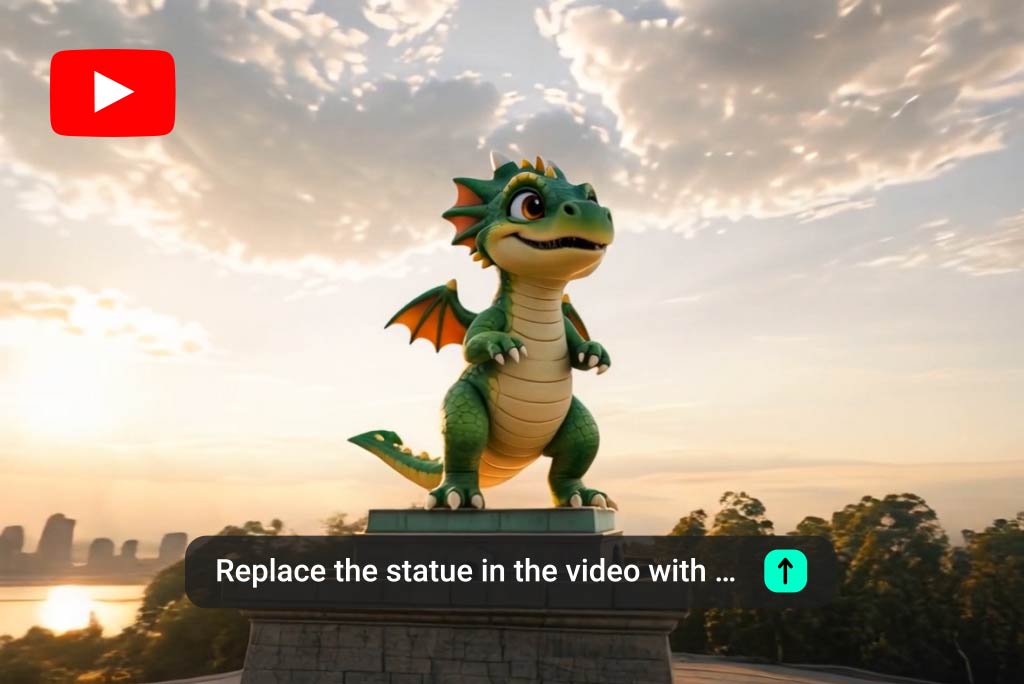
Edit YouTube Videos with AI Prompts
With our AI YouTube video editor, you can upload your video and modify it using simple text instructions. Instead of manually cutting clips or adjusting layers, just describe what you want to change—such as trimming scenes, improving visuals, or updating elements—and our AI applies the edits automatically.
This makes it a practical video editor for YouTube, especially for creators who want faster workflows. Whether you are refining content for publishing or improving existing footage, this online YouTube video editor helps you make changes without complex tools.

Use Ready-Made YouTube Video Templates
If editing feels time-consuming, you can start with pre-built templates designed for YouTube content. Our AI YouTube video editor includes a wide range of templates, prompts, and inspirations based on popular video formats, helping you quickly generate new content without building everything from scratch.
Copy a prompt, upload your own visuals, and create a complete video aligned with trending styles. This simplifies the process and helps you produce consistent content using a YouTube video editor workflow. Try it for free.
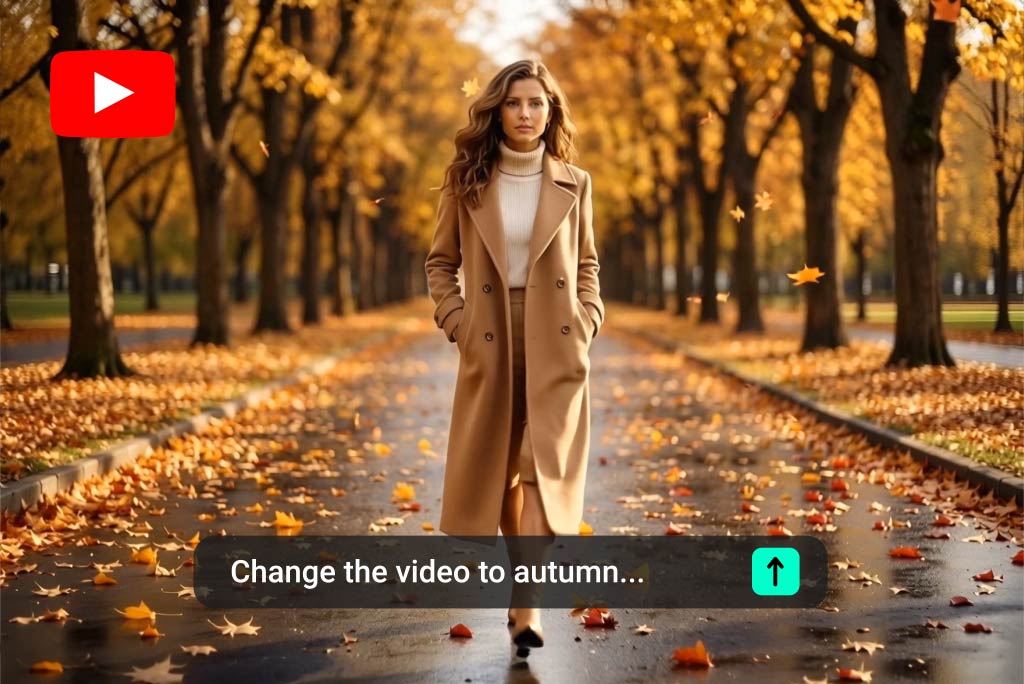
Edit Anything in Your YouTube Video Easily
Our AI YouTube video editor gives you control over every part of your video through prompts. You can replace backgrounds, change objects, adjust scenes, or even modify specific elements within the video without re-editing everything manually.
This flexibility makes it one of the best video editors for YouTube videos when you need fast updates or creative changes. Instead of starting over, you can refine and enhance your content efficiently with targeted edits.
How to Edit YouTube Videos with AI
Step 1. Upload Your Video
Step 2. Enter Your Editing Prompt
Step 3. Click Generate
Step 4. Download Your Video
Why Use a YouTube Video Editor?

Improve Video Quality
Enhance visuals, adjust lighting, and refine scenes to make your videos more engaging and professional.

Save Editing Time
Use AI to automate repetitive editing tasks and reduce the time spent on manual adjustments.

Adapt Content for Different Platforms
Quickly modify your YouTube videos for Shorts, social media, or ads using the same base content.

Update Existing Videos Easily
Make changes to older videos without recreating them from scratch, saving effort and resources.

Create Consistent Content
Maintain a unified style across your channel using templates and repeatable editing workflows.

Test Different Video Versions
Generate multiple variations of your videos to experiment with formats, hooks, and visual styles.
Who Can Benefit from a YouTube Video Editor?
YouTube Creators
Marketing Teams
Small Business Owners
Content Agencies and Freelancers
Why Choose insMind YouTube Video Editor?
Simple Prompt-Based Editing
Fast and Efficient Workflow
Flexible Editing Capabilities
High-Quality Results
FAQs about YouTube Video Editor
What is an AI YouTube video editor?


Can I edit videos without experience?
Is this an online YouTube video editor?
Can I replace elements in my video?
Can I edit videos for YouTube Shorts?
What makes it the best video editor for YouTube?
Explore Other Hot Video Tools from insMind
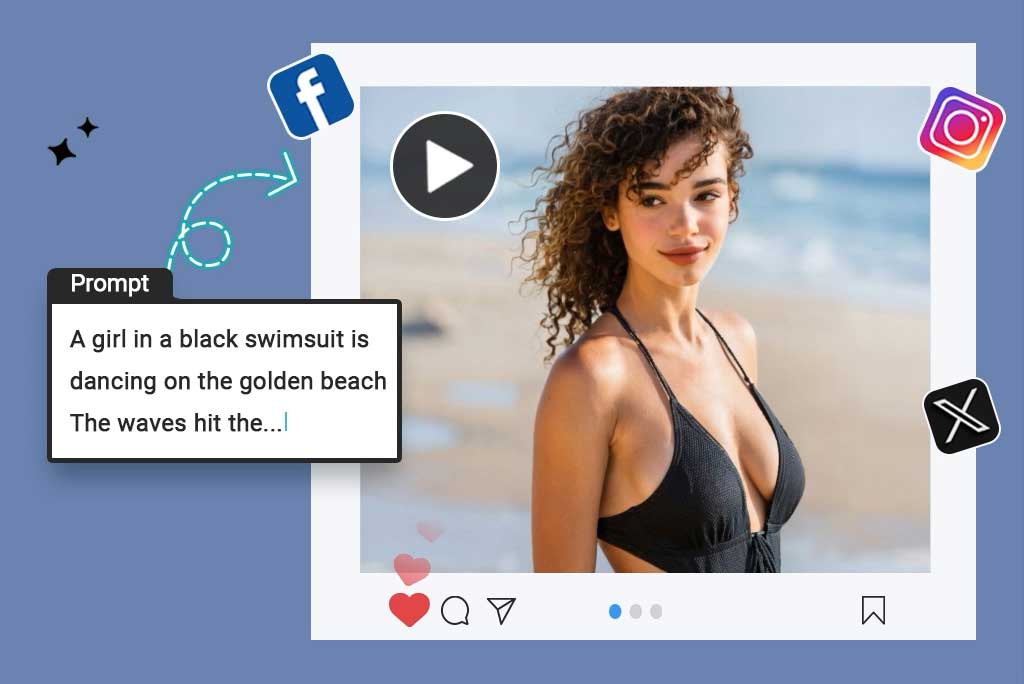
Script to Video AI

AI YouTube Shorts Generator
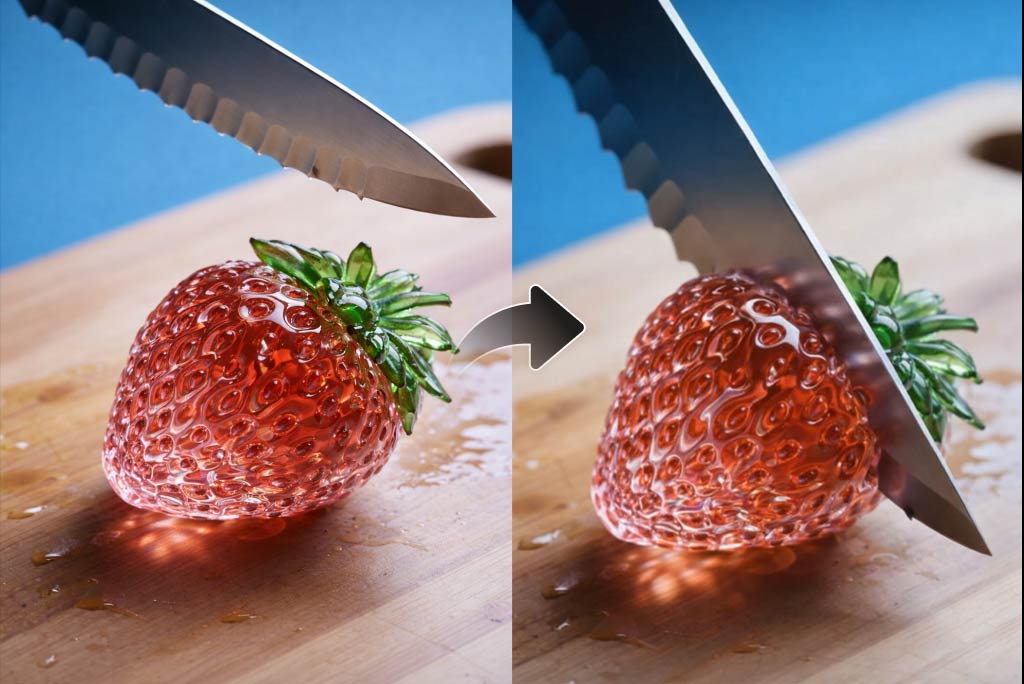
AI ASMR Generator

AI Video Editor

AI Video Enhancer

AI Cartoon Video Generator

AI Character Animation

Image to Video
