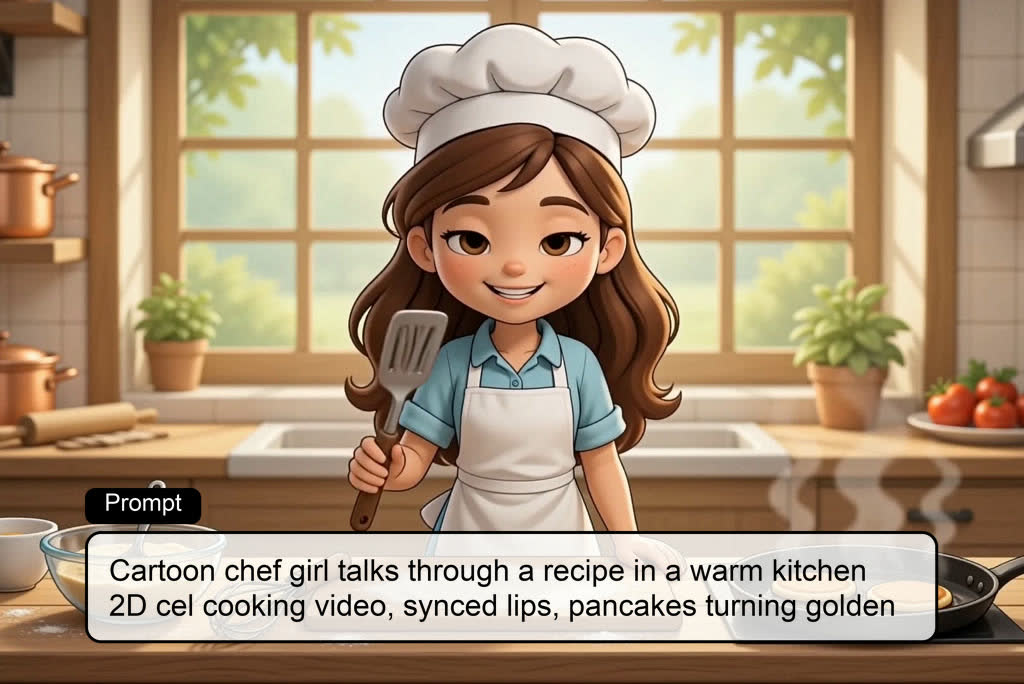
Turn simple text prompts into engaging AI talking cartoon videos. Describe a character, story, or scene, and our AI talking cartoon generator automatically creates animated characters with realistic lip-sync and expressive voices. Perfect for storytelling, social media content, education, and entertainment.

00:00
00:00
Create Talking Cartoons from Text or Ideas
00:00
00:00
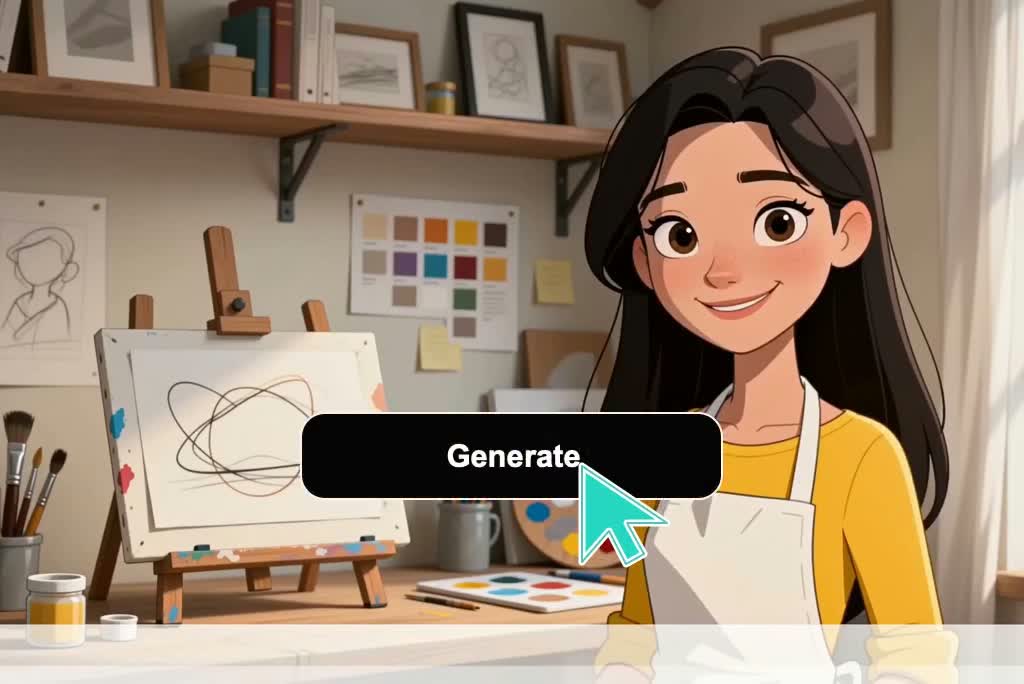
Make Your Cartoon Images Talk with AI
Upload any cartoon image, avatar, or illustration and transform it into a lifelike AI cartoon talking avatar. Add voice, speech, and facial animations instantly to create professional talking cartoon AI videos from a single image.

Create AI Talking Cartoon Characters for Any Scenario
Generate AI talking cartoon characters for classrooms, news broadcasts, business presentations, marketing campaigns, gaming content, customer support, and more. Build unique talking cartoon AI experiences tailored to every audience and use case.

Create Talking Cartoon Characters in Any Style
Design AI cartoon talking avatars in countless visual styles, including anime, 3D cartoons, comic characters, mascots, chibi art, and educational illustrations. Create AI talking anime characters or custom talking cartoon avatars that perfectly match your brand and creative vision.
How to Create a Talking Cartoon AI Video
Step 1. Add Your Character
Enter a short script, character idea, or speaking prompt. If you have character artwork, add the cartoon image as a reference so insMind can build the talking video around your intended character.
Step 2. Set Video Options
Choose the video model, then set available output controls such as aspect ratio, duration, quality, or audio options. Keep these settings aligned with where the talking clip will be used.
Step 3. Generate the Talking Video
Send your prompt or image input and let insMind generate the talking cartoon preview. Check whether the character action, framing, and spoken idea match the instruction you provided.
Step 4. Preview and Download
Review the generated result before saving it. If the talking cartoon works for your message, download the finished video file and use it in posts, lessons, presentations, or campaign assets.
Why Choose Our Cartoon Talking AI Generator

No Animation Skills
Create a talking cartoon AI avatar without drawing mouth shapes, managing keyframes, or building a timeline from scratch.

Prompt-Based Retakes
Change the prompt and regenerate when the scene, gesture, or speaking mood needs another pass before you choose a version.

Camera-Free Presenter
A cartoon character can carry tutorials or announcements when face-camera delivery feels too formal, distracting, or off-brand.

Short-Form Ready
Use short talking cartoon clips for social posts, intros, greetings, and lightweight brand updates without filming a presenter.

Character-Led Messages
Anchor messages in a repeatable cartoon host, so lessons, explainers, stories, greetings, and channel updates feel connected.

Two Starting Paths
Start with a written idea for a new character, or upload existing cartoon or anime art as the visual base.
Who Should Use This AI Talking Cartoon Generator?
Teachers
Lessons need clear hooks that students recognize. Use a talking cartoon AI character for rule reminders, vocabulary prompts, or short topic intros. The result is a classroom-friendly explainer you can reuse across slides, announcements, and learning portals.
Content Creators
Channels need recognizable openers that do not require face-camera recording. Build an AI cartoon talking avatar for intros, updates, and short story beats from your channel script. Use the clip as a recurring host for reels, shorts, and community posts.
Brand Marketers
Mascots work best when they explain one product point at a time. Turn mascot artwork into a talking cartoon video for feature callouts, launch greetings, or campaign FAQs. Your AI talking cartoon character becomes a branded presenter instead of a static asset.
Anime Storytellers
Fan stories often need a short character introduction before the main scene. Create AI talking anime clips for narration, lore notes, or dialogue-style openings. Use AI anime talking scenes to test character mood and pacing before expanding the story.
Frequently Asked Questions
What is cartoon talking AI?


Cartoon talking AI is a tool that creates speaking-style cartoon, anime, or avatar videos from a written prompt, short script, or uploaded character image. An AI talking cartoon generator is useful when you need a character to deliver a message instead of a live presenter.
How does an AI cartoon talking generator work?
It works by taking your prompt or uploaded character image, then using selected options to generate a talking cartoon preview. After reviewing it, download the finished video if the result fits.
Can I upload my own cartoon or anime character?
Yes, you can upload cartoon, anime, avatar, or mascot images, though exact identity preservation can vary by result.
Can I make an AI talking anime video?
Yes, use AI talking anime prompts or uploaded anime art to create AI anime talking clips with a character-led message.
What can I use talking cartoon AI videos for?
Use them for explainers, classroom messages, podcast intros, greetings, social clips, and short character stories.
Will the talking cartoon match my prompt exactly?
No, not always; detailed prompts improve adherence, but you may need to refine wording and regenerate for the intended scene.
Can I download the AI talking cartoon video?
Yes, you can preview the generated talking cartoon and download the finished video for sharing or reuse.
More Talking Cartoon and Animation Tools

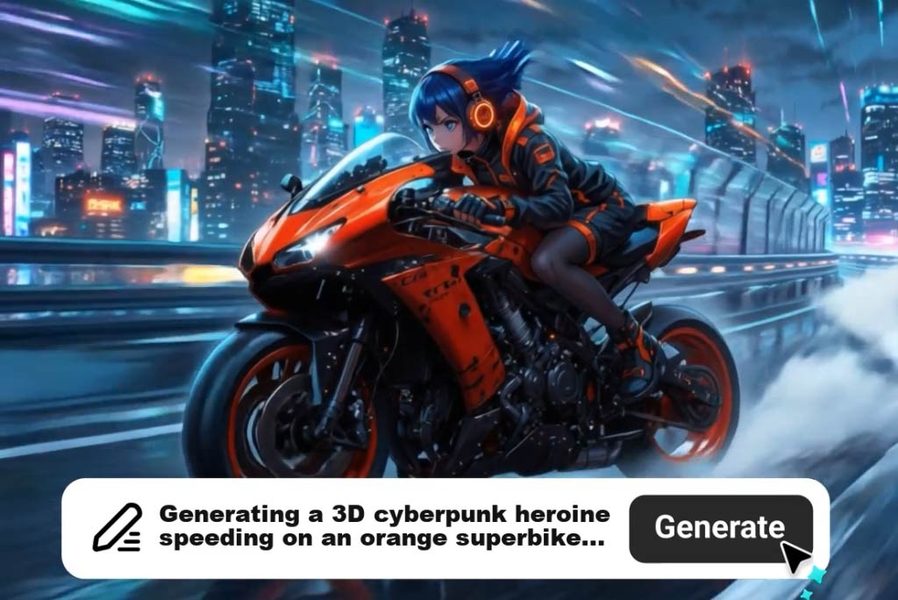
AI Cartoon Video Generator
Generate high-quality cartoon videos from text or images.
00:00
00:00
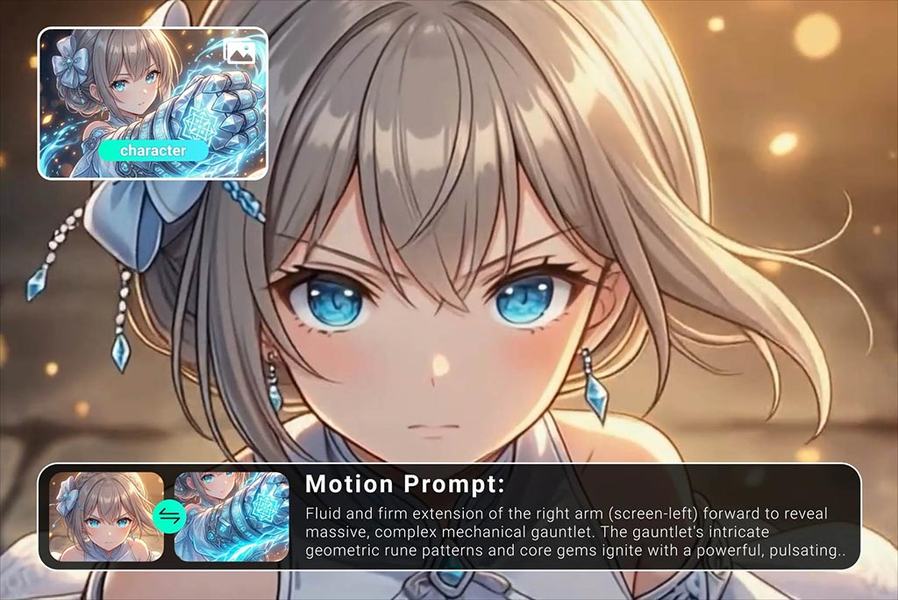
AI Animation Maker
Generate professional animation videos from scripts and images with AI.
00:00
00:00
AI Anime Video Generator
Animate anime images into smooth, consistent character videos.
00:00
00:00
AI Character Animation
Transform any photo into a moving AI character video.
00:00
00:00
AI Avatar Video Generator
Create avatar videos for social media, explainers, and stories.
00:00
00:00
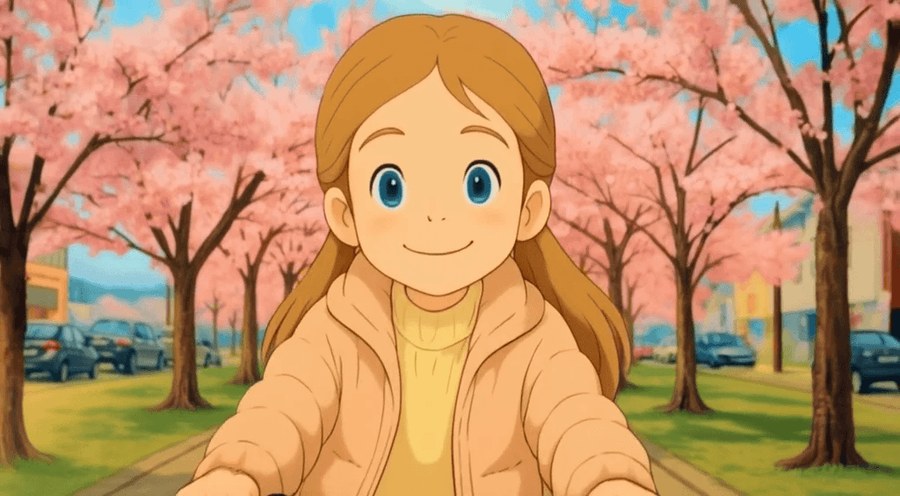
Ghibli AI Video Maker
Turn text and images into Ghibli-style animations instantly.
00:00
00:00
AI Meme Video Generator
Create funny meme videos from photos, prompts, and characters.
00:00
00:00
Face Dance
Create fun face dance videos from a single photo.
@Aisha Rahman, Brand Content Manager