AI Short Drama Generator

Turn story ideas into AI-generated short dramas with cinematic scenes, consistent characters, and vertical video output.
00:00
00:00

Generate Short Dramas from Any Prompt

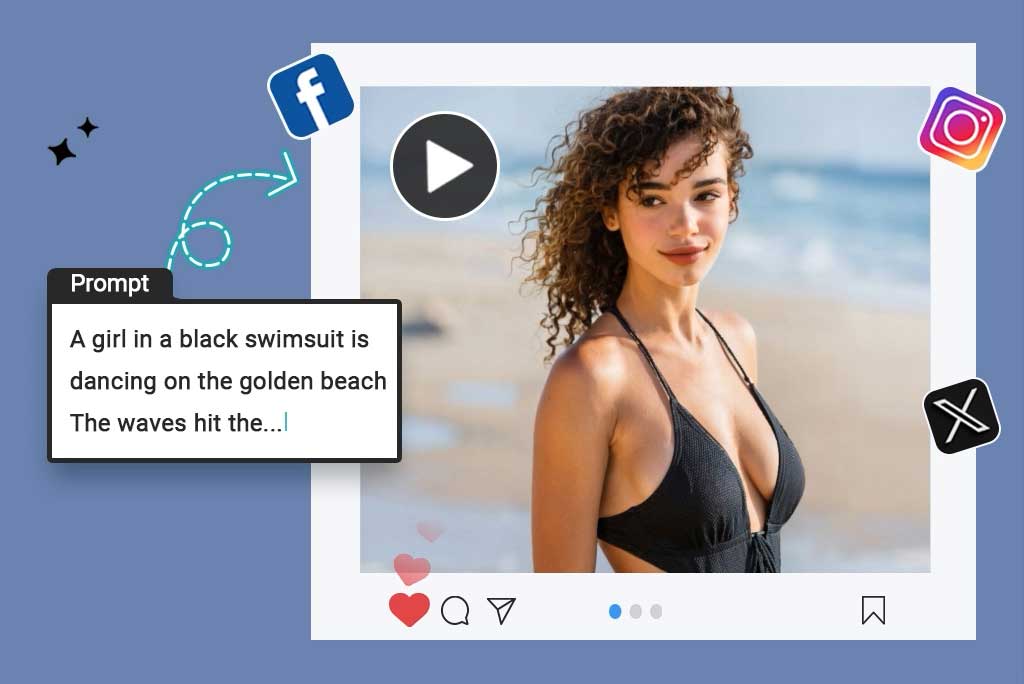
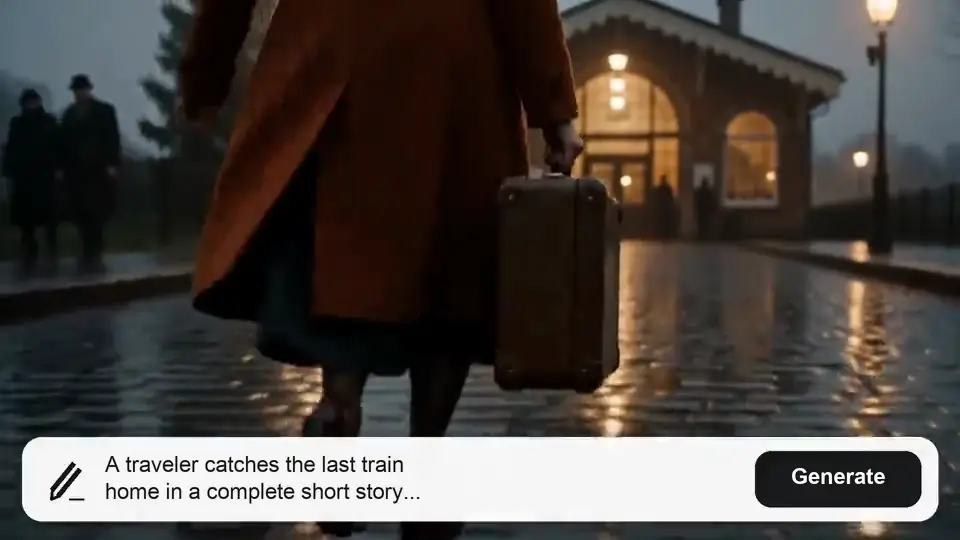
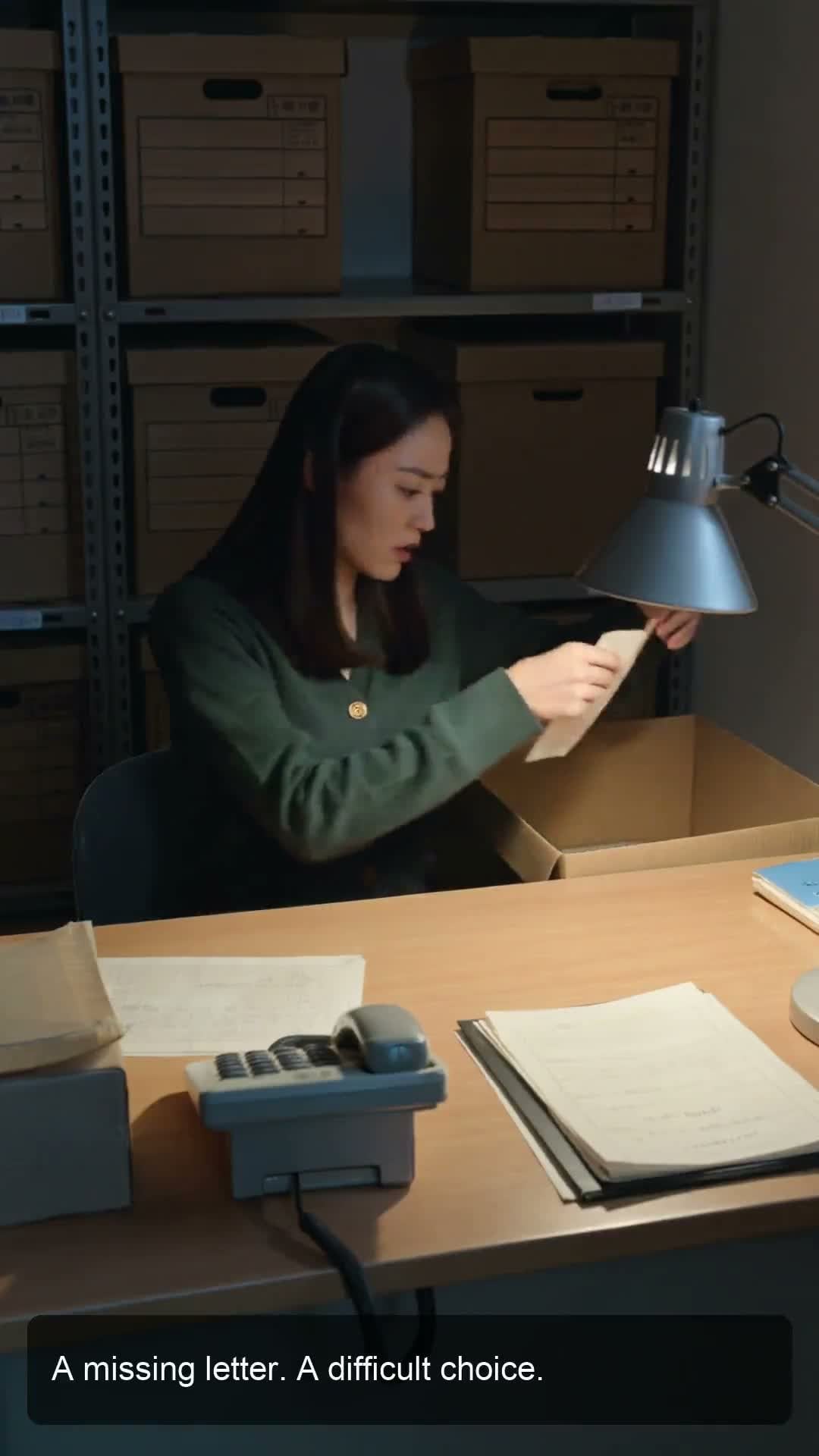
Enter a plot idea, emotional moment, or character conflict, and insMind turns it into a structured AI short drama. It helps build the hook, setup, escalation, and payoff, so your final video feels like a complete mini-episode instead of disconnected AI clips.
00:00
00:00

Create AI Dramas with Storyboards & Consistent Characters

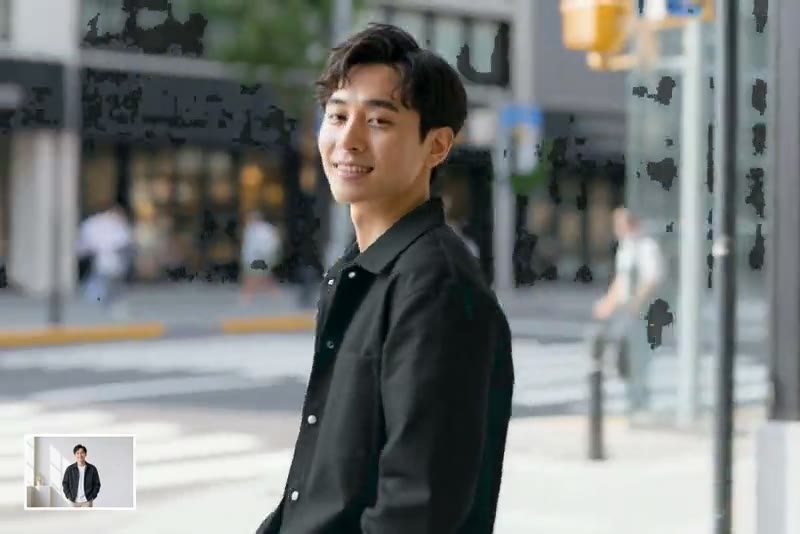
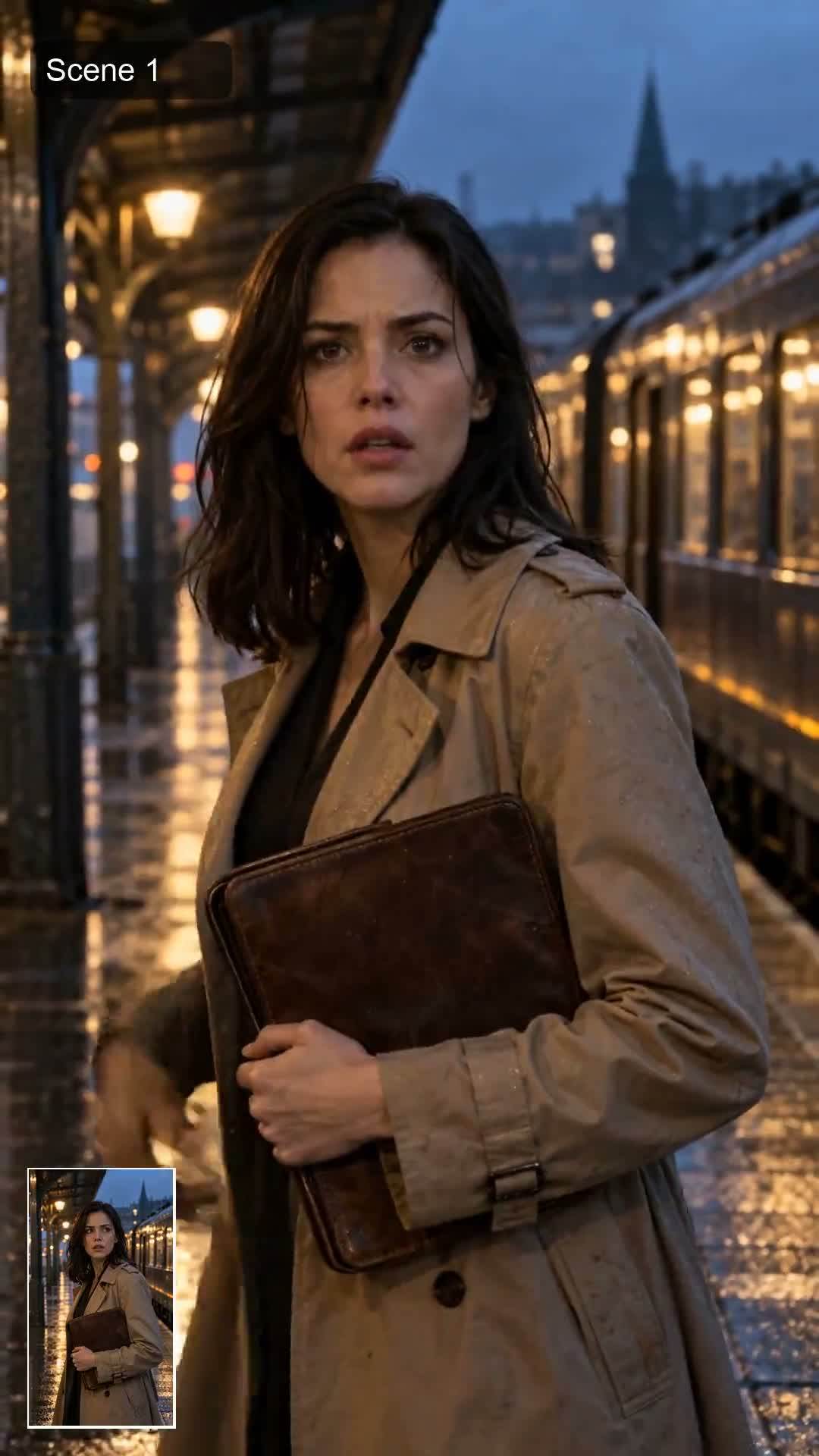
Bring your drama ideas to life with an AI drama generator built for scene-by-scene control. Use storyboards to plan each shot, adjust character actions, emotions, camera angles, and pacing, while keeping characters consistent across different scenes.


Whether you are creating short dramas, social video series, or story-driven content, insMind helps turn scripts, prompts, or photos into coherent drama videos with stronger continuity and a more polished visual style.
00:00
00:00

Create AI Micro Dramas and Mini Series

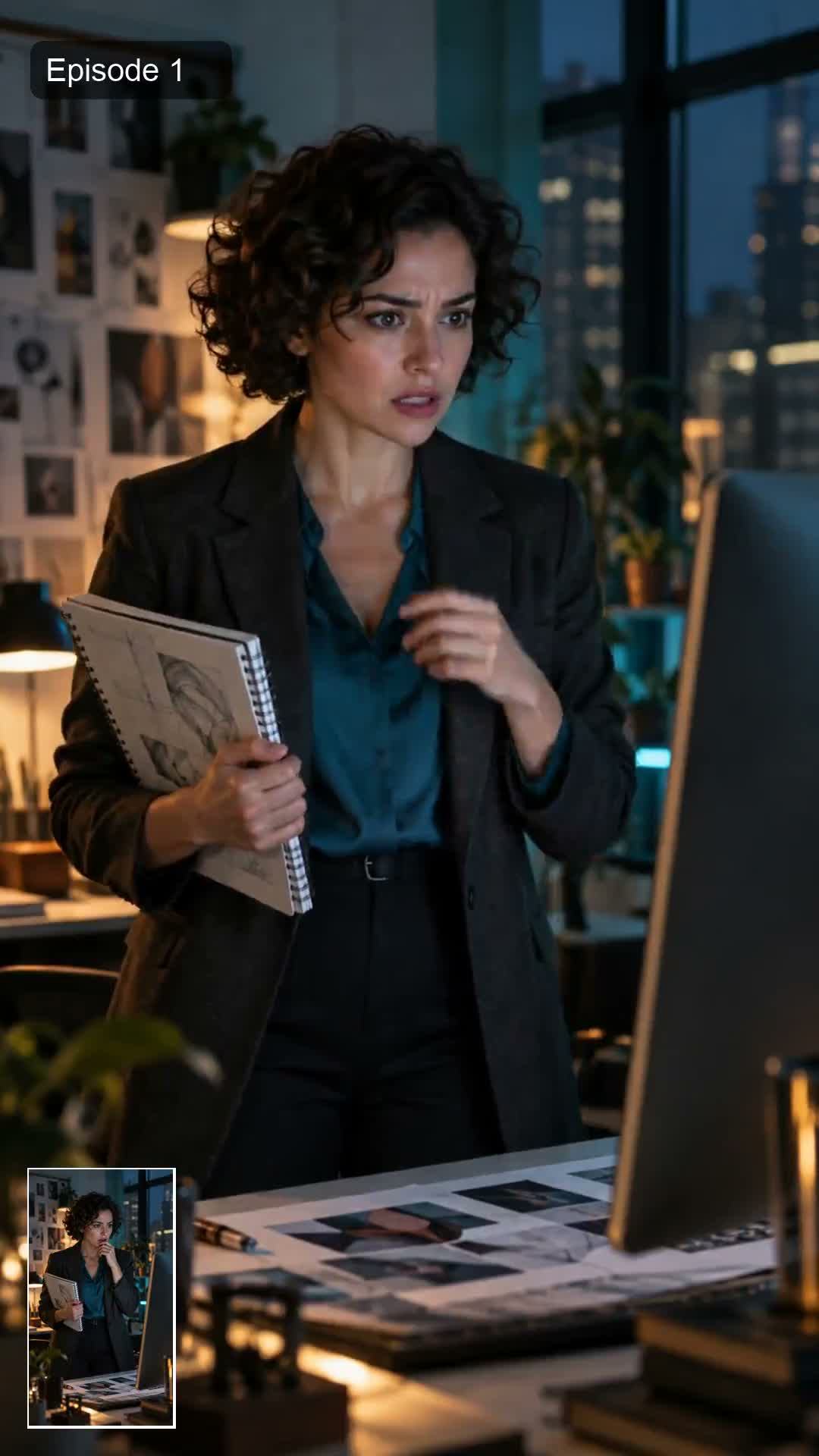
Build a compact 9:16 episode with a hook, rising conflict, and a payoff or cliffhanger. Reuse your character and story brief to develop the next episode, then prepare clips for TikTok, Reels, or Shorts.

How to Create AI Short Drama Videos in 4 Steps

Step 1. Add Your Story Idea or Script

Enter a premise, a short script, or scene notes. Include who the characters are, what they want, the conflict, and the tone of the drama.

Step 2. Develop the Drama with the AI Agent

Discuss the characters, setting, key scenes, and ending with the Agent. Add reference images when you have them and clarify how recurring characters should look.

Step 3. Review and Refine the Storyboard

Check scene order, reactions, pacing, and character details. Ask for changes before video generation if the story or visuals do not match your plan.

Step 4. Generate and Review Your Video

Generate the short drama, watch the result, and revise scenes that need work. Download the finished video when it is ready for your channel.

Why Choose Our AI Short Drama Generator?

Easy to Use

Easy to Use

Move from rough idea to a structured short drama faster, with hook, conflict, and payoff already shaped.

Agent-Guided Prompt Discussion

Agent-Guided Prompt Discussion

When your idea is incomplete, the agent asks follow-up questions and chats with you to confirm characters, setting, mood, and ending before video generation.
Better Mini-Series Testing

Better Mini-Series Testing

Try connected episodes, cliffhangers, recurring conflicts, and character arcs before committing to a longer series.
Consistent Drama Leads

Consistent Drama Leads

Keep recurring animal characters recognizable across episodes, reactions, and camera angles.
Social-Ready 9:16 Output

Social-Ready 9:16 Output

Generate vertical drama clips built for TikTok, Reels, and Shorts without heavy reframing.
Drama Beats That Land

Drama Beats That Land

Build reactions, reveals, misunderstandings, and final twists that feel native to short-form drama.

Who Can Use an AI Short Drama Generator?

Short Drama Creators

Create micro dramas, cliffhanger episodes, and social story arcs without filming a cast or building every scene manually.

TikTok Story Channels

Turn repeatable drama formats into vertical clips with hooks, reactions, and endings that fit short-form viewing.

Indie Creators

Test story ideas, character conflicts, and episode concepts before investing in longer production.

Brand Story Teams

Use animal characters and mini plots to make campaign teasers, mascots, or product stories feel more entertaining. ---

AI Short Drama Generator FAQs

What is an AI short drama generator?

insmind expand icon
An AI short drama generator helps turn a story idea, prompt, or script into a short dramatic video. With insMind, you can develop the plot with an AI Agent, review a storyboard, and generate scenes for a mini drama or episodic story.

How to create AI short drama videos?

insmind expand icon
Enter your story idea or script, describe the characters and conflict, and refine the scene plan with the AI Agent. Review the storyboard, generate the video, then watch and revise the result before downloading it.

Can AI generate a short drama from a script?

insmind expand icon
Yes. Paste or summarize your script and tell the Agent which characters, scenes, and dramatic moments matter. Review the proposed storyboard before generation so the video follows your intended story.

How to make AI short drama videos for free?

insmind expand icon
Open insMind's short drama tool and start with a story prompt or script. You can explore the available creation flow before committing to a longer project. Free access, generation credits, download options, and limits can vary by account, so check the current in-product plan details before generating.

What is the best AI short drama generator?

insmind expand icon
The best choice depends on your project. Look for script or prompt input, storyboard review, ways to guide recurring characters, output options, and clear pricing. insMind brings story planning and video generation into an AI Agent workflow, so you can test whether it fits your short drama before building a series.

How to turn a story into a short drama with AI?

insmind expand icon
Reduce your story to a main character, a clear conflict, a few visual scenes, and an ending or cliffhanger. Give those beats to the Agent, review the storyboard, and generate the scenes. For a longer adaptation, use insMind's long-form video workflow.

How to keep AI characters consistent across scenes?

insmind expand icon
Give each recurring character a stable description and, if available, a reference image. Reuse those details across scenes, check the storyboard before generation, and review the final clips for changes in appearance. AI continuity can vary, so revise or regenerate scenes that drift.

Are the outputs vertical?

insmind expand icon
The recommended output is 9:16 vertical video so the final clip is easier to post on TikTok, Instagram Reels, and YouTube Shorts.

Explore More AI Video Tools