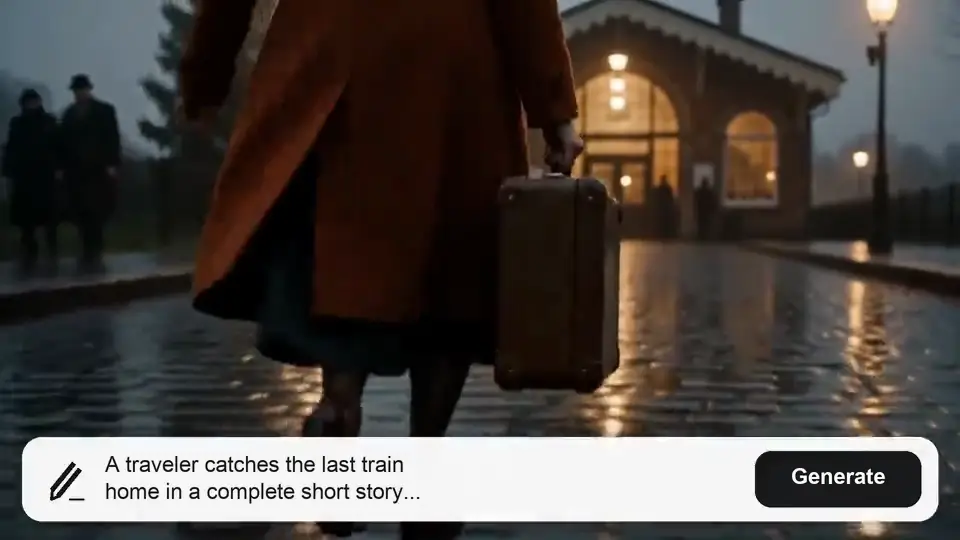
Start with a story idea, a short outline, or a script you have already written. Create a complete video up to 30 minutes long with AI visuals and voiceover, giving your characters, ideas, and key moments room to develop from the opening to the ending.

AI Long Video Generator: Create Videos Up to 30 Minutes
Turn your ideas or scripts into complete long-form videos with engaging visuals and AI voiceover.
See What Your Ideas Can Become
00:00
00:00
00:00
00:00
Keep Your Story Connected from Start to Finish
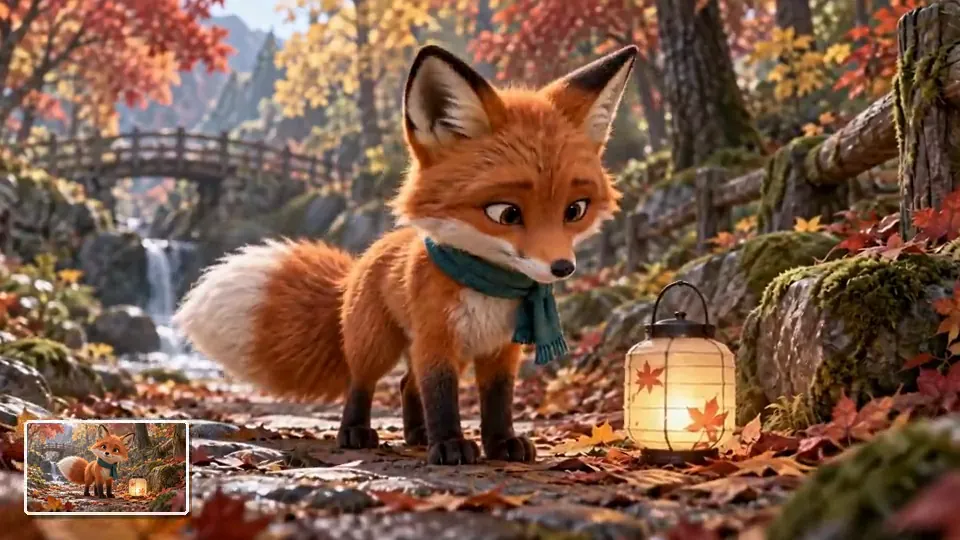
Upload human or animal reference images and describe their roles in your story. Give the Agent a clear starting point for recognizable characters, connected events, and natural pacing. Review the storyboard before generation to shape how your characters and story develop from beginning to end.
00:00
00:00
Bring Your Video to Life with Voiceover
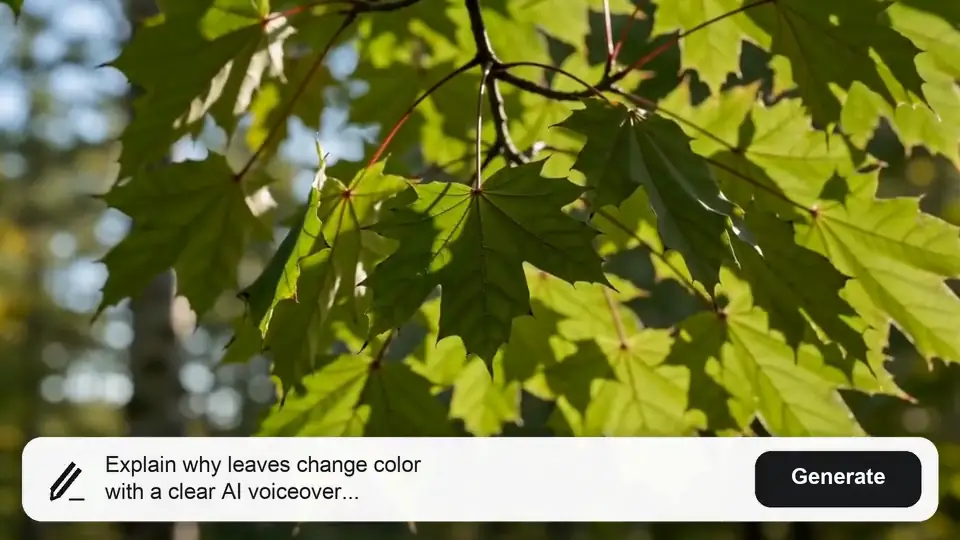
Tell the Agent what your audience needs to hear as well as see. Create a narrated video with voiceover as part of the generation workflow, so your story or explanation has a spoken thread connecting the visuals. For separate narration projects, explore our AI voice over generator.
How to Create a Long Video with AI
Step 1: Share Your Idea or Script
Describe the video you want to make, or paste your script into the Agent. You can also upload human or animal reference images. Include your audience, subject, visual style, and preferred pacing to give the video a clear direction.
Step 2: Review the Storyboard
Work with the Agent to review the proposed story and storyboard. Refine the characters, sequence, and key moments before generating the video.
Step 3: Generate Your Video
Let the Agent generate the visuals and voiceover. If it asks which parts to combine, specify the full project or the sections you want included.
Step 4: Review the Finished Result
Watch the video from beginning to end. Check the story flow, character continuity, and narration, then download the finished result when it is ready.
Make Room for the Stories You Want to Tell

Storytelling and Fiction
Turn a story outline into a narrated adventure, a character-led drama, or an animal tale. Authors and creators can introduce a world, develop a conflict, and give viewers a satisfying ending in a video made for their story channel or creative portfolio.
Educational Explainers
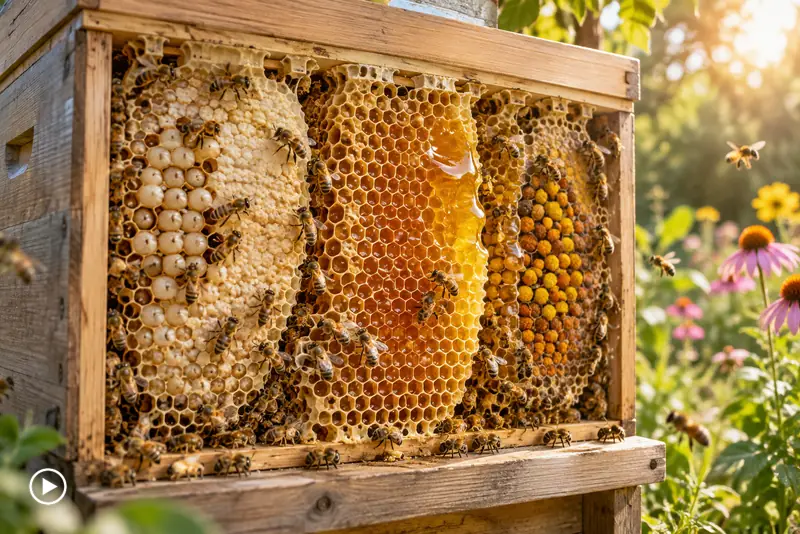
Help students or viewers follow an idea from the first question to the final takeaway. Turn reviewed lesson notes or an explanatory script into a narrated video for a class or educational channel. For a focused topic, explore our AI explainer video generator.
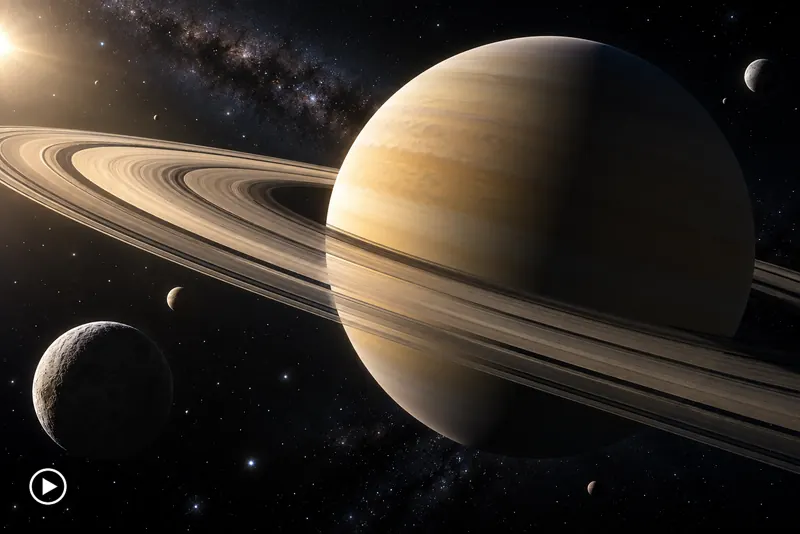
Faceless YouTube Content
Build narrated videos around topics you know, from cultural overviews to fictional stories. Start with an outline or script and create visuals that support the narration, without filming yourself. Explore more ideas for your channel with our faceless video generator.
Why Choose insMind for Long-Form Videos?

Start with What You Have
Bring a simple idea, a working outline, or a finished script and use it as the starting point for your video.

Give Your Story Room
Develop an opening, connected events, and a conclusion so your video can carry an idea through to its final payoff.

Shape the Story Before Generation
Review the proposed storyboard with the Agent and refine key moments before moving ahead with the video generation process.

Include a Spoken Narrative
Generate visuals and voiceover within the same workflow to give viewers a spoken guide through your story or explanation.

Direct the Agent in Plain Language
Describe your audience, characters, and preferred tone in the conversation to give the Agent a clear brief for your video.

Create Without Appearing on Camera
Make narrated stories and educational videos with AI visuals, giving your audience something to watch without recording yourself on camera.
FAQs About the AI Long Video Generator
What is an AI long video generator?


An AI long video generator turns an idea, script, or reference image into a connected multi-scene video. With insMind Agent, you can plan the storyboard, keep characters and visuals consistent, and create stories, explainers, product marketing videos, brand content, and YouTube videos with voice and sound.
How long can my AI-generated video be?
You can create videos up to 30 minutes long with insMind's AI long video generator. Choose a length that suits your story or topic, and describe your target duration when briefing the Agent. You can also create shorter videos when your idea needs less time.
Do I need a complete script to get started?
No. You can begin with an idea or a short outline and develop it with the Agent. A complete script is also a useful starting point if you already know what you want to say. Include your audience, main message, and preferred tone to help shape the video.
Can I keep the same characters throughout my video?
Yes. insMind supports character consistency across scenes. Describe each recurring character in your brief, upload a reference image when you have one, and review the storyboard to define where they appear. The Agent uses those details to keep their appearance and role consistent as the video develops.
Does the video include AI voiceover?
Yes. Voiceover is generated as part of the video workflow. Tell the Agent what should be narrated and describe the tone you want, such as warm storytelling or a clear educational explanation. Review the finished video to check that the narration and visuals communicate the same message.
Can I review the storyboard before generating my video?
Yes. You can review the proposed storyboard with the Agent before video generation. Use that stage to clarify the story sequence, character details, and key moments. Giving feedback before generation helps establish what the video should show and how the narrative should develop.
Is the AI long video generator free to use?
You can try this tool online for free. Available features and usage limits may vary by account and permissions.
What kinds of long videos can I create?
Create story videos, educational explainers, product demos and marketing videos, brand stories, tutorials, travel guides, and faceless YouTube content. Start with an idea or script, or add product and character reference images. Use the storyboard to shape the sequence, then generate a connected video with visuals, voiceover, and music that fit your audience.
Can I use my own character images?
Yes. Upload reference images of people or animals and tell the Agent who each character is. insMind uses your images to keep characters recognizable across scenes, while you shape their actions and story arc in the storyboard.
More Tools for Your Long-Form Video Projects
00:00
00:00
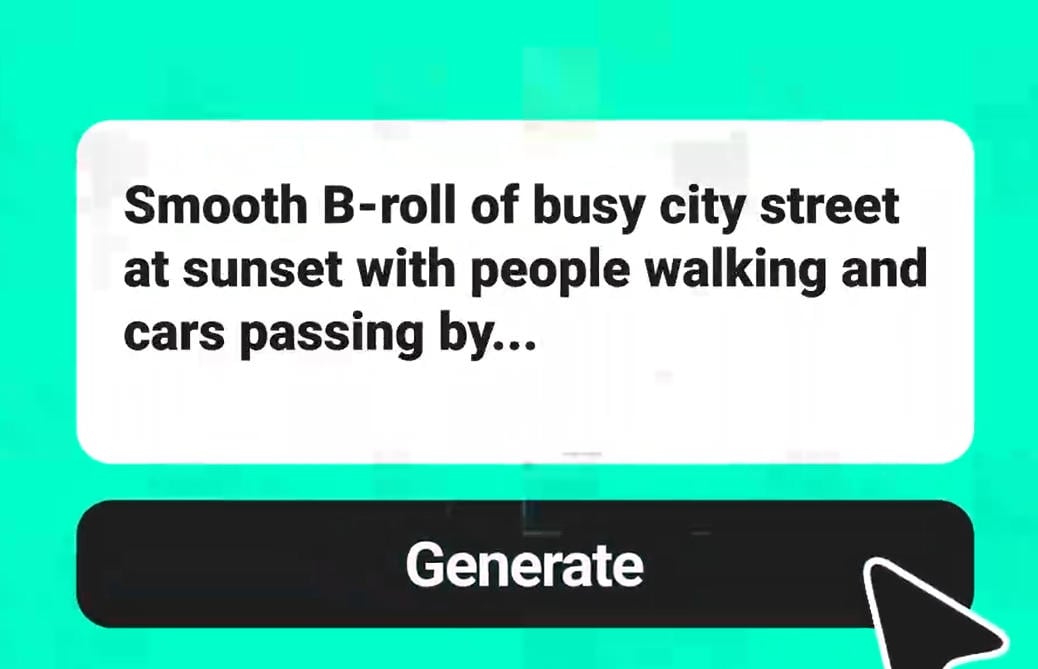
Text to Video
Turn a written idea into AI-generated video visuals.

Script to Video
Use a written script as the starting point for a video.
00:00
00:00
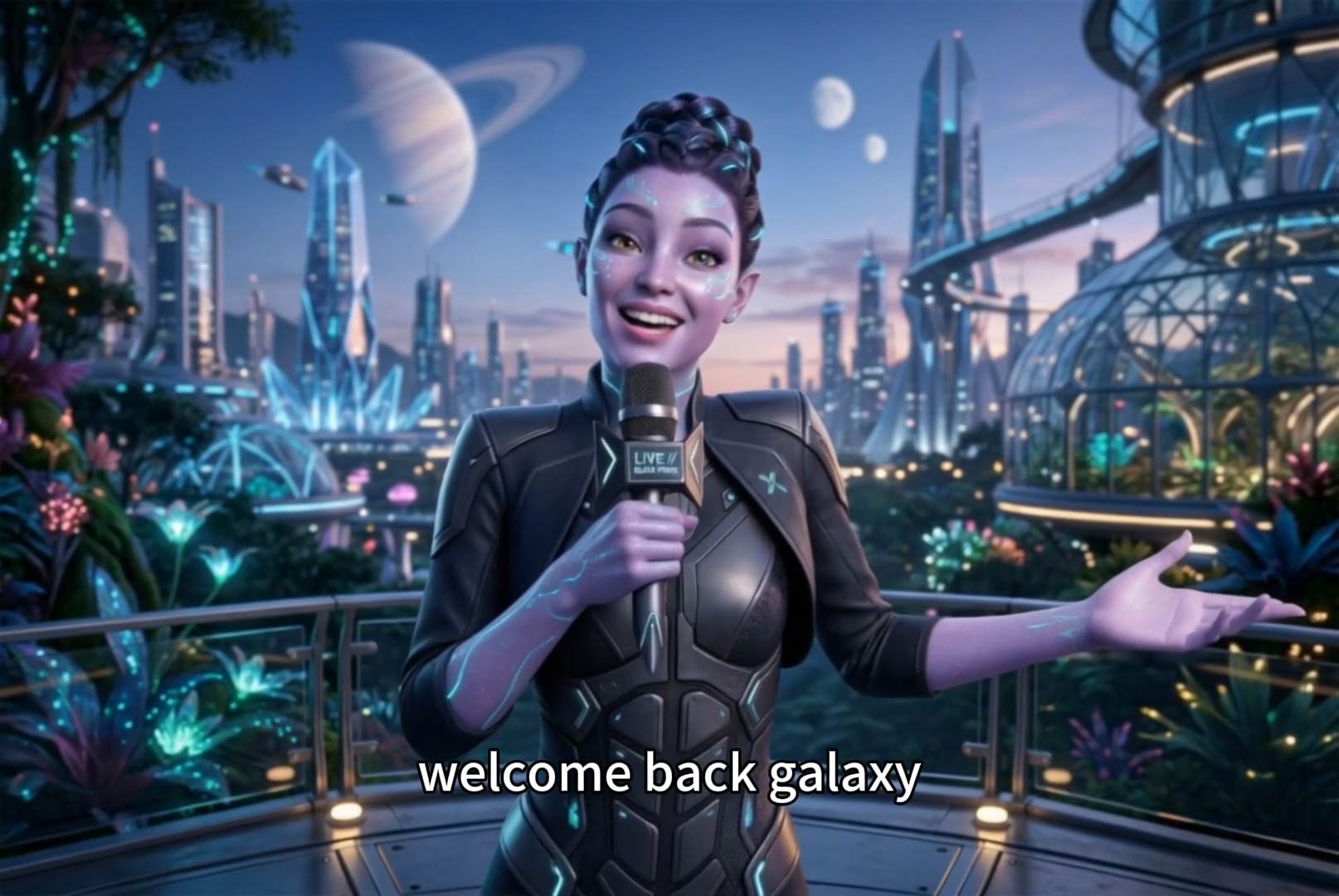
Faceless Video Generator
Explore video creation without appearing on camera.
00:00
00:00
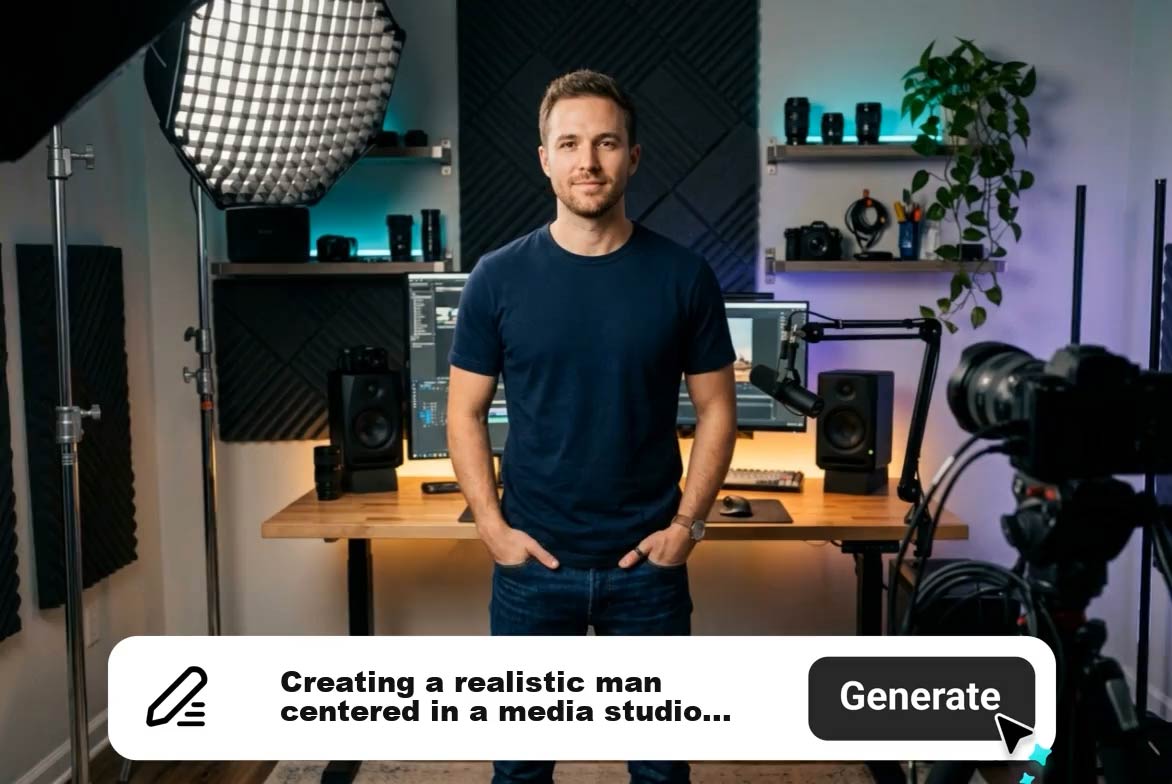
Explainer Video Generator
Present a topic through an AI-generated explainer.

Animal Drama Generator
Explore character-led stories featuring animals.
00:00
00:00
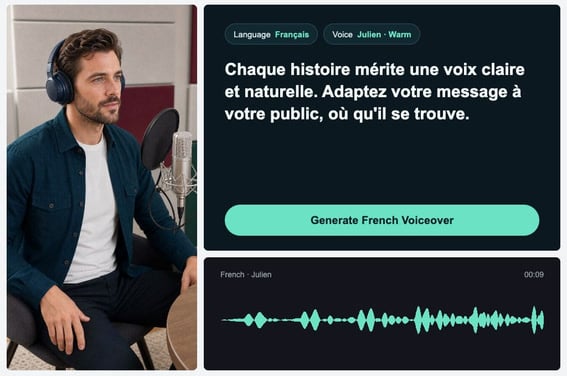
AI Voice Over Generator
Create spoken narration for a separate voiceover project.
00:00
00:00
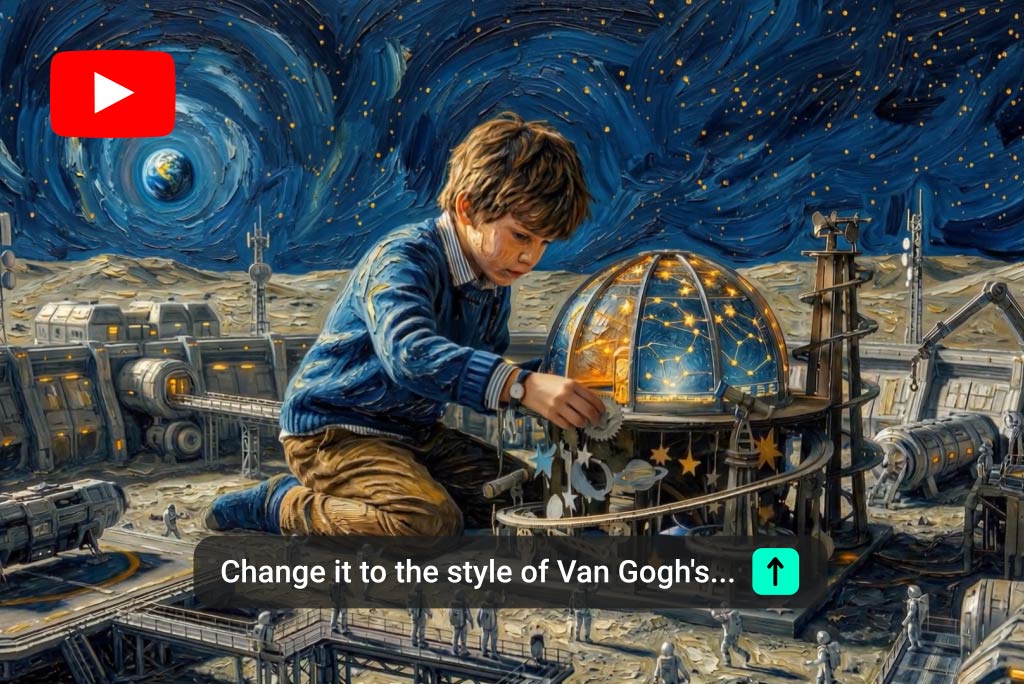
YouTube Video Editor
Explore editing tools for YouTube video projects.
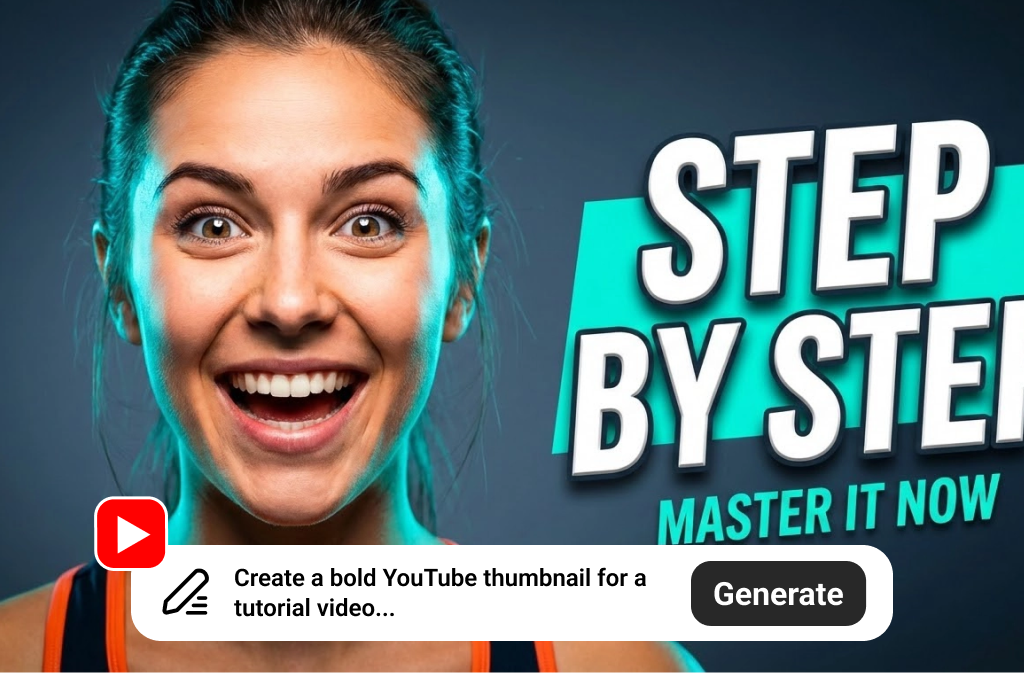
YouTube Thumbnail Generator
Create a thumbnail to introduce your video.