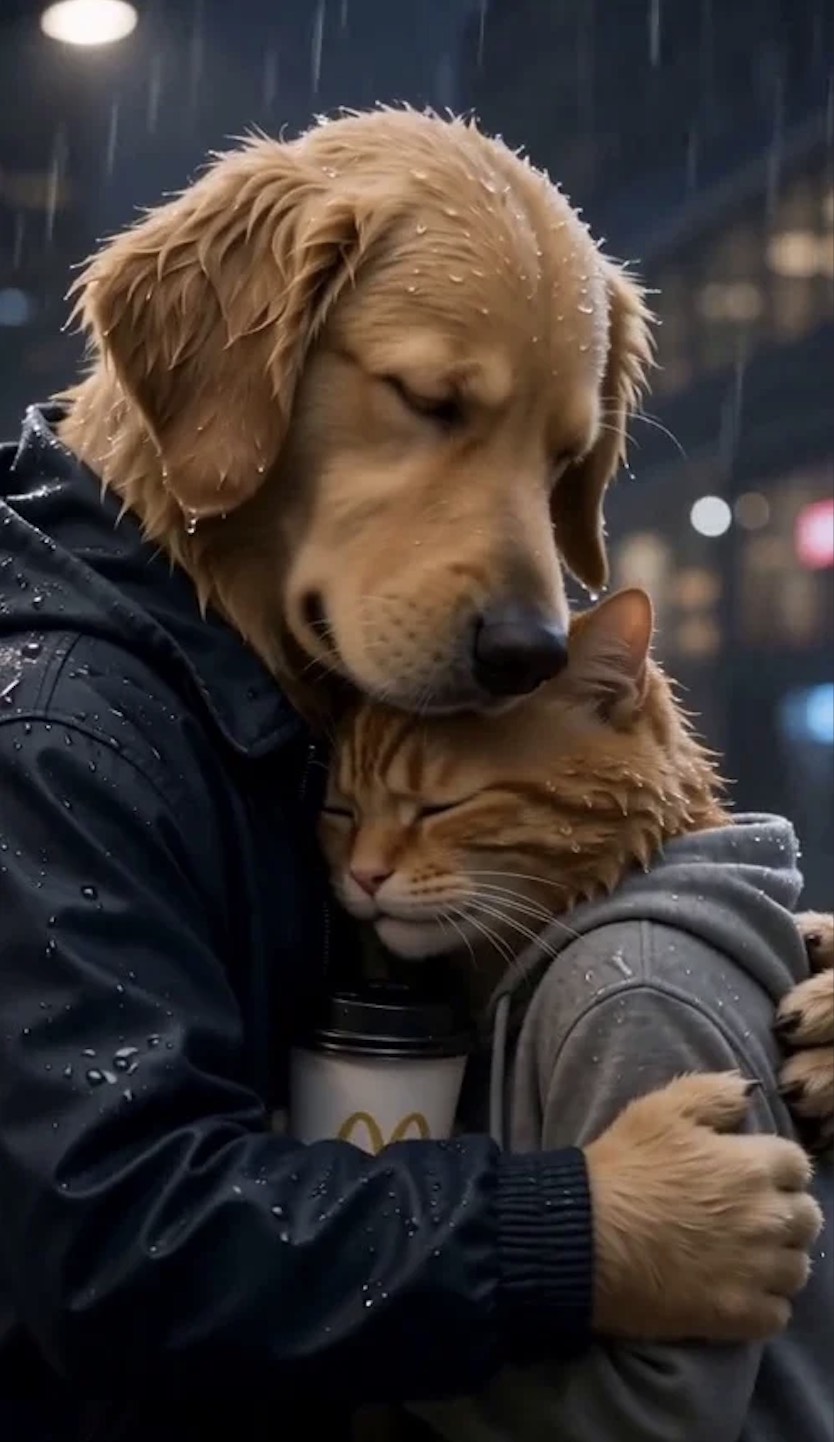
Turn a quick text prompt, rough story idea, or uploaded animal image into a viral animal short drama. Describe the animal character, scene, conflict, and mood, then let AI shape your idea into a cinematic short story. Whether you want a fox office comedy, a rabbit fantasy quest, a panda workplace drama, or a dramatic pet romance, the animal drama generator helps bring your creative idea to life fast.

Animal Drama Generator
Turn text, ideas, or animal images into viral AI animal short dramas for TikTok, Reels, and Shorts.
00:00
00:00
Create Viral Animal Short Dramas with AI
00:00
00:00
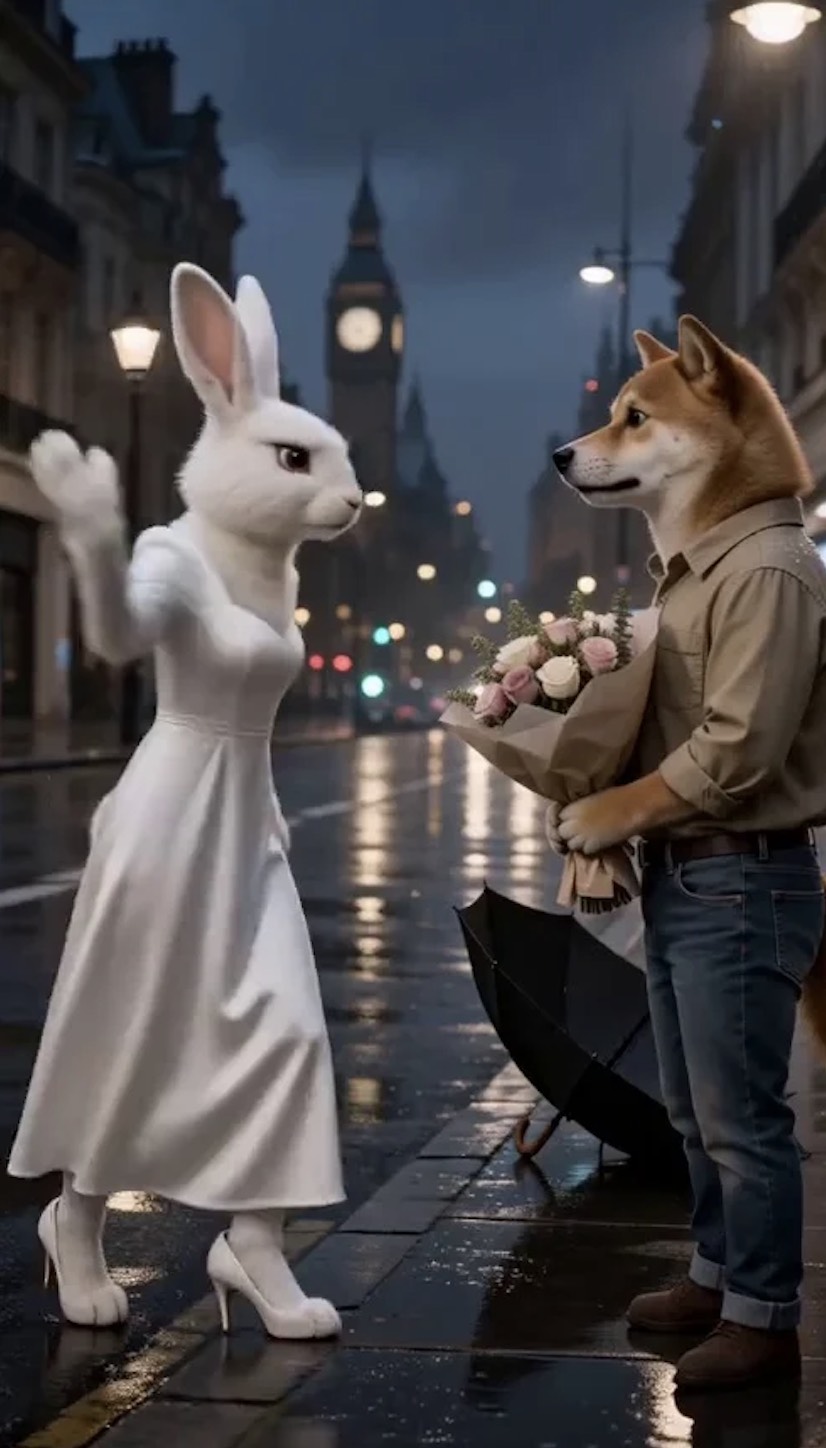
Consistent Animal Characters Across Every Scene
Animal short dramas need recognizable characters from the first scene to the final twist. Keep your cat, dog, fox, rabbit, panda, or custom animal character visually consistent across storyboards, camera angles, expressions, and actions. Powered by advanced video models such as Seedance 2.0, the workflow helps create more coherent animal AI stories with stable character identity.
00:00
00:00
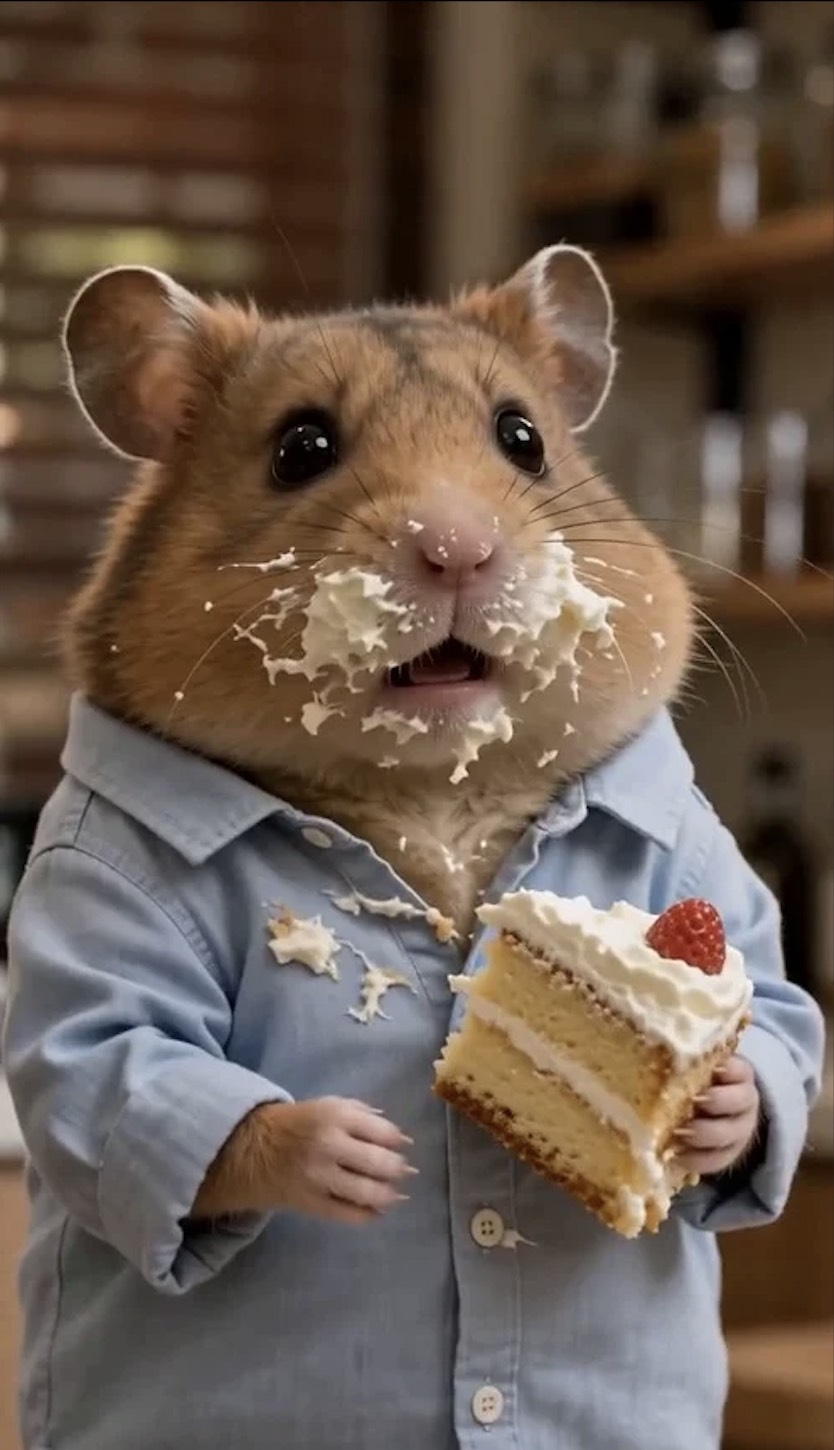
Create TikTok, Reels, and Shorts Ready Videos
Generate polished 9:16 animal drama videos ready for TikTok, Instagram Reels, and YouTube Shorts. Instead of writing scripts, planning shots, editing clips, and resizing for mobile feeds, create a social-ready animal short drama that you can preview, download, and publish with less manual editing.
How to Create Animal Drama Videos in 4 Steps
Step 1. Enter Your Prompt
Start with a simple instruction. Describe what kind of animal drama you want to create, including the character, scene, setting, conflict, and emotional tone. For example, ask for a jealous cat, a detective dog, a rabbit princess, or a fox influencer in a dramatic short video.
Step 2. Generate the Storyboard
The AI turns your idea into a structured storyboard. If your prompt is missing key details, it can guide you to add the animal character, scene direction, dialogue, conflict, or ending before preparing the full short drama flow.
Step 3. Review the Storyboard
Review the storyboard before creating the final video. If a scene feels too slow, the character needs a different reaction, or the ending needs a stronger twist, send a new instruction and let AI revise it.
Step 4. Generate the Animal Drama Video
Once the storyboard looks right, confirm the final generation. The AI creates the animal drama video, then you can preview, download, and share the finished 9:16 short drama on TikTok, Reels, Shorts, or your own content channels.
Why Creators Love Our Animal Drama Generator?

10x Faster Story Prep
Turn a rough idea into a character, conflict, scene flow, and ending faster. Your animal video feels like a short drama, not a random AI clip.

Recognizable Animal Leads
Use a custom animal image or generated character to build stories around the same pet, mascot, or fictional animal across scenes.

Made for Mini-Series
Create recurring animal characters for office drama, fantasy quests, pet comedy, detective scenes, or mascot stories.

Revise Before Rendering
Adjust the setup, reaction, conflict, or final twist before creating the video. Avoid weak pacing and confusing endings.

Post-Ready 9:16 Clips
Generate vertical MP4 videos designed for TikTok, Reels, and Shorts, with less resizing, reframing, or rebuilding.

Smoother Viral Moments
Use advanced video models such as Seedance 2.0 to create smoother reactions, cleaner motion, and more expressive drama beats.
Who Can Use an Animal Drama Generator?
TikTok Animal Creators
Create animal short dramas, meme stories, and character-led clips that fit TikTok's fast vertical storytelling style. Turn one idea into multiple short video concepts without starting from a blank timeline.
Pet Content Creators
Turn pet photos or animal ideas into funny, emotional, or dramatic AI videos without recording new footage. Use your own animal image to build a story around a familiar face.
Short Drama Channels
Build recurring animal characters and episode-style storylines for Shorts, Reels, and social video series. Consistent characters help each clip feel like part of a larger animal drama world.
Brand and Mascot Marketers
Use animal characters to create playful brand videos, mascot stories, promo clips, or campaign teasers with a stronger narrative hook than a static poster.
Frequently Asked Questions
How to create AI animal drama videos?


Enter a story idea or upload an animal image. Describe the character, setting, conflict, and mood. Review the AI-generated storyboard, request any scene changes, then generate and preview your animal drama video.
What is an AI animal drama generator?
An AI animal drama generator turns a written idea or animal image into a short story video featuring animal characters. It helps plan scenes and reactions before generating the final clip.
How to make AI animal videos for TikTok?
Start with a short setup and a clear emotional beat or punchline. Use an animal image or prompt, review the storyboard, and generate a vertical video. Preview the result and check TikTok's current upload requirements before posting.
Can I create AI animal drama videos for free?
You can start exploring insMind's creation tools with a free account. Video generation and downloads may use credits, and availability can vary by model and plan. Check the current credit cost in the tool before generating.
How to create AI cat drama videos?
Upload a cat photo or describe your cat character in a prompt. Add a simple conflict, expressive reactions, and a final twist. Review the storyboard, refine any scene that misses the mood, and generate the video.
Can I turn my pet photo into an AI drama video?
Yes. Upload a clear photo of your cat, dog, or other pet as a visual starting point, then describe the scene and story you want. Review the storyboard before generating. Results can vary with the source image and selected model.
Can AI create animal characters with human emotions?
You can prompt animal characters to show story emotions through expressions, gestures, and reactions, such as a jealous cat or a proud dog. The generated performance may need a revised prompt or storyboard to match your intended emotion.
How to keep animal characters consistent in AI videos?
Use the same clear reference image and repeat identifying details such as fur color, markings, clothing, and role in your prompt. Check each storyboard scene before generating and revise any scene where the character's appearance drifts. Consistency can vary by model and scene complexity.
What kind of animal AI stories can I make?
You can create comedy sketches, fantasy scenes, office dramas, romantic animal stories, detective plots, pet influencer clips, mascot campaigns, and TikTok-style animal dramas. Start with a prompt and shape the story through the storyboard.
Explore More AI Video Tools
00:00
00:00
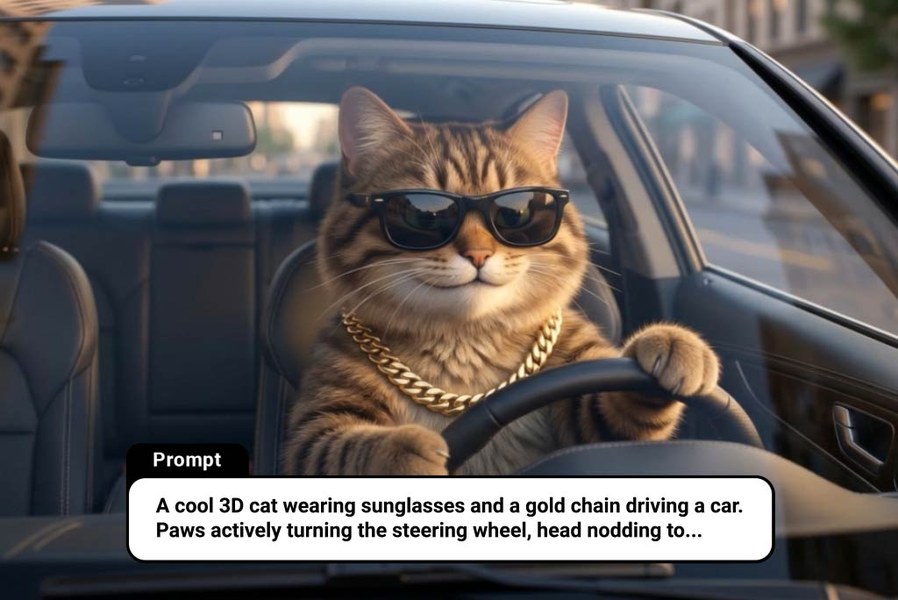
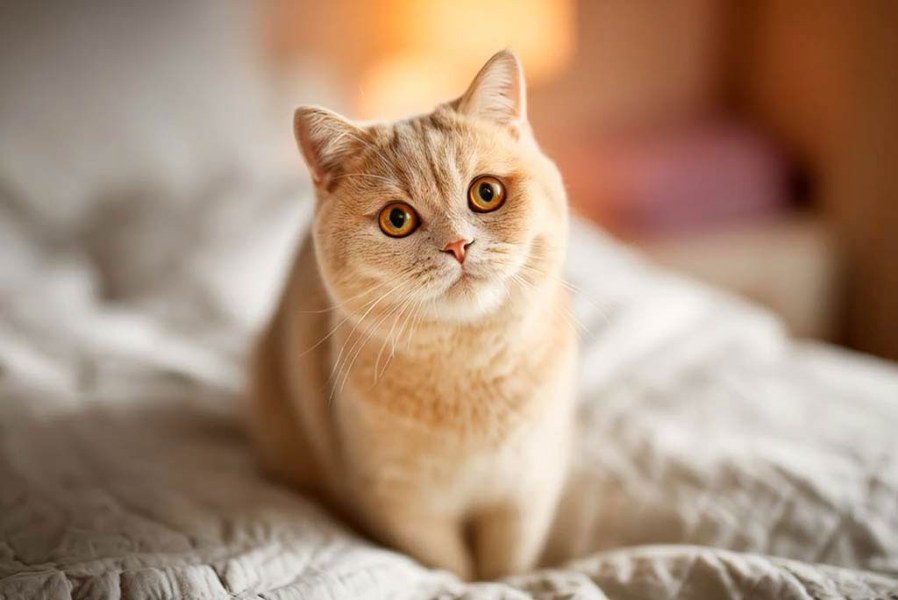
AI Cat Video Generator
Turn ideas or images into animated cat videos instantly.
00:00
00:00
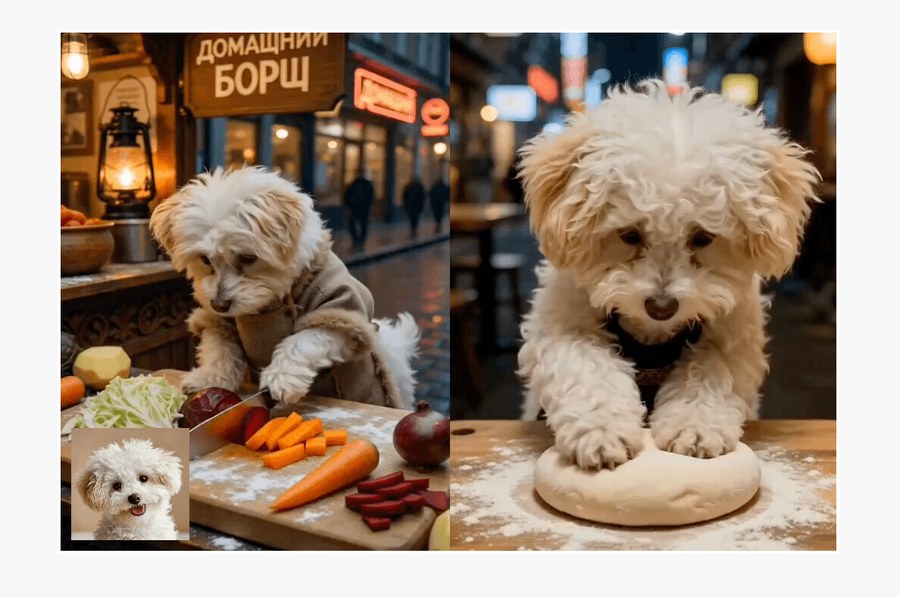
AI Dog Cooking
Turn your dog into a funny virtual chef video.
00:00
00:00
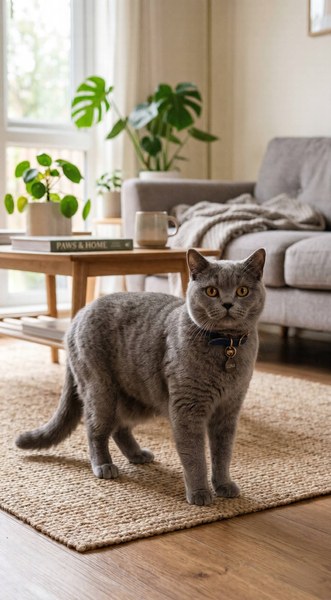
Cat Cooking AI
Turn your cat into a funny virtual chef video in seconds.
00:00
00:00
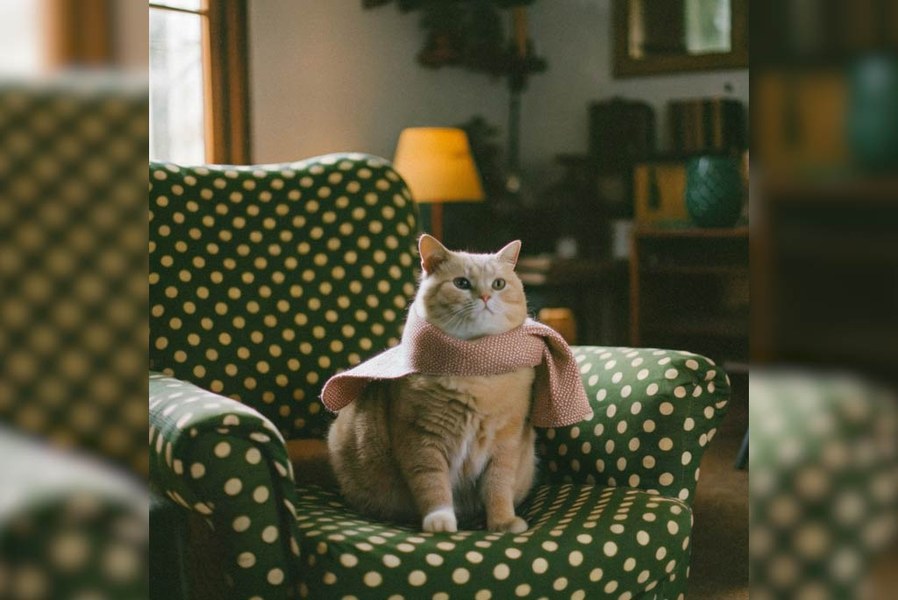
AI Cat Dance Generator
Turn your cat photo into a playful dancing video.
00:00
00:00
AI Pet to Human Generator
Turn your pet into a realistic human character with AI.
00:00
00:00
AI Pet Dress Up
Turn your pet photo into a stylish fashion video with AI.

Pet Billboard
Turn your pet photo into a cinematic 3D billboard instantly.

Fluffy Street Artist
Turn your pet into a street-performing musician in seconds.
@Amina Okafor, Short Drama Producer