00:00
00:00

Turn Scripts Into Storyboard Frames

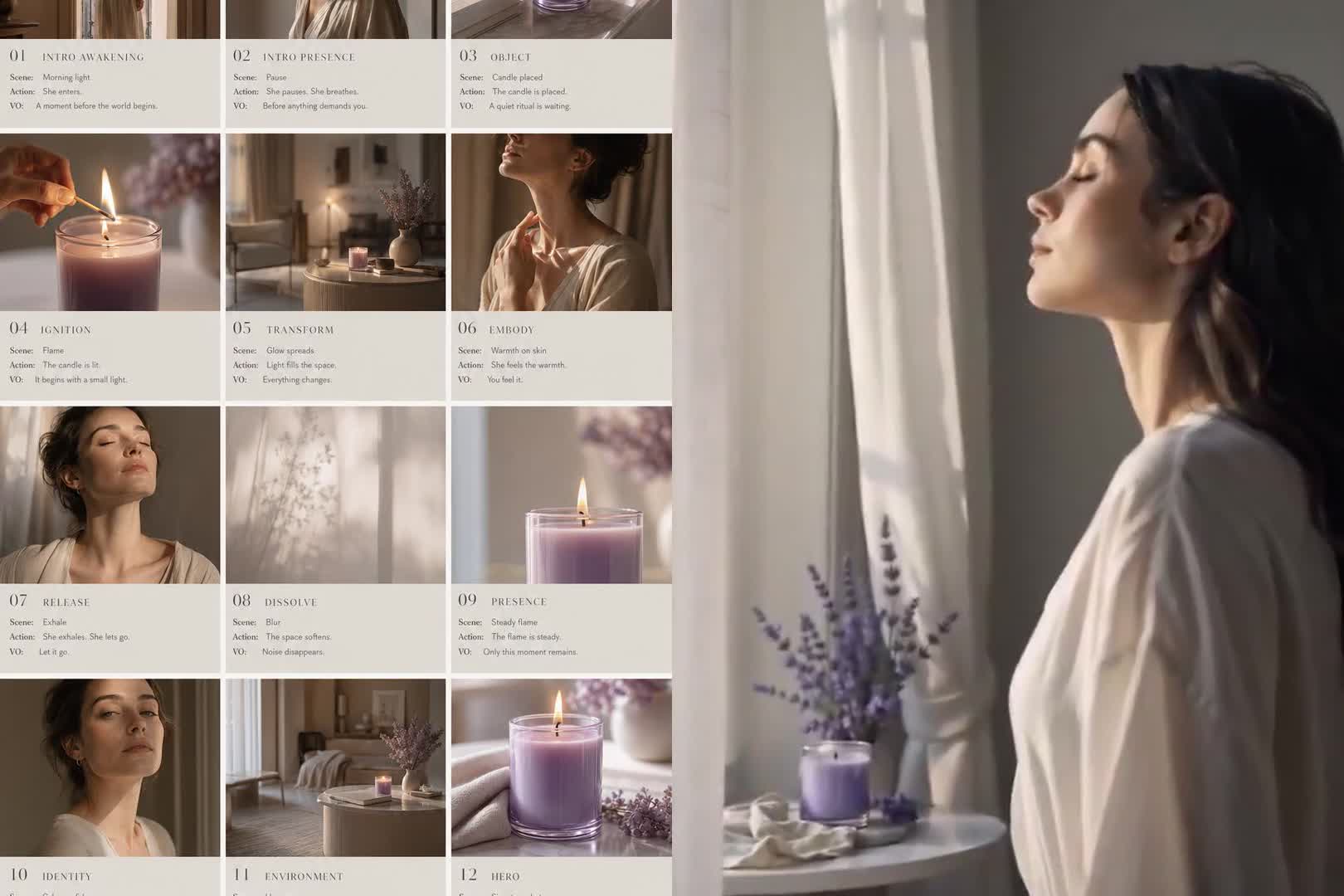
Planning a video from loose notes can stall when the shots are still abstract. Paste a script, scene list, or detailed prompt, and insMind turns text to storyboard frames for scene-by-scene review. Use the AI storyboard creator as a free AI storyboard generator path to test rough boards before production.
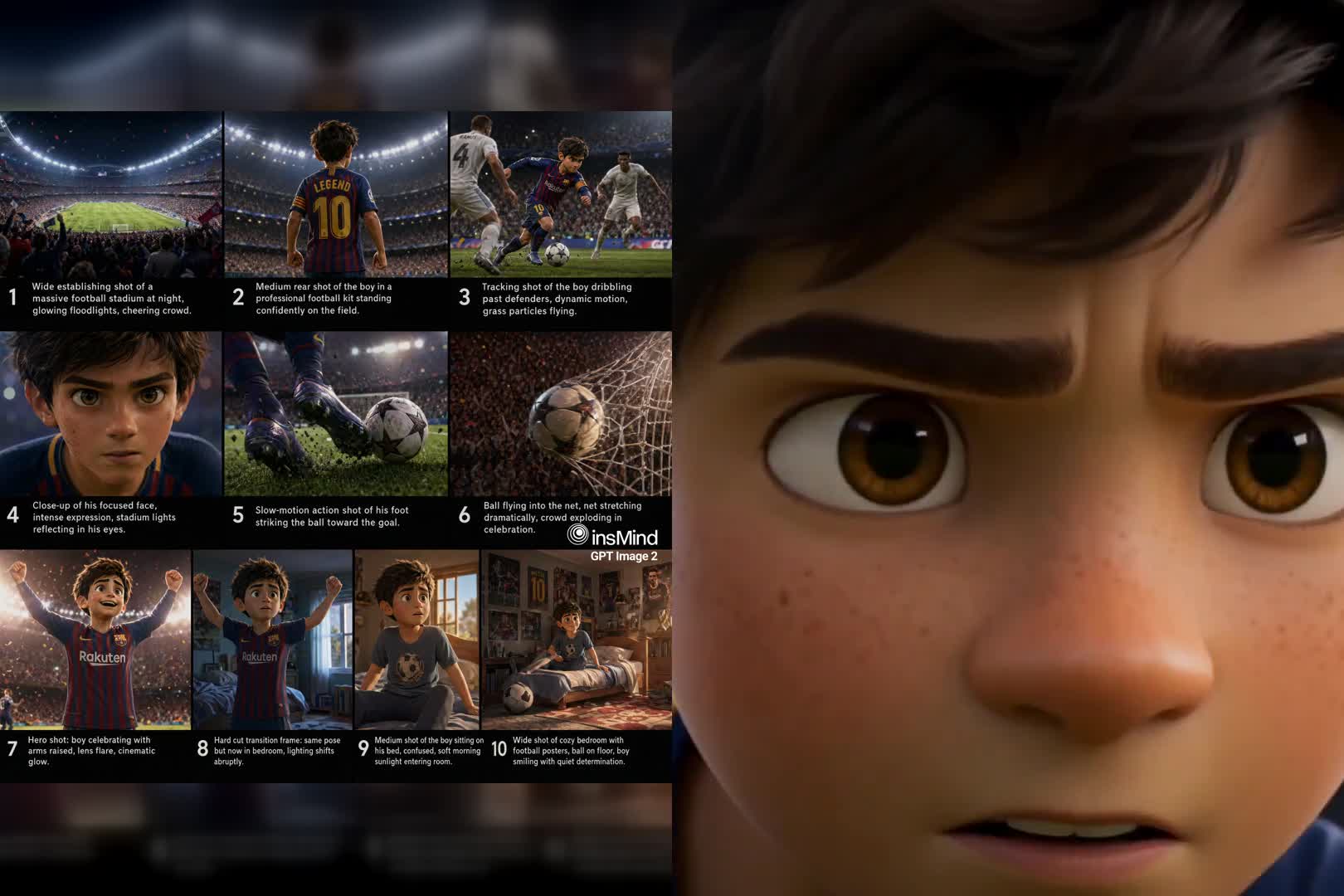
Create AI Storyboard
00:00
00:00

Keep AI Storyboard Characters and Scenes Consistent

Recurring faces, props, and locations need visual anchors across a board. Upload references and include prompt context so insMind can guide character details, product appearance, room layout, and style from frame to frame. The AI storyboard maker gives you a steadier panel sequence without claiming every detail will match.
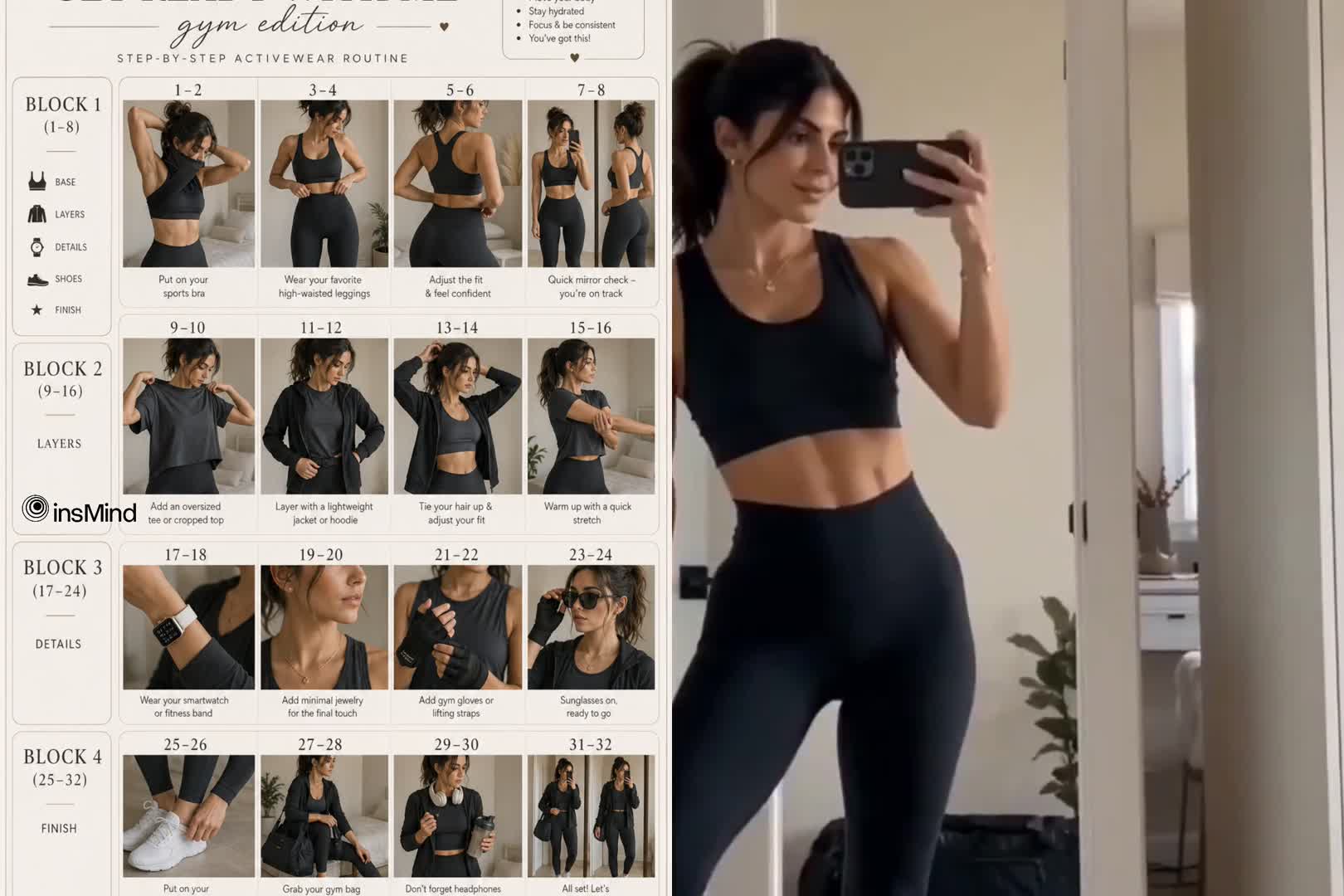
Make AI Storyboards
00:00
00:00

From Script to Storyboard to Video in One Workflow

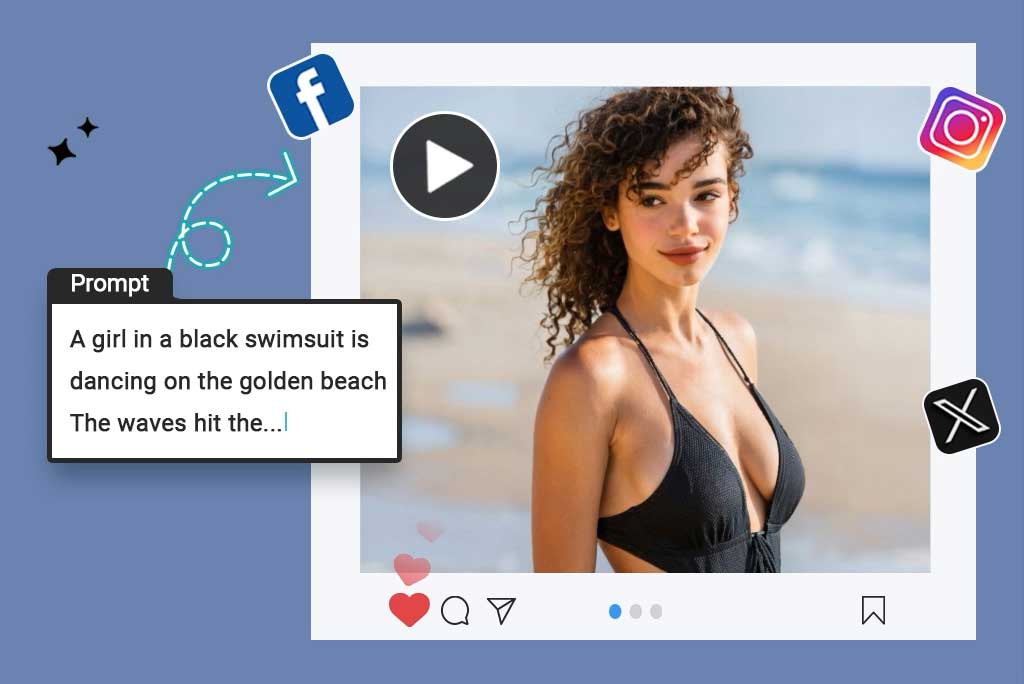
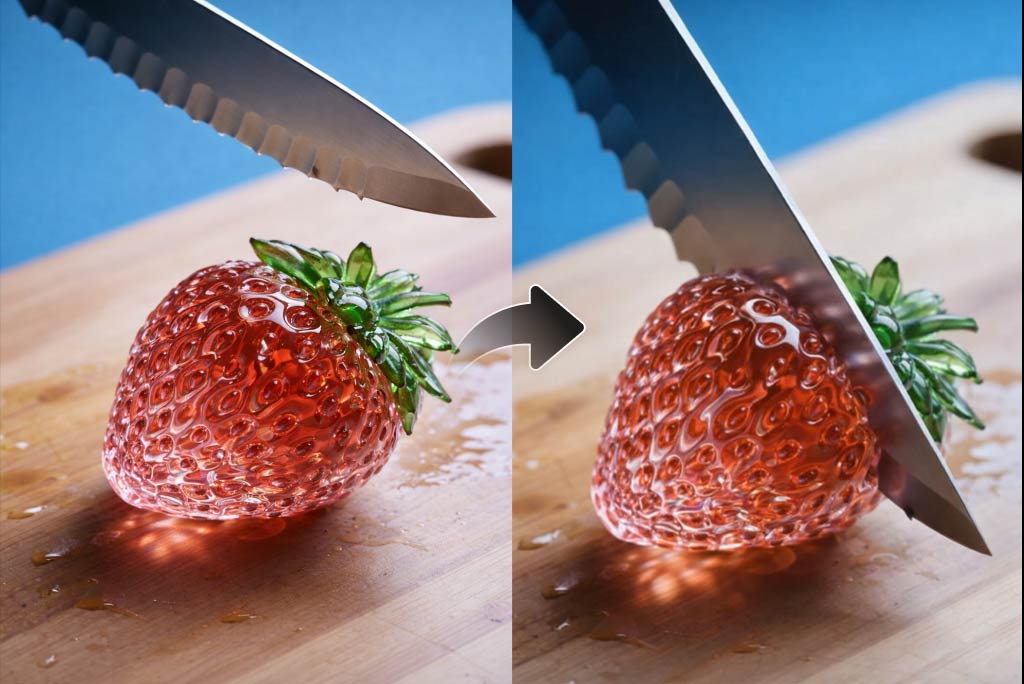
A storyboard is more useful when the next draft can stay close to the approved board. After reviewing panels, ask insMind's AI video agent to generate a draft based on the storyboard direction. This AI video storyboard generator workflow keeps planning and motion creation connected in the same workflow, so you do not need to export the storyboard or switch tools.

Generate AI Storyboards

How to Use the AI Storyboard Generator

Step 1. Enter Your Script

Enter or paste your script, scene notes, or text description with clear storyboard requirements. For example, request a 9-grid storyboard about a girl waking up and making coffee, with notes for each frame, mood, character action, and camera direction.

Step 2. Send and Generate

Click Send. insMind interprets the scene order and can route frame creation through image models such as GPT Image 2, then places the generated storyboard on the canvas for review.

Step 3. Edit and Refine the Storyboard

Select the panel or board area you want to revise, then enter an AI edit prompt. Ask for changes to camera angle, lighting, mood, visual style, scene order, or character details.

Step 4. Storyboard to Video

When the board direction is approved, stay in the same workflow and send a message asking insMind to generate a video from the storyboard. You can use video models such as Seedance 2.0 for the draft.

What Storyboard Creators Say

Why Choose insMind for AI Storyboarding

Agent-Guided Planning

Agent-Guided Planning

Agent mode reads incomplete ideas, scripts, and scene goals, so storyboard AI can form clearer frames before you refine panel details.
Leading AI Models for Storyboards

Leading AI Models for Storyboards

Choose model direction for storyboard frames, with access to options such as GPT Image 2, Nano Banana 2, and Midjourney.

Canvas-Based Review

Canvas-Based Review

Generated panels appear on an infinite canvas, giving you room to compare shots and review sequence flow visually.
Prompt-Based Refinement

Prompt-Based Refinement

Use the storyboard AI generator with follow-up prompts to change angles, lighting, mood, visual style, scene order, or character details.
Free Storyboard Start

Free Storyboard Start

Start as a free AI storyboard generator to test rough prompts and early boards before deeper visual planning.

Prompt and Image Inputs

Prompt and Image Inputs

Pair written prompts with uploaded references through the image icon, so characters, products, locations, or scenes guide each panel.

Who Should Use an AI Storyboard Maker?

Short Filmmakers

Short film scenes often need visual structure before actors or crew discuss blocking. Use script to storyboard planning to turn dialogue, action beats, and camera notes into ordered AI storyboard frames. You can review the sequence before rehearsals, location planning, or shot list work begins.

Marketers

Product launch videos need approval before production time gets spent. Turn campaign scripts into storyboard panels for ads, demos, teasers, and sales explainers with a storyboard AI generator. Teams can compare visual beats, product moments, and message flow before making final assets.

Content Creators

Creator ideas can feel clear in your head but vague on set. Use text to storyboard planning to map YouTube intros, TikTok sequences, or explainer scenes into visual beats. The board gives each clip a start, middle, and ending before filming or generating content.

Product Teams

Product explainers need a clear user journey before video production starts. Turn onboarding steps, app flows, or feature walkthroughs into storyboard panels with an AI video storyboard generator. Product teams can review user actions, screen moments, and narrative gaps before making video assets.

Frequently Asked Questions

What is an AI storyboard generator?

insmind expand icon
An AI storyboard generator is a tool that turns scripts, prompts, rough ideas, and visual references into storyboard-style frames. It helps you plan scenes, characters, camera direction, and visual flow before filming or generating a video draft.

How does storyboard AI create frames from a script?

insmind expand icon
Storyboard AI reads your prompt for scene order, subjects, actions, mood, and camera direction. It then creates visual frames based on that text, though you may need to refine panels for closer script matching.

Can I upload reference images for an AI storyboard?

insmind expand icon
Yes, click the image icon to add references for characters, products, locations, scenes, or visual style before generating the storyboard.

Can I edit the storyboard after it is generated?

insmind expand icon
Yes, you can refine storyboard frames with follow-up prompts for scene order, camera angle, lighting, mood, style, or specific details.

Is insMind a free AI storyboard generator?

insmind expand icon
Yes, insMind offers a free starting path for testing storyboard prompts and rough boards without claiming unlimited use.

Can I turn an AI storyboard into a video?

insmind expand icon
Yes, once the storyboard direction is approved, you can continue into insMind's AI video agent to generate a draft video from it.

How is an AI storyboard maker different from traditional storyboard software?

insmind expand icon
An AI storyboard maker generates initial panels from prompts instead of starting with manual drawing tools. You can describe changes in text, refine the board, and iterate on scene direction faster than redrawing every frame by hand.

Explore Other Hot Video Tools from insMind