
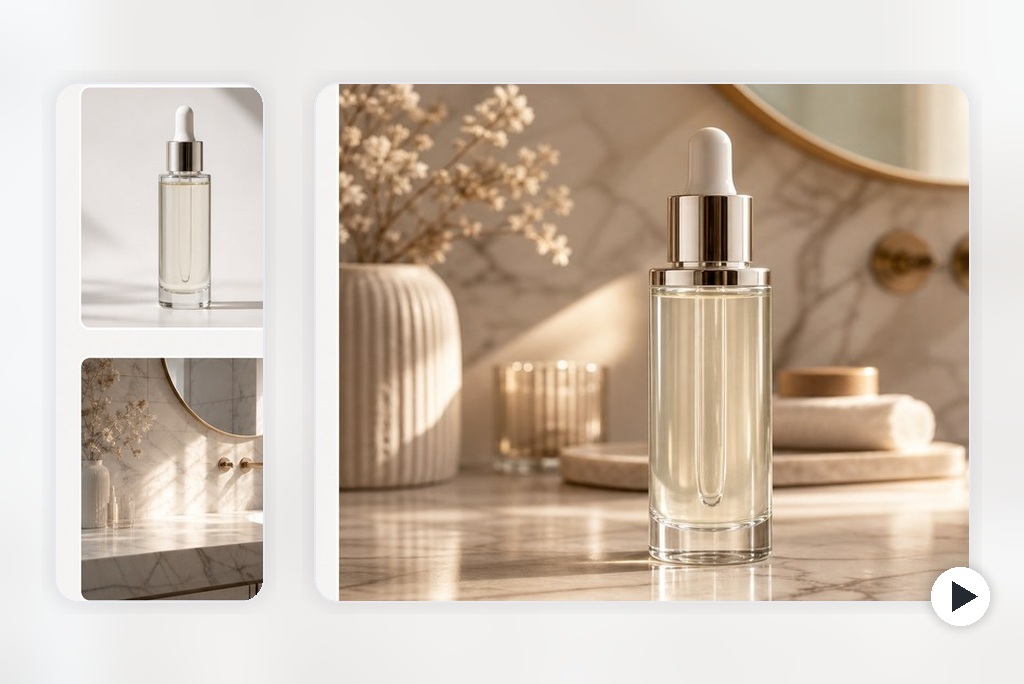
Keep Products Consistent Across Scenes
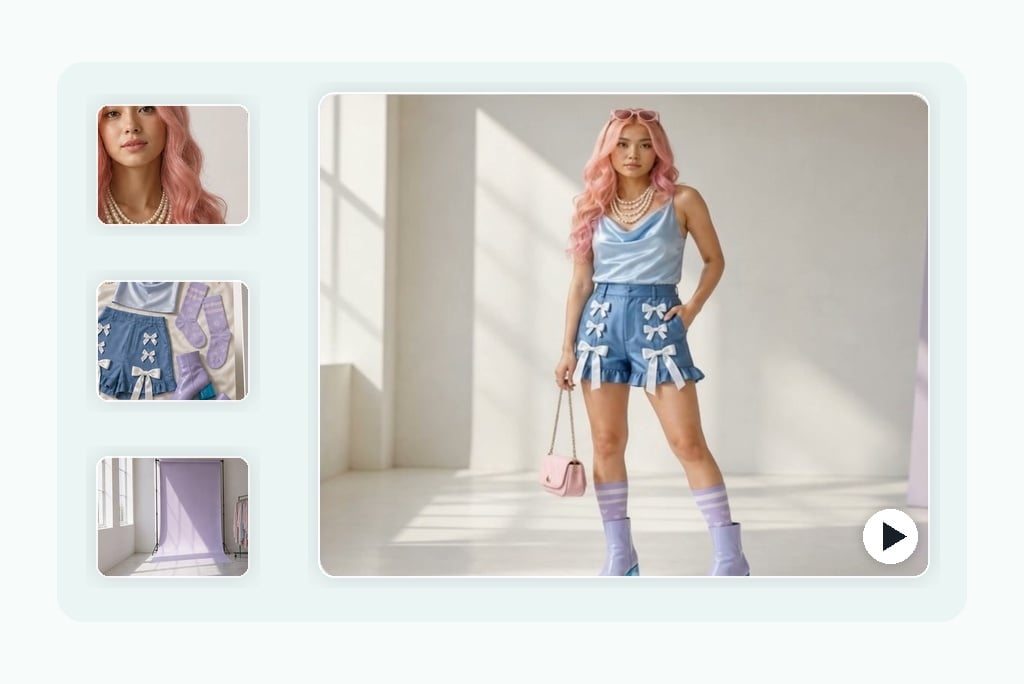
Combine Character, Scene, and Style References
How to Make a Reference to Video with insMind
Step 1: Upload Your Reference Images
Add two or more images that define the subject, product, object, background, style, or final look you want to keep in the video.
Step 2: Describe the Video You Want
Write a prompt that explains how each reference should be used, including motion, camera angle, mood, style, scene, and output ratio.
Step 3: Generate the AI Video
Click generate and let insMind combine your references into a coherent video with stable subjects, consistent styling, and smooth motion.
Step 4: Download and Share
Preview the result, then download your reference-guided video for product ads, social posts, concept videos, storyboards, or creative campaigns.
Why Choose insMind Reference to Video Generator

Multi-Image Reference Control
Guide subject identity, background, style, and mood with multiple images instead of relying on a single prompt.

Stable Product and Object Details
Keep shapes, colors, and visual details more consistent when turning product or object references into motion.

Simple Online Workflow
Upload references, write the role of each image, generate the video, then download without timeline editing.

Clean 3:2 and Social-Ready Output
Generate polished videos that can support landing pages, product previews, social content, and campaign mockups.

Built for Video Campaigns
Create reference-guided clips for product launches, social ads, visual concepts, and brand storytelling.

Flexible Creative Direction
Use references for characters, props, scenes, lighting, art direction, or brand style in one generation workflow.
FAQs About insMind Reference to Video Generator
What is a reference to video generator?


A reference to video generator turns multiple reference images into one AI video. The references can guide the subject, product, background, visual style, color palette, or scene direction, helping the final video stay closer to your intended look than a text-only prompt.
How many reference images should I upload?
For simple results, two images are often enough: one for the main subject and one for the scene or style. For more controlled results, use three or more references, such as character, setting, and color palette, then describe the role of each image in your prompt.
Can I use product photos as references?
Yes. Product photos are a strong use case for reference to video generation. Upload a clean product image, add a scene or style reference, and describe the camera movement or ad concept you want. Make sure you own or have permission to use the product imagery.
Is reference to video different from image to video?
Yes. Standard image to video usually animates one source image. Reference to video uses multiple images to guide different parts of the result, such as subject identity, environment, style, and mood. It gives you more visual control when one image is not enough.
What kind of images work best?
Use clear, high-resolution images with visible subjects and minimal clutter. If each reference has a distinct purpose, such as product, setting, and style, the prompt should explain that role clearly. Avoid blurry images, watermarks, and conflicting visual directions.
Can I make consistent character videos?
Yes, reference images can help guide a character's shape, outfit, style, and environment. For best results, use clear character references and avoid mixing very different designs unless you want a stylized blend. Human identity consistency may depend on the selected model and input quality.
Is the Reference to Video tool free to try?
You can try this tool online for free. Available features and usage limits may vary by account and permissions.
Can I use the generated videos commercially?
You can use reference-guided videos for ads, product previews, social content, and creative campaigns, as long as you have rights to the uploaded references and any brand assets. Always review the final result before using it in commercial placements.
Explore More Reference-Based AI Video Tools
00:00
00:00
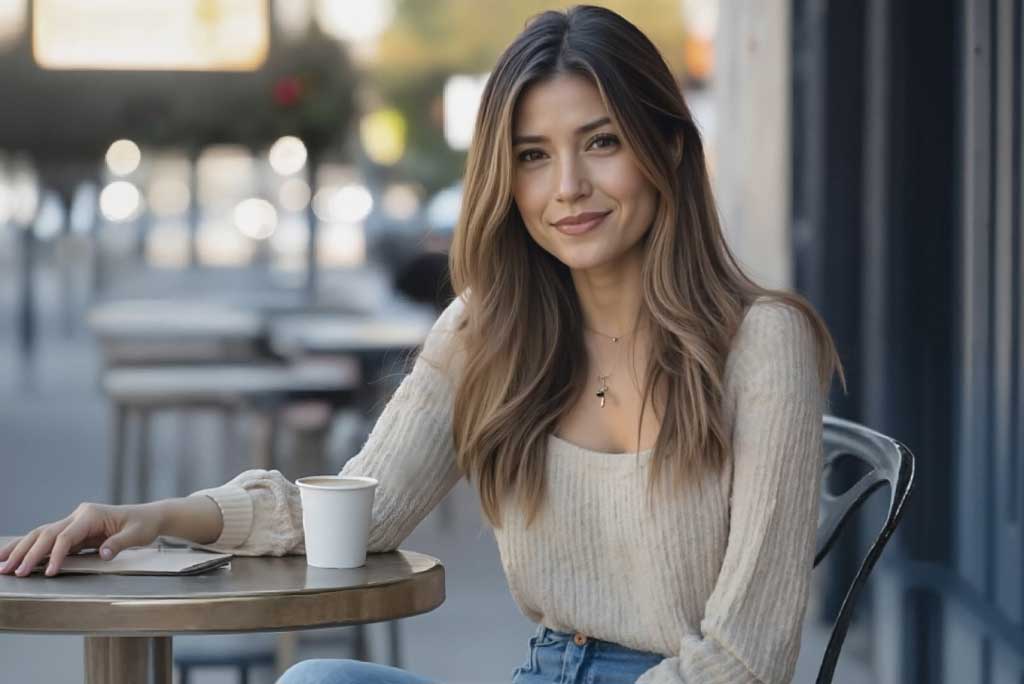
Image to Video
Create custom videos from your photos with AI.
00:00
00:00
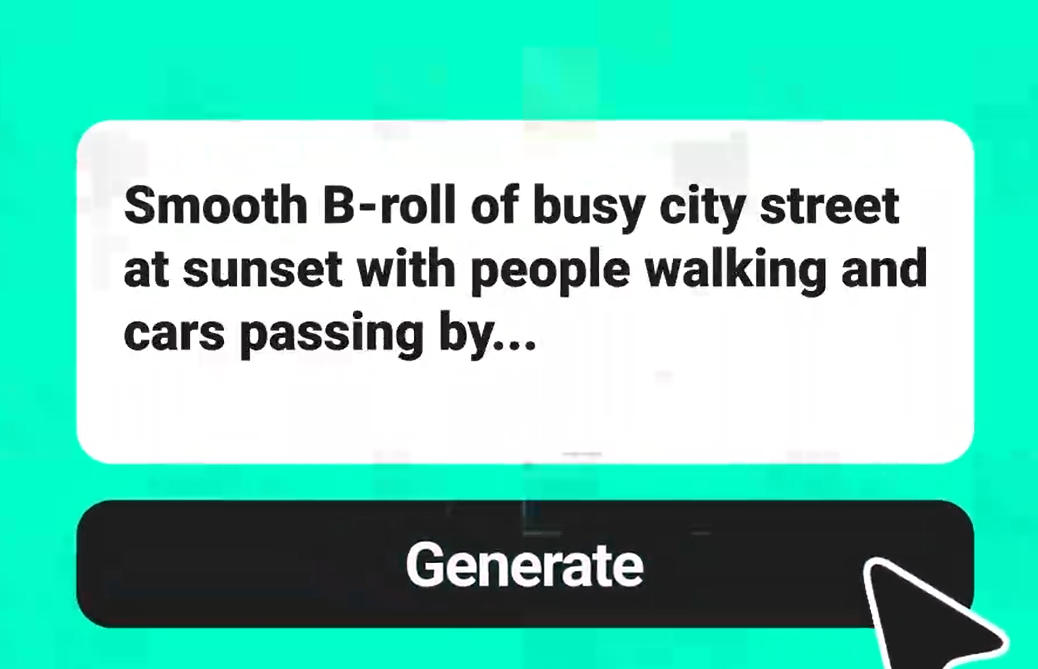
Text To Video Generator
Turn any text prompt into high-quality videos in minutes.
00:00
00:00
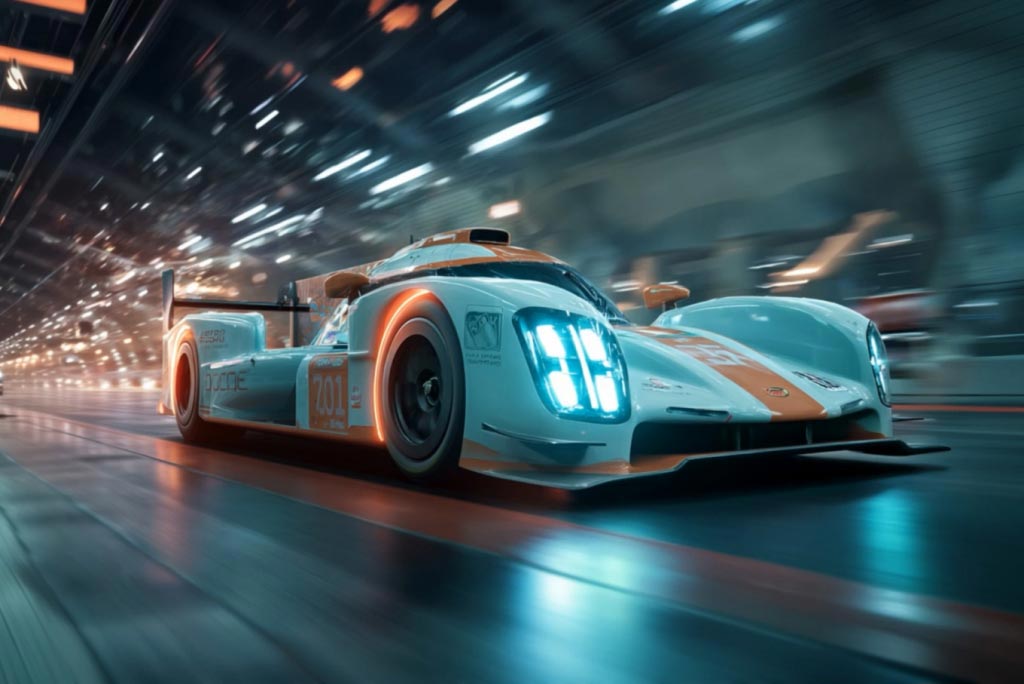
AI Video Generator
Create high-quality videos from text and images with AI tools.
00:00
00:00
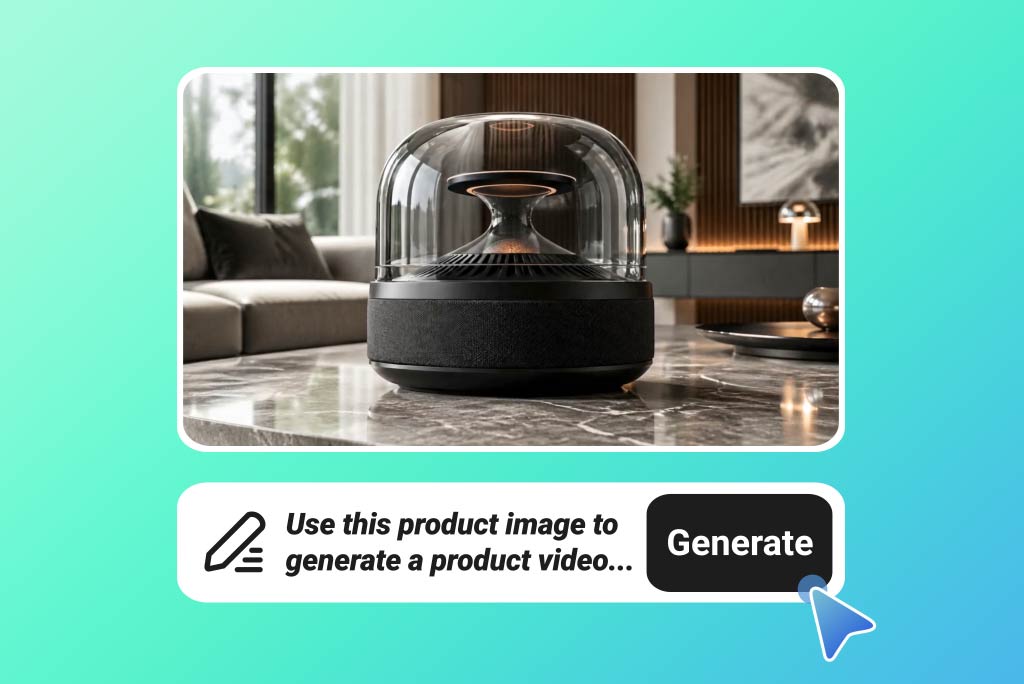
AI Product Video Generator
Turn product visuals into engaging videos for ecommerce and ads.
00:00
00:00
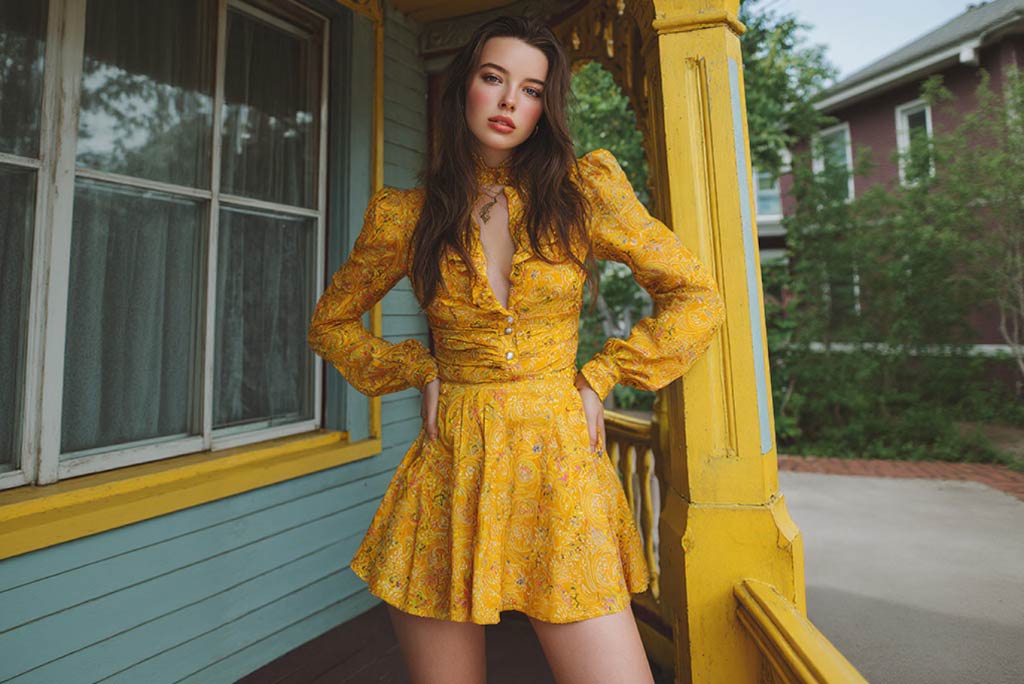
AI Character Animation
Transform any photo into a moving AI character video.
00:00
00:00
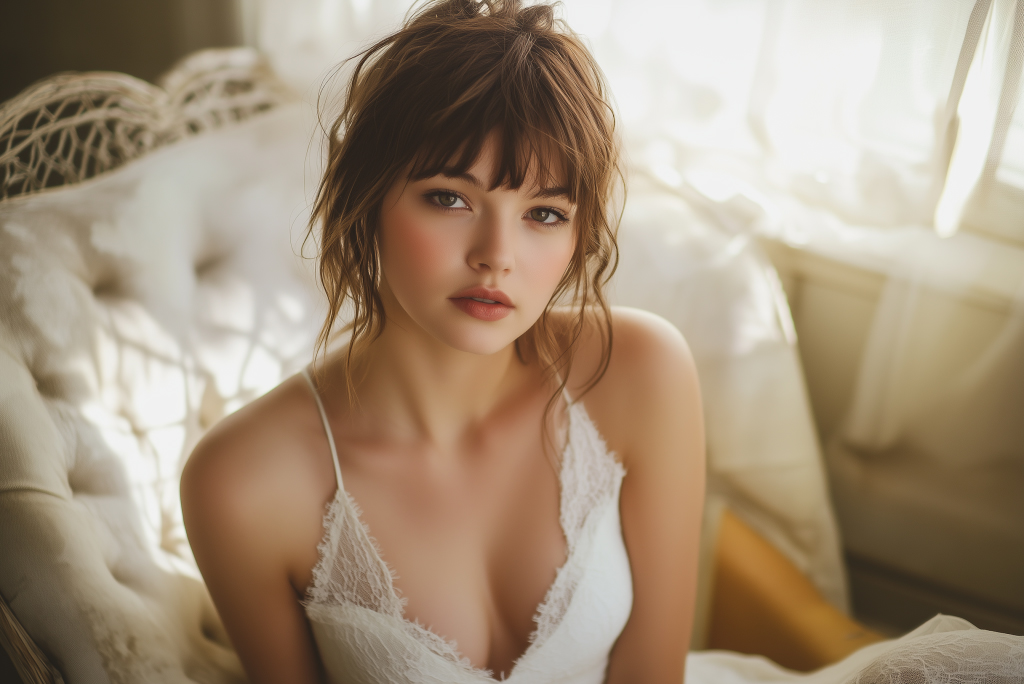
AI Photo Animator
Animate your still photo with AI online and try it for free
00:00
00:00
Video Start-End Frame Generator
Transform your images into seamless videos with AI start and end frame generation.