
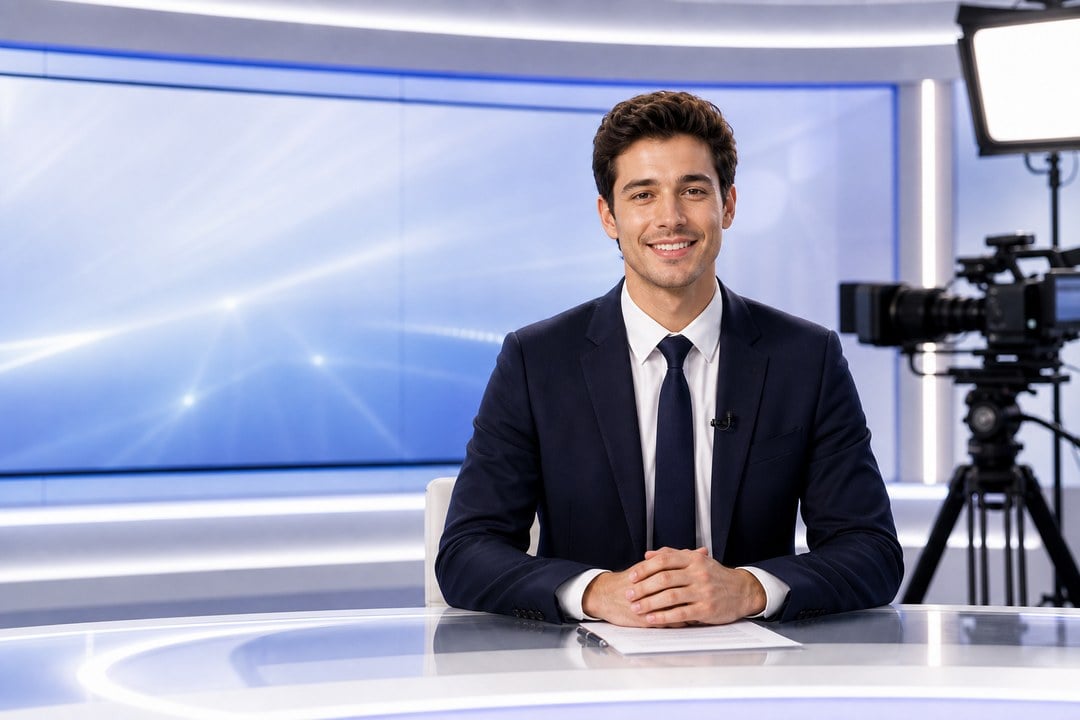
Create an AI Actor Resembling You
Create a personalized AI actor that feels close to your look, style, or role, then turn it into a camera-ready video presenter. Use it for personal introductions, creator content, brand messages, tutorials, or character-driven videos without setting up a full shoot.
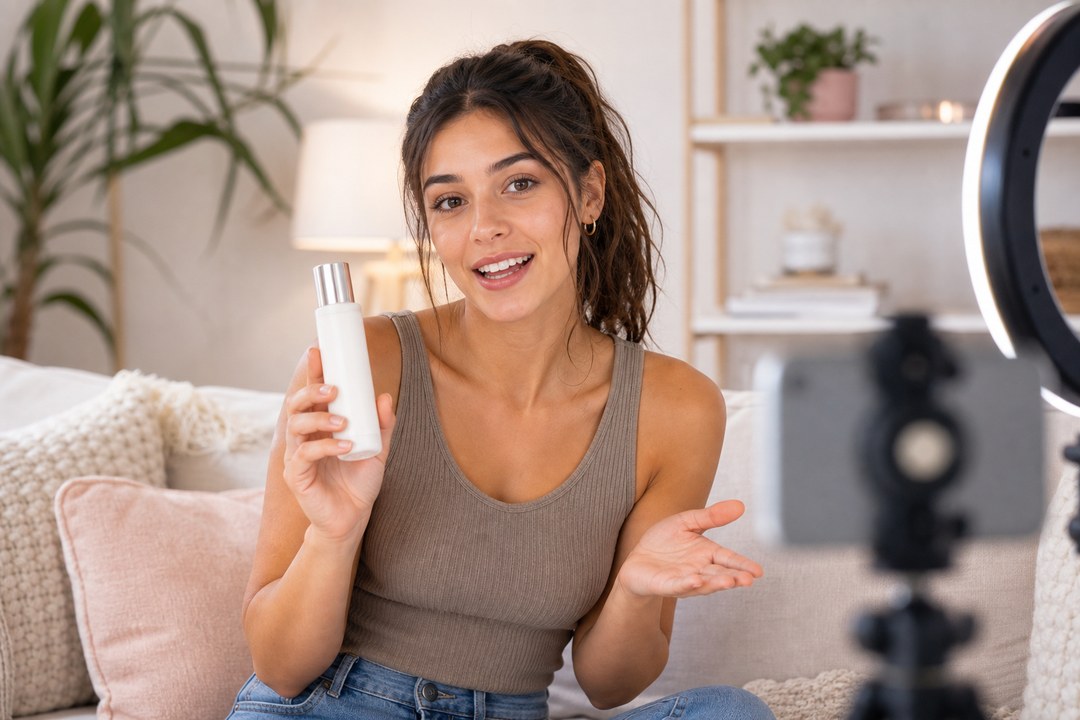
Produce Compelling Ads Using AI Actors
Use AI actors to make product reviews, UGC-style ads, product explainers, and short campaign videos that feel natural on TikTok, Reels, Shorts, and landing pages. Test more ad angles without hiring actors or filming every variation from scratch.
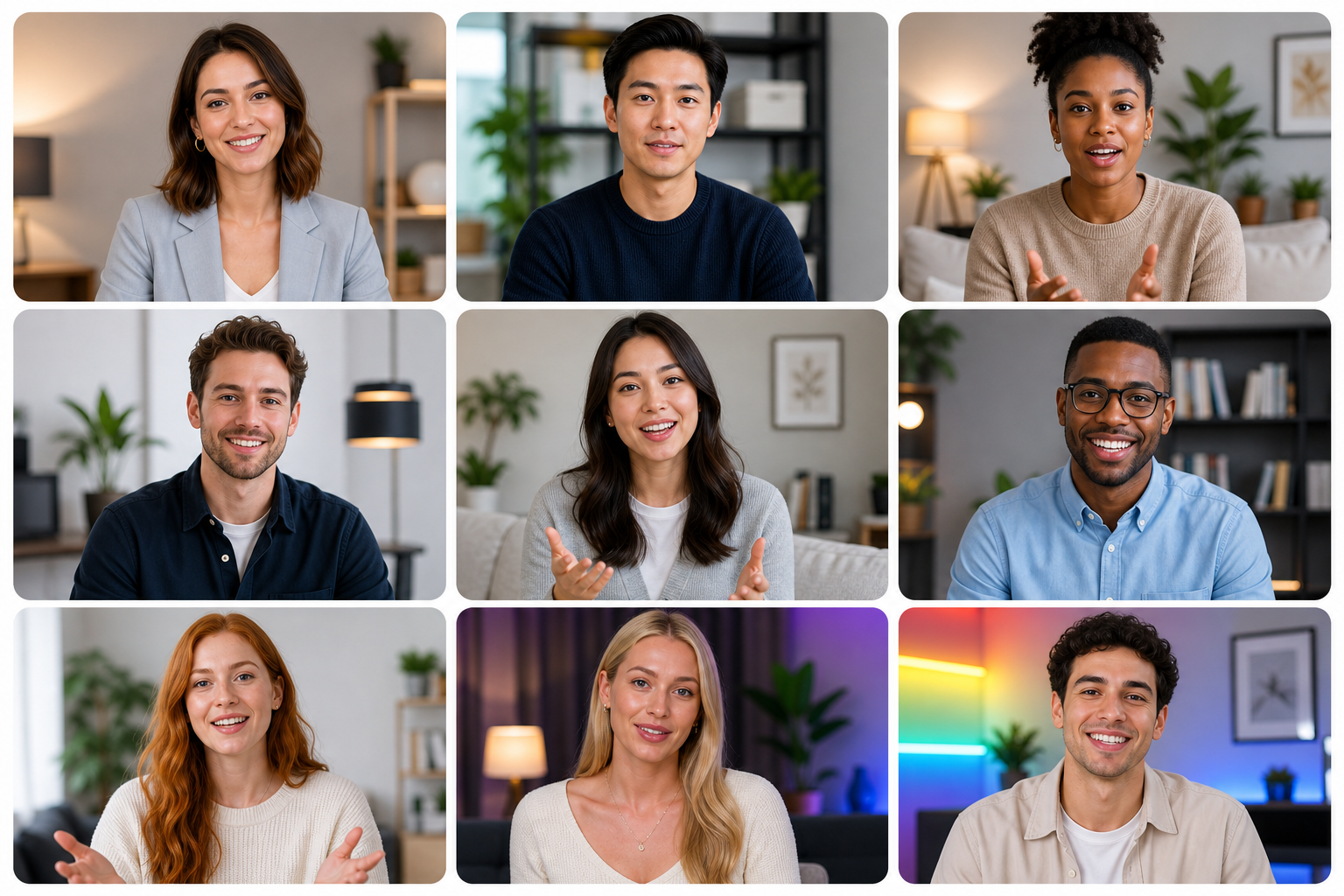
Create AI Actors in Multiple Languages and Styles
Generate AI actors for different audiences, languages, identities, and content styles. Build presenter videos with diverse looks, voices, roles, and campaign formats so your brand can localize messages, test more character directions, and create inclusive videos for global viewers.
How to Create an AI Actor Video with insMind
Step 1: Upload Your Image
Start by uploading a clear photo of the person, product, or character you want to turn into an AI actor video. Choose an image with good lighting, a visible subject, and enough detail so insMind can use it as a stable visual reference.
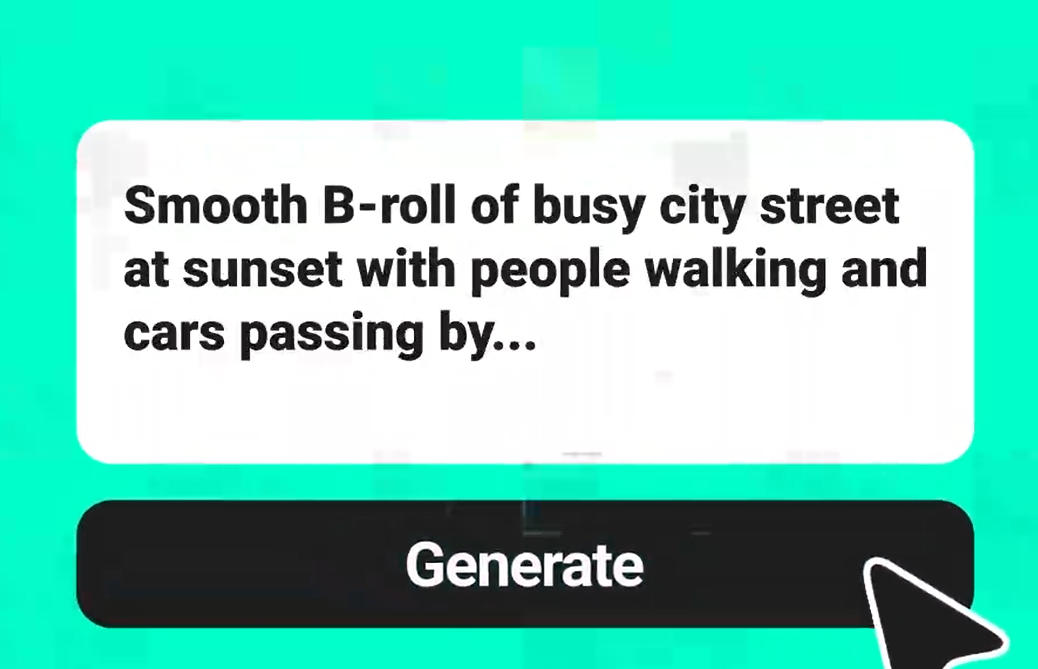
Step 2: Enter Your Prompt
Describe what the AI actor should say or do, including the scene, tone, gesture, camera style, aspect ratio, and video length. If you want a specific result, mention details such as product review, personal intro, training presenter, or UGC-style ad.
Step 3: Generate the AI Actor Video
Let insMind turn your uploaded image and prompt into an AI actor video. The tool creates motion, expression, framing, and presentation style based on the visual reference and instructions you provide.
Step 4: Refine or Download
Preview the generated video and check the actor's face, movement, product details, and overall message. If it needs changes, adjust the prompt and generate again; if it works, download the finished video for ads, social posts, tutorials, or campaigns.
What Users Say About insMind AI Actor Generator
Why Choose insMind AI Actor Generator

Personalized AI Actors
Create AI actor videos around your look, role, style, or message so your content feels more personal than a generic avatar clip.

Ad-Ready Actor Videos
Produce product reviews, spokesperson clips, UGC-style ads, and campaign videos with actors that can present your message on camera.

Script-to-Video Workflow
Start from a script, short prompt, or product idea, then use a script-to-video workflow to guide the actor's scene, tone, motion, duration, and aspect ratio.

Experience AI Actor Video Creation
Try core AI actor video creation in insMind and earn credits through platform activities to keep testing more actor ideas.

Fast Social Video Production
Generate actor-led videos for TikTok, Reels, Shorts, ads, tutorials, and landing pages without planning a full filming day.

Multiple Actor Styles
Create polished presenters, casual UGC creators, training hosts, product spokespeople, and story characters for different content goals.
FAQs About insMind AI Actor Generator
What is an AI actor generator?


How does an AI actor video generator work?
Can I create an AI actor that looks like me?
Can I use AI actors for ads?
Explore More AI Video Tools
AI Video Generator
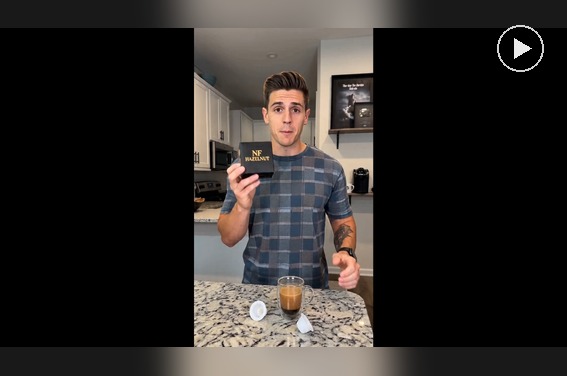
AI Spokesperson Video Generator
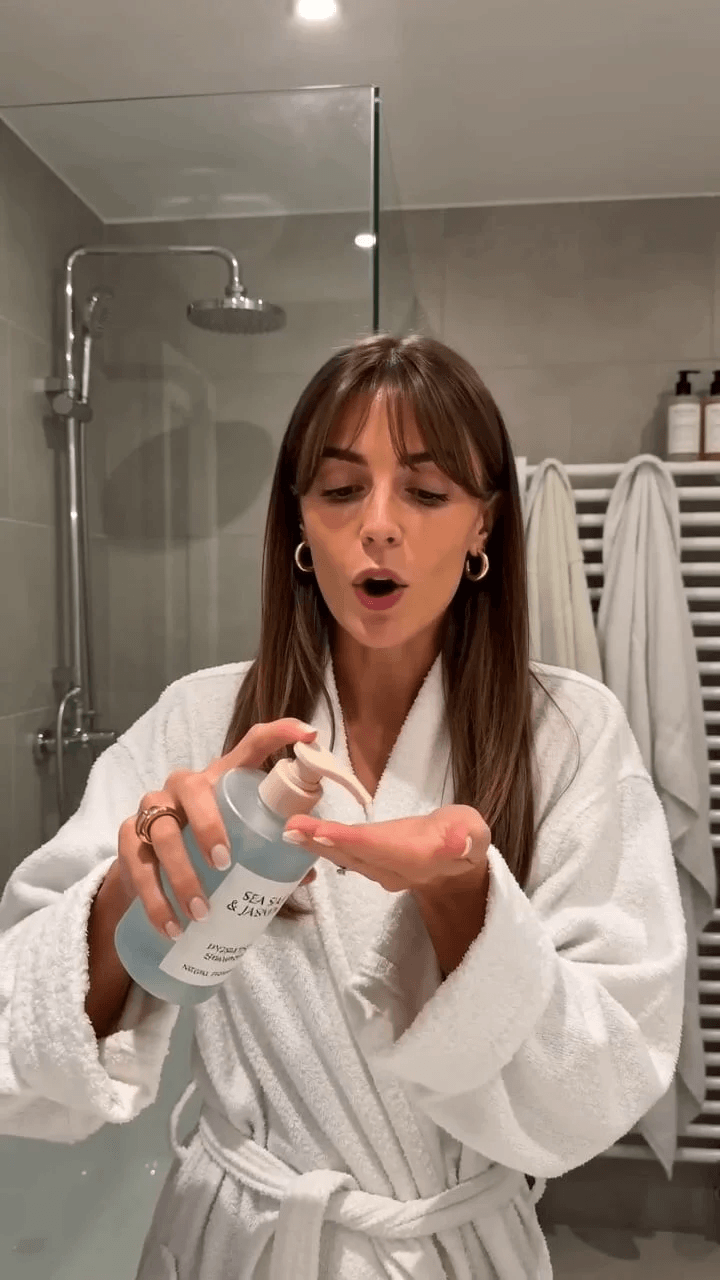
AI UGC Video Generator
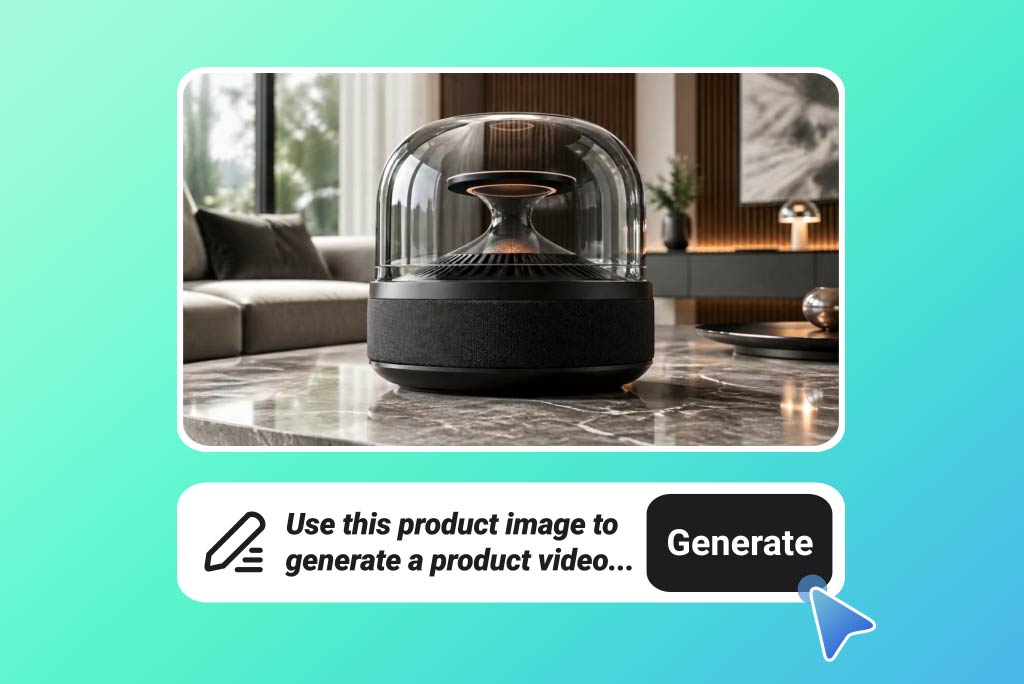
AI Product Video Generator
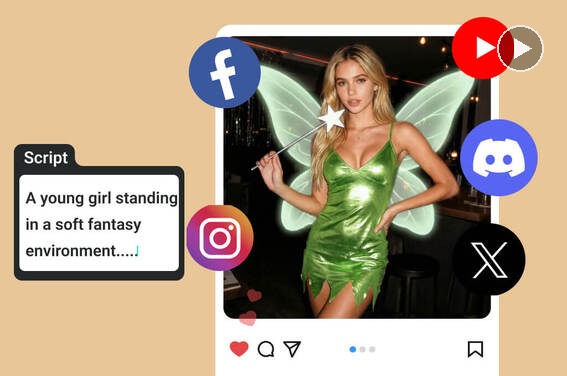
Script to Video AI
Text to Video Generator
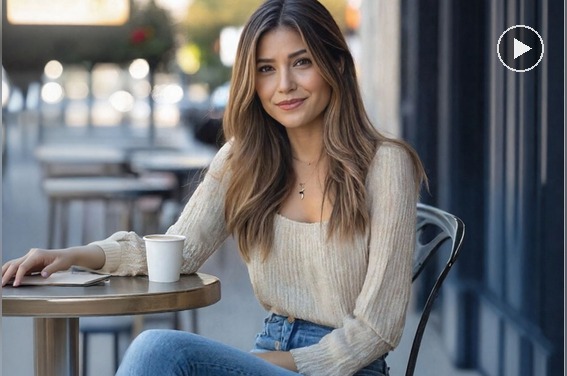
The image-to-video workflow is simple enough for our team to create actor-led tutorials in minutes.
@Ava, Content Lead