
00:00
00:00
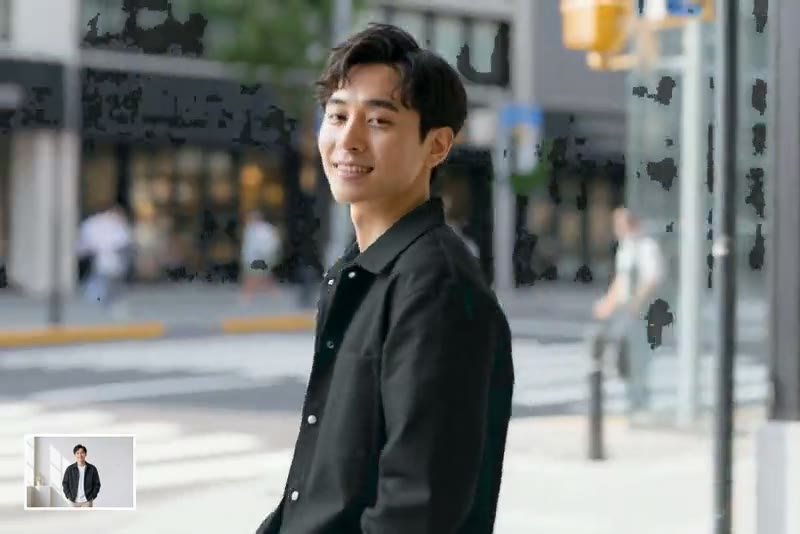
Keep the Same Character Across Every Scene
00:00
00:00
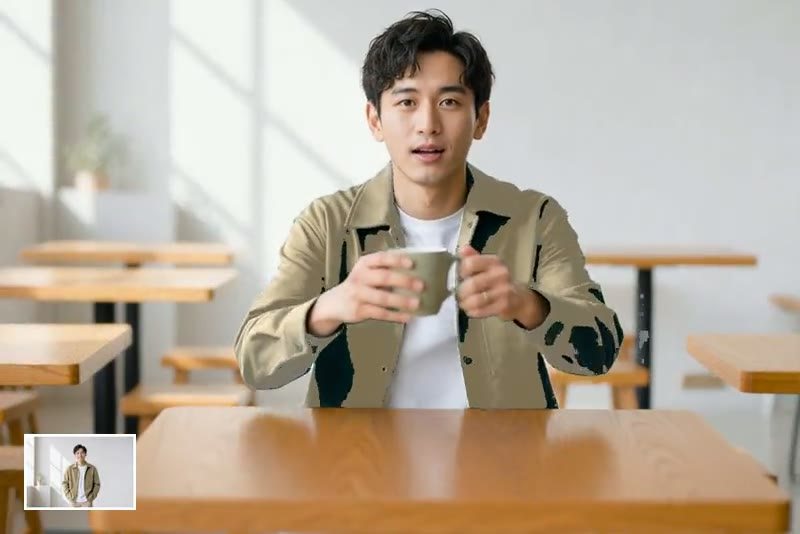
Turn One Reference Image into a Character Video
How to Create a Consistent Character Video
Step 1: Upload Your Character Image
Start with a clear character photo or illustration. A front-facing image with visible facial details and outfit cues works best.
Step 2: Describe the Scene and Motion
Write a prompt that explains where the character should appear, what they should do, and which details must stay the same.
Step 3: Generate Your Character Video
Let insMind create a smooth image-to-video result while preserving the character's identity across the scene.
Step 4: Download Your Video
Preview the result, then download the finished video for social posts, storyboards, ads, or creative projects.
Why Choose insMind's Consistent Character Video Generator

Consistent Character Identity
Keep the same face, outfit, and visual style across your AI video instead of starting over for every scene.

Simple Image-to-Video Workflow
Upload one reference image, add a prompt, and turn it into a character video without complex editing steps.

Fast Online Creation
Create image-to-video results directly in your browser, or explore more options with insMind's image to video tools.

Works for Different Character Styles
Use portraits, illustrated characters, virtual influencers, or mascot-style references as your starting point.

Great for Storytelling
Build short scenes for storyboards, social clips, creator intros, and brand character ideas with a consistent subject.

Scene-Level Prompt Control
Change locations, camera movement, mood, and action while keeping the character visually recognizable.
Consistent Character Video Generator FAQs
What is a consistent character video generator?


It is an AI tool that turns a character image into a video while keeping the same visual identity, such as the face, outfit, hairstyle, and overall style.
How do I keep the same character in an AI video?
Upload a clear reference image and write a prompt that describes the motion and scene. Mention the details that must stay consistent, such as the face, clothing, and body shape.
Can I upload my own character image?
Yes. You can upload your own portrait, illustration, mascot, or virtual character image and use it as the reference for the generated video.
Does the tool keep the same face and outfit?
The tool is designed to preserve key character traits from the reference image. For best results, use a sharp image and include identity details in your prompt.
Can I change the background while keeping the character?
Yes. You can ask the character to appear in a new location, mood, or camera setup while keeping the same person or character design.
What kind of image works best as a reference?
A high-quality image with a clear face, visible outfit, and minimal obstruction works best. Avoid blurry images, heavy shadows, or crowded backgrounds.
Can I make multiple videos with the same character?
Yes. Reuse the same reference image and adjust the prompt to create different scenes, actions, or story moments with the same character.
Can I use it for brand mascots or virtual influencers?
Yes. It is useful for brand mascots, virtual influencers, recurring story characters, and creator avatars that need a consistent look across videos.
More AI Character Video Tools
00:00
00:00
Image to Video
Create custom videos from your photos with AI.
00:00
00:00
AI Character Animation
Transform any photo into a moving AI character video.
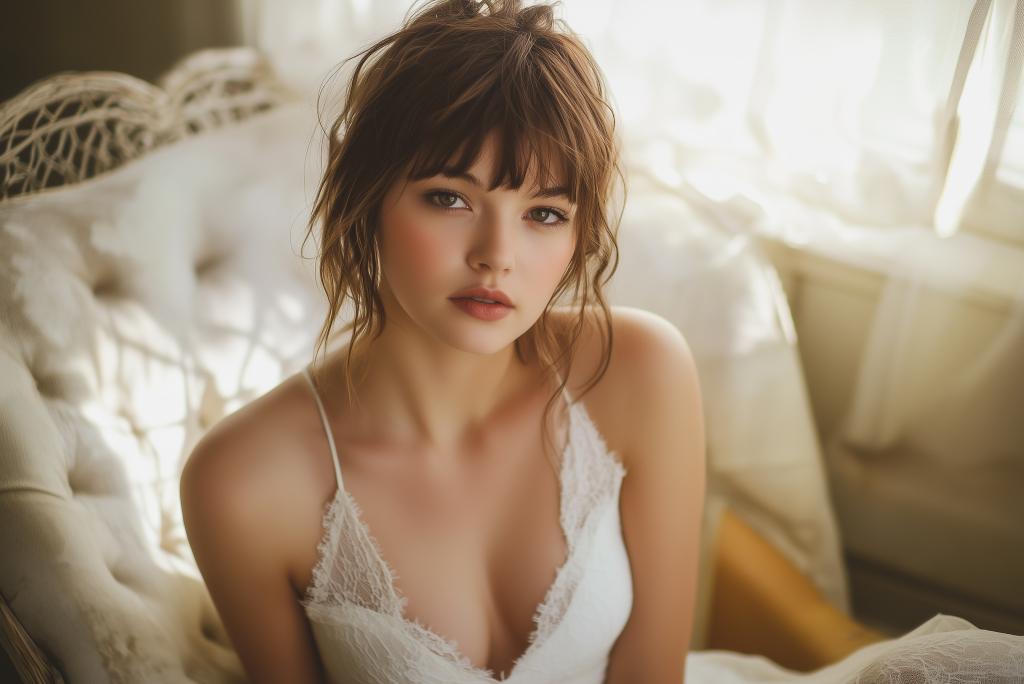
00:00
00:00
Animate Photos
Animate your still photo with AI online and try it for free
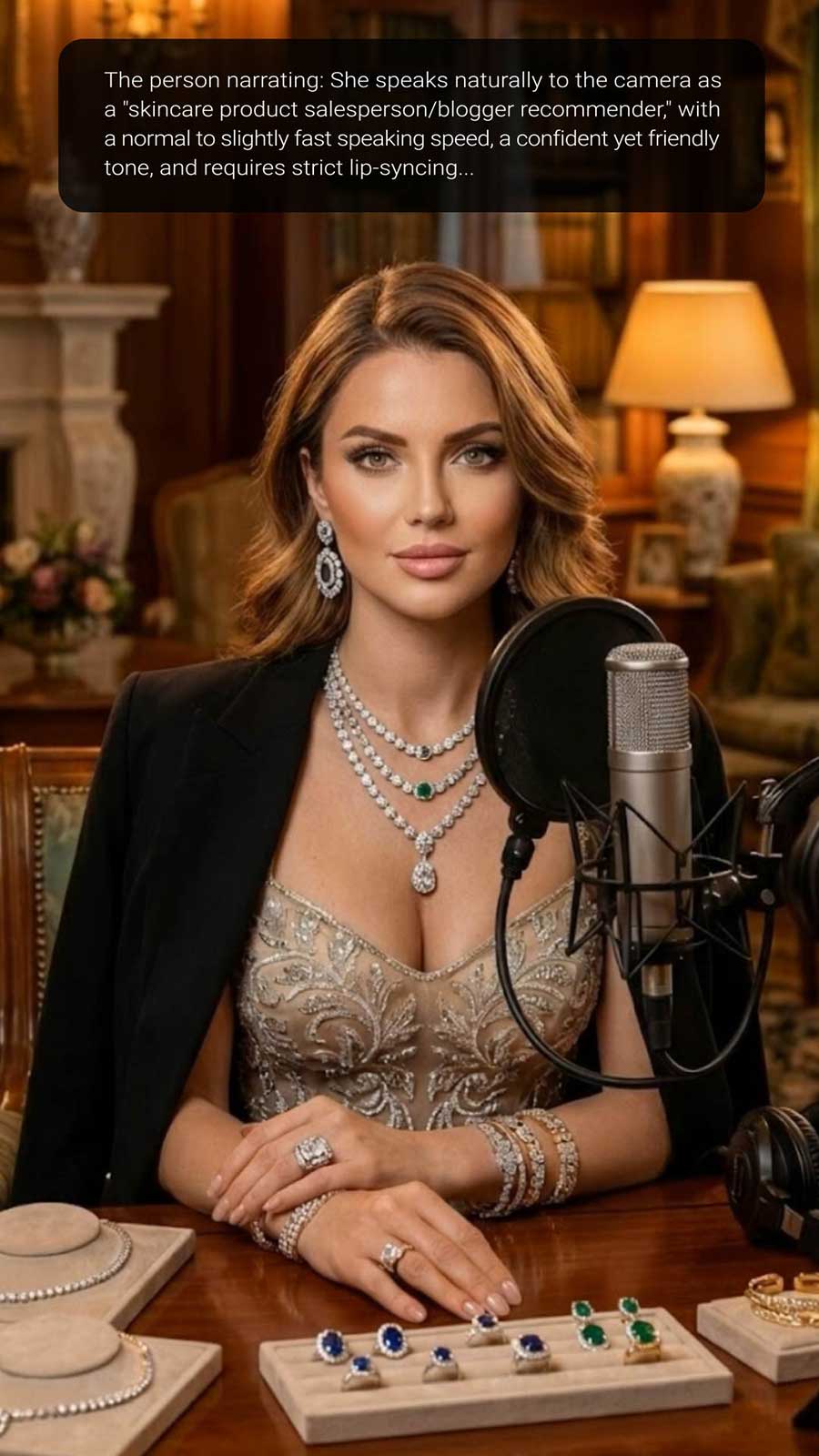
00:00
00:00
AI Influencer Video Generator
Create virtual influencer videos without filming or real creators.
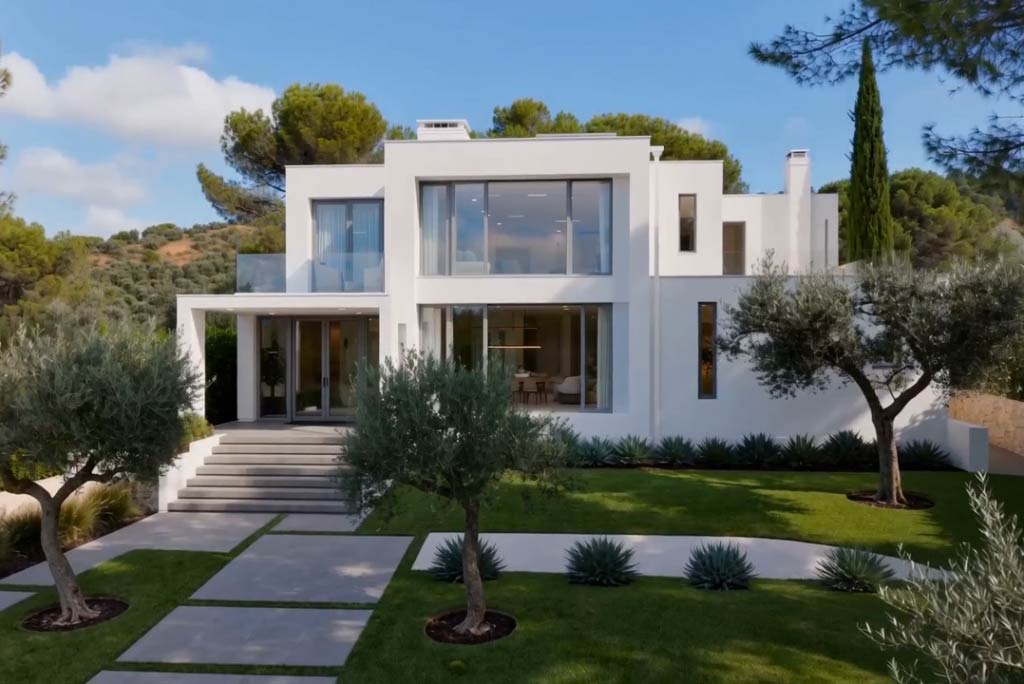
00:00
00:00
AI House Image to Video Generator
Transform house images into dynamic real estate videos with AI in seconds.
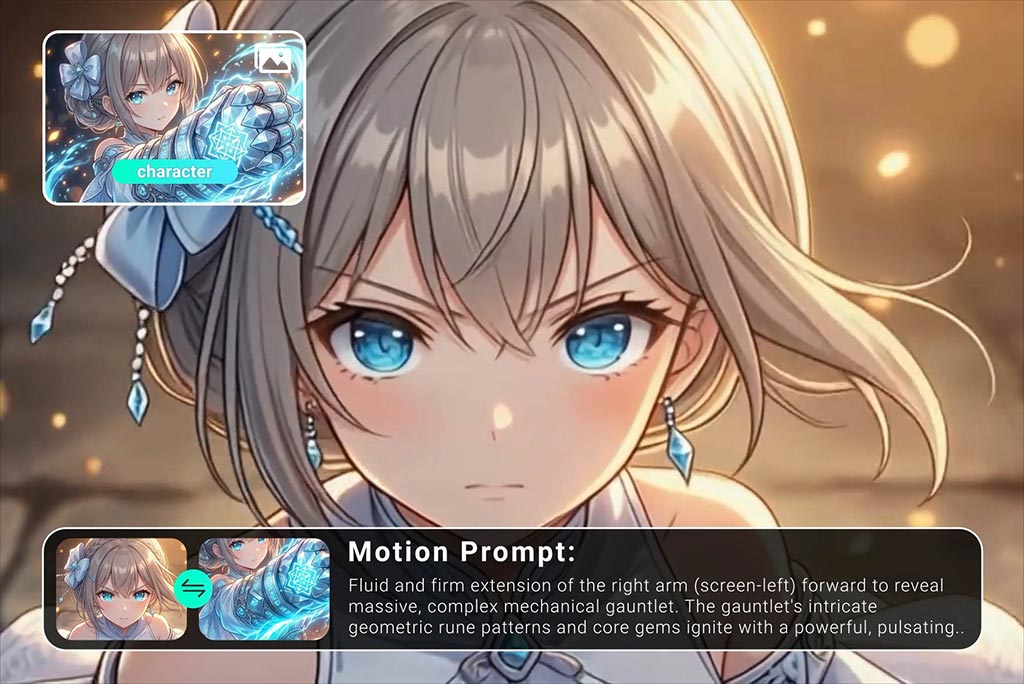
00:00
00:00
AI Anime Video Generator
Animate anime images into smooth, consistent character videos.
00:00
00:00
Text To Video Generator
Turn any text prompt into high-quality videos in minutes.