
AI House Image to Video Generator: Turn Property Photos Into Videos in Minutes
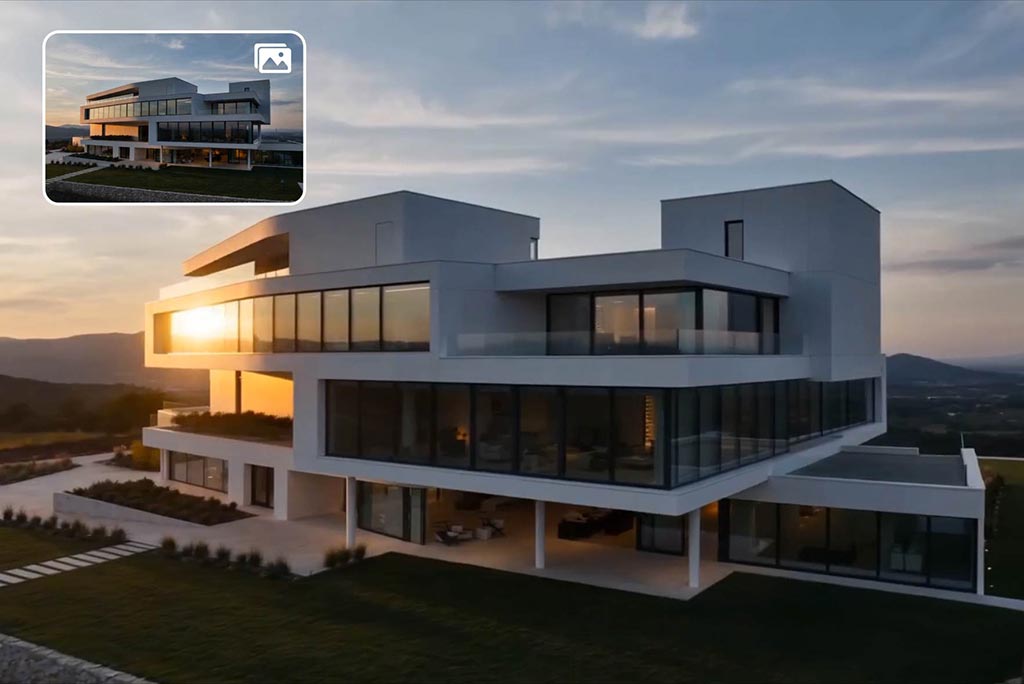
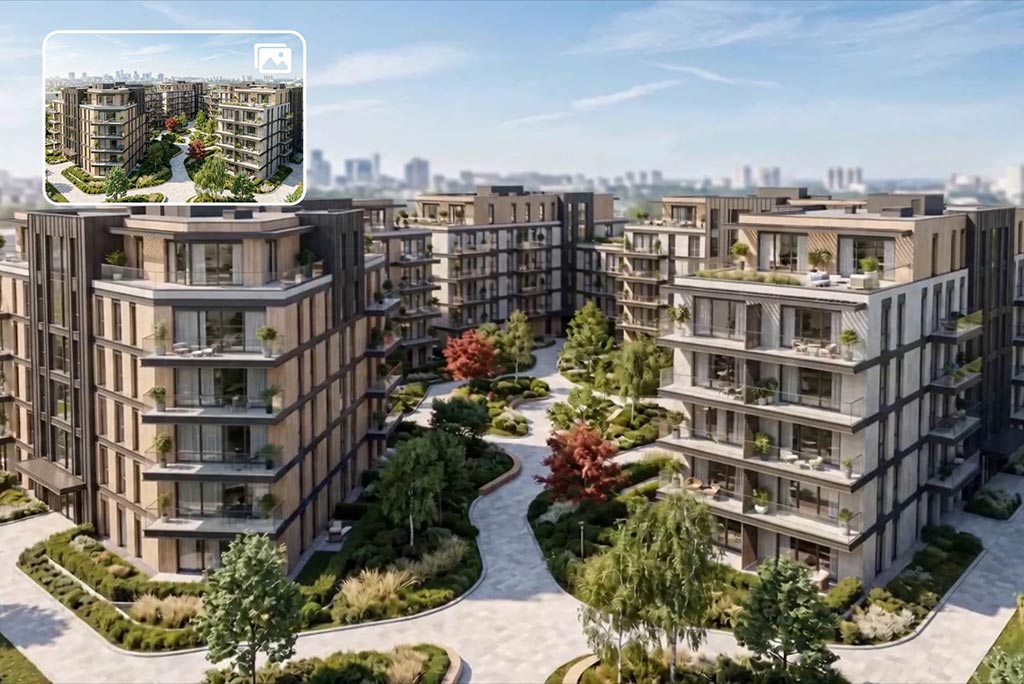
AI Architecture Image to Video
Turn architectural photos and building visuals into dynamic videos with this AI architecture image to video tool. Upload house images, property photos, or design renders and instantly create smooth, cinematic motion. This AI building image to video solution is ideal for architecture showcases, real estate presentations, and project previews.
As an AI image to video software for real estate, it helps transform static visuals into engaging video content that feels more immersive and professional.
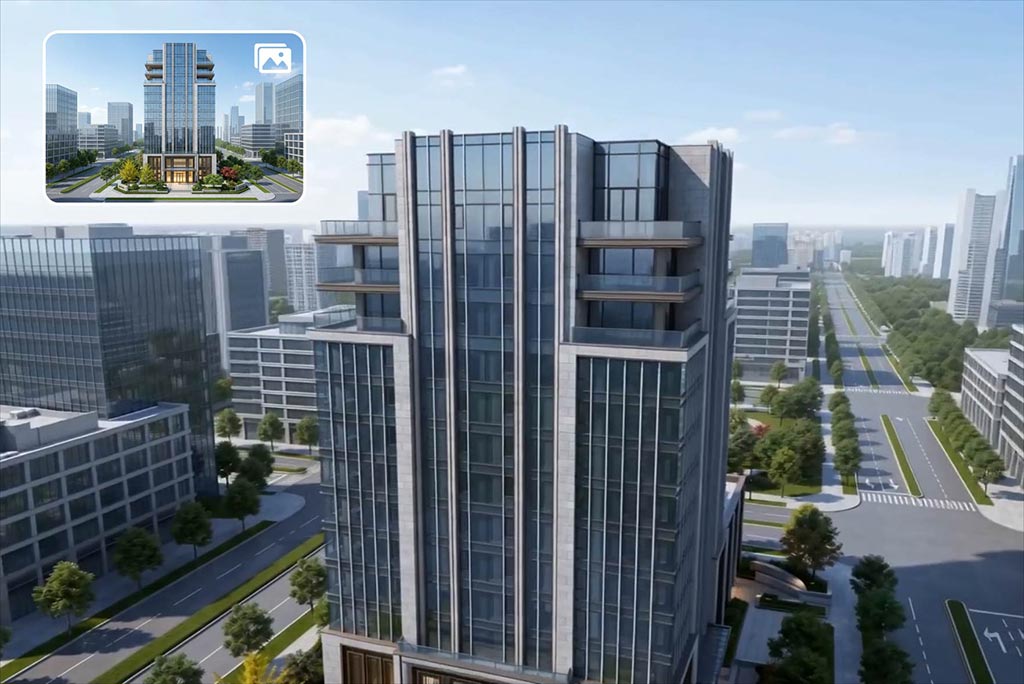
AI Render to Video for Real Estate
Convert high-quality renders into realistic videos with AI render to video technology. Upload 3D renders, property concepts, or design mockups and turn them into polished real estate photo to video content. This is perfect for developers, designers, and marketers who want to present properties before construction or enhance listing visuals.
With this AI house image to video workflow, your renders become more lifelike, helping audiences better visualize space, lighting, and layout.
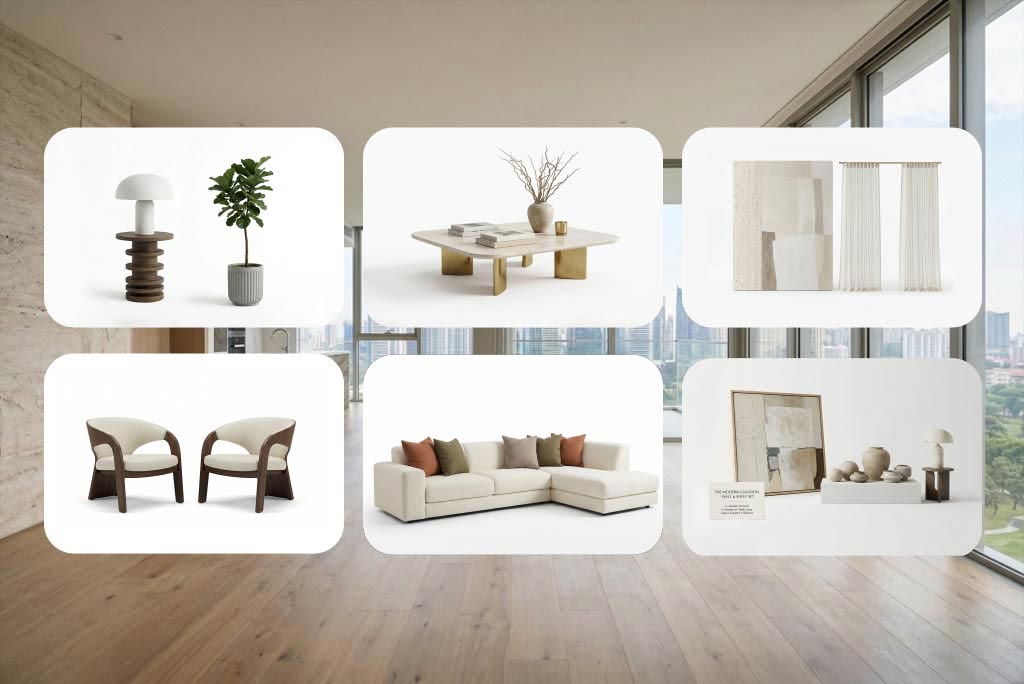
AI Home Design to Video
Transform interior and exterior photos into engaging design videos. Use this AI interior image to video and AI exterior image to video tool to create room showcases, home tours, and renovation concepts. You can also redesign home from image with AI and generate before-and-after style visuals for better storytelling.
As an AI house makeover video generator and AI room photo to video solution, it helps your home design ideas stand out and communicate more clearly.
How to Create House Image to Video with insMind?
Step 1: Upload a House Image
Step 2: Describe the Scene & Motion
Step 3: Adjust Video Settings & Choose AI Model
Set video length and select a supported AI model. Choose models, such as Seedance AI, Kling 3.0, Wan 2.6 or Google Veo 3.1 to control motion quality, realism, and visual style for better real estate and architecture video results.
Step 4: Generate & Download Your Video
What Users Say About Our AI House Image to Video Generator
Why Choose insMind AI House Image to Video Generator?

Built for Real Estate Images
Turn property, architecture, and house photos into professional videos easily.

Supports Multiple Scenarios
Works for architecture, renders, interiors, exteriors, and home design videos.

Easy to Use
Upload, describe, and generate without complex editing tools.

High Visual Quality
Generate smooth motion and clear, realistic video output from static images.

Optimized for Social Sharing
Formats and visuals tailored for Reels, Shorts, and YouTube.

No Watermark Output
Download clean videos ready for sharing or publishing.
FAQs About insMind AI House Image to Video Generator
What is an AI House Image to Video Generator?


Can I create marketing videos for real estate listings?
Can I control how the video looks?
What types of images work best?
Where can I use the generated videos?
How long does it take to generate a video?
Will the generated videos look realistic?
Can I create multiple videos from the same image?
Explore Other Hot Video Tools from insMind
Video Start-End Frame Generator
AI Video Editor
AI Video Enhancer

AI Couple Video Generator
Animate Photos
AI Character Animation

Image to Video
Text to Video
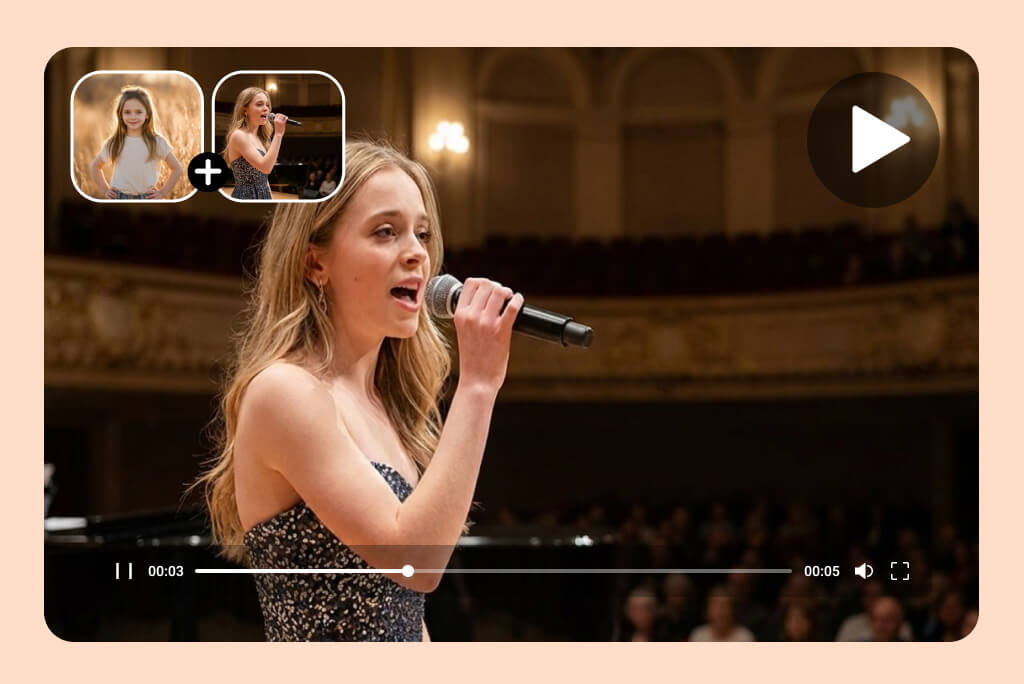
AI Smooth Transitions

@DanielK, Architectural Visualizer