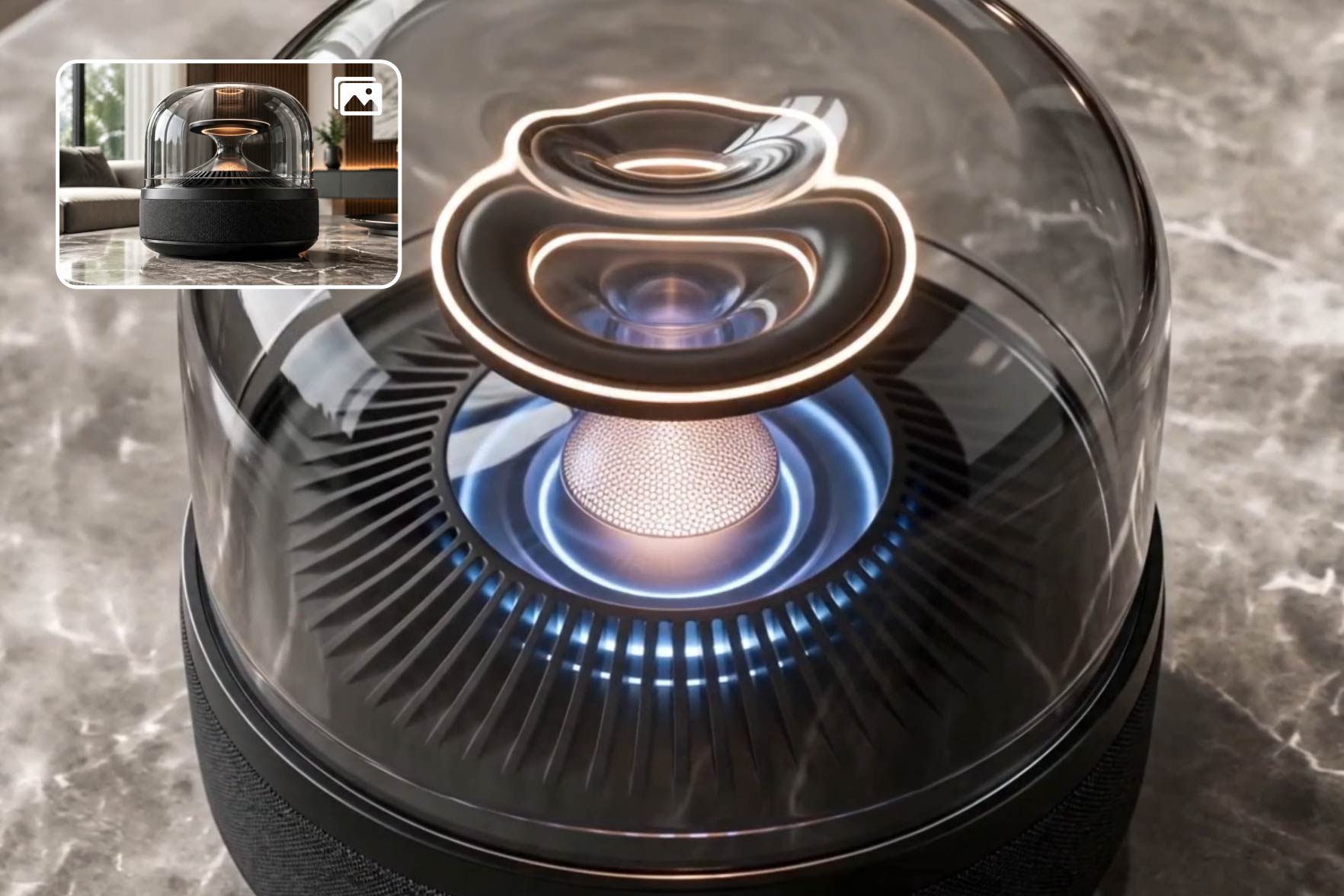
Many Amazon sellers have strong photos but no product video footage. Upload product images, packaging shots, and listing copy, then describe the Amazon product video you want. The AI Amazon video maker turns those existing assets into listing, A+ Content, or ad-ready creative.

Amazon Video Maker for Listing-Ready Product Videos
Turn product photos, packaging, or text prompts into Amazon videos for PDPs, A+ Content, Sponsored Brands, and DSP — no shoot, no editing skills required.
00:00
00:00
Create Amazon Videos from Product Photos
00:00
00:00
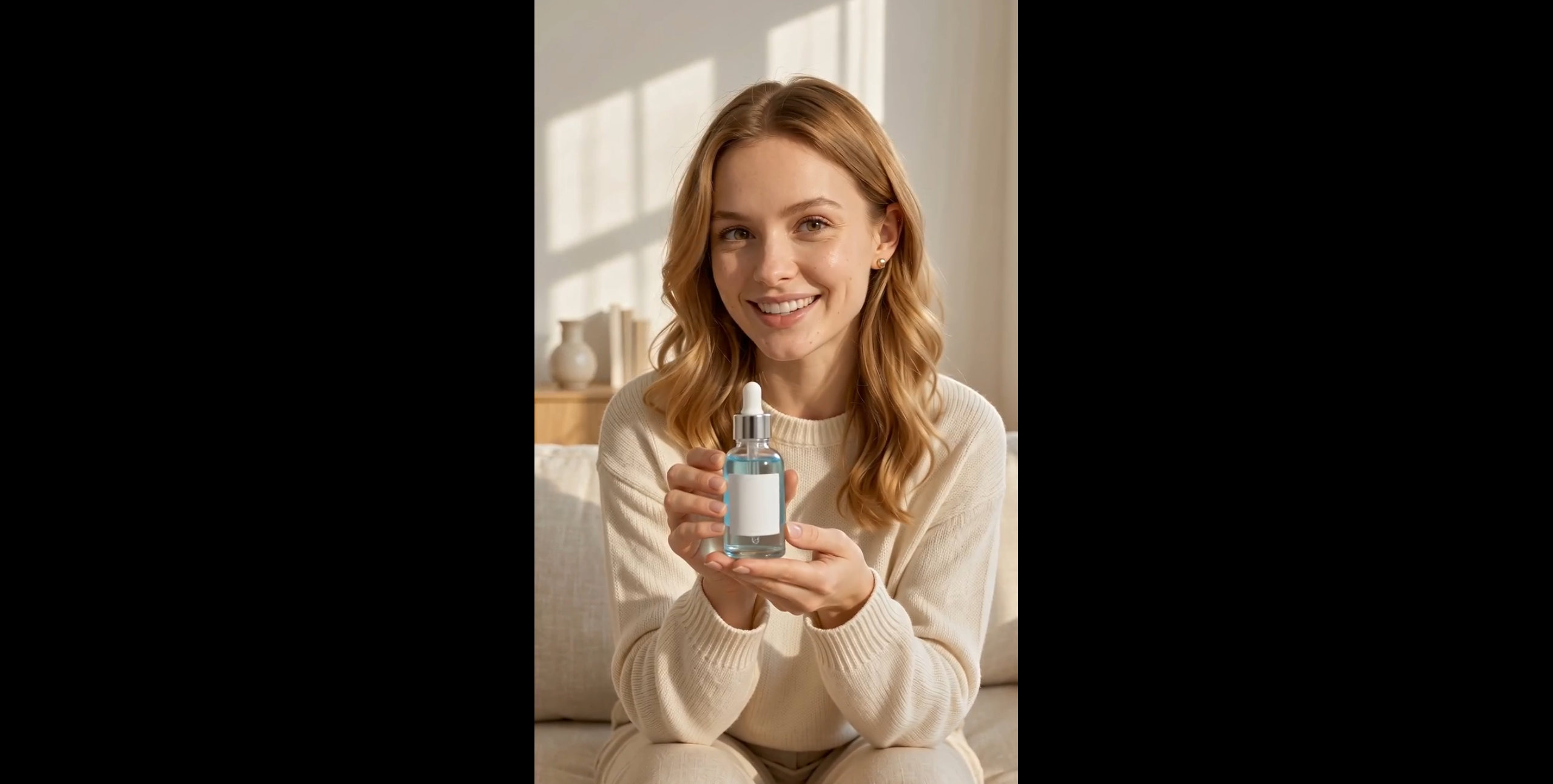
Add a Seller Spokesperson to Amazon Videos
Some products need a human-style explanation before shoppers understand the value. Use spokesperson or talking-photo video options to create launch messages, product explainers, and Amazon ad creative. Add a clearer presenter-led angle without booking talent for every ASIN.
00:00
00:00
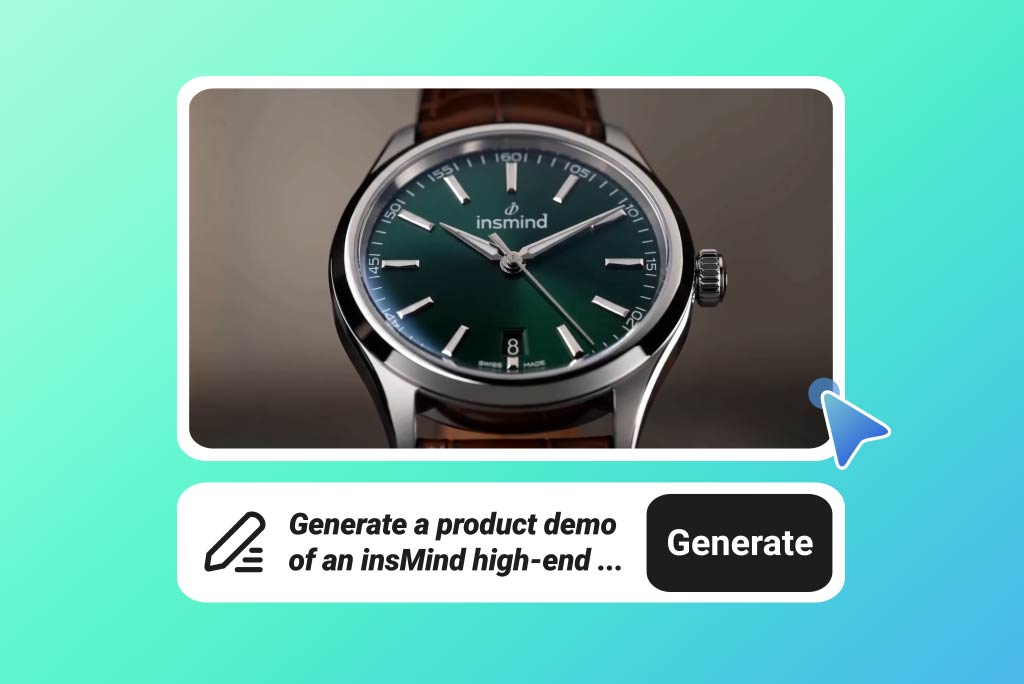
Build Amazon Video Variations for Every Placement
Create multiple Amazon video versions from one upload — different hooks, scenes, and aspect ratios — so each placement gets the right cut. Use 16:9 long versions for PDP listings and A+ Content modules, square or shorter cuts for Sponsored Brands ads, and DSP-focused variations, all from the same product input.
How to Make an Amazon Product Video with AI
Step 1. Add Amazon Product Assets
Describe the Amazon product video you want, or upload product photos, packaging images, and reference visuals. Add the key feature, use case, or placement goal so the draft starts with seller-specific context.
Step 2. Pick a Video Model
Select a video model such as Seedance 2.0, Kling 3, Google Veo 3.1, Happy Horse, or Wan 2.7. Adjust available settings like ratio, duration, quality, or audio based on your Amazon video plan.
Step 3. Generate the Amazon Video
Send your prompt and chosen inputs so insMind can generate the Amazon video. Keep the intended placement in mind, such as a listing page, A+ Content module, Sponsored Brands ad, or Storefront section.
Step 4. Preview and Download
Preview the finished clip and check whether the product message is clear. If it matches your listing or ad plan, download the video for Amazon review, upload preparation, or campaign handoff.
Why Choose insMind as Your AI Amazon Video Maker

Amazon Spec Fit
Plan Product Listing Videos and ads around 16:9 landscape, MP4 output, under 30 seconds, and under 500MB targets.

Sound-Off Selling
Keep key benefits readable during muted autoplay with captions and overlays that show the product promise before audio starts.

Launch Drafts Faster
Create working drafts for launch calendars, ad tests, and seasonal campaigns without waiting on a full production cycle.

Prompt-Based Edits
Change scenes, angles, overlays, or pacing with text prompts after the first draft, without rebuilding cuts on a timeline.

Listing Brand Control
Use packaging, logos, product colors, and listing style to keep Amazon videos consistent across related ASINs.

No Studio Shoot
Create product videos without booking a camera crew, building a studio setup, or shipping inventory for another shoot.
Who Should Use This Amazon Video Maker?
FBA Sellers
FBA sellers need PDP videos that answer buyer questions before reviews do. Use the Amazon product video maker to show features, scale, packaging, and setup in a listing-focused clip. The result gives shoppers a clearer view of what arrives and how it works.
Private Label Brands
Private label teams often manage related ASINs that need the same visual system. Create A+ Content and Storefront videos around matching packaging, colors, and product lines. Each clip can support a catalog family without looking like a separate campaign.
Amazon Advertisers
Amazon advertisers need video variations for different hooks, benefits, and seasonal angles. Build Sponsored Brands and DSP concepts with an Amazon video generator before choosing the strongest direction. This gives media teams more creative options for campaign review.
Marketplace Agencies
Marketplace agencies often produce videos for multiple client ASINs at once. Use product photos, listing copy, and placement goals to shape each Amazon clip. Teams can prepare listing and ad creative without treating every client video as a new production brief.
Frequently Asked Questions
What is an Amazon video maker?


An Amazon video maker creates product videos for Amazon placements such as PDP listings, A+ Content, Sponsored Brands, DSP campaigns, and Storefront pages. It focuses the video around product benefits, marketplace context, and seller-ready creative rather than general social content.
How does the AI Amazon video generator work?
The AI Amazon video generator starts with your prompt or image input, then uses your selected model to create a product video. Preview the result, adjust the direction if needed, and download the finished clip.
Can I upload Amazon product photos?
Yes, sellers can start with product photos, packaging shots, lifestyle images, or reference visuals from their Amazon listing assets.
What Amazon video specs should I plan for?
Plan for 16:9 landscape video, MP4 format, a length under 30 seconds, and a file size under 500MB when preparing Amazon creative.
Can I make Amazon videos that work without sound?
Yes, captions and on-screen text can show product benefits during muted Amazon autoplay before a shopper turns sound on.
Can I edit the generated Amazon video?
Yes, use prompt-based edits to adjust scene details, product motion, captions, and visual style before you download the video.
Is this different from a general ecommerce video maker?
Yes, it focuses on Amazon placements, seller assets, marketplace specs, and sound-off viewing instead of broad ecommerce promos.
Explore Other Hot Video Tools from insMind
00:00
00:00
Script to Video AI
Turn written scripts into videos with AI instantly.

00:00
00:00
AI YouTube Shorts Generator
Create viral YouTube Shorts instantly with smart, easy-to-use AI tools.
00:00
00:00
AI ASMR Generator
Create calming AI ASMR videos with perfectly synced sound.
00:00
00:00
AI Video Editor
Edit videos naturally using AI—no timeline or manual tools.
00:00
00:00
AI Video Enhancer
Easily improve your video quality with AI video enhancer.

AI Cartoon Video Generator
Generate high-quality cartoon videos from text or images.
00:00
00:00
AI Character Animation
Transform any photo into a moving AI character video.

00:00
00:00
Image to Video
Create custom videos from your photos with AI.

Text to Video
Turn any text prompt into high-quality videos in minutes.
@Aisha Rahman, Private Label Founder