Turning a script or rough idea into usable scenes is difficult when camera angles, action beats, and transitions are still unclear. Use insMind as an AI movie scene generator to shape prompts into scene beats, shot order, and text-to-scene direction before moving into video creation.

AI Video Scene Generator
Plan cinematic scenes, shot sequences, and AI-generated video clips from scripts, prompts, or rough story ideas.
00:00
00:00
00:00
00:00
Consistent Scene Characters, Locations, and Shot Style
Multi-shot scenes can drift when character details or locations are too vague. Upload reference images and repeat prompt context for the same outfit, prop, location, lighting, and visual style. insMind uses those cues to keep each scene variation closer to your intended look without promising perfect matches.
00:00
00:00
From Scene Planning to AI Video Generation
A planned scene still needs motion direction before it becomes a video clip. In insMind, the AI video agent helps move from scene notes into start and end frames, camera angle, shot composition, cinematic movement, and follow-up prompt edits. The result is a clearer path from storyboard direction to generated video scene.
How to Use the AI Video Scene Generator
Step 1. Enter Your Scene or Script
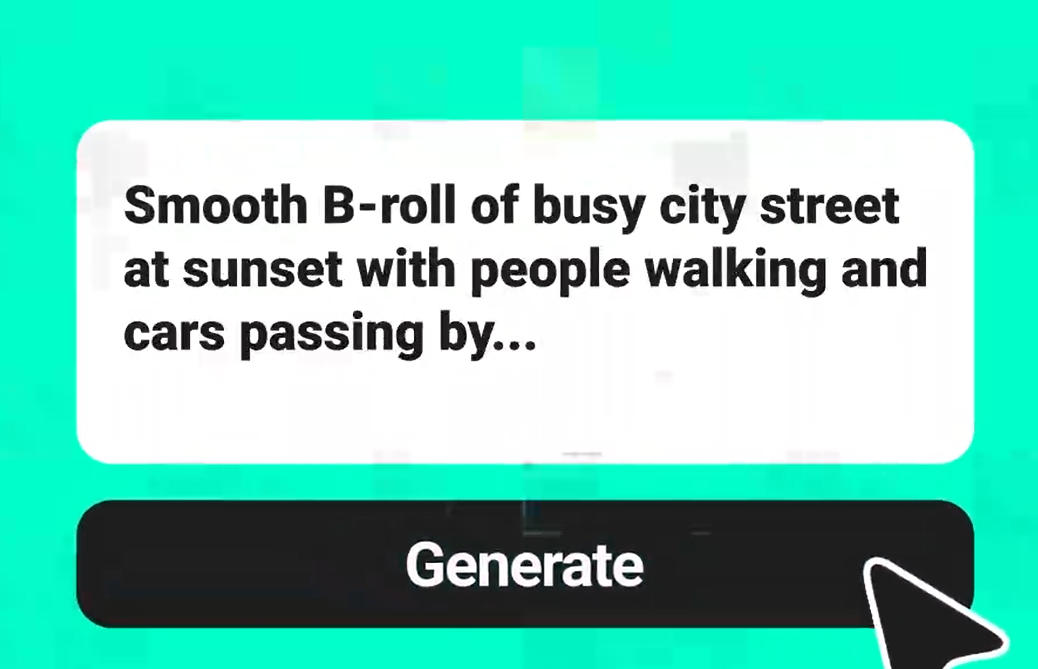
Enter a full script, rough plot, AI fight scene generator prompt, product scene, rainy street idea, or AI 3D scene generator concept. For example, describe a fight scene in a rainy alley with a wide shot, close-up punch, and slow-motion fall.
Step 2. Send and Generate Scene Frames
Click Send so insMind can read the scene order, shots, characters, action, mood, camera angle, and start/end frame direction. The canvas builds scene frames or a storyboard-like shot sequence instead of treating your idea as one static image.
Step 3. Edit and Refine the Scene
Refine with prompts if the camera angle, character consistency, composition, lighting, action, background, or scene connection needs changes. Ask for a lower camera angle, the same character in a new location, or a more cinematic second shot.
Step 4. Generate, Preview, and Download
Once the scene frames or shot direction are ready, ask insMind to generate the video scene. Preview the result, make further prompt-based edits if needed, then download the final video scene.
What Creators Say About insMind Scene Generation
Why Choose Our AI Video Scene Generator

Cinematic Shot Planning
Plan camera angles, composition, scene beats, and start/end frames before generation, so each clip has clearer cinematic direction.

Continuous Story Flow
Build connected scene moments across action, movement, and visual transitions, so separate shots feel like one story sequence.

Model-Powered Scenes
Choose models such as Seedance 2.0, Kling 3, Google Veo 3.1, Happy Horse, and Wan 2.7 for different scene motion.

No Directing Experience
Describe the scene in plain language, and insMind turns your intent into usable visual direction without requiring film-school terminology.

Rough Idea Iteration
Revise prompts and regenerate versions to test lighting, motion, pacing, and transitions before settling on the strongest AI generated scene.

Start Creating AI Scenes Instantly
Start with a free trialAI scene generator path in insMind, then decide whether more generation capacity fits your project.
Who Should Use the AI Video Scene Generator?
Indie Filmmakers
Short films often start with written action, but the visual handoff needs concrete beats. Use the AI video scene generator to outline framing, mood, action timing, and transitions from a script. You get a clearer scene plan before filming, pitching, or generating test clips.
Storyboard Artists
Storyboard pitches need scenes that read like moving moments, not isolated thumbnails. Build AI movie scene concepts for animatics, fight sequences, and previsualized story beats. The result gives directors, clients, or collaborators a stronger sense of rhythm before production.
Marketing Producers
Campaign videos often need a product reveal before the full edit exists. Create composed product scenes with controlled movement, background context, and clear visual direction. You can compare angles and mood before committing to a final ad concept.
Game Creators
Game teams often need environment moments before a level or trailer is built. Use an AI 3D scene generator workflow to design character entrances, neon streets, portals, and cinematic beats. The concepts can guide pitch decks, trailers, or environment art references.
Frequently Asked Questions
What is an AI video scene generator?


An AI video scene generator turns ideas, scripts, or scene descriptions into planned generated video scenes. It can turn rough story input into scene direction for motion, mood, characters, and output. People searching for scene generator AI usually want more than a static picture.
How is it different from an AI image scene generator?
It focuses on planned motion and connected video output, while an AI image scene generator creates a static visual. Image references can still guide the look.
Can it work as an AI fight scene generator and AI 3D scene generator?
Yes, the AI movie scene generator can follow prompts for fight choreography, 3D environments, characters, movement, and camera direction.
How do I keep characters and scenes consistent?
Use reference images, repeat character details, and keep location, lighting, prop, and style notes in each prompt. Treat consistency as guided refinement, not a perfect lock.
Can I turn a script into scenes?
Yes, paste or summarize the script into beats, shots, characters, action, and visual direction so insMind can build a scene plan.
Is there a free AI scene generator option?
You can try this tool online for free. Available features and usage limits may vary by account and permissions.
Can I download the generated video scene?
Yes, preview the generated scene in insMind, make edits when needed, then download the final video.
Explore More AI Video Tools
00:00
00:00
AI Video Generator
Create high-quality videos from text and images with AI tools.
00:00
00:00
AI Demo Video Generator
Generate clear, professional demo videos that showcase your product or features with AI.
00:00
00:00
AI Dance Generator
Turn your still photo into a dancing video with AI.
00:00
00:00
Image to Video
Create custom videos from your photos with AI.
00:00
00:00
Text To Video Generator
Turn any text prompt into high-quality videos in minutes.
00:00
00:00
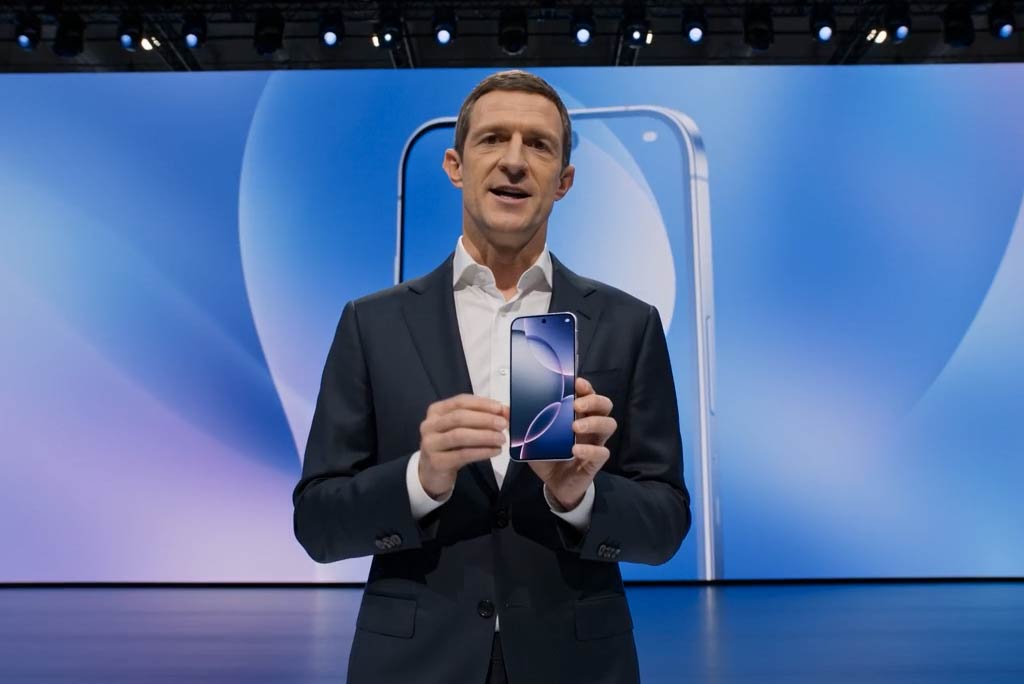
Business Video Maker
Generate business videos, promo videos, and brand videos with AI.
00:00
00:00
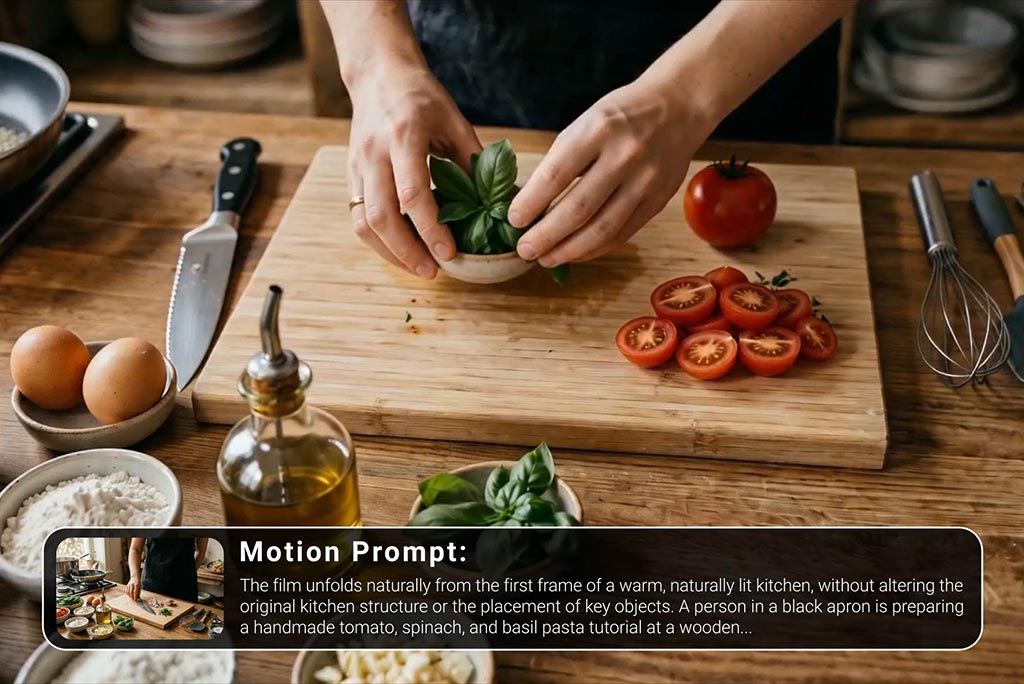
Tutorial Video Maker
Create how-to guides, DIY tutorials, and instructional videos in minutes.
00:00
00:00
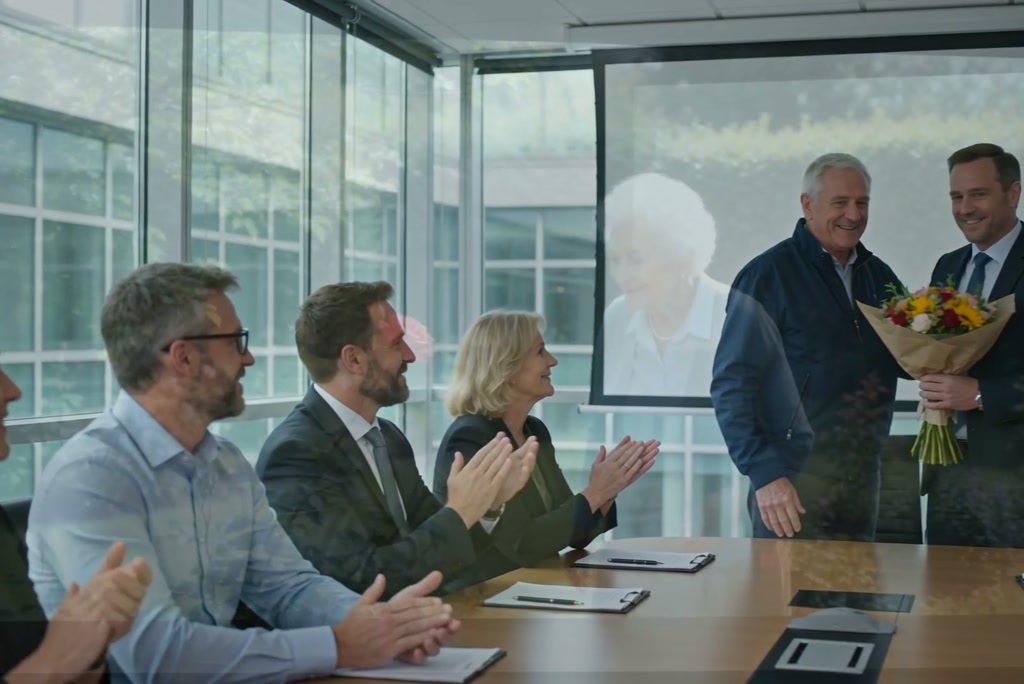
Tribute Video Maker
Create heartfelt tribute videos to honor loved ones, special memories, or meaningful life moments.
@Amara Okafor, Marketing Producer