
AI Tribute Video Maker for Meaningful Memories
Turn photos, text, and heartfelt moments into a polished tribute video in minutes. Create videos for birthdays, weddings, retirements, and other life milestones instantly with AI.
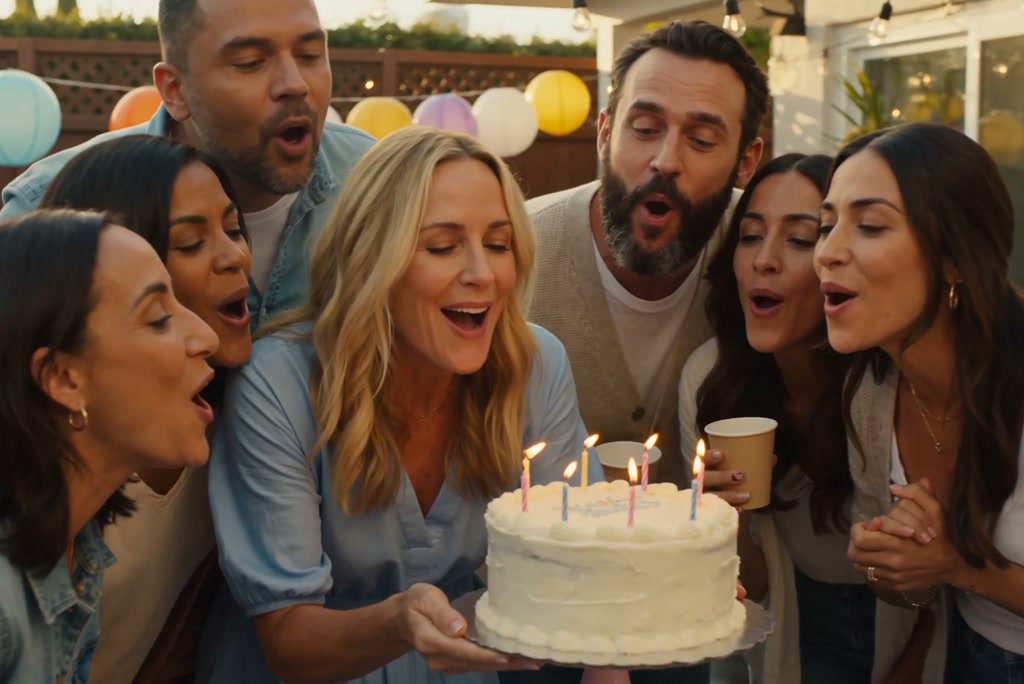
Make Birthday Memories Feel Personal
Create a birthday tribute video with favorite photos, short video clips, and a message that fits the occasion. Whether it is for a child, parent, partner, or friend, you can turn everyday memories into a warm, celebratory video that feels thoughtful instead of generic.
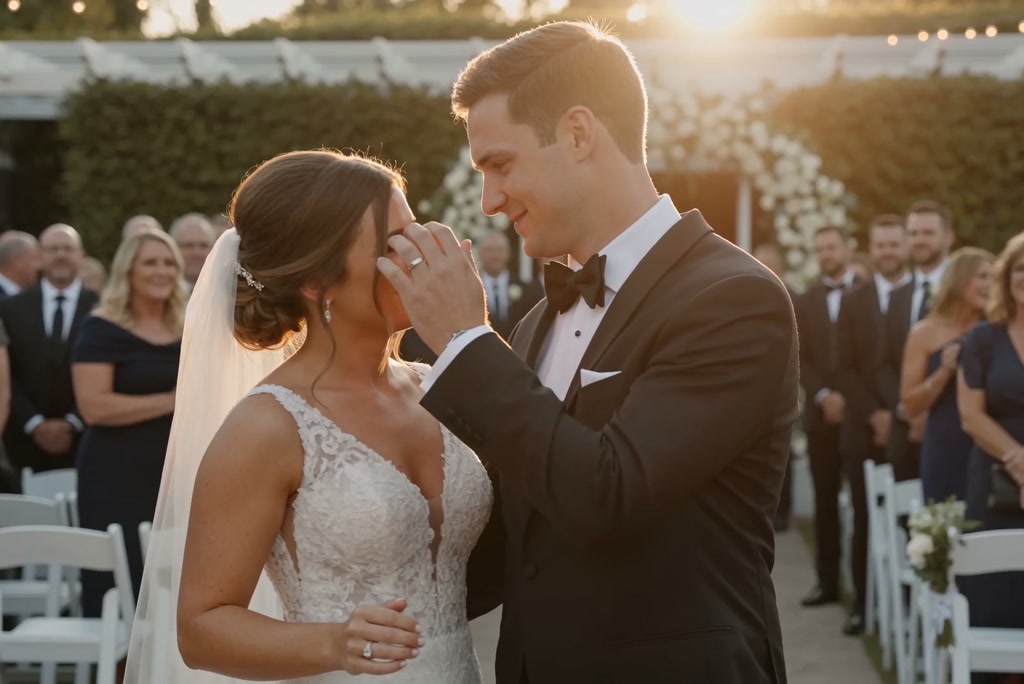
Create a Wedding Video Full of Shared Moments
Build a wedding tribute video that brings together engagement photos, ceremony highlights, and messages from family or friends. It is a simple way to tell the couple’s story with a romantic tone, smooth pacing, and visuals that suit the day.

Honor a Career with Warmth
Make a retirement tribute video that celebrates years of work, team memories, and personal milestones. Add office photos, achievements, and farewell notes to create something respectful, uplifting, and easy to share at a party or send afterward.
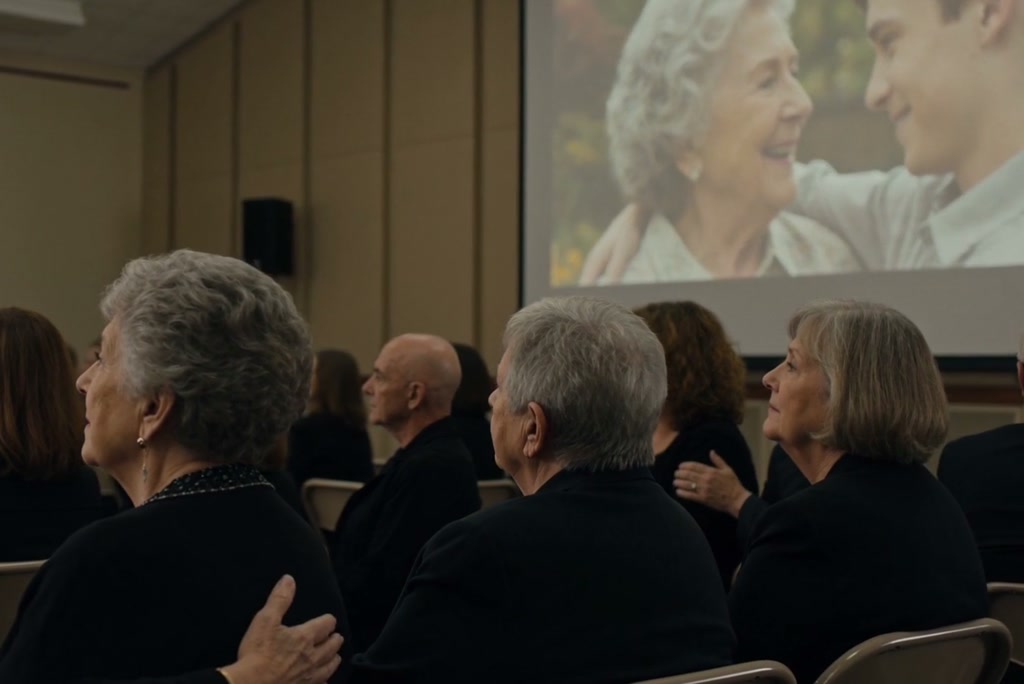
Create a Meaningful Memorial Tribute Video
Honor and celebrate a loved one’s life with a heartfelt tribute video. Combine photos, video clips, and messages to tell their story in a personal and respectful way.
Easily create a memorial video that feels thoughtful and sincere. With simple tools and ready-made styles, you can turn precious memories into a lasting tribute to share with family and friends.
How to Create a Tribute Video from Text or Photo
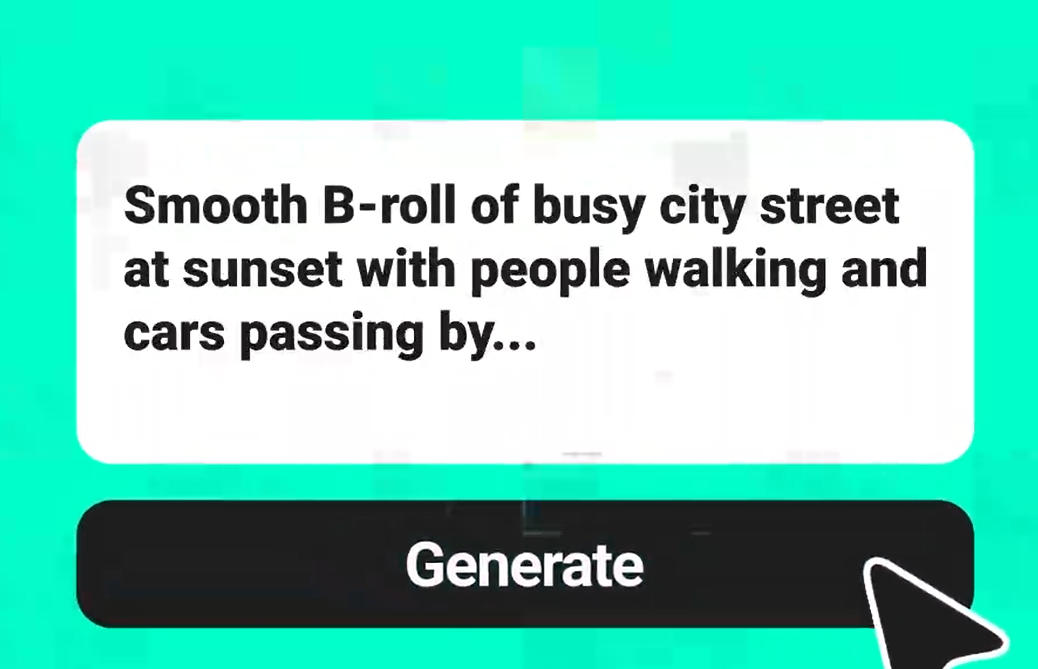
Step 1. Enter prompt or photo
Step 2. Choose an AI model
Choose an AI video model such as Seedance 2.0, Kling O1, or Google Veo 3.1. Then set options like aspect ratio, video length, and resolution to match where you plan to share or present the video.
Step 3. Generate the tribute video
Step 4. Download your video
What Users Say About Our Tribute Video Maker
Why People Use Our Tribute Video Creator?

Fast from start
Create a tribute video in just a few steps instead of spending hours arranging clips by hand. Upload your materials, choose settings, and let the system handle the heavy editing work for you.

Clean, high-quality output
Your final video is rendered with clear detail, smooth motion, and a polished look that works well for family events, presentations, and social sharing. It is built to feel presentable even when you start with simple source materials.

Helpful built-in templates
Start with ready-made templates to save time and keep your video organized. They help you structure birthday tributes, wedding stories, retirement farewells, and other personal videos with a more consistent flow.

Easy for anyone

Top models, more possibilities

Made for every occasion
From memorial slideshows and anniversary montages to retirement messages and family photo videos, you can make tribute videos for many moments in one place. Flexible styles, music options, and layouts help each video match the tone you want.
Who Uses a Tribute Video Maker?
Families preserving special memories
Friends honoring someone special
Groups creating meaningful send-offs
Teams marking milestones with care
Frequently Asked Questions
What is a tribute video?


What is a tribute video maker?
What kind of tribute video can I create?
How do I make a tribute video?
Can I make a tribute video for free?
Do I need editing experience?
Can I share the video online?


@Denise Holt, HR Coordinator