00:00
00:00

Create Testimonial Videos in Minutes

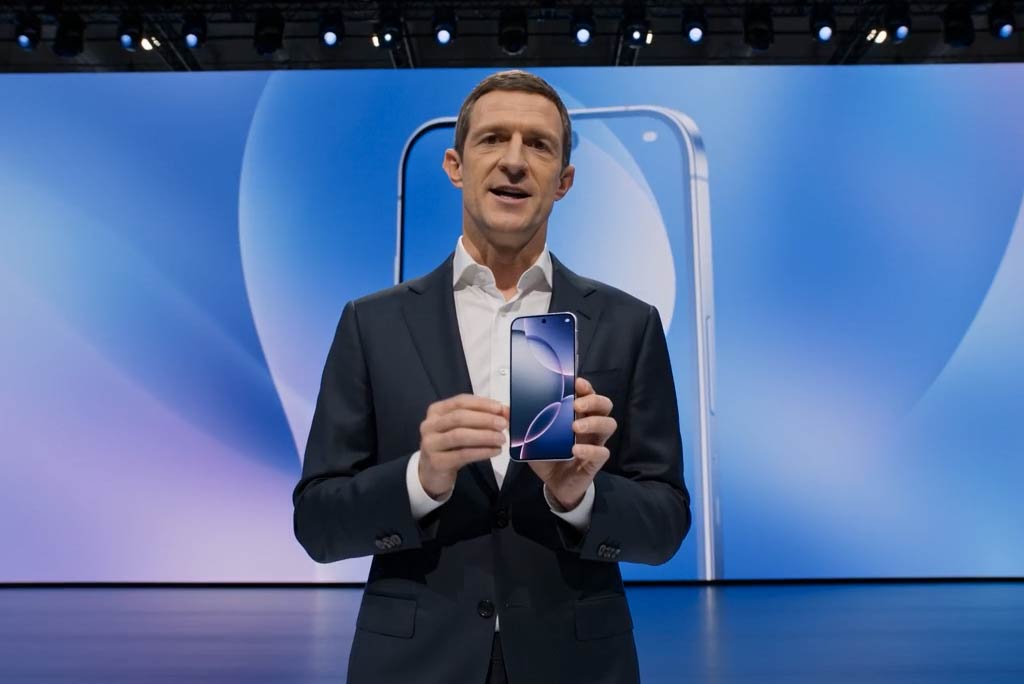
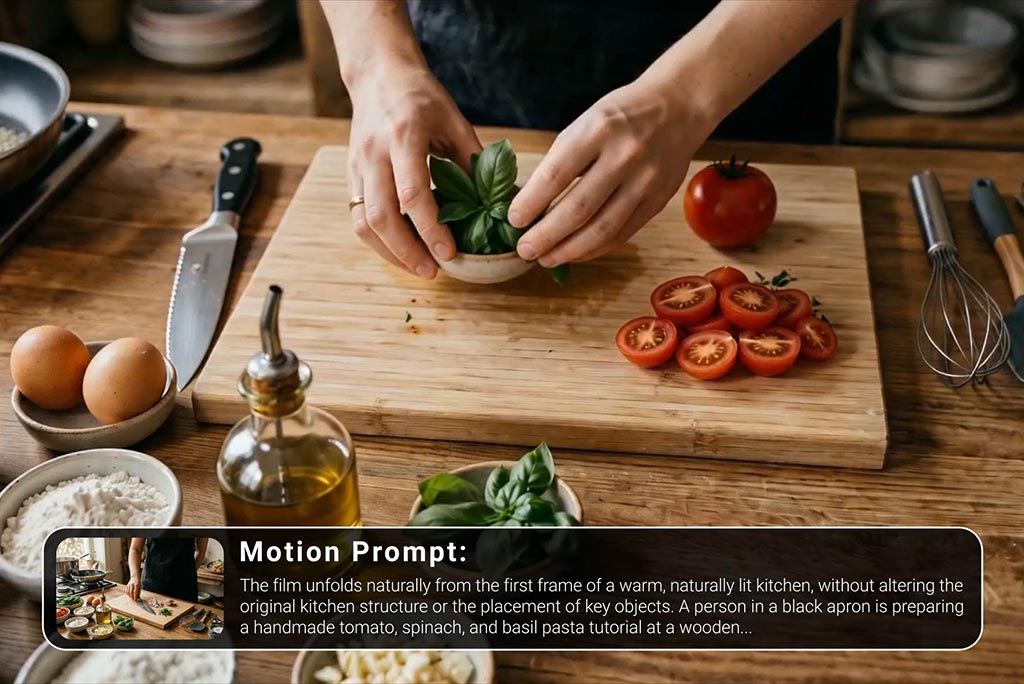
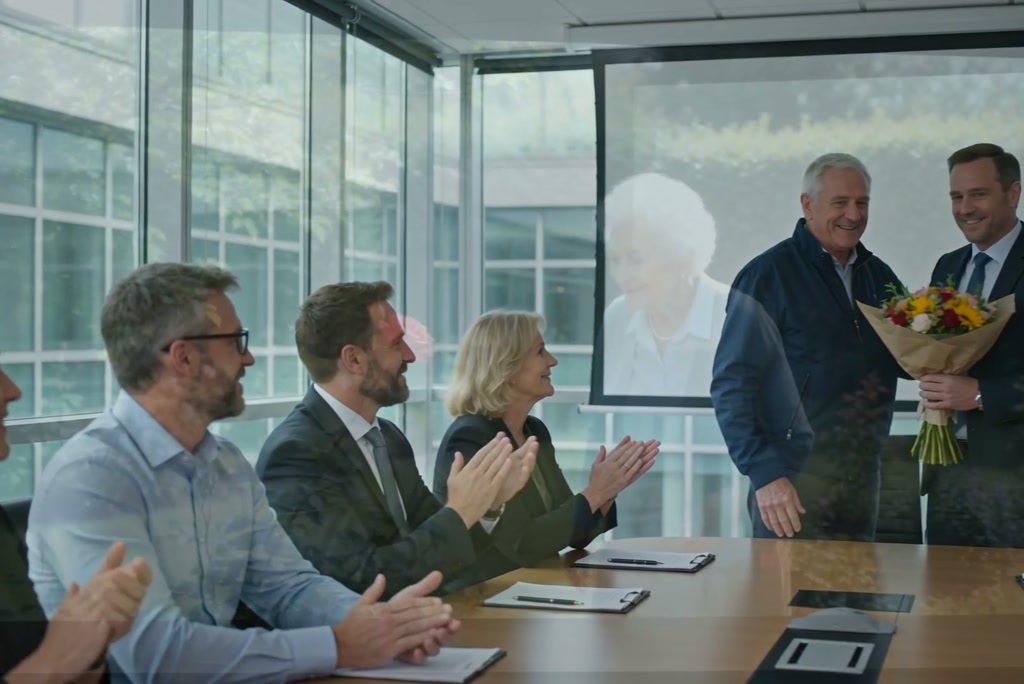
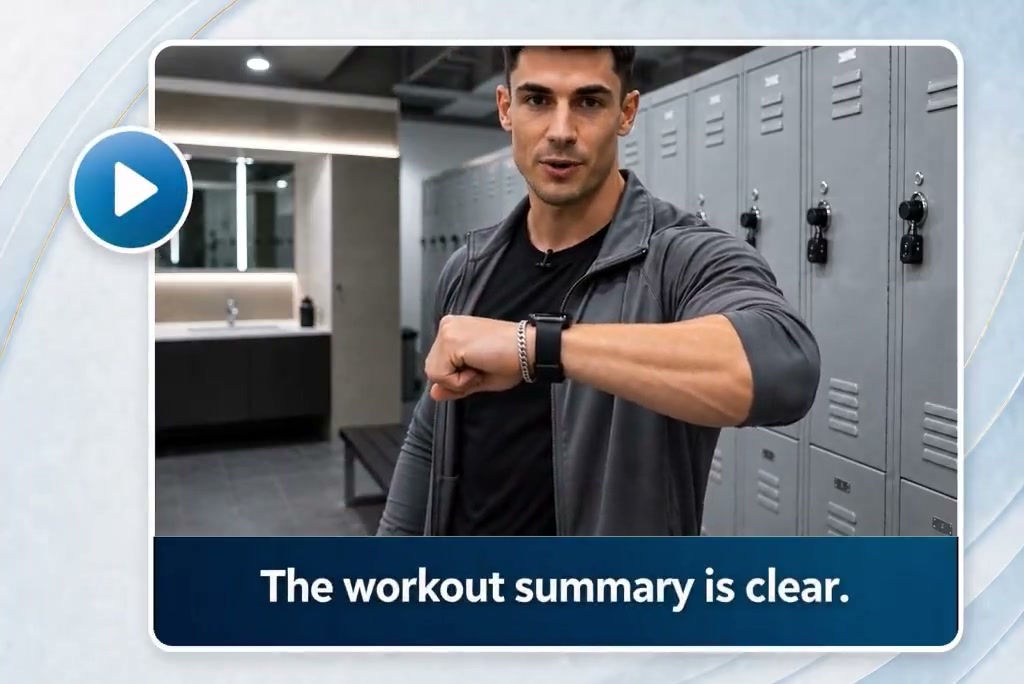
Skip long shoots, editing delays, and expensive production setups. With insMind, you can turn a prompt or image into a polished testimonial video fast, making it easier to produce more content with less time and budget. It’s a practical way to keep campaigns moving without sacrificing quality.

00:00
00:00

Build Trust with Authentic Testimonial Videos

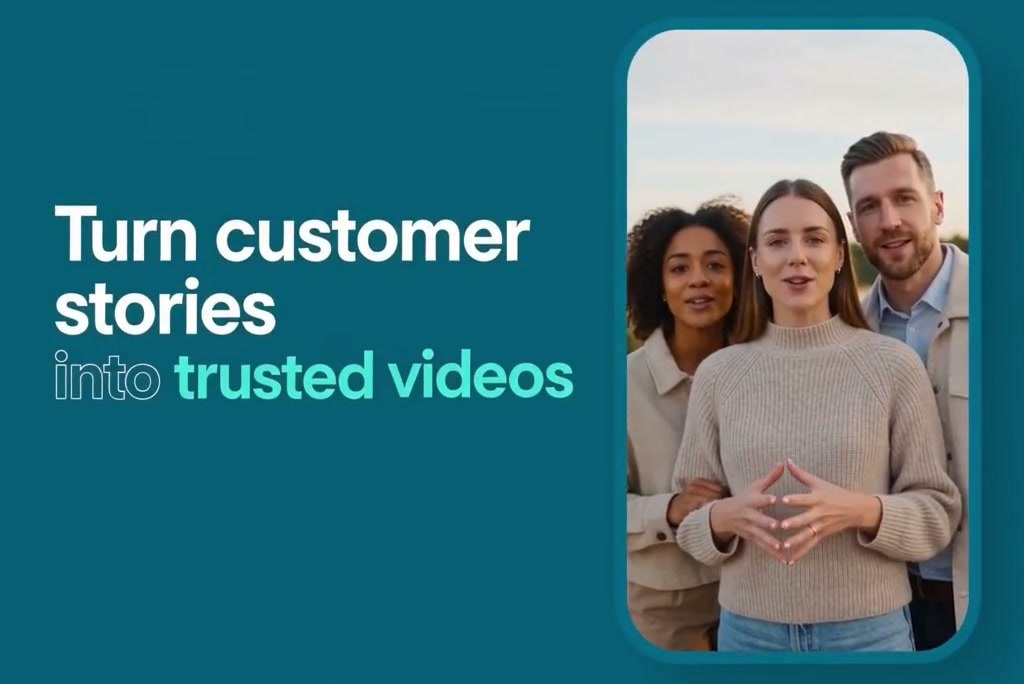
Testimonial videos help potential customers see real value before they buy. With insMind's testimonial video generator, you can create videos using AI-generated scenes, voice, and storytelling. Present feedback in a clear, believable way and build trust across ads, landing pages, and social media.

Start from Proven Video Templates

Start from Proven Video Templates

Need a faster starting point? insMind gives you ready-made testimonial video templates you can customize and regenerate for your product, audience, or campaign angle. Pick a format that works, adjust the details, and create fresh versions without building every video from scratch.

How to Create a Testimonial Video with AI

Step 1. Enter Prompt or Upload Photos

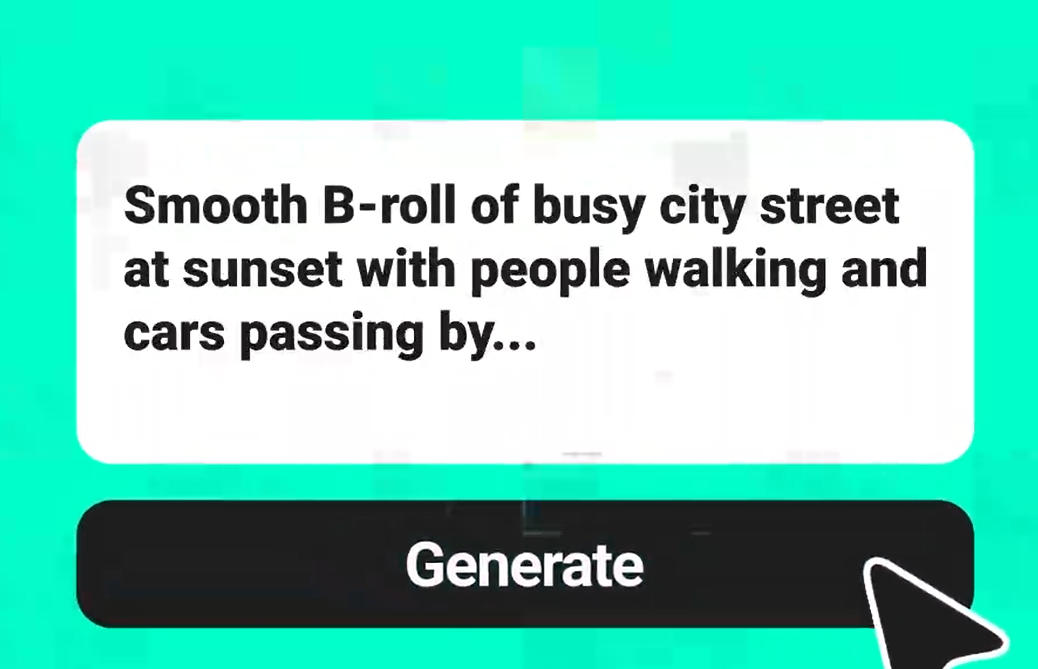
Enter a text prompt or upload a photo to begin. Describe the kind of testimonial video you want, including the tone, speaker style, setting, product focus, or message you want the video to deliver.

Step 2. Choose Proper Settings

Choose your AI video model and adjust the settings. You can select options like aspect ratio, video length, resolution, and other output preferences to match where you plan to publish the video.

Step 3. Generate the Video

Click the Generate button to create your video. The system will process your input and produce a testimonial-style video based on your prompt, selected model, and output settings.

Step 4. Download Your Video

Review the finished result, then download it to your device. You can use the file for ads, product pages, social media posts, or any other marketing channel.

What Our Users Are Saying

Why Teams Use insMind for Testimonial Videos

Realistic & Natural

Realistic & Natural

Create testimonial-style videos that feel natural, not robotic. Generate polished clips in minutes with a simple workflow, turning your idea or script into a convincing video without complex editing.
Save Time Vastly

Save Time Vastly

Move from idea to finished video in far less time than a traditional production workflow. That means you can respond faster to campaigns, test more creatives, and keep publishing without long turnaround times.
Templates for Quick Starts

Templates for Quick Starts

Built-in templates give you a strong starting point when you need ideas or want proven formats. You can quickly customize structure, messaging, and style to fit different products, offers, or audience segments.

Friendly to Use

Friendly to Use

The workflow is simple enough for beginners and efficient for busy teams. Just add your prompt, choose settings, and generate your video without needing advanced editing skills or complicated software.

Made for Multiple Channels

Made for Multiple Channels

Use one tool to produce videos for product pages, social ads, landing pages, and brand campaigns. Flexible settings make it easier to create content that fits different channels without rebuilding the process each time.

Realistic Effects

Realistic Effects

Create testimonial-style videos that feel natural, not robotic. The tool helps you generate polished clips in minutes with a simple workflow, so you can turn an idea or script into a convincing video without complex editing.

Who Can Benefit from a Testimonial Video Maker?

Business & Brands

Show product feedback in a more engaging format than plain text. Brands and online stores can turn customer stories into short videos for landing pages, ads, and social posts that build trust quickly.

Agencies

Agencies can produce multiple client testimonial videos without starting from scratch each time. It’s a practical way to create polished samples, campaign assets, or fast-turnaround content for different industries.

Startups

Startups and small teams can make promotional content without filming equipment, actors, or editing experience. That makes it easier to test messaging, update offers, and publish new videos on a tight schedule.

Service Professionals

Coaches, consultants, and freelancers can present success stories in a clear, personal format. A short testimonial video helps explain results, adds credibility, and makes service pages feel more trustworthy.

Frequently Asked Questions

What is a testimonial video maker?

insmind expand icon
A testimonial video maker is a tool that helps you create videos that present customer feedback or success stories. It simplifies scripting, visuals, and video generation so you can publish faster.

Are the generated testimonial videos realistic?

insmind expand icon
They are designed to look polished and natural, especially when you use clear scripts and suitable visuals. The final realism depends on the input, style, and settings you choose.

Why are testimonial videos important?

insmind expand icon
They help people see proof from a customer perspective, which can build trust faster than text alone. A strong testimonial video can also improve engagement on product and sales pages.

How do I make a testimonial video?

insmind expand icon
Start with a short script that highlights a real problem, solution, and result. Then enter your prompt in insMind, generate the video, and review the final version before sharing it.

Can I use it without editing skills?

insmind expand icon
Yes. The process is built to be simple, so you can create a finished video without advanced editing knowledge.

What makes a good testimonial video?

insmind expand icon
The best ones feel specific, believable, and easy to follow. Focus on a clear result, natural wording, and a short format that keeps attention.

Where can I use testimonial videos?

insmind expand icon
You can add them to landing pages, product pages, ads, email campaigns, and social media. They work well anywhere you want to strengthen credibility and explain value quickly.

Explore More AI Video Tools