AI Ad Clone Generator - Recreate Video Ads with AI
Upload a reference ad, add your product, and let AI remake it with your brand's style and message.
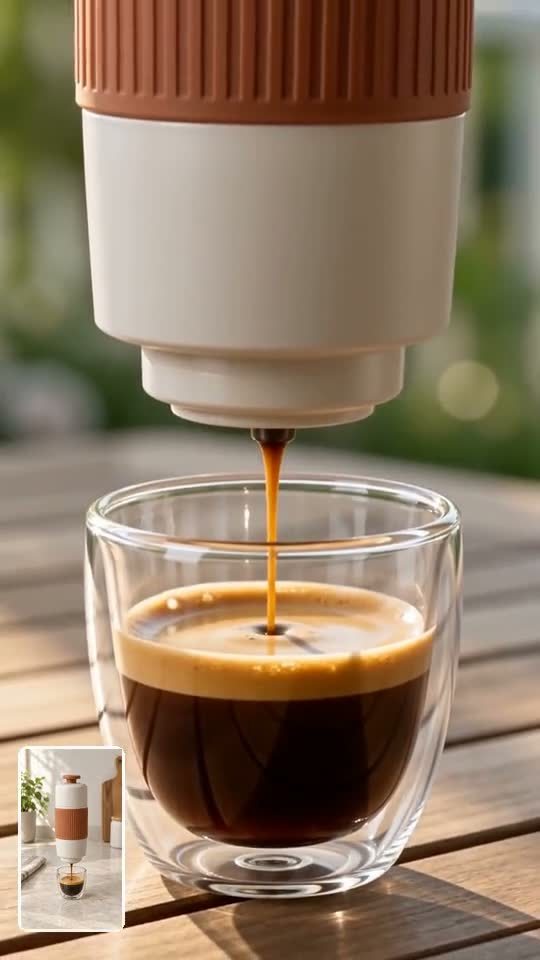
Remake the Ad Structure Around Your Product
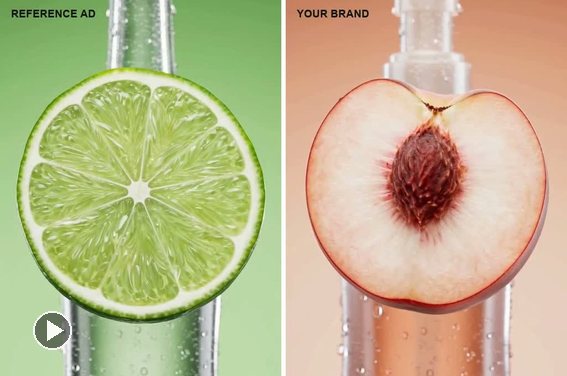
Upload a reference ad and show AI the product you want to promote. Use its hook, pacing, and reveal as creative direction. For more ways to build product campaigns, explore the AI ad video generator.
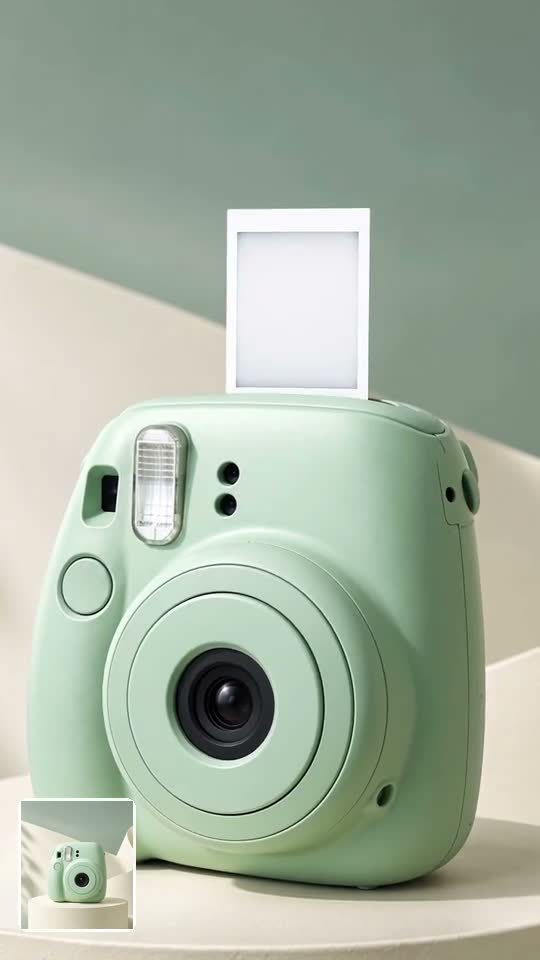
Replace the Product, Rewrite the Message
Add product images and tell AI which selling point, scene, colors, or call to action should change. Review the result for accurate packaging and readable copy, then refine any detail that misses your brief.
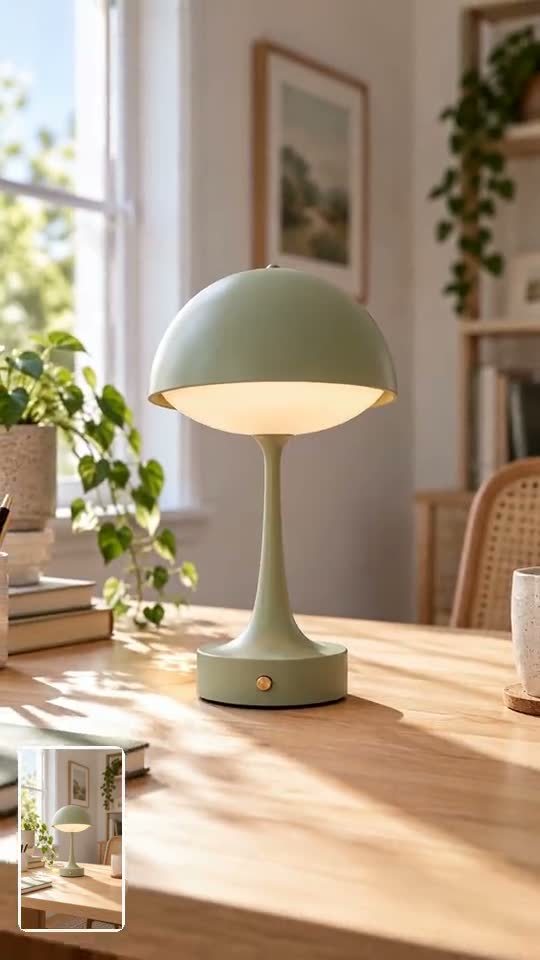
Adapt One Idea for Social Ads
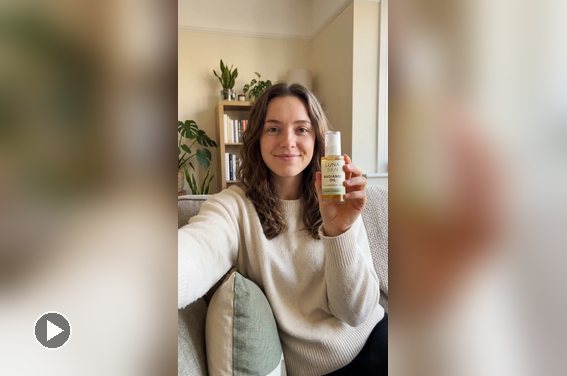
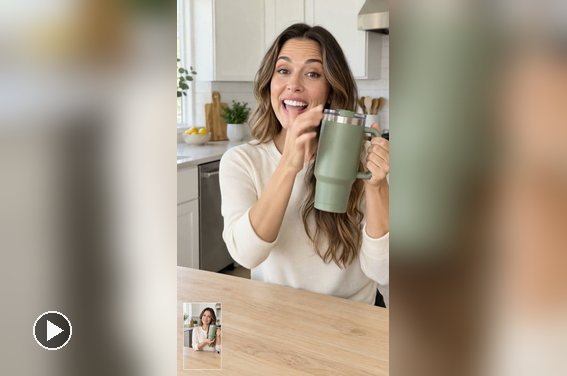
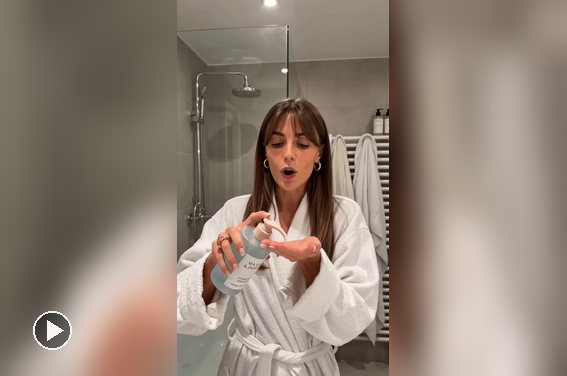
Use a clear reference to guide the creative rhythm of a TikTok, Reel, or creator-style ad. Change the product, script, and brand cues so the new video suits your campaign. For more creator-led ideas, see the AI UGC video generator.
How to Remake a Video Ad with AI
Step 1: Upload a Reference Ad
Add a clear ad video that you have the right to use. Pick one with an opening hook and shot sequence you want to adapt.
Step 2: Add Your Product and Instructions
Upload product images and describe your brand style, the scenes to replace, the selling point, and the copy you want in the new ad.
Step 3: Generate Your AI Ad Remake
Let AI use the reference's creative structure to build a new video around your product and message.
Step 4: Preview, Refine, and Download
Check product details, scene choices, and on-screen wording. Request changes where needed, then download the version you want to use.
Why Choose insMind to Remake Video Ads?
Skip the Blank Page
Upload an ad you like so AI has a clear starting point for the hook, shot order, and pace.

Make the Product Yours
Add your product visuals and selling point to guide what appears in the new ad, from close-ups to the final reveal.

Pick a Starting Style
Choose Product Ad, UGC Ad, TikTok Ad, or Product Launch to give your first draft a clear direction.

Change More Than the Product
Describe new scenes, brand colors, wording, and a call to action so the ad fits your campaign.

Fix Details with a Follow-Up
Review the first result, then ask AI to change a product shot, opening line, or scene that needs work.

Create Versions for Different Channels
Start with the same reference idea and make distinct ads for TikTok, Reels, or other placements.
AI Ad Remake Ideas
Make fresh product, social, and launch ads from a reference you can use.
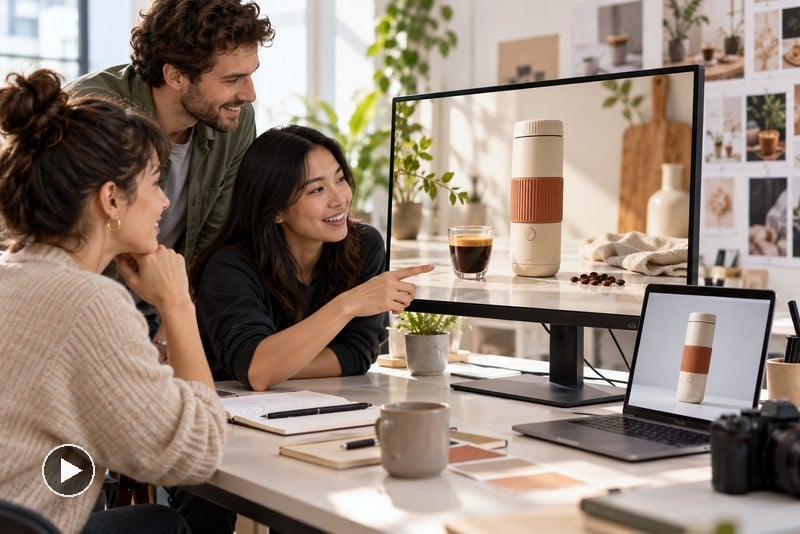
Refresh an Ecommerce Product Ad
An online store has a strong ad format but a new SKU to promote. Upload an approved reference, add the new packshot and benefit, and create a product-focused variation for campaign testing.
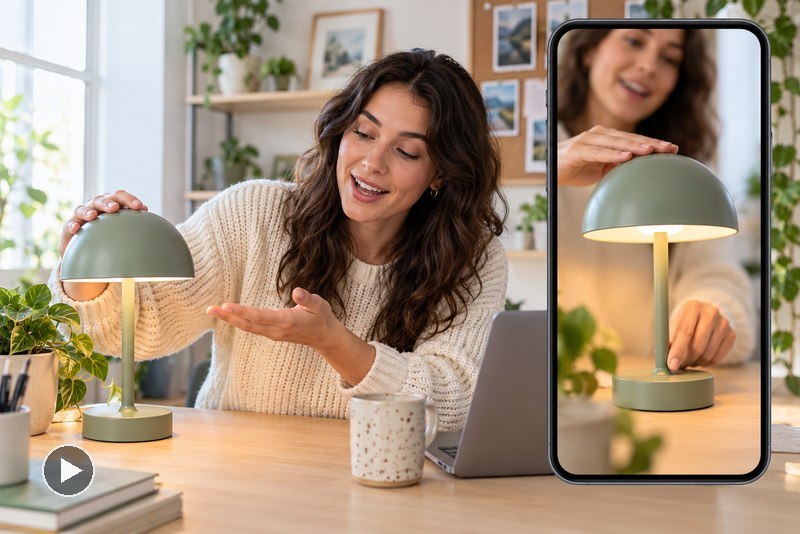
Make a New Creator-Style Social Ad
A social team likes the pacing of a UGC clip but needs its own script and product story. Remake the hook and demonstration with a distinct setting, product demonstration, and CTA for a vertical feed.
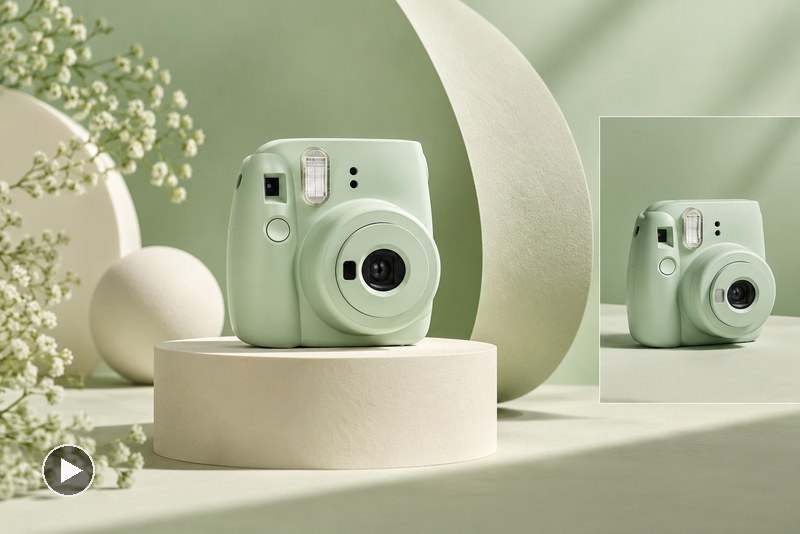
Launch a Product with a Familiar Reveal Pattern
A brand has launch imagery and a reference with a clear reveal sequence. Use that sequence as inspiration, then introduce new visuals, copy, and product details. If you need a reference-free starting point, try the AI product video generator.
FAQs About insMind AI Ad Clone Generator
What is an AI ad clone generator?


How do I clone a video ad with AI?
Can I replace the product in a video ad?
Can I remake a TikTok or Instagram ad?
Can I create a UGC-style ad from a reference?
Will the AI copy the original ad exactly?
Can I clone a competitor's ad with AI?
Is the AI ad remake generator free?
What makes a good reference ad?
Can I change an ad after it is generated?