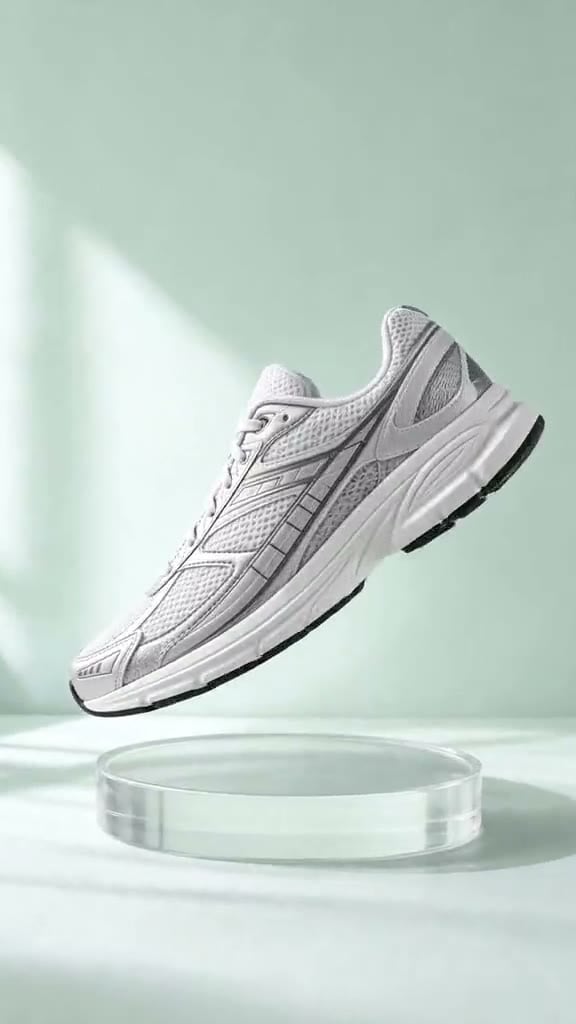
Upload a clean product image and turn it into a vertical Reel with natural motion, close-up detail, and social-first pacing. Whether you are showcasing fashion, beauty, or food, insMind helps transform static visuals into engaging clips using an image to video workflow built for quick content production.

00:00
00:00
Turn Product Photos into Scroll-Stopping Reels
00:00
00:00
Build Reel Ads for Product Launches
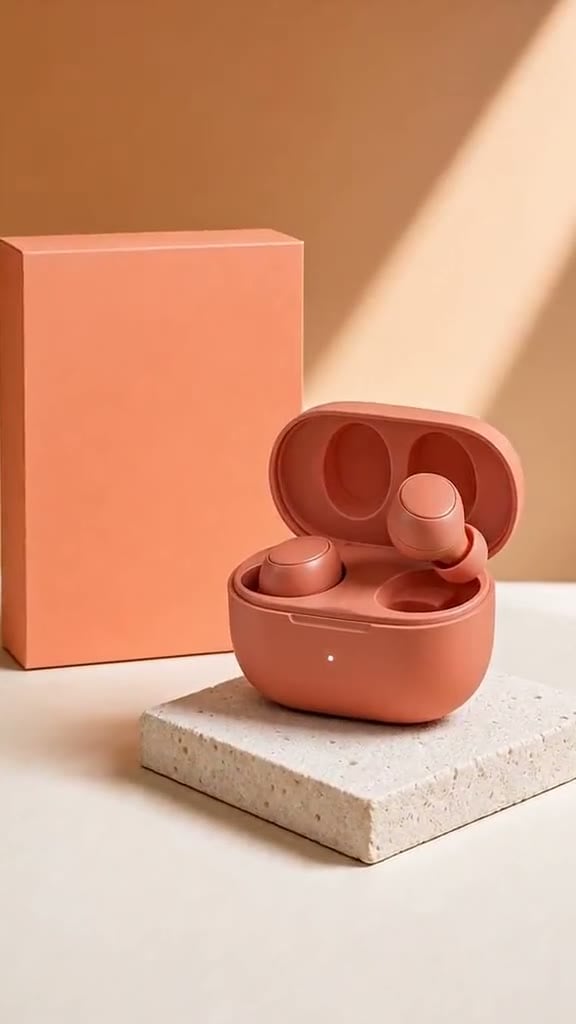
Turn a product idea or launch asset into a Reel ad that introduces the item, highlights its appeal, and leaves viewers with a memorable final frame. Pair reel creation with insMind's AI Product Video Generator to produce social ads for launches, drops, and seasonal campaigns without arranging a shoot.
How to Create an AI Reel Video with insMind in 4 Steps
Step 1: Enter a Reel Prompt or Upload a Photo
Describe the Reel you want to create or upload a clear reference image, such as a product shot, fashion look, or food photo.
Step 2: Customize Reel Style, Duration, and Ratio
Select the look and pacing that match your idea, then choose a vertical 9:16 ratio for Instagram Reels, TikTok, or Shorts.
Step 3: Generate Your AI Reel Video
Let insMind turn your prompt or image into a short-form video with visual motion and social-ready composition.
Step 4: Preview and Download Your Reel
Review the generated result, make another version if needed, and download your finished Reel for publishing or promotion.
Create Reels for Products, Creators, and Growing Brands
Turn everyday ideas and product visuals into short vertical videos ready for social feeds and campaigns.
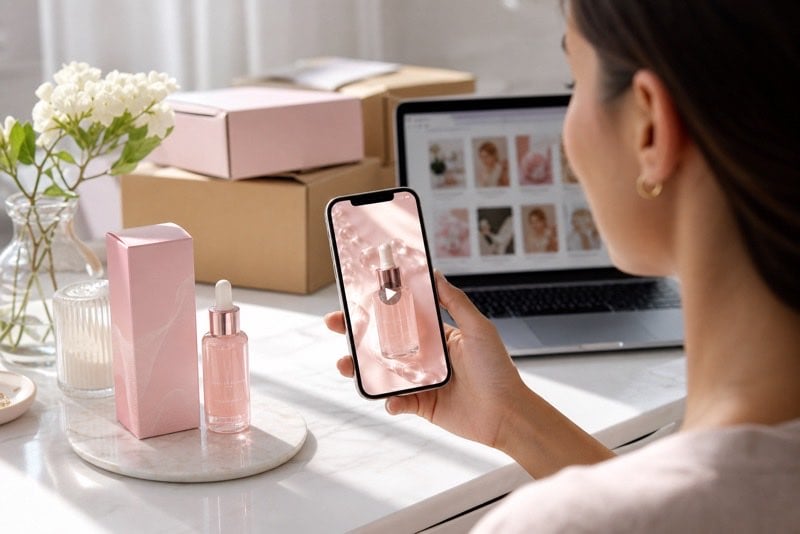
Launching Instagram Reels for a New Product
Introduce a new arrival with a polished vertical launch clip that highlights product details and gives shoppers a reason to stop and explore.
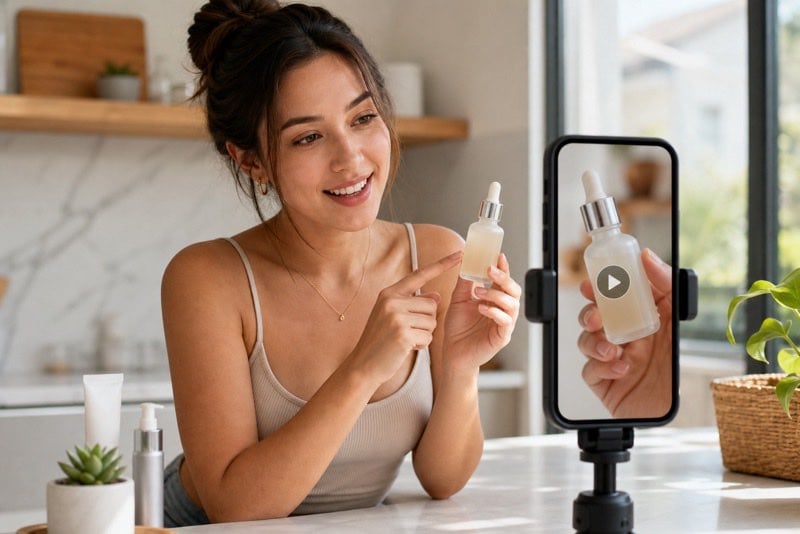
Creating TikTok-Ready UGC Ads for E-commerce
Online sellers turn product visuals into casual-looking ad content inspired by AI UGC videos, ready for testing on TikTok and Reels.
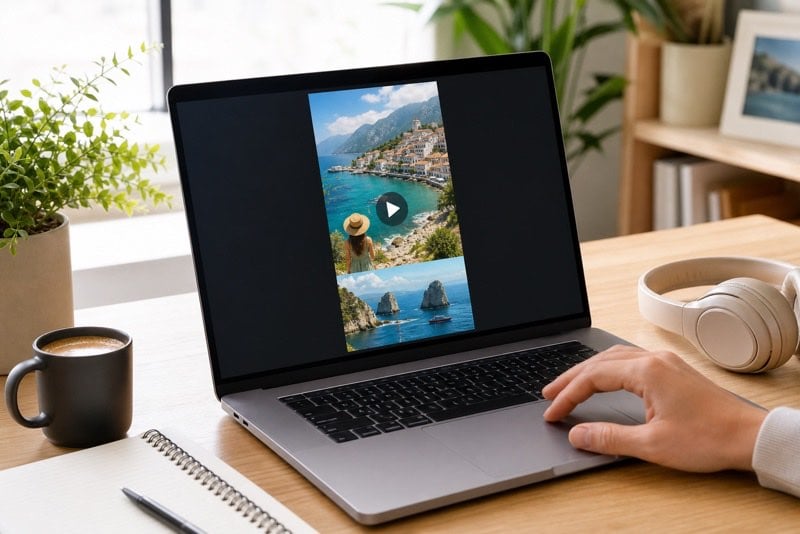
Turning Creator Ideas into Faceless Reels
Creators turn prompts, stories, or visual concepts into consistent short clips without filming themselves, keeping a busy social posting schedule active.
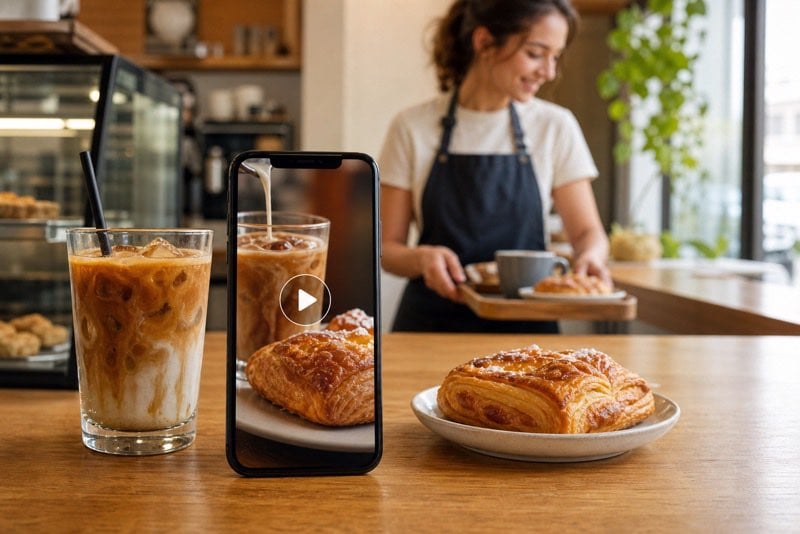
Making Reels for Small Business Promotions
Local brands create sale announcements, new-menu reveals, and service promos using an AI promo video maker, ready for weekly social updates.
Why Choose insMind AI Reel Video Generator

Create from Photos or Prompts
Start with product visuals or a written idea, rather than needing recorded clips before building a Reel.

Built for Vertical Social Video
Generate 9:16 short-form content shaped for Instagram Reels, TikTok posts, and YouTube Shorts viewing habits.

Launch Products Without a Shoot
Unlike a traditional campaign shoot, insMind helps brands create visual product promotion from ready assets.
Explore UGC-Style Ad Concepts
Test creator-inspired visual directions for products without arranging talent, locations, or repeated filming sessions.
Repurpose Ideas Across Platforms
Develop one Reel concept alongside an AI YouTube Shorts Generator workflow.
Keep Creation Simple
Move from input to downloadable output without building scenes manually on a complex video-editing timeline.
FAQs About insMind AI Reel Video Generator
What is an AI reel video generator?


An AI reel video generator creates short vertical videos from a written prompt or uploaded image. With insMind, you can describe a Reel idea or start from a product photo, generate motion-based video content, and prepare social-ready clips for Instagram, TikTok, or YouTube Shorts.
How do I create an Instagram Reel with AI?
Enter a description of your Reel or upload an image, choose a style and vertical ratio, then generate your video. Once the result matches your idea, preview and download it for Instagram. Clear prompts describing subject, movement, lighting, and mood typically produce more focused results.
Can I make Reels from text prompts?
Yes. You can describe the video you want, including the subject, setting, action, camera motion, style, and vertical format. For example, write a prompt for a new-product launch or creator-style product reveal, and insMind can generate a short Reel concept without existing footage.
Can I turn photos into Reel videos?
Yes. Upload a clear product, fashion, food, portrait, or lifestyle photo and guide the desired movement with a prompt. insMind can transform a still visual into a vertical Reel-style video with motion and pacing suited to social feeds, while keeping your original subject central.
What video size is best for Instagram Reels?
Instagram Reels are designed for vertical viewing, so 9:16 is the recommended aspect ratio. A vertical layout uses the full mobile screen and keeps your product or subject prominent. For generation, choose a portrait input and keep essential details away from extreme edges.
Can I create TikTok and YouTube Shorts too?
Yes. Vertical Reel-style videos can also be prepared for TikTok and YouTube Shorts when the concept, duration, and framing match each platform. Use a 9:16 composition, keep the opening visually clear, and review any platform-specific posting requirements before sharing.
Is insMind AI Reel Video Generator free to try?
insMind offers a free trial so you can try AI Reel Video Generator core features and review generated results. You can also earn free credits through platform activities, such as daily login or tasks, to continue creating Reel videos after using initial trial access.
Can I make product ad Reels with AI?
Yes. Start with a product photo or a launch prompt and describe the selling moment you want to show, such as a detail reveal, lifestyle display, or new-arrival announcement. insMind can generate short promotional videos suitable for social product discovery and campaign testing.
Can I create UGC-style Reels without filming?
You can generate Reel concepts with an authentic creator-style direction from product imagery or prompts, without shooting original footage yourself. Describe a natural setting, product interaction, handheld camera feel, and relatable mood to develop casual-looking content for e-commerce and social promotion.
How do I write a good prompt for an AI Reel?
Include the subject, scene, action, camera movement, lighting, visual style, duration, and ratio. A strong prompt might request a 10-second vertical product Reel with a close-up opening, natural movement, bright lighting, and a clean final hero frame, while excluding watermarks or unwanted text.
Explore More AI Video Tools
00:00
00:00
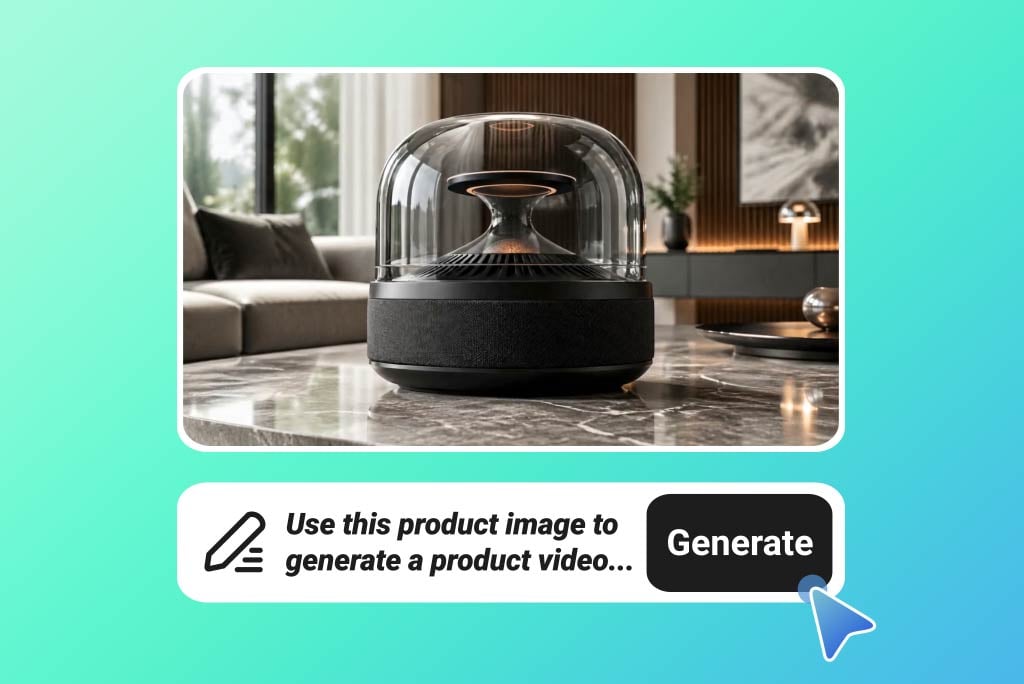
AI Product Video Generator
Turn static product visuals into high-converting video ads in seconds.
00:00
00:00
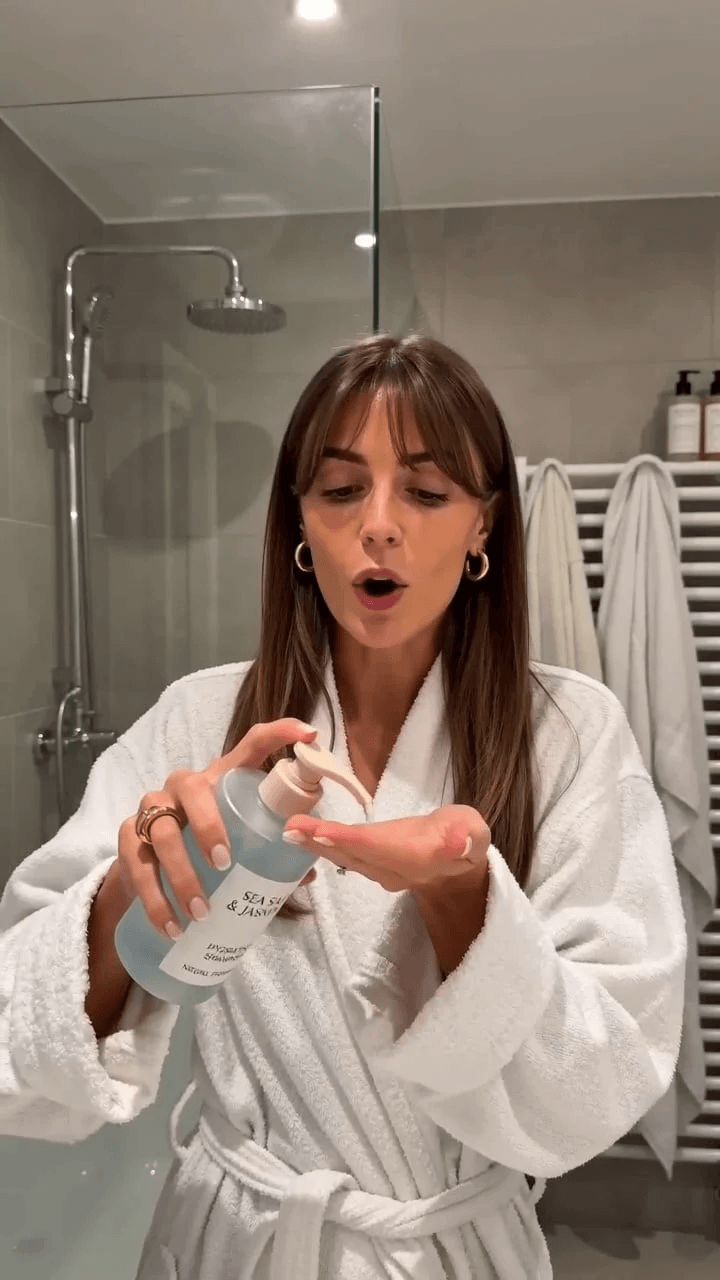
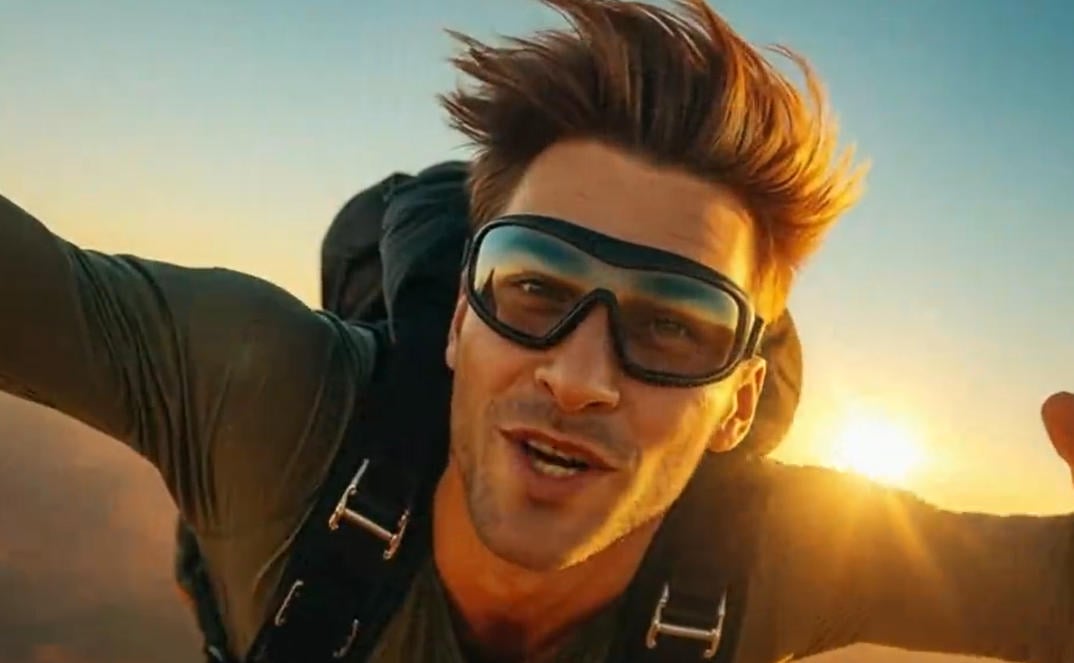
AI UGC Video Generator
Create authentic UGC-style video ads with AI in minutes.
00:00
00:00
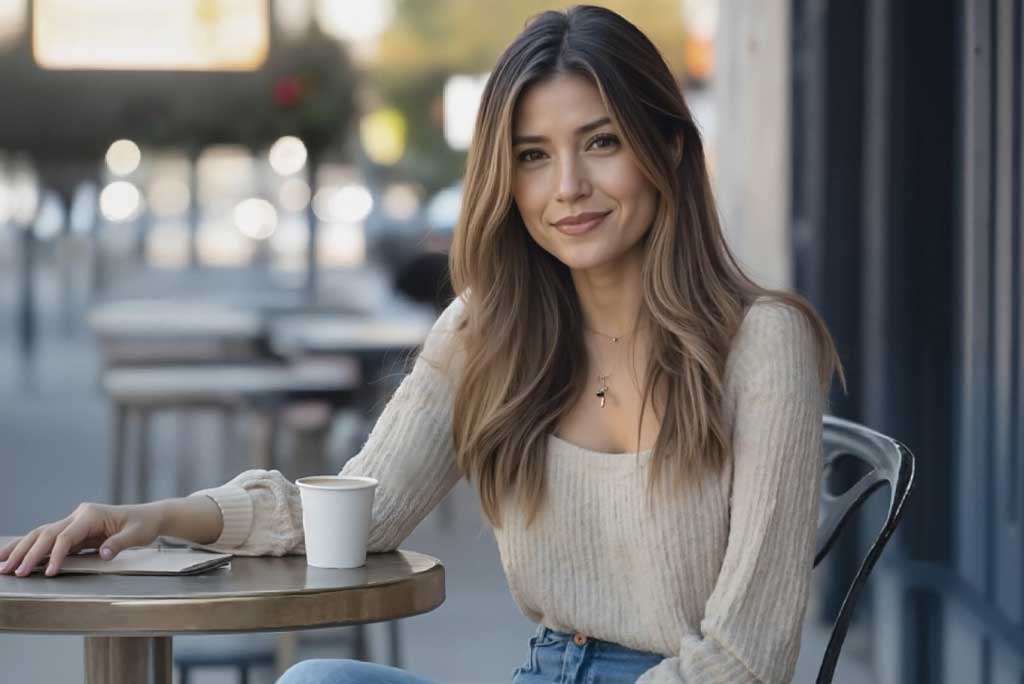
AI YouTube Shorts Generator
Create viral YouTube Shorts instantly with smart, easy-to-use AI tools.
00:00
00:00
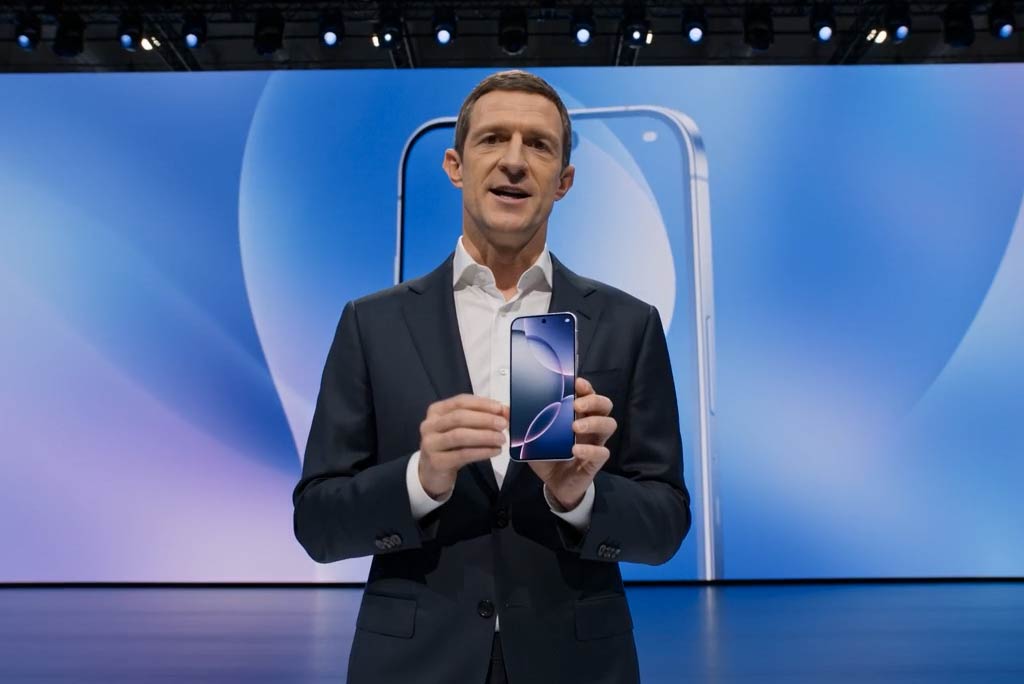
Image to Video
Create custom videos from your photos with AI.
00:00
00:00
Business Video Maker
Generate business videos, promo videos, and brand videos with AI.
00:00
00:00
AI Video Enhancer
Easily improve your video quality with AI video enhancer.
00:00
00:00
Animate Photos
Animate your still photo with AI online for free.