
AI Video Cloner: Clone Any Viral Videos in One Click
Upload a trending TikTok or Instagram Reel, add your product or direction, and let AI recreate a ready-to-share version.
00:00
00:00
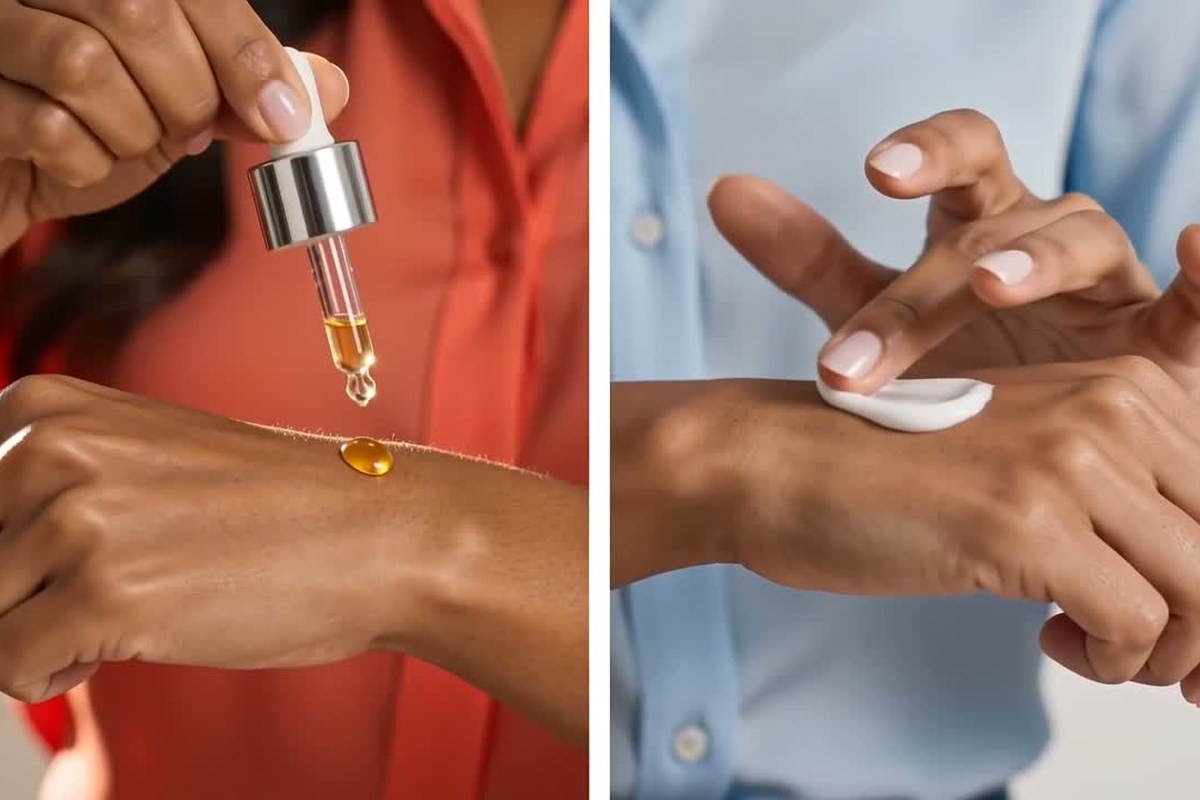
Replicate Viral Social Videos with AI
00:00
00:00
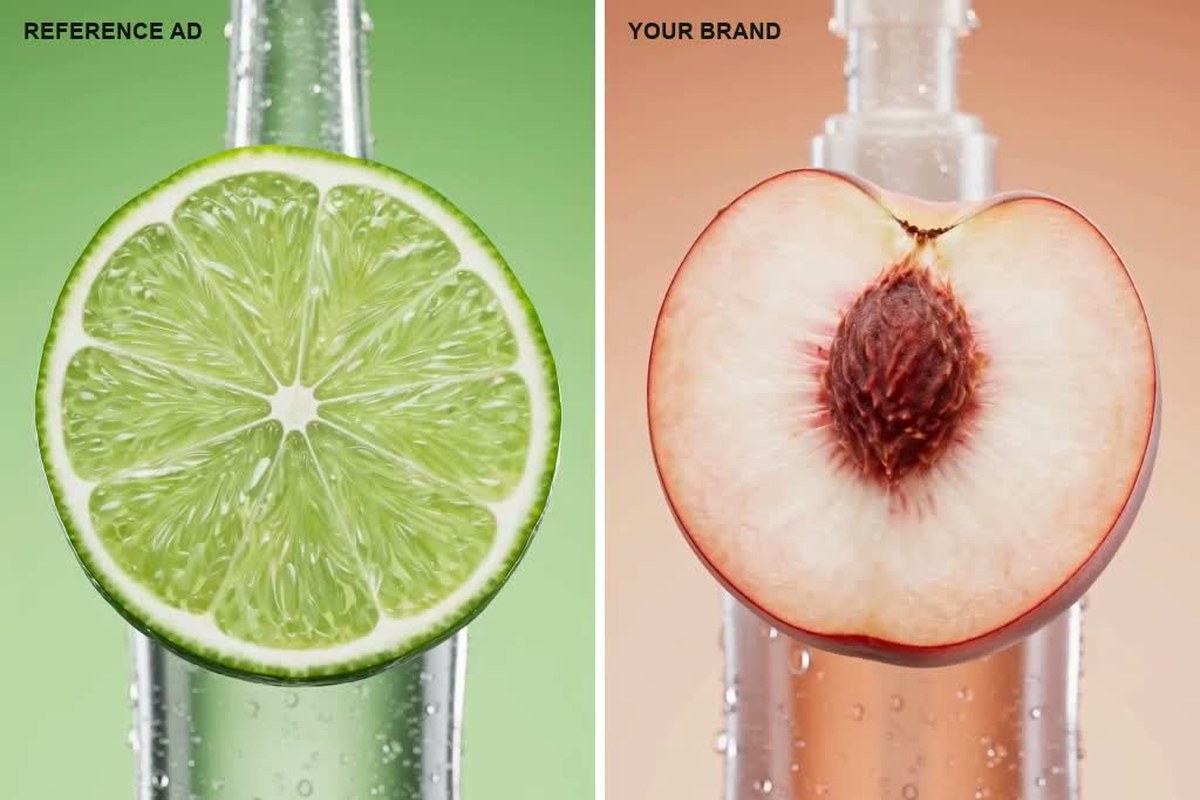
Recreate Product Ads for Your Brand
00:00
00:00
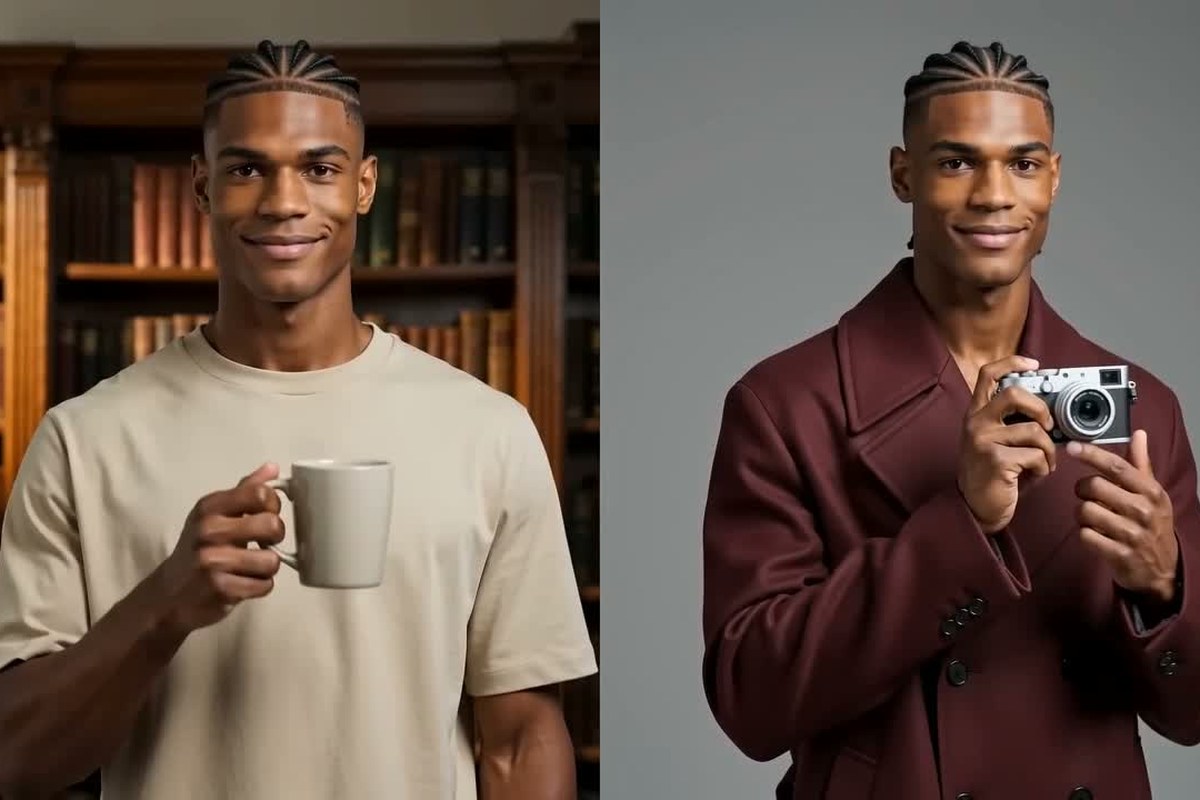
Clone Yourself into New Video Concepts
00:00
00:00
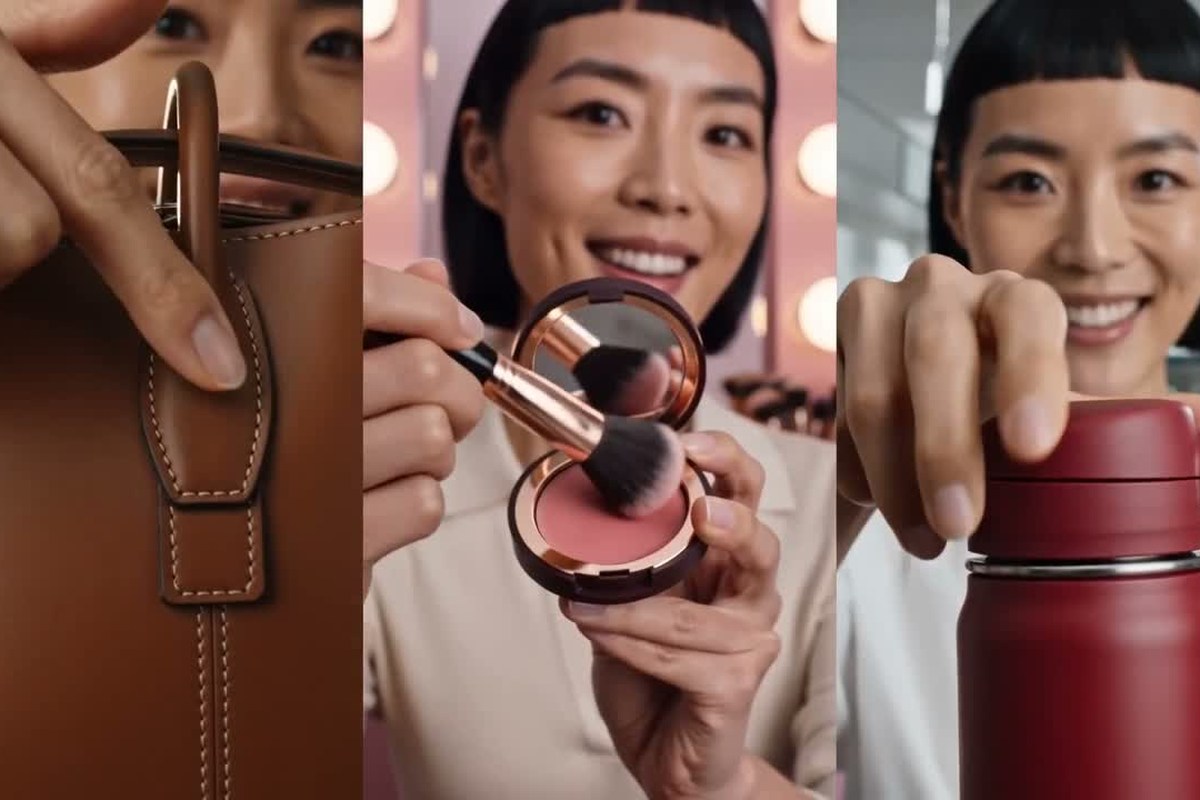
Turn One Winning Video into More Creator Clips
What Kind of Videos Can You Clone with AI?
Use Video Replica to adapt product demos, trends, ads, talking-head clips, tutorials, and lifestyle videos for your own campaign or channel.
00:00
00:00
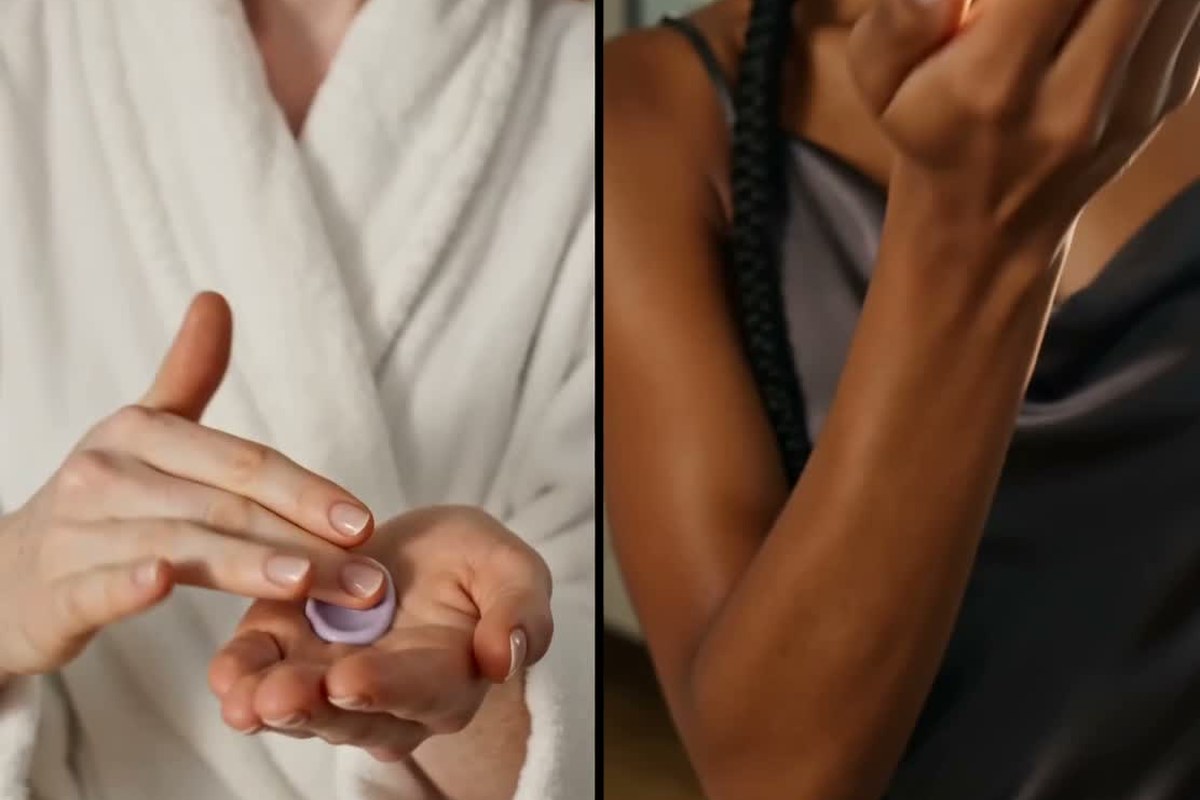
UGC Product Demos
Turn an unboxing, try-on, or product walkthrough into a new UGC clip featuring your own item, hook, and setting. Keep the creator-led feel while adapting the details to your campaign.
00:00
00:00
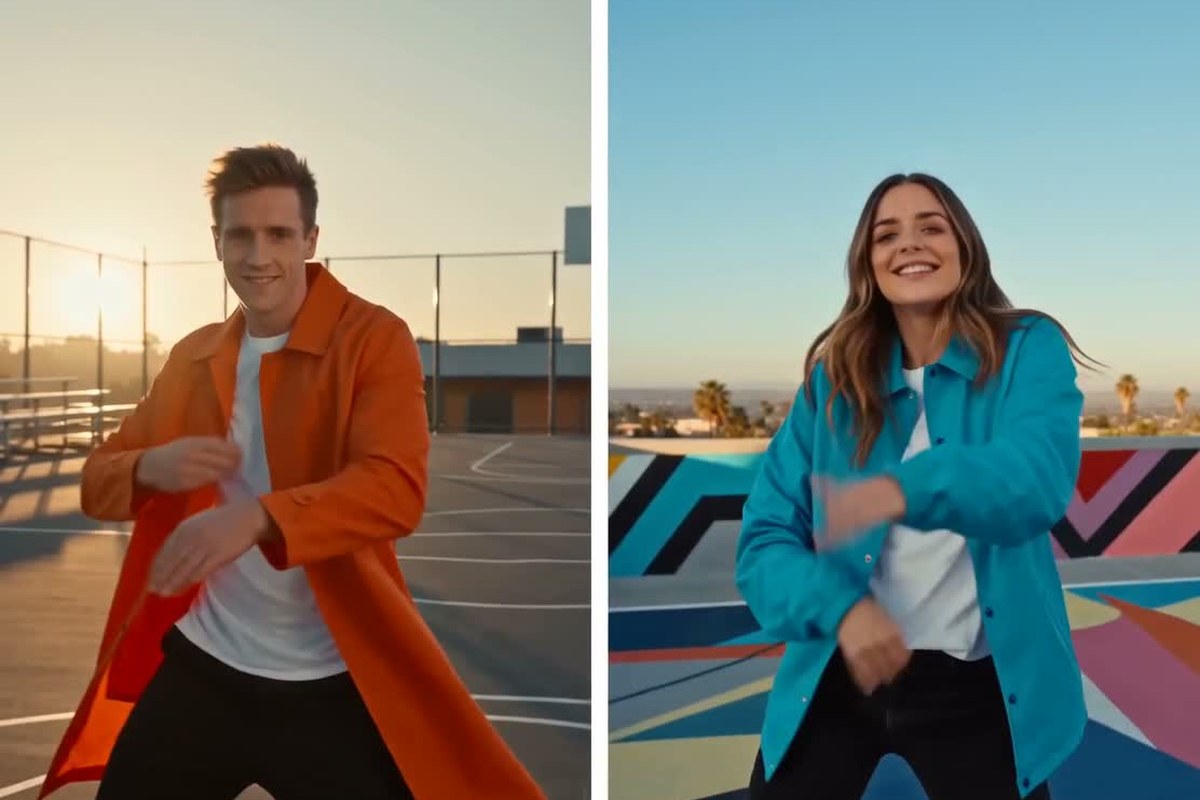
TikTok and Instagram Trend Videos
Take the pacing or visual hook from a trending TikTok or Instagram Reel and rebuild it around your own subject or message. Create a recognizable take on the format without repeating the original clip frame for frame.
00:00
00:00
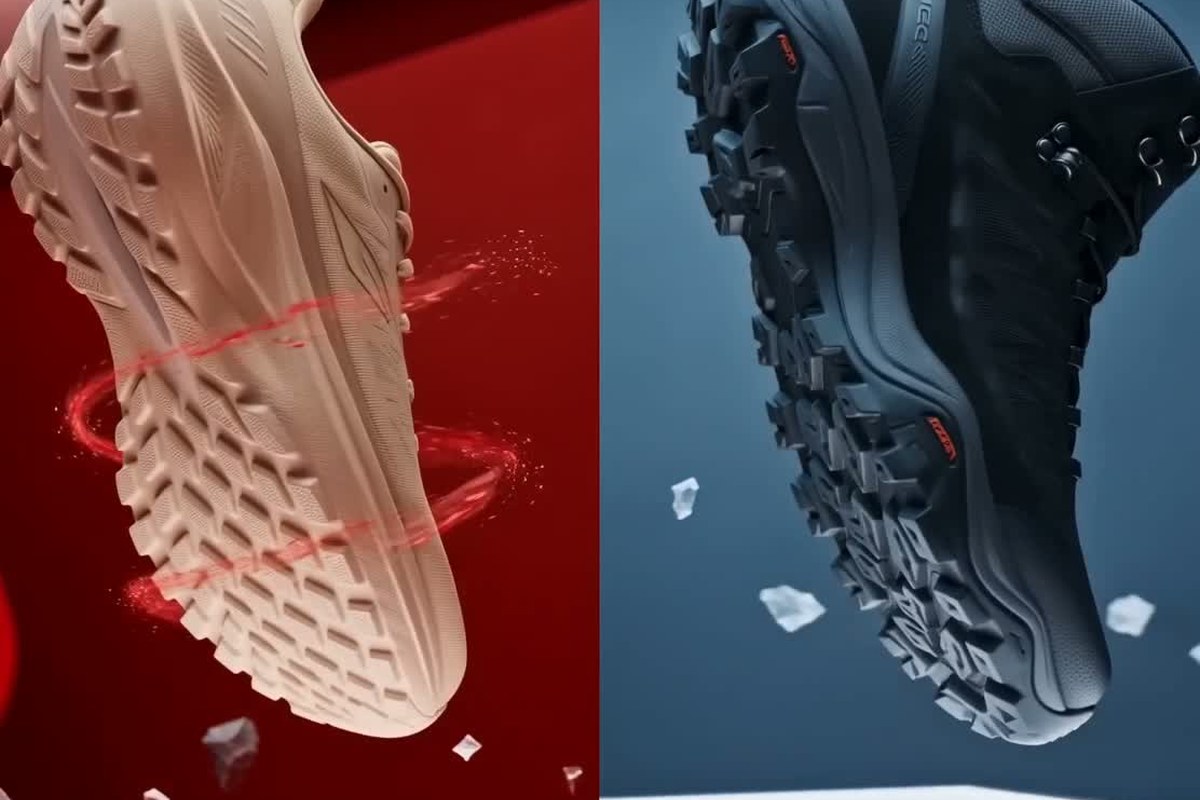
Product Launch Ads
Adapt a polished launch video for a new product, offer, or campaign. Change the product reveal, setting, colors, and callout while keeping the ad structure focused and easy to follow.
00:00
00:00
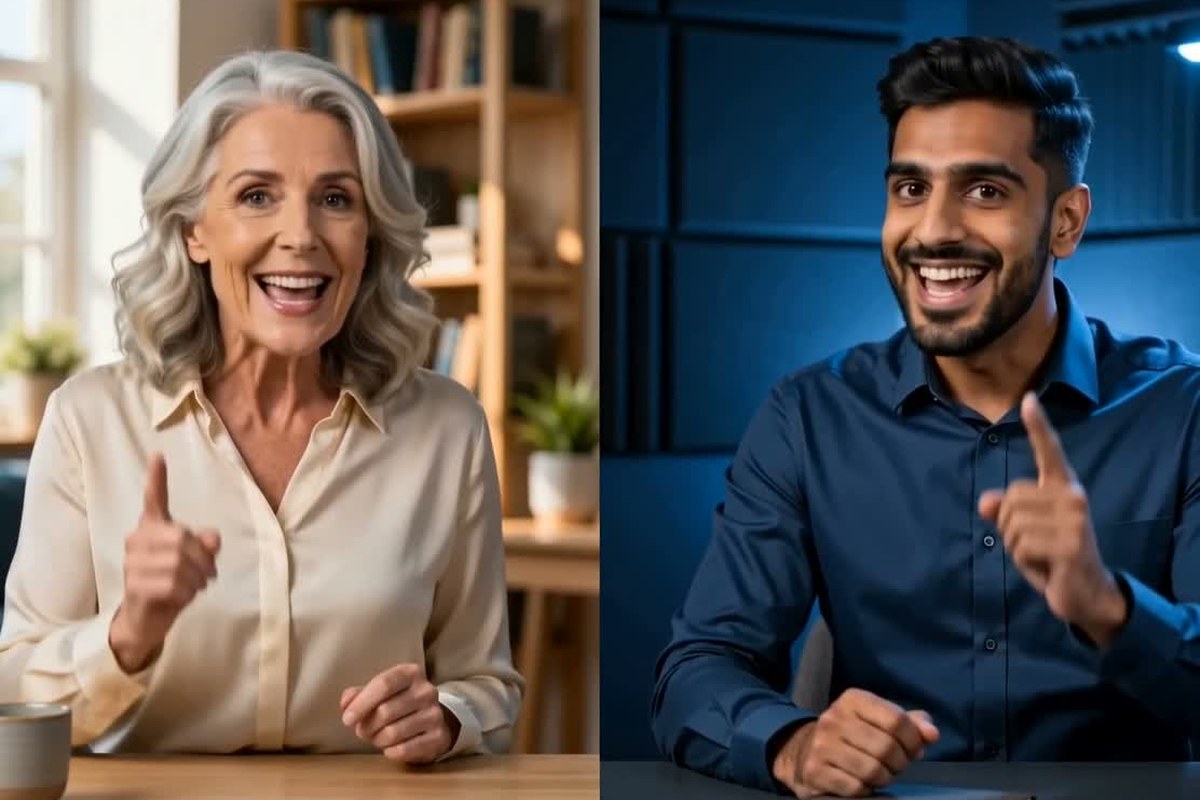
Talking-Head Creator Videos
Use a presenter-led clip as the foundation for commentary, reviews, announcements, or brand content. Change the topic, background, product, or delivery direction to suit your channel.
00:00
00:00
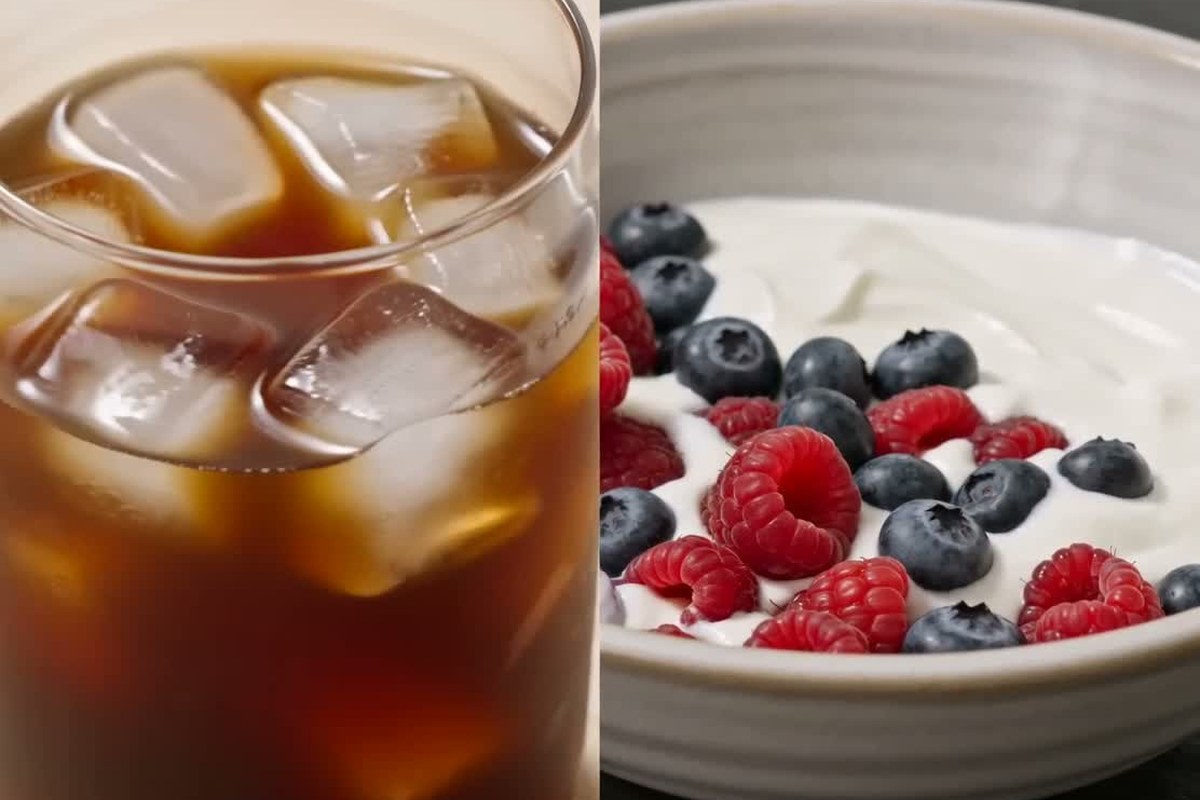
Tutorials and Explainer Clips
Rework the structure of a lesson, product walkthrough, or software demo for a different subject. Keep the explanation easy to follow while changing the visuals and message.
00:00
00:00
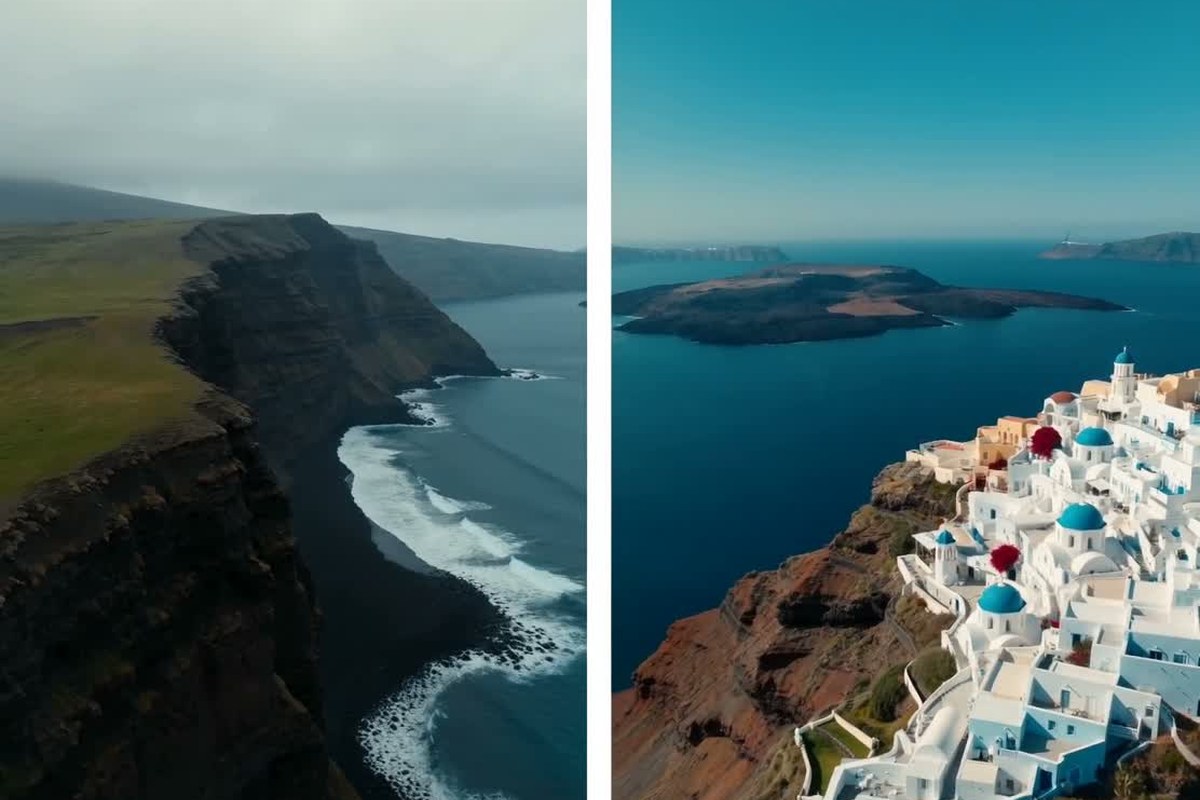
Lifestyle and Travel Reels
Use a travel montage, day-in-the-life clip, or lifestyle Reel as the reference for a new location or story. Adjust the destination, activity, mood, and featured product to fit your content.
How to Clone a Video with AI
Step 1. Open the Video Replica Skill
Find Video Replica under Skills and click it to open the video upload and Additional Requirements panel.
Step 2. Upload the Reference Video
Upload the TikTok, Reel, ad, or personal clip you want AI to use as the creative reference. Choose a clear video where the subject and shot sequence are easy to follow.
Step 3. Add Requirements and Send
In Additional Requirements, describe the product, setting, hook, or other creative change you want. Click the send arrow, and the Video Replica skill will begin generating your new version.
Step 4. Preview, Refine, and Download
Preview the cloned video and download it when it looks right. To change a detail, send a follow-up instruction and let AI refine the result without starting over.
Why Use insMind as Your AI Video Cloner?

Focused Video Replica Workflow
Upload a reference, add your requirements, and generate from one focused Video Replica skill.

Reuse Proven Shot Logic
Carry over the pacing, sequence, and visual logic that make a reference work, then rebuild the execution for your idea.

Put Your Product in the Story
Replace the featured item and shape the setting, message, and creative treatment around your own campaign.

Direct Changes in Plain Language
Tell AI what to change in the Additional Requirements field without rebuilding shots on a video timeline.

Refine Without Starting Over
Keep working from the generated result. Send another instruction to adjust a product, scene, hook, or creative detail.

Ready for Short-Form Channels
Create versions for TikTok, Instagram Reels, YouTube Shorts, paid ads, and creator-led campaigns.
FAQs About AI Video Cloning
What is an AI video cloner?


An AI video cloner uses a reference clip and your instructions to create a new version of the video. It can recreate the pacing, shot sequence, composition, and overall idea while changing the subject, product, setting, or message.
How does video cloning work in insMind?
Open the Video Replica skill, upload a reference, add requirements, and send them. Preview the result, request refinements with follow-up instructions, then download the adapted video.
Can I clone a viral TikTok or Instagram Reel?
Yes. Upload a TikTok, Instagram Reel, or other short clip you are allowed to adapt, then describe the product, subject, or creative changes you want in your version.
Can I replace the product in a replica video?
Yes. In Additional Requirements, ask AI to replace the featured item with your product and describe any changes to the setting, colors, message, or presentation.
Can I clone a video of myself?
Yes. Upload your own on-camera clip and use it as the reference for a new scene, topic, product, outfit, or presentation concept.
Does the AI video replicator copy every frame exactly?
No. The AI video replicator interprets the source's creative structure and combines it with your instructions. The output is a newly generated version, not a pixel-for-pixel duplicate.
Can I change the generated video after cloning it?
Yes. Preview the first result, then send a follow-up instruction to change a scene, product, hook, or other detail. Download the version you want to keep.
Is the AI video cloner free to try?
You can open the video cloner free and try the available workflow. Free credits and generation limits may vary, so check the current details shown in the tool before generating.
What makes a good reference video for video-to-video replication?
Choose a clear clip with an easy-to-follow subject, shot sequence, and visual hook. A focused reference makes it easier to explain what should stay and what should change during video-to-video replication.
Can I clone any video I find online?
Use videos you created, licensed, received permission to adapt, or can otherwise use legally. Avoid cloning protected work, a person's likeness, or branded material in ways that violate copyright, privacy, publicity, or platform rules.
More AI Tools for Viral and Product Videos
00:00
00:00
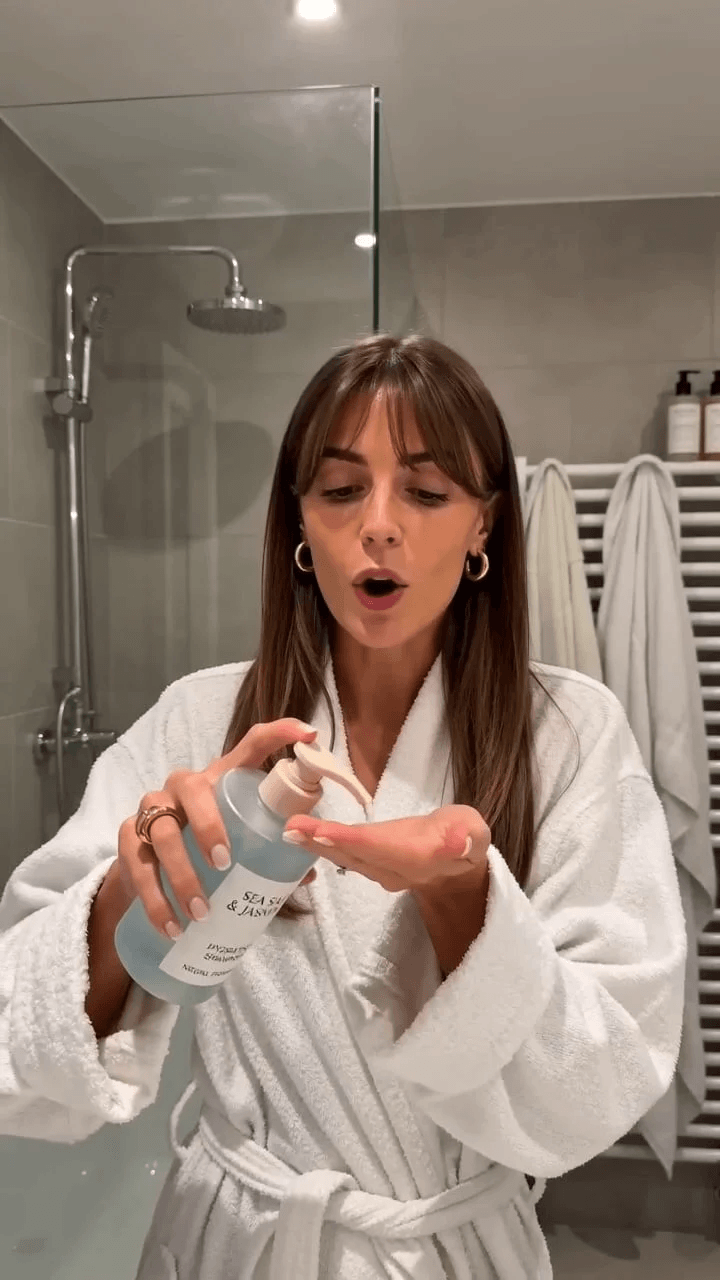
AI UGC Video Generator
Create creator-style product videos for ads, launches, and social campaigns.
00:00
00:00
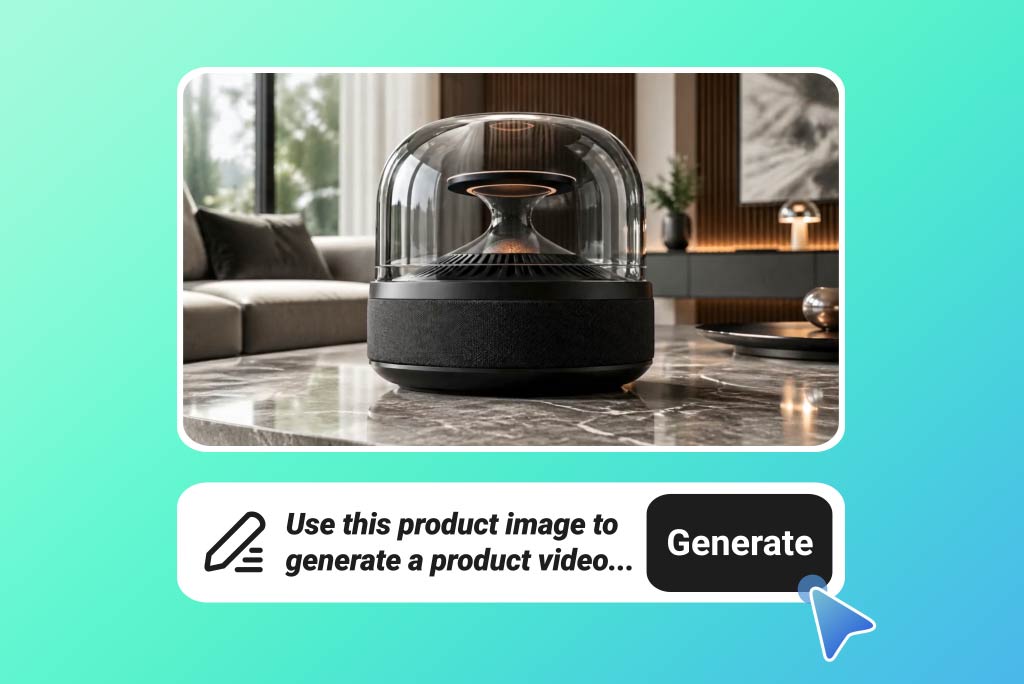
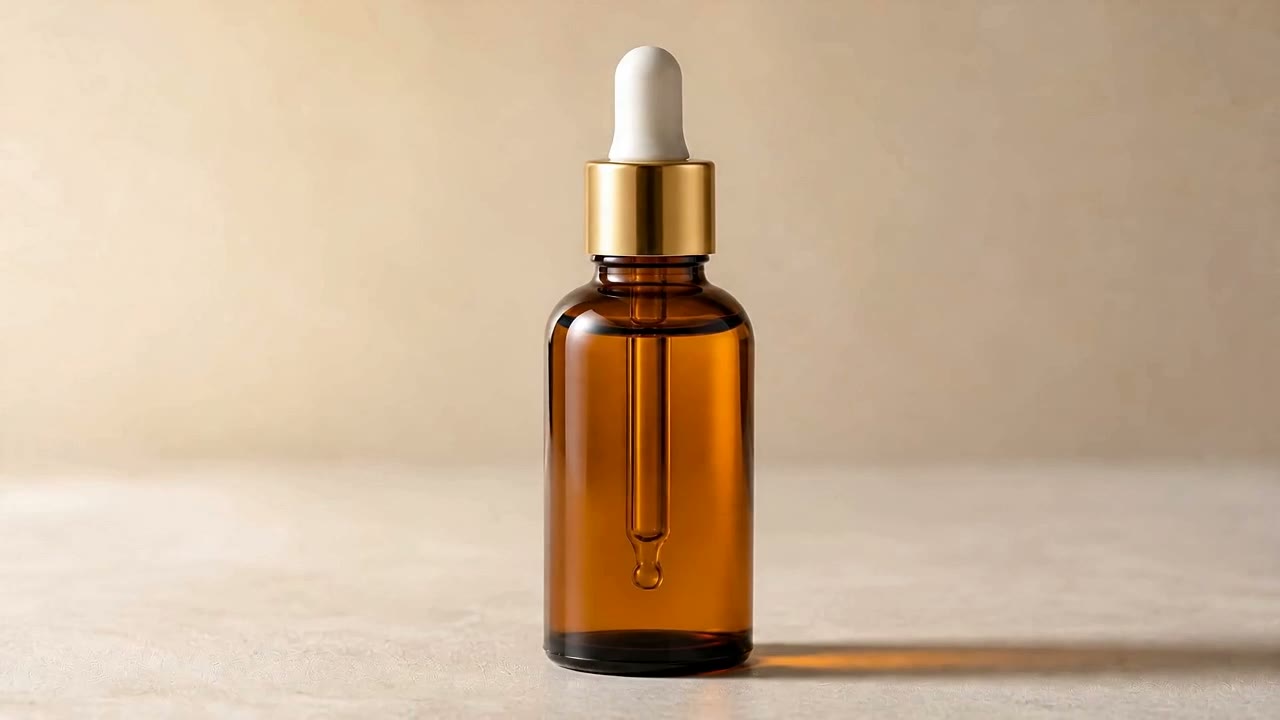
AI Product Video Generator
Turn product ideas and visuals into videos for ecommerce and promotion.
00:00
00:00
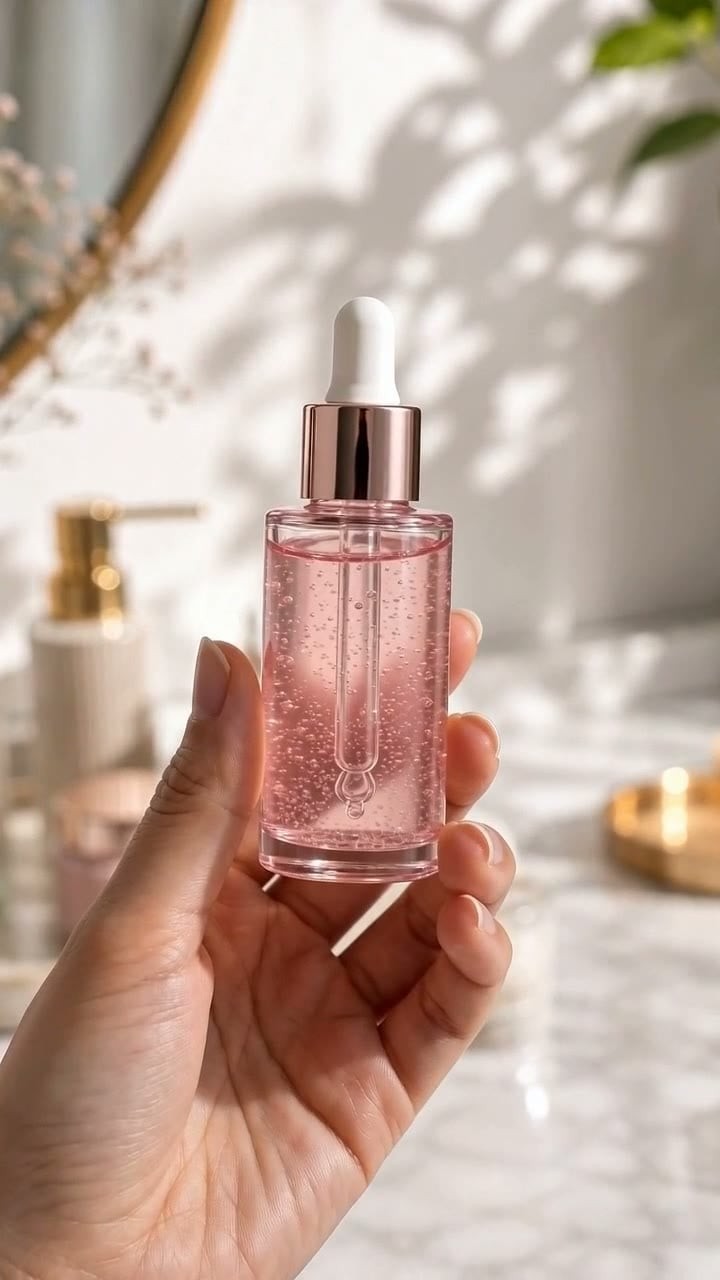
AI Product Demo Generator
Create product walkthroughs that show features, details, and use cases.
00:00
00:00
TikTok Video Generator
Make short-form videos shaped for TikTok ideas, trends, and campaigns.

Instagram Reels Generator
Create vertical Reel concepts for products, creators, and social posts.
00:00
00:00
AI Video Prompts
Browse copy-ready prompts for viral, cinematic, product, and creator videos.
Product Video Prompts
Find prompt ideas for product reveals, demos, ads, and ecommerce clips.

00:00
00:00
UGC Video Prompts
Copy UGC prompt ideas for reviews, unboxings, demos, and social ads.