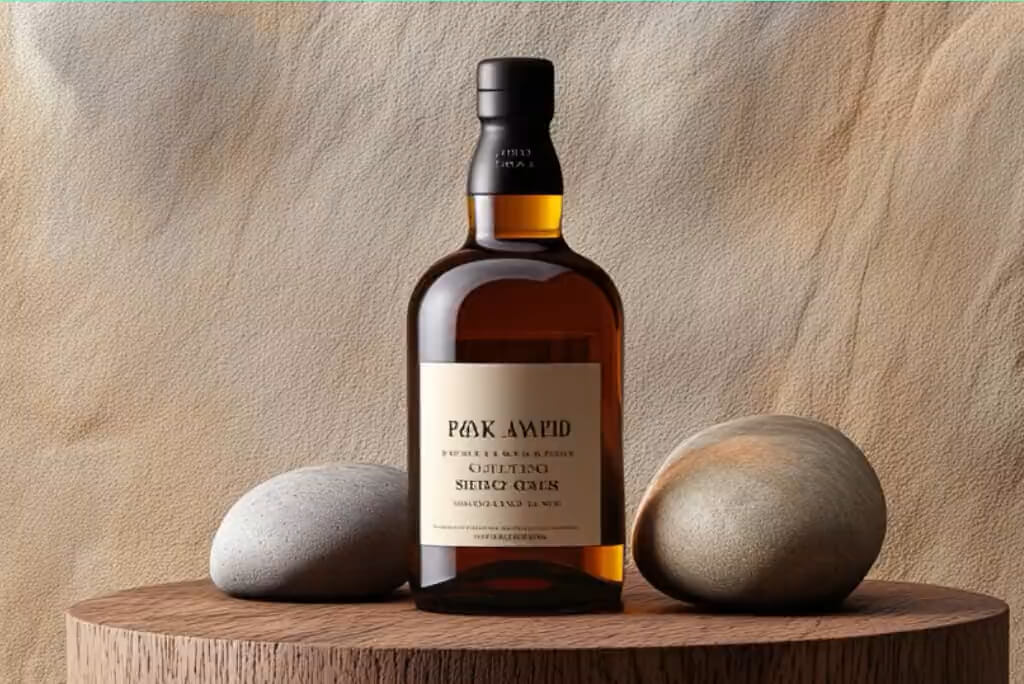
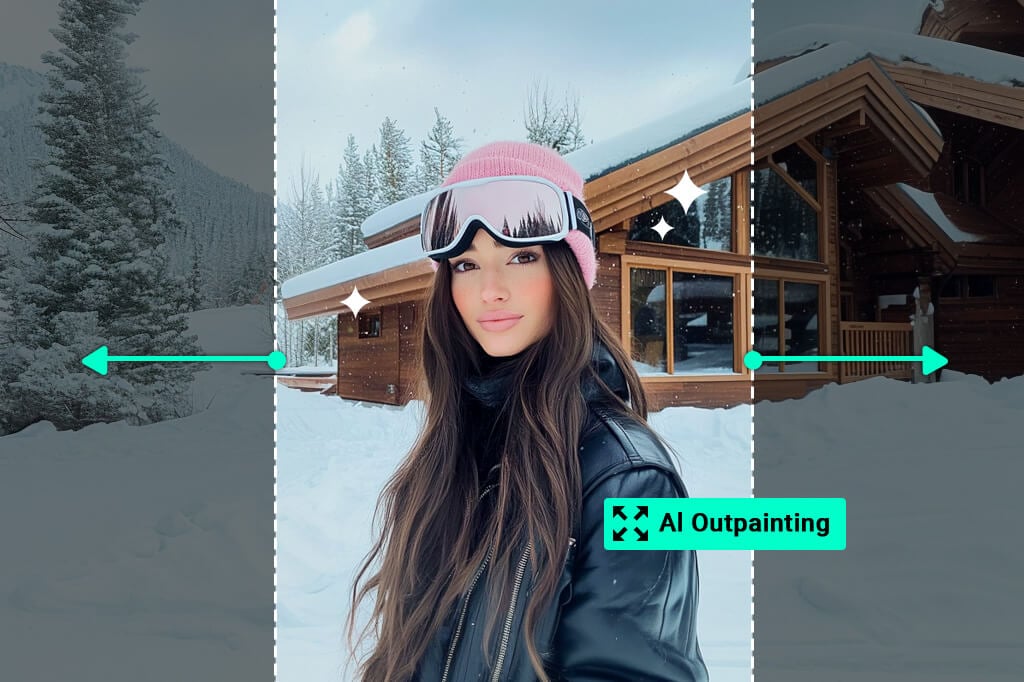
Step beyond the usual boundaries of your images. Improving visuals of every part of your photo or art is now possible with our AI outpainting tool. This technology adds more to your scenes, fills out the edges, and expands your visuals amazingly. AI outpainting works well on both photos, whether in landscapes or portraits. It enriches details and textures. Quickly bring new life and context to your original work. See your creativity prosper with every expanded view.

Free Online AI Image Outpainting
00:00
00:00
Or drop image here, paste image or URL
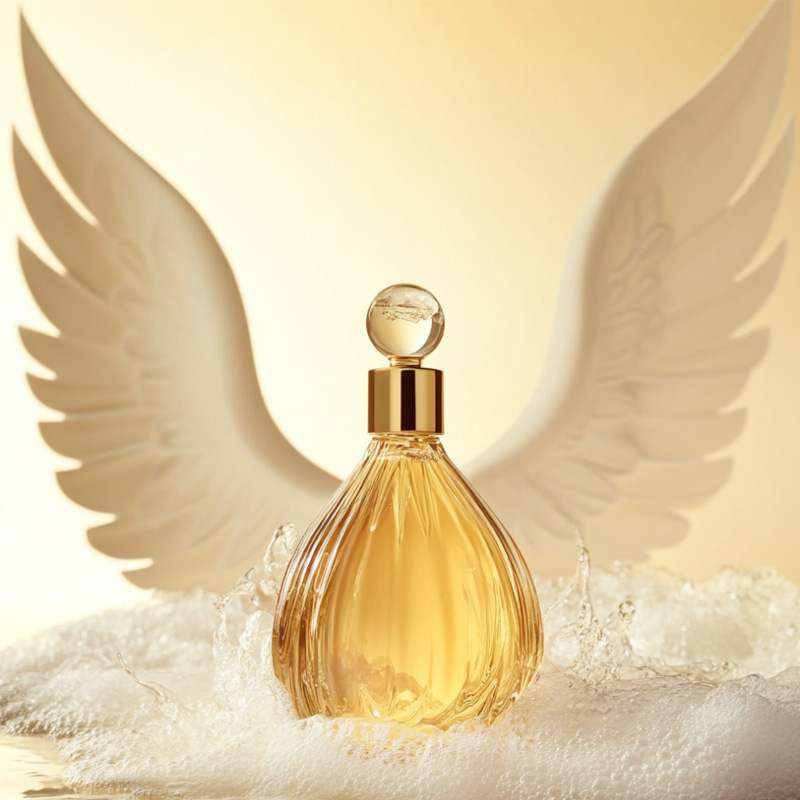
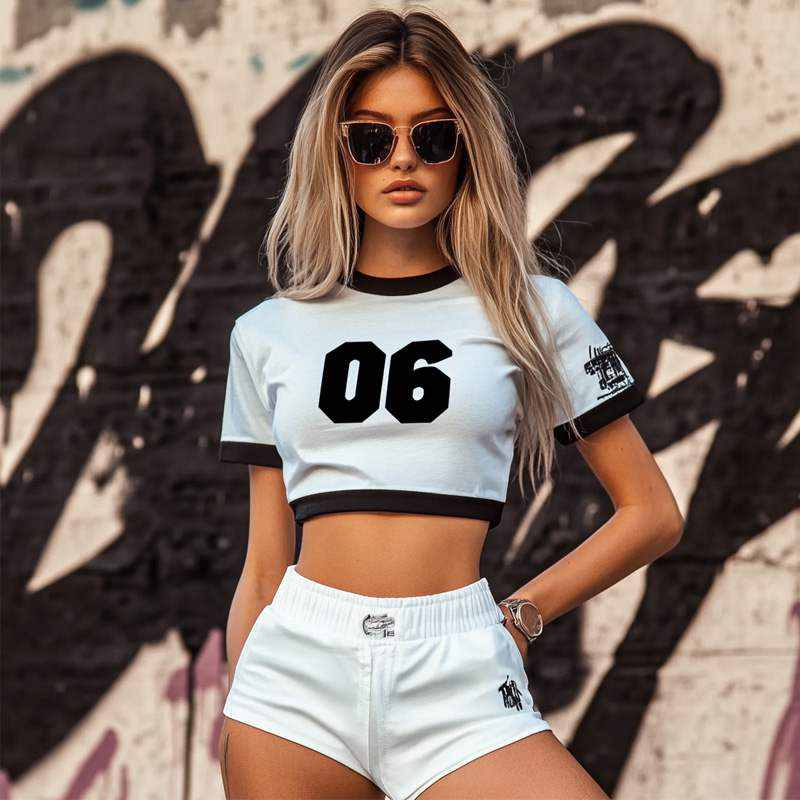
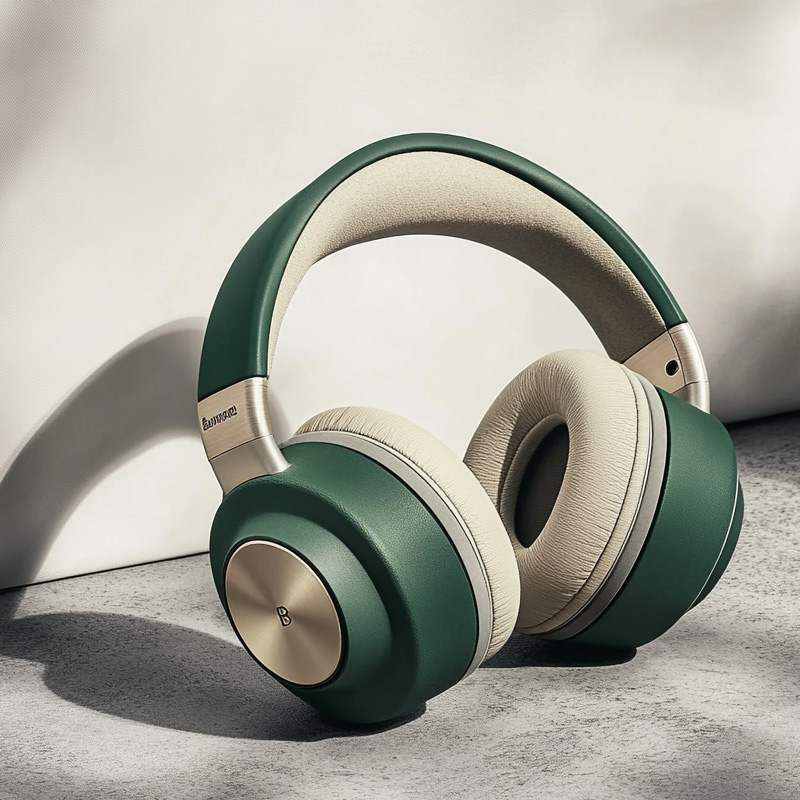
Try with one of these
00:00
00:00
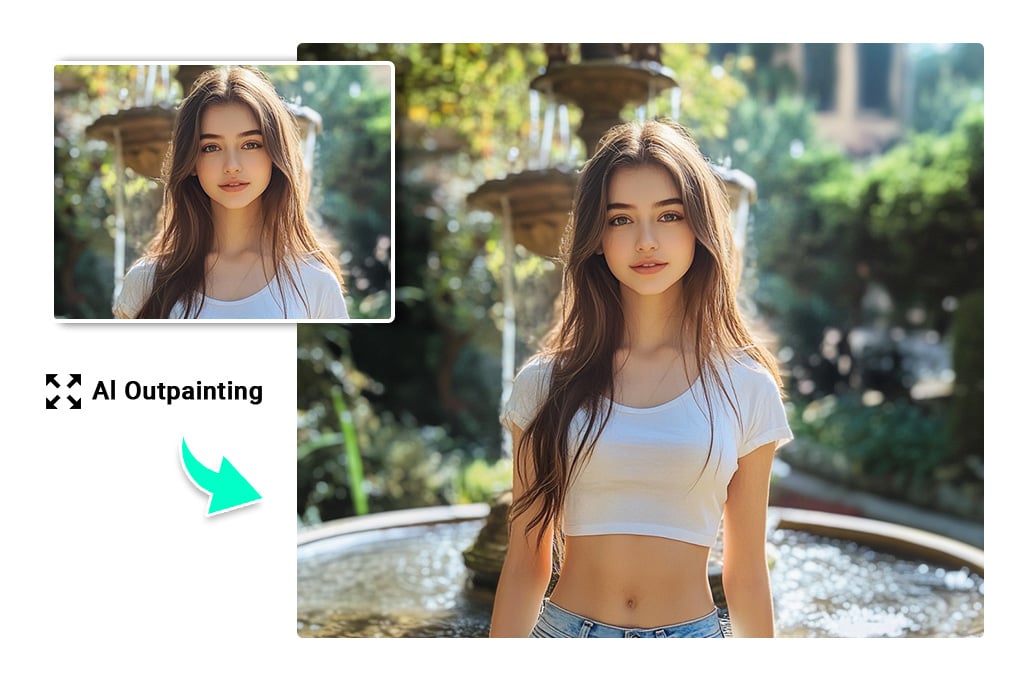
Create Stunning Compositions with AI Outpainting
Expand your horizons effortlessly. Create stunning compositions with our outpainting AI. This free tool lets you explore new creative possibilities and complete your images. Improve your visuals by adding more details to the sides. It's perfect for enriching portraits or landscapes. Just upload your photo, and our outpainting AI will handle the rest for you. It stretches your art by adding intrigue and depth. Let your creativity take on a whole new dimension. Make your images more fascinating today!
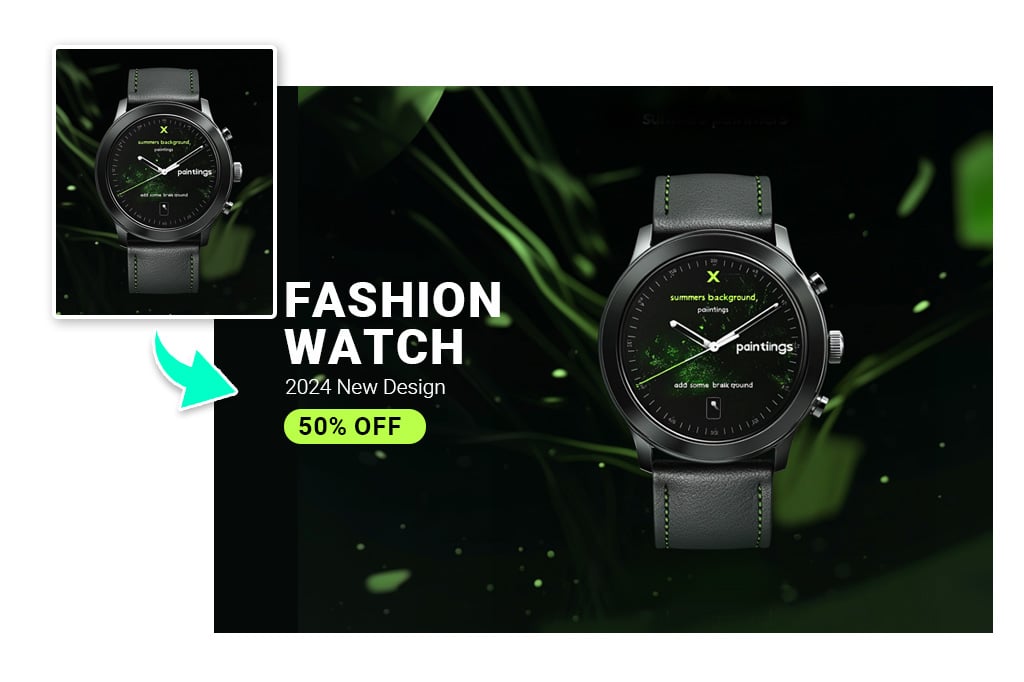
Enhance Your Marketing Campaigns with Outpainting Imagery
Find the true potential of AI outpainting free for your marketing visuals. Adjust your images seamlessly to fit any platform, from social media to billboards. Create perfect-sized visuals every time with this tool. Improve visibility and impact across all advertising spaces. Customize and optimize to make your marketing strategy more cohesive and effective. Strengthen your brand's presence effortlessly with visuals perfect for every medium.
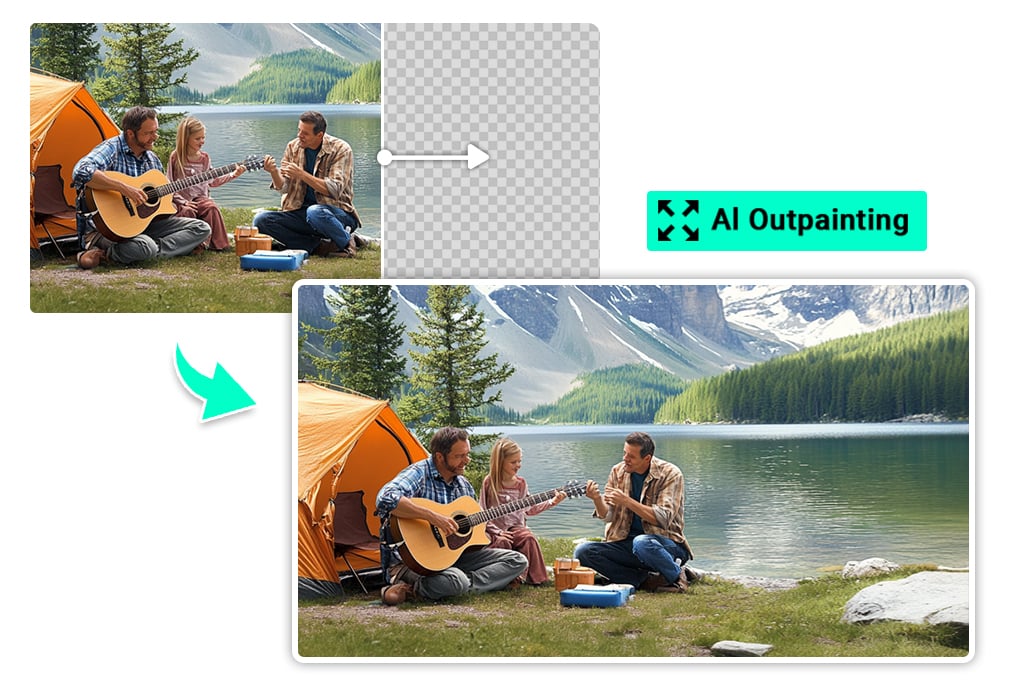
Complete Missing Parts of Images with the Power of AI Outpainting
Add space and create new elements beyond the original borders. With the help of AI outpainting, extend the background or canvas of your images. Quickly complete any missing parts of your art or photos. Get a more immersive virtual experience with our AI outpainting. Seamlessly expand your visuals, filling in gaps and extending scenes. This ability allows you to transform and enrich your images. Make your photos more engaging and suitable for any creative project or display.
Explore More AI Image Extender Features
How to Outpaint an image with AI
1
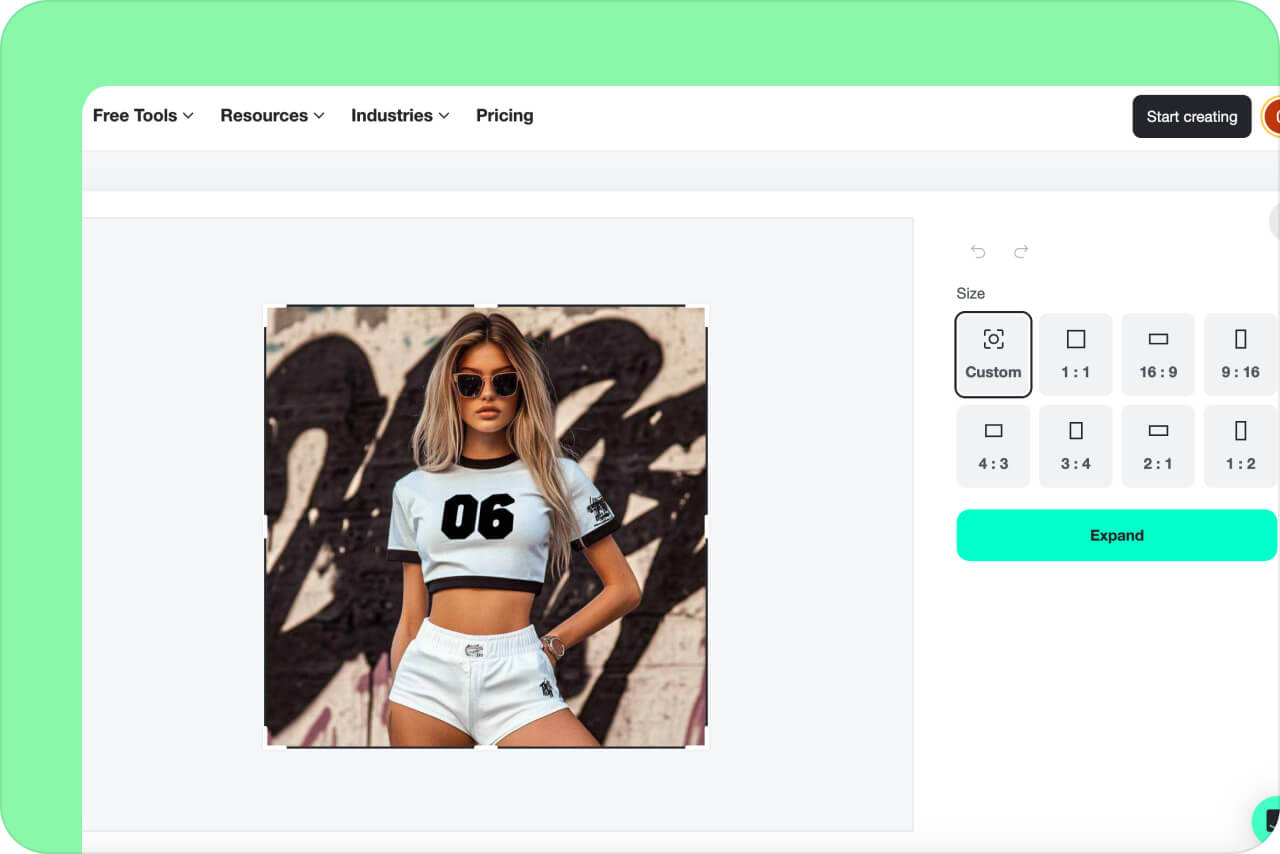
1 Step 1: Upload Your Photo
Upload the image you want to outpaint using our AI outpainting tool. You can drag and drop a JPG or PNG file or upload it directly from your device.
2
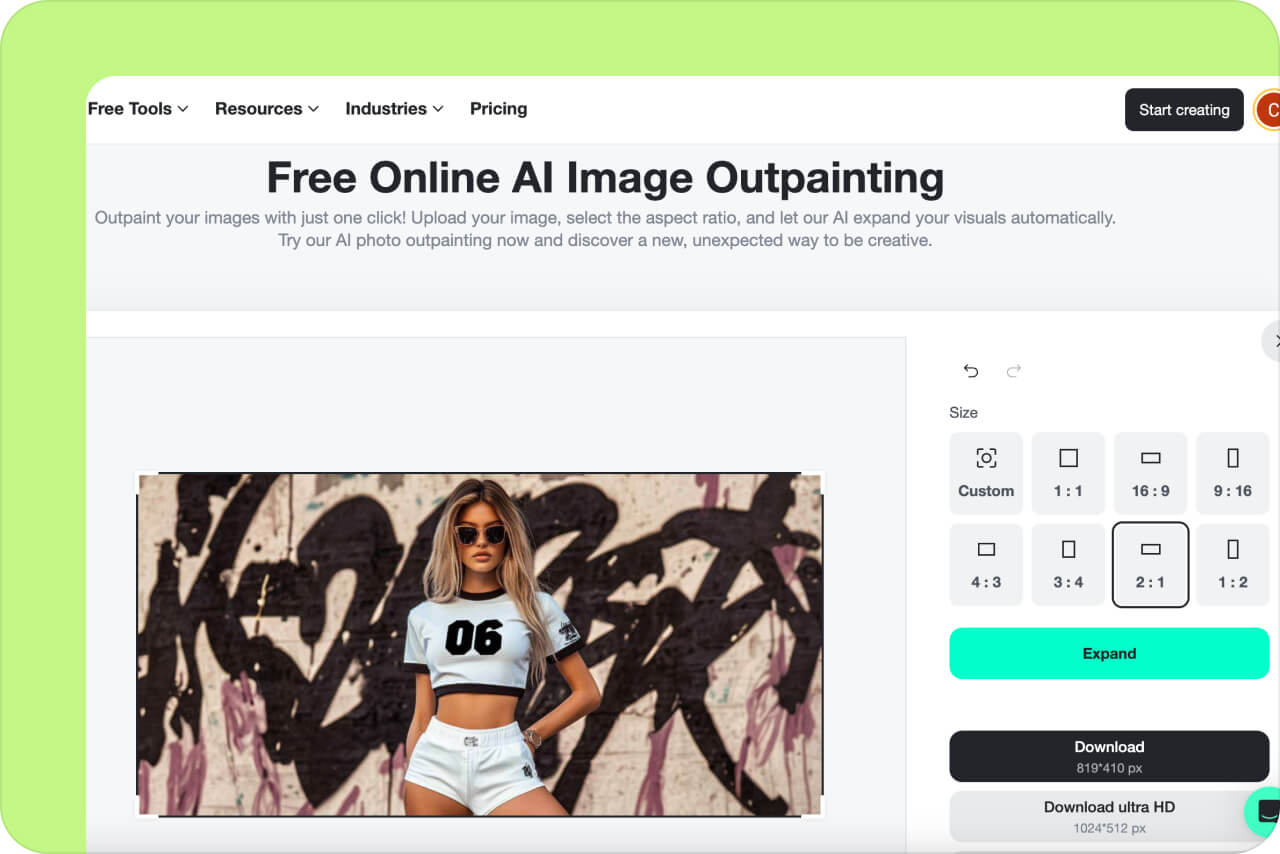
2 Step 2: Choose the Aspect Ratio
Select the target aspect ratio to define how your image will be expanded. Choosing the right ratio helps outpainting AI generate seamless and natural image extensions.
3
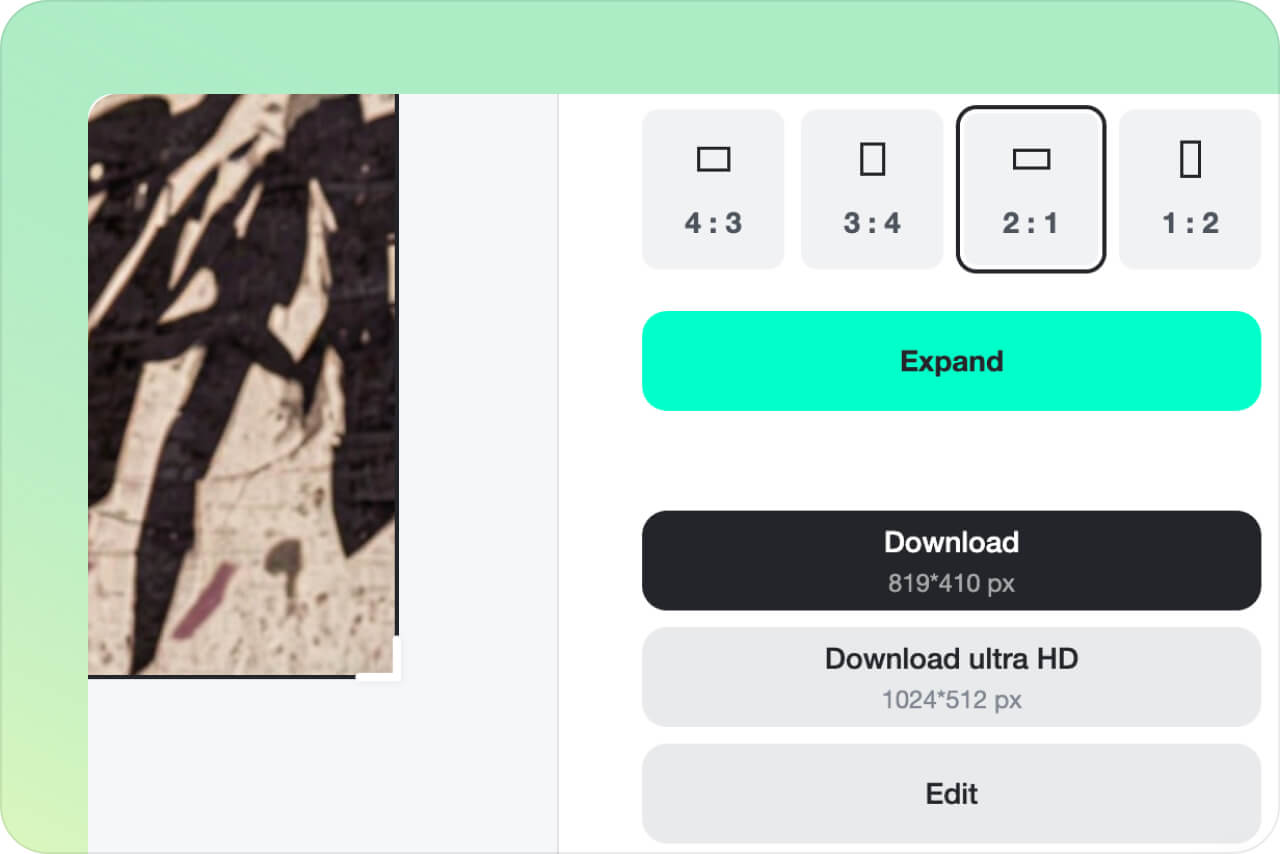
3 Step 3: Outpaint the Image
Click the Expand button to start the AI outpainting process. The outpainting AI automatically extends your image by adding realistic details beyond the original borders.
4
4 Step 4: Download the Outpainted Image
Preview the result and download the outpainted image once the process is complete. Export your image in high quality JPG or PNG format for professional or online use.
Explore the Power of AI Outpainting in Any Industry
Discover how AI outpainting can reshape your business landscape. This technology opens a new door to innovation and efficiency across all fields. Be creative with your images, from marketing visuals to product design.
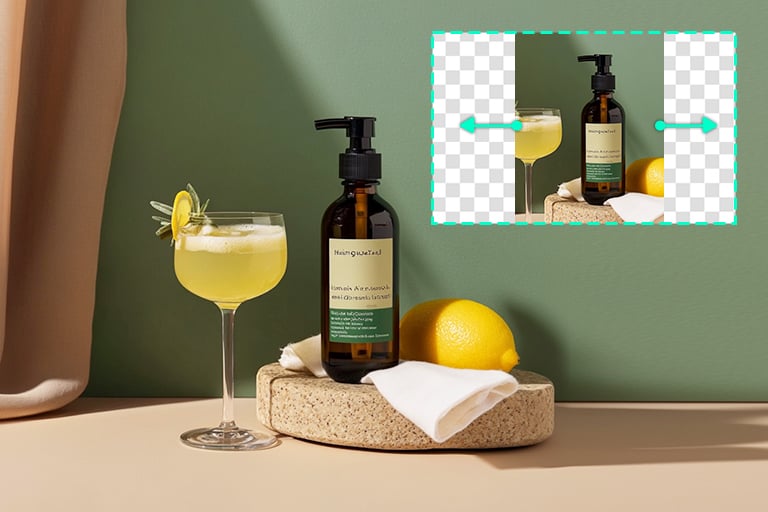
E-commerce
Revolutionize your product photography with AI image outpainting for free. Generate eye-catching, realistic photos quickly. These visuals grab customer interest and help increase your online sales significantly.
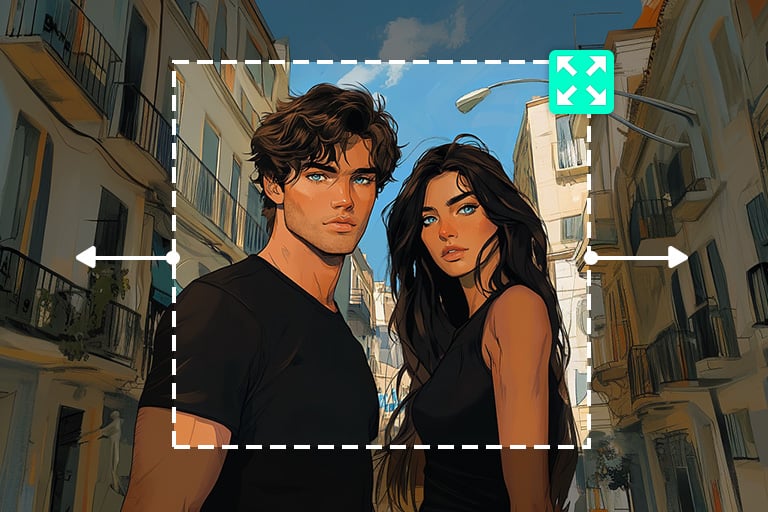
Digital Art
Level up your digital art with AI outpainting. It lets you push creative boundaries and easily create unique, captivating visuals. Instantly transform your art into unforgettable experiences, grabbing customers' attention and driving sales.
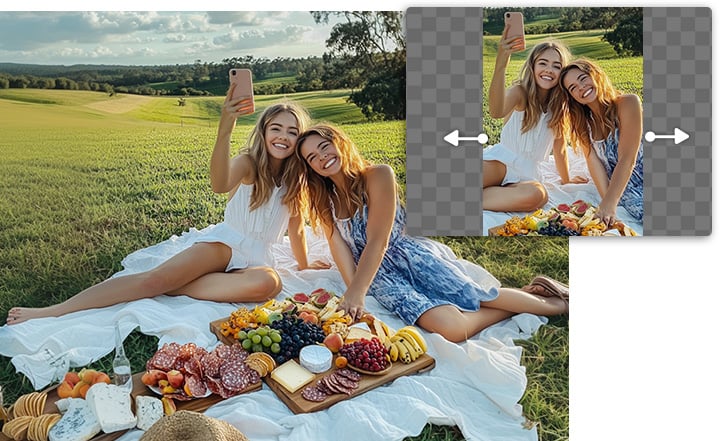
Social Media
Boost your social media impact with image outpainting. Easily adjust and enrich images to stand out. Create captivating, share-worthy content that draws more followers and increases engagement. Let your photos win your viewer's hearts instantly.
AI Outpainting Use Cases That Solve Real Problems
Adapt Images for Ads and Marketing Campaigns
AI outpainting is essential when ad images need to fit different sizes and platforms. Instead of cropping or redesigning, you can extend the background while keeping the main subject intact. This makes it easy to reuse the same visual for Facebook ads, Google Ads, banners, and display campaigns. Your ads stay consistent and professional across all placements.
Create Social Media Covers and Headers
Many social platforms require wide images for covers and headers. If your original photo is too narrow, AI outpainting can expand it naturally to fit formats like YouTube banners, LinkedIn headers, or X covers. The subject remains centered while the background extends seamlessly. This results in clean, polished social visuals without distortion.
Improve E-commerce Product Images
Product photos often need extra space for pricing, text, or promotional elements. AI image outpainting lets you extend backgrounds and add visual breathing room without reshooting products. This is ideal for e-commerce sellers who want cleaner layouts and more flexible designs. It helps product images look more professional and conversion-focused.
Reuse Posters, Banners, and Design Assets
Design assets are often created for a single size, but later reused across different formats. AI outpainting allows you to expand posters or banners horizontally or vertically without losing important elements. This saves time and avoids redesigning from scratch. One design can now work across multiple channels.
Fix Tight or Unbalanced Photo Compositions
Some photos have strong subjects but feel cramped or poorly framed. AI outpainting helps correct composition by extending the edges and balancing the scene. The original subject stays untouched while the overall layout becomes more visually pleasing. This works especially well for portraits and product photography.
Create Flexible Visuals for Content Creators
Content creators often need the same image for thumbnails, posts, articles, and backgrounds. AI outpainting makes one image adaptable to multiple uses by expanding it to different ratios. This reduces repetitive work and speeds up content production. Your visuals stay consistent while fitting every format.
Why Choose insMind AI Outpainting Tool?
User Friendly
insMind AI Outpainting Tool is designed for ease of use. No matter your skill level, you'll find it easy to use. Start creating with just a few clicks!
High Quality
Expect only the best from insMind. Our AI outpainting tool produces high-resolution images that make your projects and art stand out. Quality is never compromised.
AI-drive Creativity
Get to know your creative potential with insMind. Our tool uses advanced AI to provide unique, innovative visual solutions. Convert your ideas into stunning visuals effortlessly.
FAQs about AI Picture Outpainting
What is AI outpainting?


AI outpainting is the process of Artificial intelligence that extends an image beyond its original boundaries. It enlarges an image without reducing its quality. You complete an image without manually editing it. It allows you to smoothly add new elements around the borders of an existing image. It is a critical tool in design since you can stretch an image without making manual adjustments.
Can I convert my images from portrait to landscape and vice versa?
Absolutely! Using AI outpainting, you can turn your portrait images into landscape ones and vice versa. This expands the image in all directions, meaning you can use more space to the sides in a landscape format. Simply choose the right aspect ratio, and our AI will expand your image versatility for various project requirements.
Is it free to use AI outpainting?
The cost of AI outpainting depends on the platform you use. Fortunately, insMind offers free outpainting options for all users, so you don't have to worry about excessive costs. You can download unlimited images in low quality for free. If you prefer high-quality images, you also have the option to upgrade to Pro.
What is the best AI outpainting tool?
insMind's AI outpainting tool is the best tool that allows you to expand your images quickly. It adds new, fitting content beyond the original boundaries. This tool is great for artists and businesses. It's simple to use and works fast. Thus helping you take your creative ideas to the next level. And it's free.
You might be interested in
Make your pictures pop with features that are completely free.
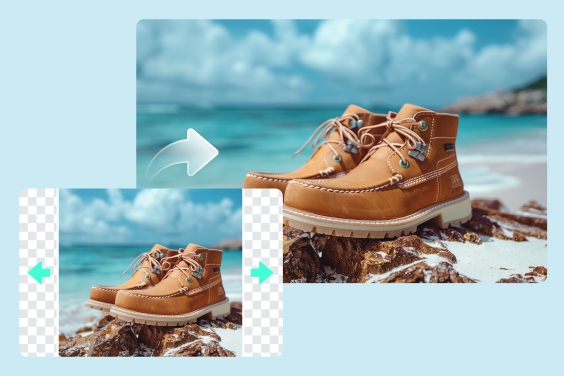
Uncrop Photo
Unlock the power of insMind's free AI tool and uncrop your photos effortlessly.
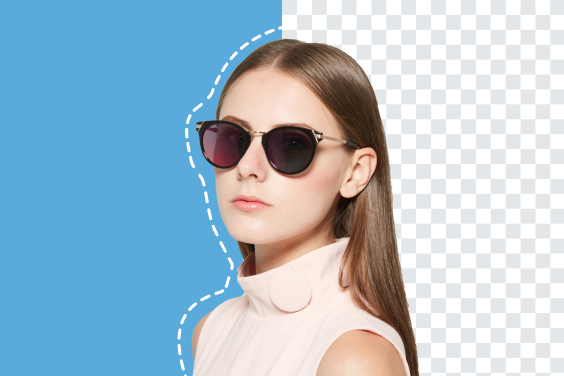
Background Remover
Quickly change or remove background from pictures in one click.
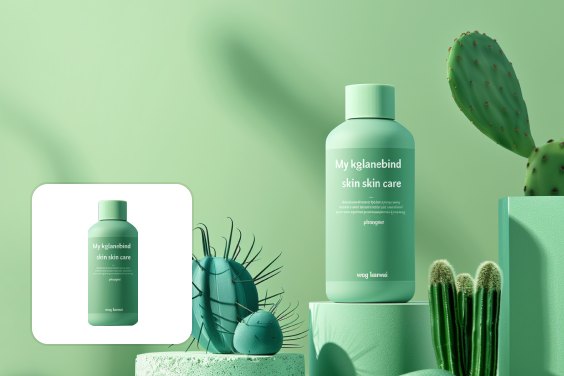
AI Background
100,000+ High-Definition backgrounds, automatically generated and perfectly integrated into your scene through our Advanced AI algorithms.
Magic Eraser
Instantly remove objects, people, text, and any element you want from photos.
AI Image Enhancer
Increase your photo's resolution without quality loss.
AI Filter
Add AI Filters online for free.
"Recently, I updated my social media with AI outpainting; the results are amazing. My posts are now more eye-catching, driving more likes and shares."
@Sophia L