
Online Image Stretcher – Stretch Images Without Quality Loss
Stretch Your Images in Seconds: Simple and Fast
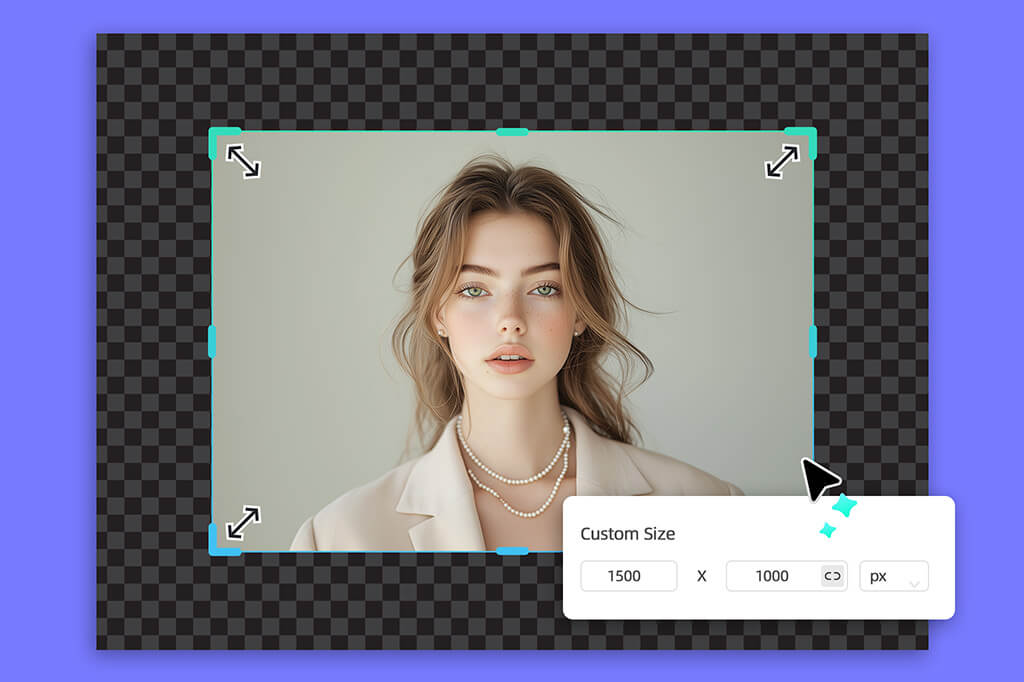
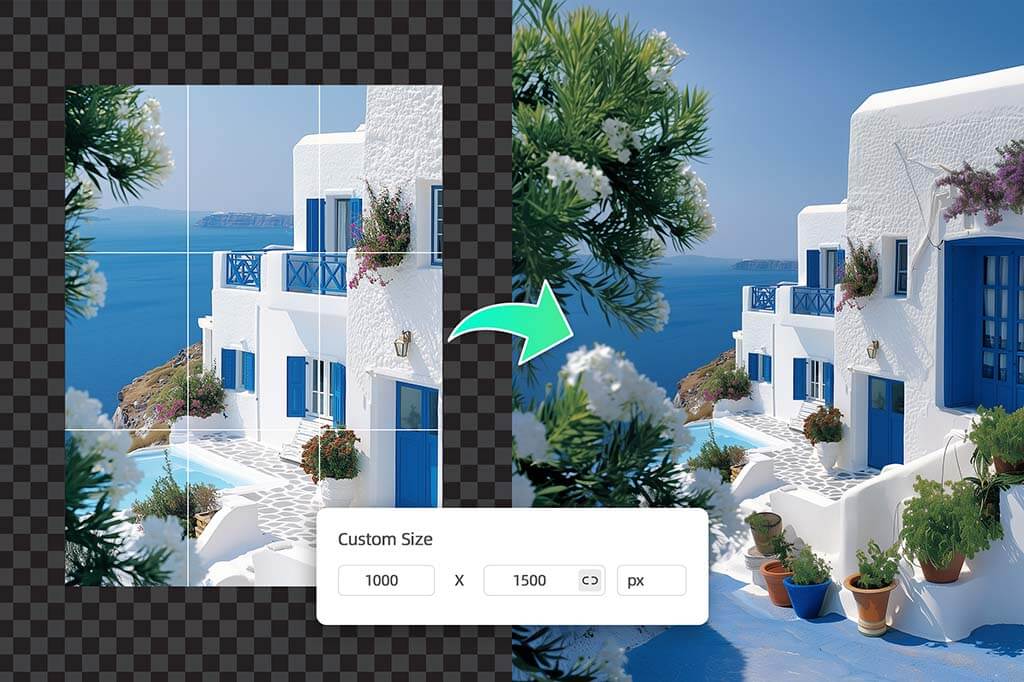
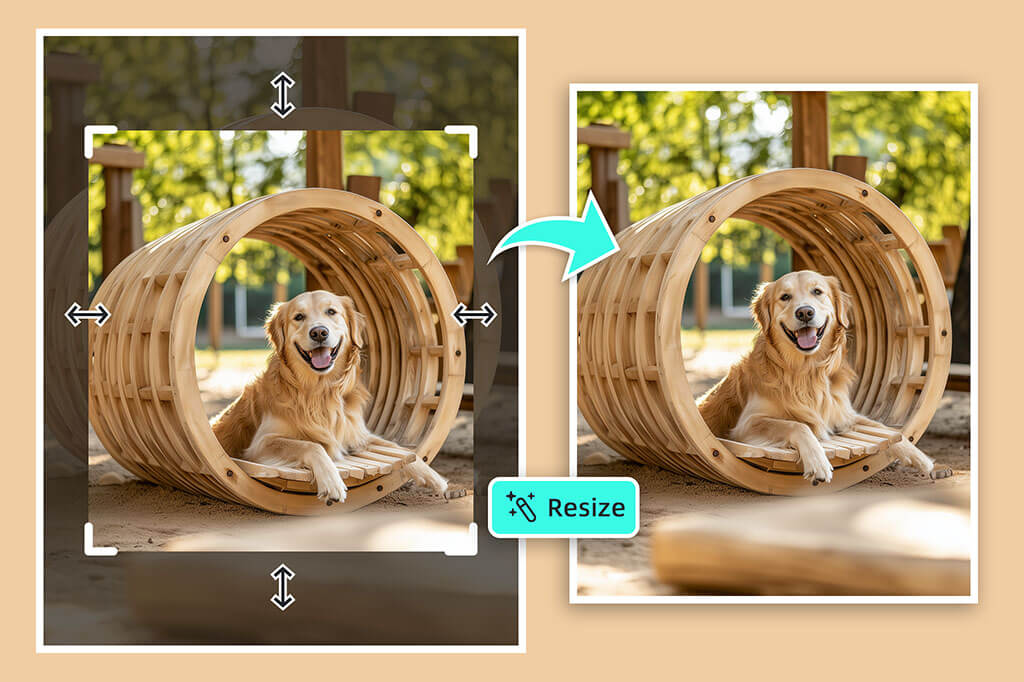
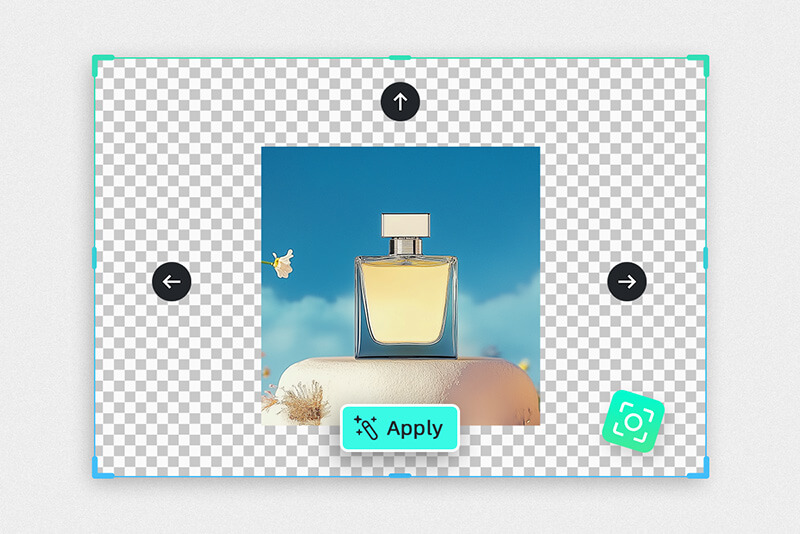
Easily resizeTry stretching an image with our online image stretcher. Upload your image, then drag its sides or corners to adjust dimensions, or customize size by percentage, pixels, or presets. Our tool stretches images without compromising layout or quality, available during your free trial.
Vertical or Horizontal: Stretch Images Your Way
Do you want to stretch your image vertically or horizontally? That's no issue at all! Our online image stretcher tool lets you stretch images horizontally or vertically. You can adjust the image's height or width according to your project needs. Just enter a customized value, and the image stretcher will handle the rest, whether you need to enlarge or reduce the size of your photographs. It's never been simpler to stretch an image.
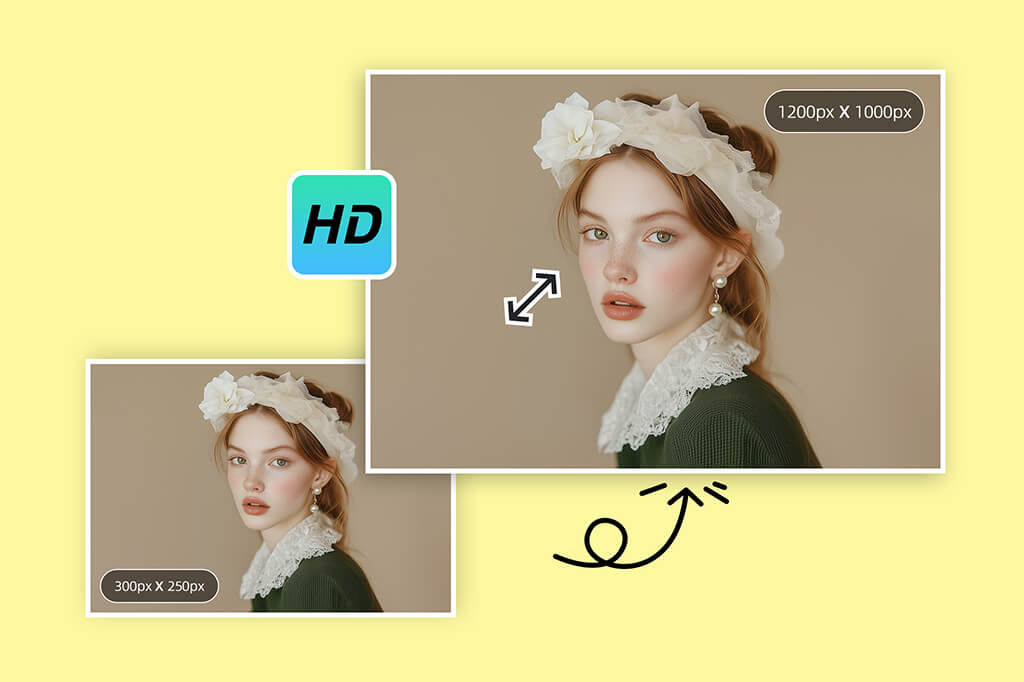
Stretch Images to 4x Perfectly: No Distortion, No Quality Loss
Looking for distortion-free, high-quality stretched photos? Achieve great results with our online picture stretcher available to try for free.enhance and stretch images online into 4x while maintaining their original aspect ratio. Get the required dimensions without losing the quality or clarity of the image. Adjust the stretching level to your preference to enjoy consistently distortion-free results.
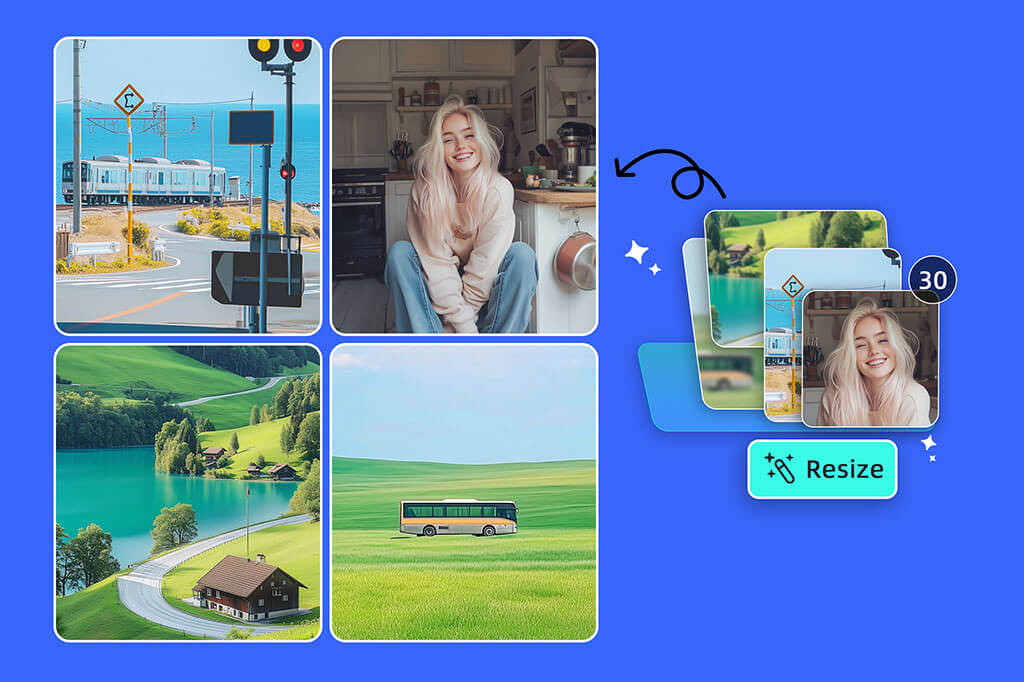
Bulk Stretch Multiple Images at Once
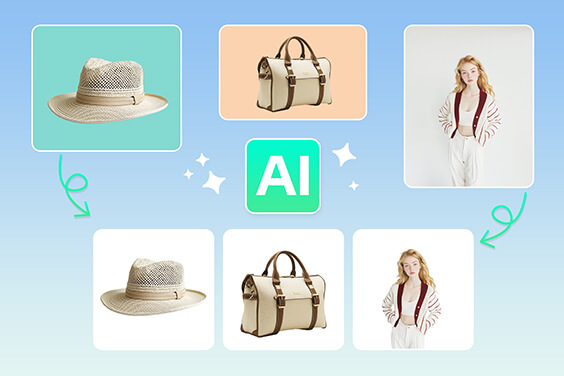
Are you tired of stretching multiple images one by one? Worry not! It's time to say goodbye to this tedious task forever. With our AI-powered image stretcher, you can stretch up to 30 photos at once. Simply upload your images and start bulk resizing. Stretch multiple images simultaneously with just a few clicks, boosting productivity and saving time.
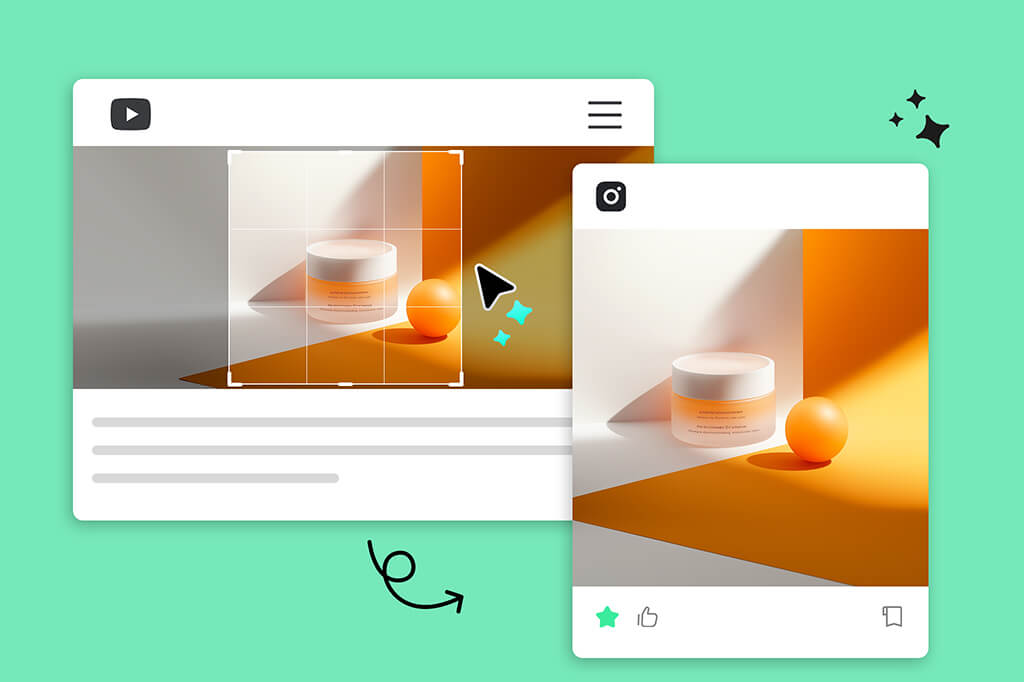
The Ultimate AI Image Stretcher for Every Purpose
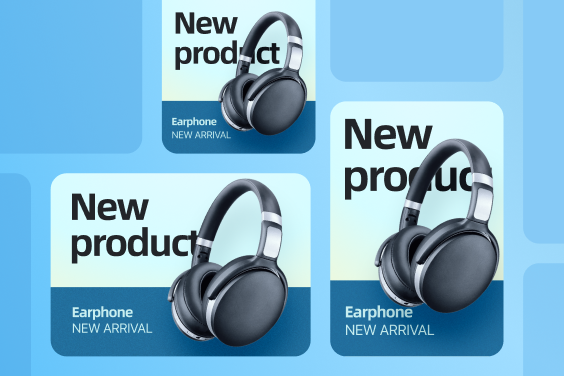
Do you want a perfectly sized picture for your social media or another purpose? All you need is our image stretcher. You can stretch an image and resize it for social media, print, or presentation. Our pre-made sizes let you resize pictures instantly for Facebook, Twitter, or Instagram. Easily stretch an image or compress it to fit any platform, improving its visual appeal.
How to Stretch an Image without Distorting
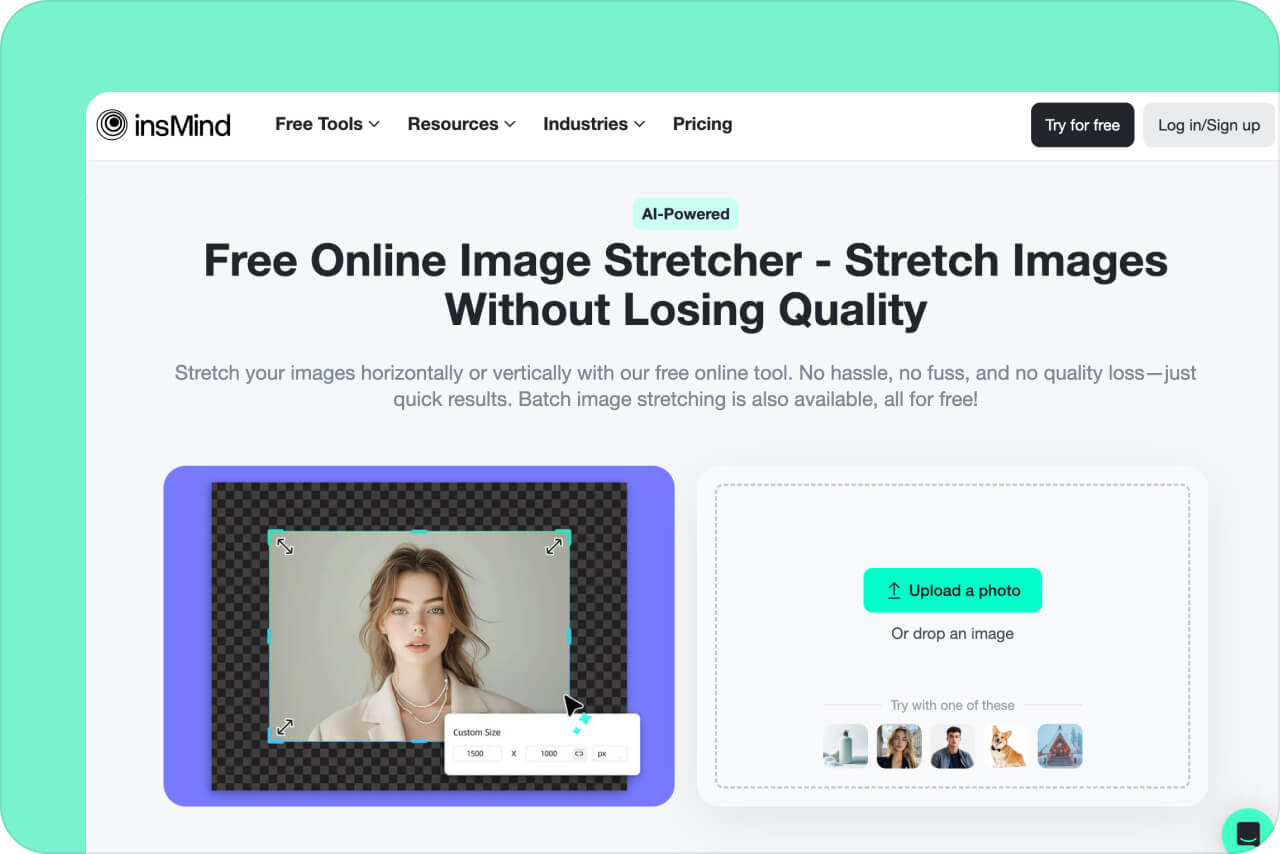
1 Step 1: Upload Your Photo
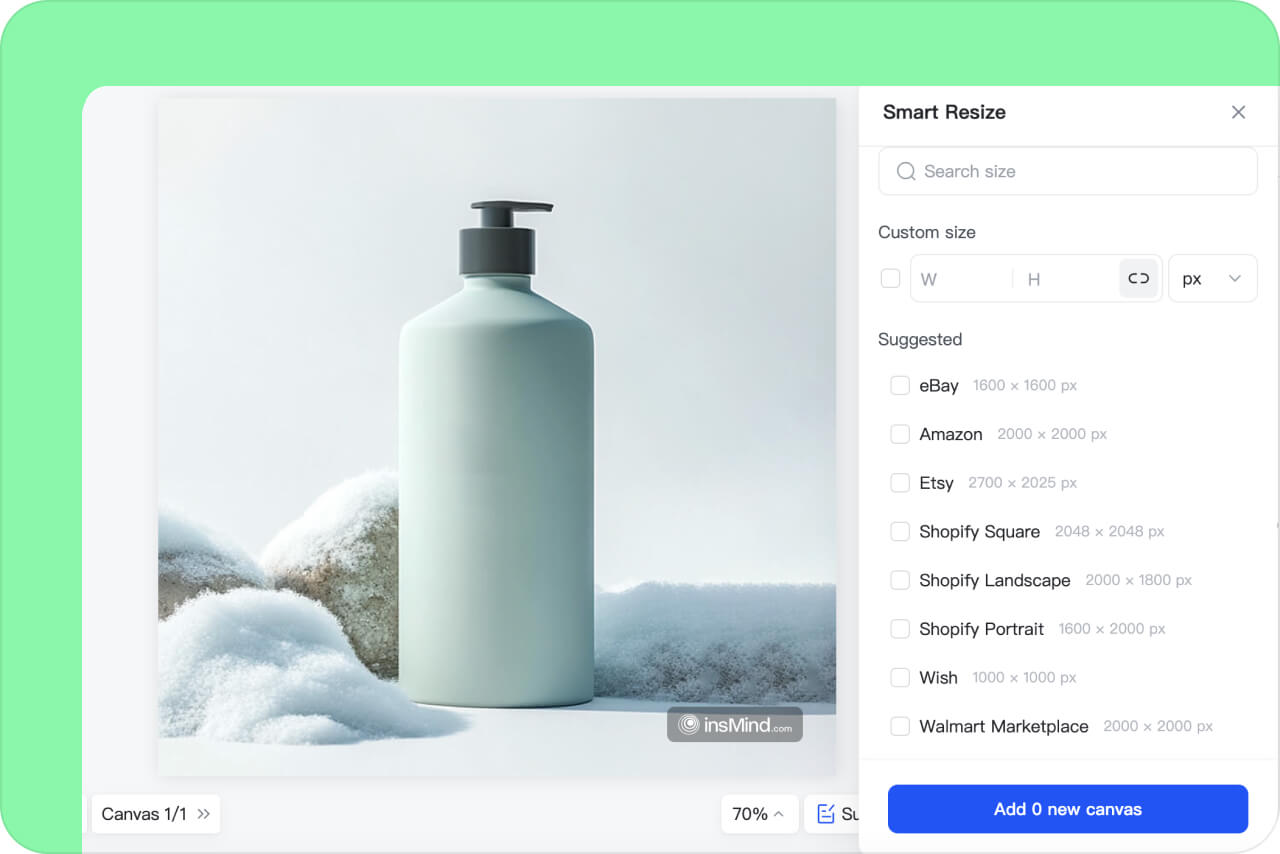
2 Step 2: Stretch Your Image
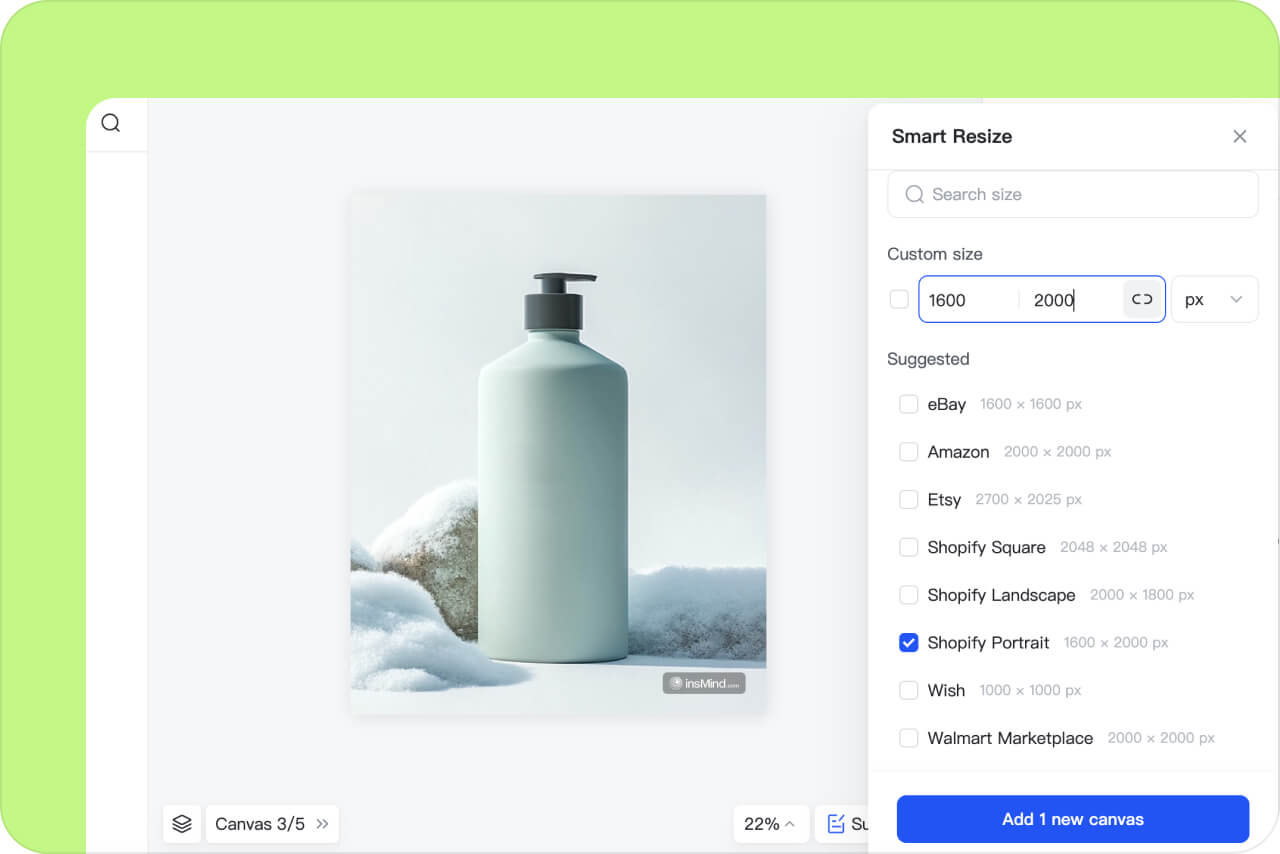
3 Step 3: Further Enhance Your Image
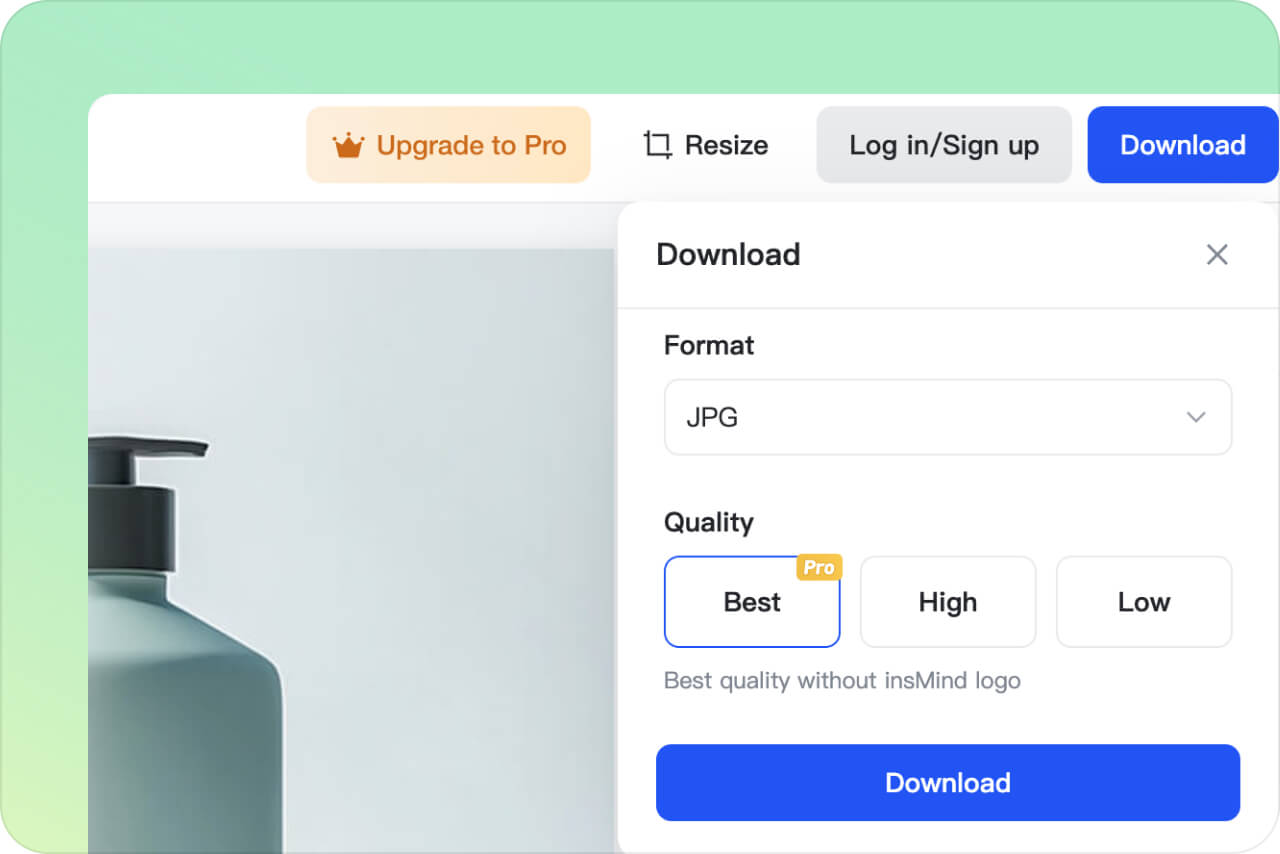
4 Step 4: Download the Stretched Image
AI-Powered Image Stretcher Made for Every Industry
Stretch images to fulfill the needs of every industry. From marketing to design, our tool adjusts images without compromising quality. It works efficiently, saving time and effort. Perfect for creators, professionals, and businesses alike, it makes your visuals stand out every time.
Social Media
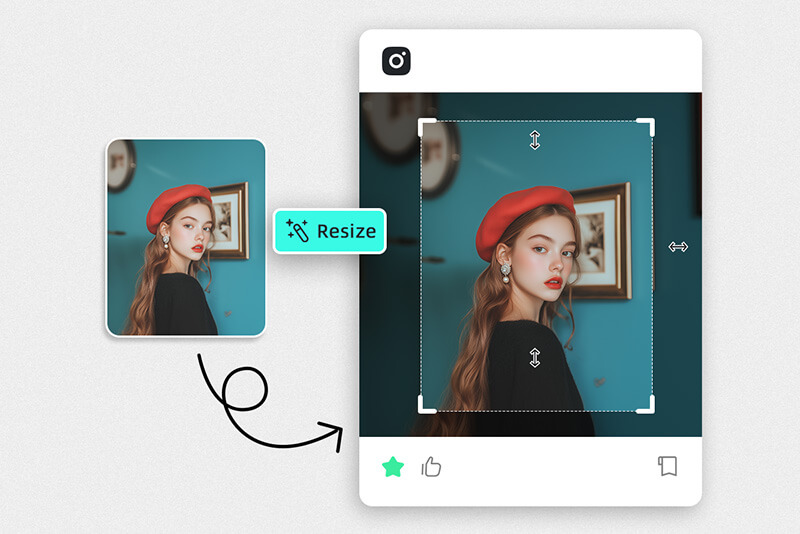
Make your posts stand out with perfectly stretched images. Fit any size, including Instagram, YouTube, or Facebook. Make your visuals pop with no distortion. Quick and perfect adjustments help your content stand out on every platform. Easy, fast, and great for all creators.
E-commerce
Stretch and Resize product photos for e-commerce with ease. Fit images perfectly on Amazon, eBay, Etsy, and more. Stretch photos without losing clarity. Make your products look their best on any platform. A simple tool for professional-looking listings.
Marketing
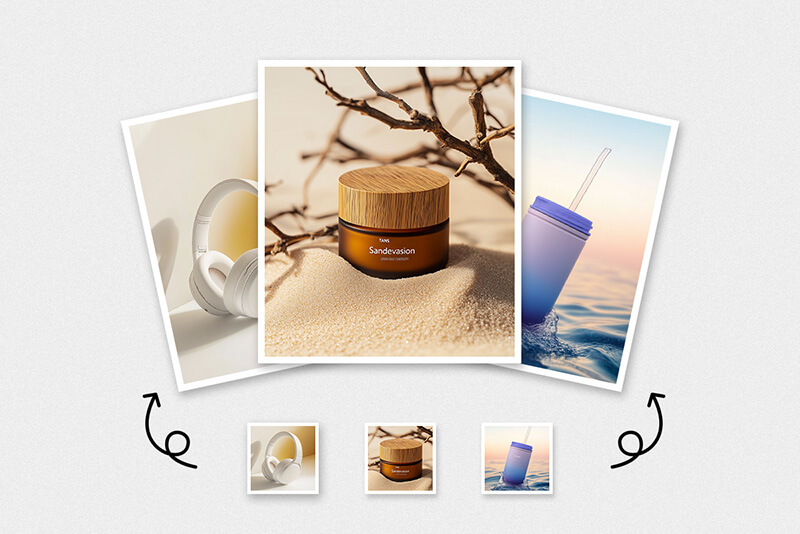
Create stunning marketing materials with stretched images. Use resized visuals for ads, brochures, and online campaigns. Adapt images to fit any channel with no quality loss. Boost your brand's impact with perfectly adjusted visuals for all your marketing needs.
Why Choose insMind Photo Stretcher?

Online
You can access our image stretcher from any browser at any time. You don't need to install any software. Stretch your images with just a few clicks in your browser, saving time and effort.

Easy
Stretch images easily with our simple online tool. Upload, stretch, and save in seconds. It's perfect for quick adjustments on any device or platform.

High Quality
Get high-quality stretched images every time without distortion. Our tool maintains the original clarity and details of your photos. It is perfect for those needing quick and reliable results without losing quality.
Explore More Photo Editing Features
FAQs about Stretching Pictures
Can you stretch a background image?


Which tool is used to stretch the image?
What happens when you stretch an image?
What is the difference between stretching and resizing an image?
You might be interested in
Make your pictures pop with creative AI tools you can explore during a free trial.
Bulk Image Resizer
Smart Resize
AI Background
Magic Eraser
AI Image Enhancer
AI Image Expand
"Perfect for marketing projects. I stretch images for ads and social media all the time. The quality stays perfect. It has made creating visuals for campaigns much easier. Love this tool!"
@Aiden Mendez