
AI Photo Recoloring: Recolor Any Part of an Image

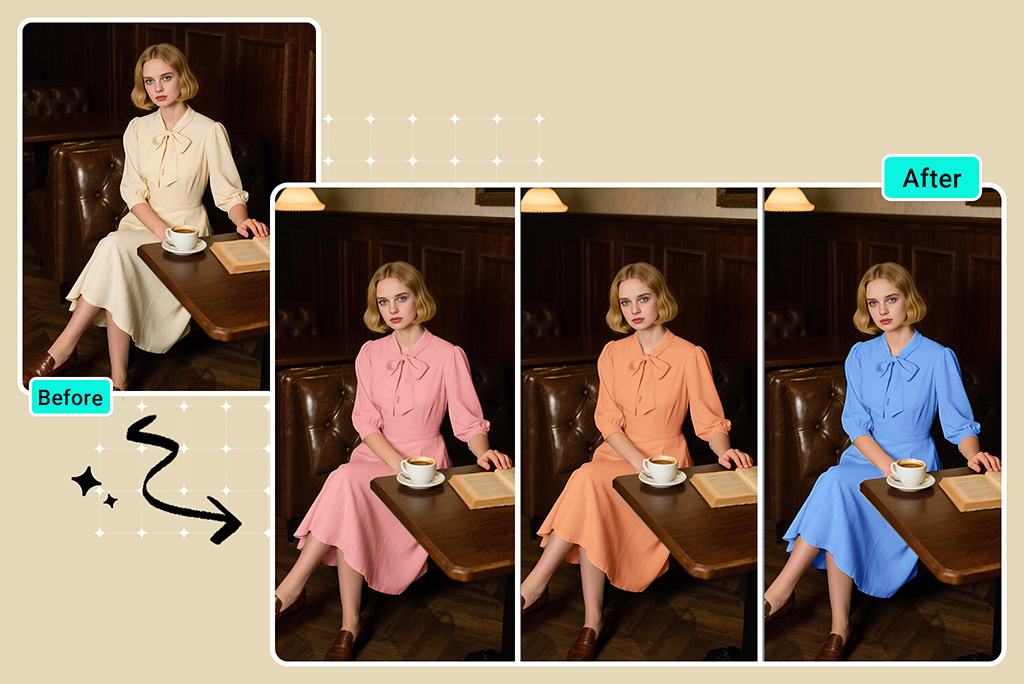
Recolor Clothes Online to Refresh Your Style
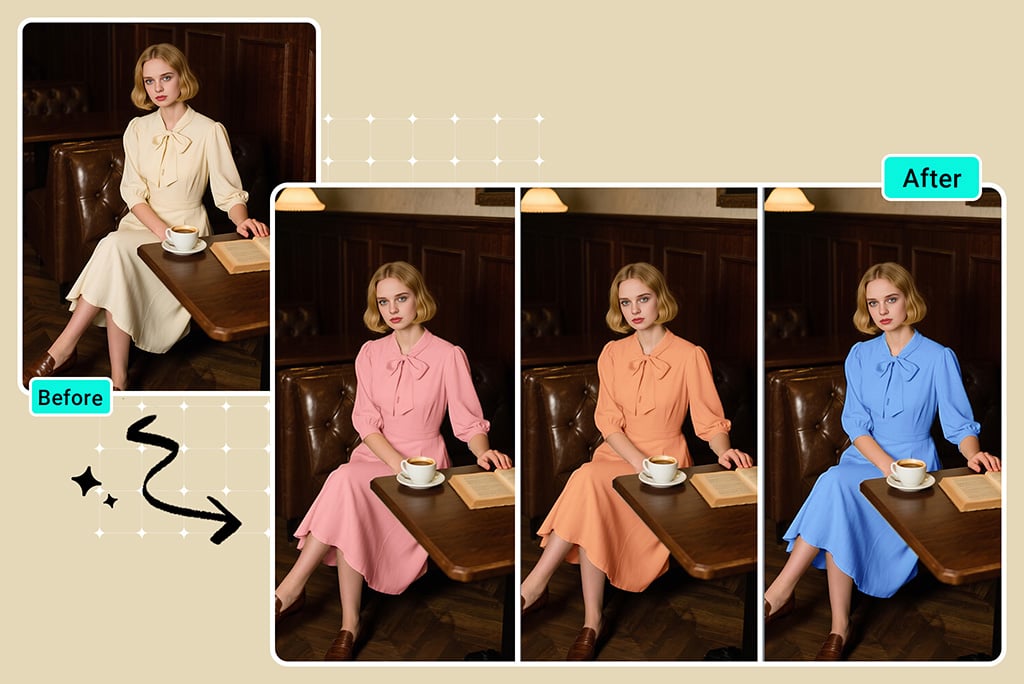
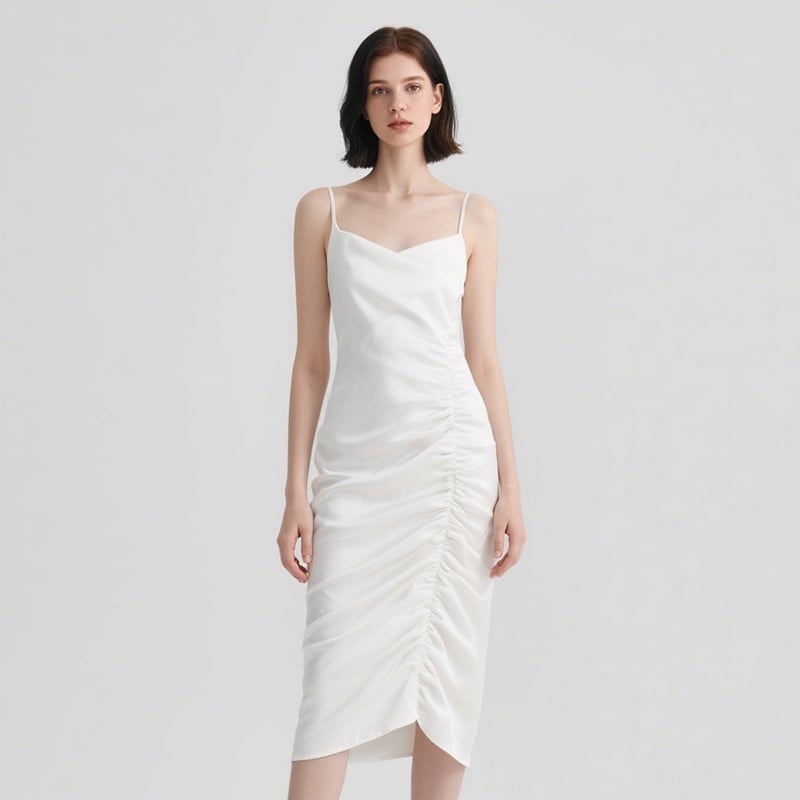
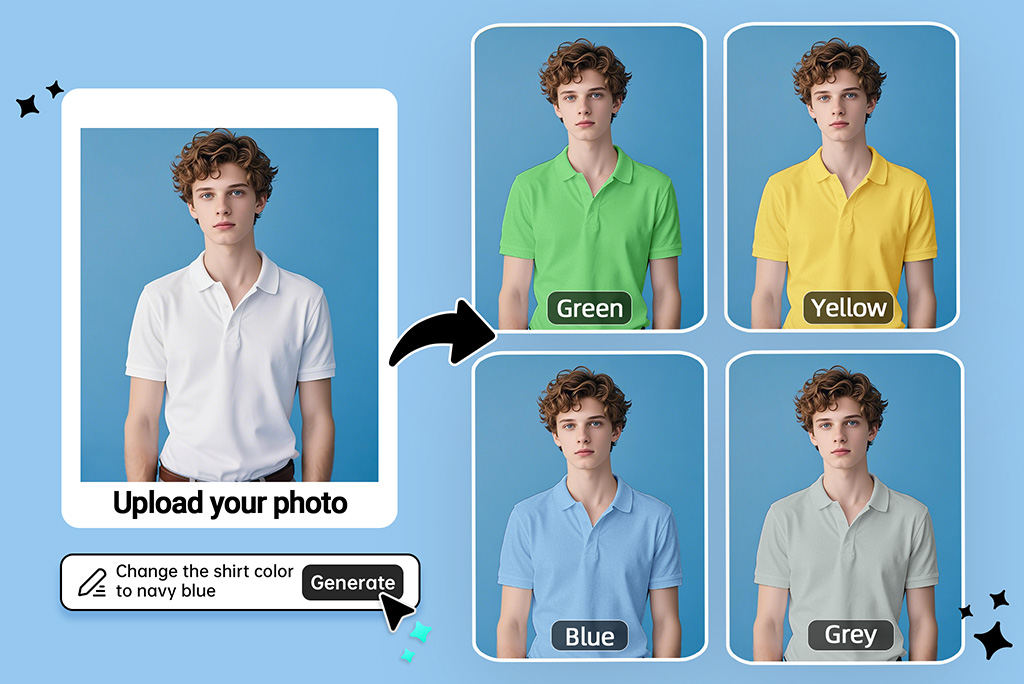
Not sure the clothing color suits you? Or want to visualize a garment in bold new shades? Our AI-powered image recolor tool lets you change clothing colors in just a few clicks. Upload your photo, select the area of clothing you want to recolor, enter a prompt with your desired color, and let AI handle the rest.
You can change the color of shirts, dresses, jackets, pants, and more, with high precision. It's perfect for virtual outfit planning, fashion styling, or even e-commerce stores wanting to showcase products in different colorways. Whether you're trying out new styles or looking to save time on photo editing, our clothes recolor tool makes it fast and effortless.
Recolor Product Photos to Show More Color Options
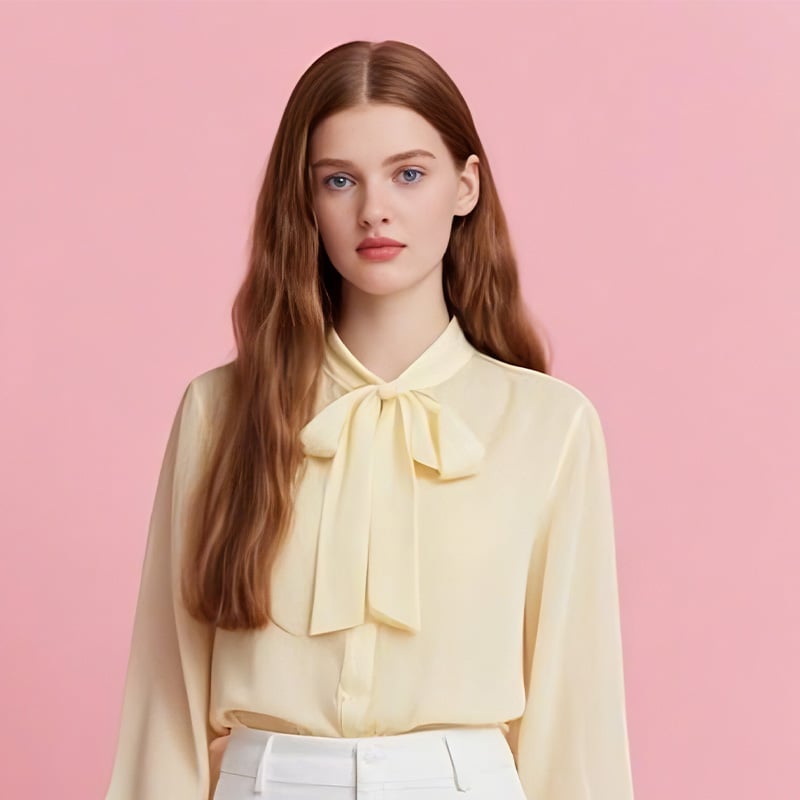
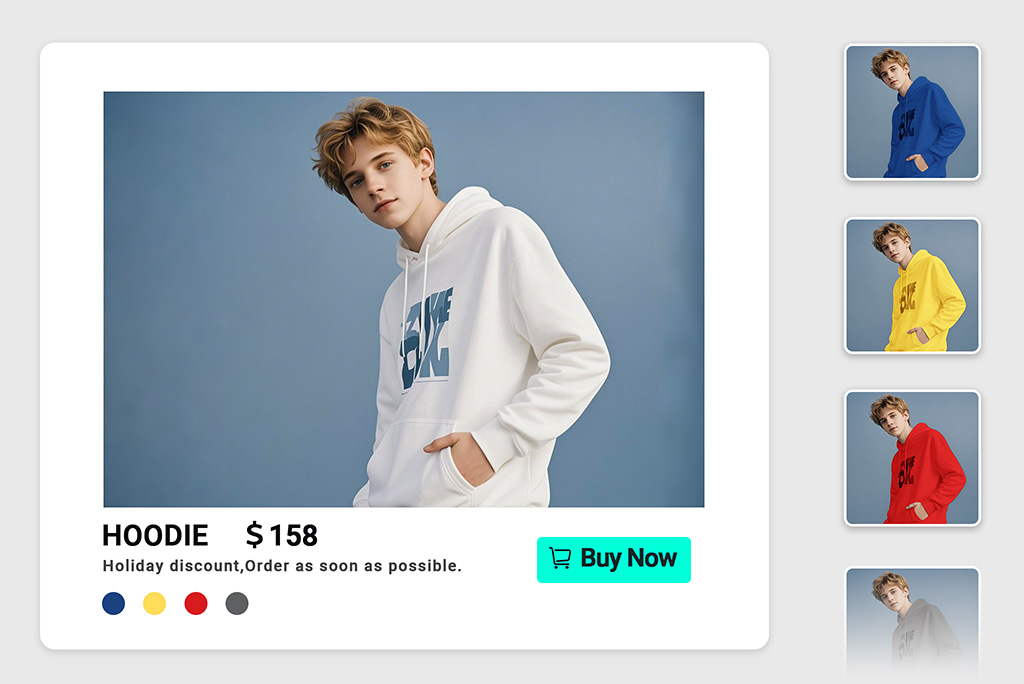
Want to offer more color options without reshooting your products? Recolor product images with AI to generate high-quality variants for your online store. Our image recolorer helps e-commerce and Shopify store owners showcase multiple color options for shirts, bags, accessories, or home goods — all without the time and cost of reshooting.
AI-powered image recoloring is ideal for updating product visuals for seasonal collections or testing new designs. You can adjust colors accurately to match fabric tones and product textures. Enhance your product presentation and boost conversions with professional, recolored visuals.
Recolor Hair in Photo with AI Before Committing to a Permanent Dye
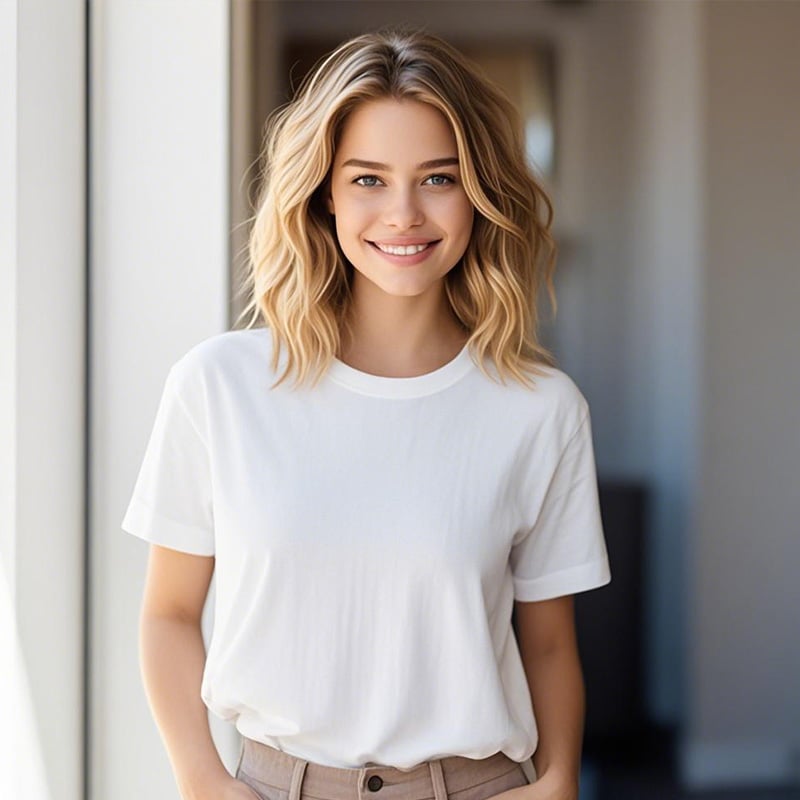
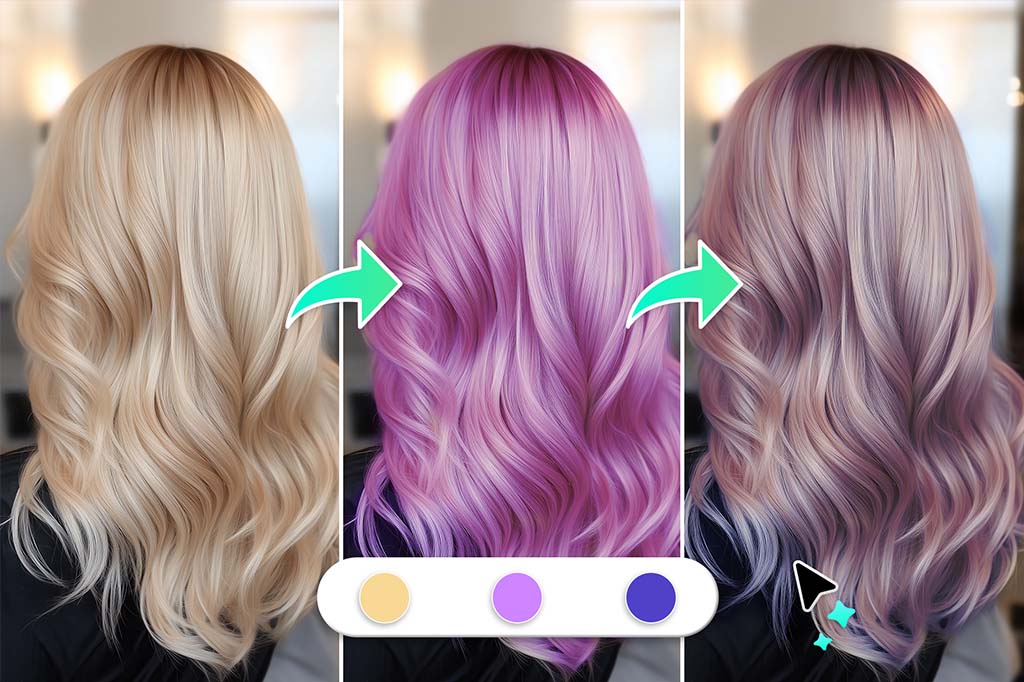
Planning to dye your hair? Use our AI image recolor tool to test different hair colors before making a permanent change. Simply select the hair area and choose your preferred shade, such as blonde, auburn, purple, silver, or even pastel tones. The tool preserves hair texture and lighting to deliver natural-looking results.
Visualize bold transformations or subtle highlights with ease. Whether you're trying a new trend or preparing for a big change, preview your hair in various shades with no dye required. Make confident color choices that match your style and personality.
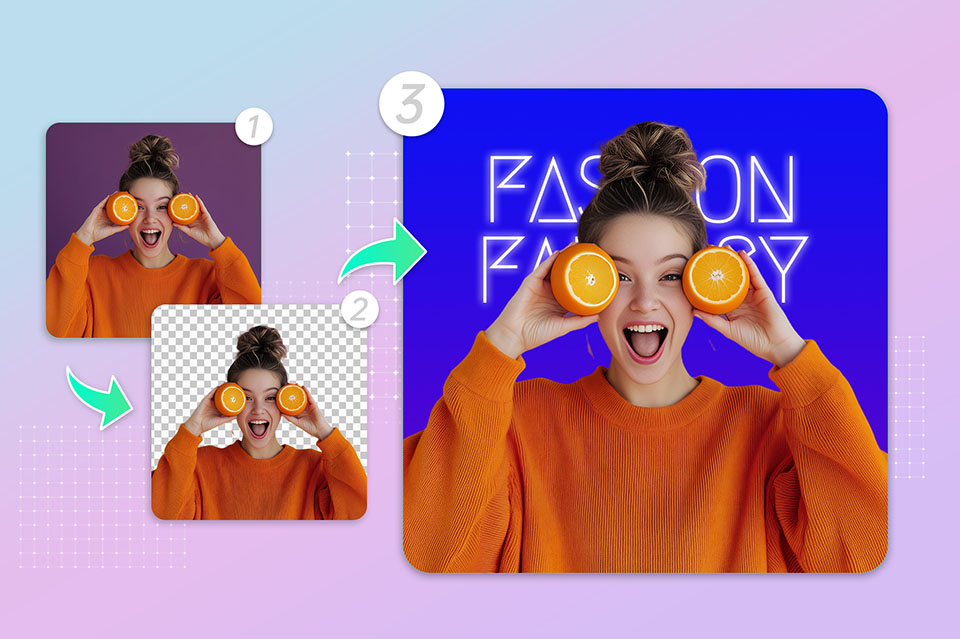
Recolor Image Background with One Click
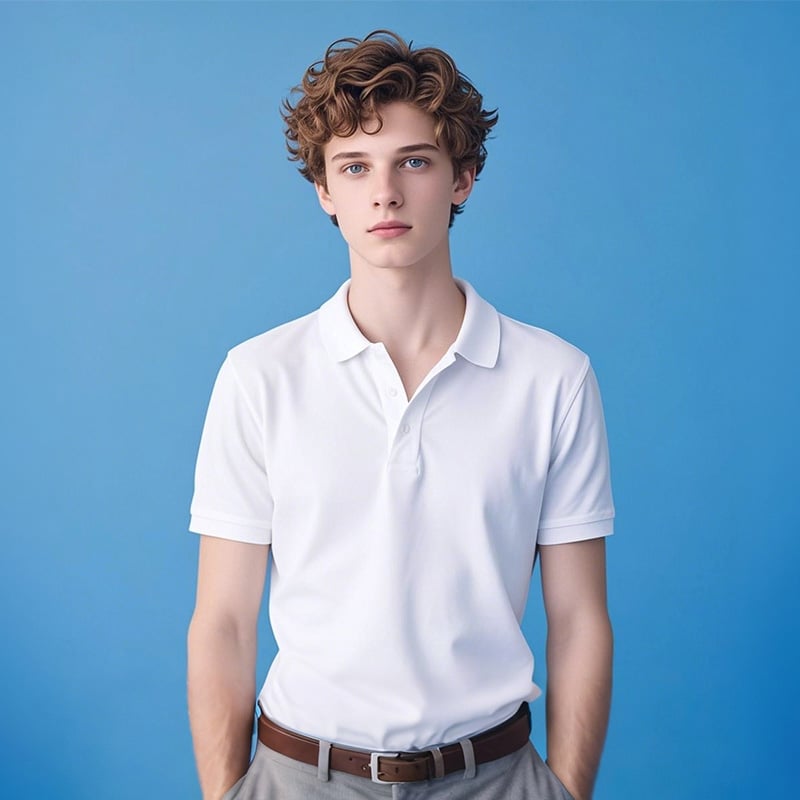
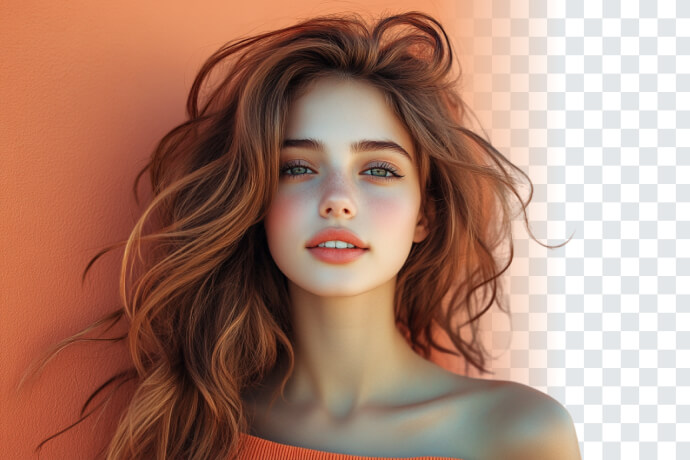
Looking for a white background for e-commerce or a blue one for your passport photo? Use our recolor image online tool to change photo backgrounds with high precision. It works for ID headshots, professional portraits, product photography, and more.
Replace dull or distracting backgrounds with solid colors. The perfect background will uplift your resume, Amazon product listing, or visual content. You can adjust tone, smoothness, and background blend to suit your needs. Just upload, recolor, and download your updated photo in seconds from any device.
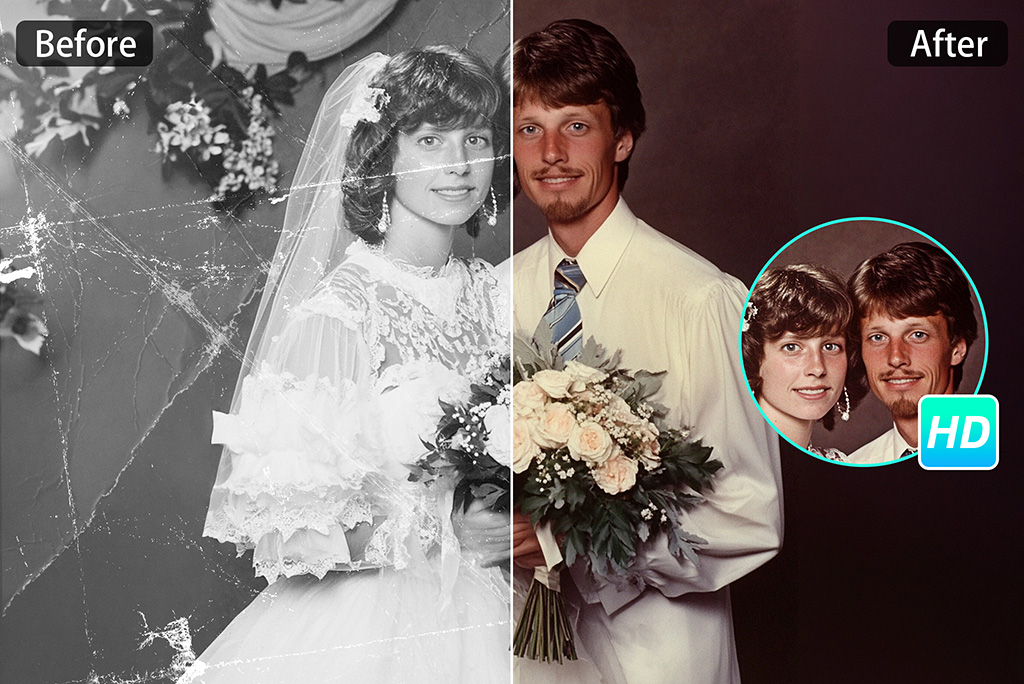
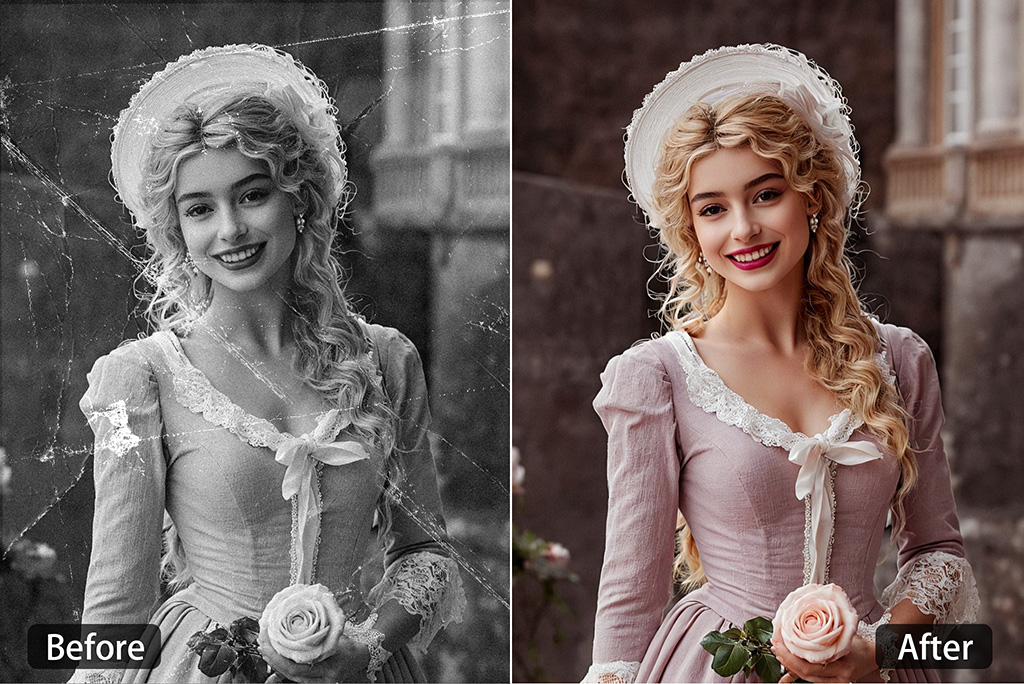
Recolor Old Photos to Turn Back Time in Full Color
Do you have a black-and-white family portrait or an old travel photo? Our AI image recolorer can bring vibrant colors to your photos. The AI algorithms can spot background details and facial tones along with clothing textures to apply natural colors with precision.
Revisit memories in full color or give your loved ones a meaningful gift. Colorize your images to restore the vibrancy they deserve. Let AI bring memories back to life and transform faded photos into timeless keepsakes.
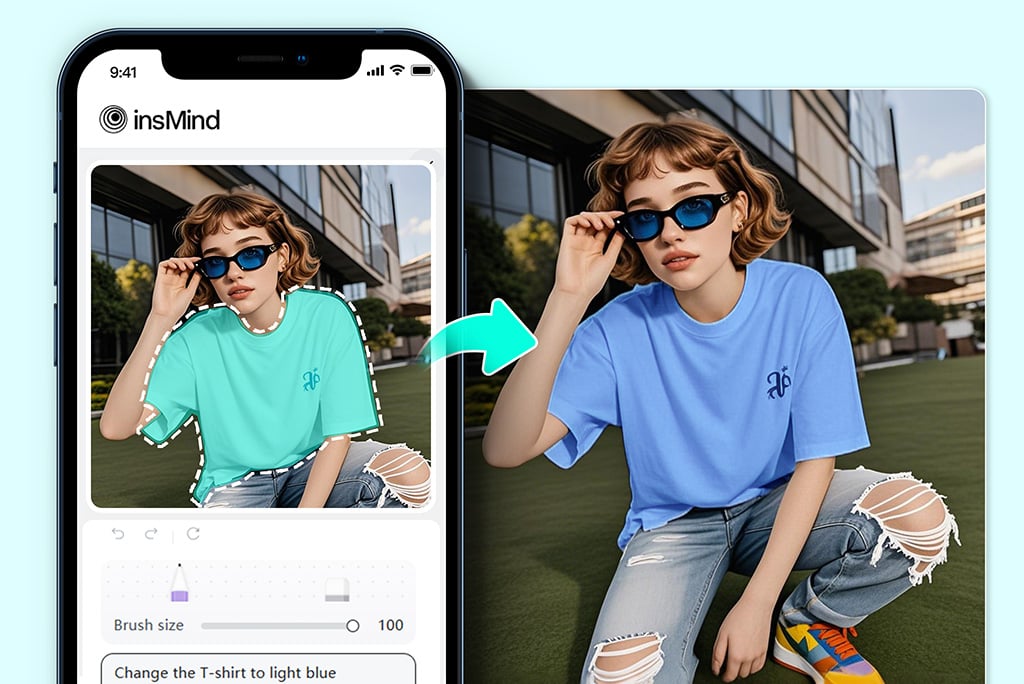
Recolor Photos with AI Anytime, Anywhere on Mobile
Away from your desktop? Working on mobile? No worries — insMind's AI image recolorer is a web-based tool that works on any desktop, smartphone, or tablet. You can recolor images on the go, directly from your mobile device.
All you need is a browser to open insMind and start recoloring hair, clothes, or backgrounds in seconds. Adjust colors in real time and save high-quality results to your device for quick visual updates. Create fresh content anytime, anywhere, right from your smartphone or tablet.
Explore More AI Tools to Enhance Your Productivity
How to Recolor an Image with AI
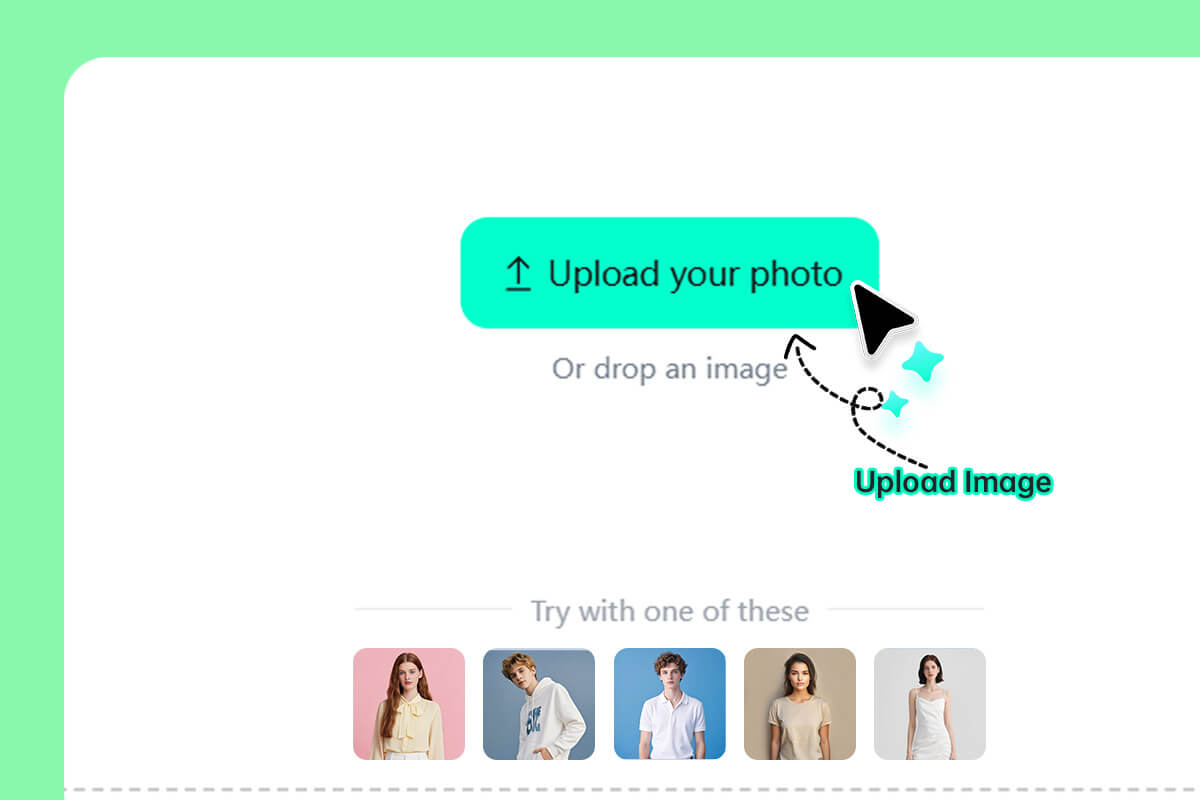
1 Step 1. Upload Your Photo
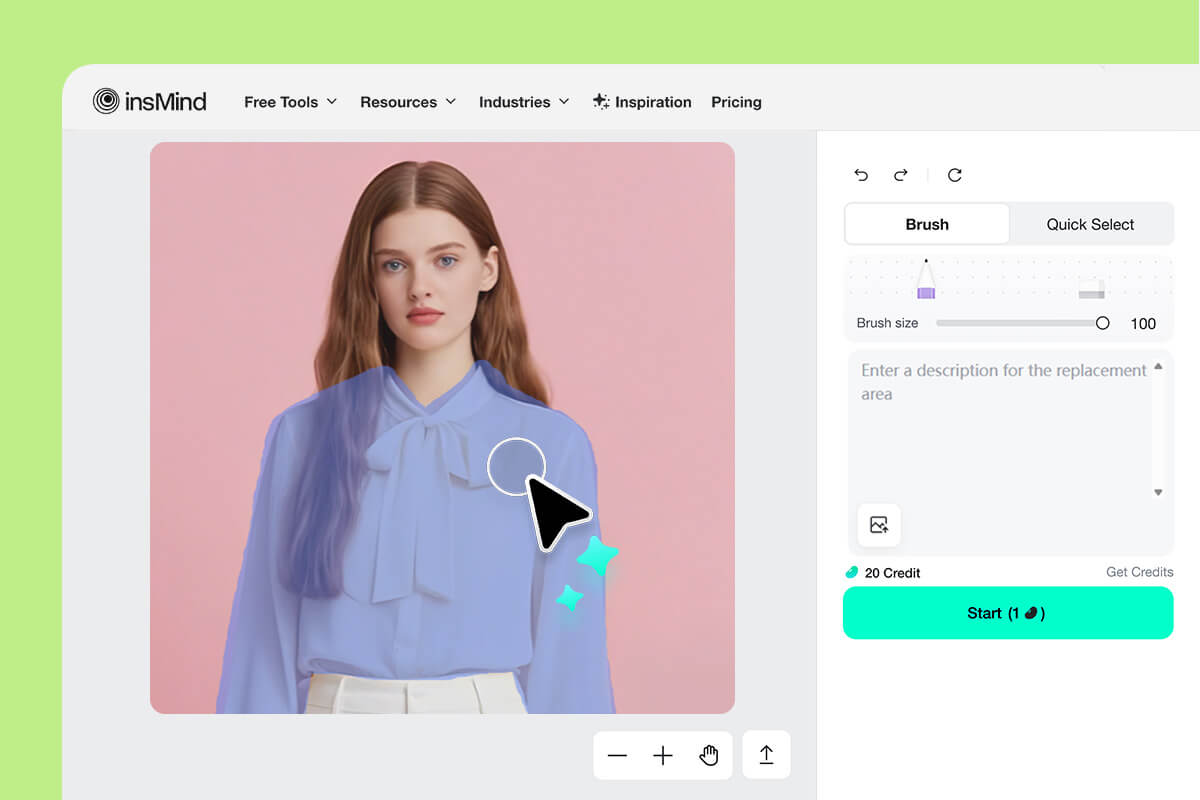
2 Step 2. Select the Area
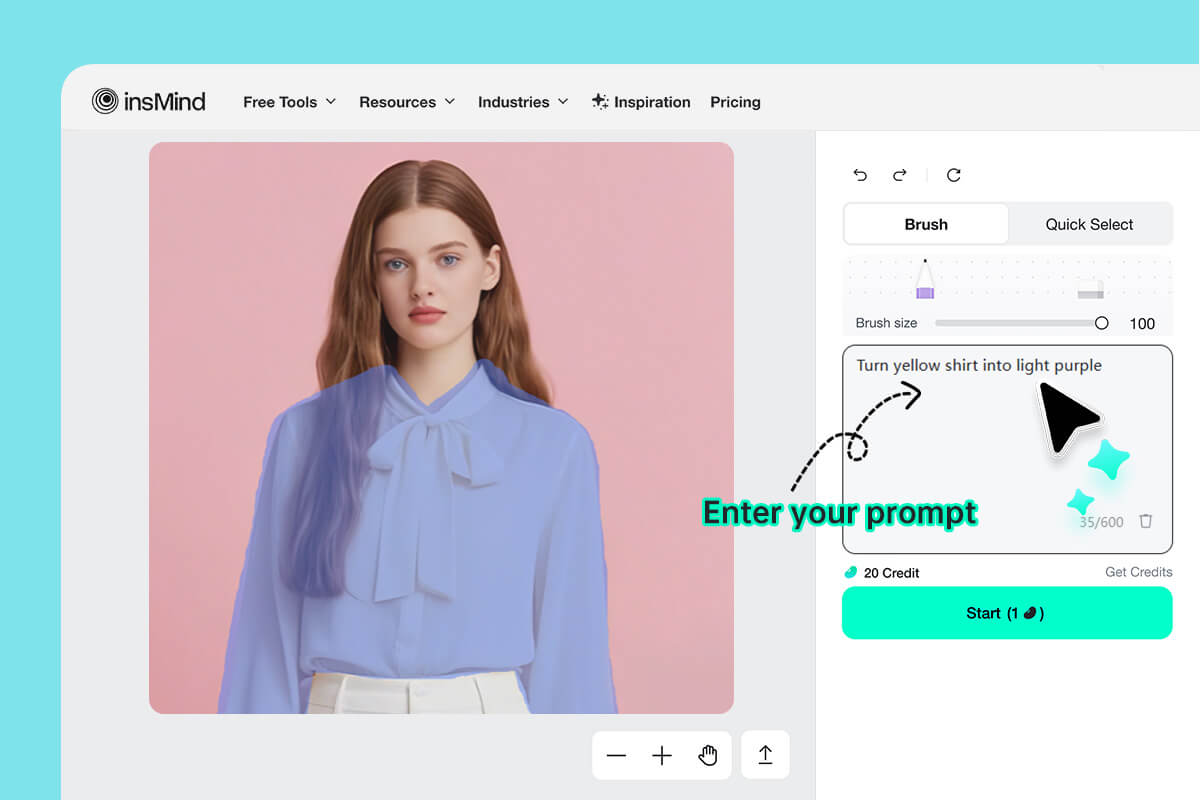
3 Step 3. Recolor the Selected Area

4 Step 4. Download Your New Photo
Recolor Any Image — Any Part, Any Type, Any Format
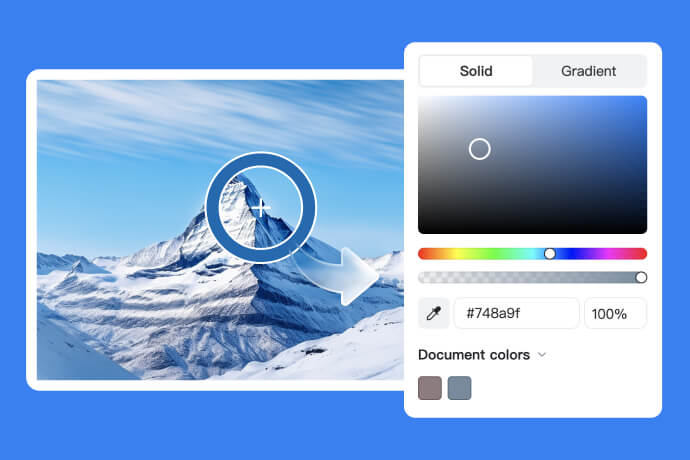
insMind's image recolorer can change the color of any element in your image — whether it's an object, the background, or something else. It supports all major image formats, including PNG, JPG, and WebP. You can also recolor any type of photo, from portraits and landscapes to pet images.
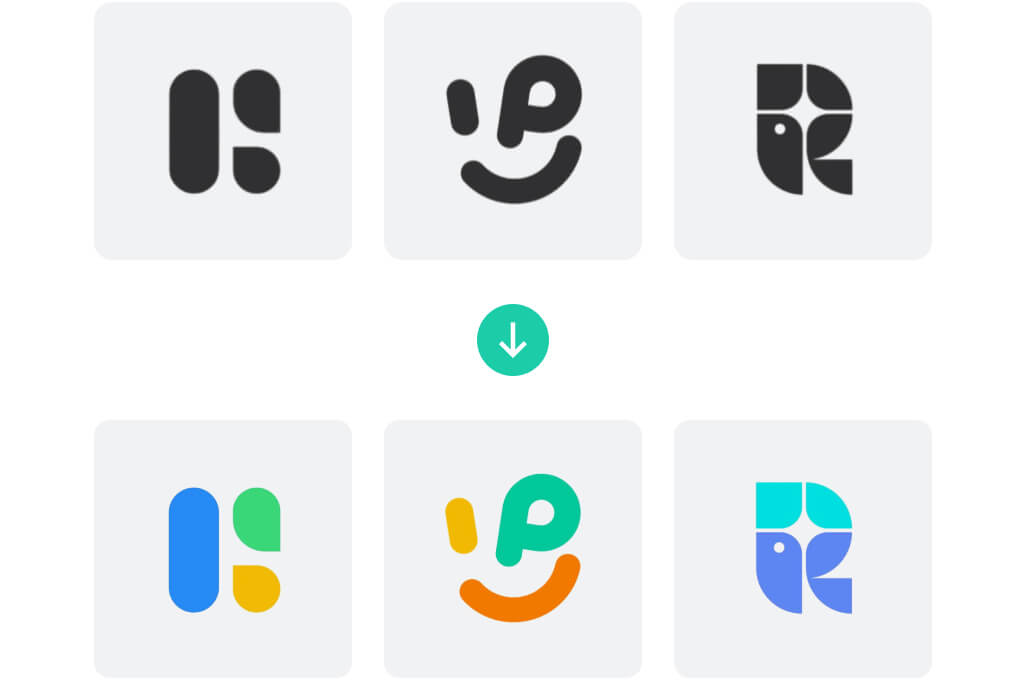
Recolor Logo to Refresh Your Brand
Change logo colors to give your brand a fresh new look. Use our AI tool to test different color combinations or align your design with campaign themes without creating a new logo.
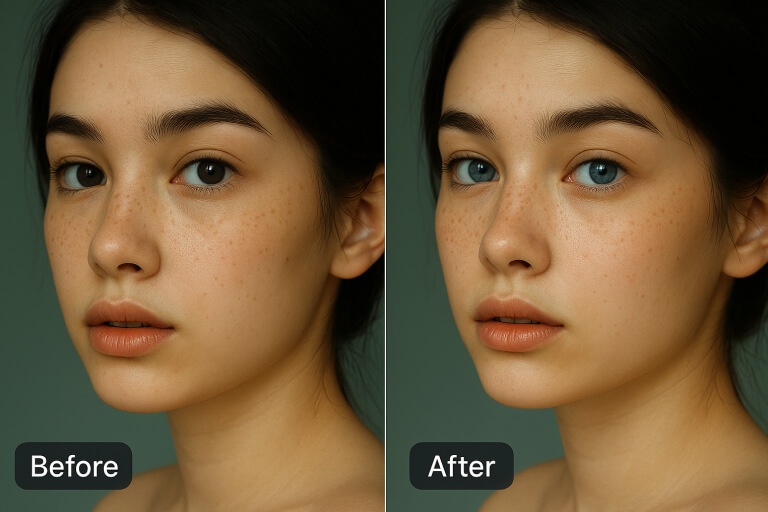
Replace Eye Color in Photos
Want to look fascinating with different eye colors? insMind AI image recolor can replace eye color in photos with accurate placement and shading. You can get realistic recolored eyes with simple taps.
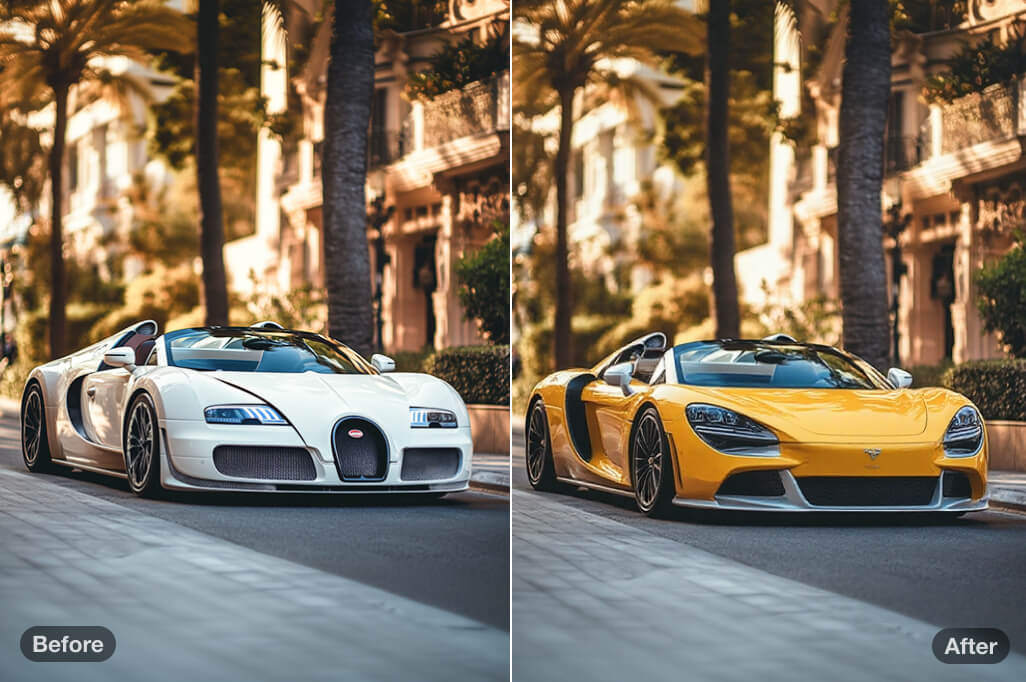
Recolor Car Image
Experiment with different car paint colors. Our image recolor tool allows you to explore various color options before a paint job. Try different combinations and make vehicle recoloring fast and photorealistic.
The Best Image Recolorer for Any Use in Personal and Business
insMind's AI-powered image recolorer adapts to every creative and commercial need. Transform colors of personal or product images for fresh impact and polished results.
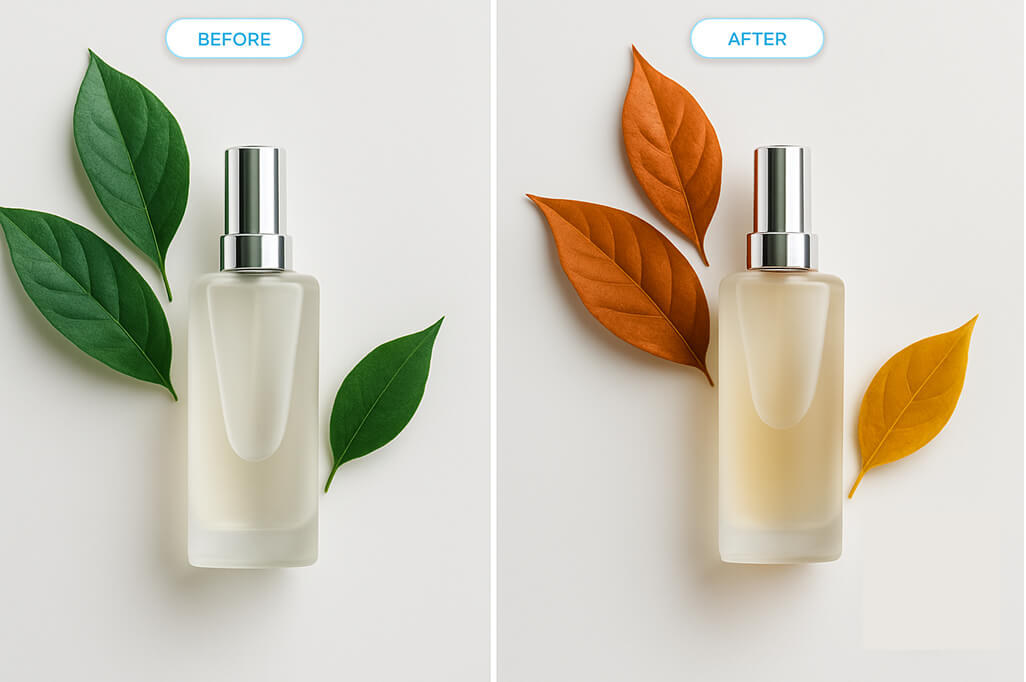
Change Seasonal Colors in Photos
Alter the colors in your images to reflect different seasons. Recolor leaves, outfits, or decor to match spring, summer, autumn, or winter tones. Get customized photos for seasonal campaigns or themed content.
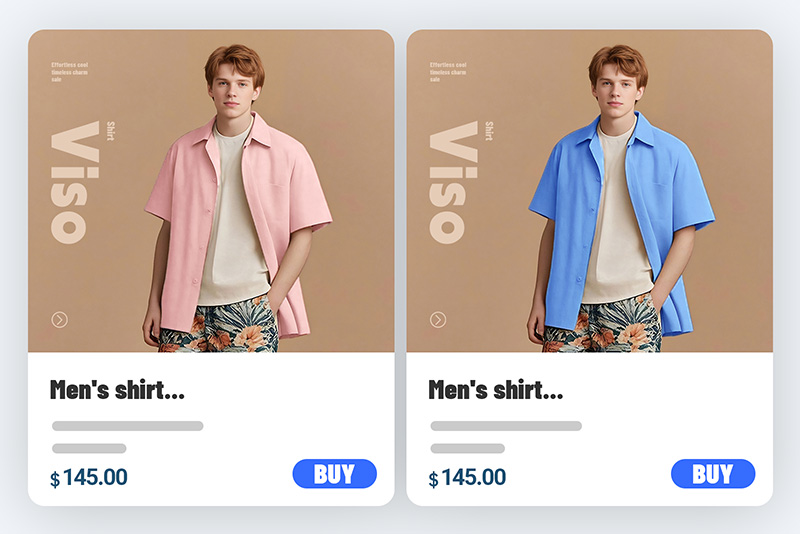
Showcase Your Product in Different Colors
Display your product in various color options without reshooting. Recolor a single image to represent all the available colors in your photo. Present an expanded range to your customers and boost your e-commerce presentation.
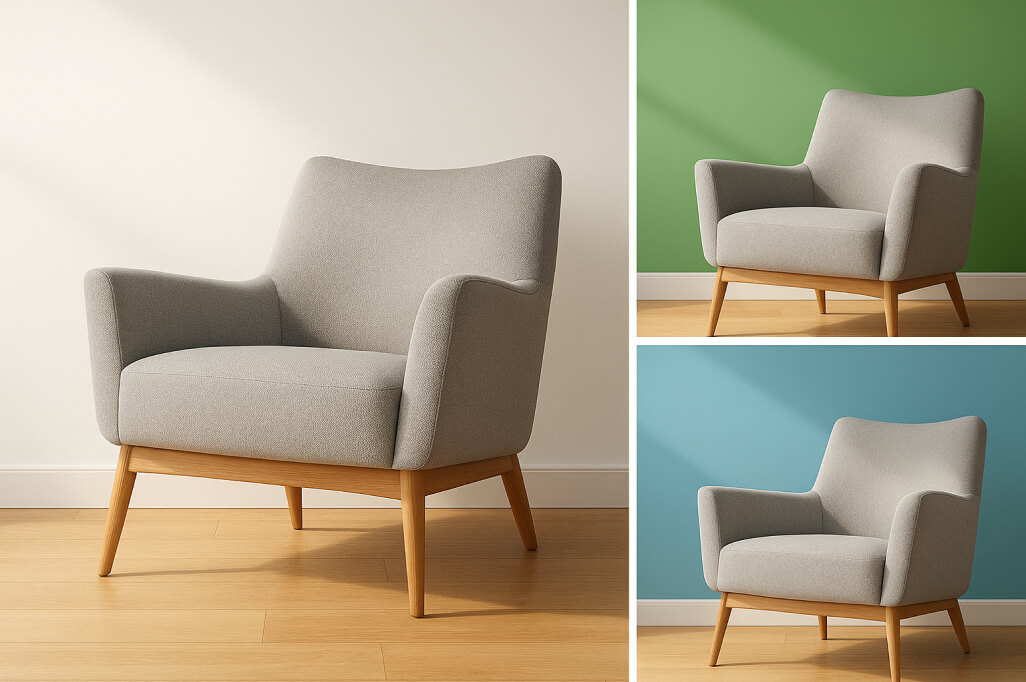
Refresh Your Home and Interior Look
Are you planning to renovate your home and interior look? Visualize different wall shades and furniture fabrics before making changes. With simple clicks, you can experiment with new interior designs and renovation ideas.
Why Choose insMind to Recolor a Picture?

Precise Detect Object & Recolor
insMind's AI can precisely detect recoloring areas and accurately apply color changes without compromising the background or image quality.

Easy to Use
You can recolor any part of an image with just a few clicks. Simply upload your photo and select the area you want to recolor. The user interface is beginner-friendly and easy to use.

AI-Powered
Our advanced AI engine analyzes texture, shape, and lighting to generate realistic and accurate color changes that don't look different from the original.
FAQs about Image Recolor
Can I recolor an image online for free?


How can I recolor an object in a picture?
How can I recolor a part of an image?
Can you recolor PNG?
What types of images can you recolor?
Is it free to recolor a picture with AI?
You might be interested in
Make your pictures pop with creative AI tools you can explore during a free trial.
Colorize Photo
Clothes Color Changer

Hair Color Changer

Logo Color Changer
Remove Color from Image
"This tool sparked my creativity. I use it to recolor my designs and quickly explore new possibilities. It's really changed the way I work."
@Mia