
Online Logo Color Changer – Change Logo Colors Easily




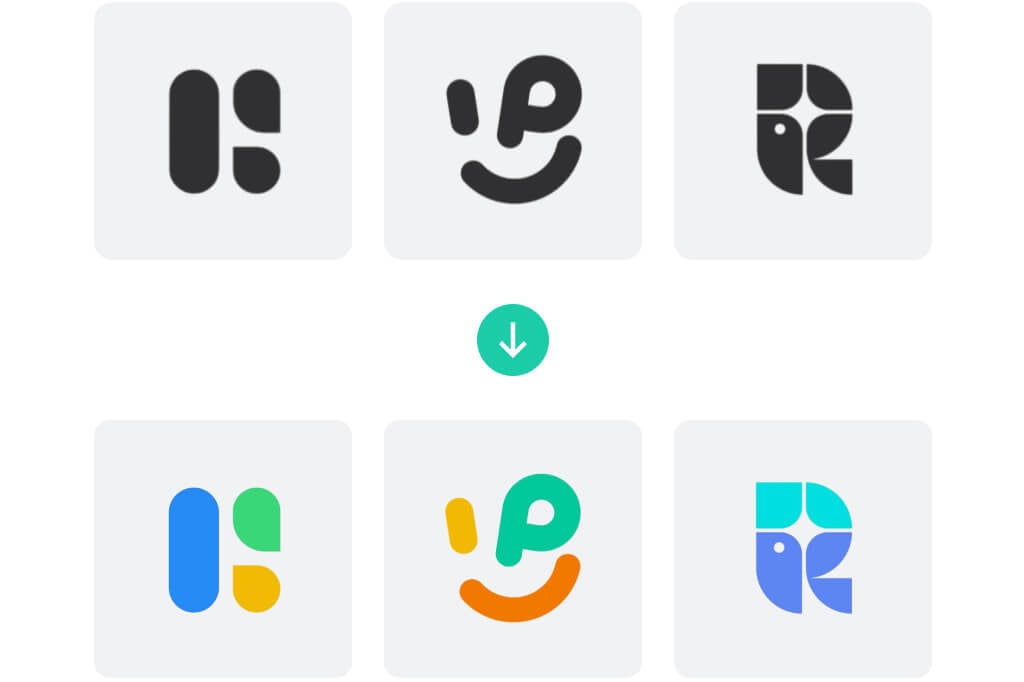
Change a Logo Color without Rebuilding the Design
Keep the existing logo shape and update its color inside the online editor. This is useful when the artwork is approved but the current palette does not work on a new website, campaign, package, or presentation.
Start with the cleanest file available and inspect thin lines, small type, and antialiased edges after recoloring. A simple logo with clear boundaries usually produces a more predictable result than a compressed screenshot.
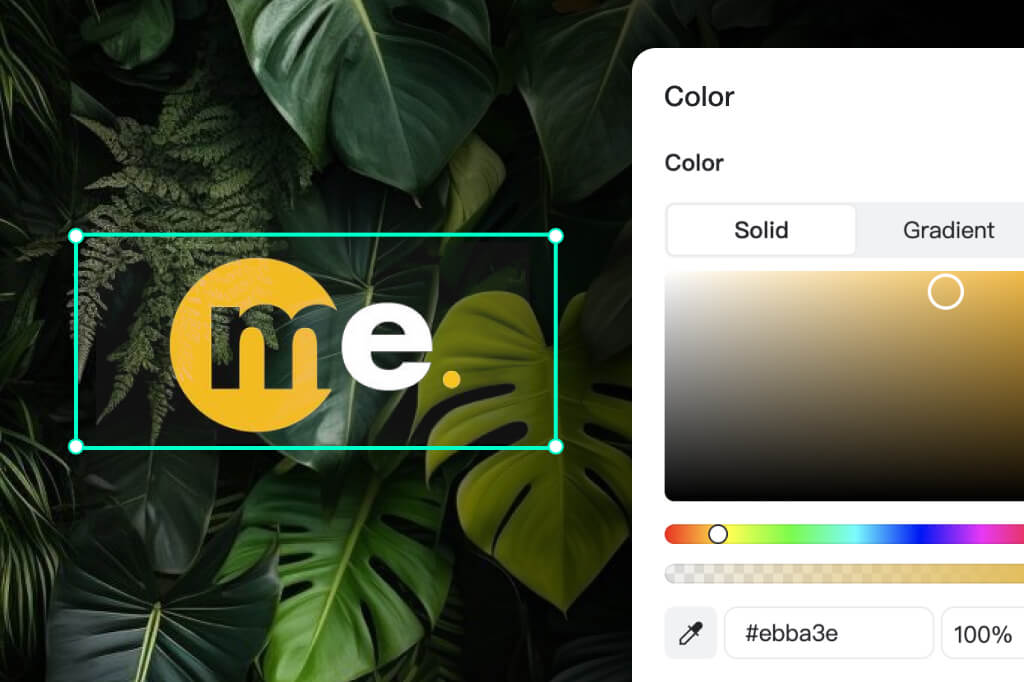
Match a Brand Color with a HEX Code or Color Picker
Choose a preset shade or enter a specific color code when the logo needs to follow a brand guide. You can also use the color picker to sample a color from an existing product photo, banner, or reference graphic.
Check the result on the background where the logo will actually appear. The same HEX value can look different beside light, dark, warm, or highly saturated colors.
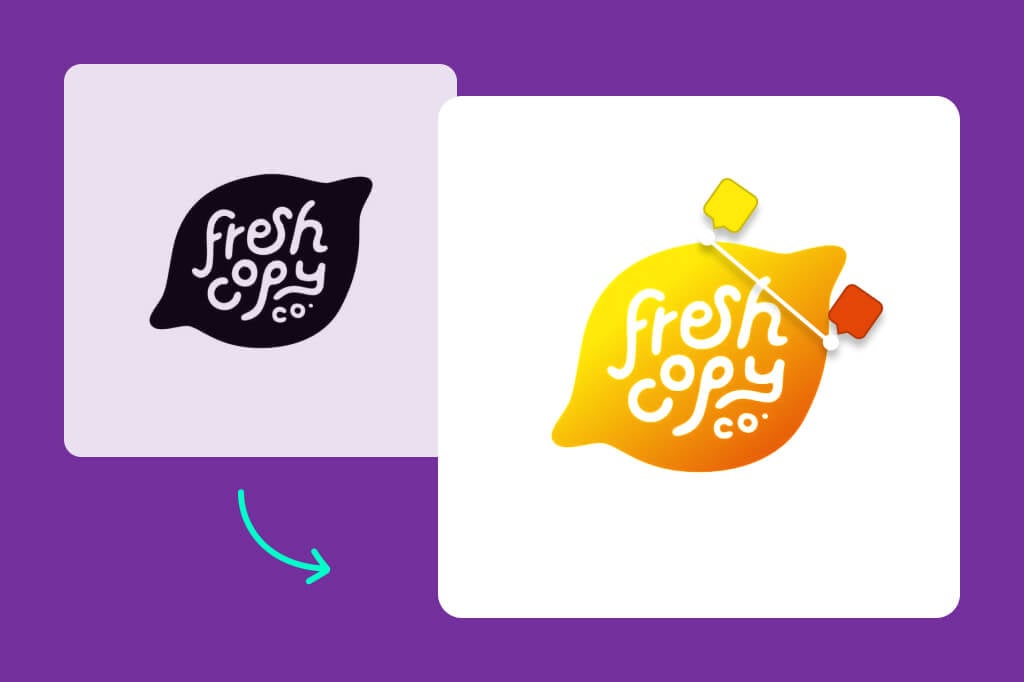
Create Solid, Gradient, and Pattern Logo Variations
Use a solid fill for a simple one-color version, or test gradients and patterns when the campaign calls for a more expressive treatment. Save distinct versions for light and dark placements instead of forcing one colorway onto every surface.
If the task is specifically to replace colors across a transparent PNG asset rather than prepare a brand logo, use the PNG color changer. That keeps the broader PNG-editing intent on its dedicated page.
Prepare a Transparent Logo for Web and Marketing Use
A transparent background lets the recolored mark sit on a website header, social post, product photo, slide, or printed layout without a visible rectangular box. Preview the edges before downloading, especially around small lettering and fine symbols.
When the source logo still has a solid or uneven background, clean it first with the logo background remover, then return to the color step.
More Tools for Logo and Brand Design
How to Change the Color of a Logo Online
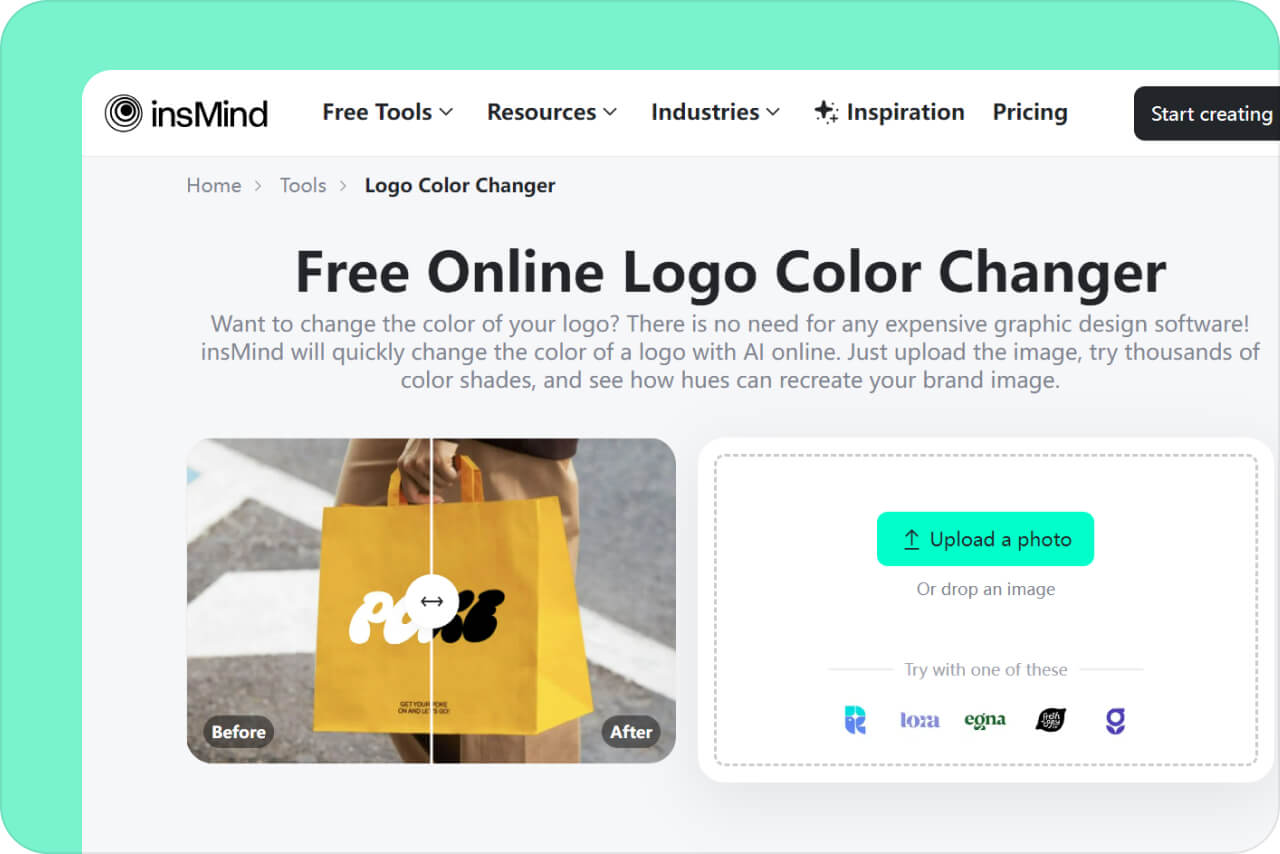
1 Upload a Clean Logo File
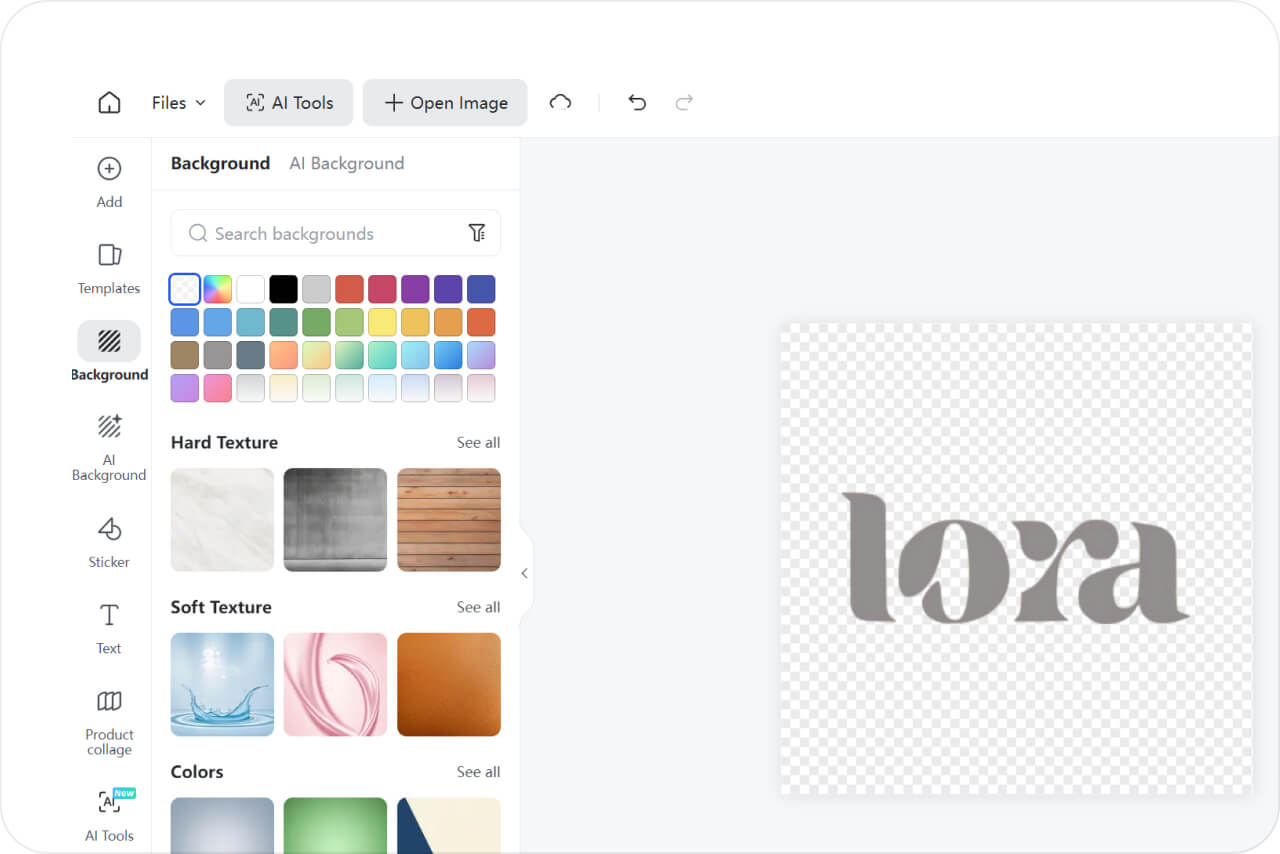
2 Check the Cutout and Background
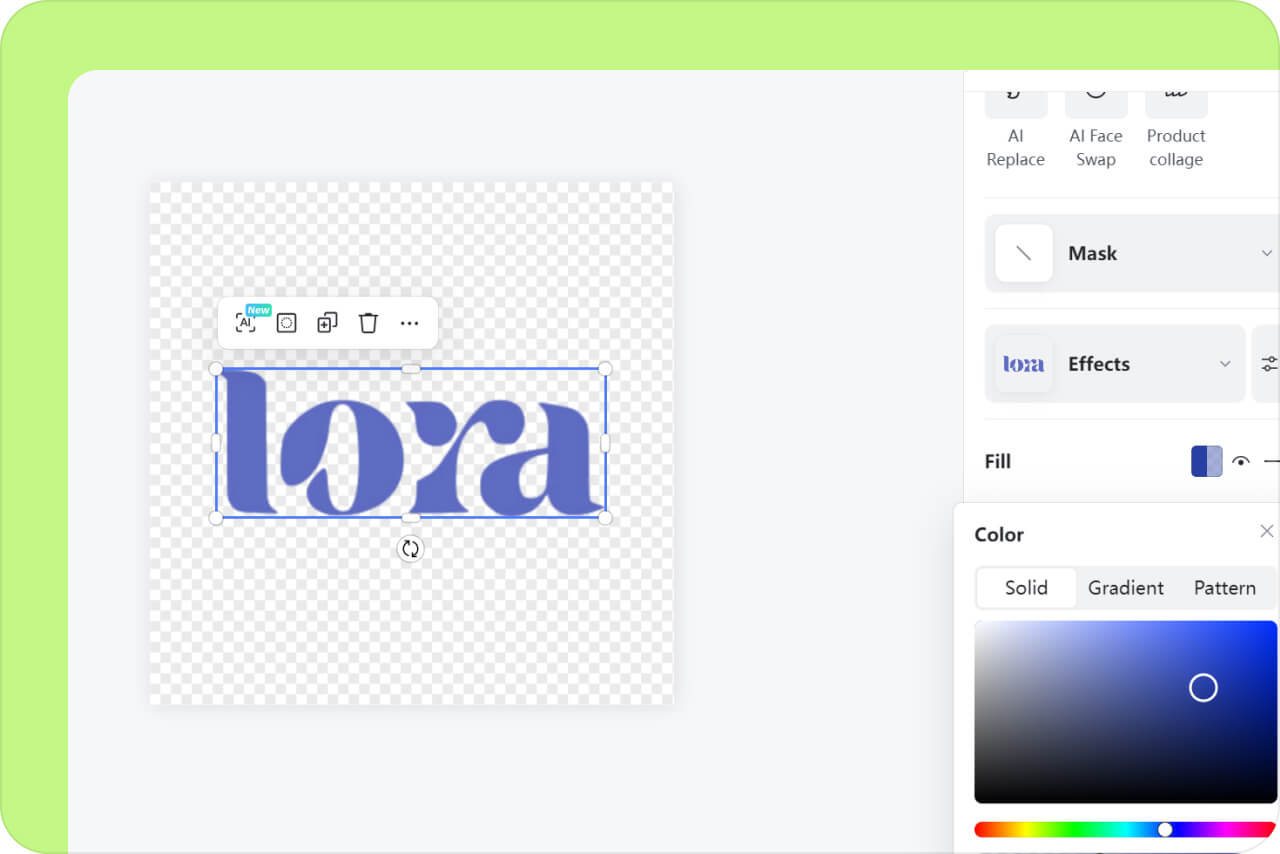
3 Choose the New Logo Color
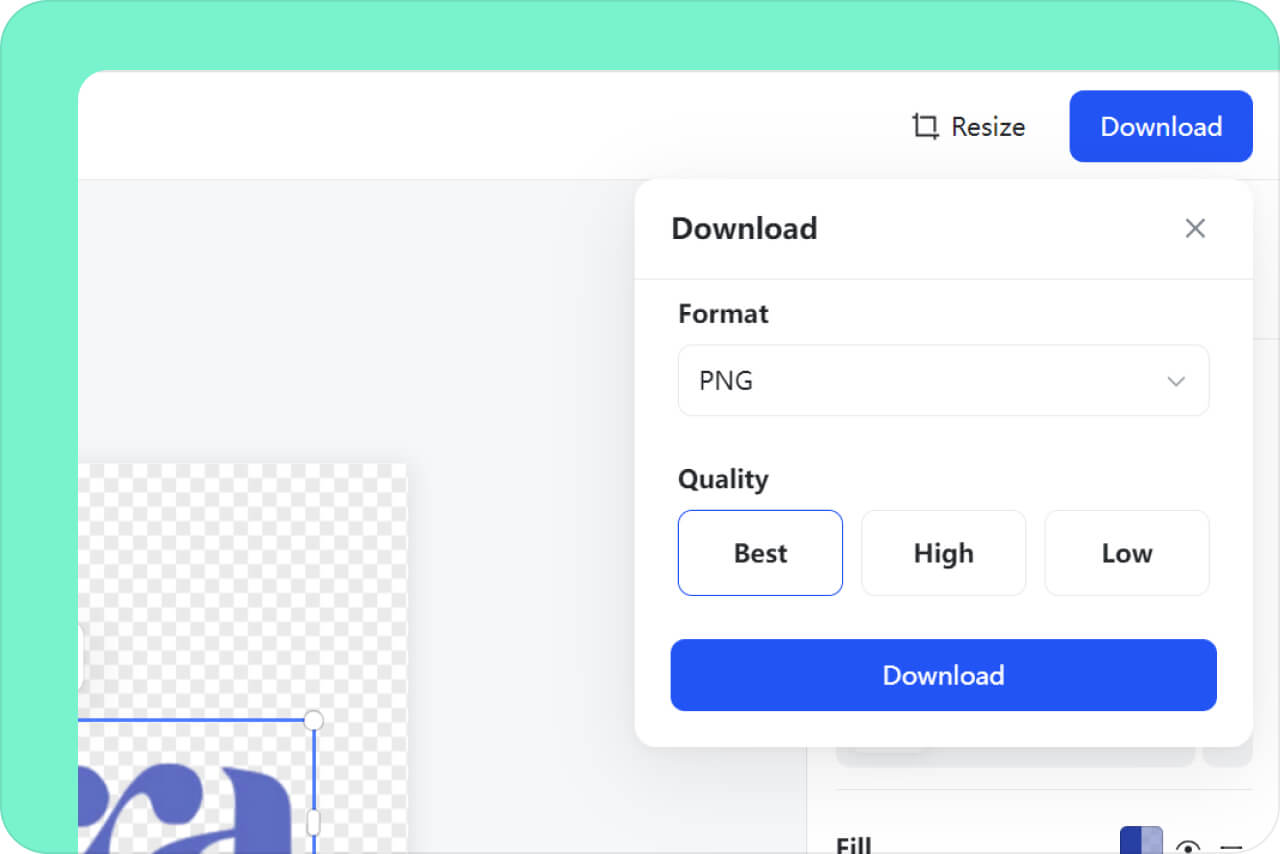
4 Preview and Download the Recolored Logo
When to Create a New Logo Colorway
Prepare deliberate logo variants for different backgrounds, campaigns, and brand applications instead of changing the artwork itself.

Light and Dark Background Versions
Create a dark mark for light layouts and a white or light version for dark headers, photos, and video frames. Test contrast at the size where the logo will appear; fine details can disappear even when the full-size preview looks clear.
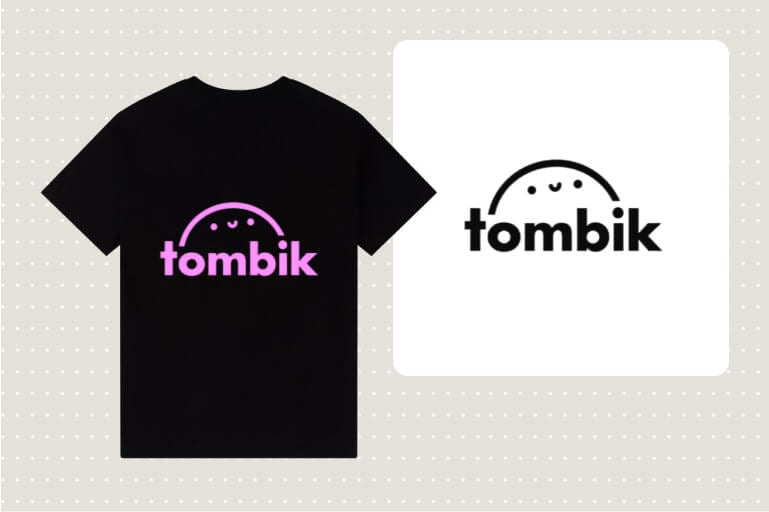
Brand Refreshes and Seasonal Campaigns
Try a controlled color update while keeping the familiar logo shape. Save campaign colorways separately from the core brand version, and compare each option with the current palette before publishing it across channels.
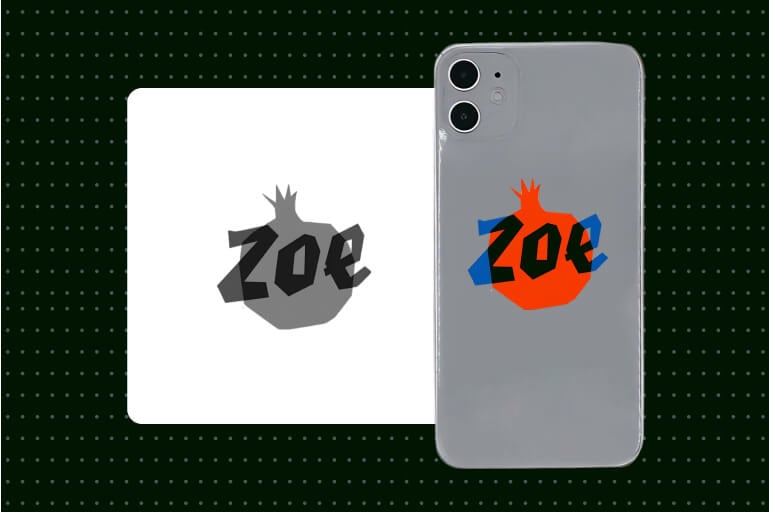
Social, Product, and Presentation Assets
Match the logo to a social template, product image, event graphic, or slide without recreating the mark. If you need a completely new symbol or wordmark rather than another colorway, start with the AI logo generator instead.
Why Use insMind to Recolor a Logo?

Edit in Your Browser
Open the logo color changer on desktop or mobile, upload one file, and work in the editor without installing a separate design application. Keep the original file so you can compare the new colorway with the approved brand version.

Use Several Types of Color Control
Move beyond a basic preset by testing solid fills, gradients, patterns, and a specific color code. The best option depends on the logo artwork and where it will be displayed, so preview more than one treatment before downloading.

Keep the Logo Ready for Different Placements
Prepare transparent and background-specific versions for headers, marketing graphics, product photos, and presentations. Check transparency and edge quality on the final background rather than judging the logo only on the editor canvas.
Logo Color Changer FAQs
How do I change the color of a logo online?


Can I change a logo to white or black and keep the background transparent?
What file should I use with a logo color changer?
Continue with Logo and Brand Image Tools
Create a new mark, remove its background, improve the source file, or resize the finished asset for its next placement.
AI Logo Design

AI Design Generator
AI Image Enhancer

AI Image Expand

AI Shadow

"insMind is excellent! The interface is easy. The results are brilliant. It's a must-have tool for any designer who wants to save time. Highly recommended for those who take branding seriously!"
@Maria Garcia, Graphic Designer