
Convert JPG to JPEG Online: Fast and Easy





Instantly Convert JPG to JPEG: Fast, Smart, and Hassle-Free
Many users convert JPG to JPEG for compatibility or system requirements. Some platforms and editors require the .jpeg extension. Our JPG to JPEG converter helps you convert efficiently with a free trial.
There's no need to install anything or alter any difficult-to-adjust settings; just upload your JPG photo, hit "Generate" and instantly receive your JPEG file. Converting image formats online has never been faster, simpler, or smarter than it is now, thanks to the efforts of this tool.
Be it a Windows PC, a Mac, or a mobile device, this converter will make the transition from JPG to JPEG format as smooth and rapid as possible. The JPEG extension is a universally accepted format in software, design tools, and social media, which makes sharing, uploading, or sharing images far simpler without any errors due to the inherent format changes.
Convert JPG to JPEG Without Losing Any Image Quality
Worried that the image will be de-elevated after conversion, but don't worry! Our JPG to JPEG image converter uses advanced compression so that there will be zero loss of quality. You can convert any JPG file into JPEG without losing any original sharpness, color, or clarity.
Every detail of your image is sharp and correct, even after conversion. Which is why it is the ideal solution for the photographer, graphic designer, and content creator, where they need clear, correctly resolved, high-definition imaging.
Whether the photo is being accepted for print work, for social media, or graphic design, you will find there is almost no difference between the original JPG file and the converted JPEG file. There's no pixelation, distortion, or dullness, just a perfectly optimized JPEG file that retains its natural tones and quality. With our high-quality JPG to JPEG converter, your creative work will always look professional and high-definition.
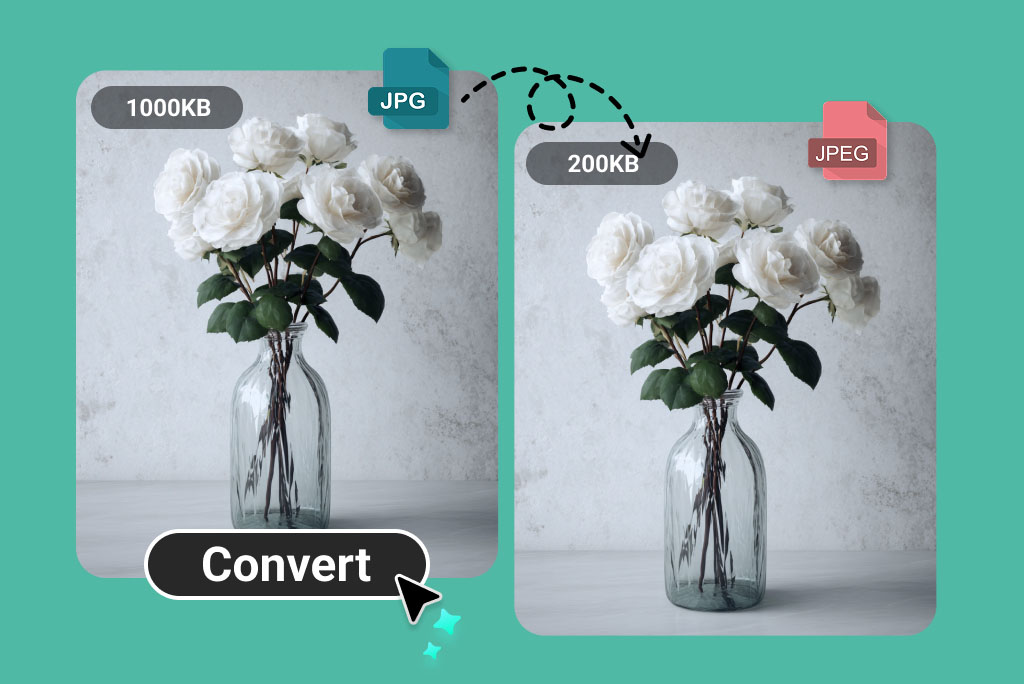
Optimize Your Files: Convert JPG to JPEG and Reduce Size Easily
JPEG images typically have a more optimized file size compared to JPGs. That means when you convert JPG to JPEG, you often get a smaller file without any noticeable difference in quality. Reducing image size is crucial for web optimization, faster uploads, and better storage management. For example, a large JPG file that's several megabytes can shrink to a few hundred kilobytes when converted to JPEG.
Optimize your files by converting JPG to JPEG to reduce size easily. This helps website owners, marketers, and students share images faster and save space. Try our JPG to JPEG converter for free to optimize photos while maintaining quality.
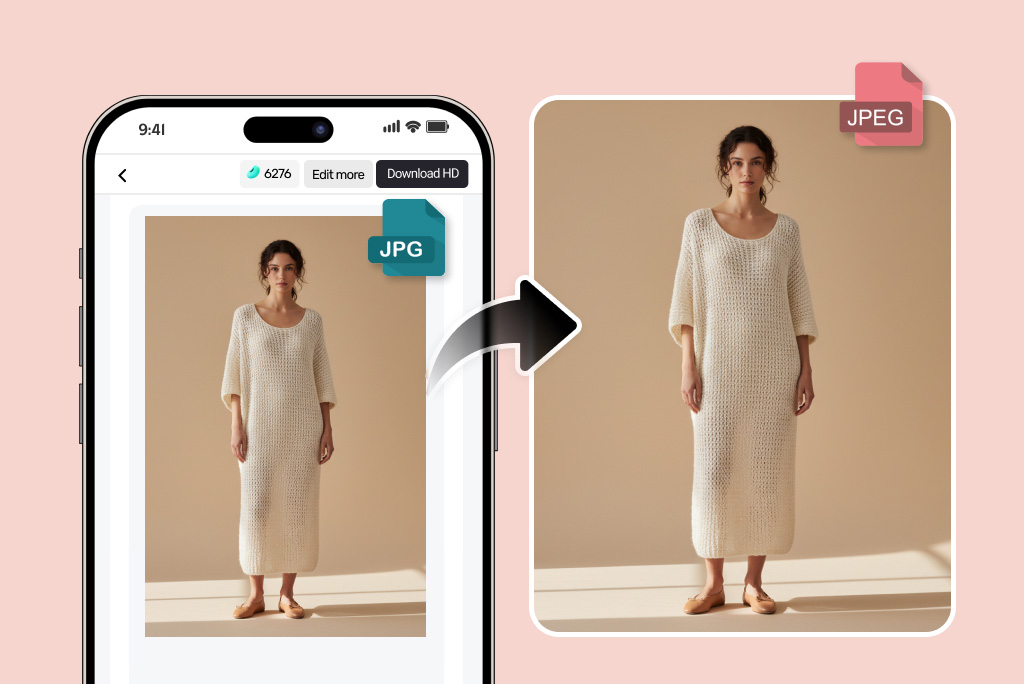
Convert JPG to JPEG Anytime, Anywhere, On Any Device
Our online JPG to JPEG converter is designed for flexibility and accessibility. You can use it anytime, anywhere, whether on a smartphone, tablet, laptop, or desktop. There's no need for app downloads or professional editing software. Simply open the converter in your browser, upload your photo, select "JPEG," and download your new image in seconds.
The tool works seamlessly across iOS, Android, macOS, and Windows devices. This makes it perfect for travelers, students, or professionals who need quick image format conversions while on the go. Because it's web-based, your data stays secure and private; no files are stored after processing. With our JPG to JPEG converter online, converting images has never been more convenient or reliable.
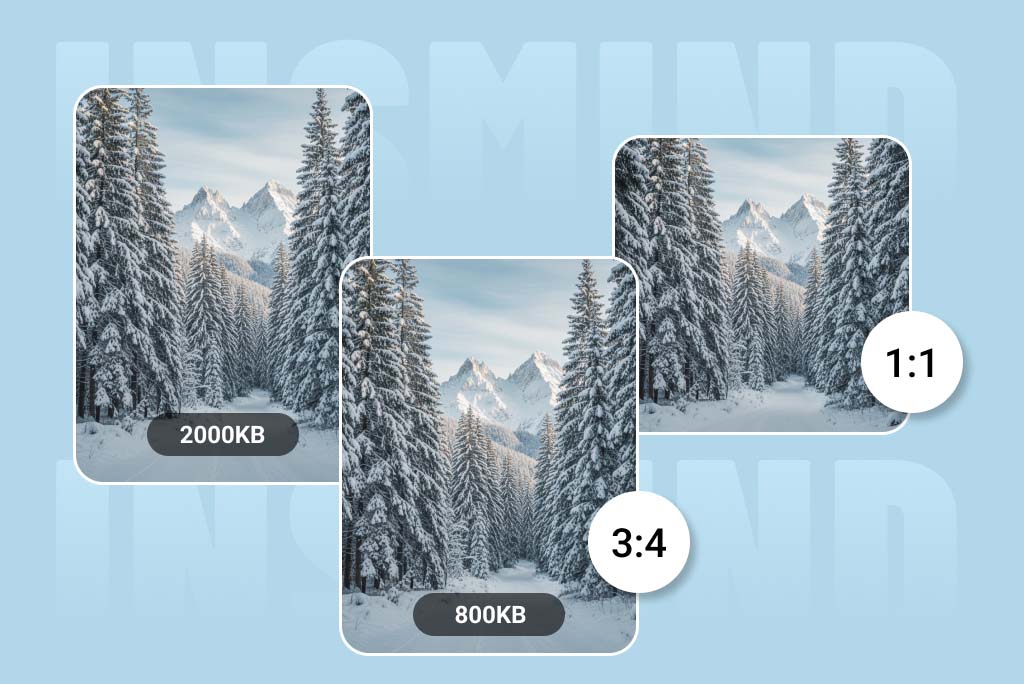
Beyond JPG to JPEG: Edit, Enhance, and Perfect Your Image
insMind isn't just a JPG to JPEG converter; it's a complete online image editor that gives you full control over your photos. Once your file is converted to JPEG, you can make quick adjustments directly within the same tool.
You can compress the image to make it web-ready, crop or resize it to fit specific aspect ratios like 2:1, 16:9, 9:16, 3:4, or 4:3, or even tweak brightness, saturation, and tone. It's ideal for social media creators, designers, or anyone looking to perfect their images before posting or printing. With insMind, you don't need multiple tools; it's your all-in-one photo format converter, editor, and enhancer. Make every photo look exactly how you want, from start to finish, with just a few clicks.
How to Convert JPG to JPEG Format Online
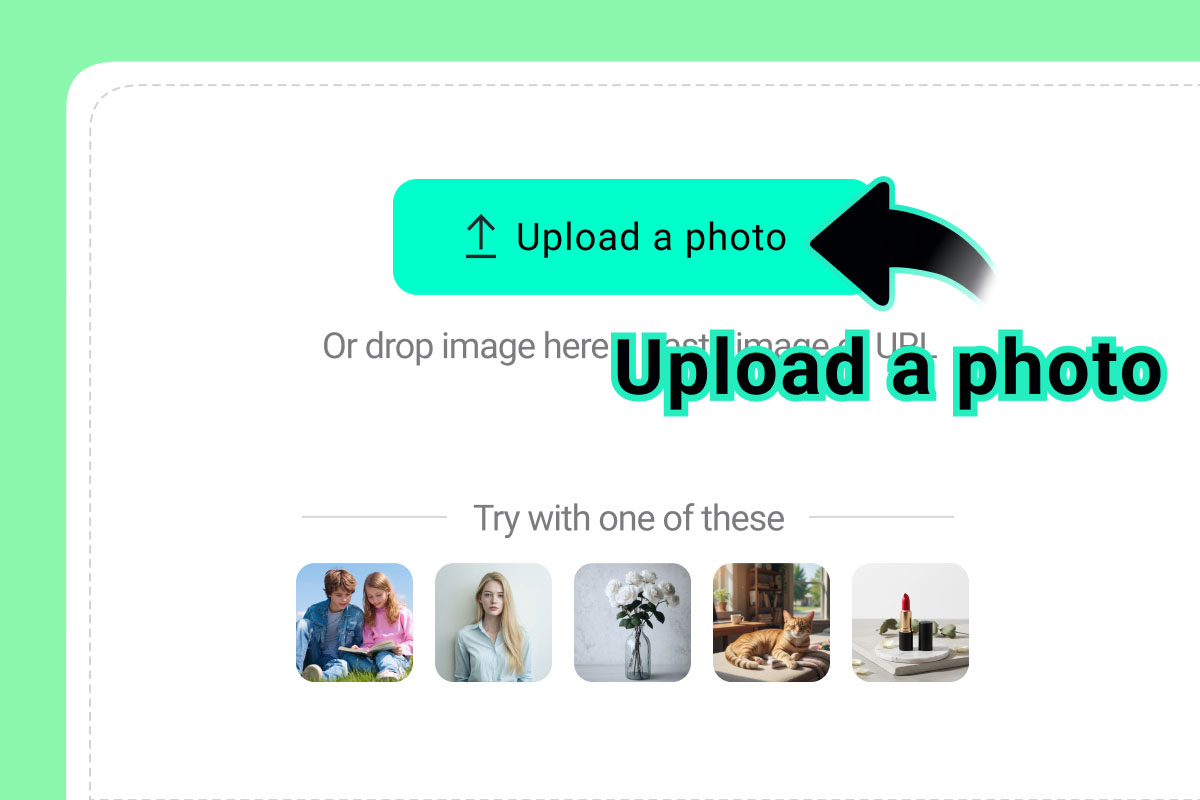
1 Upload Your Photo
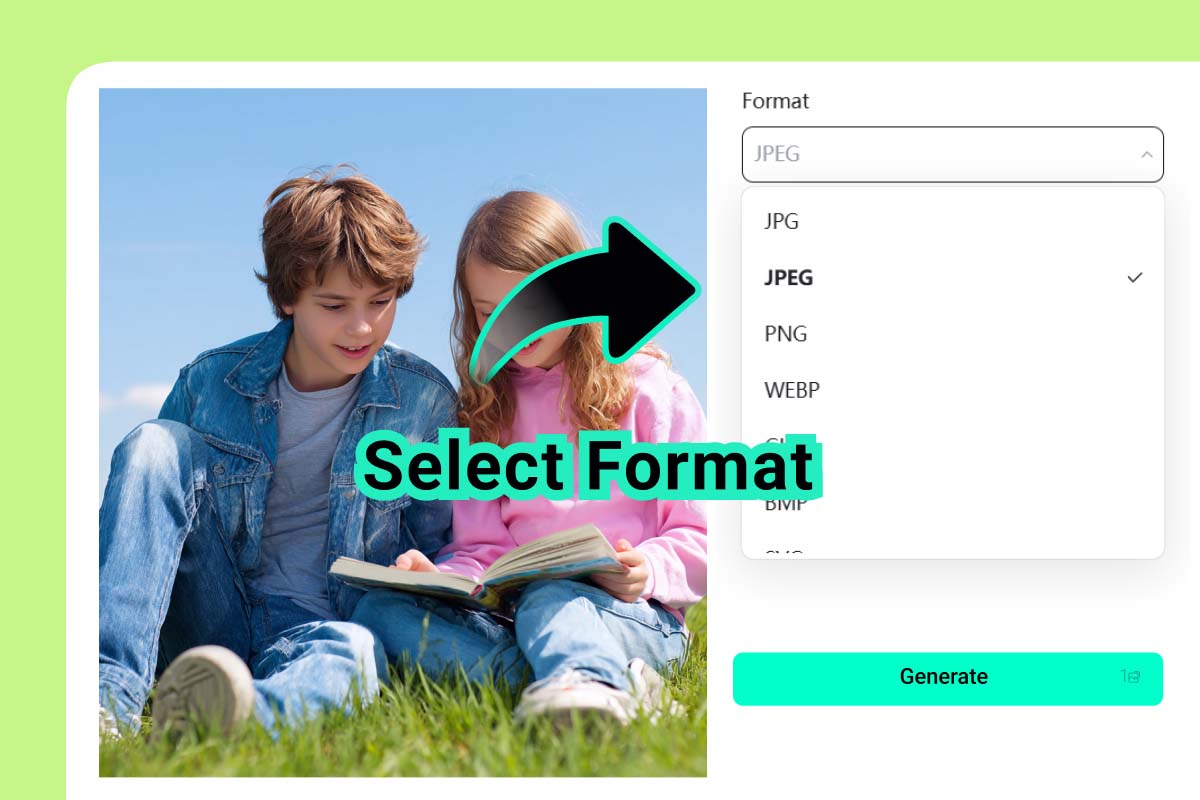
2 Select the "JPEG" Output Format
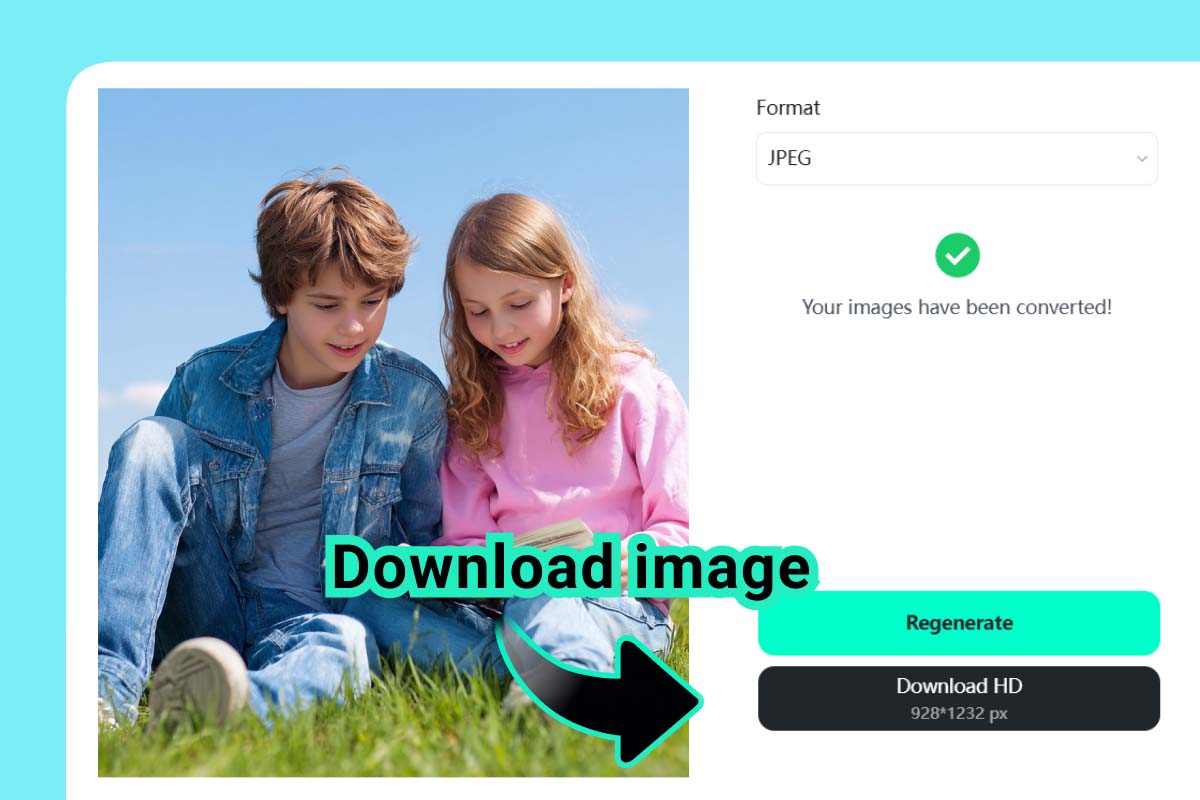
3 Convert JPG to JPEG
What Are the Use Cases of a JPG to JPEG Converter?
JPG and JPEG are essentially the same file type. The only difference originated from older Windows systems that required three-letter file extensions (.jpg). Meanwhile, platforms like macOS, iOS, and modern web tools use .jpeg. For compatibility, consistency, and seamless file management, users often convert JPG files to JPEG format.
Keep Your Image Library Consistent and Well-Organized
Modern digital systems, including editing tools and cloud storage services, often favor standardized file extensions like .jpeg for better recognition and organization. By converting JPG to JPEG, you ensure consistency across your image collection, making it easier to catalog, search, and manage. This uniformity eliminates confusion, enhances workflow efficiency, and keeps your file naming system professional and clean for personal or business use.
Ensure Seamless Compatibility Across Apps and Platforms
Certain platforms, apps, and APIs are configured to detect only .jpeg files for uploads, editing, or data processing. If your file remains in .jpg format, you might encounter errors or rejections during submission. Converting JPG to JPEG ensures seamless integration with image editors, CMS platforms, e-commerce systems, and social media tools, saving time and avoiding unnecessary compatibility issues.
Simplify Batch Processing and Automation Tasks
When dealing with batch image processing, automation, or development environments like Python, Node.js, or PHP, having all files in one consistent format simplifies the code logic. A uniform .jpeg extension makes it easier to loop, identify, or manipulate images programmatically. This not only streamlines workflows but also prevents runtime errors caused by inconsistent file naming across large image datasets.
Why Choose Our JPG to JPEG Converter?
Convert More Than Just JPGs: All Popular Formats Supported
Our converter isn't limited to just JPG and JPEG, it supports a wide range of formats including PNG, WEBP, GIF, BMP, SVG, TIFF, PDF, and AI. Whether you need to prepare images for printing, web design, or digital sharing, this tool offers a comprehensive and flexible solution for all your file conversion needs.
Instant Results with Simple One-Click Conversion
With a sleek and intuitive design, our converter makes the entire process effortless. Just upload your image, click once, and get your converted file instantly. No complicated menus, simply quick, reliable, and efficient conversion for everyone, from beginners to professionals.
Preserve Every Pixel with Crystal-Clear Conversion Quality
Each conversion is handled with precision to maintain the original resolution, colors, and fine details of your image. Our advanced compression system prevents distortion or pixelation, ensuring your JPEGs remain crisp, clear, and ready for any use, whether for web publishing, social media, or professional printing.
Frequently Asked Questions
What is JPG?


What is JPEG?
Are JPG and JPEG the same?
What's the difference between JPG and JPEG?
How do I convert JPG to JPEG?
Can I change JPG to JPEG on my phone?
You might also be interested in
Convert WEBP to PNG
Convert images to JPG/JPEG
Convert HEIC to JPG
Convert WEBP to JPG

Convert TIFF to JPG

Convert GIF to JPG
Convert SVG to JPG
"Great tool. I recently came across the insMind online converter, and it's really improved my JPG-to-JPEG conversion efficiency."
@Emily Carter