
Convert GIF to JPG Online


Effortless GIF to JPG Conversion in One Click
With the insMind GIF to JPG Converter, transforming GIFs into JPG format is as easy as a single click. This intuitive tool is designed to simplify the process, enabling you to convert animated GIFs to JPG effortlessly and in record time.
Whether you're working with one image or multiple files, our GIF to JPG converter delivers fast and reliable results, making it an ideal solution for various needs.

Versatile Format Support Beyond GIFs
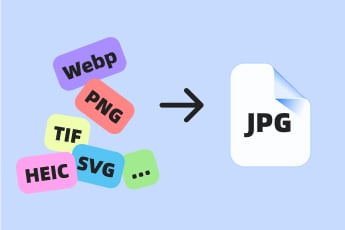
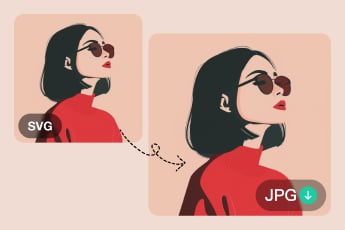
Our tool offers more than just GIF to JPG conversions. It supports converting multiple image formats, including WebP, PNG, TIFF, HEIC, and SVG, to JPG.
No matter the format of your images, our converter ensures efficient and seamless transitions to JPG, catering to all your file conversion requirements.

Convenient and Compatible Across Devices
The insMind GIF to JPG Converter works seamlessly on any device, offering ultimate convenience. Whether you're on a smartphone or PC, you can convert GIF to JPG online without any difficulty.
Thanks to its user-friendly interface, the tool provides a smooth and hassle-free experience, allowing you to handle image conversions anytime, anywhere.
Explore More JPG Converter Features
How to Convert GIF to JPG Using insMind

1 Access insMind

2 Upload Your GIF Image

3 Convert GIF to JPG

4 Download and Share Your JPG Image


Why Choose insMind GIF to JPG Converter?

Convert Animated Frames to Still Images
insMind GIF to JPG Converter lets you extract and save specific frames from animated GIFs as high-quality JPG images, perfect for static usage.

Customize Frame Selection
Choose the exact frame you want to convert, giving you complete control over the output. This feature is ideal for creating thumbnails or capturing key moments from GIFs.

Quick and Reliable Results
With its efficient processing, insMind ensures smooth and fast conversions without freezing or delays, making it ideal for projects with tight deadlines.
Frequently Asked Questions
What is a GIF file?


How do I convert an animated GIF to JPG?
Why use the insMind GIF to JPG Converter?
Is the insMind GIF to JPG Converter free to use?
You might be interested in
Make your pictures pop with creative AI tools you can explore during a free trial.

Convert HEIC to JPG
Convert Image to JPG

Convert TIFF to JPG

Convert WEBP to JPG
Convert SVG to JPG

"Converting GIFs to JPGs right from my phone is incredibly convenient. No app download required—just upload and convert!"
@Mia