
AI Car Color Changer – Preview New Paint Colors
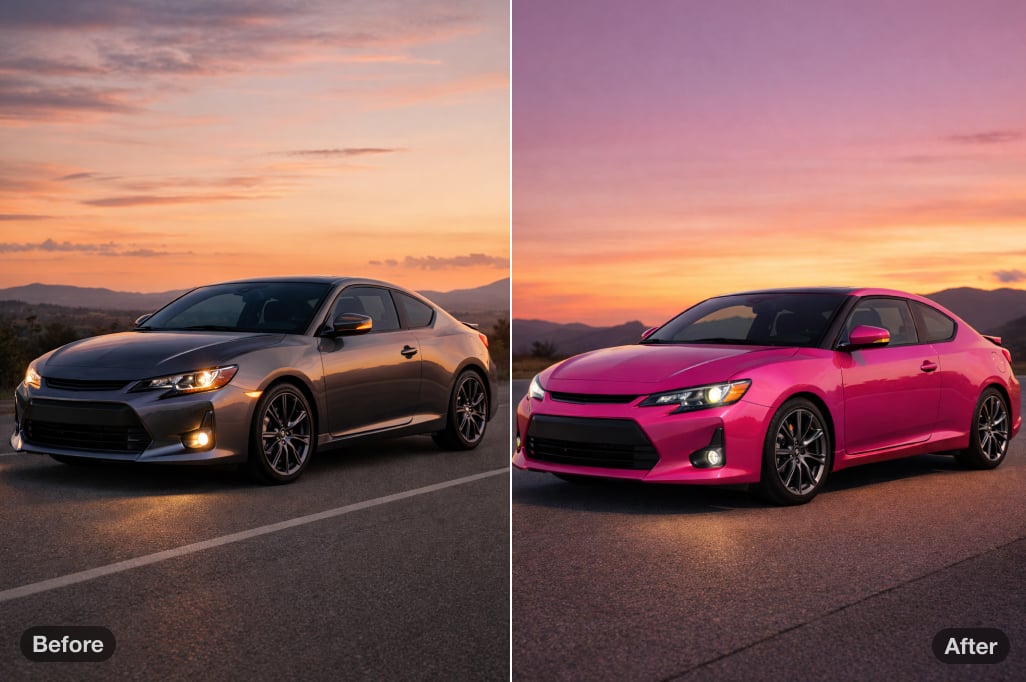


How to Change Your Car Color Online
Upload Your Car Photo
Click Upload a Car Photo and choose a clear side, front three-quarter, or rear three-quarter photo. A well-lit image with the full body visible makes it easier to keep windows, lights, wheels, and trim unchanged.
Brush Over the Paintwork
Use the brush to mark the body panels you want to recolor. Avoid glass, tires, badges, and lights. For a two-tone design, select only the roof, hood, mirror caps, or another accent area.
Describe the Color and Finish
Enter a direct instruction such as deep metallic blue with a gloss finish, matte charcoal gray, or white body with a black roof. Color plus finish gives the AI a clearer target than a color name alone.
Generate, Compare, and Download
Click Generate, inspect the panel edges and preserved details, then try another shade or refine your selection if needed. When the preview matches your idea, click Download to save it.
Preview Paint Colors and Finishes on Your Own Car
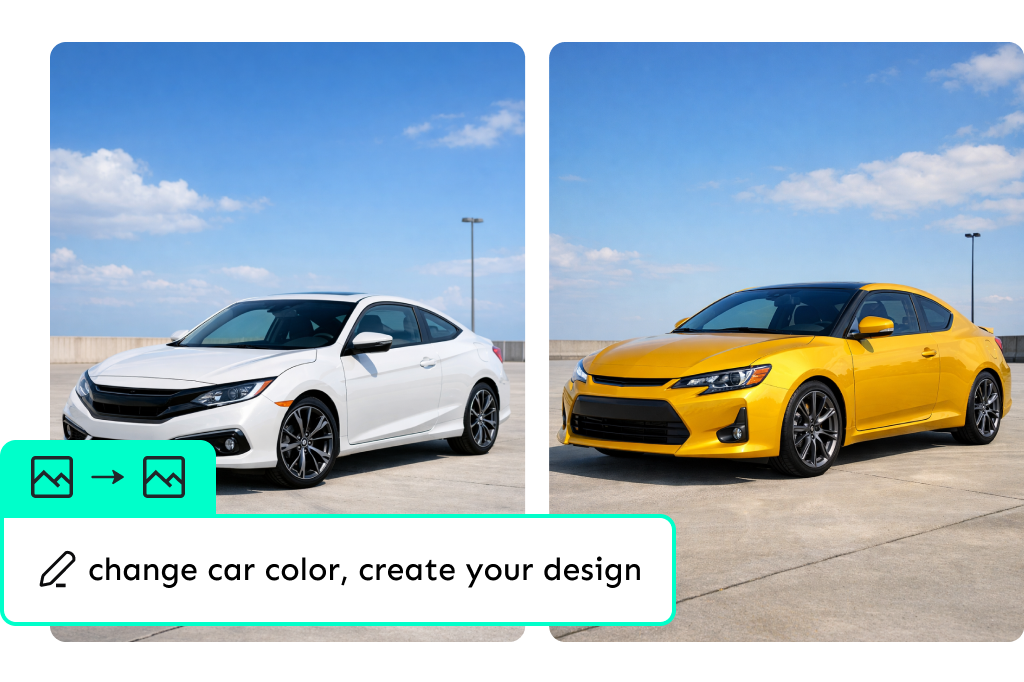
A paint swatch cannot show how a shade will look across your car's curves. Use the AI car color changer to test gloss black, satin white, metallic blue, pearlescent green, or a custom two-tone idea on the photo you upload. If you want to recolor other products or objects, use insMind's recolor image tool.
Want to virtually paint your car online? Start with one strong option, then generate a few close variants. Comparing the same view makes small differences in brightness, saturation, and finish easier to judge. Try it now for free.
Keep Body Lines, Reflections, and Car Details in View
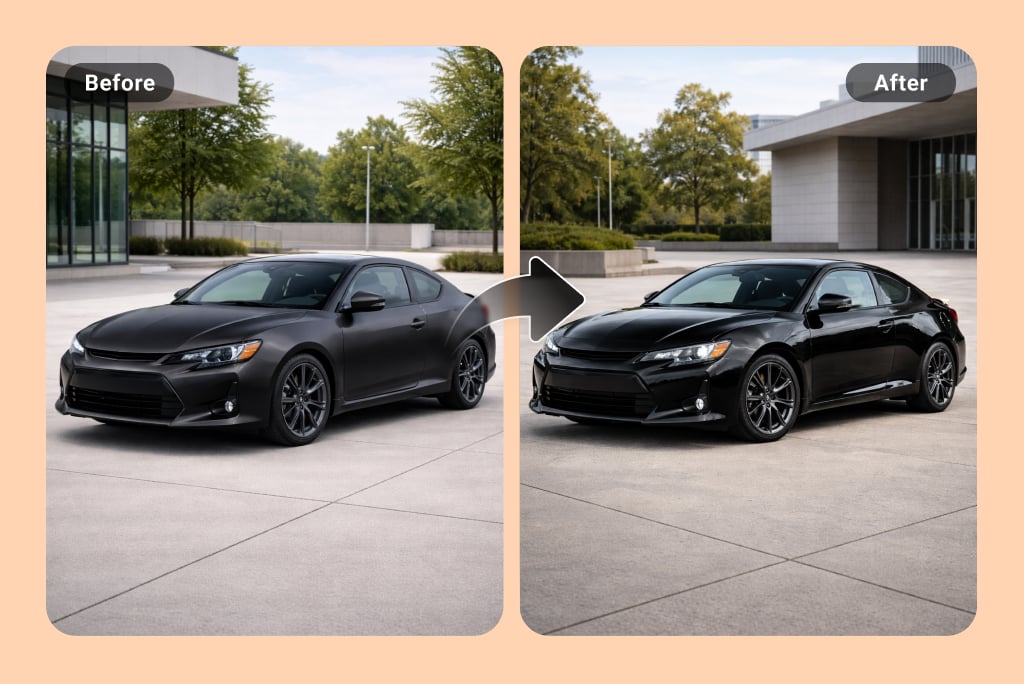
The editor applies the requested color inside the area you brush while keeping the surrounding photo as the reference. This helps the preview retain body contours, existing highlights, windows, wheels, and the background instead of turning the whole image into a flat color filter.
For the cleanest comparison, use a sharp, evenly lit source photo and check panel edges after generation. If the original image is soft, improve it first with the AI image enhancer. The result is a planning visual, not a guaranteed match for a physical paint code or material under every lighting condition.
8 Practical Ways to Use an AI Car Color Changer
Compare paint, wrap, accent, and presentation ideas on a real vehicle photo before you make the next decision.
Compare Colors Before a Repaint
Preview Paint and Vinyl Wrap Finishes
Plan Two-Tone and Accent Panels
Show Alternative Colors in Vehicle Listings
Develop Automotive Concepts
Mock Up Fleet Brand Colors
Explore Restoration Color Options
Create Car Content Variations
Continue Editing with Related Color and Car Tools
Frequently Asked Questions
How does the AI car color changer work?


Can I change the color of one car part or make a two-tone design?
Which paint finishes can I describe?
What kind of car photo gives the best result?
Can I use the preview as an exact automotive paint match?
Can I try an AI car color change online for free?