With our PNG background remover tool, you can easily remove the background from your PNG images. And our tool does it really well, especially with complex details like hair or edges. The best part is that there is no manual work on your part; we will automatically remove the background because our AI is smart and knows the edges of the PNG image. But we do even more than just make PNGs transparent. You can reduce the opacity if you want, and create semi-transparent or translucent PNGs. This flexibility is what makes our PNG background remover tool different from others out there.

Remove Background from PNG Images Online with AI

up to 30 images
Or drop image here, paste image or URLTry with one of these


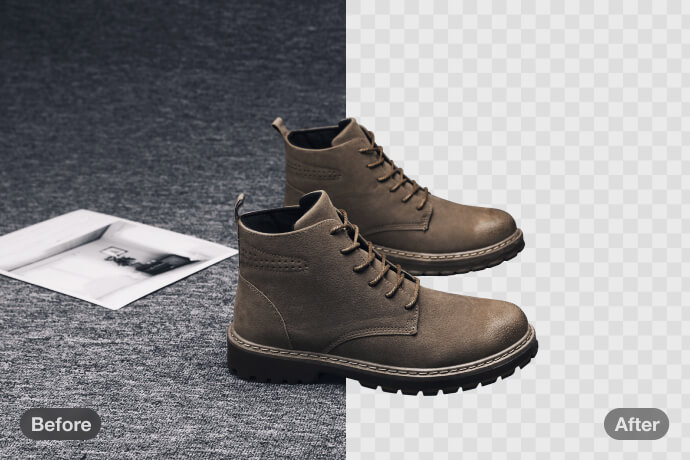
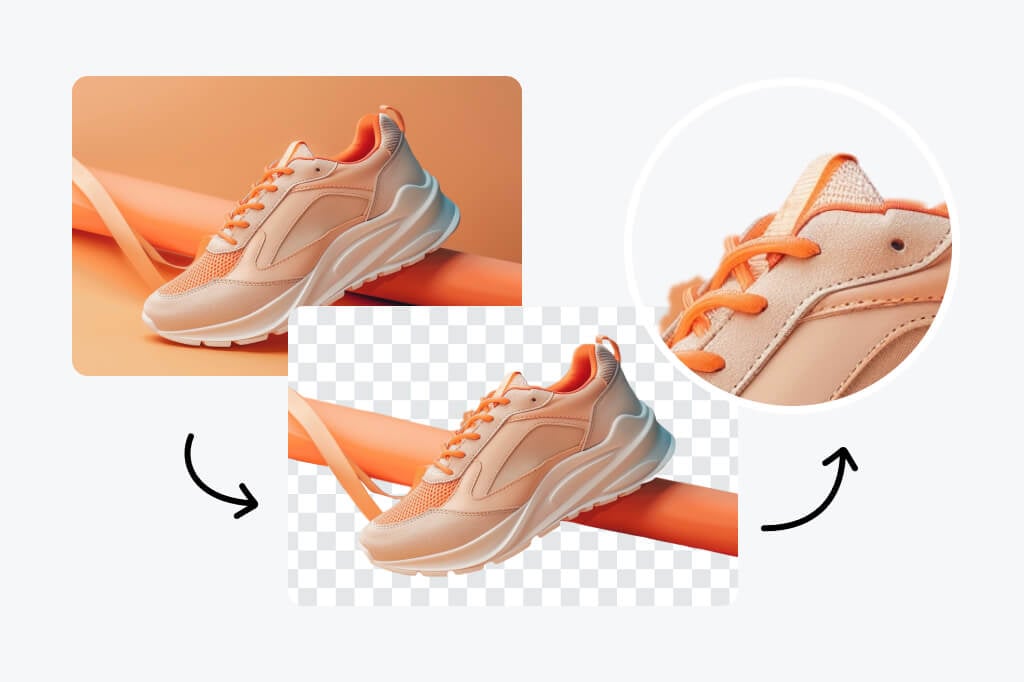
Batch PNG Background Eraser for Multiple Images
In addition, our tool does not just remove the background from one PNG image at a time. You can upload 30 PNG images and process them at once instead of one by one, which saves you time. So if you are an e-commerce seller, photographer, or content creator, then batch PNG background removal is truly a game-changer. You can get professionally done, quick results without all the annoying and tedious photo editing. You can just whitelist your time directly back towards your projects that you actually enjoy working on.
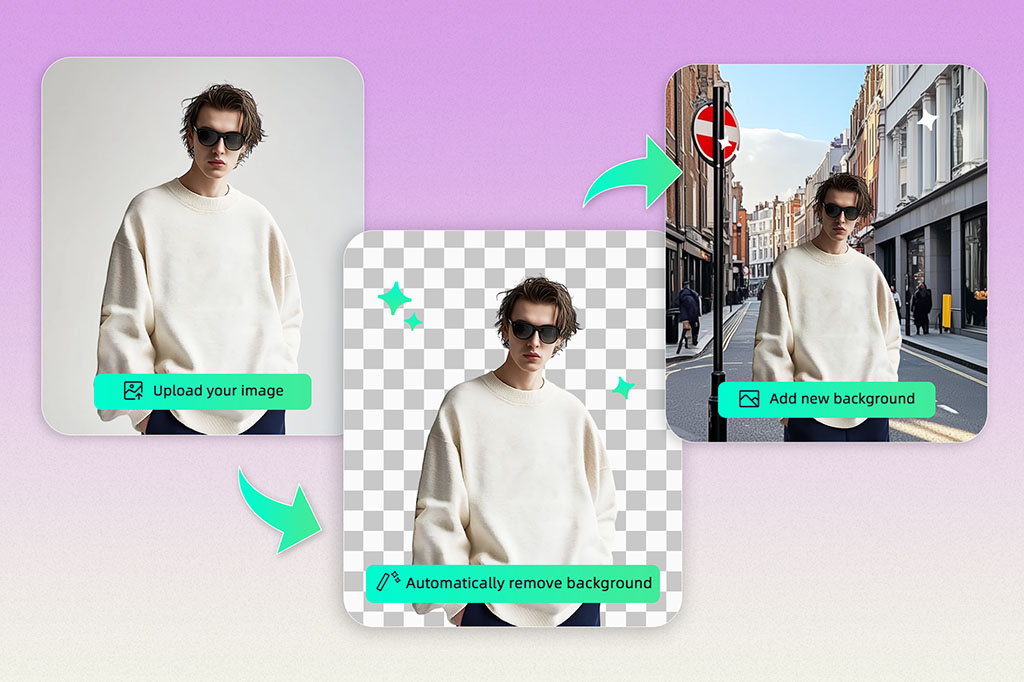
Transform Your Pictures with PNG Background Remover
Once you remove the background from your PNG images, you can edit them to take your photos to the next level. You can add a new background or replace it with a solid color. Applying a transparent background to your PNG images lets you use them across multiple designs, websites, digital platforms, or even marketing materials. Removing the PNG background not only makes your images visually captivating but also turns them into versatile assets that can be used for many different creative purposes.
Why Use a PNG Background Remover?
There are many PNG background remover use cases. Our tool helps you save time, improve image quality, and make your visuals professional.

Erase Distracting Background from PNG
Delete unwanted or distracting backgrounds from PNG files to make the subject stand out clearly. This ensures your main object gets the attention it deserves.
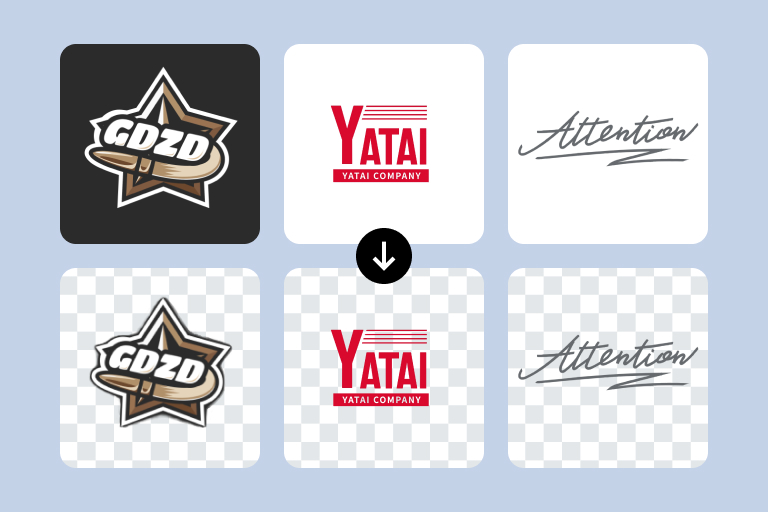
Blend with Designs and Websites
Removing PNG backgrounds allows you to blend images into designs, websites, or marketing materials seamlessly. Transparent backgrounds are perfect for logos, branding, and promotional visuals.
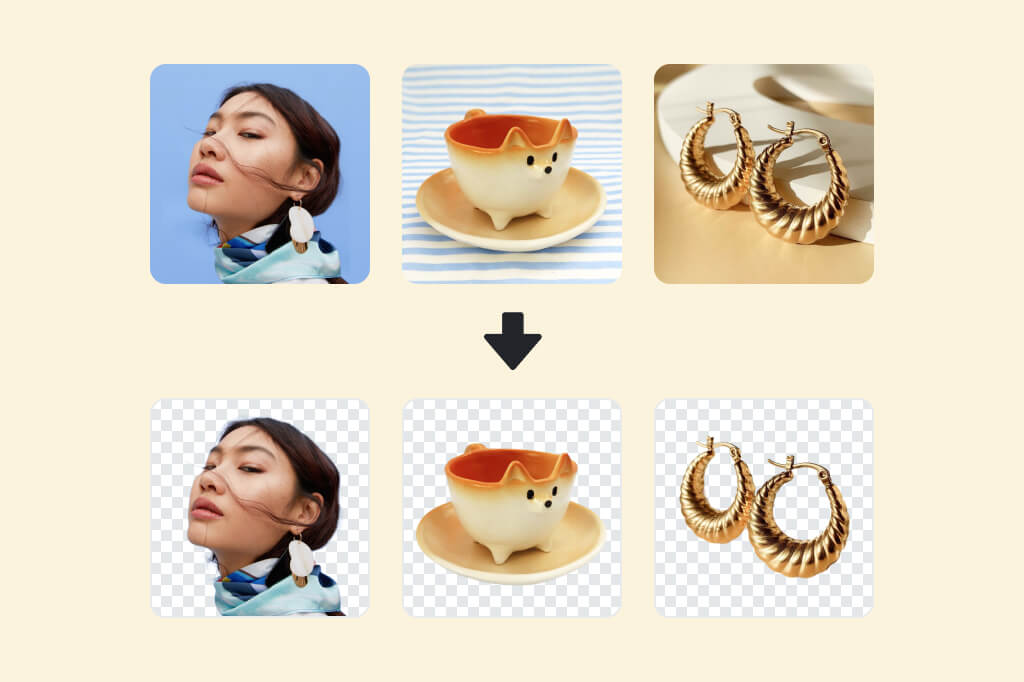
Get Clean Looks for Product Photos
Clean, background-free PNGs give your product images a professional look. Viewers focus on the product itself, which can help increase engagement and boost sales.
Who Can Benefit from PNG Background Remover
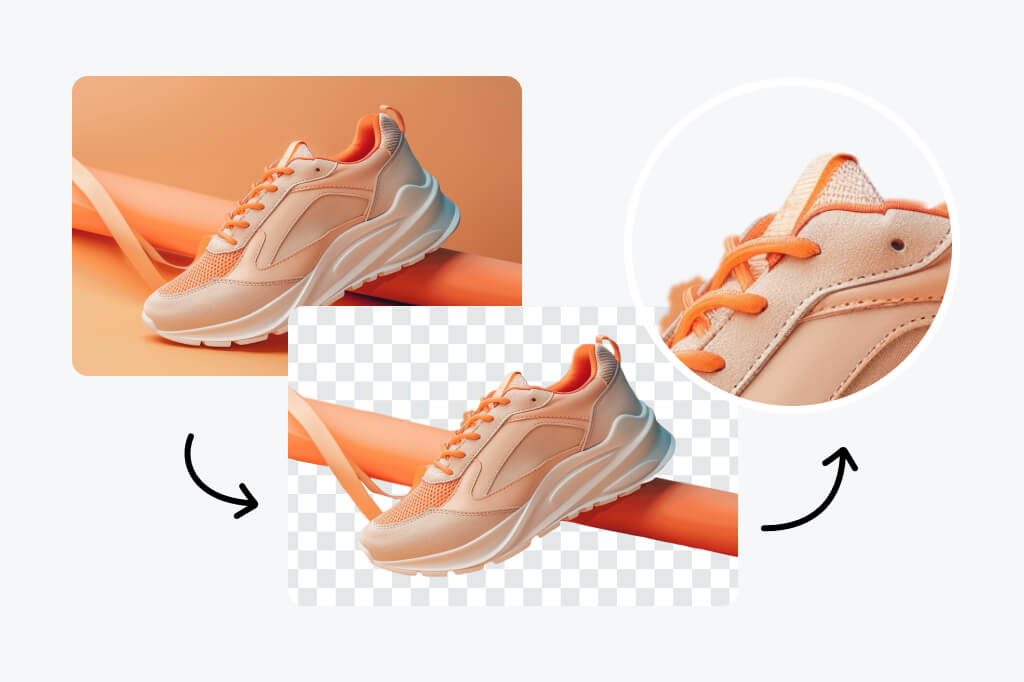
E-commerce Sellers
E-commerce sellers can remove unwanted backgrounds to make their product images clean and professional. This helps listings look more attractive and increases buyer interest.

Photographers
Photographers can save time by automatically removing backgrounds from many images at once, keeping all details sharp and precise.

Designers
Designers can use PNGs with transparent or semi-transparent backgrounds to easily create layered designs and flexible compositions.

Content Creators
Content creators can quickly remove backgrounds from images for social media posts, videos, or marketing materials without using extra editing software.
FAQ about PNG Background Eraser
What is a PNG background remover?


A PNG background remover is an online tool that automatically deletes or erases backgrounds from PNG images, making them transparent or semi-transparent for use in designs, websites, or marketing materials.
Do all PNG images have a transparent background?
The PNG format supports an alpha channel (transparency layer), but not all PNG images are transparent. Just because a file is saved as .png doesn't mean it actually contains transparency.
How to tell if a PNG is transparent?
You can check if a PNG is transparent by opening it in an image editor. If you see a checkered background, it means transparency is present.
Why are transparent materials not always transparent?
The PNG format is superior to JPG due to its lack of compression. PNG photo format supports 16 million colors and can be compressed without losing their quality. To go a step further, you can enhance your PNGs with the insMind AI enhancer tool for free.
Can I remove the PNG background on my mobile phone?
Yes, insMind's online PNG background removers are mobile-friendly. You can upload images from your phone and remove backgrounds without installing software.
Why does the background come back after download?
This usually happens when the image is saved in a wrong format like JPG. Always choose PNG format when downloading to keep transparency intact. Tools like ours ensure the correct background removal.
What is the best PNG background remover?
The best PNG background remover should be fast, accurate, and easy to use. It should support batch processing, maintain fine details, and allow opacity adjustments for semi-transparent images. Among all the tools available, insMind delivers the best results.
You might also be interested in
Make your pictures pop with features that are completely free.
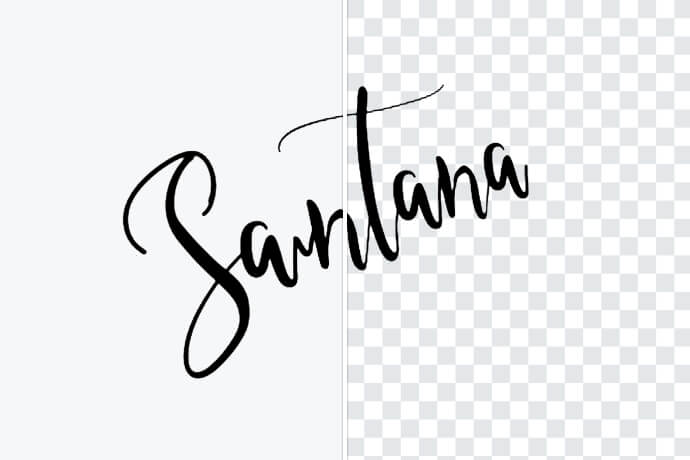
Remove Background from Signature
Effortlessly create an online signature with a background remover.

PNG Color Changer
Change the color of PNG with the best tool for free
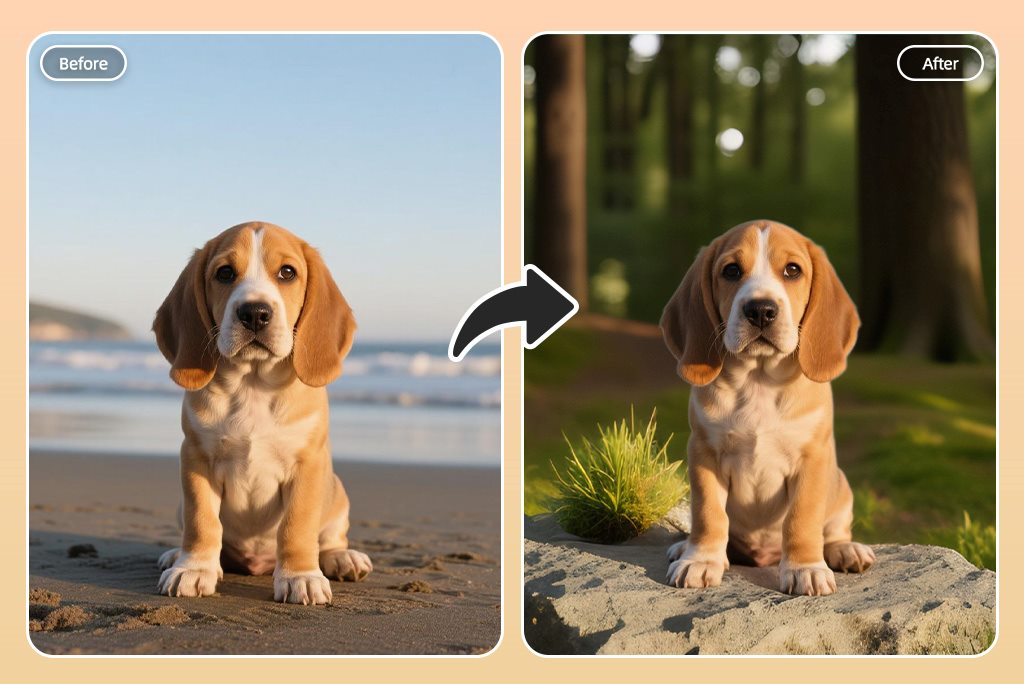
AI Background Changer
Edit, replace, or change the background of your pictures in just a few clicks with our AI-powered background changer.

AI Image Generator
Transform your text into stunning images with a simple prompt.
AI Logo Generator
Create a unique logo for your brand for free with the power of AI—no design skills required!