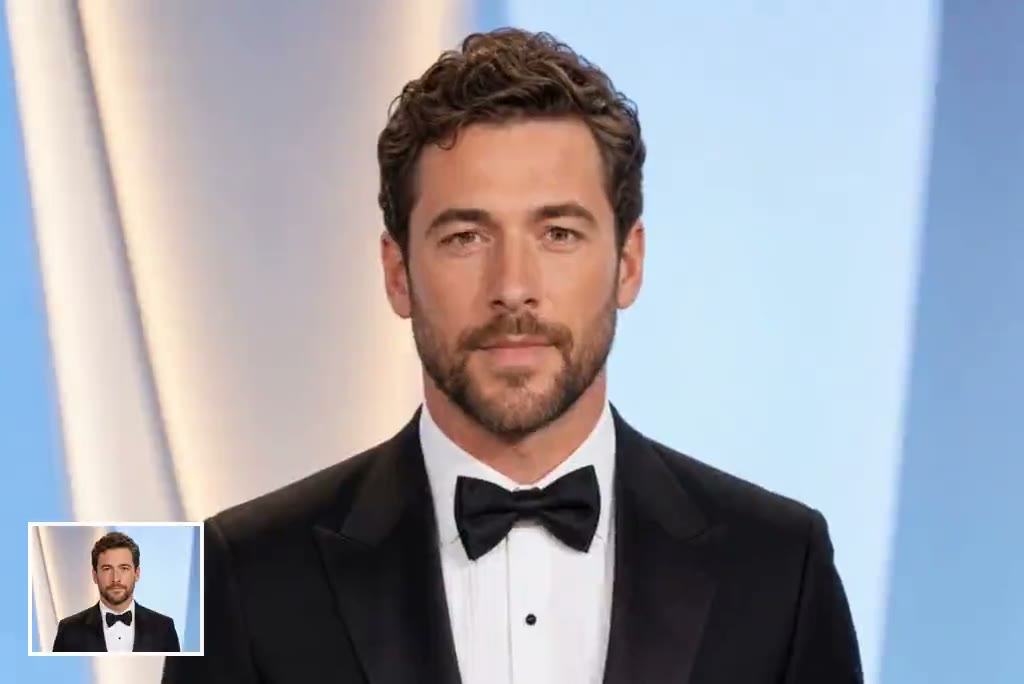
Upload a clear, front-facing portrait and describe the speech, expression, or motion you want. insMind animates the face with natural-looking movement, helping you create a polished talking clip without filming. For more general portrait motion, you can also animate photos with a dedicated workflow.

00:00
00:00
Turn a Portrait into a Natural Talking Video
00:00
00:00
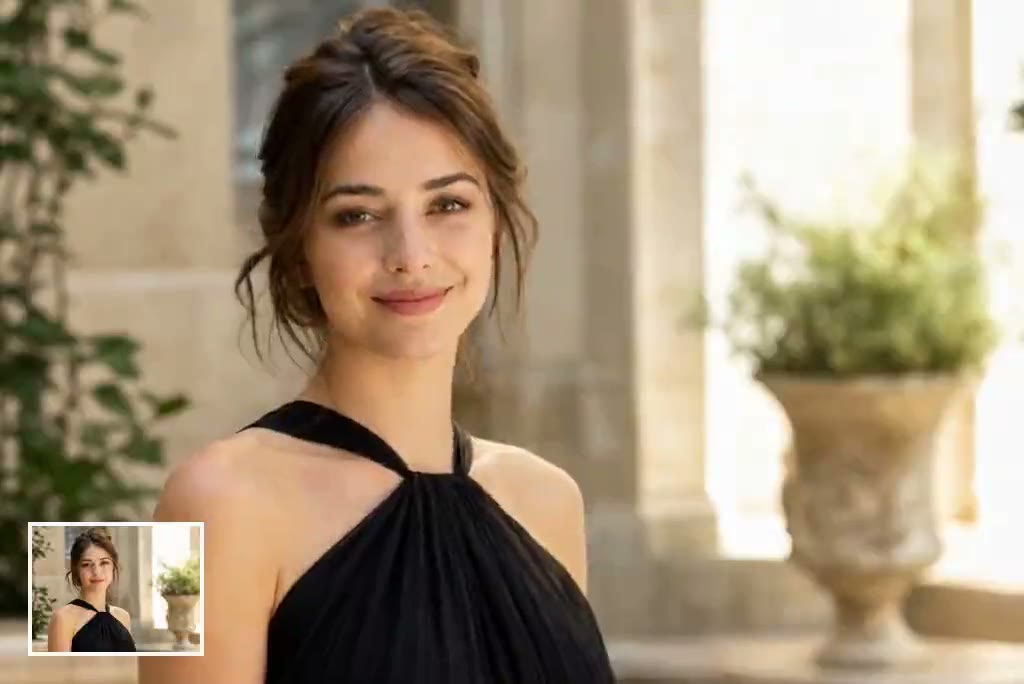
Guide Lip Sync, Expression, and Delivery with a Prompt
Use a concise prompt to guide the subject's tone, pacing, facial expression, and head movement. A well-lit portrait and a short, conversational line usually produce the clearest result. For speech-focused projects, explore the AI lip-sync video generator for a related creation path.
00:00
00:00
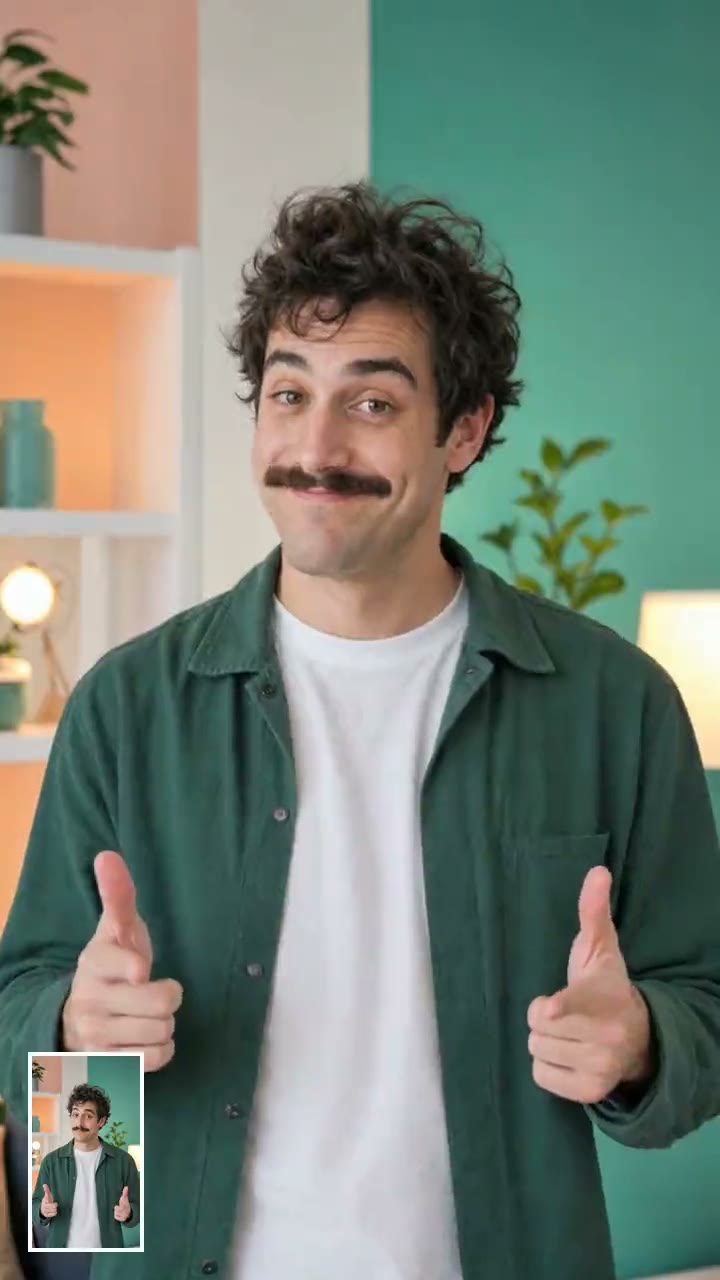
Make Celebrity-Style Clips for Social Media
Create short celebrity-style reactions, greetings, fan edits, and parody clips for TikTok, Reels, or Shorts. Use fictional or authorized likenesses, avoid misleading endorsements, and add disclosure when viewers could mistake the result for real footage.
How to Create an AI Celebrity-Style Video
Step 1: Upload an Authorized Portrait
Choose a clear, front-facing image that you created, licensed, or have permission to use. Photos with even lighting and an unobstructed face work best.
Step 2: Describe the Speech and Motion
Write a short prompt describing what the subject should say or express. Include tone, pacing, head movement, and the intended platform when those details matter.
Step 3: Generate and Review the Video
Generate the clip, then check lip movement, facial consistency, and timing. If the result looks unnatural, shorten the script or use a clearer source portrait.
Step 4: Export and Share Responsibly
Download the finished video in the available format. Add an AI disclosure where appropriate and confirm that your use follows likeness, copyright, and platform rules.
Popular Uses for AI Celebrity-Style Videos
Create playful, authorized talking clips for social posts, greetings, fan edits, and creator formats.
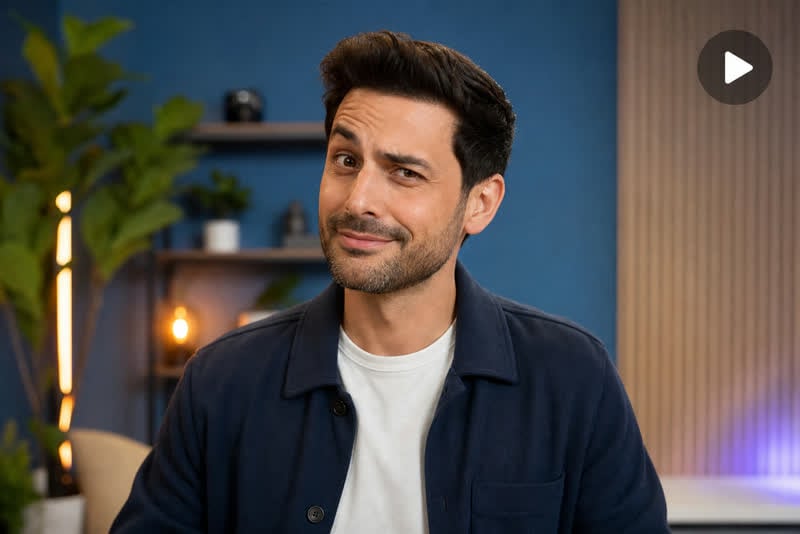
Celebrity-Style Meme Reactions
Turn an original fictional star portrait into a short reaction clip for a joke, trend, or punchline. Keep the context clearly playful and avoid presenting the clip as authentic footage.
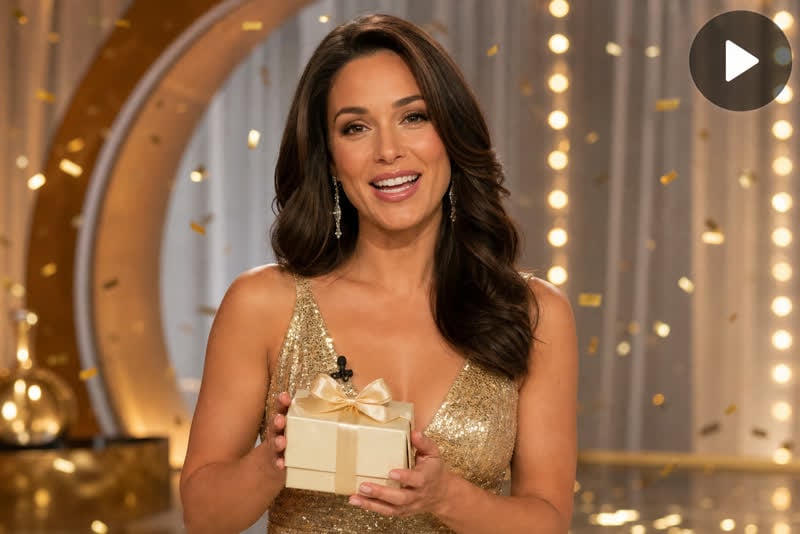
Personalized Greetings and Party Messages
Create a talking birthday, congratulations, or event greeting from an authorized portrait. A short script and friendly expression make the message easy to watch and share.
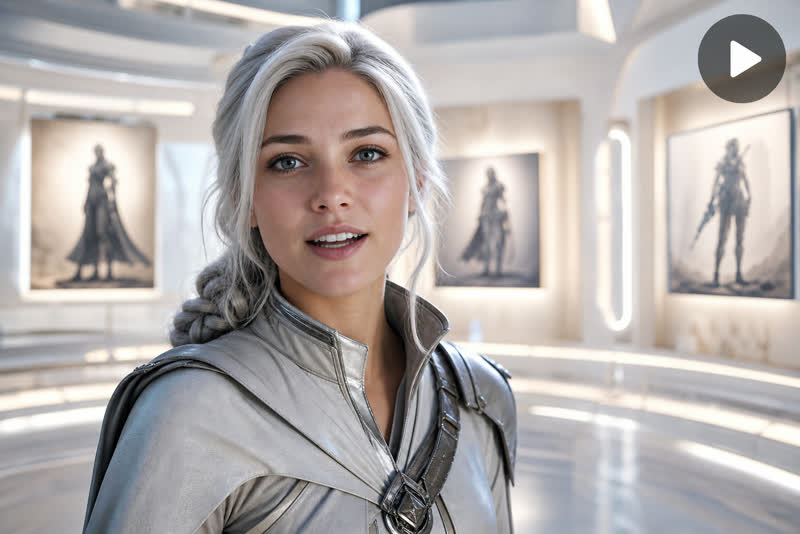
Fan Edits and Fictional Character Tributes
Animate fan art or a licensed character-style portrait for a tribute, edit, or creative concept. Use only visuals you are allowed to animate.
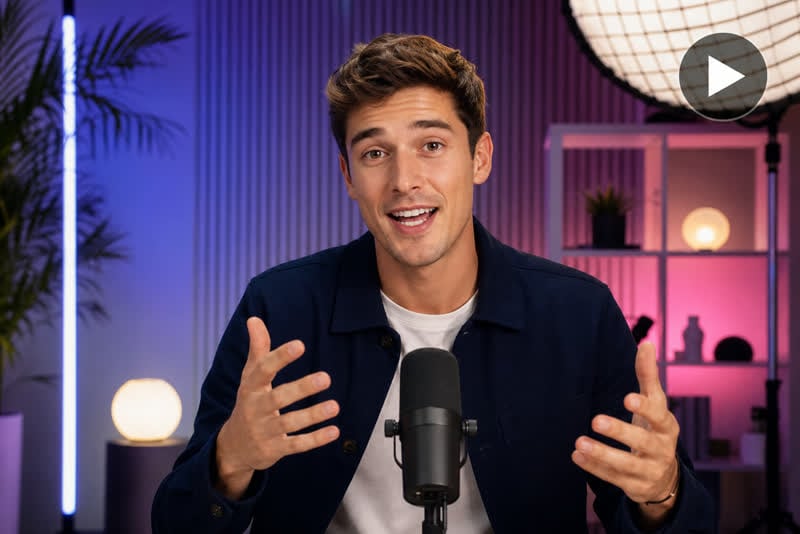
Short-Form Creator Intros
Build a fictional celebrity-style host for a channel intro, sketch, or recurring social format without implying that a real public figure supports the content.
Why Choose insMind for Celebrity-Style Videos

Portrait-to-Video Workflow
Start with one clear image and a focused prompt instead of recording a new video from scratch.

Prompt-Guided Motion
Describe the intended speech, expression, and pacing so the generated clip better matches your creative goal.

Social-Friendly Creative Options
Plan reactions, greetings, memes, and short creator intros for vertical or landscape publishing needs.

Connected Editing Tools
Continue refining the result with insMind's broader image-to-video and video editing tools in the same creative ecosystem.

Practical Input Guidance
Clear photo requirements and troubleshooting tips help reduce failed generations and unnatural facial motion.

Responsible-Use Support
Consent, likeness, disclosure, and commercial-use guidance help creators avoid misleading or unauthorized content.
FAQs About insMind AI Celebrity Video Generator
What is an AI celebrity video generator?


An AI celebrity video generator turns a portrait into a moving or talking video. It can animate facial expressions, head movement, and speech-like motion from an image and prompt. For responsible use, choose an original, licensed, or authorized portrait rather than impersonating a real person without permission.
How do I turn a photo into a talking celebrity-style video?
Upload a clear front-facing portrait, enter a short prompt or script, and generate the video. Review the facial movement and timing before exporting. If the result looks unnatural, try a sharper image, simpler wording, and more specific expression or pacing instructions.
Is the AI celebrity video generator free to try?
insMind provides free credits for trying core generation features. Availability and credit use can vary by model and output settings. Check the creation panel for the current credit requirement before generating.
Which photos produce the best results?
Use a high-resolution portrait with one clearly visible face, even lighting, and minimal obstruction around the eyes and mouth. A front-facing or slightly angled pose usually works better than a distant group photo, extreme profile, heavy shadow, or blurred screenshot.
Can I use a real celebrity's photo?
Only use images and likenesses you own, license, or have permission to use. Laws and platform rules vary by location and purpose. Do not create deceptive, defamatory, or unauthorized endorsements, and avoid presenting AI-generated speech as a real person's statement.
Should I label the video as AI-generated?
Yes when viewers could reasonably mistake the clip for authentic footage or speech. Add a clear disclosure in the caption or video, especially for realistic faces, public-interest topics, endorsements, or sponsored content. Also follow the labeling rules of the platform where you publish.
Can I create videos for TikTok, Reels, and Shorts?
Yes. Plan a vertical composition for TikTok, Instagram Reels, and YouTube Shorts, and keep the opening action easy to understand on a phone screen. Confirm the available aspect ratio and export settings before generating the final version.
How can I improve unnatural lip or face movement?
Use a sharper portrait with a clearly visible mouth, shorten the script, and describe a calm speaking pace. Avoid extreme expressions and rapid head turns. If generation still fails, test a different authorized image with more even lighting and less hair or accessories covering the face.
More Talking Portrait and Social Video Tools from insMind
00:00
00:00
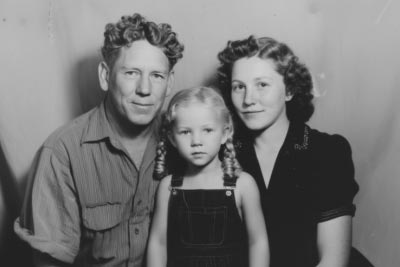
AI Talking Photo Generator
Turn a portrait into a natural talking photo video.
00:00
00:00
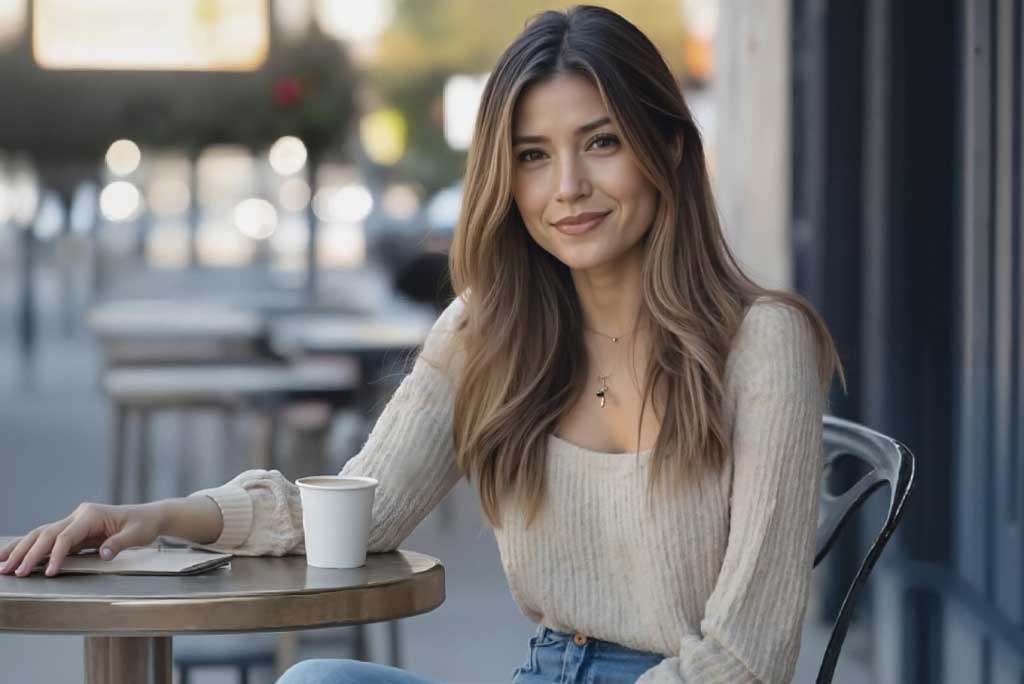
AI Lip-Sync Video Generator
Match speech and mouth movement in an AI video.
00:00
00:00
AI Photo Animator
Add natural movement to a still portrait or photo.
00:00
00:00
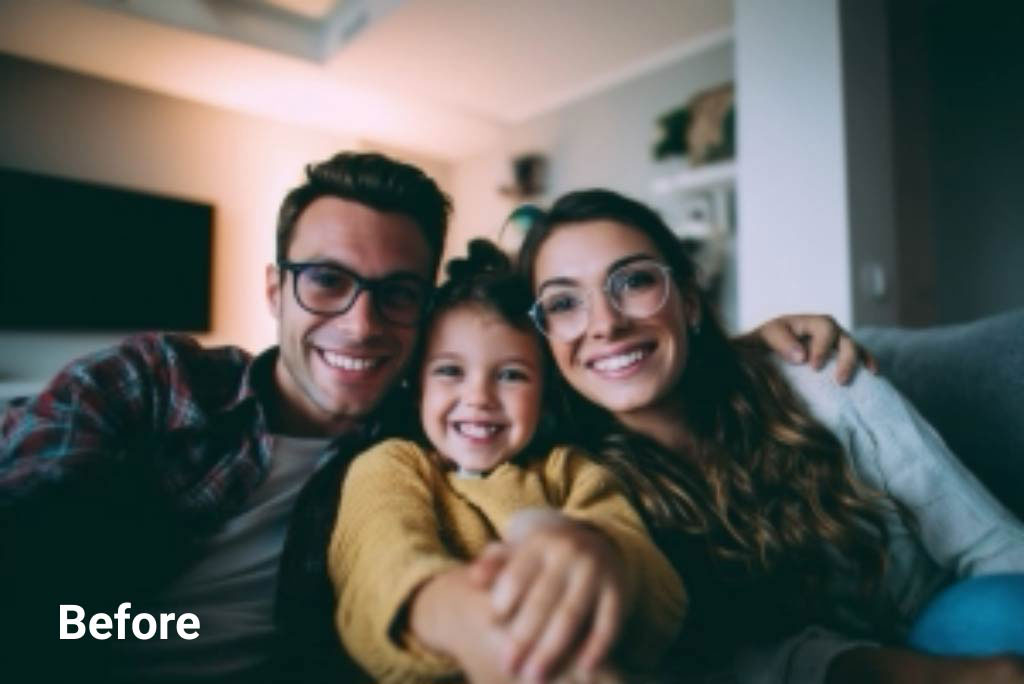
AI Face Animator
Animate expressions and facial motion from one image.
00:00
00:00
AI Influencer Video Generator
Create social-ready virtual influencer video concepts.
00:00
00:00
AI Character Animation
Bring fictional characters and artwork to life.

AI Meme Video Generator
Create quick meme videos for social sharing.
AI TikTok Video Generator
Make short vertical videos for TikTok formats.