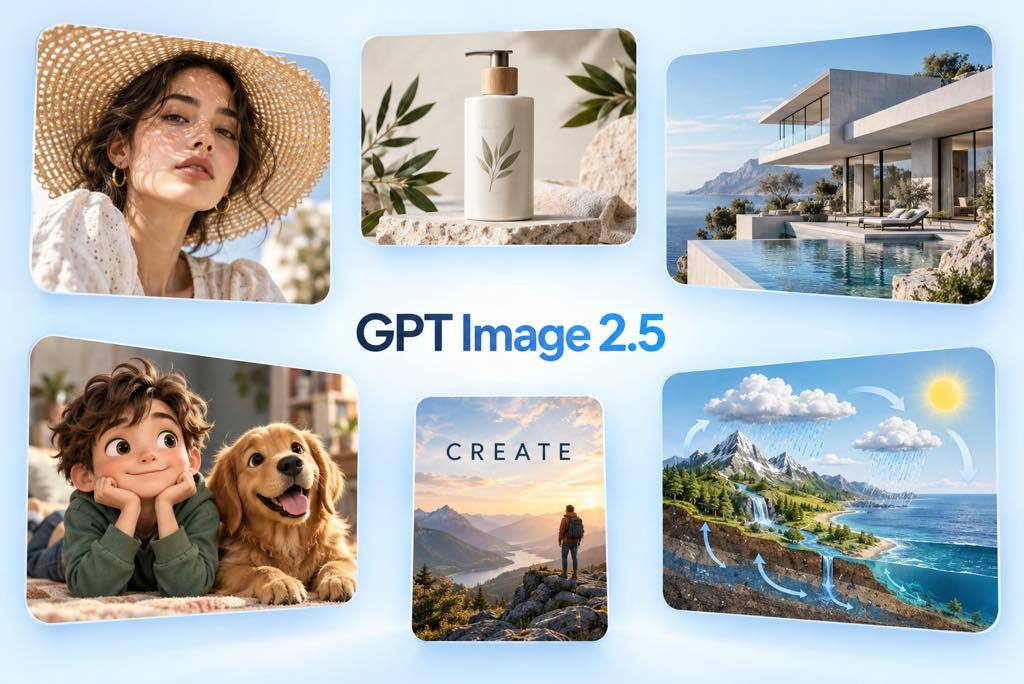
Describe the subject, composition, lighting, materials, exact text, and placement in everyday language. GPT Image 2.5 follows layered instructions closely, helping you move from a detailed idea to a polished result with an AI image generator.

GPT Image 2.5 AI Image Generator
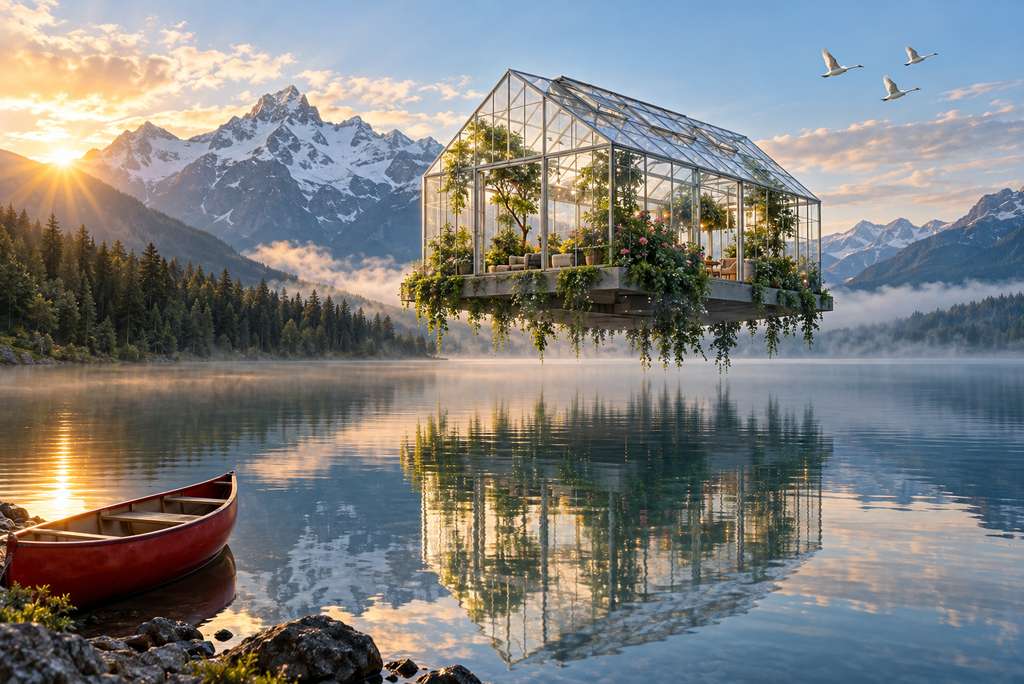
Follow Complex Prompts with Precision
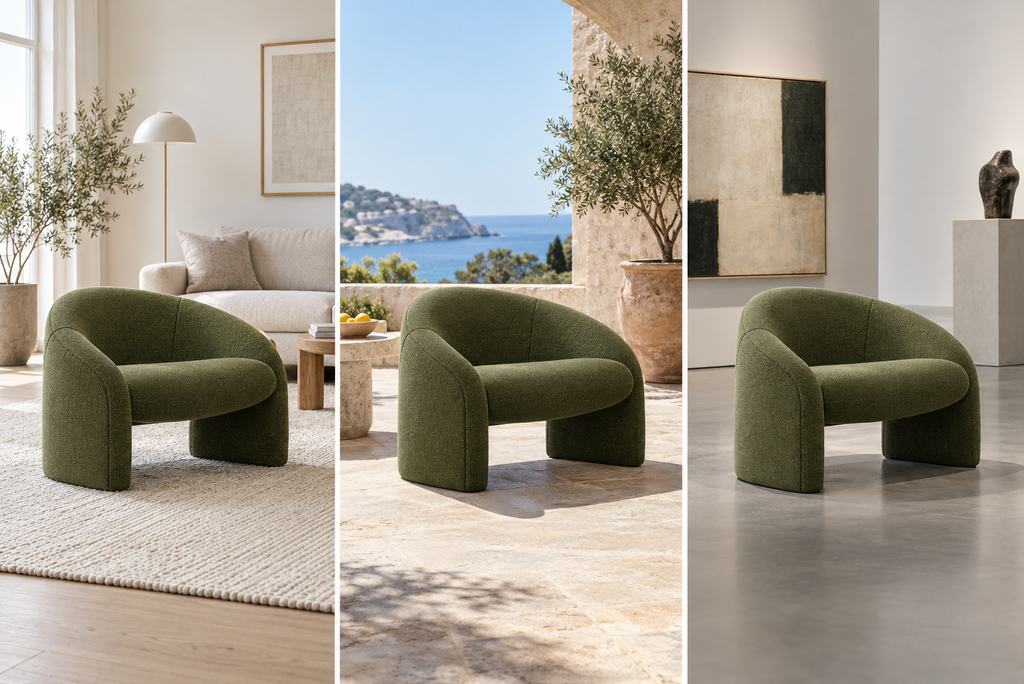
Keep Subjects Consistent Across Edits
Refine clothing, backgrounds, colors, objects, or lighting while preserving the details you already approved. Maintain recognizable subjects, product geometry, labels, and visual identity for sequential artwork and consistent character creation.
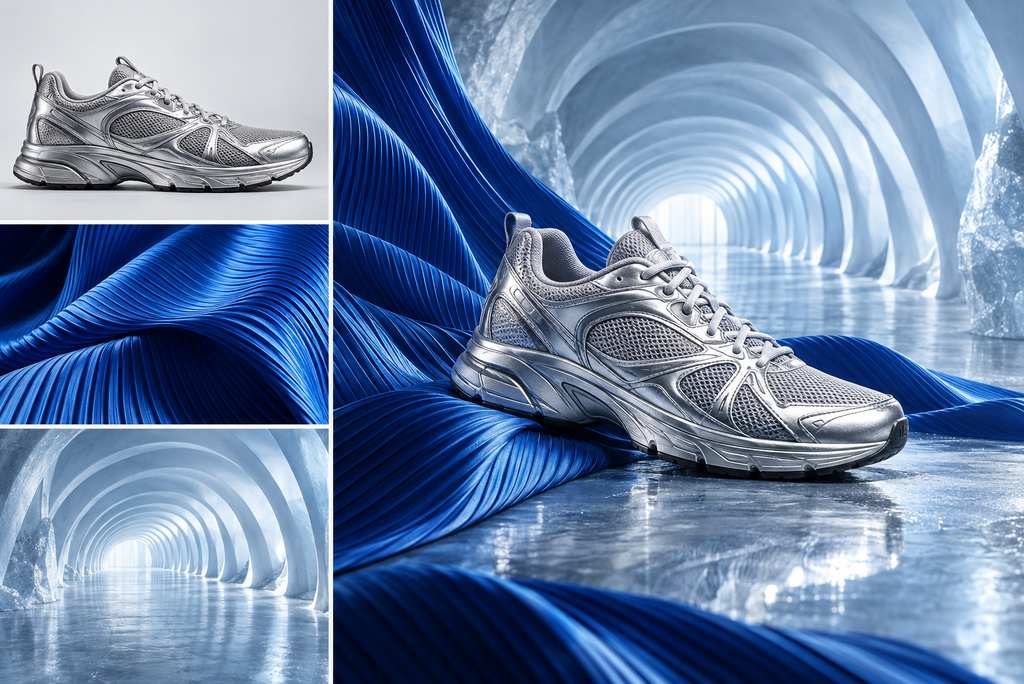
Combine Multiple References with Control
Upload reference images and explain the role of each one, such as subject, clothing, style, product, or background. Bring those inputs together while matching scale, perspective, lighting, and composition.
Explore More AI Image Models Beyond GPT Image 2.5
How to Use GPT Image 2.5 on insMind
Step 1: Enter a Prompt or Upload References
Describe the image you want in natural language. Add reference images when you need to preserve a subject, product, visual style, outfit, or composition.
Step 2: Select GPT Image 2.5
Open the model selector and choose GPT Image 2.5 for image generation and precision editing.
Step 3: Describe the Final Output
Add the format, composition, colors, lighting, exact wording, and details that must stay unchanged. Set the available size or aspect ratio.
Step 4: Generate, Refine, and Download
Generate the image, inspect the result, and request one focused change at a time. Download the finished visual when it meets your needs.
Use Cases for GPT Image 2.5
Create polished visuals for marketing, ecommerce, design, storytelling, education, and reusable assets.
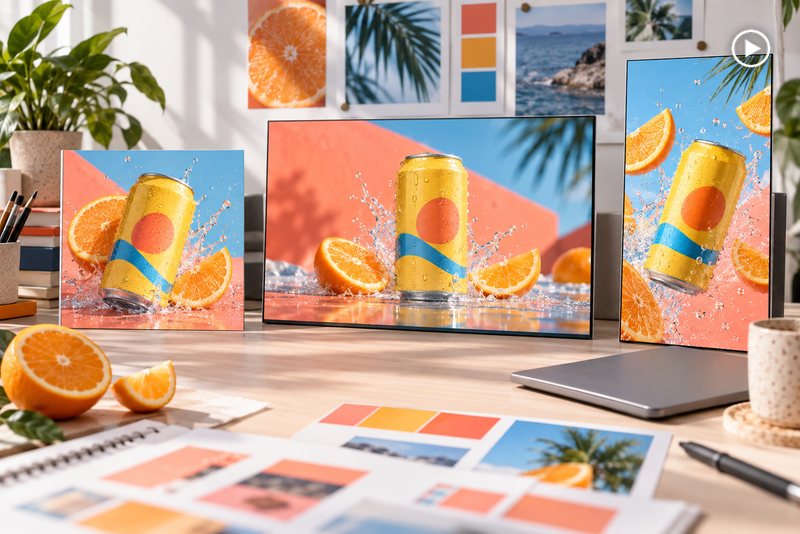
Advertising Creatives
Turn campaign briefs into polished social ads, launch graphics, and display creatives with controlled layouts and consistent direction.
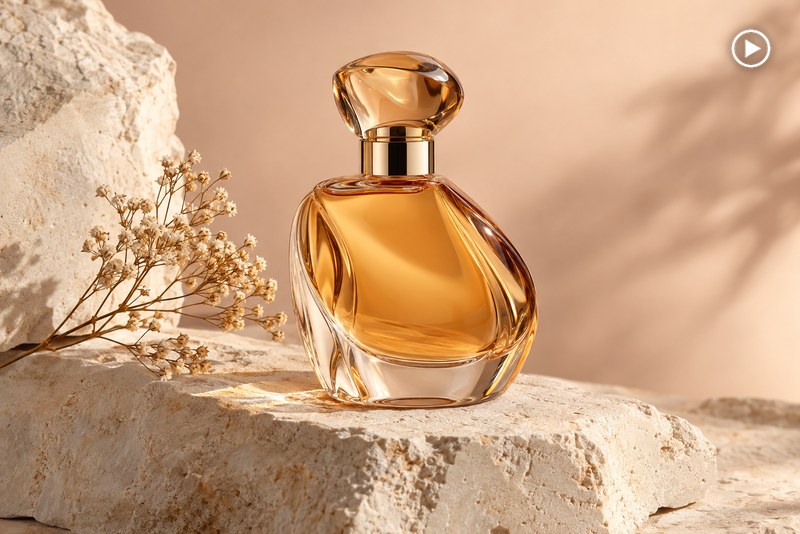
E-commerce Product Photography
Create studio shots, lifestyle compositions, bundles, and merchandising images with credible materials, reflections, and geometry.
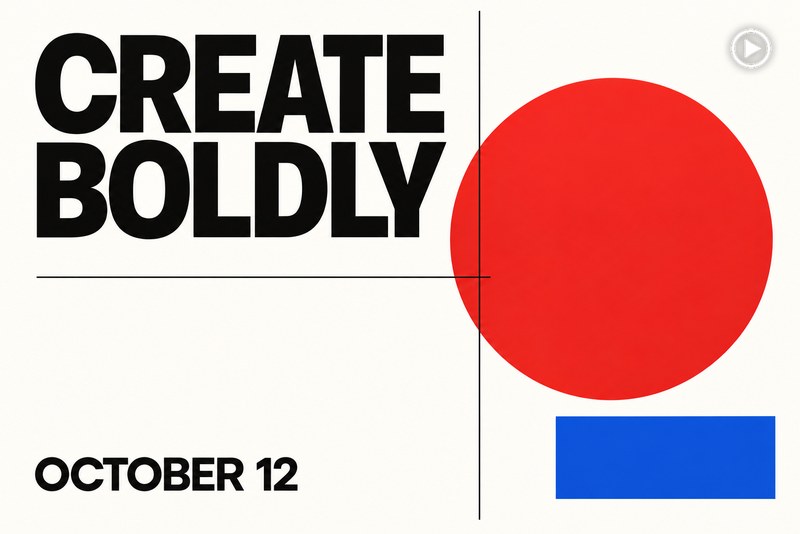
Posters and Text-Heavy Graphics
Produce event posters, promotional graphics, covers, and signs with intentional hierarchy and clearer typography.
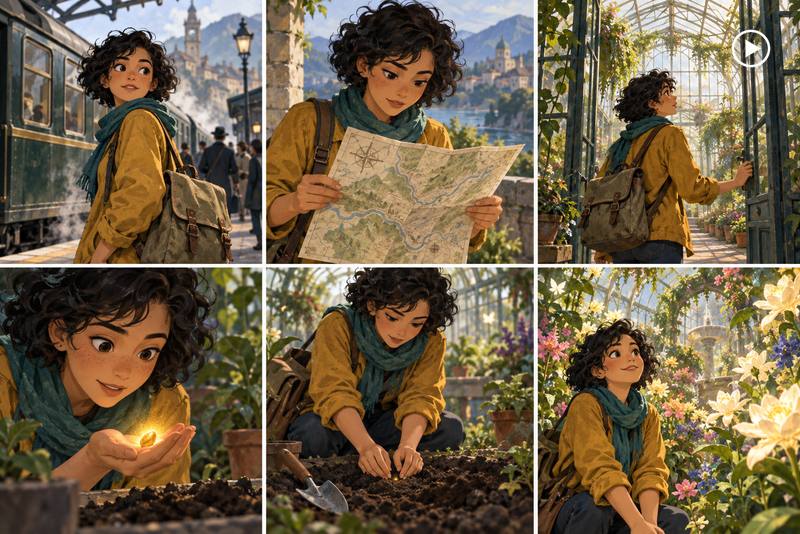
Consistent Characters and Storyboards
Develop recurring characters across story panels, campaign concepts, and scene variations while preserving their defining appearance.
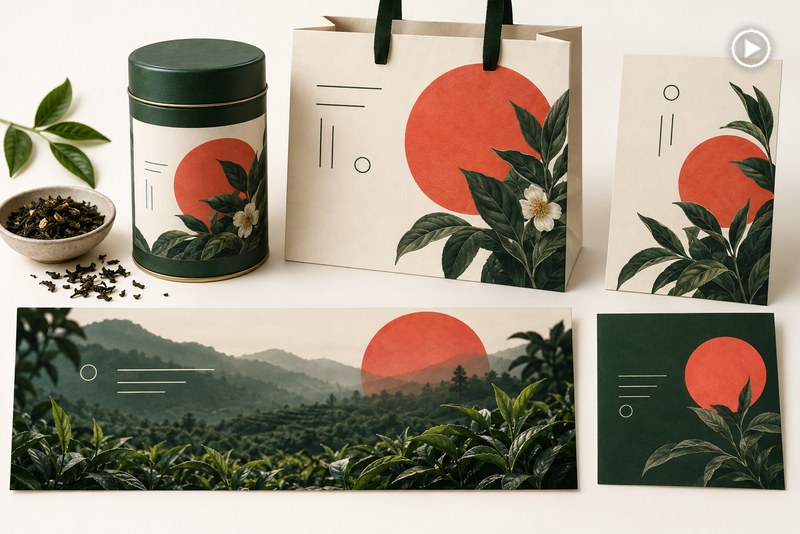
Brand Campaign Visuals
Explore coordinated visual systems for launches and seasonal campaigns while keeping colors, subjects, products, and framing aligned.
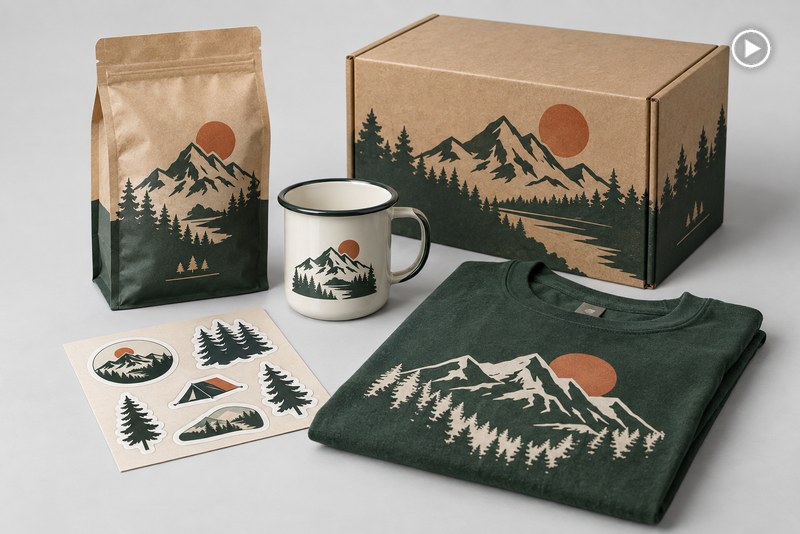
Packaging and Merchandise Concepts
Visualize boxes, bottles, labels, collectibles, and merchandise, then refine materials, colors, and print placement.
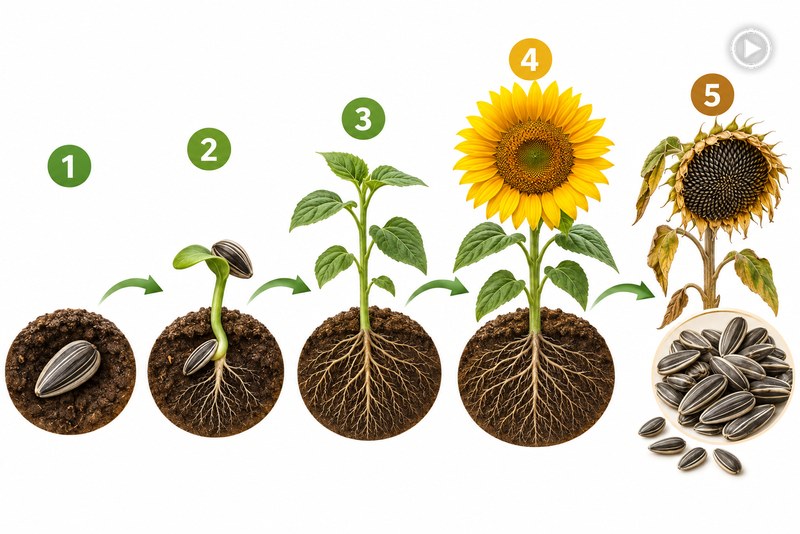
Educational Infographics
Turn explanations into diagrams, learning graphics, and labeled process visuals with clear hierarchy and scan-friendly spacing.
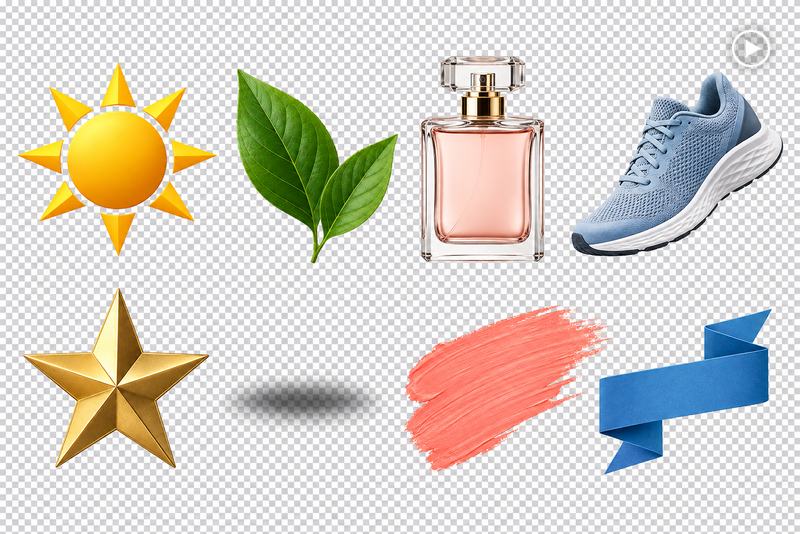
Transparent Logos and Design Assets
Prepare isolated logos, product cutouts, and reusable graphics, then polish edges and backgrounds with an AI photo editor.
Why Choose insMind GPT Image 2.5 AI Image Generator

Generate and Edit in One Place
Move from a new prompt to reference-based editing without switching between separate generation, retouching, and export tools.

Control the Details That Matter
Specify exact text, object placement, lighting, materials, composition, and preservation rules in natural language.

Work Without Technical Setup
Use GPT Image 2.5 through an approachable creative interface without configuring an API or building a pipeline.

Create for Multiple Formats
Prepare square, landscape, portrait, high-resolution, or transparent-background assets for different workflows.

Refine Images Step by Step
Make one focused adjustment at a time while restating the elements that should remain unchanged.

Choose Speed or Maximum Fidelity
Use Flare for faster iteration or Sunburst when intricate details and demanding final outputs need more attention.
FAQs About insMind GPT Image 2.5 AI Image Generator
What is GPT Image 2.5?


GPT Image 2.5 is an AI model for generating and editing images from natural-language instructions. It can follow detailed briefs, use references, render requested text, and preserve important subject details.
How do I use GPT Image 2.5 on insMind?
Open the insMind image generator, select GPT Image 2.5, enter a description or upload references, generate the image, and refine it with focused follow-up instructions.
Is GPT Image 2.5 free to try?
insMind provides a free trial for core generation features. Available credits and generation costs may vary by settings or account status.
What is the difference between Flare and Sunburst?
Flare is designed for faster generation and iteration. Sunburst prioritizes higher fidelity for detailed or demanding outputs.
Can GPT Image 2.5 generate and edit images?
Yes. Create from a text prompt or upload existing visuals and describe changes to objects, clothing, backgrounds, lighting, text, layout, or style.
Can I upload reference images?
Yes. References can guide the subject, product, outfit, style, environment, or composition. Explain the role of each reference for more coherent results.
How should I write a GPT Image 2.5 prompt?
Start with the deliverable and subject, then describe composition, style, lighting, colors, materials, exact text, and preservation rules.
What types of images can GPT Image 2.5 create?
Create photorealistic scenes, illustrations, posters, ads, product photos, packaging concepts, storyboards, diagrams, logos, and design assets.
What image sizes and aspect ratios are available?
Available workflows support square, landscape, portrait, and high-resolution outputs. Choose a format that matches the final destination.
Does GPT Image 2.5 support transparent backgrounds?
Yes. GPT Image 2.5 can create images with transparent backgrounds, making it useful for logos, product cutouts, stickers, and reusable design assets.
Can GPT Image 2.5 generate accurate text?
It can create text in posters, packaging, signs, diagrams, and promotional graphics. Quote the exact wording, specify placement, and review spelling before publishing.
How do I preserve a person or product while editing?
State exactly what should change and what must remain fixed, such as identity, pose, product shape, label, materials, proportions, and framing.
More AI Image Creation and Editing Tools from insMind
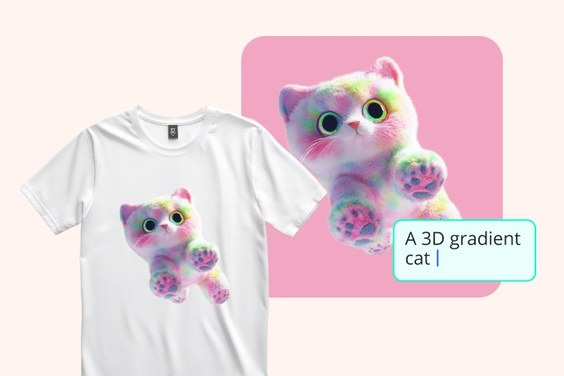
AI Art Generator
Turn written ideas into original artwork in varied styles.
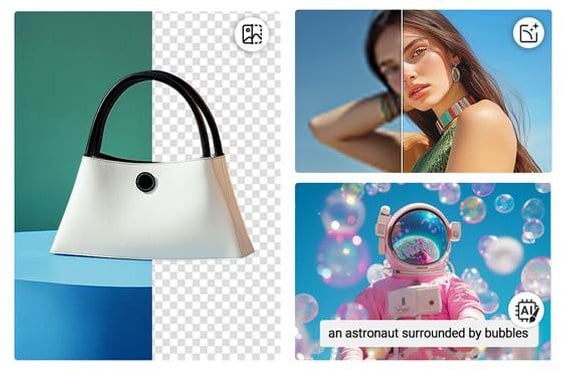
AI Photo Editor
Replace, refine, remove, or restyle visual elements.
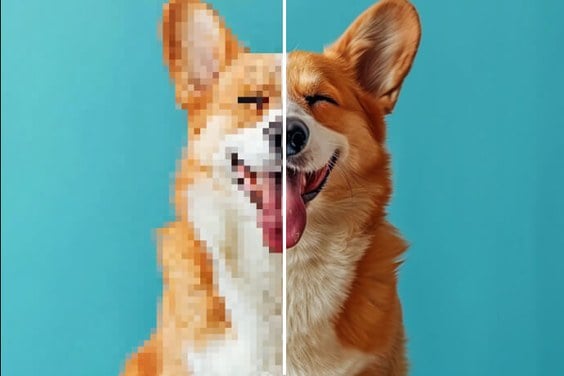
AI Image Enhancer
Improve clarity and recover fine image details.
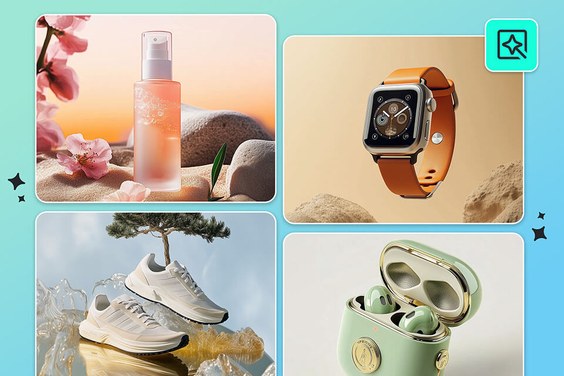
AI Product Photography
Create studio and lifestyle visuals for ecommerce.
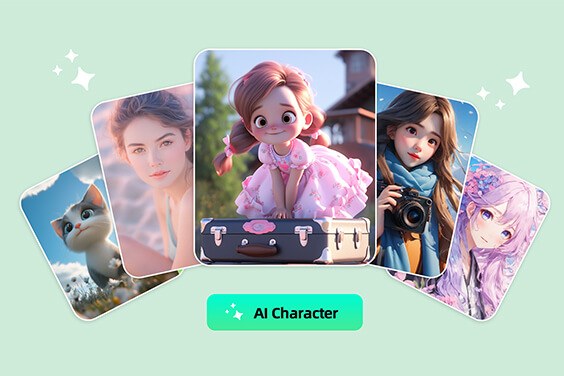
AI Character Generator
Design original characters with controlled appearance.
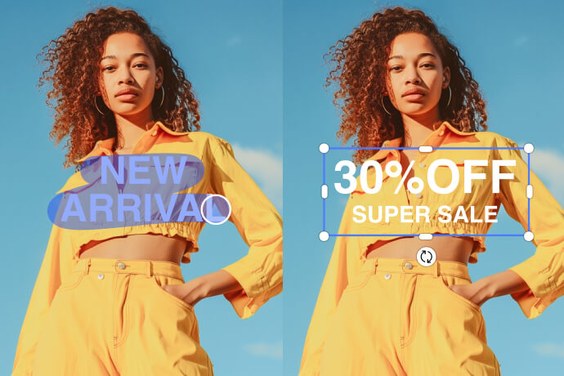
Edit Text in Image
Replace image text while preserving the design.
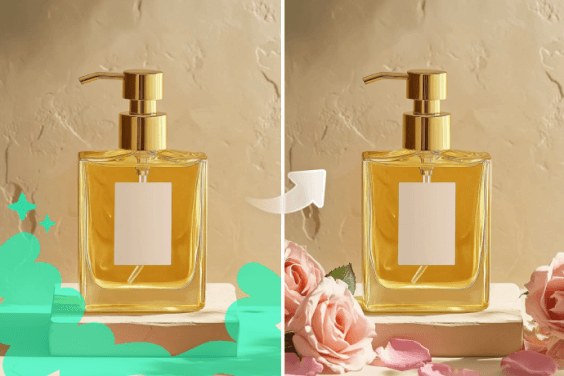
AI Generative Fill
Add or replace selected areas with natural blending.
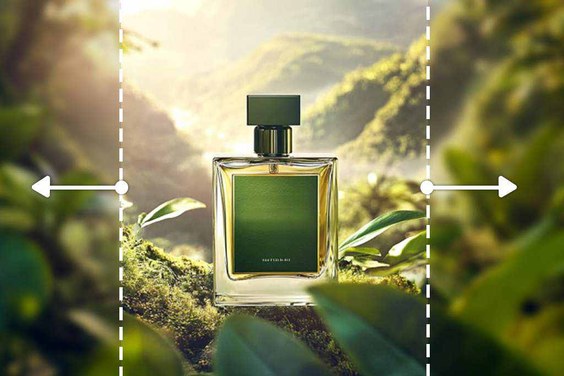
AI Outpainting
Expand an image beyond its original borders.