


A great AI image can fall apart when the lighting feels random. The subject may look interesting, the style may be close, and the composition may be fine, but flat light makes everything feel unfinished. That is why a strong Midjourney lighting prompt is one of the fastest ways to make AI visuals look more cinematic, photographic, and intentional.
In this guide, you will learn how to write lighting prompts for Midjourney, build cinematic and studio-ready prompt formulas, and adapt examples for portraits, products, lifestyle images, and concept art. You will also see how to test Midjourney-style prompts with insMind's browser-based text to image AI workflow, so you can turn lighting ideas into visual references without switching between design tools.
Table of Contents
- 01What Makes a Strong Midjourney Lighting Prompt?
- 02A Simple Formula for Lighting Prompts for Midjourney
- 03Midjourney Cinematic Lighting Prompts
- 04Midjourney Photography Lighting Prompts for Realistic Images
- 05Midjourney Studio Lighting Prompts You Can Adapt
- 06How to Create Lighting Prompt Images with insMind?
- 07Common Lighting Words and When to Use Them
- 08FAQs About Midjourney Lighting Prompts
What Makes a Strong Midjourney Lighting Prompt?
A strong Midjourney lighting prompt does more than name a lighting style. It explains where the light comes from, how soft or hard it is, what color it has, what it touches, and what mood it creates. Instead of writing “cinematic lighting,” you might write “soft key light from camera left, cool blue rim light behind the subject, warm practical lamp in the background, subtle volumetric haze.”
See the difference? The first prompt asks for a vibe. The second prompt gives the model a lighting plan.
- Subject: the person, product, room, landscape, food, vehicle, or object.
- Light source: sun, window, softbox, neon sign, candle, spotlight, streetlamp, LED panel, or practical lamp.
- Direction: front light, side light, backlight, overhead light, underlight, or 45-degree key light.
- Light quality: soft, diffused, hard, harsh, crisp, bounced, glowing, low contrast, or high contrast.
- Color and mood: warm tungsten, cool moonlight, teal and amber, golden hour, blue hour, noir, romantic, clean, luxury, or futuristic.
- Negative constraints: no blown highlights, no flat lighting, no overexposed face, no muddy shadows, no text, no watermark.
The goal is not to write the longest prompt possible. The goal is to make the lighting readable. When the lighting details agree with the subject and mood, Midjourney has a clearer visual target.
A Simple Formula for Lighting Prompts for Midjourney
Use this formula when you want predictable results:
Here is a filled-in example:
This structure works because it layers information in a logical order. First, it defines the scene. Then it tells the AI how to light it. Then it adds photography cues and removes common problems.
Want a quicker version? Use this compact formula:
Example:
This is especially useful for ecommerce, social posts, thumbnails, and fast visual exploration with an AI image generator.
Midjourney Cinematic Lighting Prompts
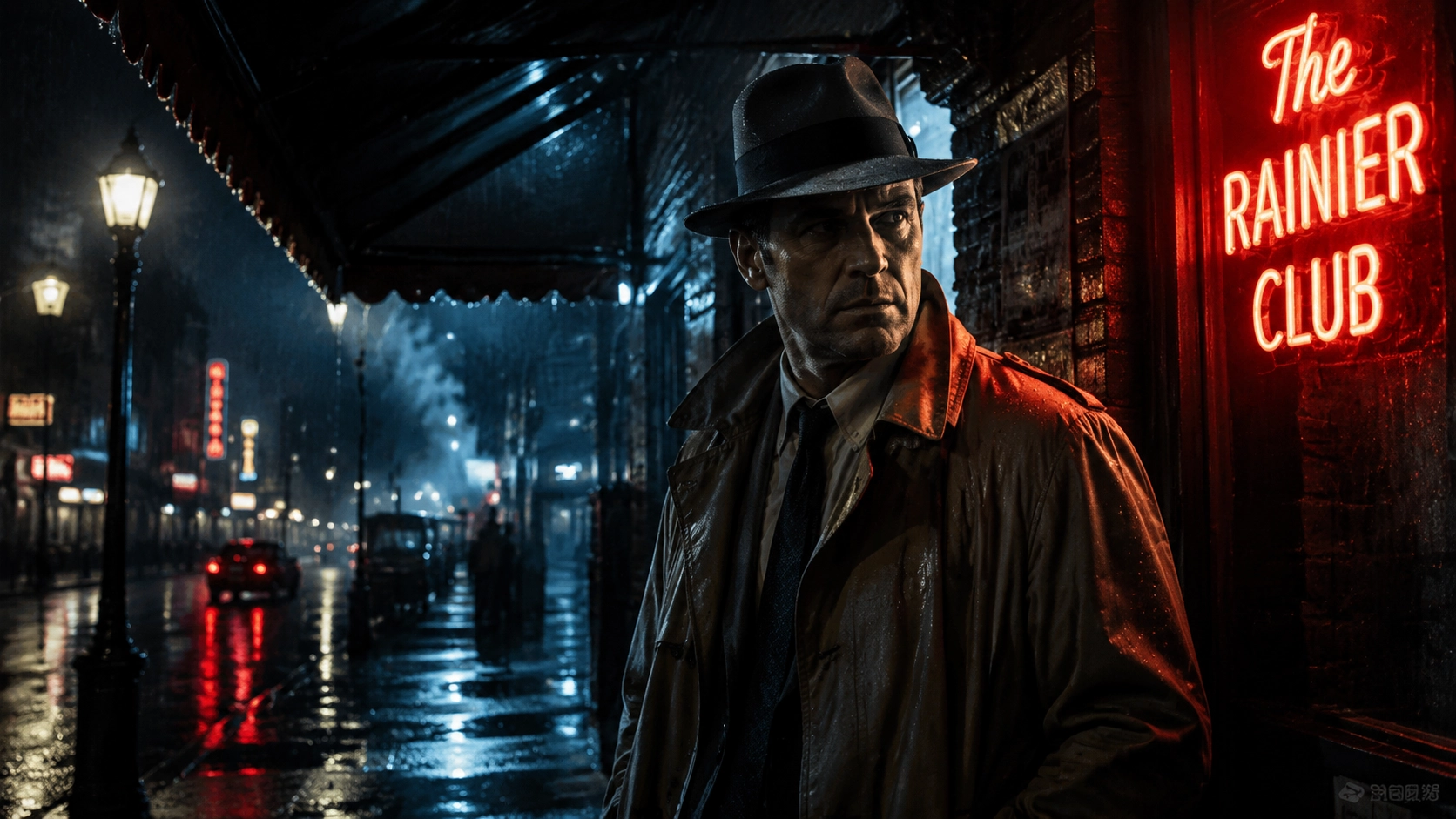
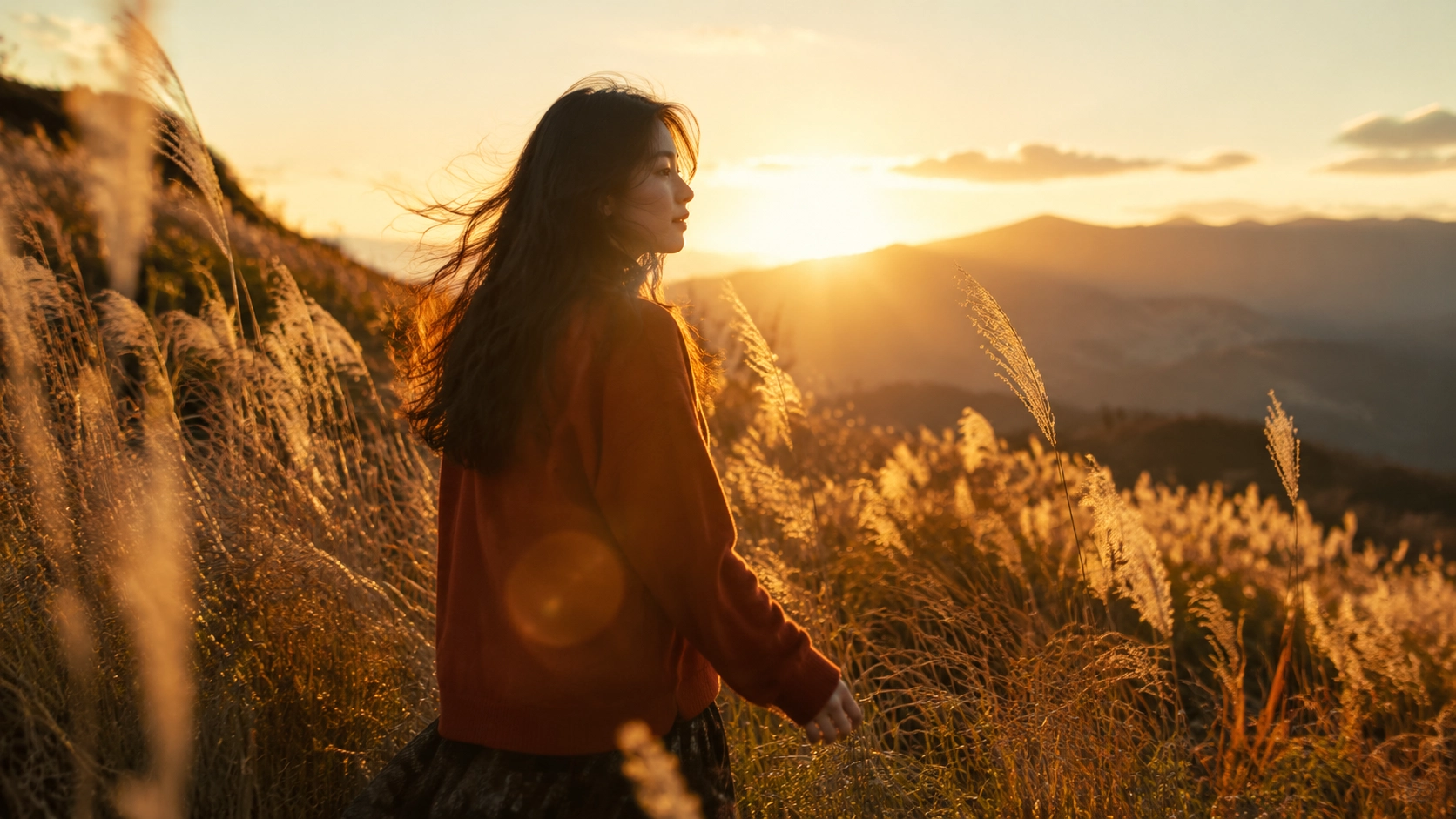
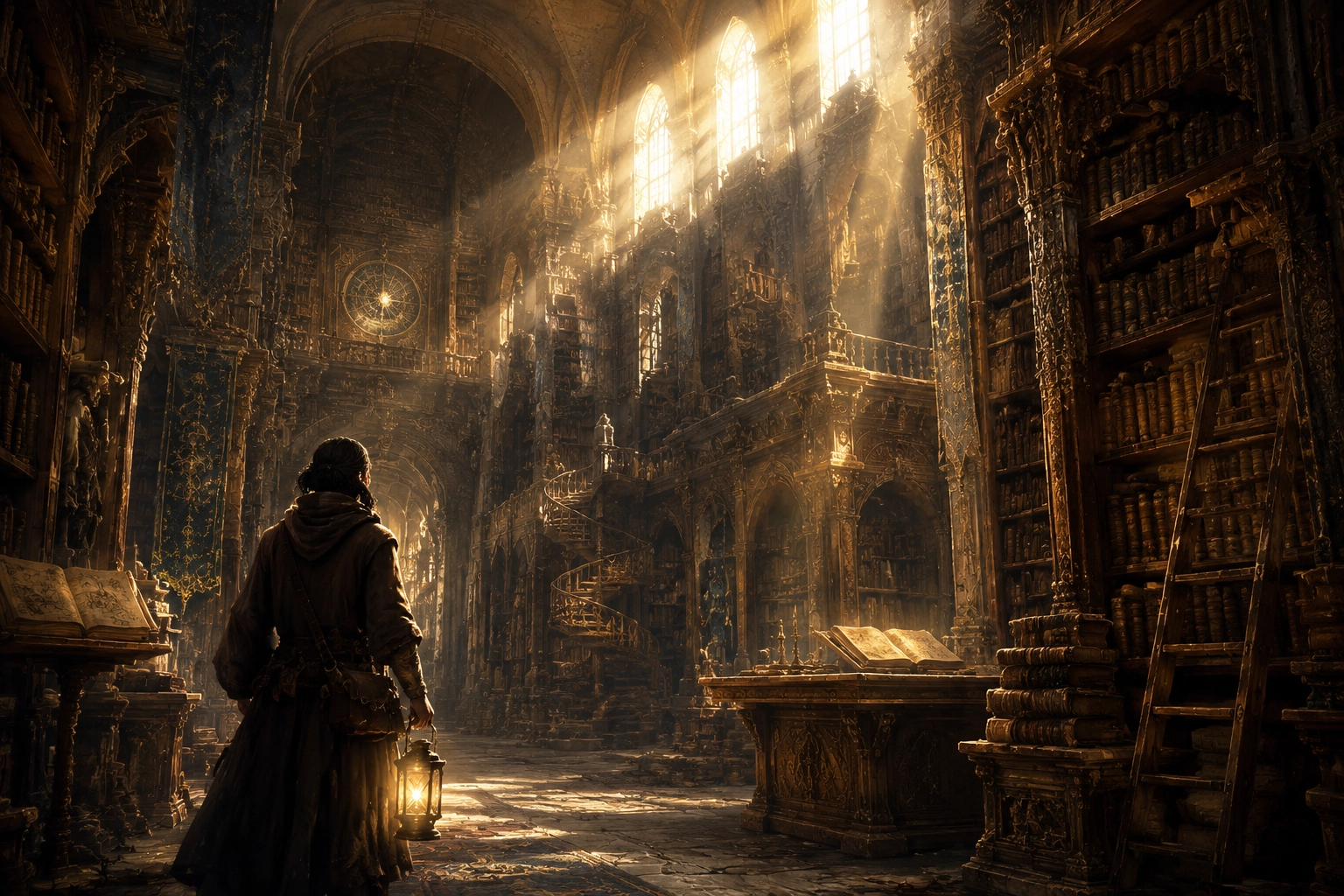
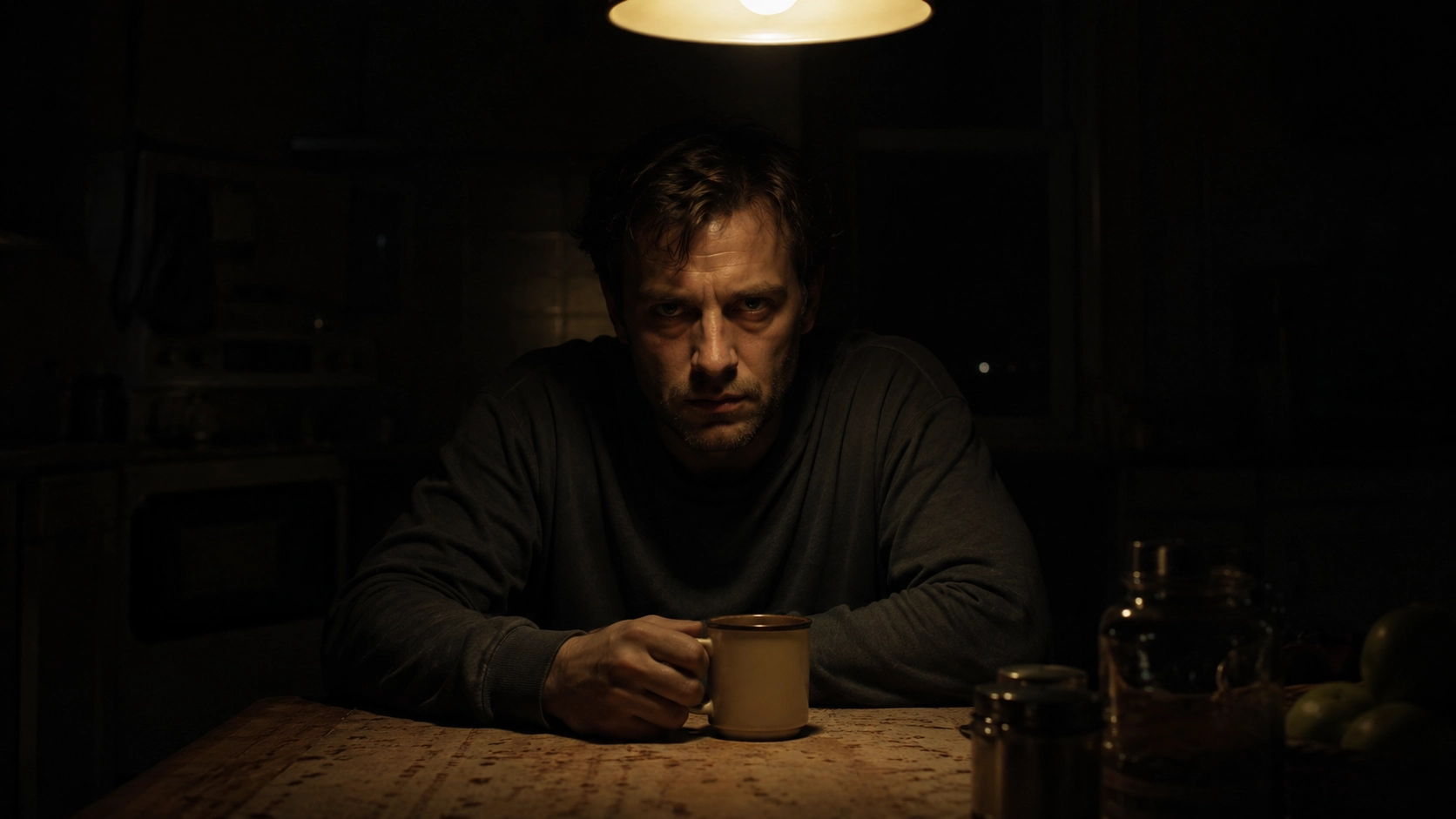
Cinematic lighting is not one single look. It usually means the image feels like a film frame: shaped light, controlled contrast, atmospheric depth, and color that supports a story. If you want Midjourney cinematic lighting prompts that feel less generic, describe the scene like a director of photography.
Neon Noir Portrait
Golden Hour Film Still
Volumetric Fantasy Light
Low-Key Thriller Scene
Midjourney Photography Lighting Prompts for Realistic Images
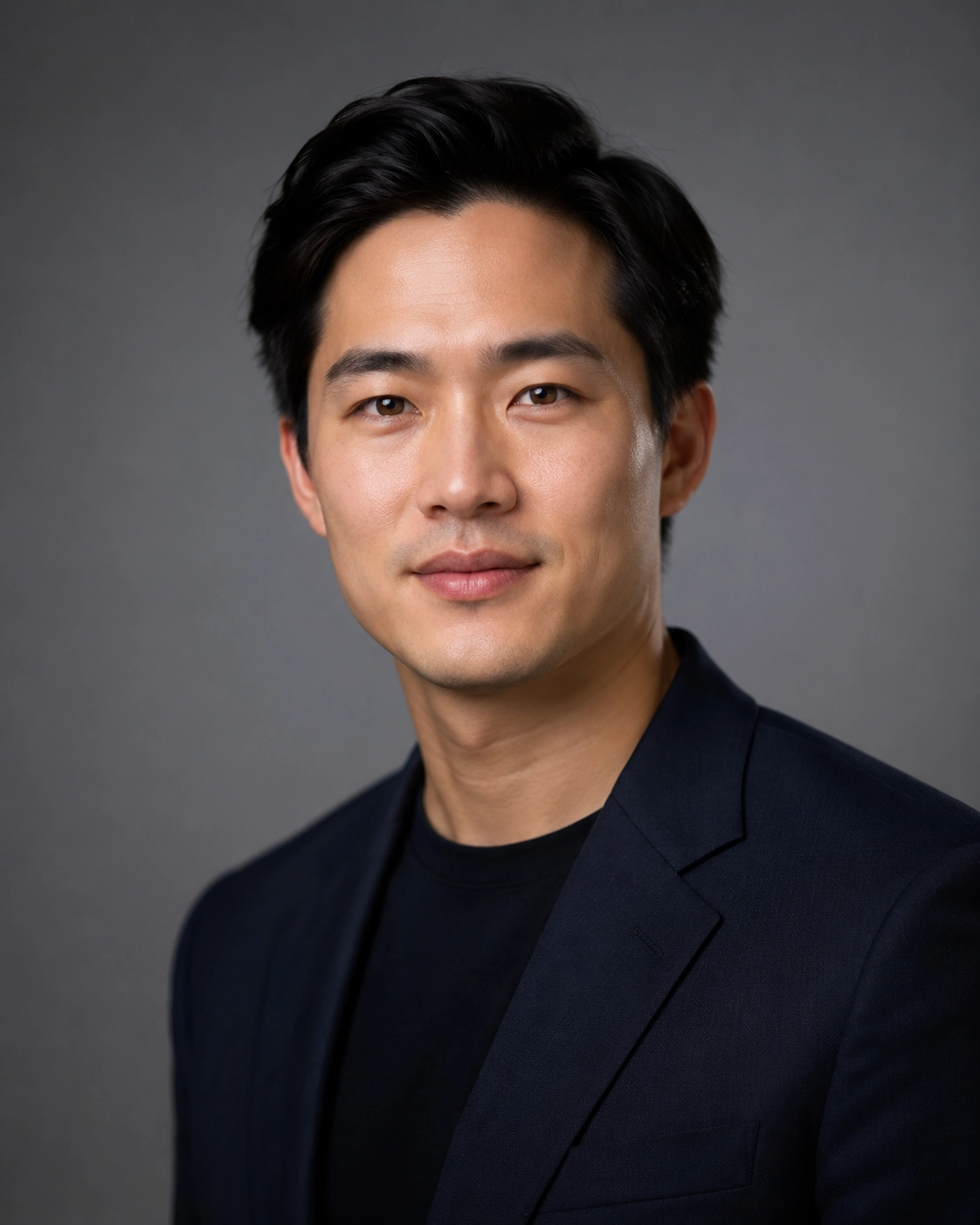
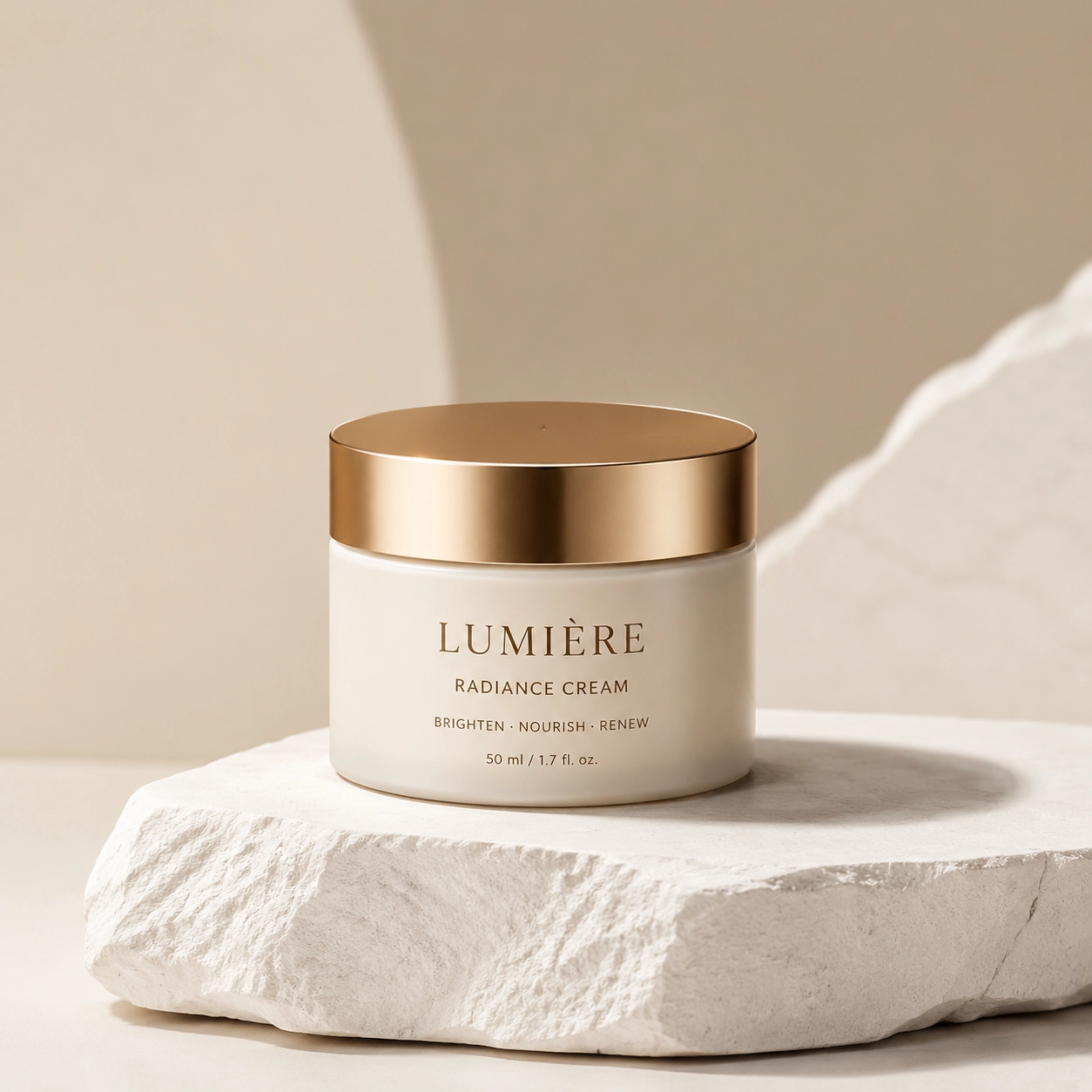
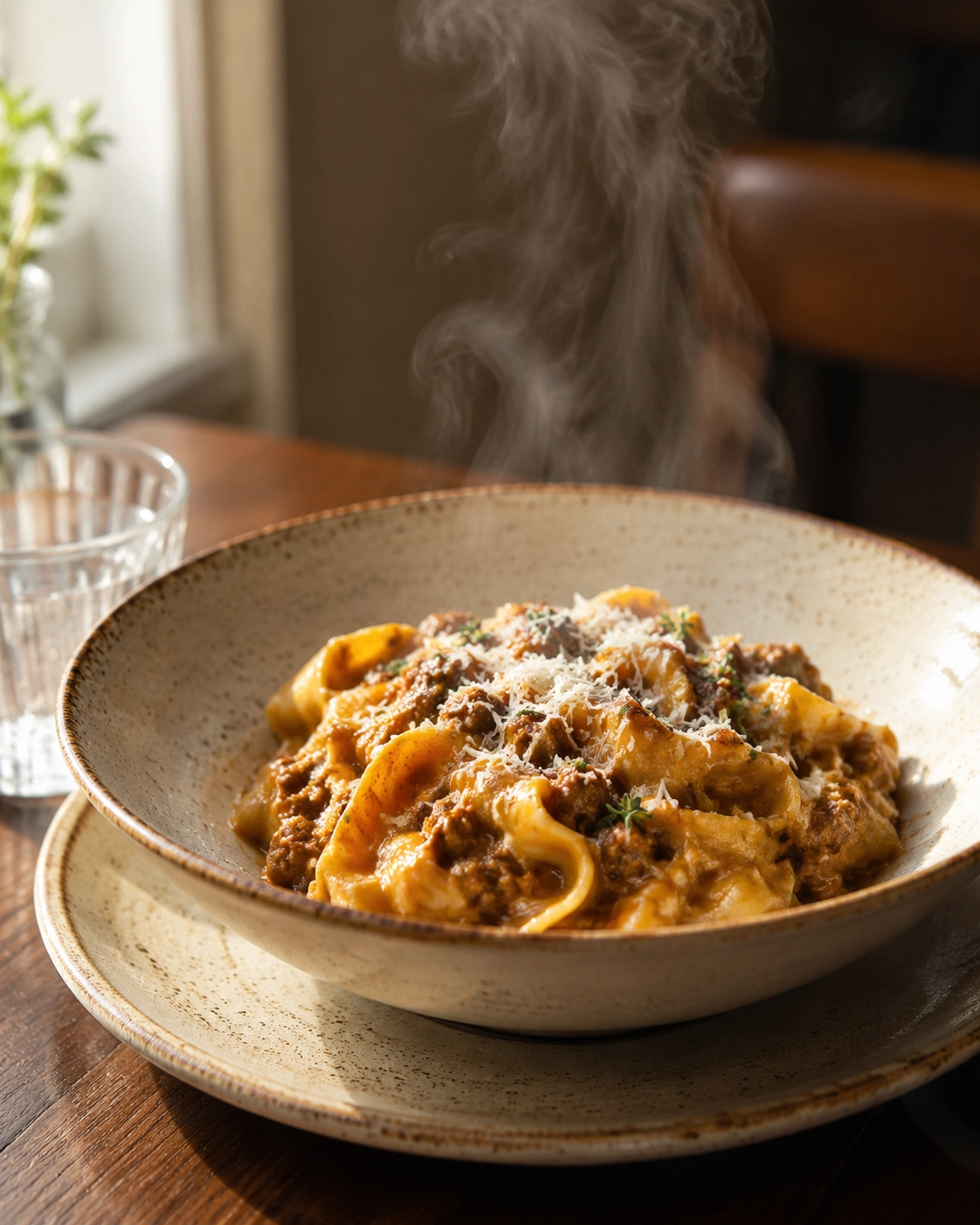
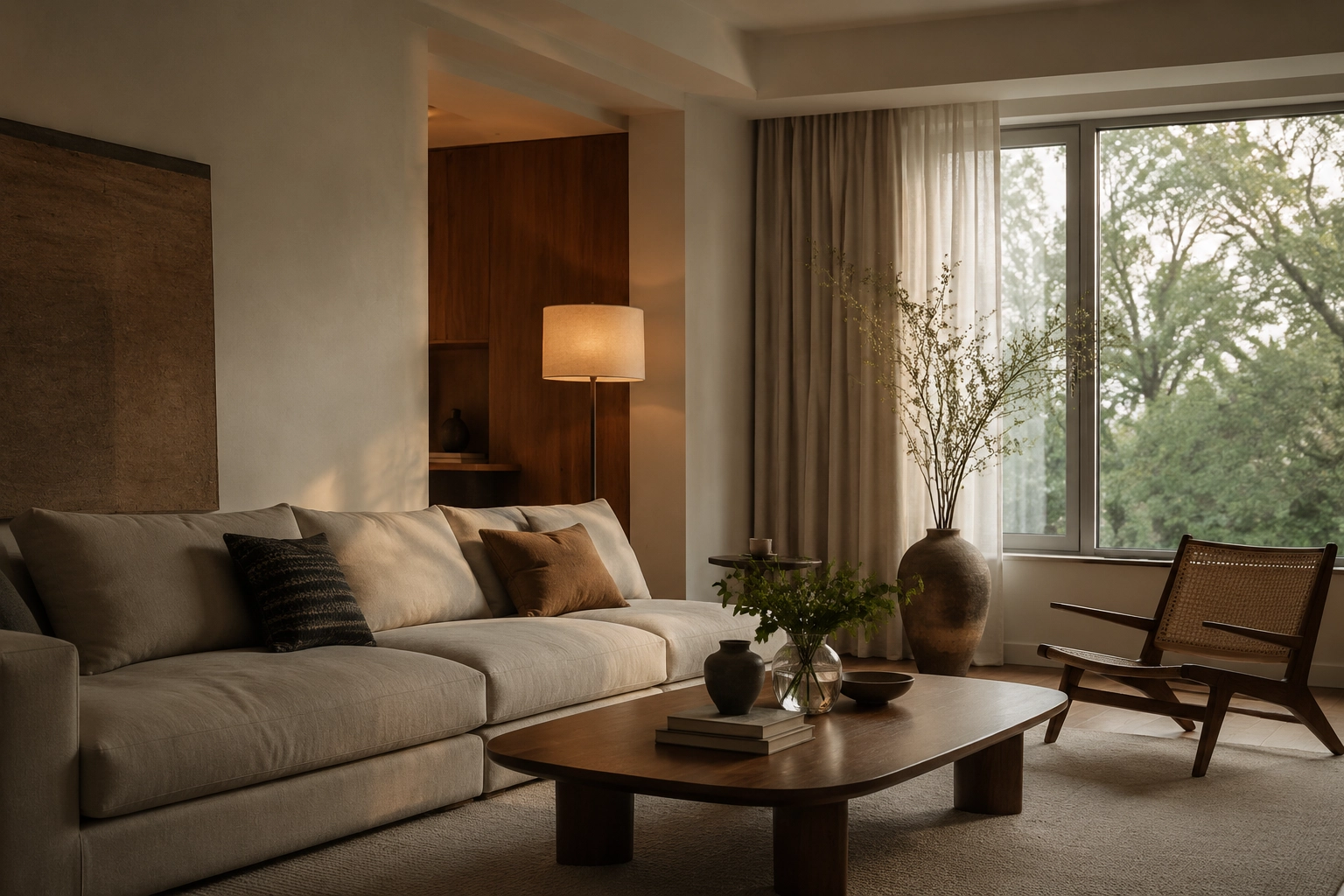
Photography prompts need believable light. If the subject is a person, product, meal, room, or landscape, use language that photographers actually use: softbox, reflector, window light, bounced fill, rim light, Rembrandt lighting, butterfly lighting, high key, low key, and diffused natural light.
Portrait Lighting Prompt
Product Photography Prompt
Food Photography Prompt
Interior Photography Prompt
Midjourney Studio Lighting Prompts You Can Adapt
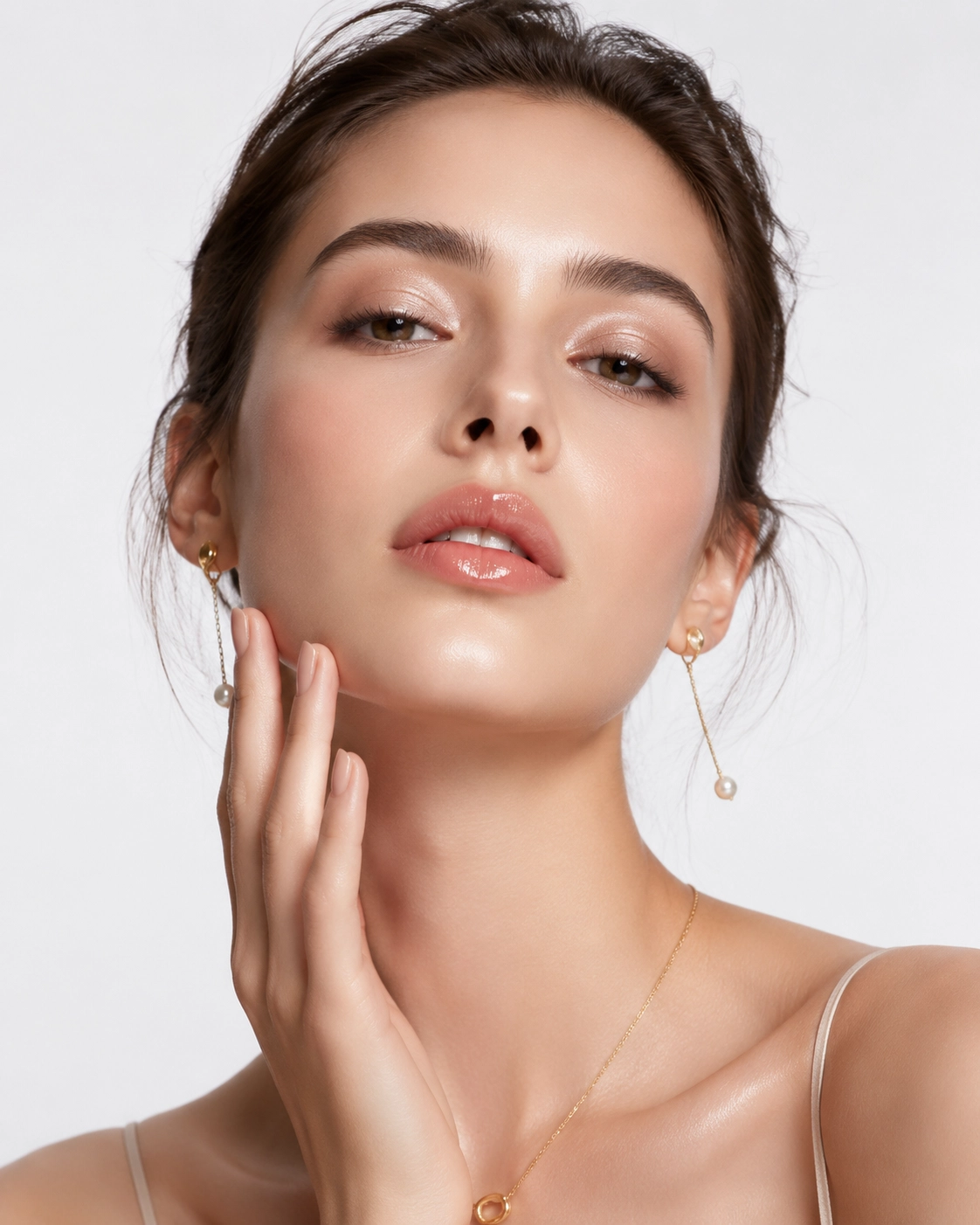
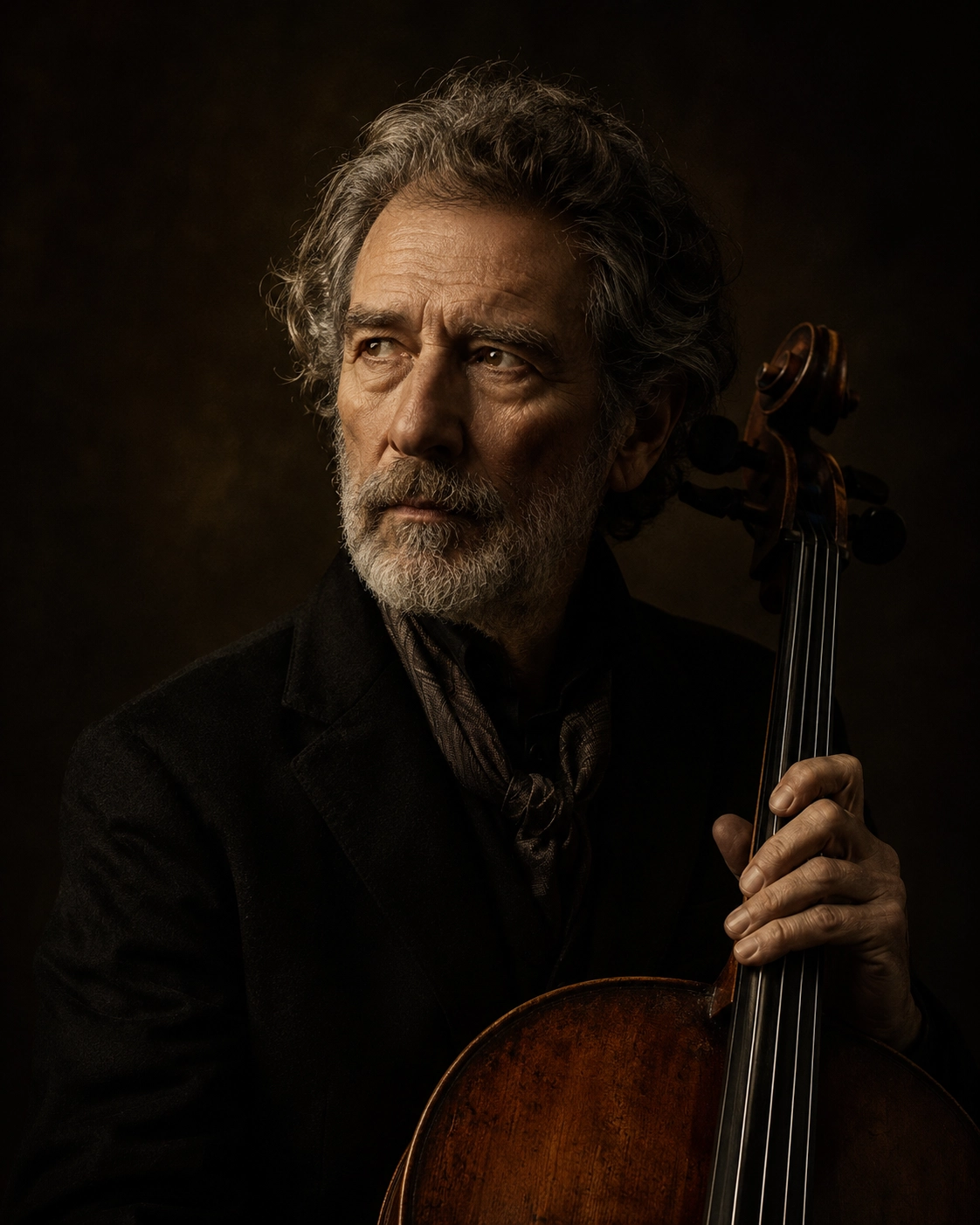
Studio lighting is excellent for portraits, fashion, beauty, product shots, and clean commercial images. The advantage is control. You can tell Midjourney exactly how the light should sculpt the subject.
High-Key Beauty Prompt
Rembrandt Portrait Prompt
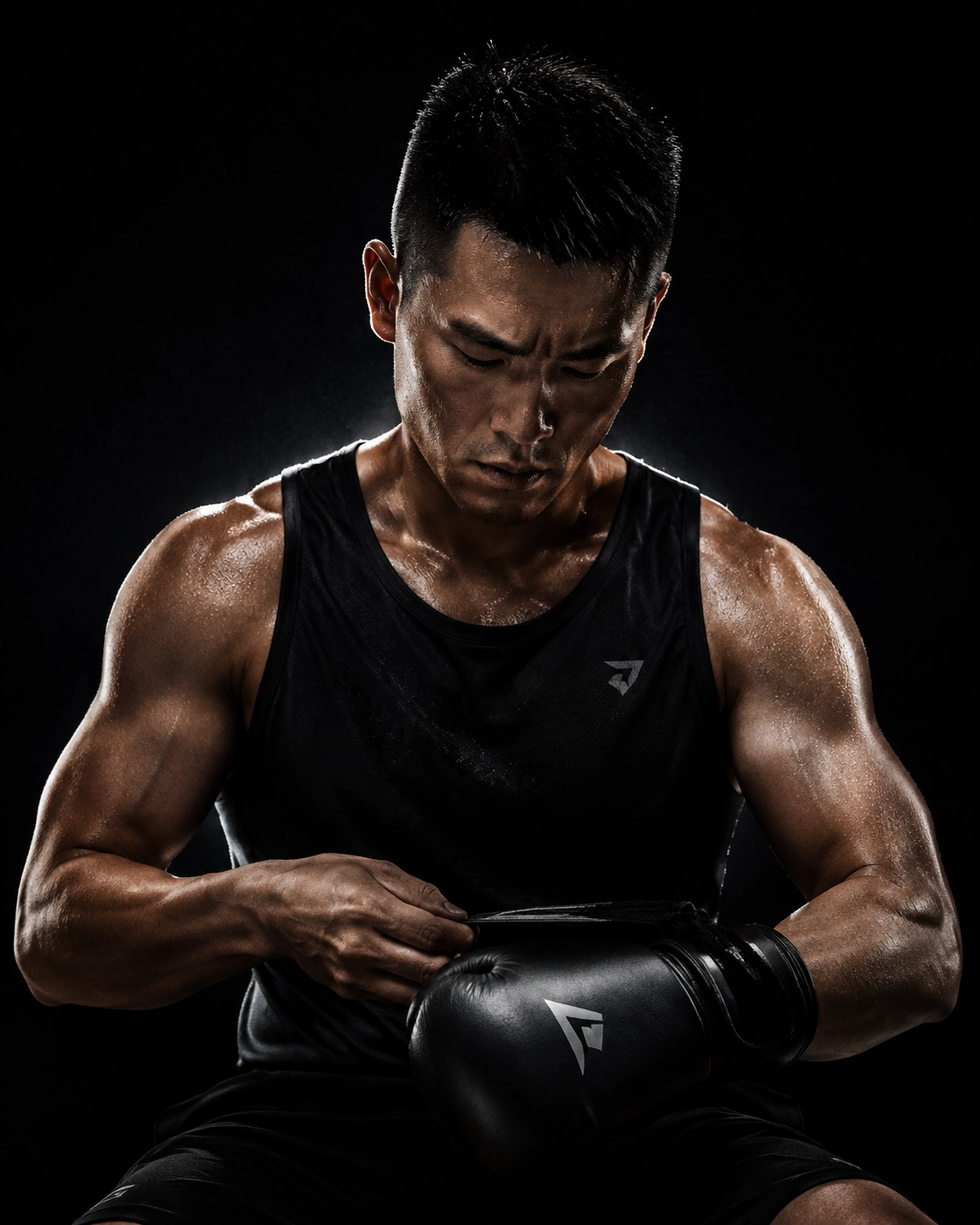
Rim Light Action Prompt
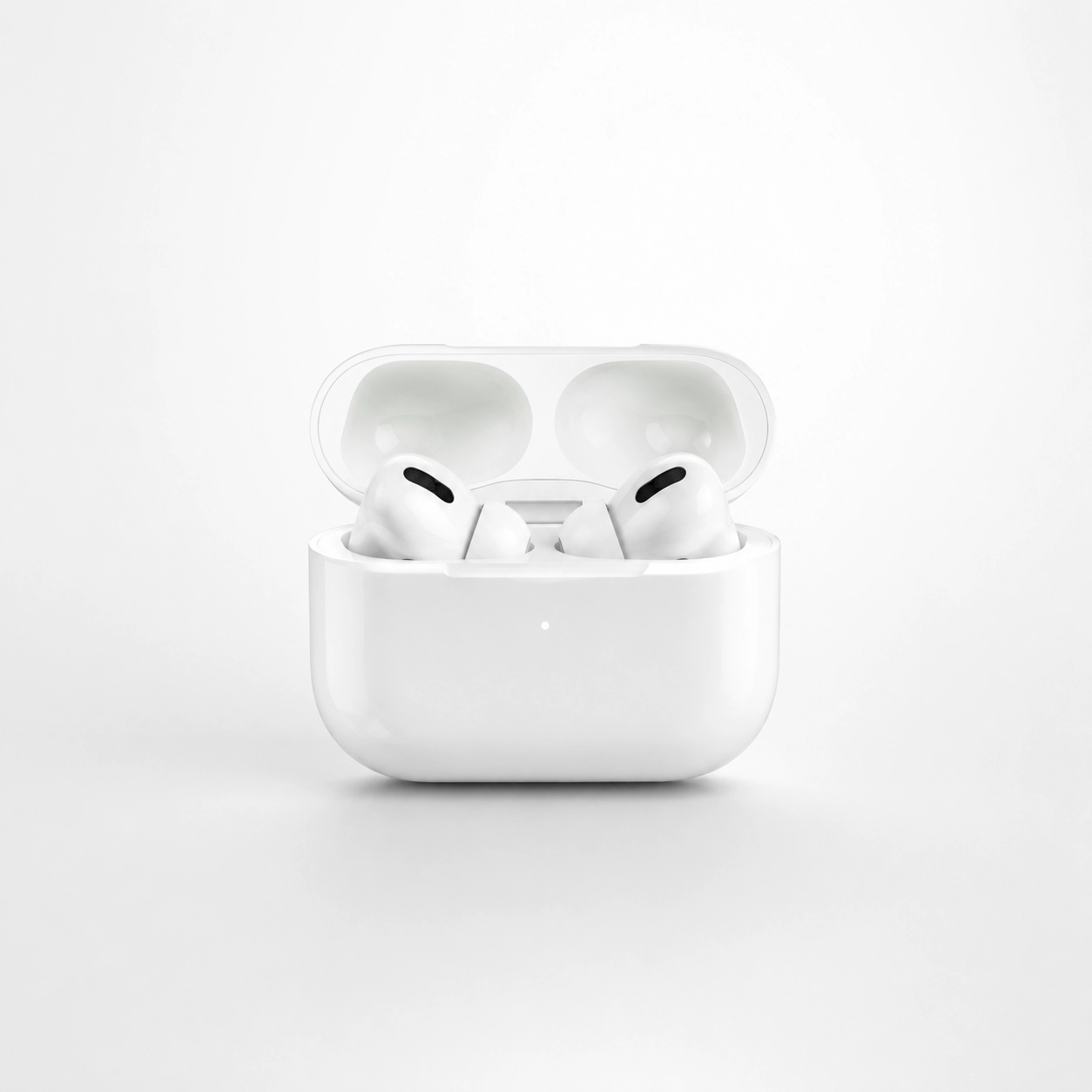
Clean Ecommerce Studio Prompt
How to Create Lighting Prompt Images with insMind?
Want to test these ideas outside Midjourney or turn them into quick visual references for a campaign? insMind makes the process simple: you enter a detailed prompt, choose an AI model, generate images, and download the best result. It is especially helpful when you want to compare lighting directions before committing to a final creative route.
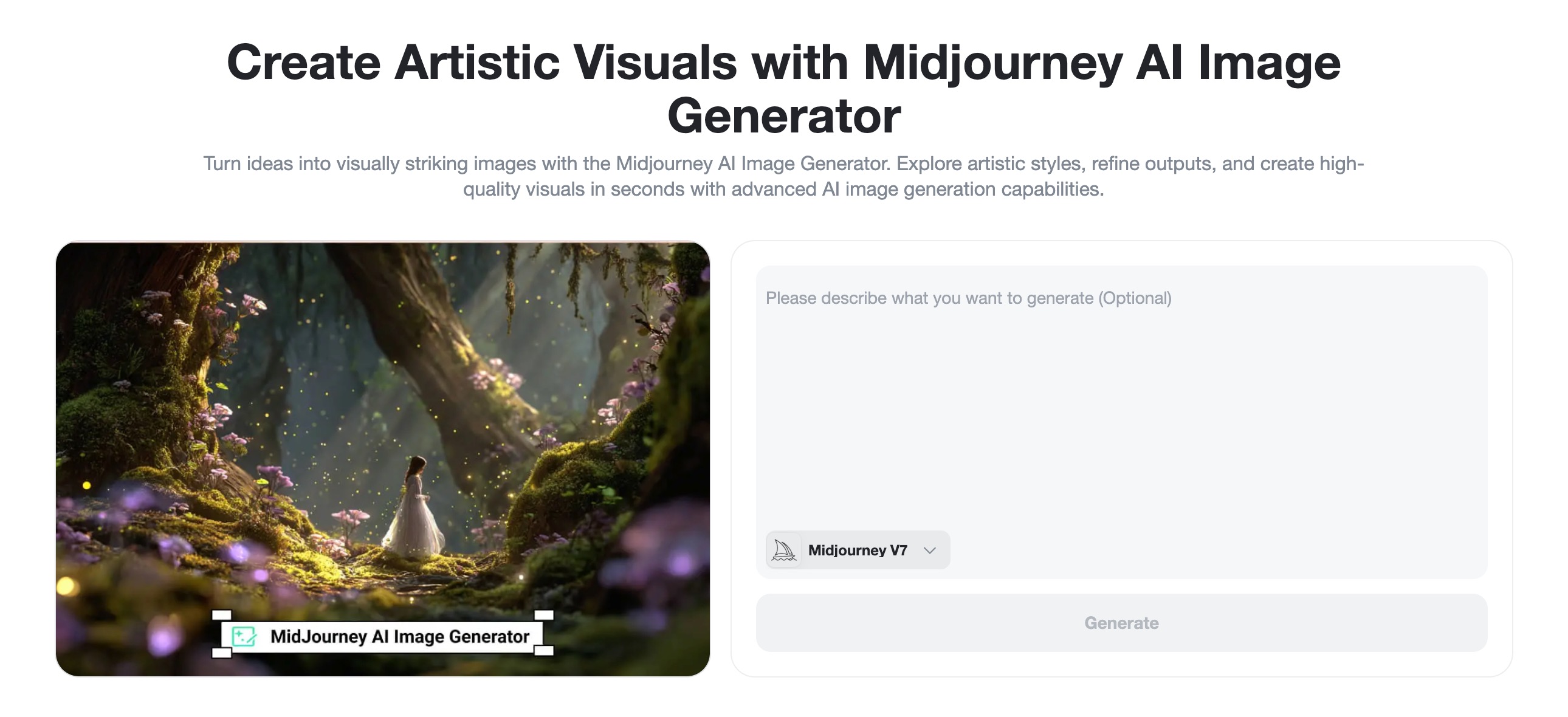
Step 1: Open Text to Image and Choose a Model
Open insMind's text-to-image tool and enter the AI image workspace. Choose a model that fits your goal. For realistic portraits and commercial visuals, start with a model that handles detail and natural light well. For graphic concept art, choose a more stylized model.
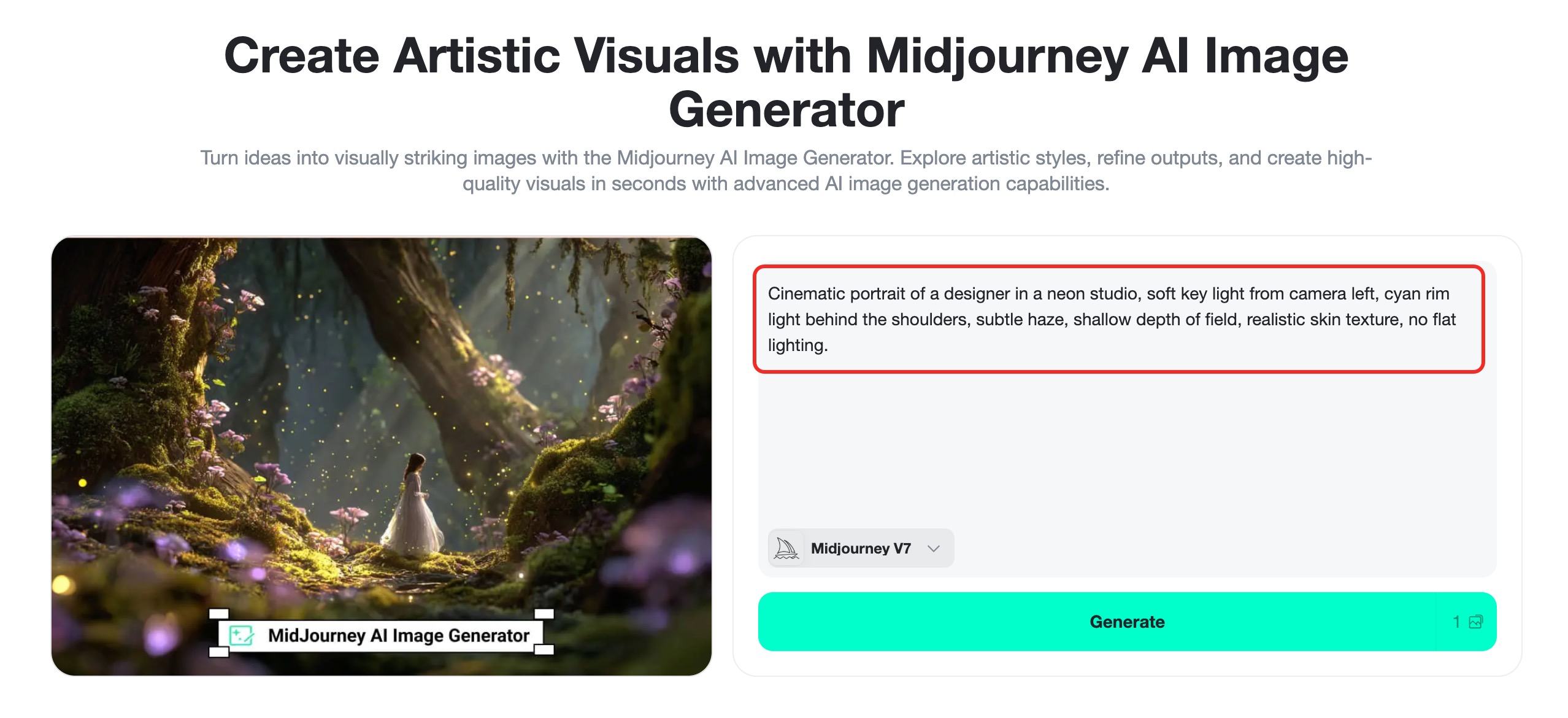
Step 2: Paste a Detailed Lighting Prompt
Write the subject first, then describe the lighting. Include the source, direction, quality, color, mood, and any camera cues. You can paste a Midjourney-style prompt directly and remove platform-specific parameters if you want a cleaner prompt for insMind.
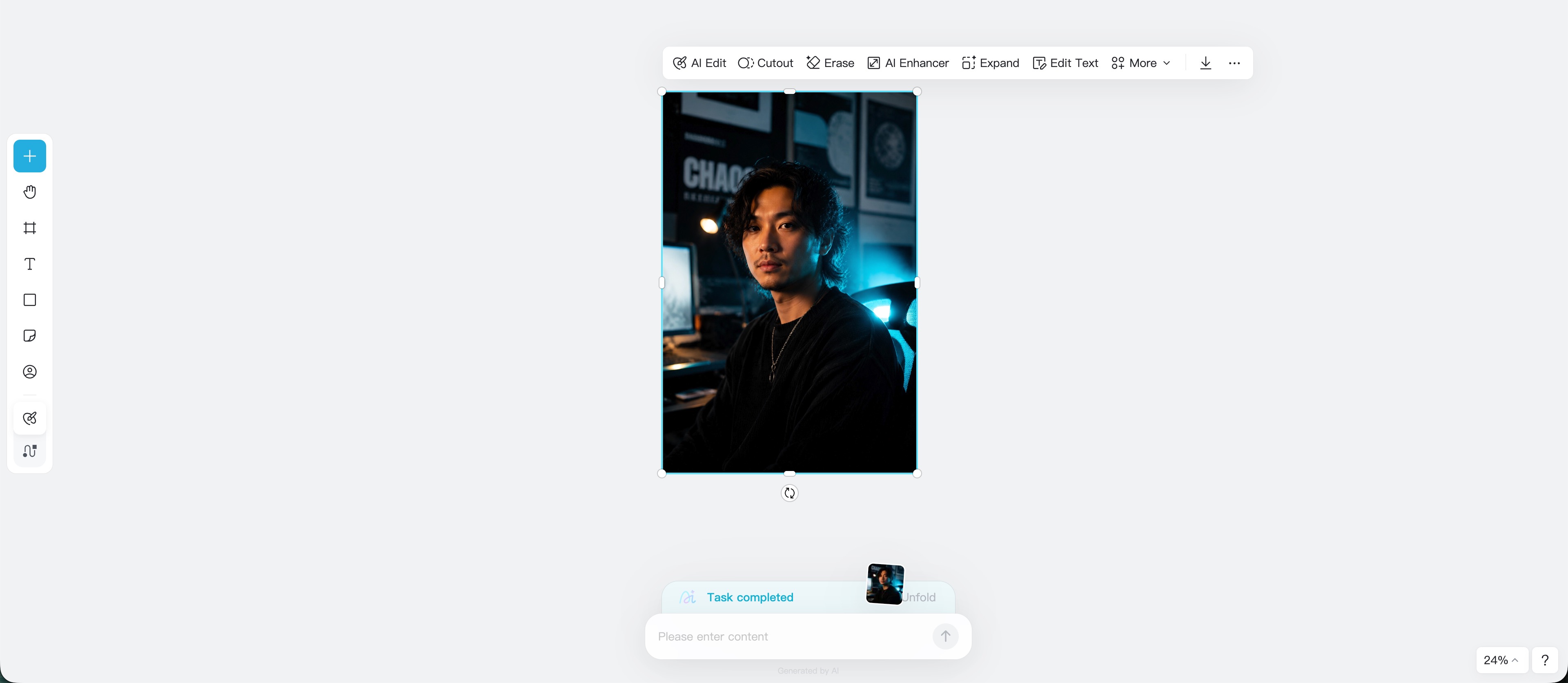
Step 3: Generate and Refine the Lighting
Click Generate and review the image. Does the light shape the subject? Are the highlights too bright? Are the shadows too muddy? If the output feels flat, add stronger direction: “side key light,” “rim light,” “single overhead spotlight,” or “backlight through haze.” If the image feels too harsh, add “diffused,” “softbox,” “bounced fill,” or “gentle shadow falloff.”
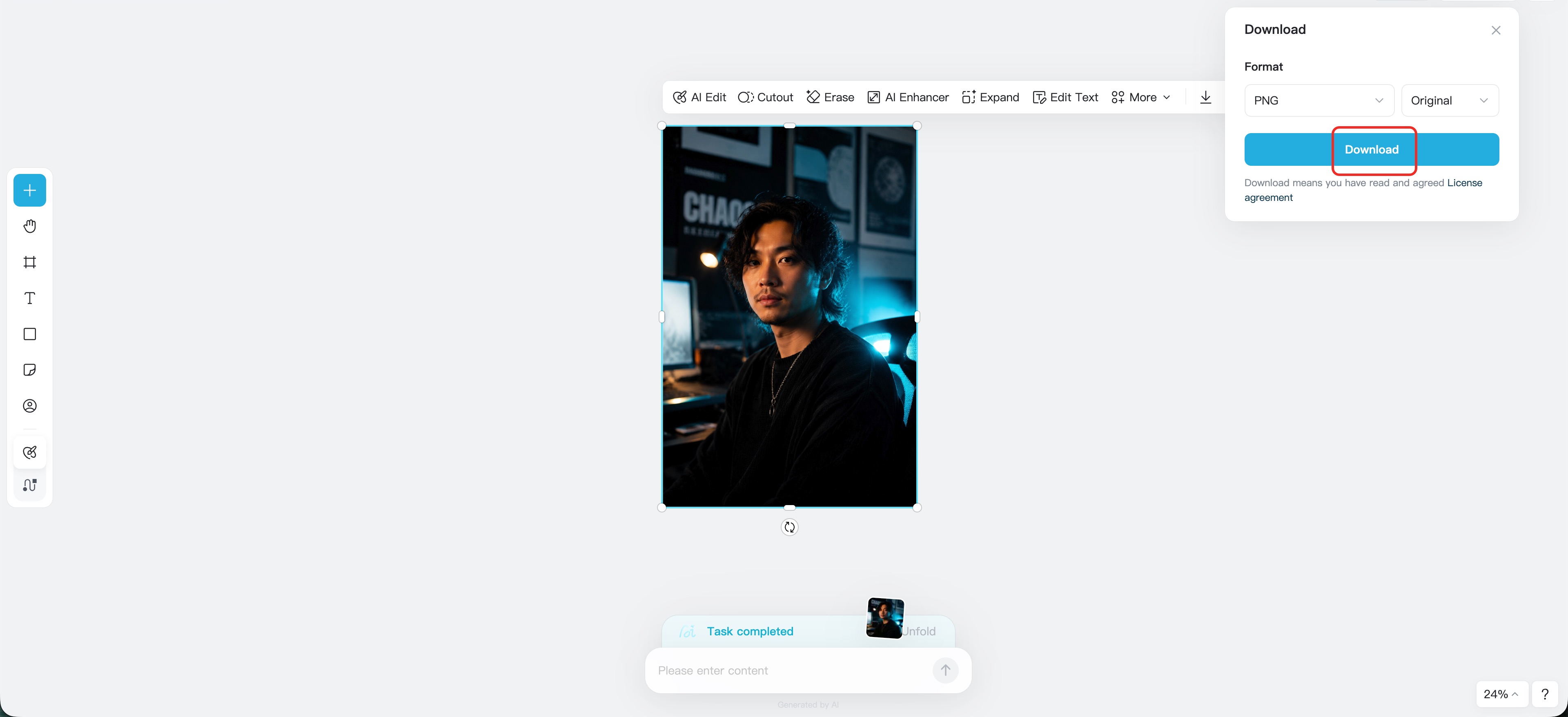
Step 4: Download or Continue Editing
When the result works, download the finished image. You can use it as a moodboard reference, social image, concept frame, product visual, or thumbnail idea. If you need another variation, keep editing the prompt or use insMind's image tools to enhance, adjust, or remix the result.
Common Lighting Words and When to Use Them
The fastest way to improve prompts is to build a lighting vocabulary. Here are useful terms and what they tend to do.
| Lighting term | Best for | Prompt effect |
|---|---|---|
| Softbox lighting | Portraits, products, beauty | Smooth shadows and clean highlights |
| Hard light | Noir, fashion, street scenes | Crisp shadows and stronger drama |
| Rim light | Portraits, sports, dark scenes | Bright edge separation around the subject |
| Backlight | Silhouettes, golden hour, fantasy | Glowing outlines and atmosphere |
| Window light | Lifestyle, interiors, food | Natural, soft, believable illumination |
| Volumetric light | Fantasy, cinema, stage scenes | Visible beams through haze or dust |
| High key | Beauty, ecommerce, wellness | Bright, clean, minimal-shadow look |
| Low key | Thriller, luxury, drama | Deep shadows and controlled highlights |
| Practical lighting | Cinematic rooms, night scenes | Lamps, signs, or candles visible in the scene |
| Color gels | Music, fashion, cyberpunk | Stylized colored light on subject or background |
Should you use all of these in one prompt? Usually, no. Pick one main lighting idea and one supporting detail. “Softbox key light with gentle rim light” is clearer than “softbox, candlelight, moonlight, neon, golden hour, spotlight, cinematic lighting” all at once.
FAQs About Midjourney Lighting Prompts
What is the best Midjourney lighting prompt for beginners?
Start with a simple structure: subject, light source, light direction, mood, and negative constraints. For example: “portrait of a chef, soft window light from the left, warm kitchen background, natural shadows, editorial photography, no harsh flash.”
How do I make Midjourney lighting look cinematic?
Use film language. Add a motivated light source, controlled shadows, rim light, haze, lens choice, color grade, and aspect ratio. A cinematic prompt should feel like a scene, not just a subject under a generic light.
What are the best Midjourney studio lighting prompts?
For studio results, use phrases such as “large softbox key light,” “beauty dish,” “Rembrandt lighting,” “butterfly lighting,” “rim light,” “white seamless background,” and “low-key studio portrait.”
Can I use these lighting prompts in insMind?
Yes. You can paste Midjourney-style lighting descriptions into insMind's prompt box and generate AI images from text. If the prompt includes Midjourney-only parameters, remove them or keep the descriptive parts that explain the image and lighting.
Why does my AI lighting look flat?
Your prompt may not include direction, contrast, or a clear light source. Add details such as “key light from camera left,” “deep background shadows,” “rim light behind the subject,” or “single overhead spotlight.”
Are lighting prompts useful for product photos?
Absolutely. Product images depend on reflections, shadows, and highlight control. Use softbox, rim light, diffused light, glossy reflection, matte surface, clean background, and no glare to guide the result.
Create Better Lighting Images with insMind
Lighting is where AI images start to feel designed. Once you learn to describe the source, direction, softness, color, and shadow behavior, your prompts become more predictable and your images look more intentional.
Use the examples in this guide as starting points, then adapt them to your own subject. Need a soft studio portrait? Add a large softbox and fill light. Want a cinematic scene? Add motivated practical light, haze, and shadow. Creating product visuals? Control the reflection and background.
With insMind, you can test those ideas quickly, generate variations, and save the best image for your next design, campaign, or creative brief.
Sid Buckley
I'm a professional writer and amateur photographer, and I author insightful articles at insMind to help you integrate AI into compelling image creation.


