


AI word art can look magical when it works: a single word becomes a neon sign, a floral poster, a chrome logo concept, or a bold social graphic. But when the prompt is too loose, the result often falls apart. The letters bend in strange ways. Extra words appear. The design looks stylish, but the message is not readable.
That is why a strong Midjourney text art prompt matters. Word art prompts need more structure than ordinary image prompts because the AI has to handle both design and language at the same time. You are not only asking for a pretty picture. You are asking for clear typography, controlled spelling, a specific visual style, and a finished composition.
In this guide, you will learn how to write Midjourney typography prompts for word art, how to adapt those prompts for insMind, and how to generate text art step by step with the insMind text-to-image workflow.
What Is a Midjourney Word Art Prompt?
A Midjourney word art prompt is a text instruction that tells an AI image model how to turn a word, phrase, name, slogan, or short quote into a visual design. Instead of typing "cool text," you describe the exact wording, the letter shape, the material, the layout, the color mood, and the background.
Think of it as a tiny creative brief. A designer would ask what the words should say, where the text should sit, whether the style is playful or premium, and how the final image will be used. Your prompt should answer those same questions.
- Exact text: the word or phrase you want shown.
- Lettering style: neon, serif, graffiti, bubble, chrome, calligraphy, retro, gothic, handwritten, or minimal.
- Material or texture: glass, gold foil, flowers, candy, fire, fabric, paper, ice, ink, smoke, or metal.
- Layout: centered, arched, stacked, circular badge, poster headline, sticker shape, or full-frame type.
- Readability rules: large letters, clean spelling, high contrast, no extra words, no tiny text.
Why Text Art Prompts Need More Control
AI image generators are good at mood, color, lighting, and texture. Typography is trickier because letters have strict shapes. A beautiful image can still fail if one character is wrong or the word blends into the background.
That is why a prompt such as "make word art for summer" is too broad. The AI may create a nice summer poster, but the letters can become decorative noise. A better prompt says: The exact word "SUMMER" in large readable tropical fruit letters, centered poster layout, clean sky-blue background, bright daylight, no extra text.
External word art tools show the same pattern. getimg.ai recommends describing shape, size, and color palette before generating word art, while OpenArt frames word art creation around choosing a style, entering text, customizing the look, and generating or downloading the result. Cool Text is more template-based: you choose a logo style, fill out a form, and get a custom graphic quickly. The lesson is simple: word art works best when the text, style, and output path are clear.
10 Midjourney Typography Prompts to Try
Use these examples as starting points. Replace the word, phrase, color, and use case with your own idea.
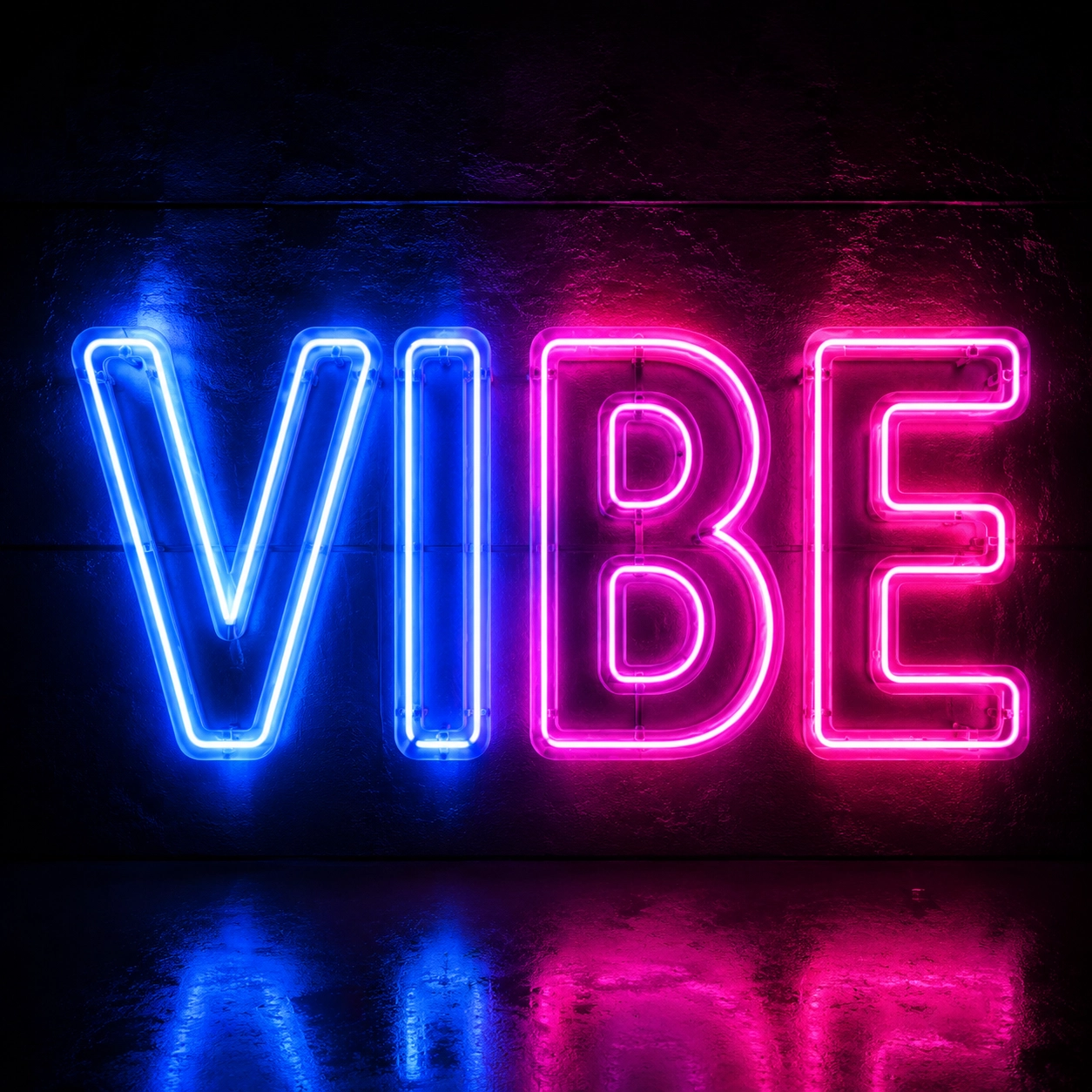
1. Neon Sign Word Art
The exact word "VIBE" in large readable neon tube lettering, electric blue and magenta glow, centered on a dark glossy wall, subtle reflections, nightlife poster style, no extra words, no misspelled letters.
2. Floral Name Art
The exact name "LUNA" formed from delicate white flowers and green vines, readable elegant serif letter shapes, soft cream background, romantic botanical style, balanced spacing, no extra text.
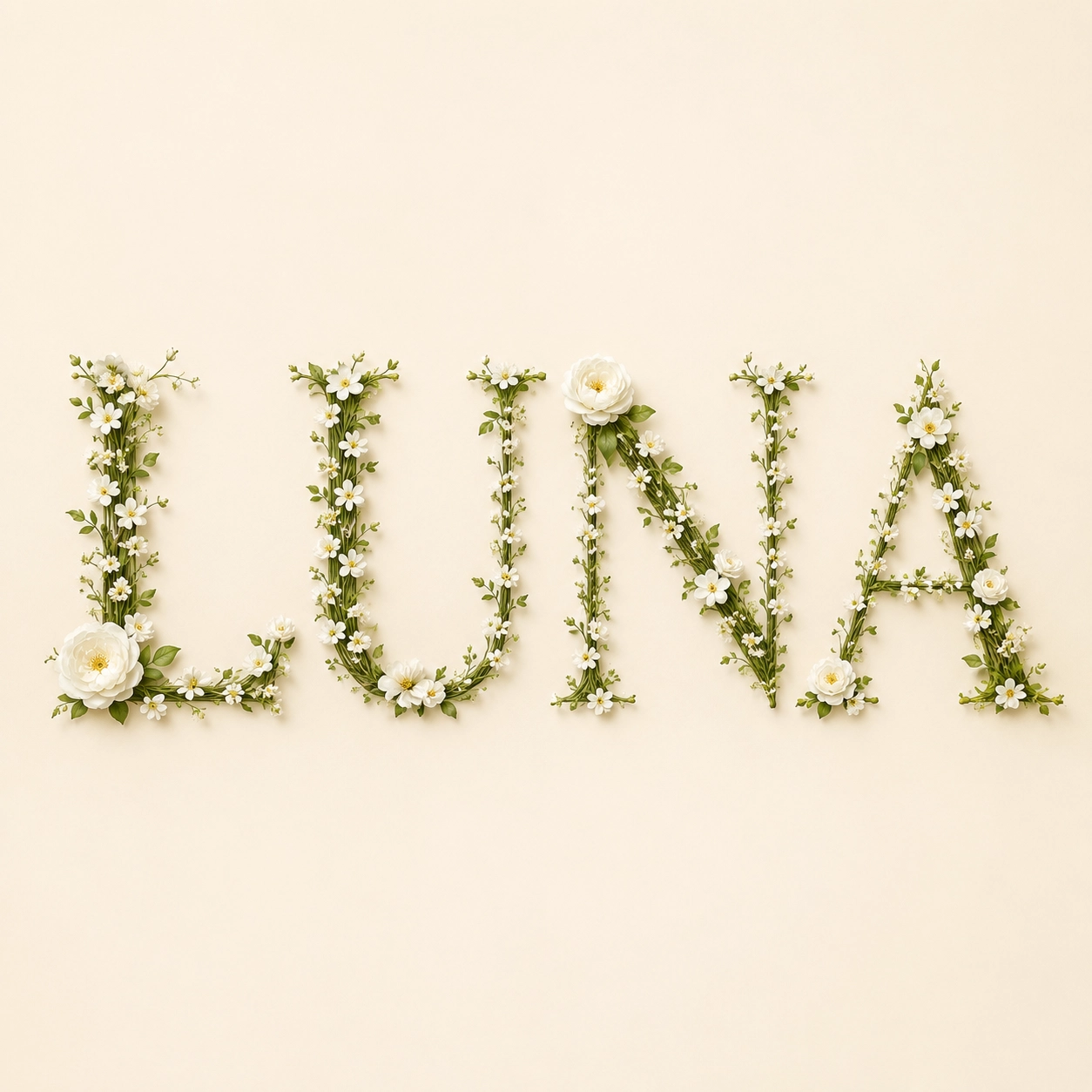
3. Chrome Future Text
The exact word "FUTURE" in bold readable chrome letters, reflective silver metal, cool blue studio lighting, clean black background, high-end tech poster composition, sharp edges, no extra words.
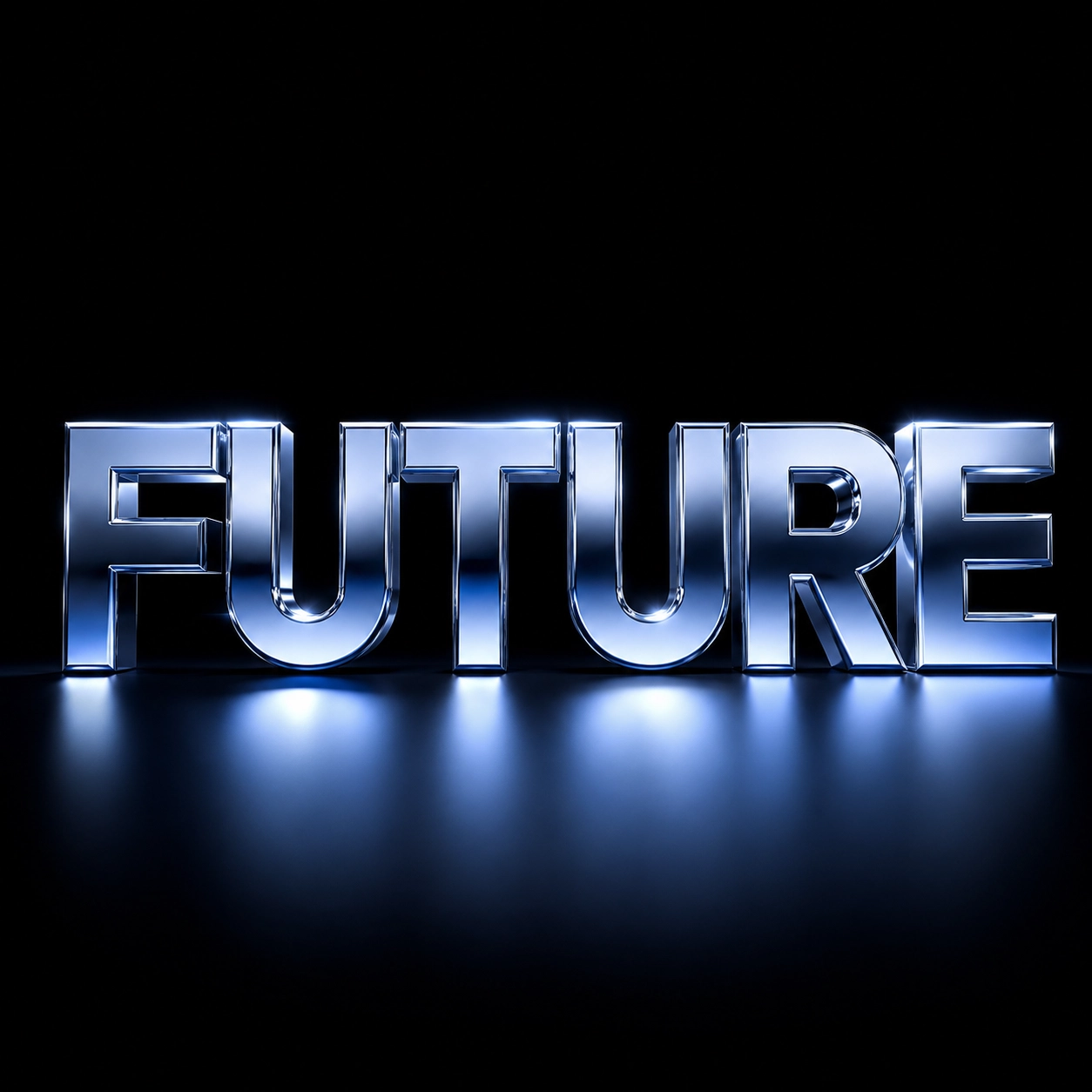
4. Retro Poster Typography
The exact phrase "GOOD DAYS" in groovy 1970s retro lettering, warm orange, teal, and cream palette, stacked wavy layout, vintage poster paper texture, readable letters, no extra text.
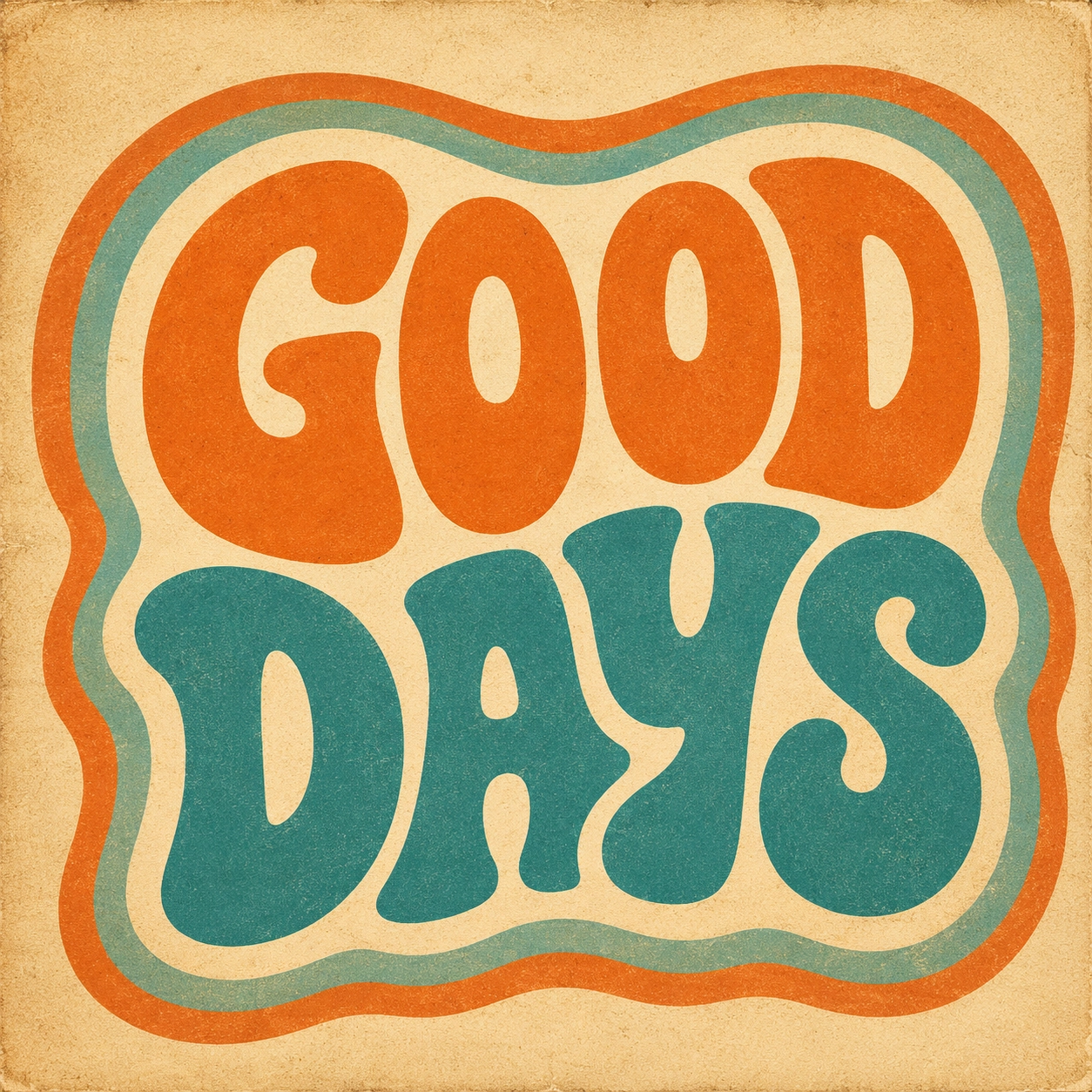
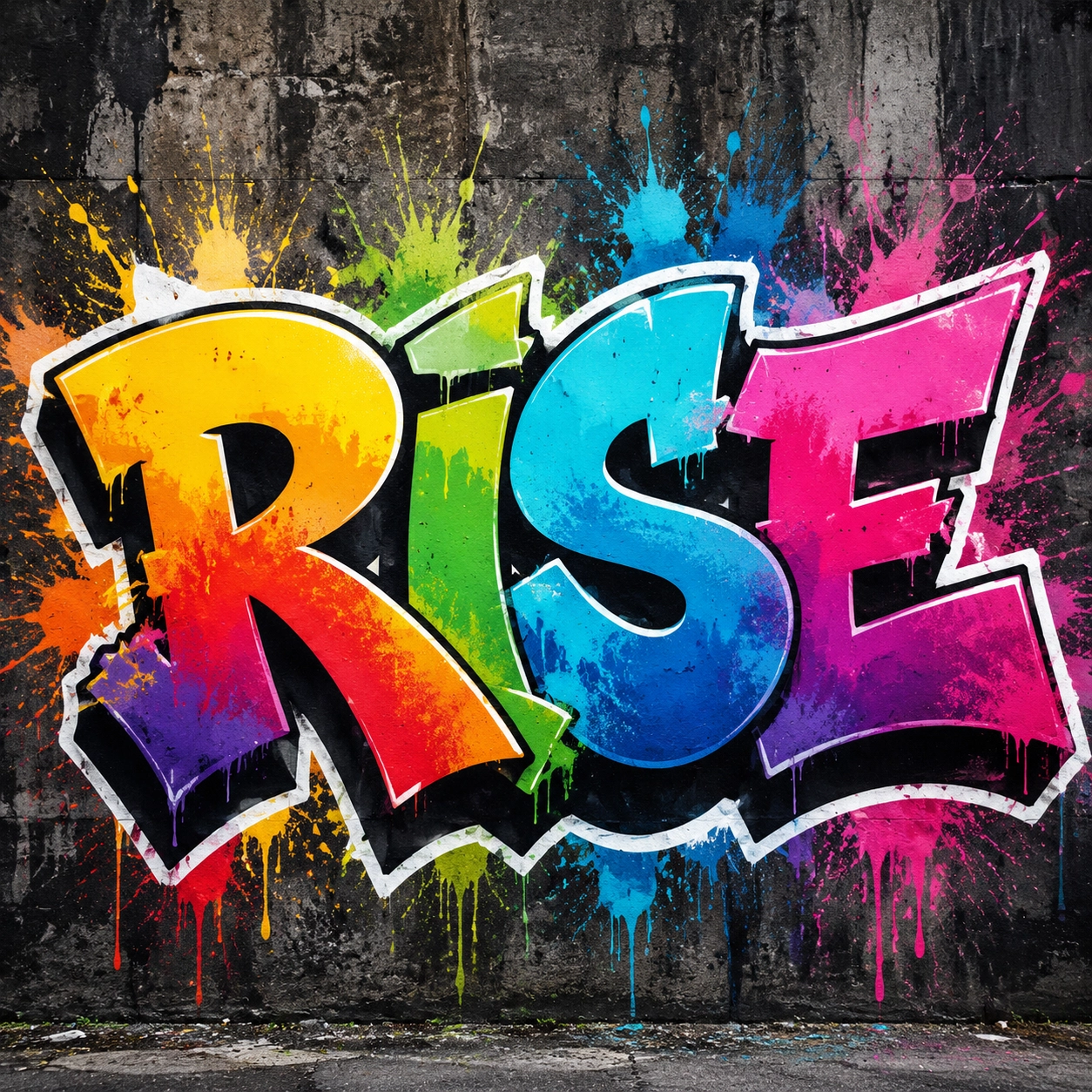
5. Graffiti Style
The exact word "RISE" in bold graffiti lettering, colorful spray paint texture, urban wall background, strong white outline, energetic street art composition, readable letters, no extra tags.
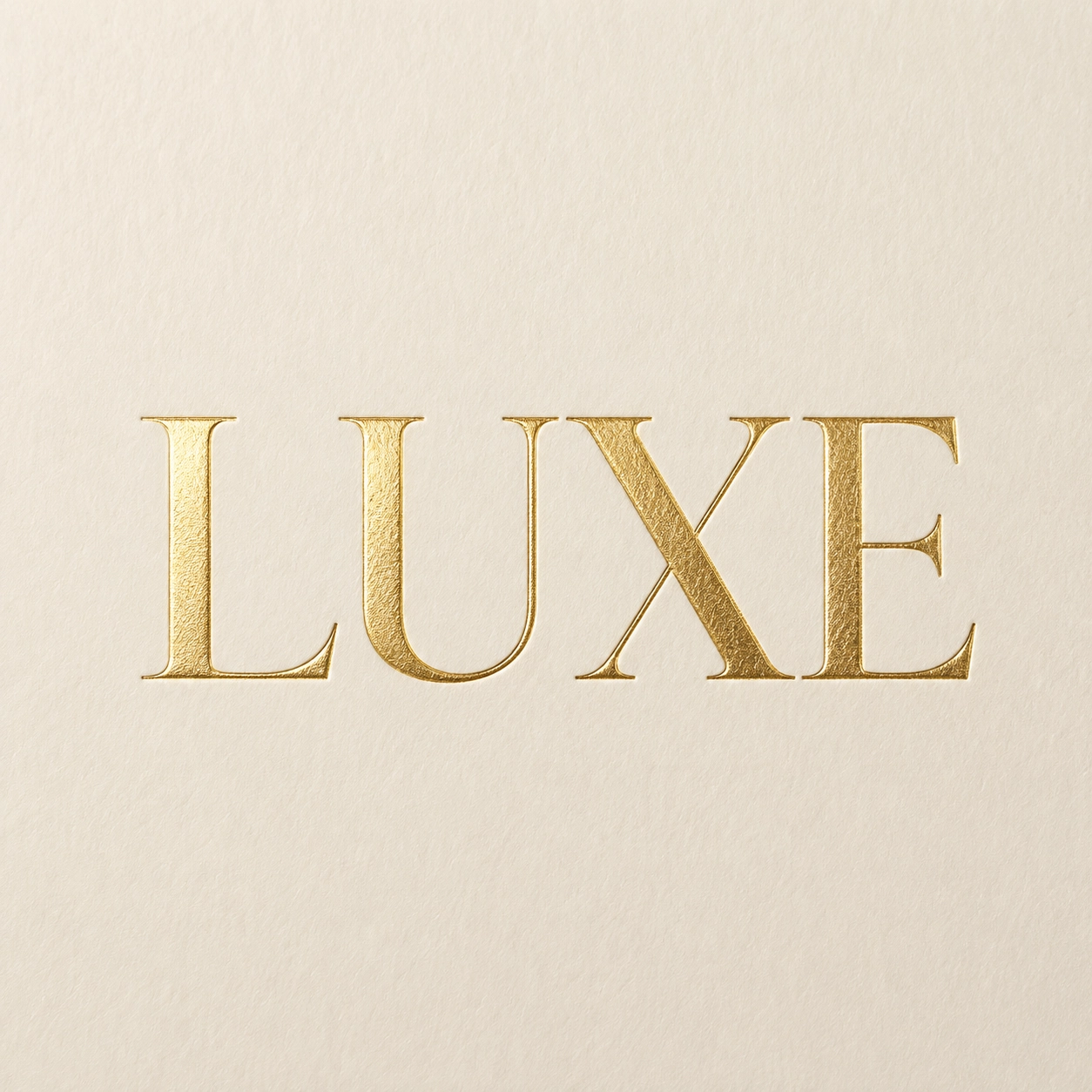
6. Luxury Gold Foil
The exact word "LUXE" in elegant serif typography, raised gold foil texture, ivory paper background, premium editorial lighting, centered invitation design, clean spacing, no extra words.
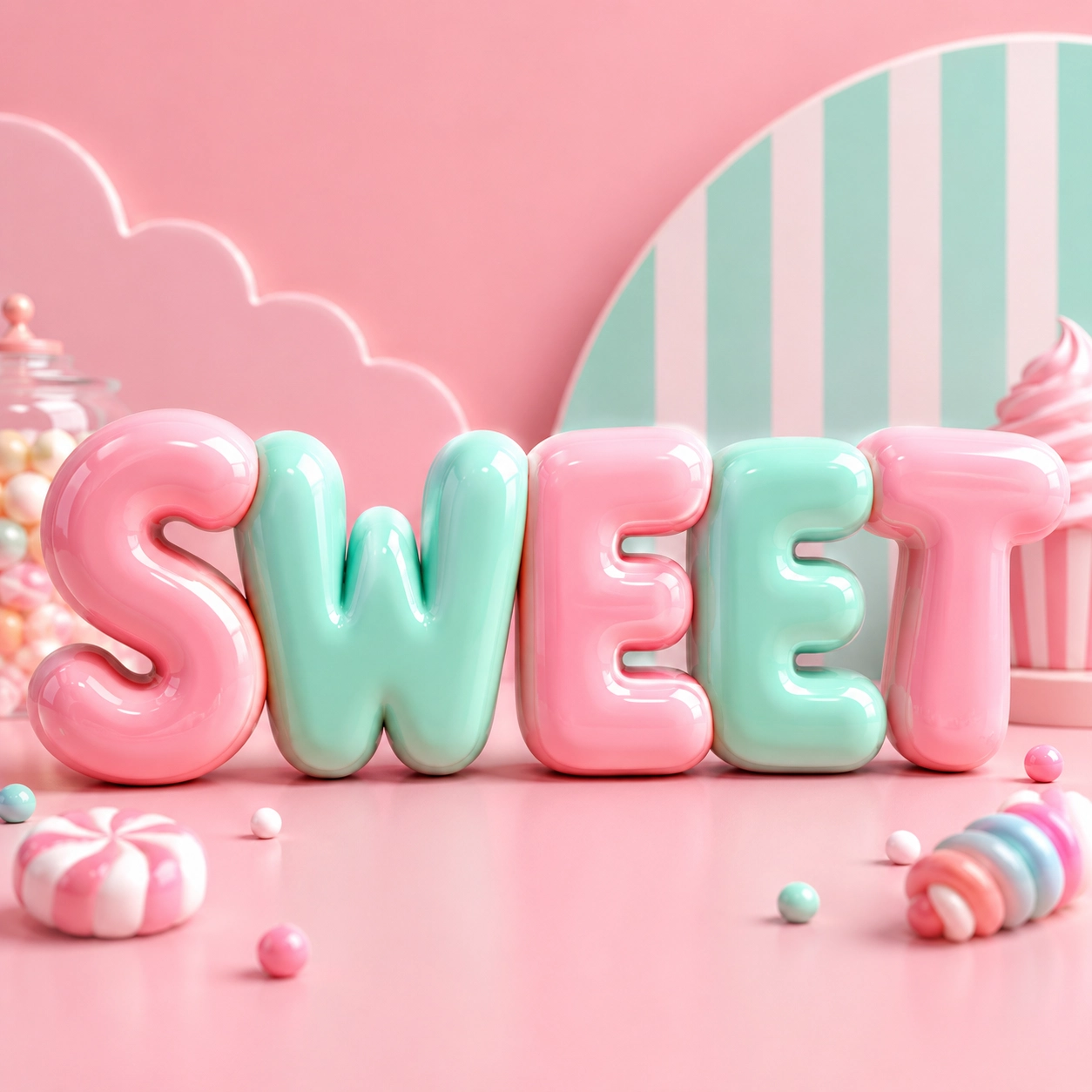
7. Candy Bubble Letters
The exact word "SWEET" in oversized 3D bubble letters, glossy candy texture, pink and mint pastel palette, playful studio background, soft shadows, clear spelling, no extra letters.
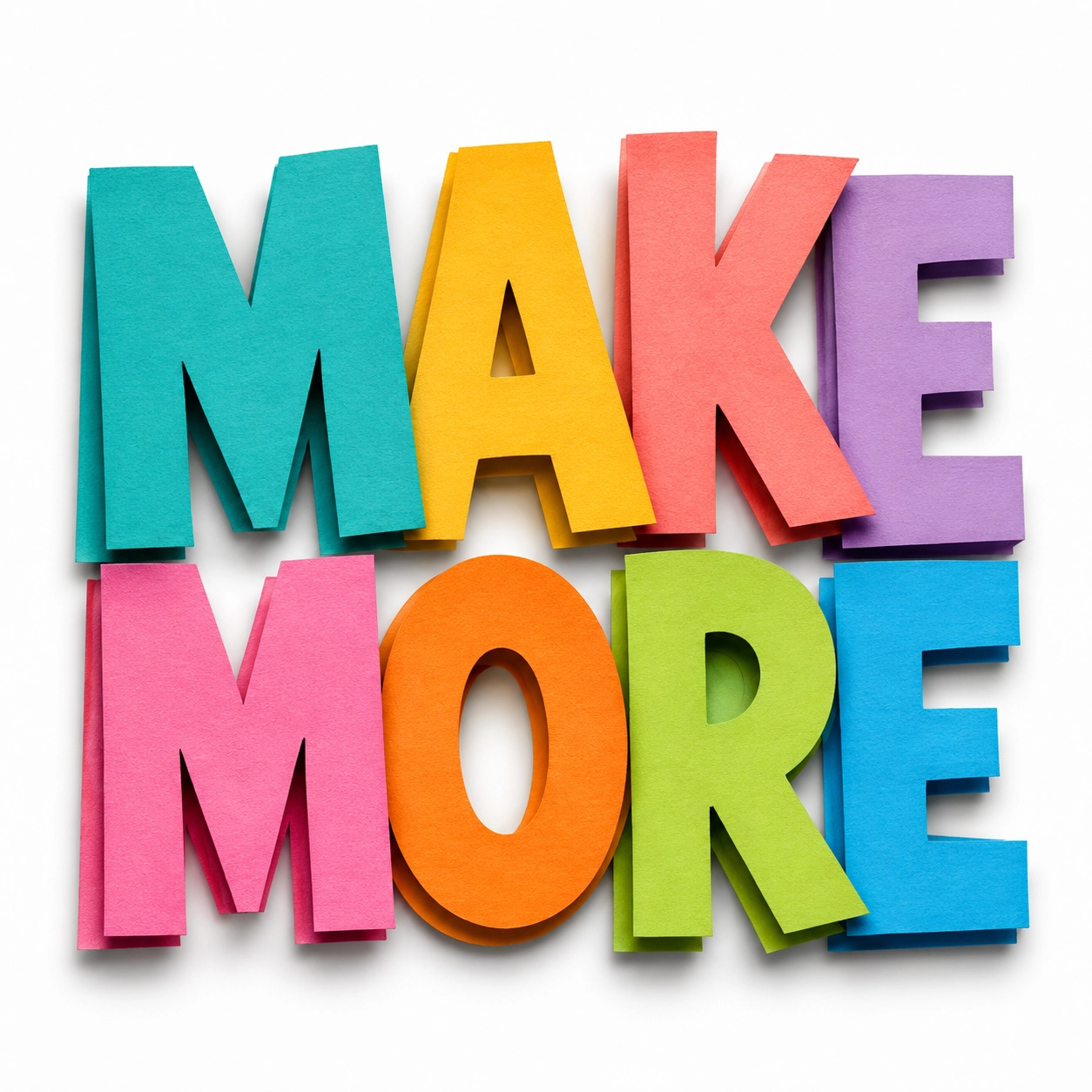
8. Paper Cutout Text
The exact phrase "MAKE MORE" in layered paper cutout letters, bright craft paper colors, soft handmade shadows, clean white background, optimistic poster design, readable stacked layout, no extra text.
9. Fire Text
The exact word "BOLD" in large readable block letters made of controlled orange flame, dark smoky background, dramatic contrast, cinematic poster style, clean letter shapes, no extra words.
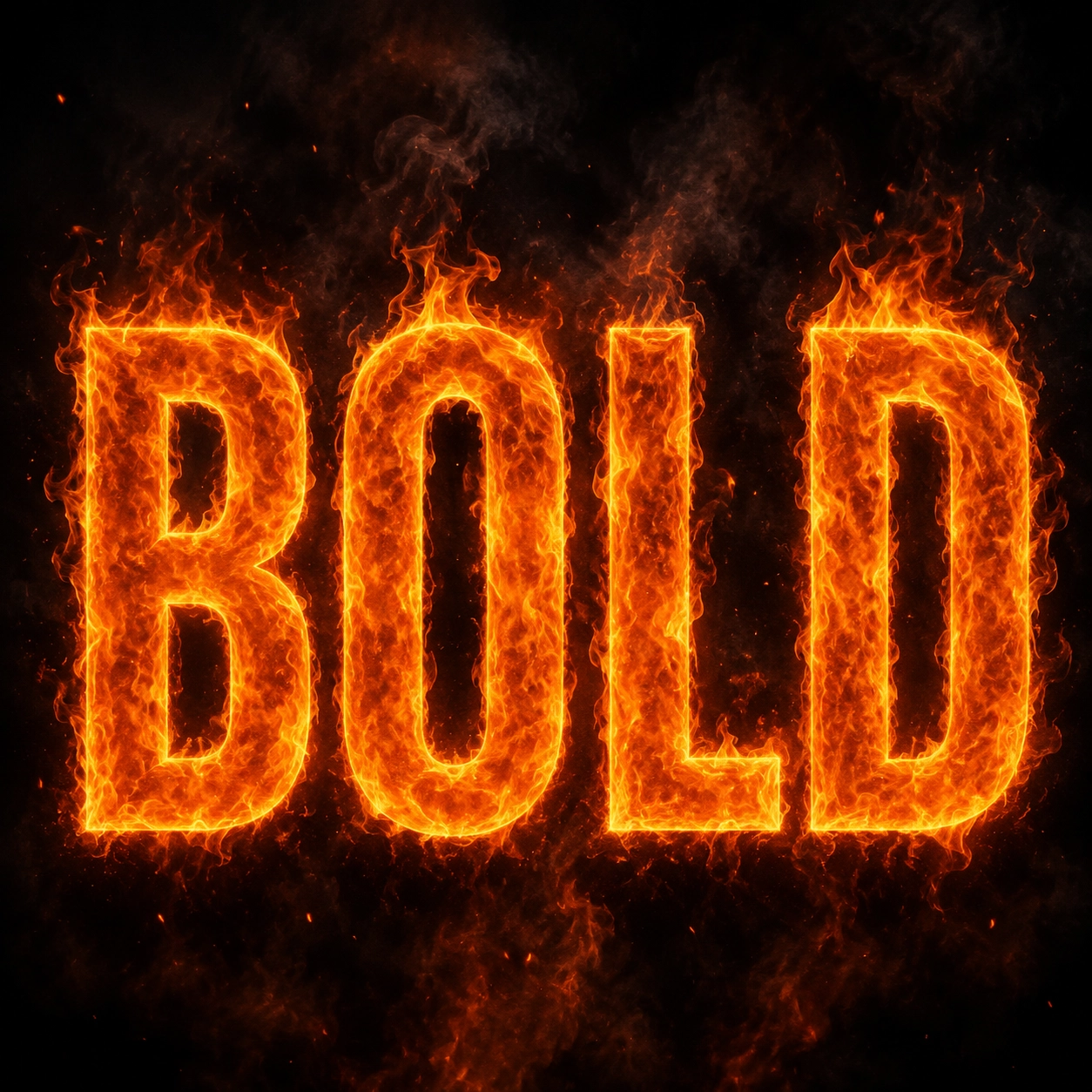
10. Icy Lettering
The exact word "FROST" in transparent ice letters, sharp readable shapes, pale blue highlights, snowy minimal background, cold cinematic lighting, clean spacing, no extra text.
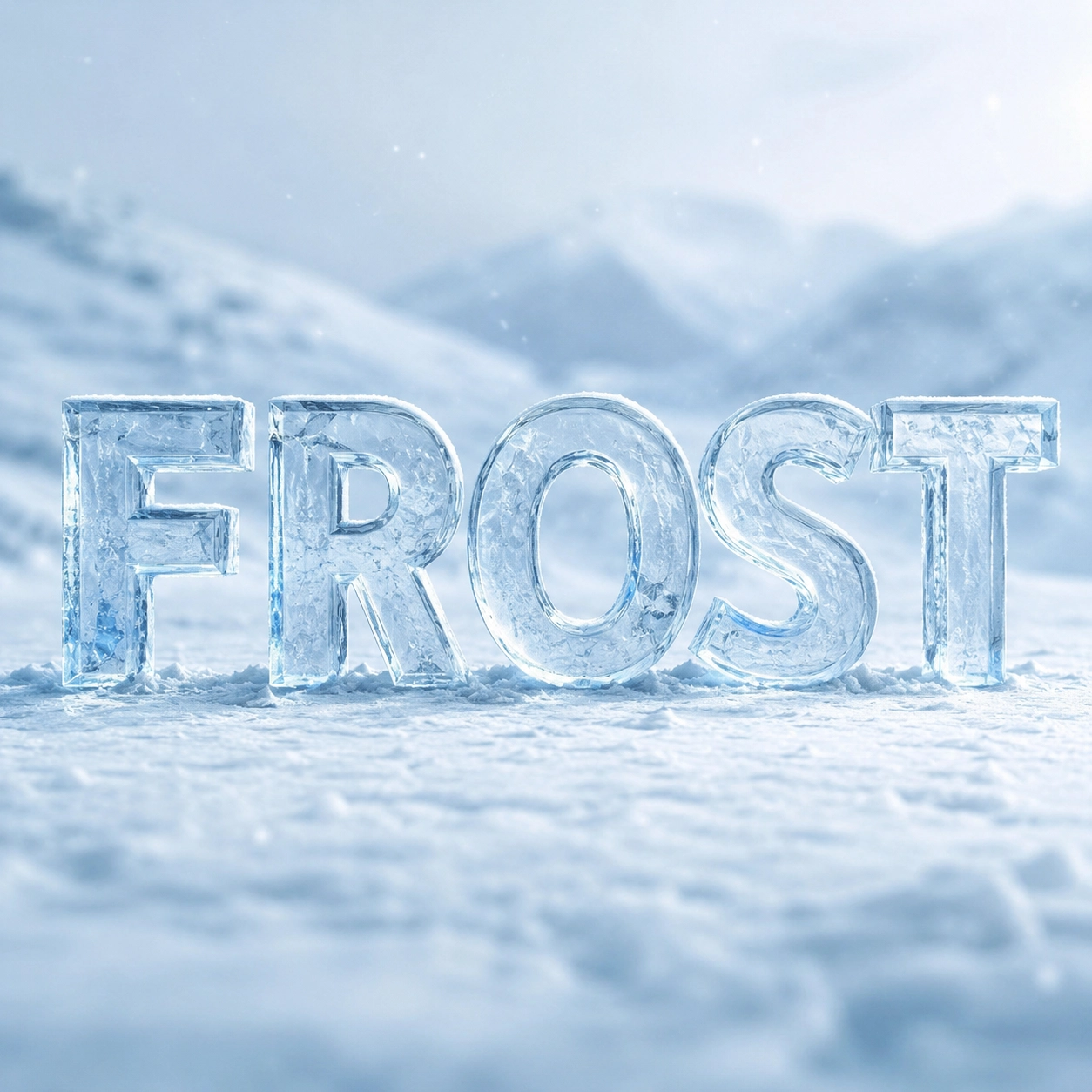
A Simple Midjourney Text Art Prompt Formula
Use this formula when you are not sure where to begin:
The exact word "[TEXT]" in [lettering style], [material or texture],
[layout], [color palette], [background], [lighting or mood],
[readability rule], [what to avoid].
Here is the same formula filled in:
The exact word "SPARK" in bold readable chrome bubble letters, reflective silver surface with tiny orange highlights, centered sticker-style layout, soft black background, studio lighting, high contrast, no extra words, no misspelled letters.
This keeps the prompt focused. If you add too many unrelated styles, the AI may prioritize decoration over legibility.
How to Create Text Art with insMind?
insMind is a practical place to test Midjourney-style word art ideas because you can start with a prompt, choose an image model, generate variations, and download the result in one browser workflow. Use the steps below when you want to turn prompt ideas into posters, thumbnails, invitation headers, name art, product campaign graphics, or moodboard images.
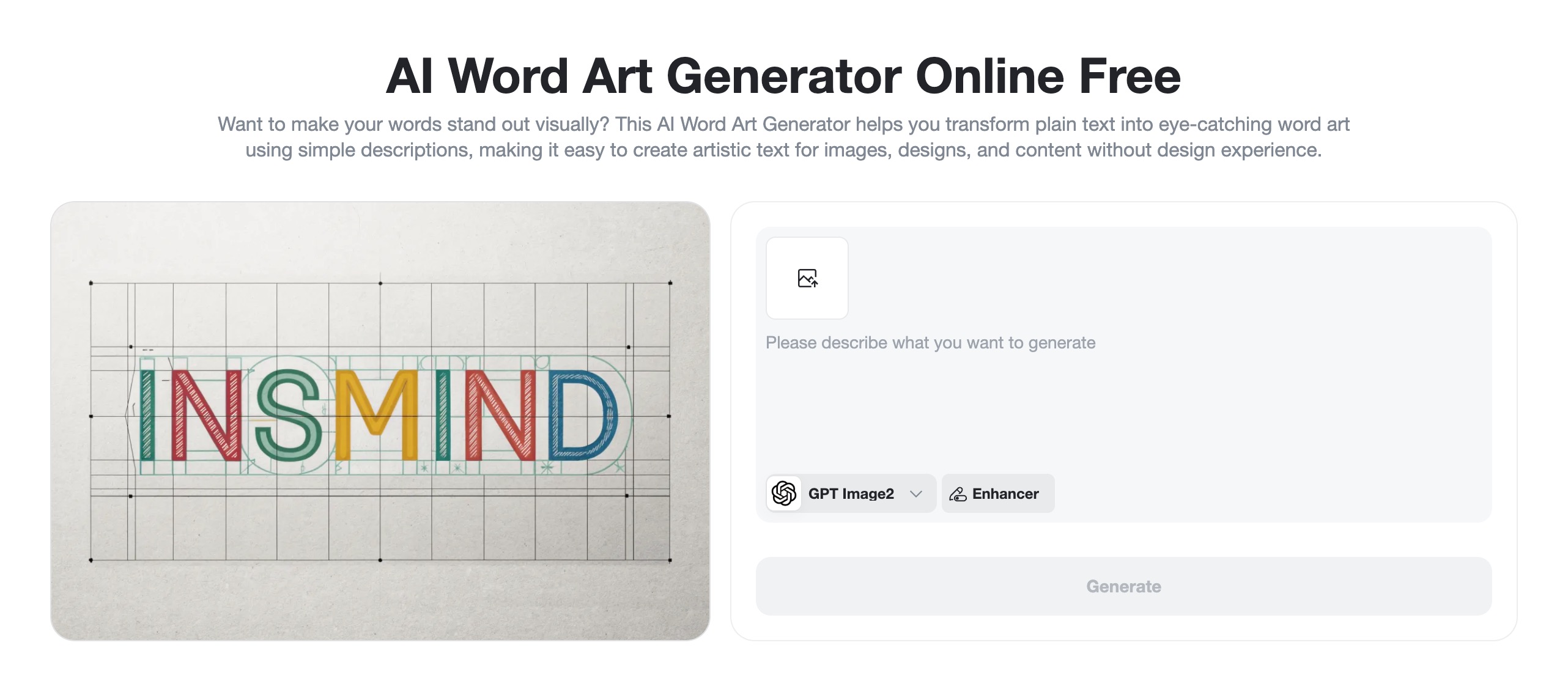
Step 1: Open Text to Image and Choose a Model
Open insMind's Word Art Generator page and enter the AI image workspace. Choose a model based on the kind of text art you want. For clean lettering, badge concepts, posters, and brand-style graphics, start with a model that handles design-like output well. Use a square canvas for early testing, portrait for posters, and landscape for banners or thumbnails.
Step 2: Write a Prompt Around the Exact Word
Place the exact word or phrase near the beginning of the prompt. Then describe the typography style, material, color palette, layout, and background. End with readability constraints, especially if the word must be clear.
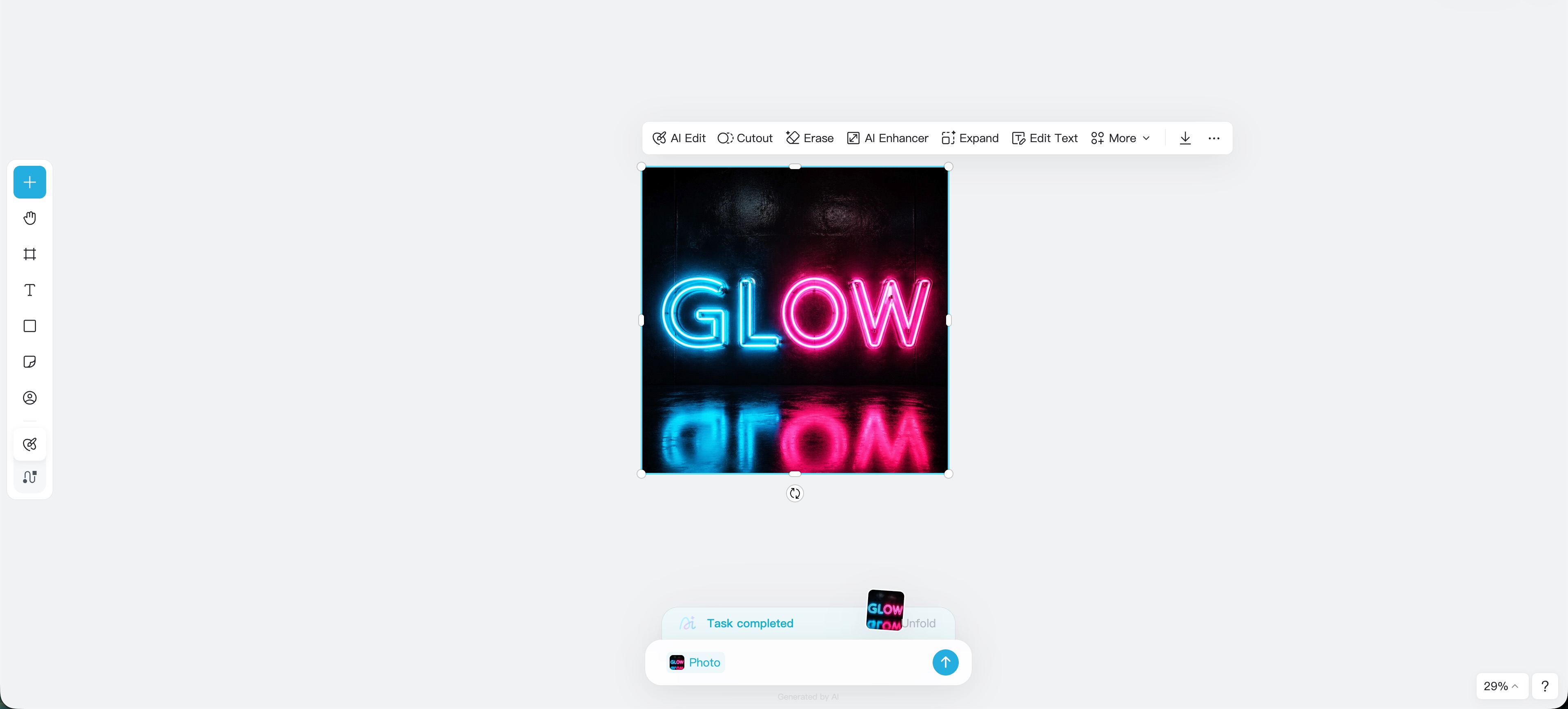
The exact word "GLOW" in large readable neon tube letters, electric cyan and pink light, centered on a dark glossy wall, cinematic reflections, high contrast, clean spacing, no extra words, no misspelled letters.
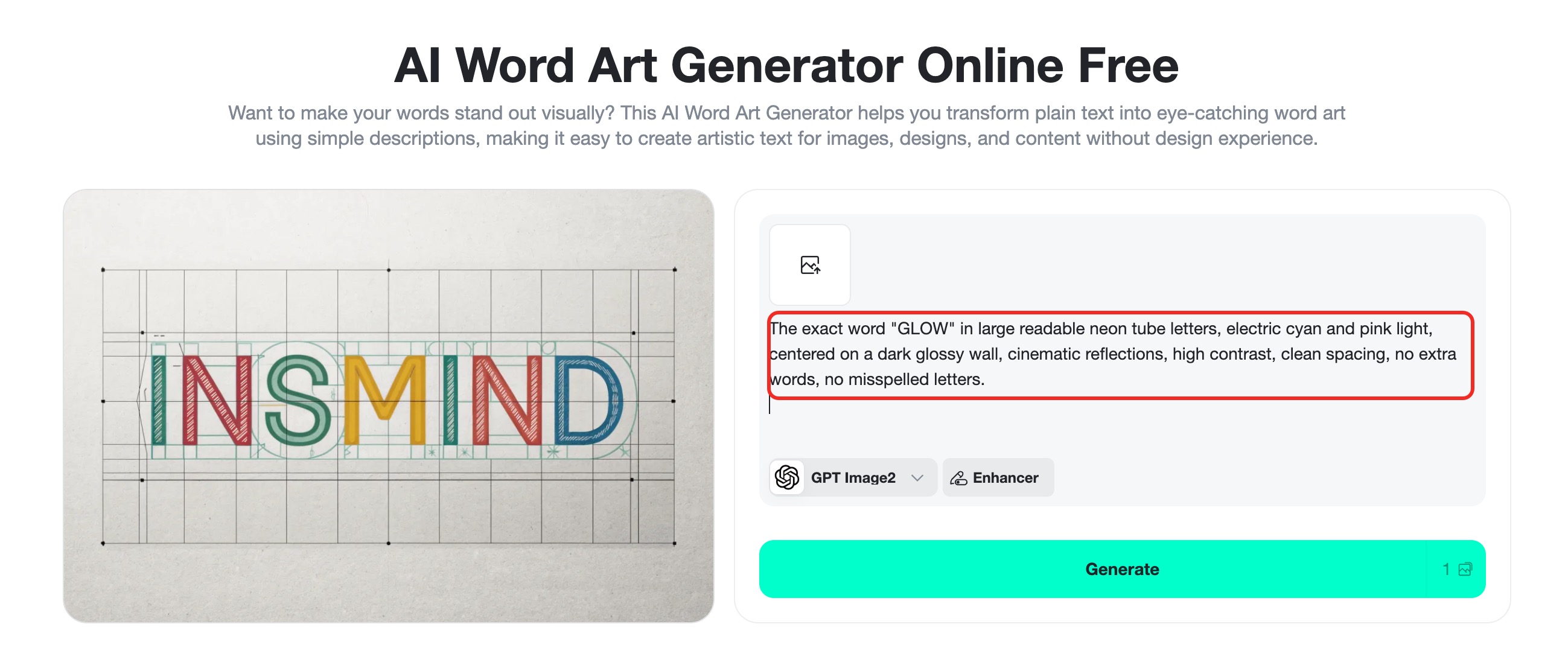
Step 3: Generate, Review, and Refine
Click Generate and look at the word before you admire the style. Is every letter correct? Is the main word easy to read at thumbnail size? Are there random small marks that look like fake text? If the answer is no, simplify the prompt.
Step 4: Download or Keep Editing
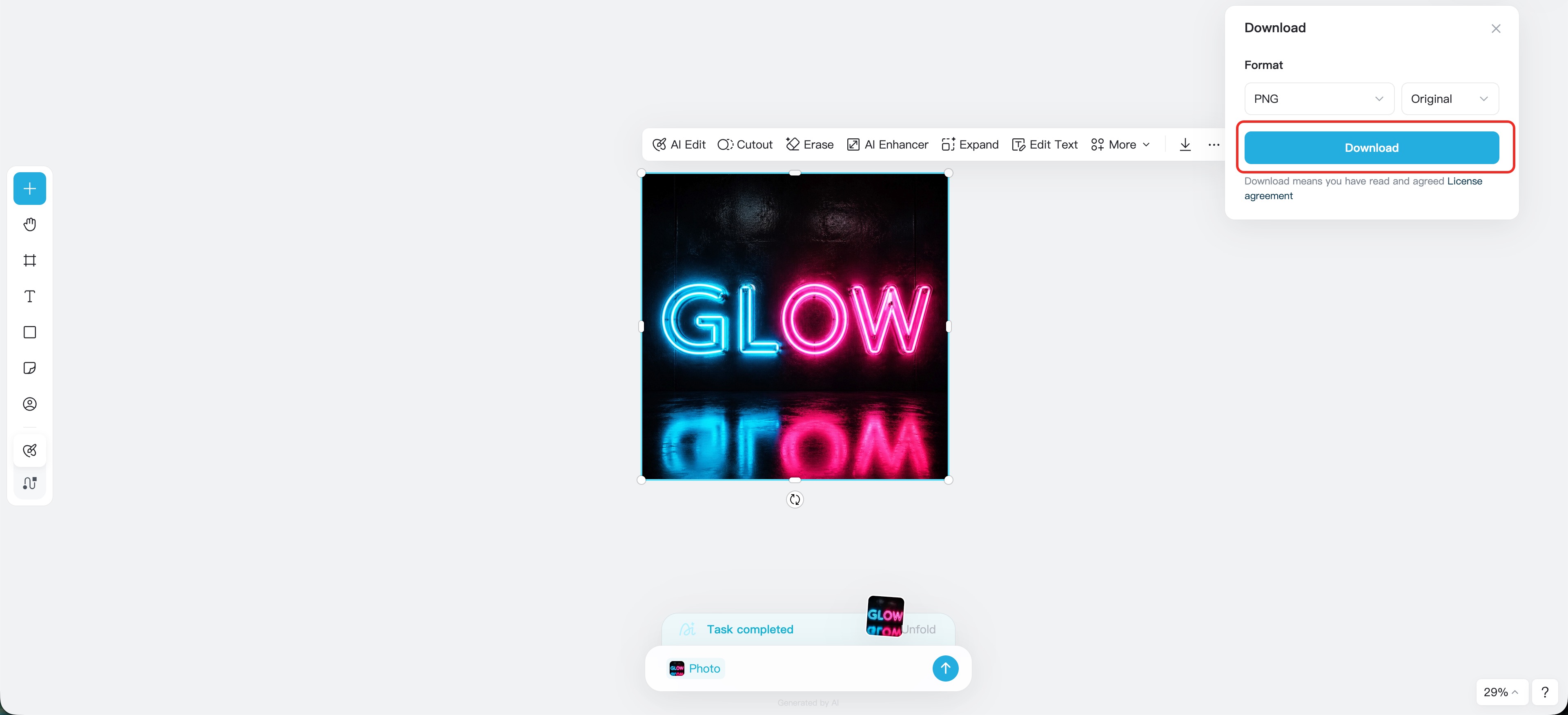
When you like the result, download the image from insMind. You can use it directly as a concept graphic, poster draft, social visual, thumbnail element, sticker idea, or campaign moodboard. If you need more polish, continue editing with insMind AI image tools to adjust backgrounds, resize for different platforms, or prepare the image for publishing.
FAQ About Midjourney Text Art Prompts
What is the best Midjourney text art prompt structure?
Start with the exact word or phrase, then describe the lettering style, material, layout, background, and readability rules. A strong structure is: exact word + typography style + material + composition + color + background + no extra text.
Can insMind generate word art from a prompt?
Yes. You can use insMind's text-to-image workflow to enter a word art prompt, choose an image model, generate variations, and download the finished image.
Why does AI sometimes misspell words in text art?
AI image models generate visual patterns, not editable font layers. Clear prompts, short words, simple backgrounds, and readability rules can improve results, but you should always review the final letters.
Are Midjourney typography prompts good for logos?
They are useful for logo concepts, moodboards, and style exploration. For a final logo, refine the typography and trademark details in a dedicated design workflow.
What should I write if I want cleaner letters?
Use instructions such as large readable letters, one centered word only, clean spacing, plain background, high contrast, no extra words, and no misspelled letters.
Start Creating Better Word Art
Great AI word art is not about throwing more style words into a prompt. It is about giving the model a clear typography task: show this exact text, in this visual style, with this material, on this background, while keeping the letters readable.
Use the prompt formula above, test variations in insMind, and refine based on what the letters actually look like. Once the text is clear, you can push the style as far as you want.
I'm a tech enthusiast and writer who loves exploring AI, digital tools, and the latest tech trends. I break down complex topics to make them simple and useful for everyone.


