


Ever typed a few words into Midjourney and hoped it would create the perfect logo, only to get something beautiful but completely unusable? You are not alone. Midjourney can create striking visuals, but logos need more than artistic flair. They need clarity, balance, brand personality, simple shapes, and a direction that still works when the image is small.
That is why good Midjourney logo design prompts matter. A strong prompt gives the AI a creative brief instead of a vague wish. It tells the tool what kind of brand you are designing for, what symbol should appear, which style to follow, what colors to use, and what to avoid.
In this guide, you will learn how to write Midjourney prompts for logo design, use a repeatable prompt formula, adapt practical examples, and test logo ideas with insMind's text-to-image workflow.
What Are Midjourney Logo Prompts?
Midjourney logo prompts are written instructions that tell Midjourney what kind of logo concept to generate. Instead of entering a broad phrase like "coffee shop logo," you describe the brand, icon, style, typography direction, colors, composition, and level of simplicity.
Think of the prompt as a compact design brief. A designer would ask: What does the brand do? Who is the audience? Should the logo feel premium, playful, futuristic, organic, or minimal? What symbols make sense? What should the final mark avoid?
A useful logo prompt often includes:
- Brand category or industry
- Core symbol or visual metaphor
- Style direction, such as minimalist, vintage, geometric, or mascot
- Color palette
- Typography feel, if needed
- Composition, such as emblem, icon, monogram, or wordmark
- Negative instructions, such as no mockups, no 3D, no complex background
Why Good Midjourney Logo Design Prompts Matter
So why not just ask Midjourney for "a modern logo" and pick the prettiest result? Because logos are not just decorative images. They need to be readable, memorable, flexible, and connected to a brand strategy.
Good Midjourney prompts for logo design help you control the creative direction. They can push the output toward flat vector-style marks, clean icons, elegant badges, mascot concepts, simple monograms, or experimental visual identities.
This is especially helpful for startup founders, designers, marketers, content creators, and small businesses that want to explore logo directions before investing in final production design. AI should not replace final brand judgment, but it can speed up ideation when you know how to guide it.
How to Write Midjourney Logo Prompts
The best Midjourney logo prompts are specific without becoming cluttered. You want enough detail to guide the AI, but not so many competing instructions that the output becomes confused.
Use this simple formula:
[Logo type] for [brand or industry], featuring [symbol or visual metaphor], [brand personality], [style direction], [color palette], [composition notes], [background], [avoidances].
Here is an example:
Minimal vector logo for a sustainable outdoor gear brand, featuring a mountain peak combined with a leaf shape, adventurous and eco-conscious personality, clean geometric style, forest green and warm sand palette, centered icon composition, white background, no mockup, no 3D, no complex details.
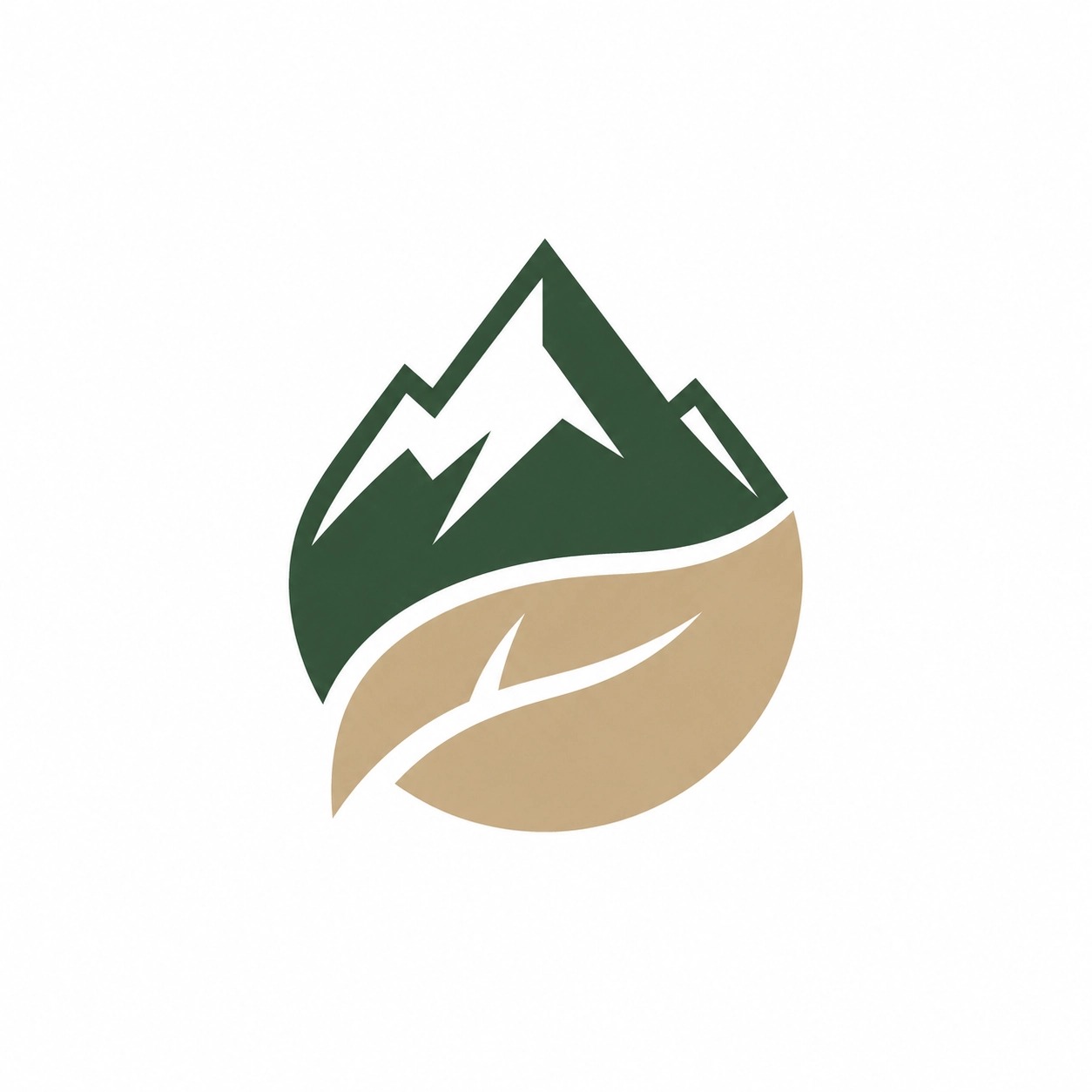
Why does this work? It gives Midjourney a clear design target. The logo type is minimal and vector-like. The industry is outdoor gear. The symbol combines two relevant ideas: mountain and leaf. The colors support the brand mood. The negative instructions help reduce common AI logo problems, such as 3D mockups and over-detailed scenes.
Midjourney Logo Prompt Generator Formula
If you want a repeatable midjourney logo prompt generator workflow, build prompts by filling in these fields:
- Logo type: icon, emblem, wordmark, mascot, monogram, or badge.
- Brand or industry: the business category and audience.
- Main symbol: the object, letter, animal, shape, or visual metaphor.
- Brand personality: premium, playful, technical, calm, bold, organic, or trustworthy.
- Style, colors, composition, background, and avoidances.
Then combine them into a single prompt:
Flat vector logo for a boutique fitness studio for busy professionals, featuring a simple flame symbol inside a circular motion mark, energetic but premium personality, modern minimalist style, coral red and deep graphite palette, bold sans-serif typography direction, centered composition on white background, avoid 3D, shadows, mockups, and complex details.
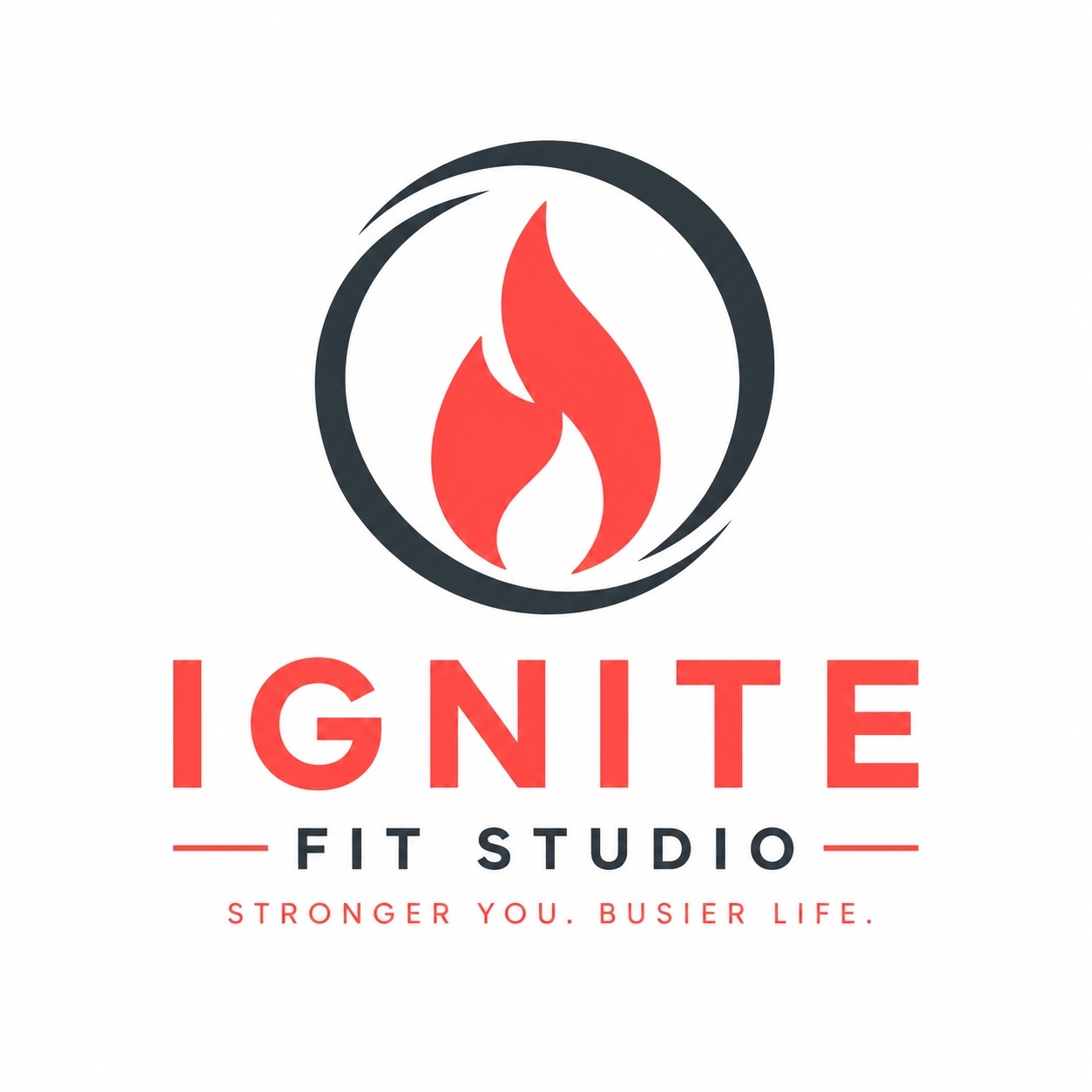
This method keeps your creative thinking organized. If one result is weak, you can adjust one field at a time. Try changing the symbol, mood, or style before rewriting everything.
Best Midjourney Logo Prompts by Style
Need starting points? Use these Midjourney logo prompt examples as templates. Replace the industry, symbol, colors, and brand personality with your own details.
1. Minimalist Logo Prompt
Minimalist vector logo for a modern productivity app, simple checkmark symbol integrated with a rising sun, calm and focused brand personality, clean geometric shapes, navy blue and soft yellow palette, centered icon, white background, no 3D, no mockup.

This prompt works well for SaaS, apps, consulting brands, and personal productivity products. Minimalist prompts should focus on one symbol and one clear mood.
2. Luxury Brand Logo Prompt
Elegant logo concept for a luxury skincare brand, abstract lotus flower icon, refined and premium personality, thin-line monogram style, champagne gold and ivory color palette, symmetrical composition, clean white background, no product packaging mockup.
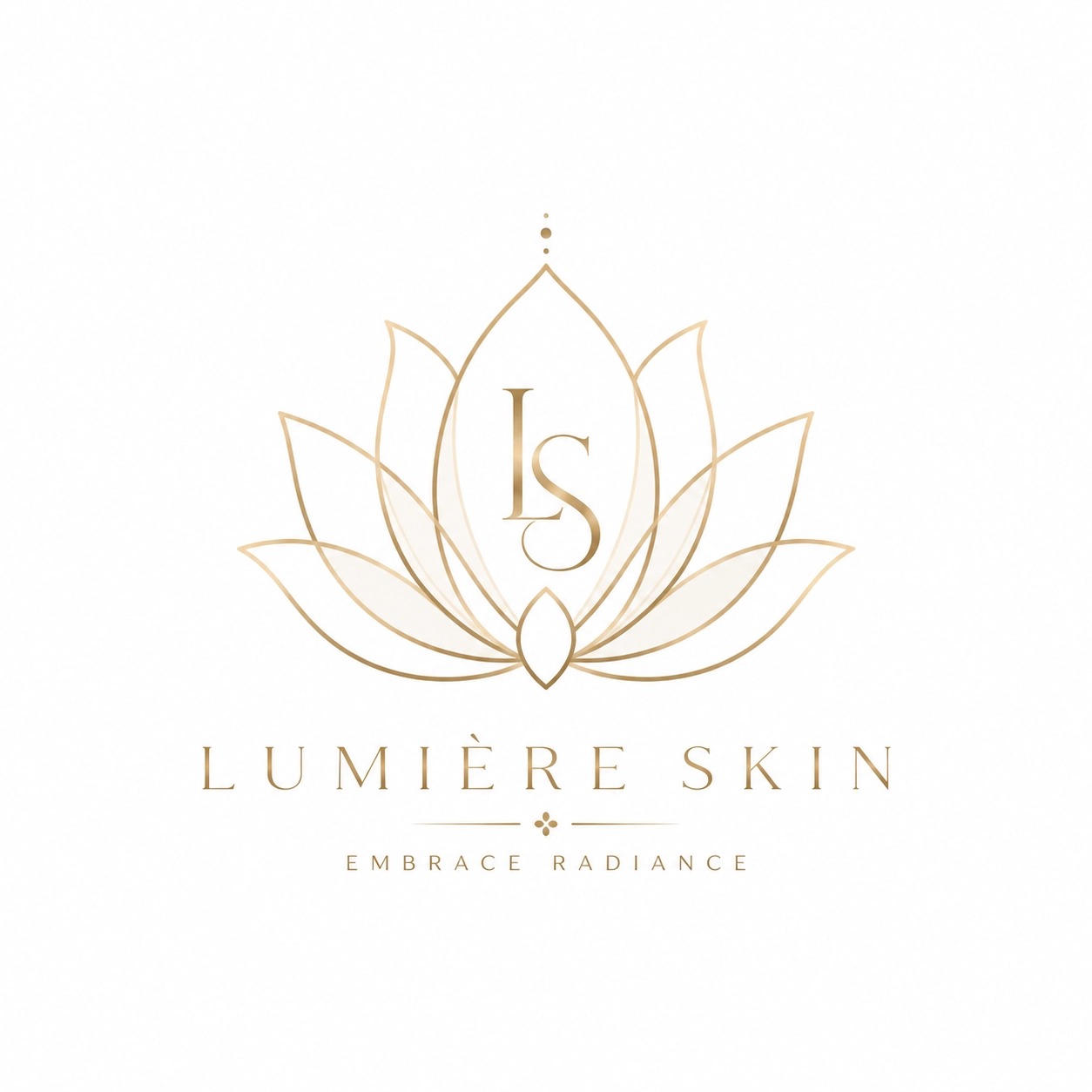
Luxury logo prompts usually benefit from restraint. Use words like refined, elegant, symmetrical, thin-line, premium, and editorial. Avoid asking for too many symbols.
3. Tech Startup Logo Prompt
Futuristic logo for an AI analytics startup, abstract data node symbol forming a subtle letter A, intelligent and trustworthy personality, geometric vector style, electric blue and charcoal palette, sharp clean edges, simple white background, no gradients, no 3D render.
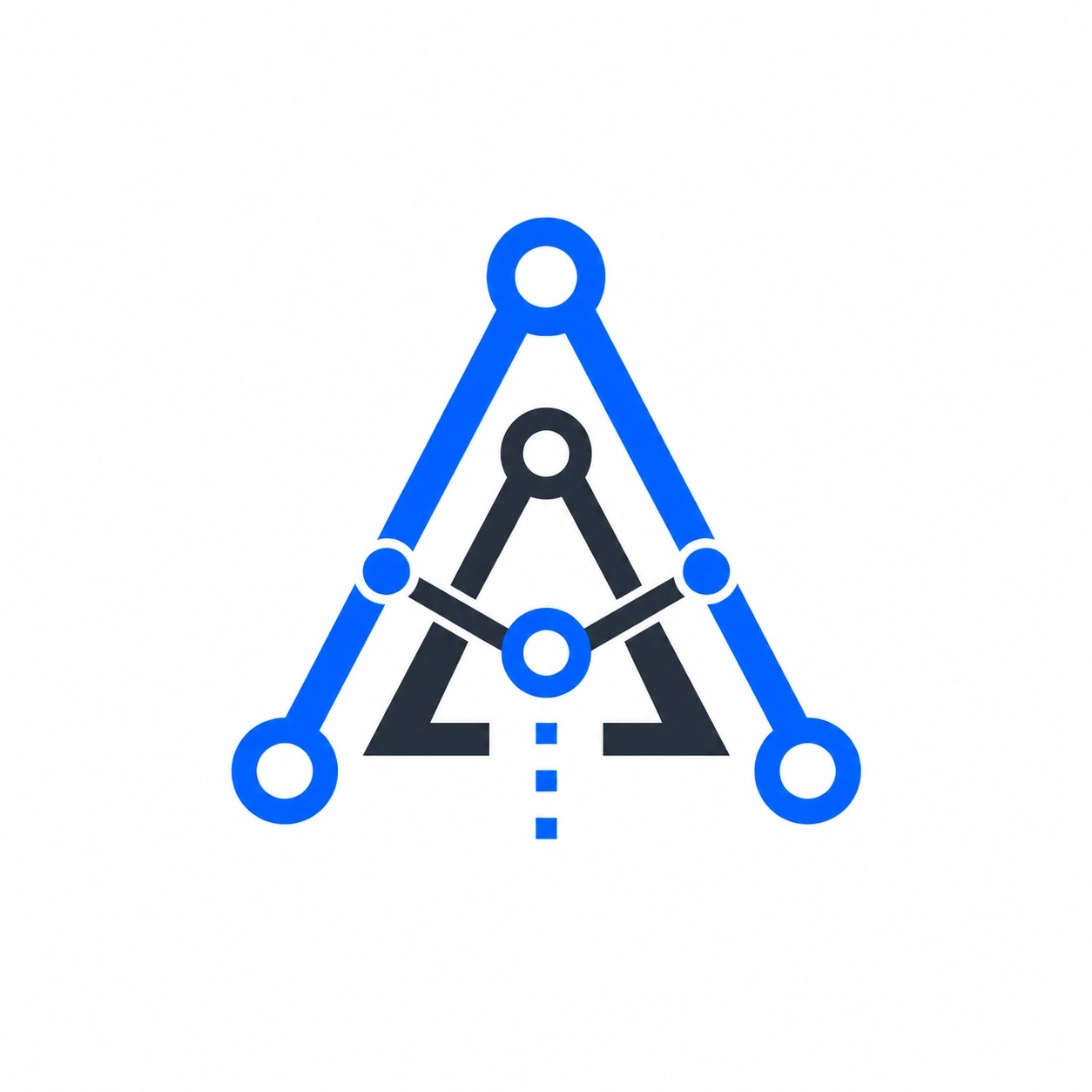
For tech brands, visual metaphors like nodes, paths, signals, grids, sparks, and abstract initials can help the output feel relevant without becoming too literal.
4. Vintage Badge Logo Prompt
Vintage badge logo for a craft coffee roastery, circular emblem with a coffee bean and small mountain line art, warm and authentic brand personality, retro typography direction, dark brown and cream palette, screen print style, plain background, no realistic cup photo.
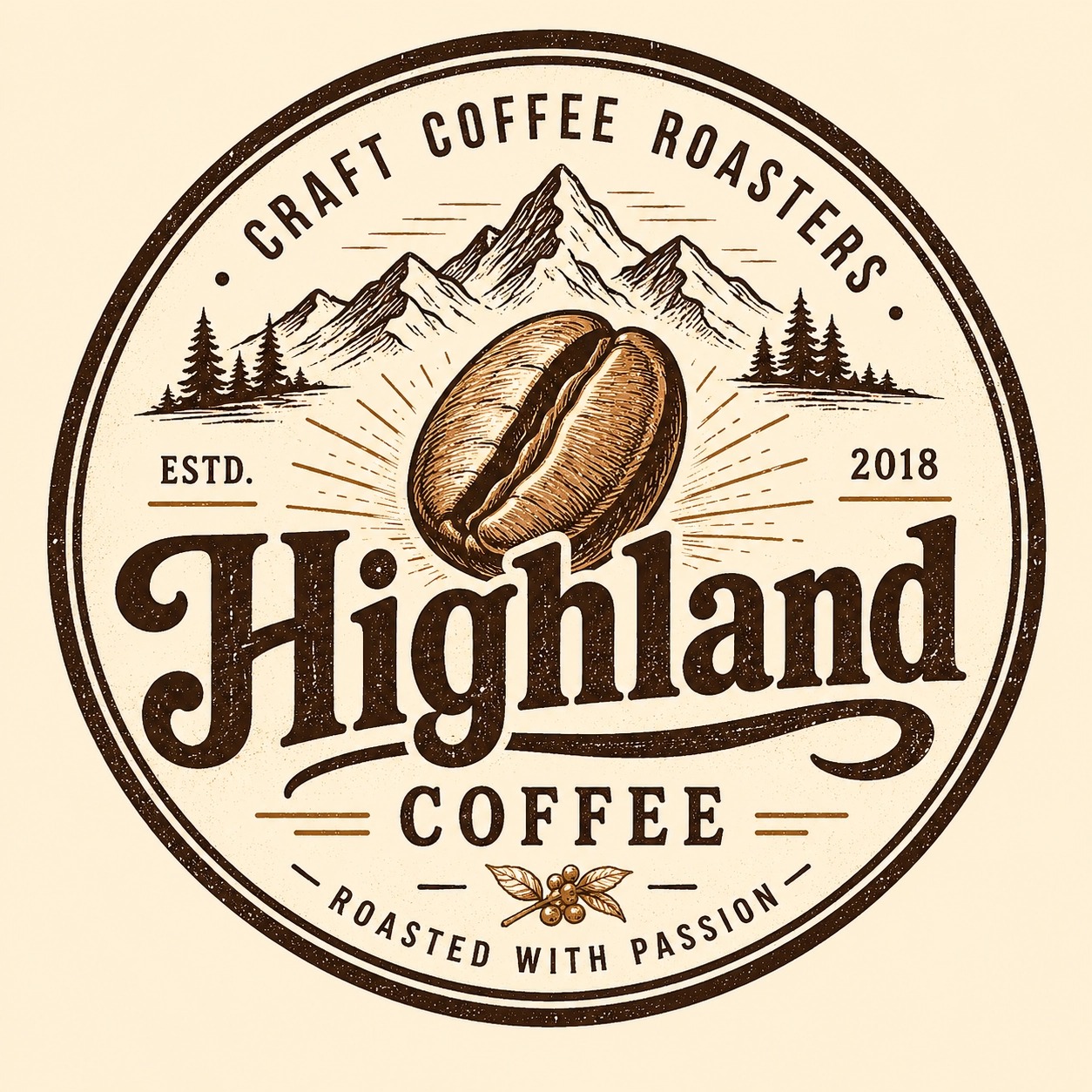
Badge prompts are useful for cafes, breweries, outdoor brands, barbershops, clubs, and local businesses. Keep the composition simple so the emblem does not become crowded.
5. Mascot Logo Prompt
Friendly mascot logo for a children's coding academy, cheerful robot character holding a small star, playful and smart brand personality, bold vector illustration style, teal, orange, and white palette, simple icon composition, clean background, no complex scene.
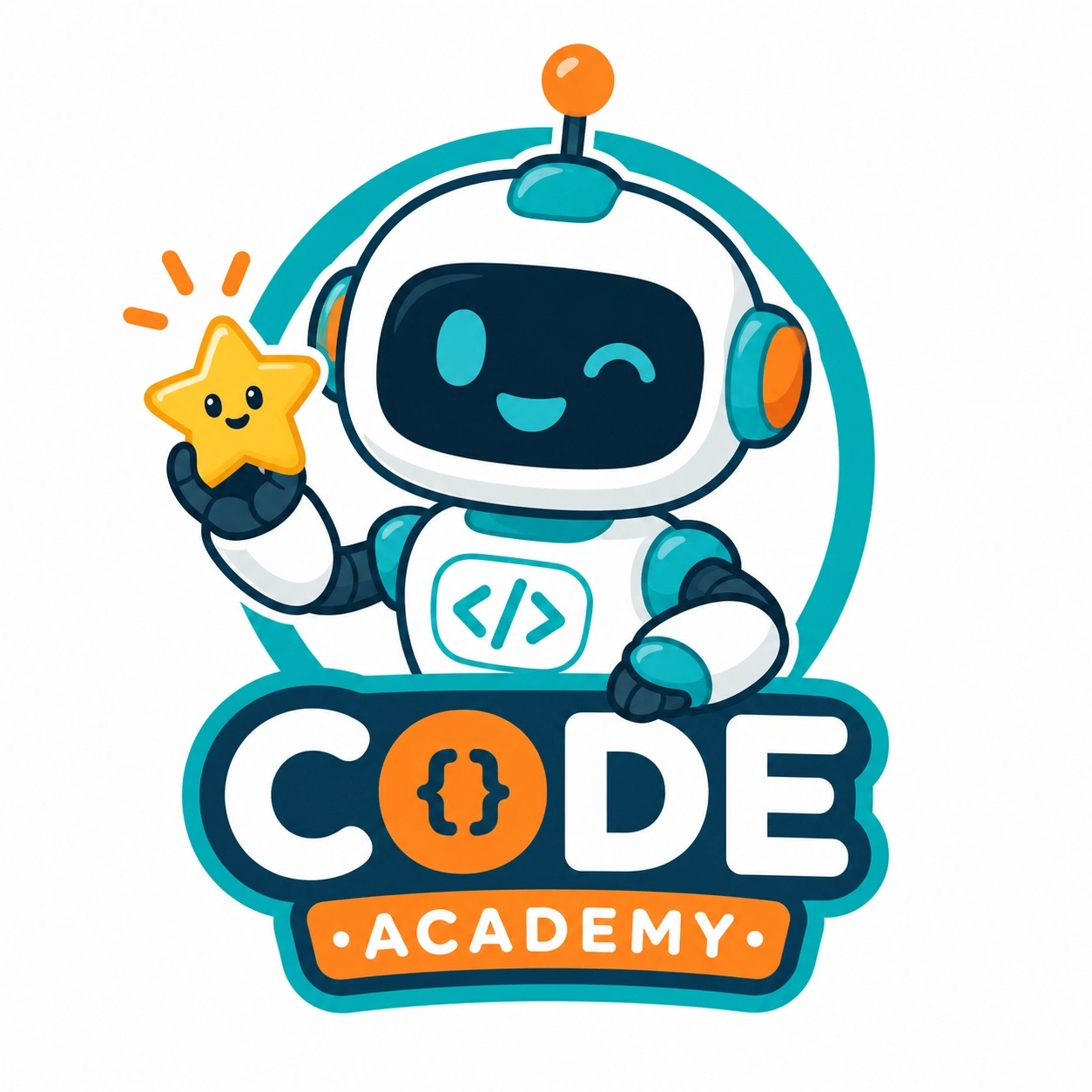
Mascot logos can become too detailed quickly. Use words like simple, bold, clean, and icon composition to keep the character logo usable.
6. Monogram Logo Prompt
Modern monogram logo concept using the letters N and V for a venture studio, confident and innovative brand personality, interlocking geometric letterforms, black and electric green palette, flat vector mark, centered on white background, no mockup.
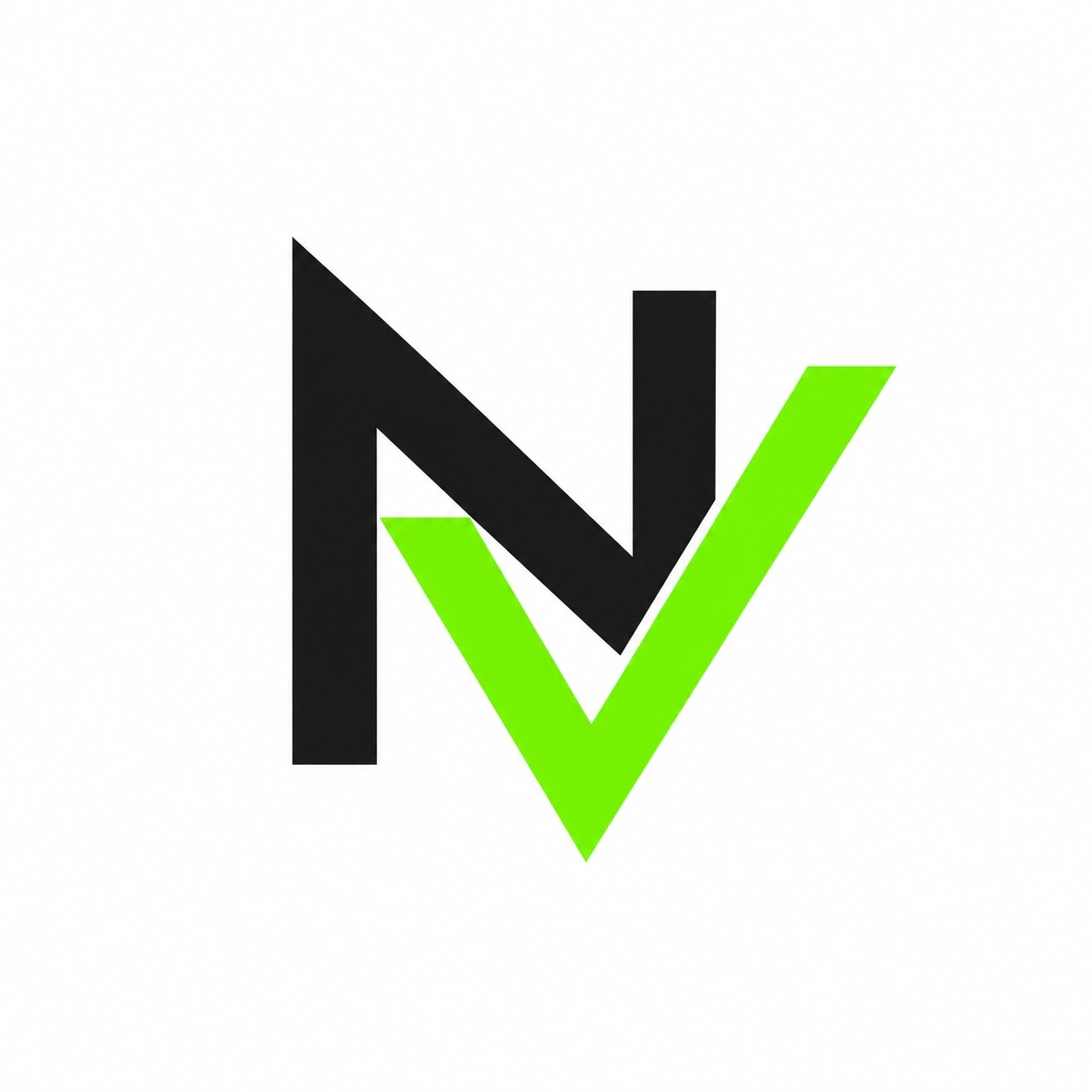
Midjourney may not always render exact letters perfectly, but monogram prompts are still useful for exploring shapes, arrangements, and mood. Treat the output as inspiration, then refine the final letterforms manually.
7. Restaurant Logo Prompt
Clean logo concept for a Japanese noodle restaurant, simple bowl icon with rising steam shaped like a wave, warm and welcoming personality, minimalist line art style, red, black, and cream palette, balanced icon and wordmark direction, white background, no food photo.
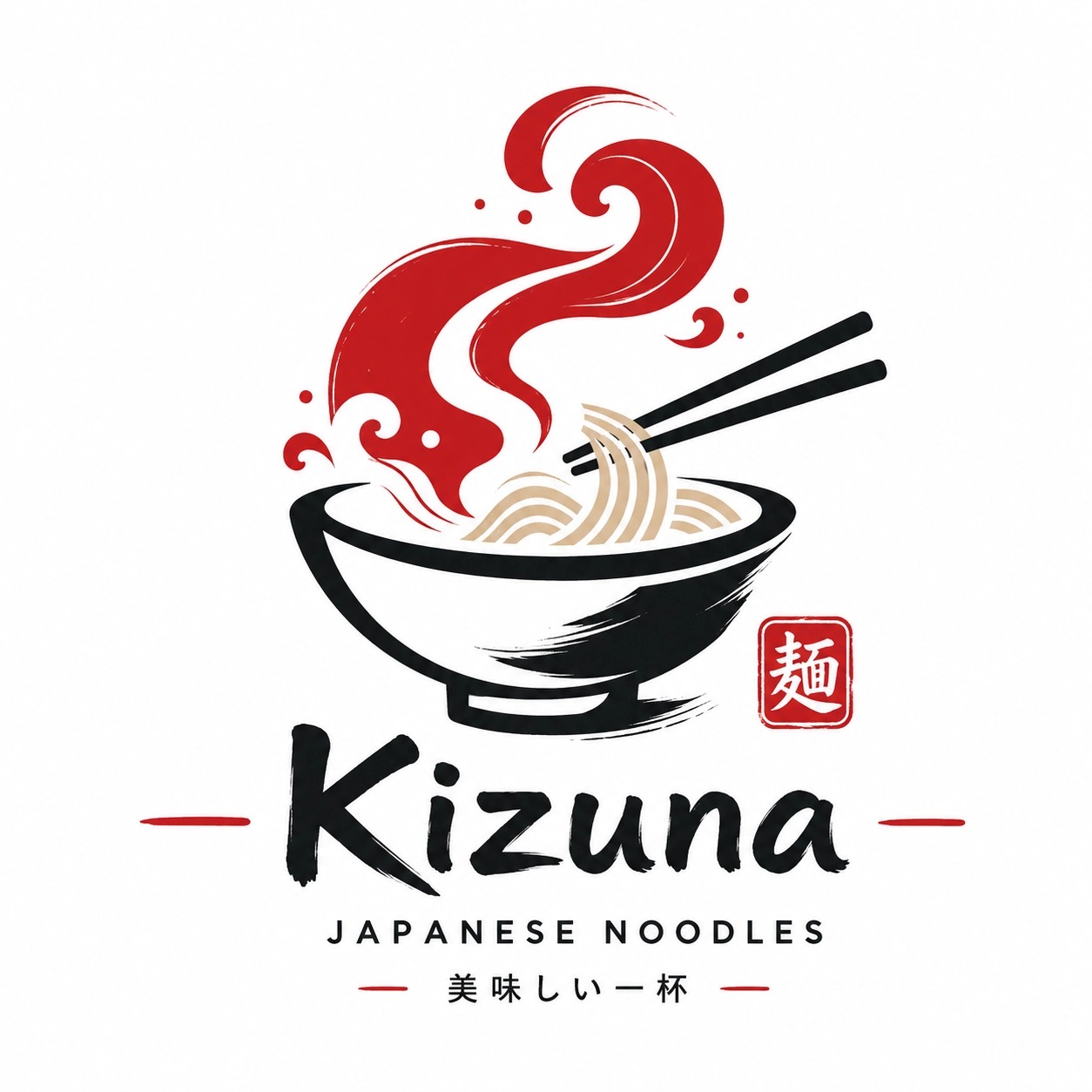
Food logo prompts should communicate cuisine and mood without becoming a menu illustration. One strong icon is usually enough.
How to Generate Logo Ideas with insMind
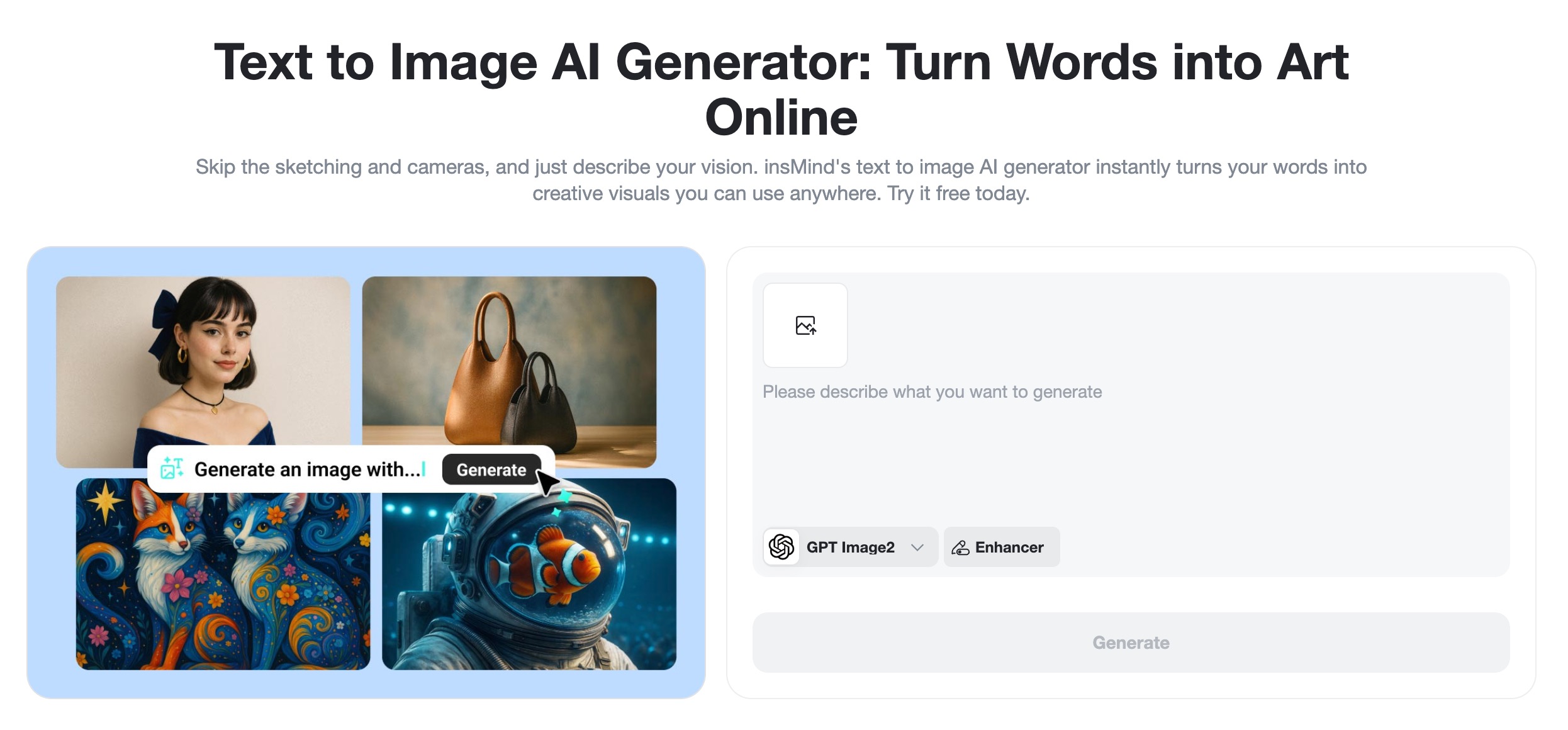
Want a faster way to test logo prompt ideas as AI-generated images? With insMind's text-to-image generator, you can start from a written logo prompt and generate visual directions in a few steps. Use it when you want to brainstorm brand marks, compare styles, or turn a rough Midjourney prompt into a visual reference.
Step 1: Select an AI Model
Open insMind's text-to-image generator and choose the model you want to use for your logo concept. For cleaner logo-style outputs, start with a design-friendly model such as Recraft, GPT-4o Image, or Nano Banana Pro, then turn on prompt enhancement if you want help polishing your wording.
Step 2: Write Your Logo Prompt
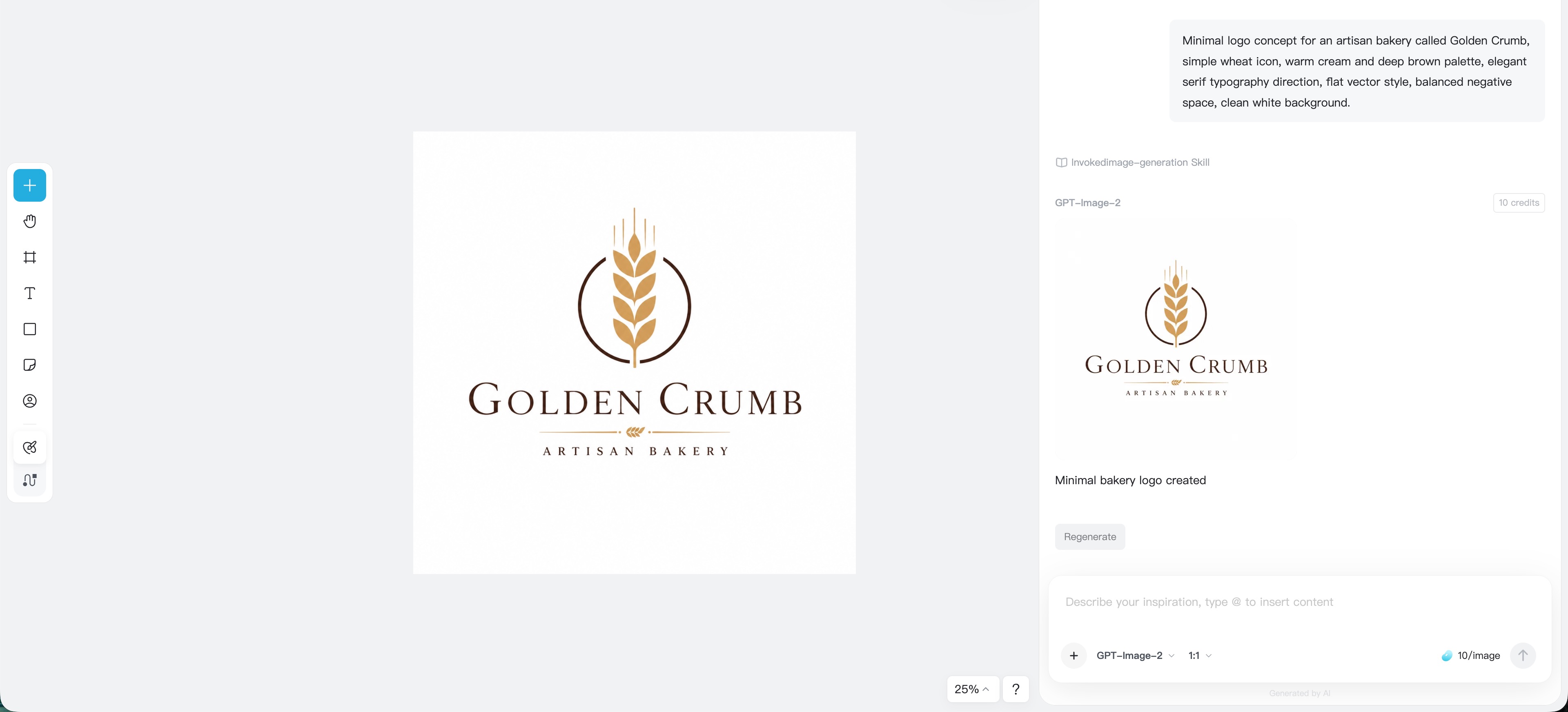
Type a clear prompt that describes the logo concept, brand personality, symbol, typography direction, colors, and style. For example, instead of writing "bakery logo," write:
Minimal logo concept for an artisan bakery called Golden Crumb, simple wheat icon, warm cream and deep brown palette, elegant serif typography direction, flat vector style, balanced negative space, clean white background.
Set the aspect ratio to 1:1 when you want an icon, app mark, profile image, or compact brand concept. If you do not want text in the generated image, say so clearly. AI tools often struggle with exact lettering, so you can generate an icon-only concept first and add final typography later in a design editor.
Step 3: Generate and Refine the Image
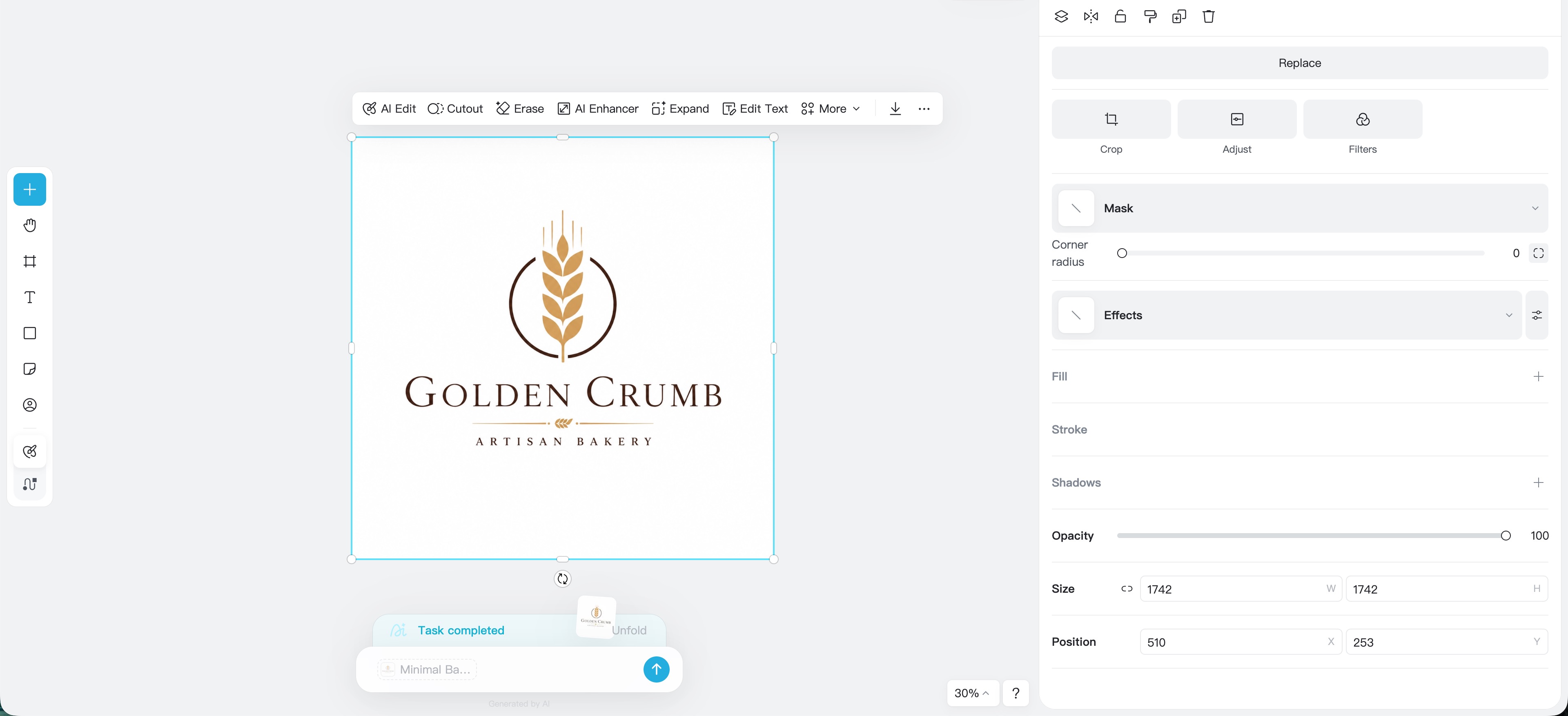
Click Generate and wait for insMind to create your logo concepts. Review the result like a brand designer: Is the symbol clear? Does the style match the audience? Would the mark still work at a small size? Does it feel unique enough, or does it look generic?
If the result is too complicated, simplify the prompt. Add phrases like "simple icon," "minimal shapes," "flat vector logo," "no shadows," or "no detailed background." If the result feels too plain, add a stronger visual metaphor.
Step 4: Download the Finished Image
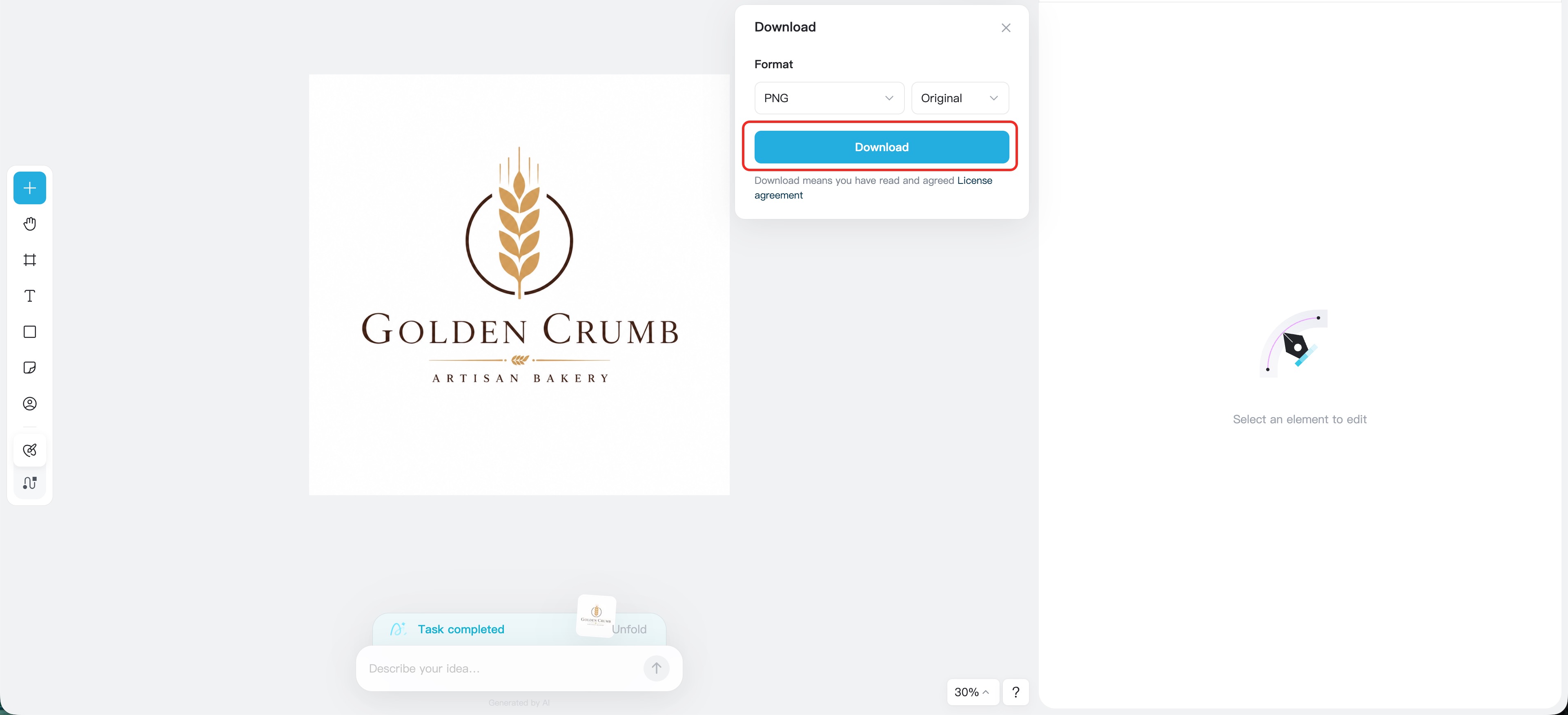
When you find a promising direction, download the finished image. Use it as a concept reference, moodboard asset, or starting point for a polished brand design. For production use, refine the logo further: redraw it as a clean vector, correct typography, test contrast, check small-size readability, and make sure the concept is original enough for your brand.
Tips for Better Midjourney Prompts for Logo Design
Ask for a logo concept, not a finished brand identity. AI-generated logos often need cleanup, especially typography. Use Midjourney to explore visual direction, then refine the final design with proper vector tools.
Use "flat vector" carefully. It often helps push the output toward a logo-like style, but you should also add "simple shapes," "clean background," and "no mockup" if you want less decorative output. You can then bring the same prompt into insMind to compare model styles quickly.
Avoid overloading the prompt. A logo for a travel app with a plane, globe, suitcase, compass, sunset, mountain, ocean, and city skyline will probably look messy. Choose one or two symbols that carry the idea.
Specify the brand mood. The same symbol can feel clever, luxury, childish, sporty, or aggressive depending on the words around it. Mood words guide the shape language.
Test the logo mentally at small sizes. If the prompt asks for tiny details, textures, landscapes, or complex scenes, the result may look impressive at full size but fail as a practical mark.
Common Mistakes to Avoid
The first mistake is expecting perfect text from AI. Midjourney can generate logo-style lettering, but exact spelling and professional typography often need manual editing. If the brand name matters, generate an icon direction first, then add the final wordmark separately.
The second mistake is confusing illustration with logo design. A detailed dragon flying over a castle may look amazing, but it is not always a usable logo. Logos need simplicity, recognition, and flexibility.
The third mistake is using too many style words. "Minimalist vintage futuristic watercolor 3D luxury cartoon logo" gives mixed signals. Pick one dominant style and support it with clear details.
Also, do not forget originality checks. AI can generate ideas quickly, but you still need to review the concept, avoid copying existing marks, and make sure the final logo is appropriate for commercial use.
FAQ About Midjourney Logo Prompts
What makes a good Midjourney logo prompt?
A good Midjourney logo prompt includes the logo type, brand category, main symbol, style, color palette, brand mood, and constraints. It should be specific enough to guide the output but simple enough to avoid visual clutter.
Can Midjourney create professional logos?
Midjourney can create strong logo concepts and visual inspiration, but final professional logos usually need refinement. Designers often redraw the mark as a vector, fix typography, test scalability, and check originality before using it commercially.
What are the best Midjourney logo prompts for beginners?
Beginners should start with minimal prompts that use one clear symbol, one style, and one color palette. For example, "minimal vector logo for a wellness brand, simple leaf symbol, calm organic personality, sage green and cream palette, white background, no mockup."
How do I make Midjourney logos look less complicated?
Add constraints such as "simple shapes," "minimal icon," "flat vector," "clean white background," "no detailed background," "no 3D," and "no mockup." You can also remove extra symbols and focus on one visual idea.
Is a Midjourney logo prompt generator useful?
Yes. A prompt generator can help you organize the key details before writing the final prompt. The best approach is to fill in fields like logo type, industry, symbol, mood, style, colors, and avoidances, then combine them into a polished prompt.
Start Creating Better Logo Prompts Today
Midjourney logo prompts work best when they feel like a clear creative brief. Instead of asking AI for a generic logo, describe the brand, symbol, mood, style, colors, and constraints. That small shift can turn random outputs into focused design directions.
Whether you are building a startup, refreshing a creator brand, planning a product launch, or exploring design ideas for a client, strong prompts help you move faster. And with insMind, you can test text-to-image logo ideas, compare styles, and download concept images for your next design round.
Keep reading

FIFA World Cup Poster Prompts: 30+ Examples to Create Football Posters
FIFA World Cup poster prompts for football posters, thumbnails, and campaign visuals.

Magical Lighting: Midjourney Lighting Prompts for Better AI Creations
Midjourney lighting prompts for cinematic, photography, and studio AI images.

Midjourney Prompt for Realistic Photo: 30+ Prompts You Can Try
Learn Midjourney realistic photo prompts and create photorealistic images with insMind.

10+ Fun and Beautiful Midjourney Word Art Prompts: A Practical Guide
Explore fun Midjourney word art prompts and create text art with insMind.

How to Generate Midjourney Logos You Love: 10+ Prompt Examples
Generate Midjourney logos you love with prompt examples and insMind.

Use 25+ Wide-ranging Prompts to Create Your Unique Storyboard Images
Explore 25+ AI storyboard prompts for creating vivid storyboard images.

Best AI UGC Scripts for Beauty, Fitness, and Ecommerce Ads
Create AI UGC scripts and turn product images into beauty, fitness, and ecommerce videos.

GPT Image 2 vs Nano Banana 2: Which AI Image Generator Is Right for You?
Compare GPT Image 2 and Nano Banana 2 for content creation. Learn which AI model suits your needs and how to use them on insMind.

Master GPT Image 1.5 Prompts: Tips, Tricks, and Best Examples
Discover the hotttest GPT Image 1.5 prompts, and learn the tips, tricks and examples of this new AI model.

GPT Image 1.5 vs. Nano Banana Pro: The Battle for AI Visual Supremacy
Compare GPT Image 1.5 vs Nano Banana Pro in this article, and learn which AI model wins the visual war.

Turn Your Pet into a Christmas Star: AI-Powered Holiday Videos Made Easy
Transform your pet into a Christmas star with AI-powered holiday videos. Create unforgettable, festive moments with insMind’s easy-to-use tool!

Discover the Harry Potter Maker: Turn Your Imagination into Magical AI Creations
Discover how the Harry Potter Maker uses AI to transform your photo into a magical wizard portrait and bring your own Hogwarts world to life.

The Best Photo to Video Converter for Educators: Enhance Teaching with AI
Transform your teaching with the best AI photo-to-video converter. Create captivating lessons in minutes with insMind!

How to Create Seamless AI Video Transitions with the Start-End Frame Generator
Learn how to use the Start-End Frame Generator for smooth AI video transitions and enhance your editing workflow. Read more on insMind!

Pixie Cuts for Women: 2025 Trends and How to Try Them with AI
Need to change your look, but also confused about trying the trending hairstyle? Read this article to learn about the best Pixie Cuts for women and picture yourself in one.

How to Become a VTuber in 2025: Step-by-Step Beginner's Guide
Become a VTuber in 2025 with this step-by-step guide. Learn about AI tools, cost-effective setups, and tips for success as a digital creator!

Best 15 Hottest Nano Banana AI Prompts for Instant Inspiration
Create popular Gemini AI image effects today! This article brings you the 15 hottest Nano Banana AI model prompts to try and spark your creativity.

Matching PFP Ideas for Couple You Haven't Seen Before
Matching couple PFPs are a fun way to show your bond online. From anime to custom AI avatars, discover unique ideas to stand out.

How to Make Viral AI Cat Videos: The Ultimate Guide for 2025
Learn to create viral AI cat videos with insMind. Turn your cat’s photos or prompts into funny, cute, and shareable clips fast.

What Is "Ruby Chan Hai"? Explaining the TikTok Memes
Make your own Ruby Chan Hai TikTok trend video easily with AI tools

What Is Italian Brainrot? Animal Memes & How to Create Your Own with AI
Discover the Italian brainrot meme craze—AI animals, absurd humor, and Gen Z internet chaos.

Top 10 Anime Tattoo Ideas for Anime Lovers Worldwide
If you’re unable to decide which anime tattoo to get, read this article. It will provide you with the best 10 anime tattoo ideas and a tattoo generator.