


Cats have always ruled the internet — from "keyboard cat" to endless clips of sleepy tabbies in boxes. But in 2025, the next wave of viral cat content has arrived: AI-generated cat videos.
Instead of waiting for your feline friend to do something camera-worthy, creators are using AI video tools to make cats flip pancakes, DJ at neon clubs, or run sushi restaurants. The result? Endless creativity, instant entertainment, and content that spreads like wildfire.
If you've ever wondered how people make these hilarious, hyperreal cat clips, this guide will walk you through everything — from understanding the trend to generating your own viral AI cat videos in minutes.
Table of Contents
Key Takeaways
- Cats + AI = viral magic. The internet can't get enough of AI cat videos in 2025.
- No editing skills needed. You just need a good idea and the right generator.
- Funny, weird, or irresistibly cute videos perform best.
- Tools like insMind let you turn text or photos into moving cat clips.
- Creativity beats perfection. A clever idea matters more than flawless animation.
The Viral Appeal of AI Cat Videos in 2025
So why are these videos blowing up everywhere? The answer lies in two things the internet loves most — cats and novelty.
Traditional cat clips are adorable, but familiar. When AI enters the mix, suddenly your feed is filled with cats cooking pasta, doing yoga, or running a board meeting. It's surreal, it's funny, and it's endlessly shareable.
Another reason for their popularity is speed. Instead of waiting for your cat to do something worth filming, you can create a video in minutes using AI. Meme pages, creators, and even small businesses are jumping in to ride the wave.
Scroll through TikTok, Instagram Reels, or YouTube Shorts and you'll spot them — fluffy chefs, astronaut kittens, or stylish cats sipping coffee in Paris. The more unusual the idea, the better the chances of going viral.
AI cat videos thrive on contrast — take something ordinary (a cat) and drop it into an extraordinary scenario (a cat managing a 5-star restaurant). That surprise factor is what makes people stop scrolling.
How to Create an AI Cat Video (Step-by-Step Tutorial)
You don't need editing software, cameras, or special effects experience. Everything happens in a few clicks.
Here's how to make your first AI cat video using insMind's Text-to-Video Generator:
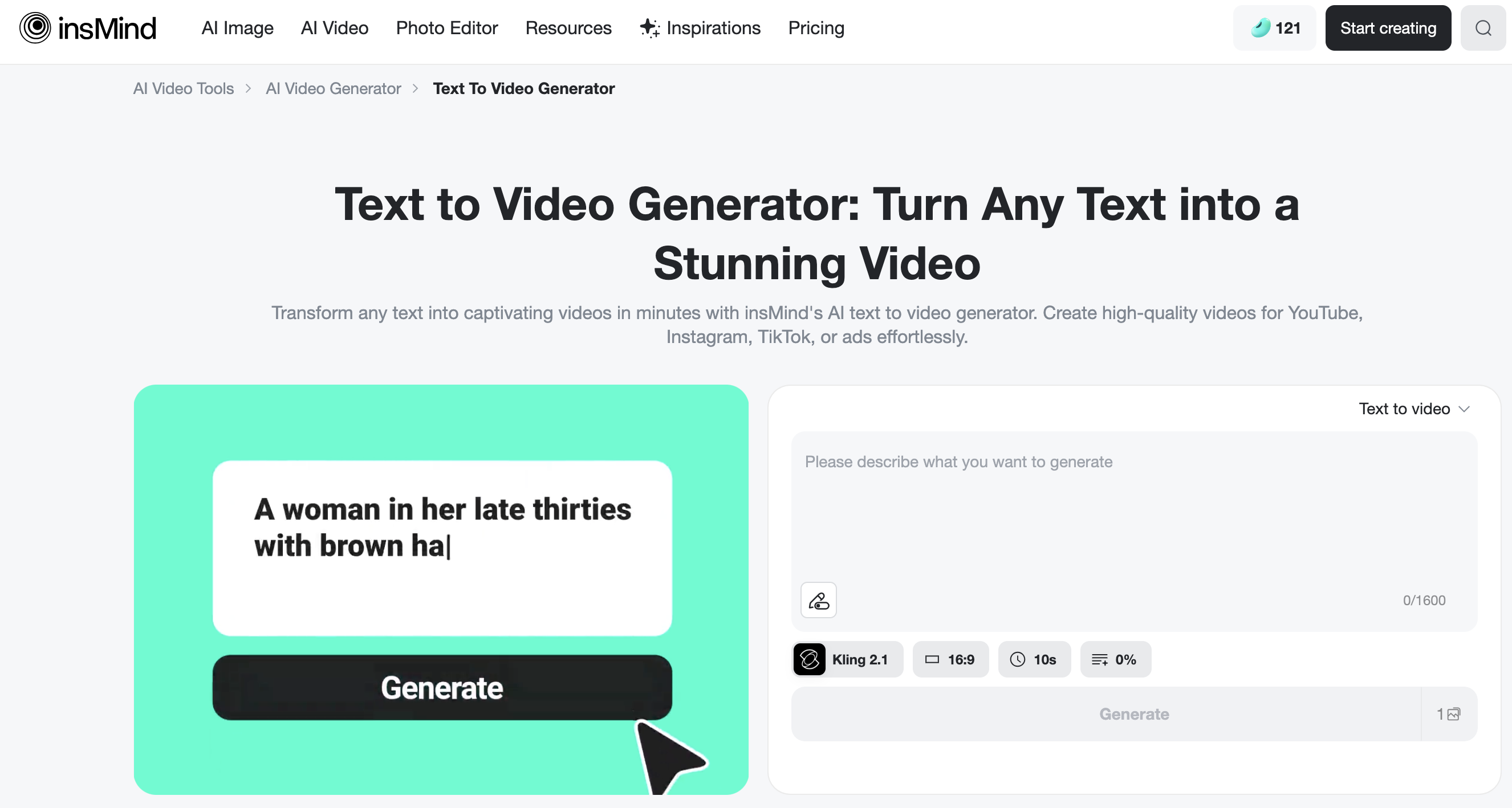
Step 1: Open the Tool
Head to the insMind Text-to-Video generator. It's browser-based, so there's no need to download anything.
Step 2: Write a Fun Prompt
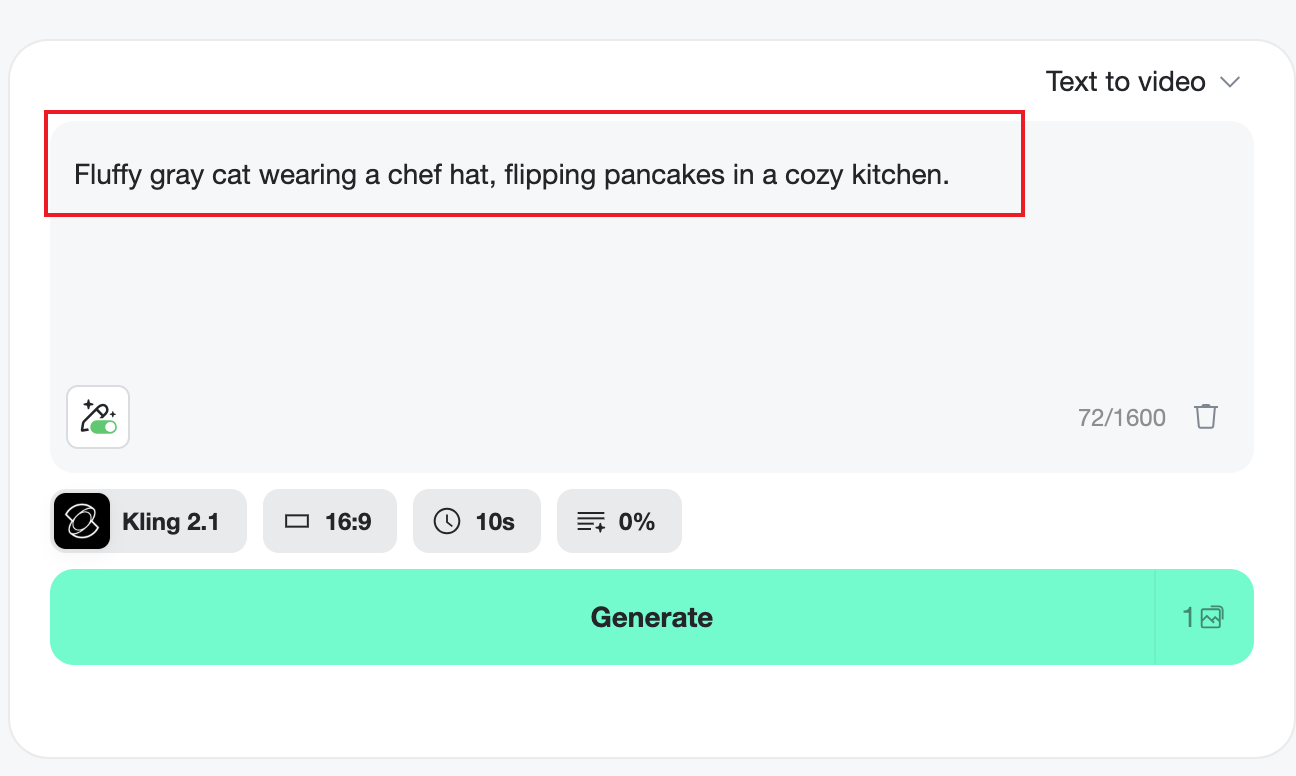
Think of a short scene idea — the more specific, the better.
Example:
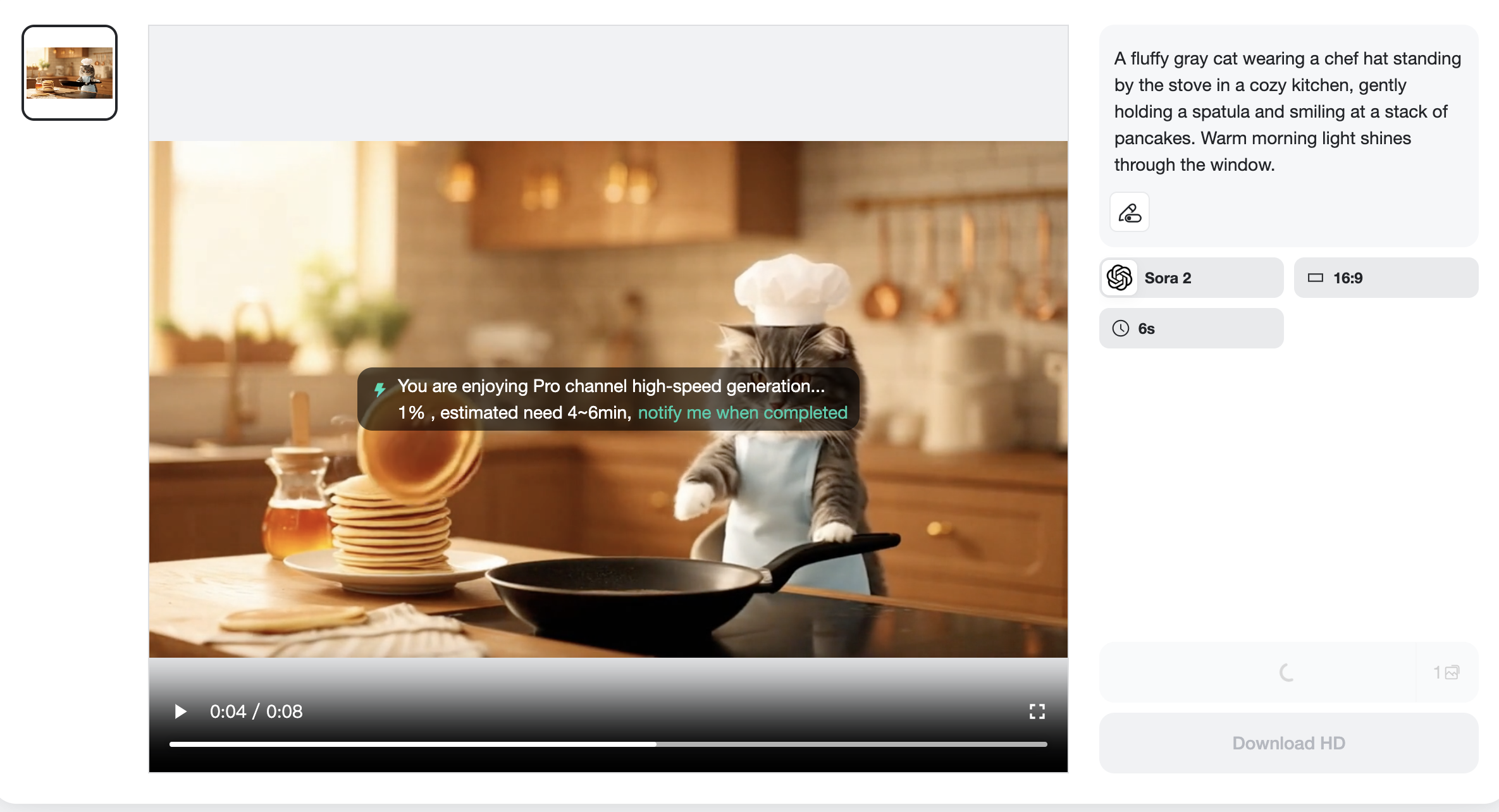
"Fluffy gray cat wearing a chef hat, flipping pancakes in a cozy kitchen."
Avoid vague prompts like "funny cat." Add action, mood, and setting for better results.
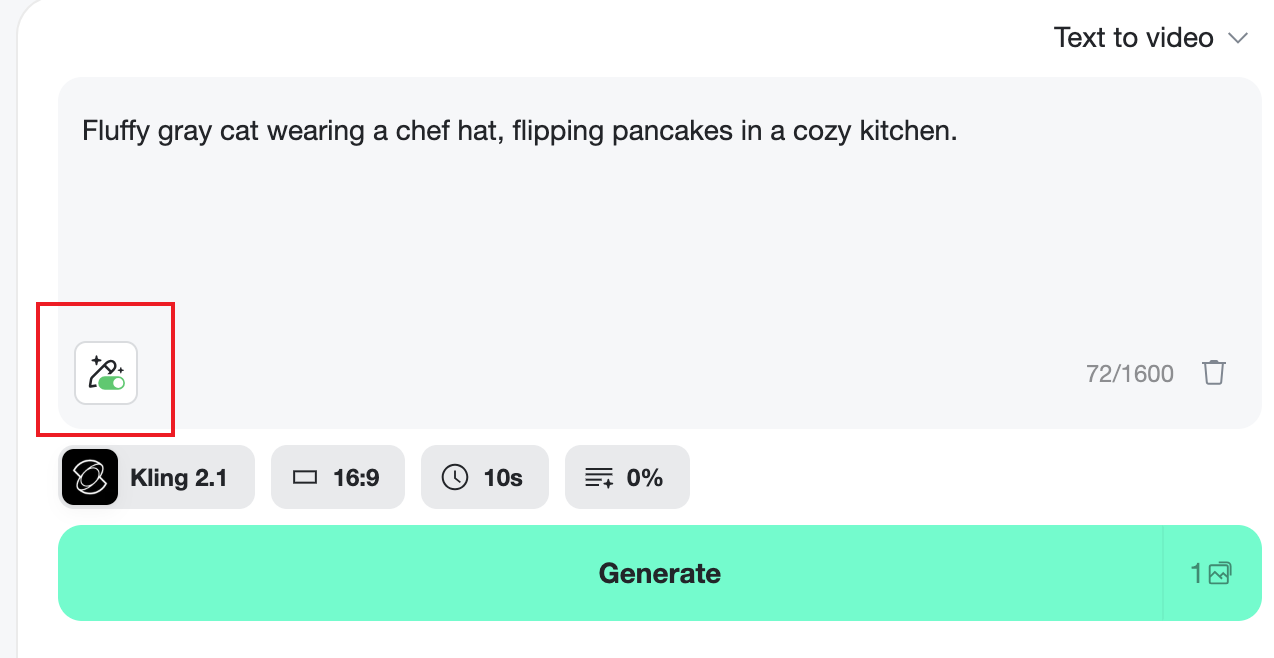
If you feel your writing isn’t clear enough, open AI Optimization to let the AI refine your prompt.
Step 3: Generate the Video
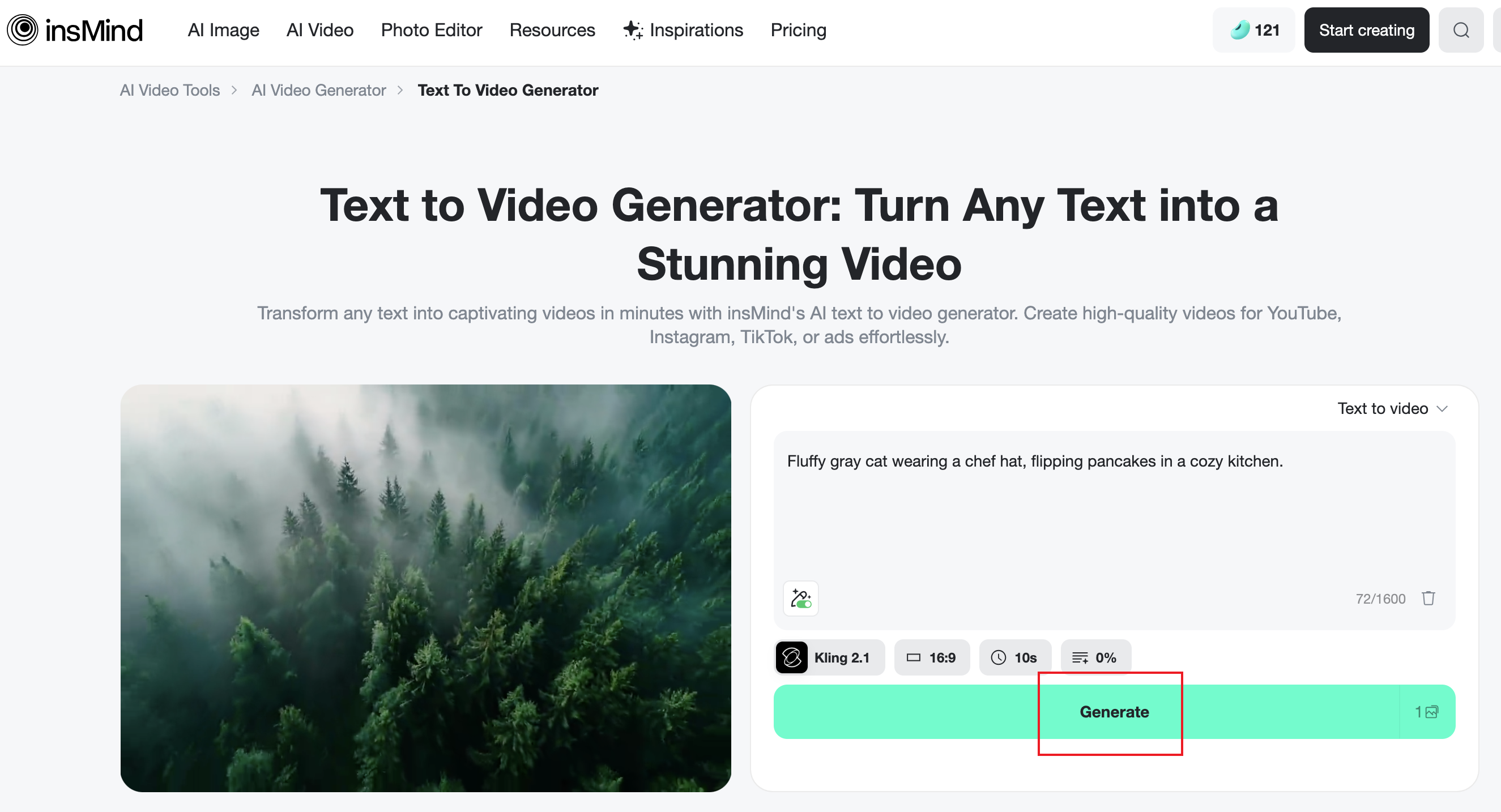
After setting up the model, aspect ratio, duration, and other options, click Generate and let the AI do the rest. Within seconds, you'll see your cat star come to life.
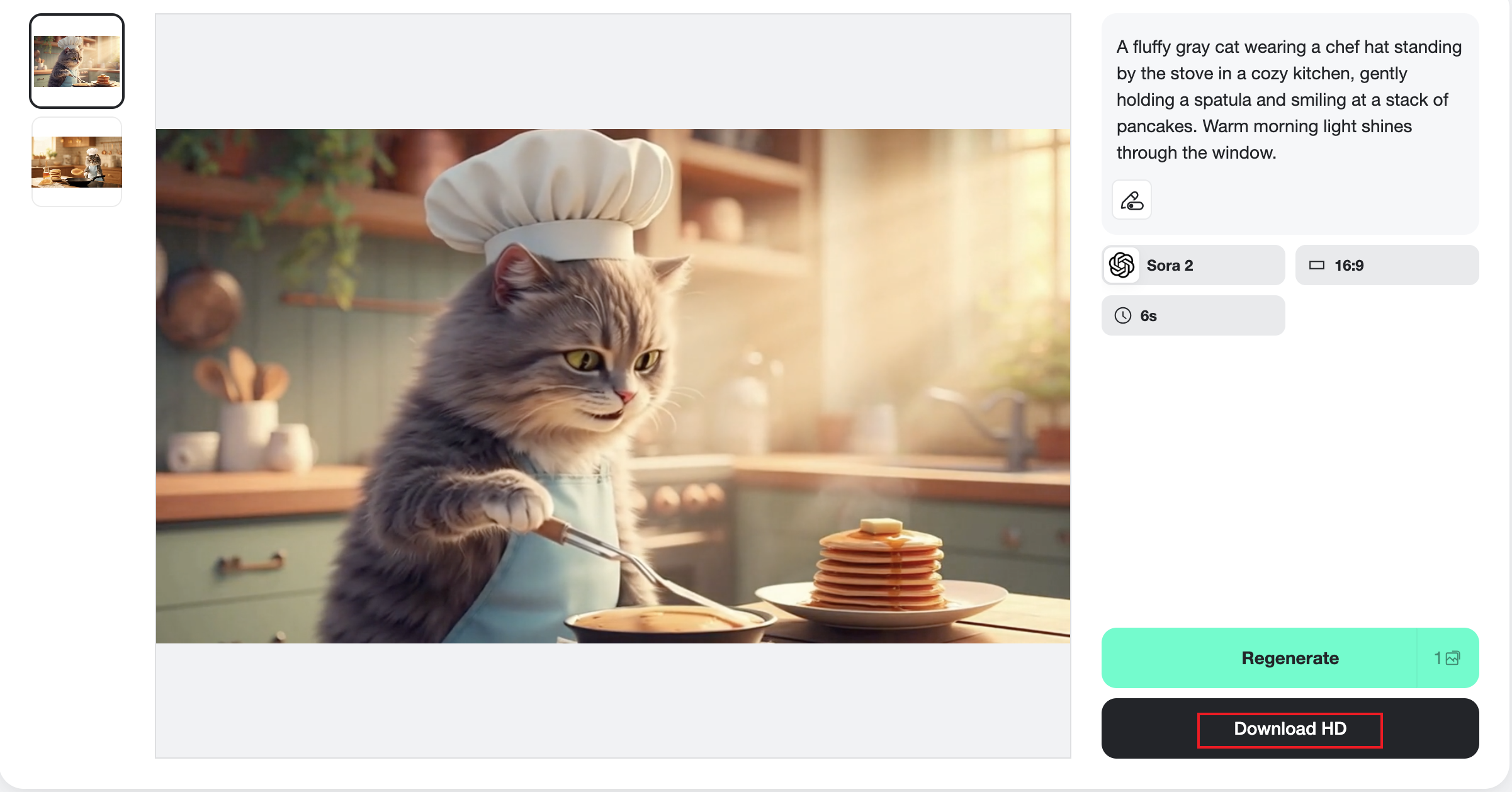
Step 4: Preview, Edit, and Download
If something feels off, tweak your prompt — maybe change the lighting or action. Small adjustments can completely change the vibe.
Once satisfied, download your video and post it to TikTok, YouTube Shorts, or Instagram Reels! Add trending hashtags like #AICatVideo or #AICatChef to increase visibility.
Pro tip: Consistency wins. Create a small "series" — like "Chef Whiskers' Cooking Show" — so people follow along for the next episode.
10 Fun Prompt Ideas for AI Cat Video Creations
Need inspiration? Here are some creative prompt ideas to kickstart your imagination:
A tuxedo cat tossing pizza dough in an Italian restaurant.
A baby kitten trying to fry an egg but dropping the spatula.
A cartoon-style orange cat decorating a birthday cake.
A fluffy white cat taste-testing soup like a food critic.
Two cats baking cookies together in a pastel kitchen.
A robot cat grilling burgers at a futuristic café.
A street-style cat running a taco stand at night.
A cool cat barista making latte art with a wink.
A kitten chef flipping pancakes while smiling.
A ginger cat juggling sushi rolls at a Japanese diner.
Want unique results? Try changing small details — the setting, lighting, or cat breed — to give your video a fresh twist every time.
Animate Your Own Cat: Turn Pet Photos into Moving Clips
Here's where it gets even more fun — you can use your real cat's photo to make them the star of your next viral video.
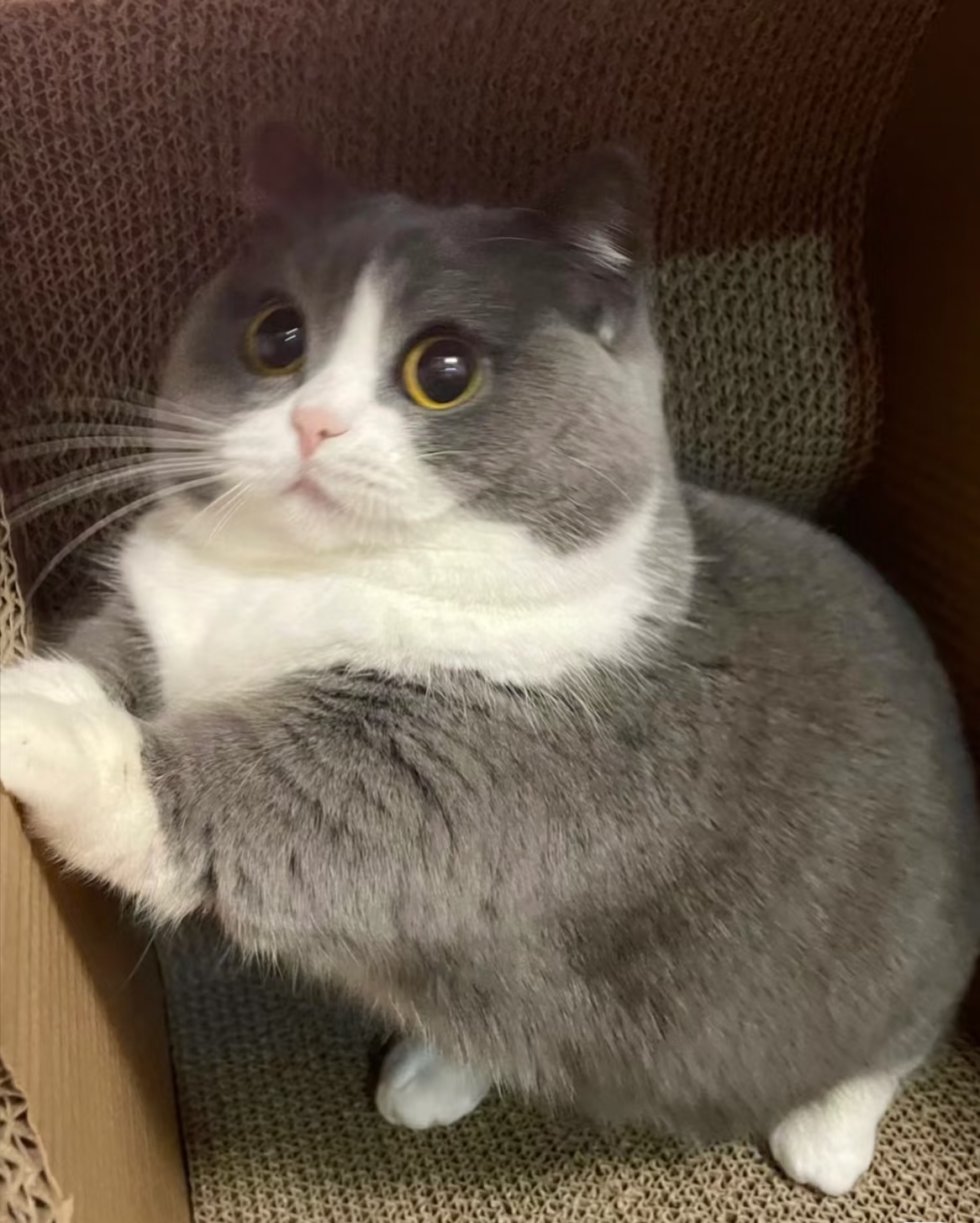
Using insMind's Photo Animation tool, you can instantly turn a still image into a dynamic, funny animation.
How It Works:
- Upload a clear photo of your cat (facing forward works best).
- Write a short scene idea, like "Cat dancing on a disco floor with rainbow lights."
- Click Generate, and watch your pet turn into a disco legend in seconds.
I just selected the trending Sora2 model and turned this adorable British Shorthair into an astronaut! Look at how skillfully it operates the controls — it’s hard to believe this little space explorer started out as an ordinary house cat.
Many creators share a before-and-after collage — one photo of the real cat, next to the AI video version. It's adorable, hilarious, and perfect for engagement.
Pro tip: Use your pet's real expressions — grumpy, curious, sleepy — to match the scene. A grumpy cat DJing at a rave? Instant comedy gold.
Conclusion: Your Cat Could Be the Next Viral Star
AI cat videos combine two internet obsessions — feline charm and creative tech. With tools like insMind, you can go from idea to viral-ready clip in under five minutes, no camera required.
Whether it's a pancake-flipping chef or a space-traveling kitten, the only limit is your imagination. So go ahead — experiment, laugh, and share your creations. Who knows? The next trending AI cat video might just feature your furry friend.

Jayson Harrington
I am the Chief Editor of insMind. I provide tips and skills to help users design better photos with insMind, whether for e-commerce, social media, or any other use.
Keep reading

FIFA World Cup Poster Prompts: 30+ Examples to Create Football Posters
FIFA World Cup poster prompts for football posters, thumbnails, and campaign visuals.

Magical Lighting: Midjourney Lighting Prompts for Better AI Creations
Midjourney lighting prompts for cinematic, photography, and studio AI images.

Midjourney Prompt for Realistic Photo: 30+ Prompts You Can Try
Learn Midjourney realistic photo prompts and create photorealistic images with insMind.

10+ Fun and Beautiful Midjourney Word Art Prompts: A Practical Guide
Explore fun Midjourney word art prompts and create text art with insMind.

How to Generate Midjourney Logos You Love: 10+ Prompt Examples
Generate Midjourney logos you love with prompt examples and insMind.

Use 25+ Wide-ranging Prompts to Create Your Unique Storyboard Images
Explore 25+ AI storyboard prompts for creating vivid storyboard images.

Best AI UGC Scripts for Beauty, Fitness, and Ecommerce Ads
Create AI UGC scripts and turn product images into beauty, fitness, and ecommerce videos.

GPT Image 2 vs Nano Banana 2: Which AI Image Generator Is Right for You?
Compare GPT Image 2 and Nano Banana 2 for content creation. Learn which AI model suits your needs and how to use them on insMind.

Master GPT Image 1.5 Prompts: Tips, Tricks, and Best Examples
Discover the hotttest GPT Image 1.5 prompts, and learn the tips, tricks and examples of this new AI model.

GPT Image 1.5 vs. Nano Banana Pro: The Battle for AI Visual Supremacy
Compare GPT Image 1.5 vs Nano Banana Pro in this article, and learn which AI model wins the visual war.

Turn Your Pet into a Christmas Star: AI-Powered Holiday Videos Made Easy
Transform your pet into a Christmas star with AI-powered holiday videos. Create unforgettable, festive moments with insMind’s easy-to-use tool!

Discover the Harry Potter Maker: Turn Your Imagination into Magical AI Creations
Discover how the Harry Potter Maker uses AI to transform your photo into a magical wizard portrait and bring your own Hogwarts world to life.

The Best Photo to Video Converter for Educators: Enhance Teaching with AI
Transform your teaching with the best AI photo-to-video converter. Create captivating lessons in minutes with insMind!

How to Create Seamless AI Video Transitions with the Start-End Frame Generator
Learn how to use the Start-End Frame Generator for smooth AI video transitions and enhance your editing workflow. Read more on insMind!

Pixie Cuts for Women: 2025 Trends and How to Try Them with AI
Need to change your look, but also confused about trying the trending hairstyle? Read this article to learn about the best Pixie Cuts for women and picture yourself in one.

How to Become a VTuber in 2025: Step-by-Step Beginner's Guide
Become a VTuber in 2025 with this step-by-step guide. Learn about AI tools, cost-effective setups, and tips for success as a digital creator!

Best 15 Hottest Nano Banana AI Prompts for Instant Inspiration
Create popular Gemini AI image effects today! This article brings you the 15 hottest Nano Banana AI model prompts to try and spark your creativity.

Matching PFP Ideas for Couple You Haven't Seen Before
Matching couple PFPs are a fun way to show your bond online. From anime to custom AI avatars, discover unique ideas to stand out.

How to Make Viral AI Cat Videos: The Ultimate Guide for 2025
Learn to create viral AI cat videos with insMind. Turn your cat’s photos or prompts into funny, cute, and shareable clips fast.

What Is "Ruby Chan Hai"? Explaining the TikTok Memes
Make your own Ruby Chan Hai TikTok trend video easily with AI tools

What Is Italian Brainrot? Animal Memes & How to Create Your Own with AI
Discover the Italian brainrot meme craze—AI animals, absurd humor, and Gen Z internet chaos.

Top 10 Anime Tattoo Ideas for Anime Lovers Worldwide
If you’re unable to decide which anime tattoo to get, read this article. It will provide you with the best 10 anime tattoo ideas and a tattoo generator.