
AI Video Remaker - Recreate Viral Videos with Your Images
Turn viral short-form video styles into your own creations. Upload a reference video and your images, and let AI remake the look, motion, and vibe.
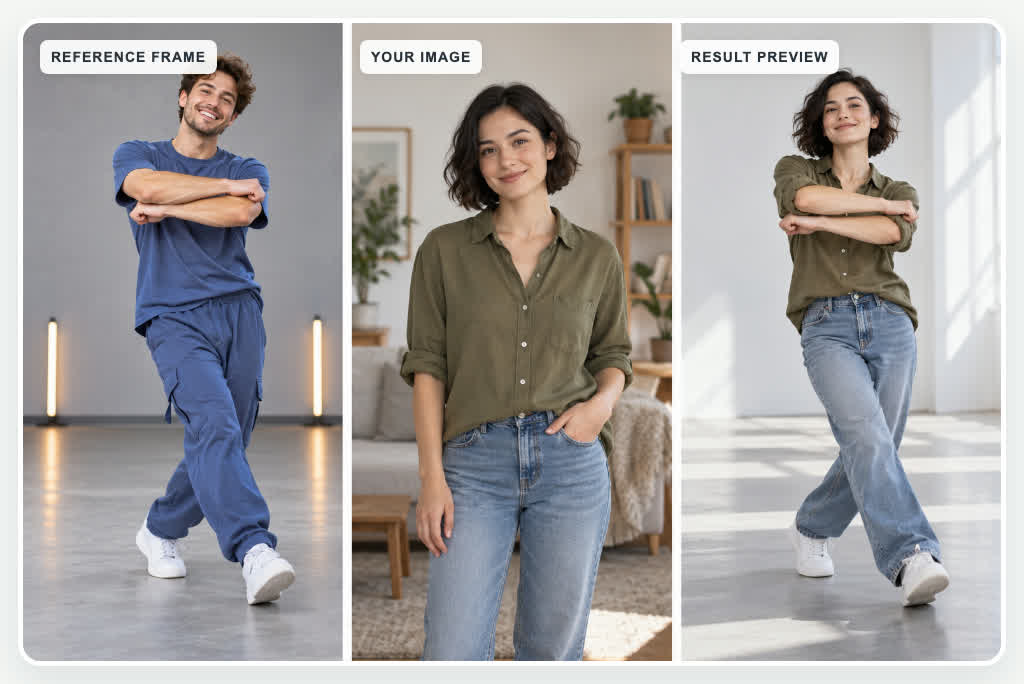
Recreate Viral Video Motions with AI
Found a viral video with a movement or action you love? Upload it as a reference and let AI recreate a similar motion using your own images. From trending dance moves to dynamic product reveals, turn popular video ideas into personalized creations without shooting everything yourself.
Use the reference video's actions, timing, and visual rhythm to guide your new clip. Create fresh content for TikTok, Instagram Reels, and YouTube Shorts while keeping your own characters or products at the center.
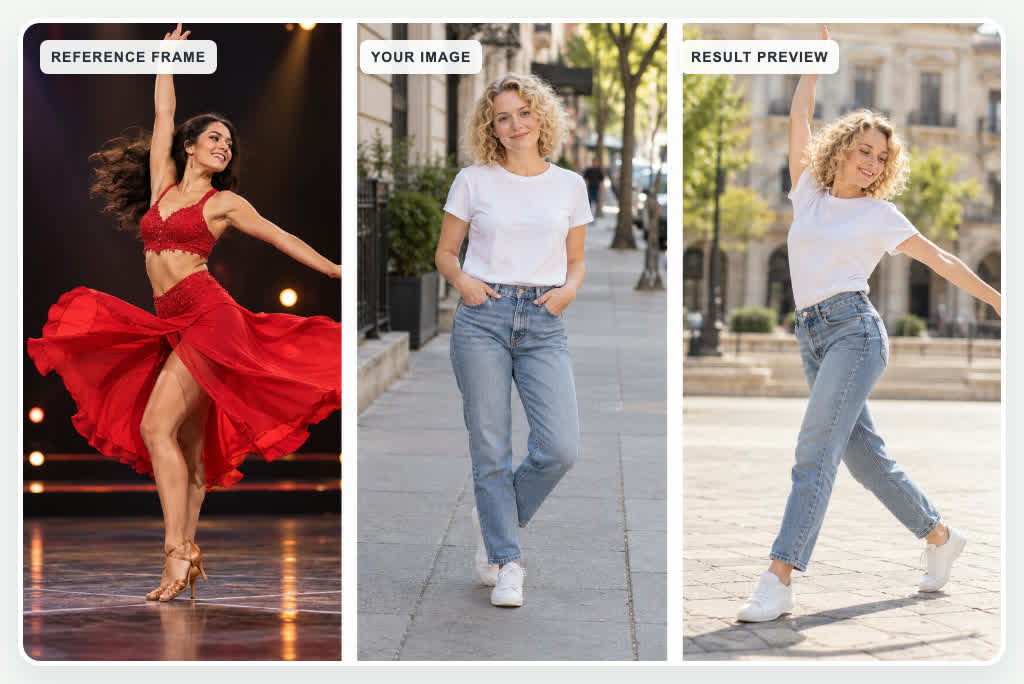
Turn Your Photos into Trending Videos
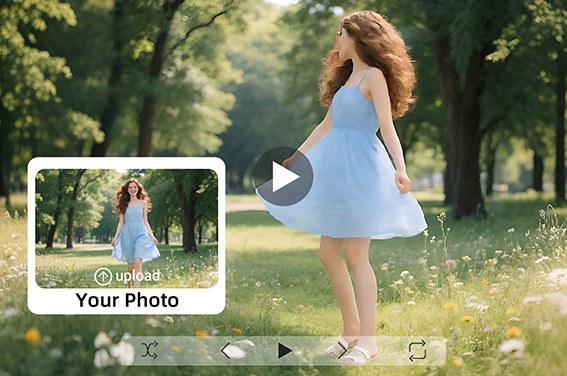
Bring your photos to life using movements from a reference video. Upload an image of yourself, an original character, a pet, or a product, then choose a video with the motion or camera style you want to recreate.
The AI Video Remaker uses your image to guide the new subject's appearance and the reference video to guide its movement. Transform static images into engaging short-form videos inspired by popular trends.
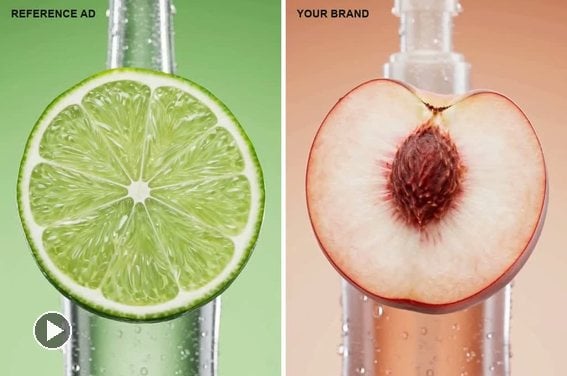
Recreate Camera Movements and Video Styles
Love the cinematic camera movement or visual style of a video? Use it as a creative reference for your own content. Recreate similar tracking shots, dynamic angles, smooth camera movements, and visual pacing with AI.
Instead of manually planning every shot, upload a reference video and your own images to explore a new version with a familiar visual feel. Experiment with lifestyle videos, fashion content, cinematic clips, and social media trends.
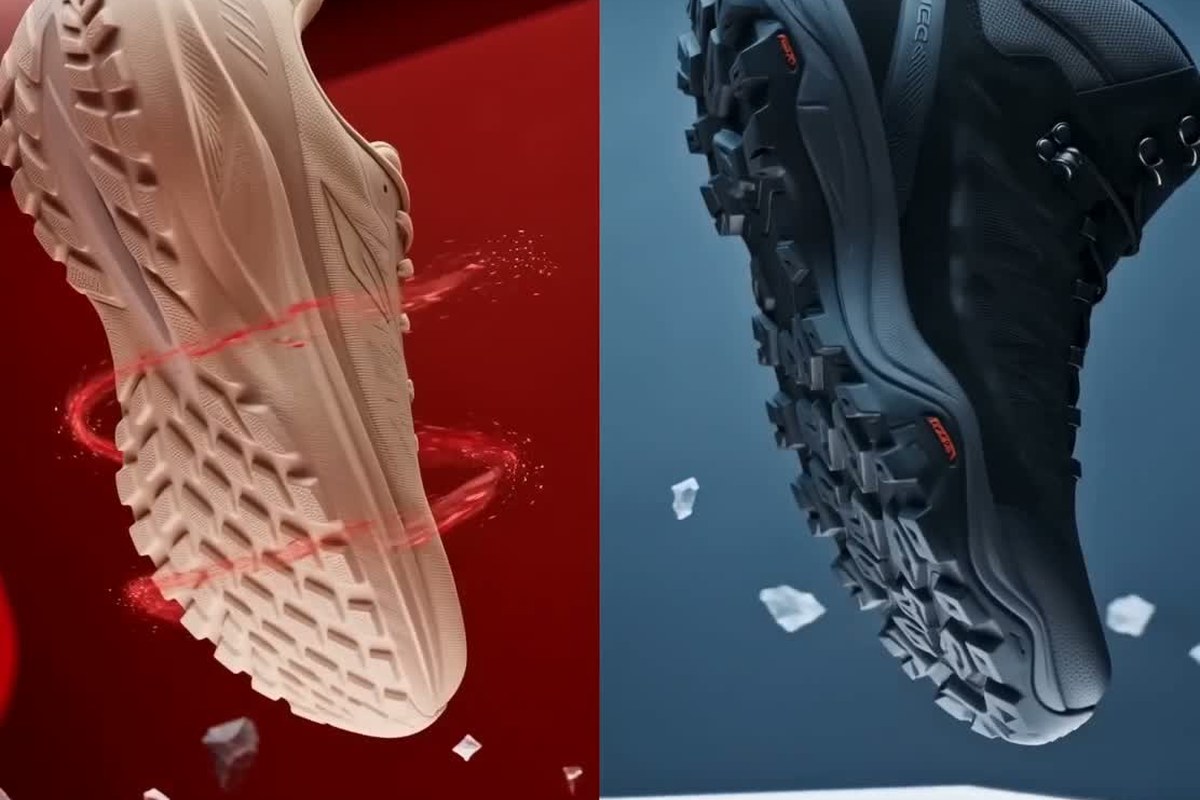
Remake Product Videos with Your Own Products
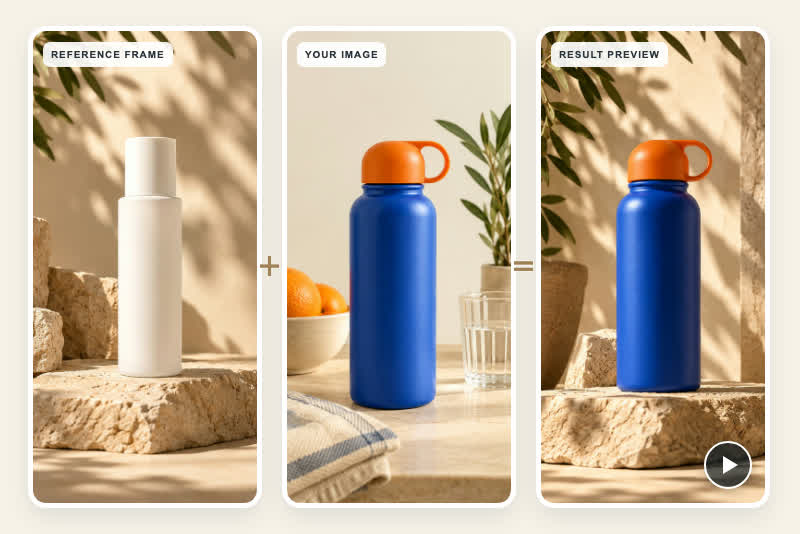
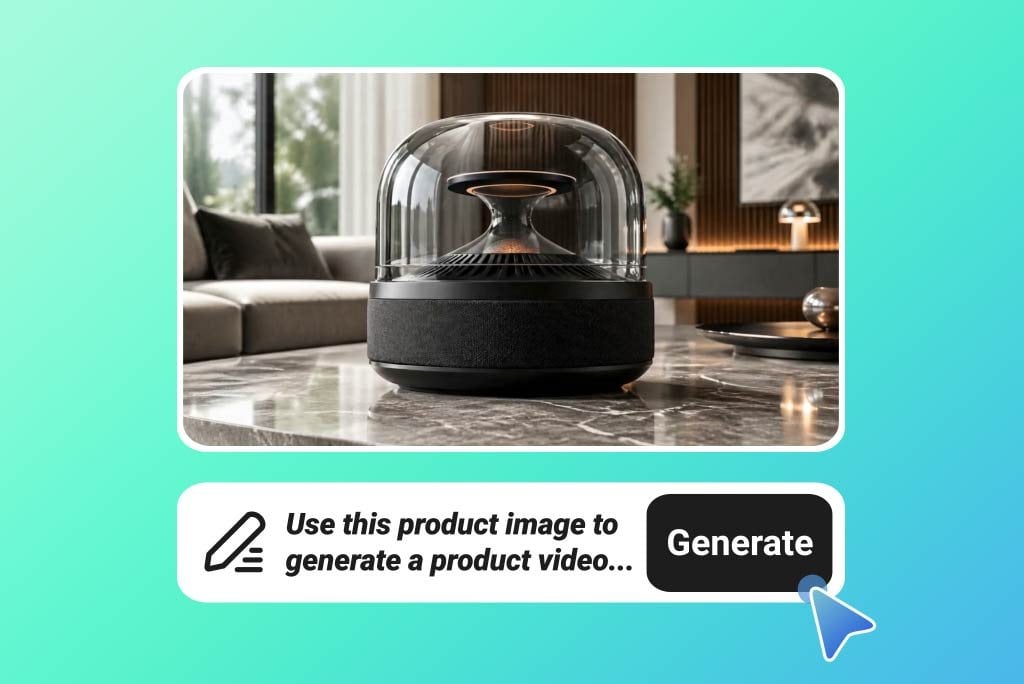
Turn inspiring product videos into fresh marketing content for your brand. Upload a reference video featuring a product demonstration, creative reveal, or engaging camera movement, then add images of your own product.
Generate a new video inspired by the reference's movement and presentation style while featuring your product's appearance. Explore product showcases, ecommerce promotions, and social media ads without recreating the original shoot.
For more product-focused creative workflows, explore the insMind AI video cloner.
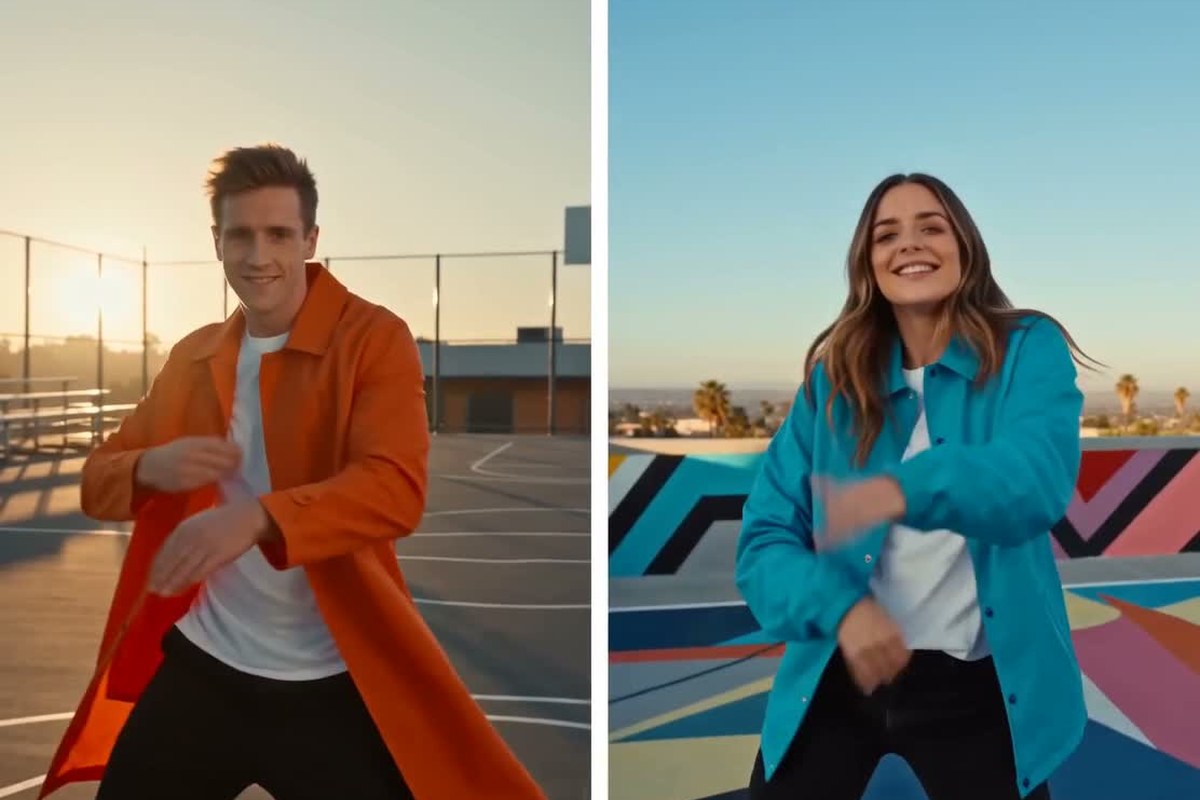
Recreate Trending Videos for TikTok, Reels, and Shorts
Join popular video trends with your own visual content. Use a reference video to guide the movement, pacing, and creative style, then add your images to create a fresh version for social media.
Explore dance challenges, character animations, fashion trends, product reveals, and creative short-form video formats. Turn a visual idea you love into content featuring your own subjects and brand identity.
How to Remake a Video with AI
Step 1: Choose a Moment to Recreate
Start with a short video you made or have permission to use. Pick one with a clear movement, camera move, or product reveal.
Step 2: Add Your Own Subject
Upload a clear image of the character, pet, or product you want to feature. Your image gives the new video its subject; the reference guides its motion.
Step 3: Describe Your Twist and Generate
Say which details to keep, such as the rhythm or camera movement, and what to change, such as the setting or visual style. Then generate a first version.
Step 4: Watch, Refine, and Download
Preview the remake and check how your subject moves. Adjust the image or instructions where needed, then download the version you like.
Creative Ways to Use AI Video Remaker
Turn your favorite pictures into eye-catching videos in just a few clicks. Create dynamic slideshows, social posts, or marketing clips without any editing skills required.
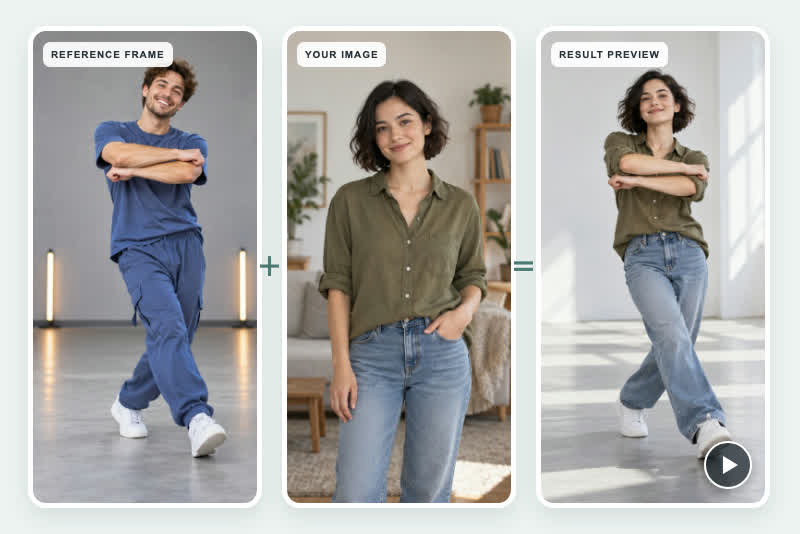
Viral TikTok Video Remakes
Recreate the movements and visual rhythm of trending TikTok clips using your own images. Turn popular video formats into personalized content for your social media account.
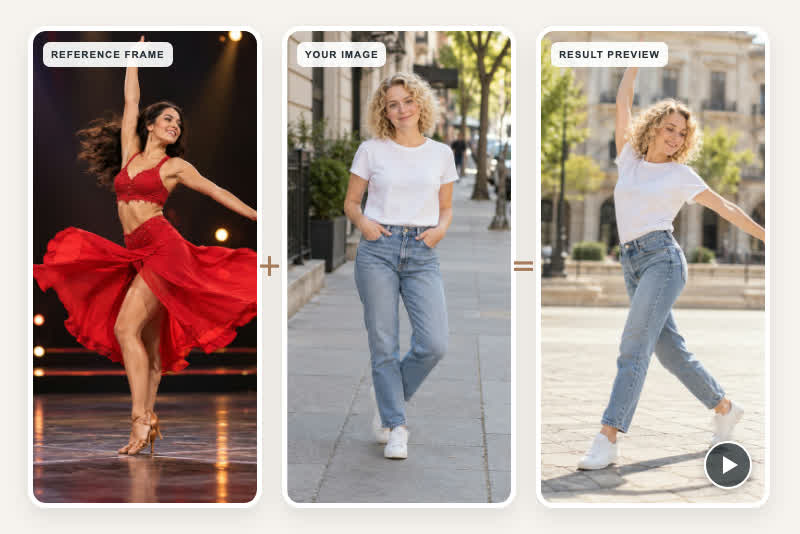
AI Dance Video Remakes
Upload a dance reference video and an image of your character to generate a new dance clip. Explore trending choreography, expressive movements, and entertaining character performances.
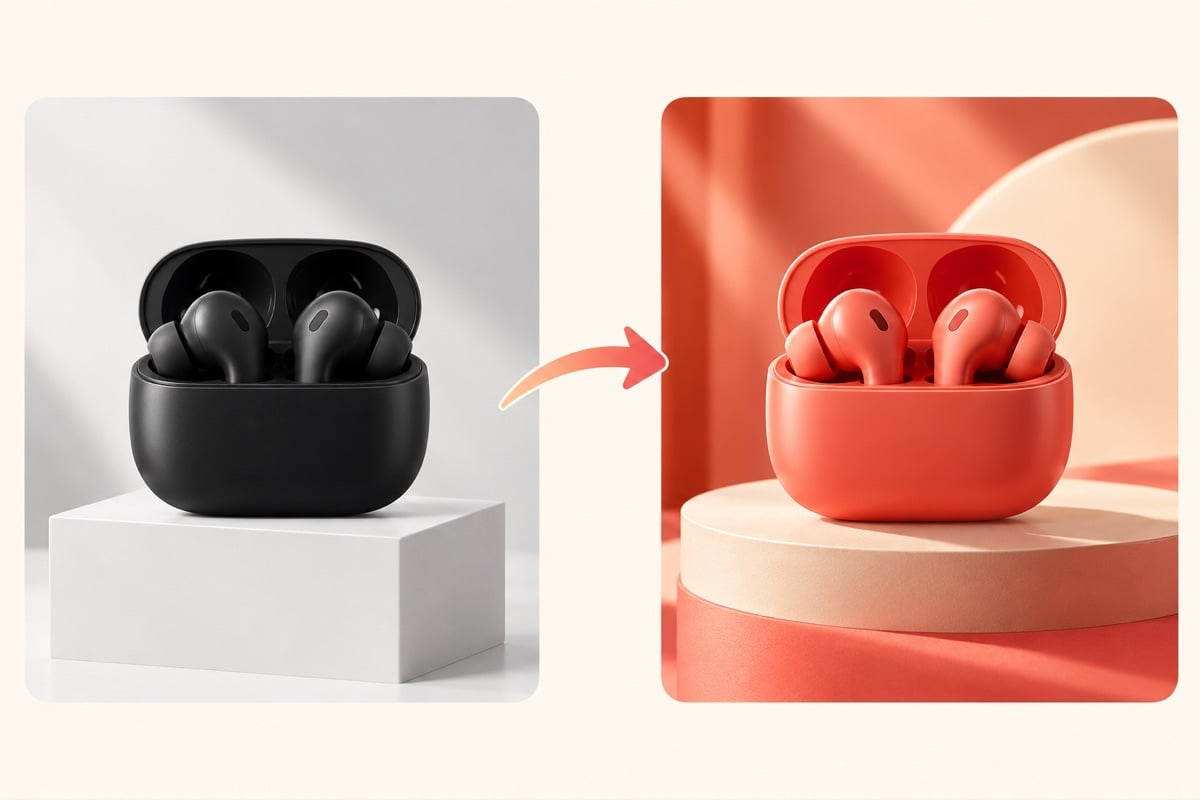
Product Promotional Video Remakes
Use a reference product video and your own product images to create fresh promotional content. Recreate dynamic product reveals, engaging motion, and cinematic presentation styles.
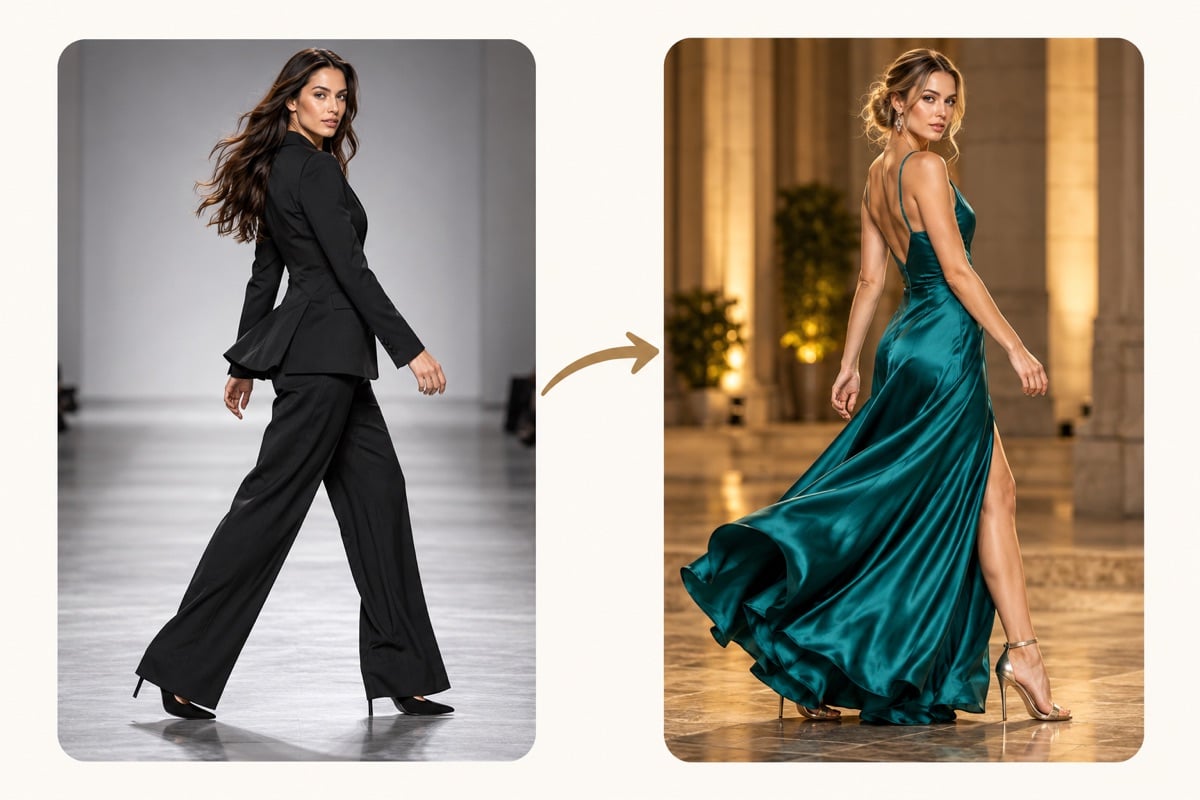
AI Fashion Video Remakes
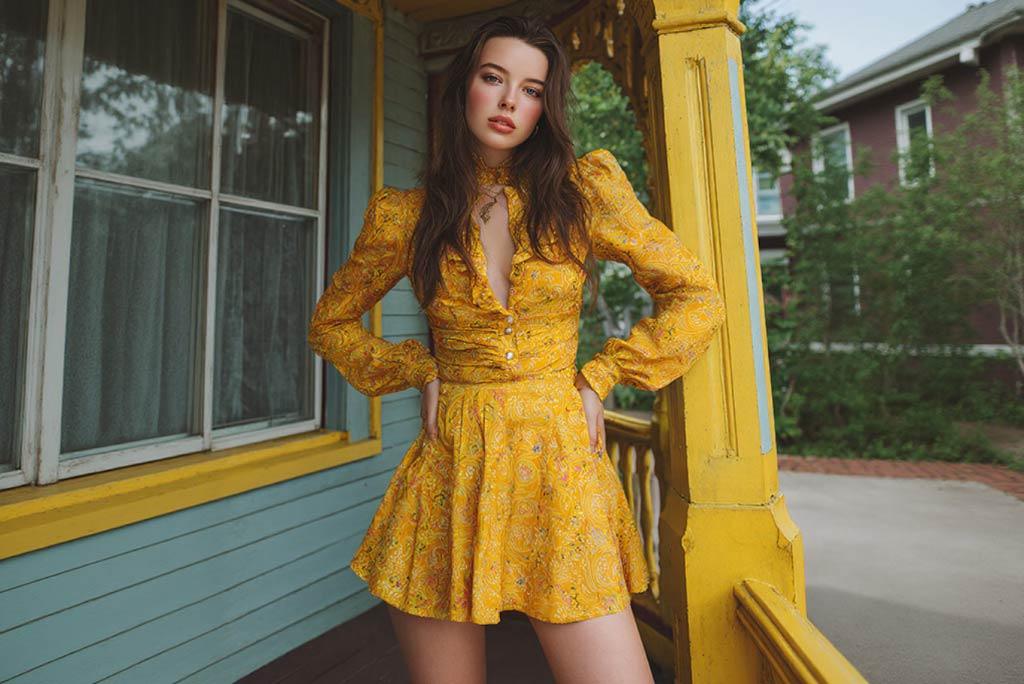
Bring fashion images into motion using outfit demonstrations, model movements, and camera styles from reference clips. Create visual concepts for clothing, accessories, and fashion campaigns.
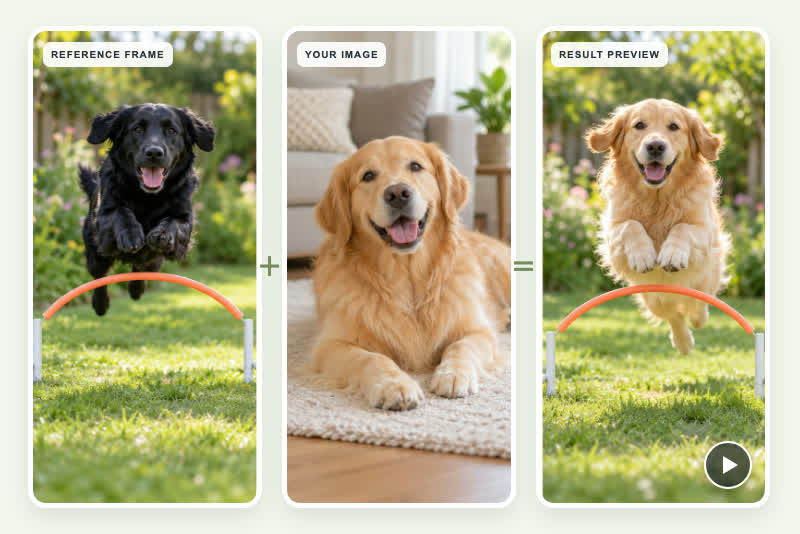
Pet Video Remakes
Turn pet photos into playful video creations inspired by popular animal clips. Recreate amusing movements and entertaining actions with your own cat, dog, or original animal character.
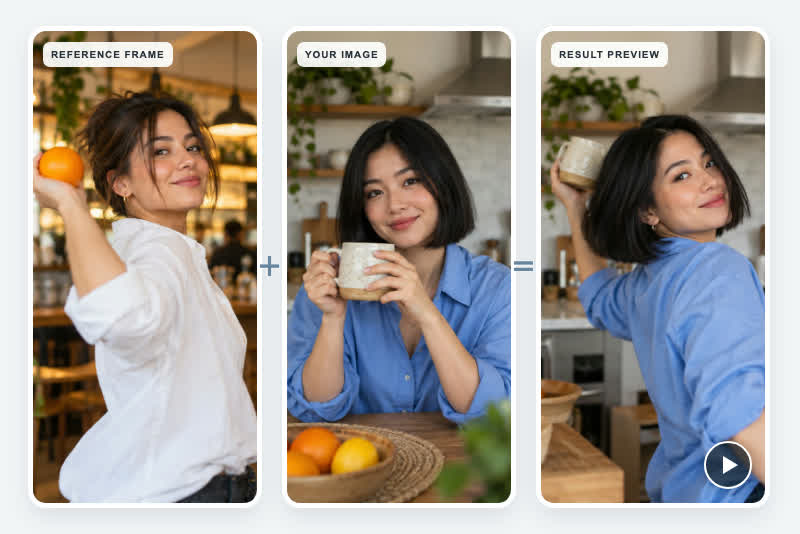
Instagram Reels Video Remakes
Explore trending Instagram Reels styles using your own characters and images. Recreate visual transitions, dynamic camera movements, and creative short-form video concepts.
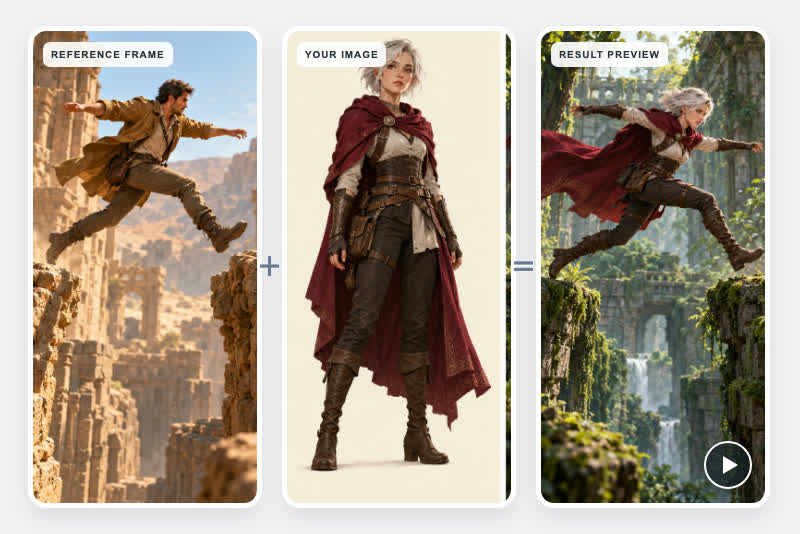
AI Character Action Videos
Bring original characters and illustrations to life using movement references from existing videos. Experiment with walking, dancing, performing actions, and cinematic character animations.
Brand and Marketing Video Remakes
Develop fresh branded content using inspiring video references and your own product assets. Adapt movement styles and visual presentation techniques for campaigns, ecommerce, and social marketing.
Why Choose insMind AI Video Remaker?

Recreate Motion from Reference Videos

Bring Your Own Images into Videos

Create Videos Without Filming

Explore Different Video Styles

Make Content for Social Media and Marketing

Easy AI-Powered Video Workflow
AI Video Remaker FAQs: References, Photos & Motion
What is an AI video remaker?


How do I remake a viral video with AI?
Can I recreate a video using my own photos?
Can AI recreate the same movements from a reference video?
Can I remake TikTok and Instagram Reels videos?
Can I remake a product video with my own product?
What is the difference between AI Video Remaker and AI Video Cloner?
Is there a free AI video remaker online?
What makes a good reference video for AI video remake?
Will the remade video copy the reference frame by frame?

Found the app easy to use and said it returned the results they asked for quickly.Source: App Store. Read review
@32Mia