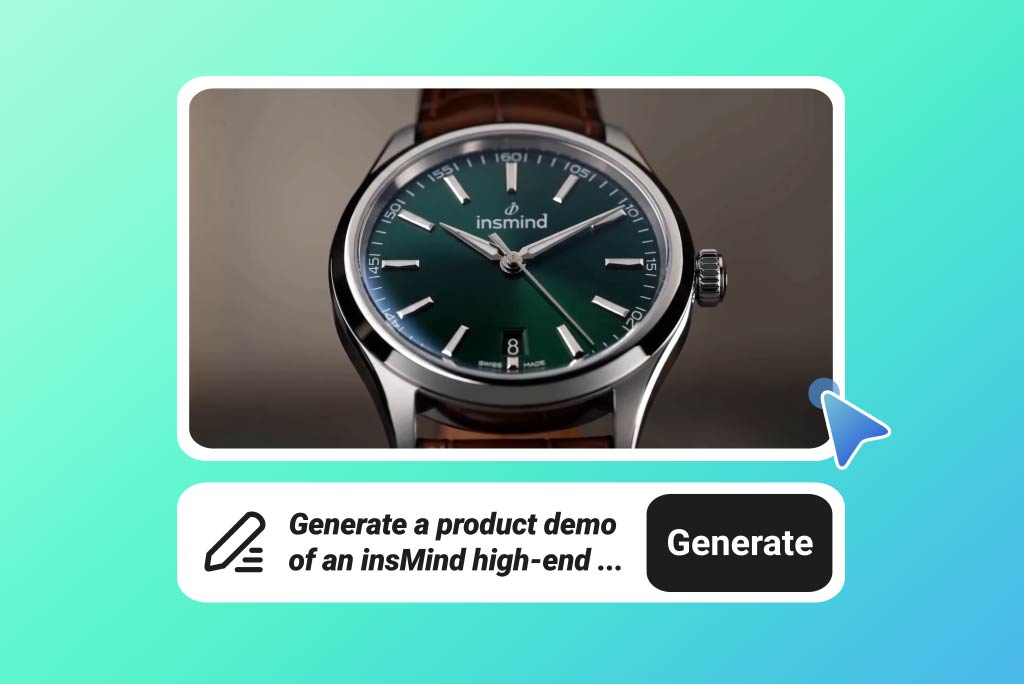
Your store already has assets that can become video. The AI Shopify video maker can start from product photos, lifestyle shots, written prompts, or existing clips in one creation flow. Reuse launch imagery, UGC-style footage, or campaign ideas without planning a new shoot first.

Shopify Video Maker for Storefronts, Ads, and DTC Campaigns
Build PDP gallery videos, homepage hero clips, and DTC ad creative for your Shopify store — start from product photos, lifestyle shots, or a prompt, with no studio setup.
00:00
00:00
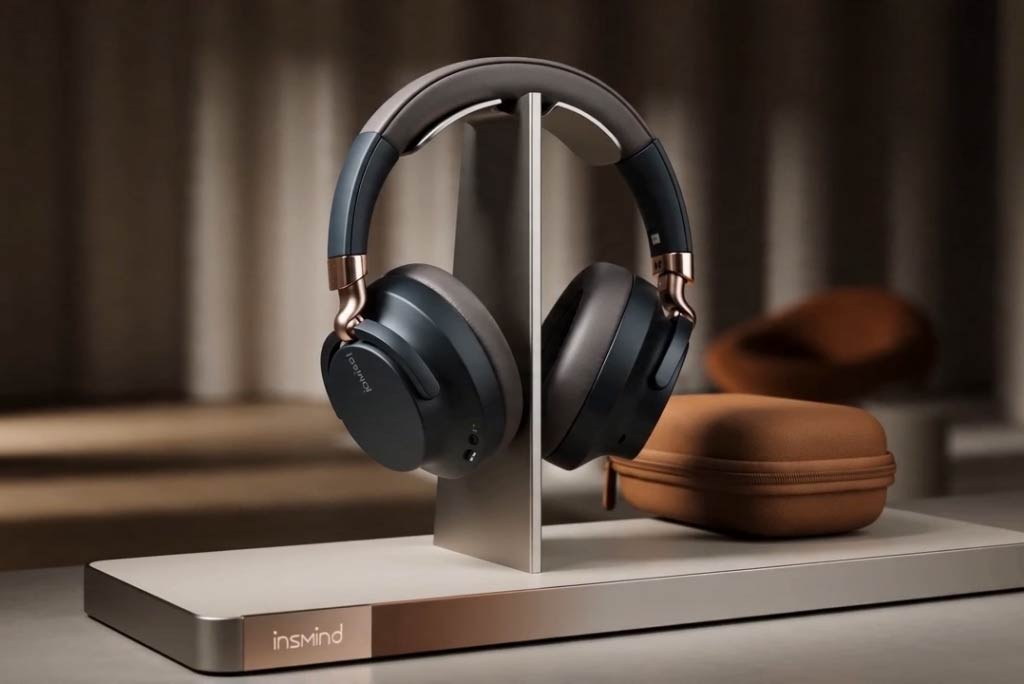
Create Shopify Videos from Photos, Prompts, or Clips
00:00
00:00
Add AI Spokesperson Videos for Founder-Led Shopify Brands
Founder-led Shopify brands need a human reason to believe. Create AI spokesperson or talking-photo videos for founder intros, product stories, and brand messages. Add a face and narrative to homepage sections, product context, or trust-building campaign clips.
00:00
00:00
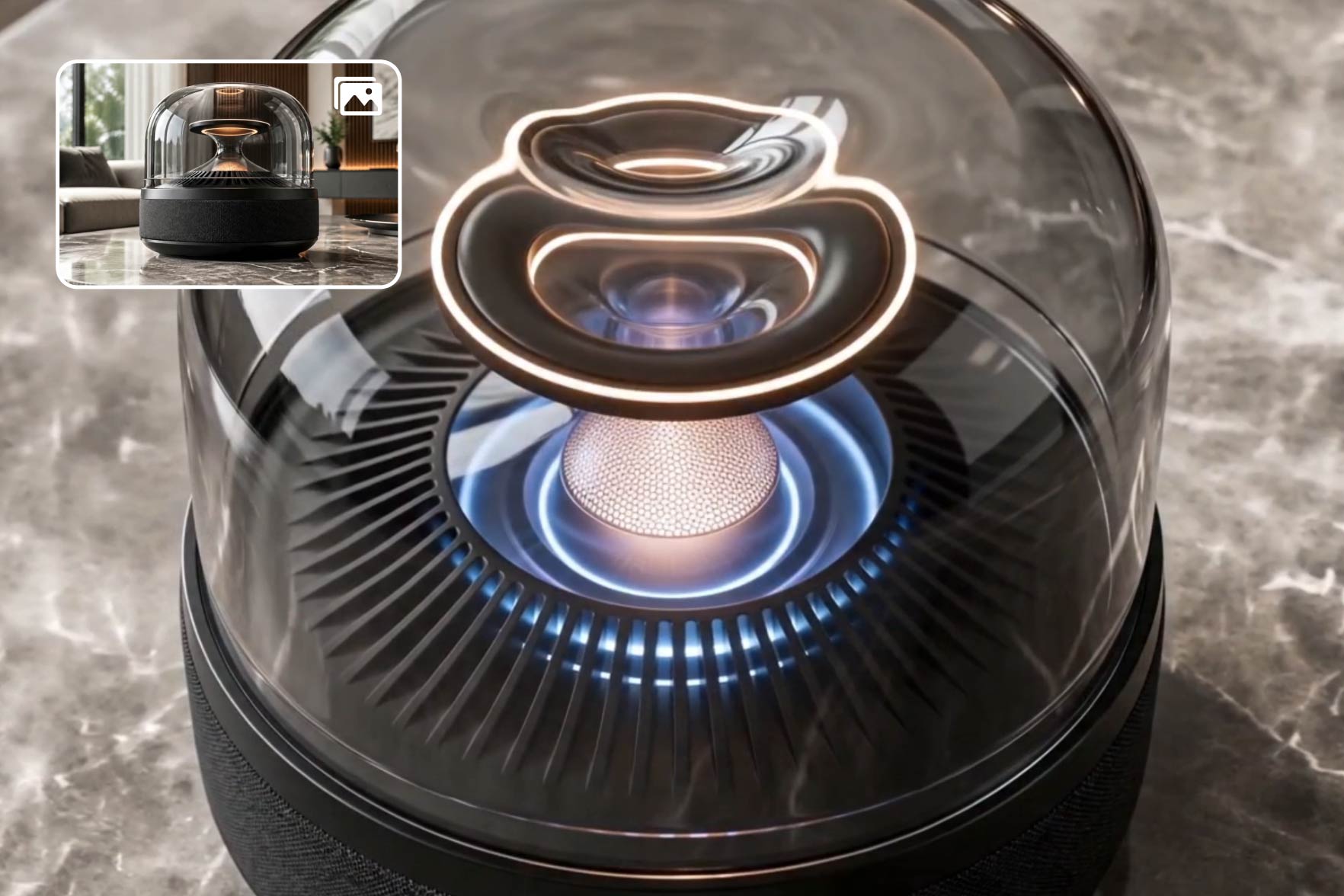
Leading AI Video Models for Shopify Video Ad Maker Control
Shopify ads often need more control than a fixed template. Choose an AI video model such as Kling 3 or Seedance 2.0, then refine product motion, camera angle, background, and campaign style with prompts. Build ad concepts that match the offer, product category, and creative direction for each test.
How to Make Video Ads for Shopify in 4 Steps
Step 1. Add Shopify Assets
Pull existing product shots, lifestyle images, or brand assets from your Shopify catalog — or paste a campaign prompt. Add the offer, target shopper, and store placement (PDP, homepage, or Reels) so the first draft fits your storefront context.
Step 2. Choose Video Model
Select a video model such as Seedance 2.0, Kling 3, Google Veo 3.1, Happy Horse, or Wan 2.7. Set the format, duration, quality, and audio options that fit the campaign.
Step 3. Generate Shopify Video
Send your prompt or input to start generation. insMind uses your asset, campaign direction, and selected settings to create a Shopify product or promotion video for review.
Step 4. Preview and Download
Preview the video and check whether the framing, pacing, and message fit the store page or ad placement. Download the finished file when it is ready for your next campaign step.
Why Choose Our AI Shopify Video Maker

DTC Brand Consistency
Match each Shopify video to your logo, color palette, visual style, and brand voice across every product line.

Multi-Platform Cuts
Turn one campaign idea into 16:9 PDP video, 9:16 Reels creative, and square ad cuts.

Product Photo Motion
Animate Shopify product photos with feature callouts, texture reveals, glow effects, or packaging motion for stronger visual selling.

Seasonal Campaign Ready
Build retail-ready videos for BFCM, Cyber Monday, holiday sales, product launches, and limited-time Shopify drops.

Ad Creative Variations
Use it as a Shopify video ad maker for Meta, TikTok, and remarketing concepts without starting each variation from scratch.

Fast Campaign Output
Preview each Shopify clip after generation, then download the finished file, usually within 1-2 minutes.
Who Should Use This Shopify Video Generator?
DTC Brand Teams
DTC teams need product videos that feel connected across PDPs, homepages, and collection pages. insMind helps turn store assets into branded video concepts with consistent product-line direction. The result is a recognizable Shopify experience from first visit to product comparison.
Growth Marketers
Growth teams need fresh creative for launches, Meta campaigns, TikTok tests, and retargeting. Use this workflow when planning how to make video ads for Shopify without waiting on new production. Create more angles for offers, hooks, and product benefits.
Founder-Led Stores
Founder-led stores often need a human story before shoppers trust a new product. Create founder intro clips, product context videos, and brand messages for homepage or product page placements. This gives the store a personal layer beyond static copy.
Shopify Plus Teams
Shopify Plus teams handle bigger calendars with BFCM, holiday drops, bundles, and collection launches. Generate sale videos for each campaign theme while keeping product messaging specific. Teams can support more promotional moments without rebuilding every asset manually.
Frequently Asked Questions
What is a Shopify video maker?


A Shopify video maker is a tool built specifically for DTC store workflows — it converts your Shopify product imagery, lifestyle assets, or brand prompts into placement-ready videos for PDP galleries, homepage modules, Shop App feeds, and Meta or TikTok ads. Unlike generic editors, it focuses on Shopify-native surfaces rather than broad social or marketplace content.
How does an AI Shopify video maker work?
You start with a prompt, image, or store asset, choose a video model and settings, then send the input for generation. After the video is ready, preview it and download the final file.
Can I upload Shopify product photos?
Yes, you can upload Shopify product photos and lifestyle shots to guide the scene, product focus, and motion direction.
Can I make Shopify videos for different platforms?
Yes, you can use generated outputs for Shopify pages, Instagram Reels, TikTok, Meta ads, and email campaign creative.
Can I create founder story videos for my Shopify store?
Yes, insMind supports AI spokesperson and talking-photo clips for founder intros, brand messages, and product storytelling.
How long does Shopify video generation take?
Usually, Shopify videos are ready within 1–2 minutes, depending on the selected model, settings, and clip complexity.
Is a Shopify video generator better than template software?
Sometimes, an AI generator is better when you need original product motion, custom scenes, or prompt-based changes beyond a fixed template. Template software can still work for repeat layouts.
Explore Other Hot Video Tools from insMind
00:00
00:00
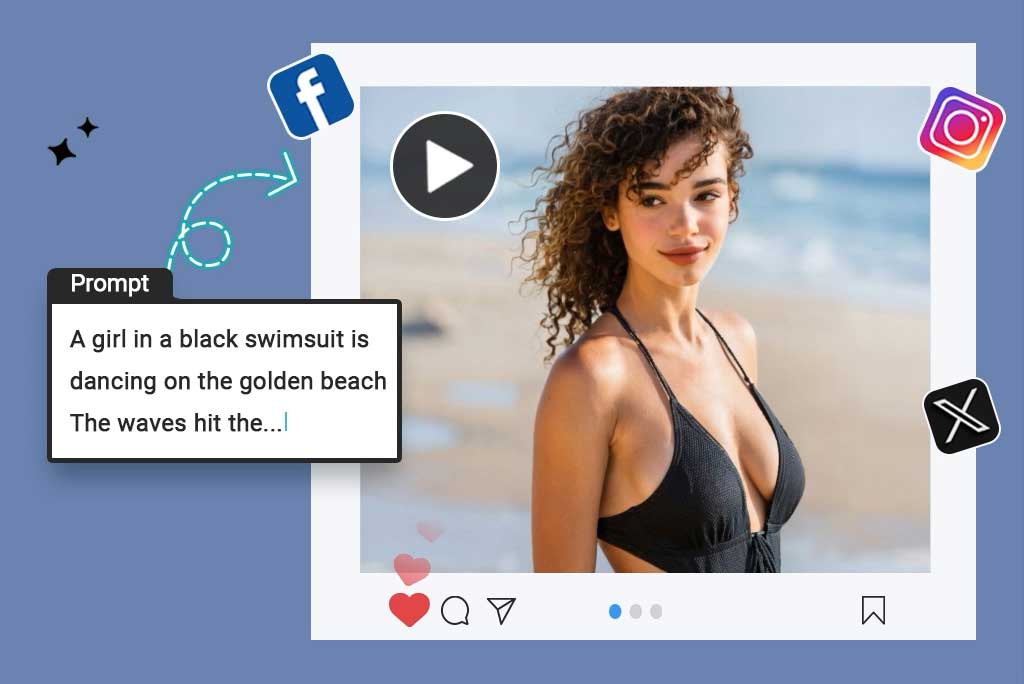
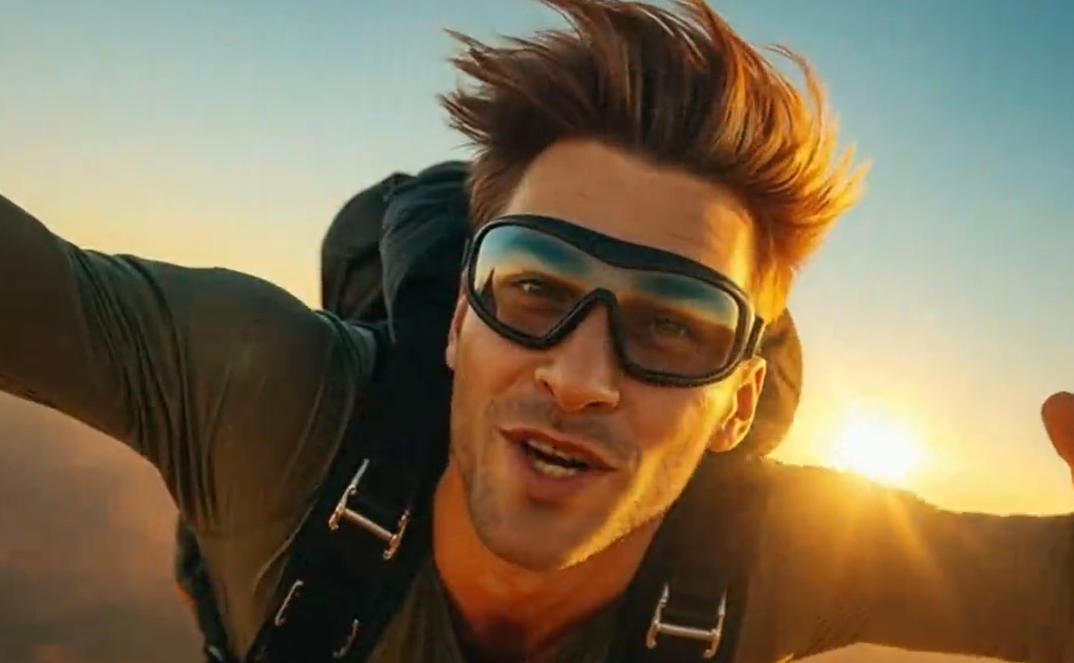
Script to Video AI
Turn written scripts into videos with AI instantly.
00:00
00:00
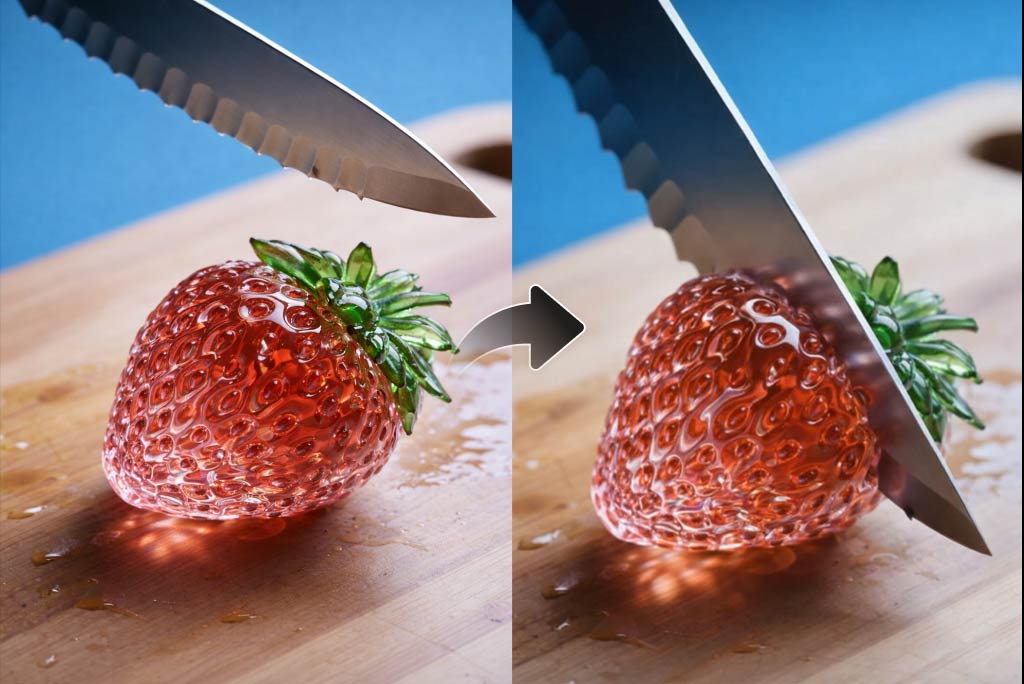
AI YouTube Shorts Generator
Create viral YouTube Shorts instantly with smart, easy-to-use AI tools.
00:00
00:00
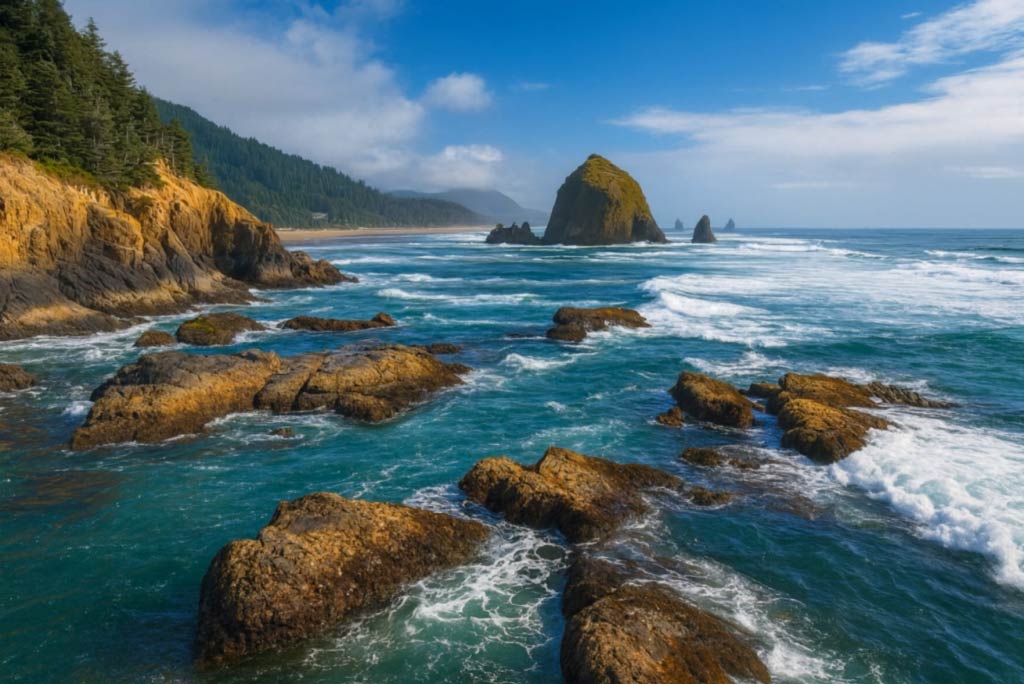
AI ASMR Generator
Create calming AI ASMR videos with perfectly synced sound.
00:00
00:00
AI Video Editor
Edit videos naturally using AI—no timeline or manual tools.
00:00
00:00
AI Video Enhancer
Easily improve your video quality with AI video enhancer.

AI Cartoon Video Generator
Generate high-quality cartoon videos from text or images.
00:00
00:00
AI Character Animation
Transform any photo into a moving AI character video.

00:00
00:00
Image to Video
Create custom videos from your photos with AI.

Text to Video
Turn any text prompt into high-quality videos in minutes.
@Priya Nandakumar, Performance Marketing Lead