
How to Create a Grok Imagine Video with insMind
Step 1: Add a Prompt or Image
Enter a text description to build a new scene, or upload a clear image when you want to animate an existing subject, product, character, or composition.
Step 2: Describe Motion, Camera, and Sound
Explain the subject's action, camera movement, mood, visual style, aspect ratio, and desired audio directly in your prompt for more controlled results.
Step 3: Generate Your AI Video
Click generate and let Grok Imagine turn your instructions into a moving video with coordinated visuals, ambience, music, or scene-specific sound effects.
Step 4: Preview and Download
Review the generated clip, refine the prompt if needed, then download the version that best fits your social post, campaign, concept, or creative project.
What Creators Say About insMind Grok Imagine Video Generator
Why Create Grok Imagine Videos with insMind

Text and Image Inputs
Start from a written idea or animate an existing visual, with flexible access to both text-to-video creation and image-guided workflows.

Sound Designed with the Scene
Generate matching ambience, music, and action effects alongside the visuals for clips that feel more complete from the first draft.

Simple Online Workflow
Create, preview, refine, and download videos in one browser-based workspace without switching between separate generation and audio tools.

Built for Fast Creative Testing
Explore several video concepts before production, whether you are planning social content, visual stories, or an AI-generated video campaign.

Flexible Creative Styles
Move between realistic, animated, commercial, fantasy, and surreal directions while keeping the selected scene and subject visually readable.

Directable Camera Movement
Use prompt language to guide zooms, pans, tracking shots, reveals, and other camera movements without building a manual timeline.
FAQs About insMind Grok Imagine Video Generator
What is Grok Imagine Video Generator?


Grok Imagine Video Generator is an AI model for creating short videos from written prompts or images. You describe the scene, motion, camera direction, mood, and sound you want, and the model generates a moving clip. It can support creative concepts, social content, product ideas, animated scenes, and visual storytelling.
Can I create a video from a text prompt?
Yes. Enter a detailed prompt describing the subject, action, environment, camera movement, visual style, and desired sound. Clear instructions help the model understand what should happen throughout the clip. You can refine the prompt and generate again when you want to test a different mood, composition, or motion.
Can I turn an image into a video?
Yes. Upload a clear image and describe how the subject and camera should move. The image acts as the visual starting point, making this workflow useful for portraits, products, illustrations, characters, and scenic compositions. For better results, use an uncluttered image with a complete, clearly visible main subject.
Does Grok Imagine Video generate audio?
Grok Imagine can generate sound together with the video when audio is enabled for the selected workflow. Depending on the scene, this may include music, environmental ambience, action sounds, or other synchronized audio details. Include the sound direction in your prompt so the result better matches the intended mood and action.
How long are Grok Imagine videos?
Available duration options can vary by the current model version and workflow configuration. Short clips work especially well for visual concepts, social posts, product reveals, and scene tests. Before generating, select an available duration that gives the action enough time to develop without overcrowding the scene with too many events.
Which video aspect ratios are supported?
Supported ratios depend on the active generation settings. Common choices include landscape, portrait, and square formats for websites, YouTube, TikTok, Instagram, and other channels. Choose the ratio before generation and describe the intended framing in your prompt so subjects remain fully visible within the final composition.
How do I write an effective Grok Imagine video prompt?
Describe the main subject, action, setting, camera movement, lighting, visual style, sound, ratio, and duration in a natural sequence. Add a short negative instruction for unwanted text, watermarks, distortion, or abrupt cuts. One clear scene with coordinated motion usually produces a stronger result than several unrelated actions.
Is Grok Imagine Video Generator free to try?
You can try this tool online for free. Available features and usage limits may vary by account and permissions.
Can Grok Imagine keep a character consistent?
A clear input image and focused prompt can help preserve a character's appearance, clothing, and visual style. Consistency may still vary with complex movement, multiple characters, or major camera changes. Use a clean reference image, request natural motion, and avoid asking for several dramatic transformations in the same short generation.
Can I control camera movement?
Yes. Describe camera behavior directly in the prompt using instructions such as slow push-in, pull-back, pan, tracking shot, orbit, low-angle reveal, or time-lapse. Keep the direction focused and realistic. Too many conflicting camera instructions in one short clip can make the result less stable or visually unclear.
Explore More Grok Imagine and AI Video Models
00:00
00:00
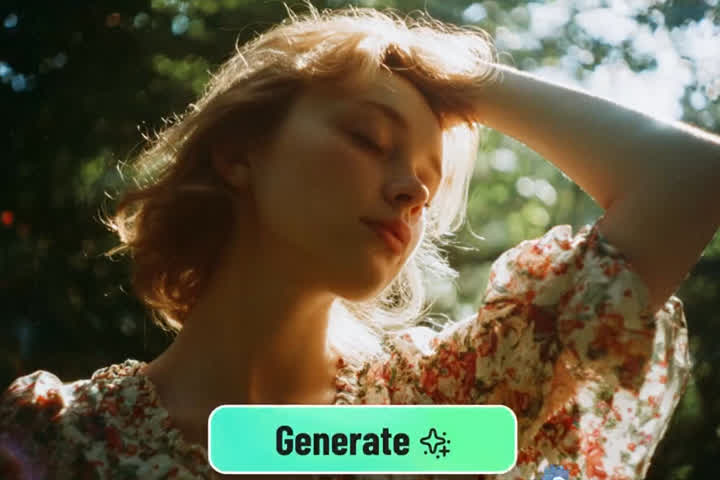
Kling AI
Transform text or images into high-quality videos using the latest Kling AI model.
00:00
00:00
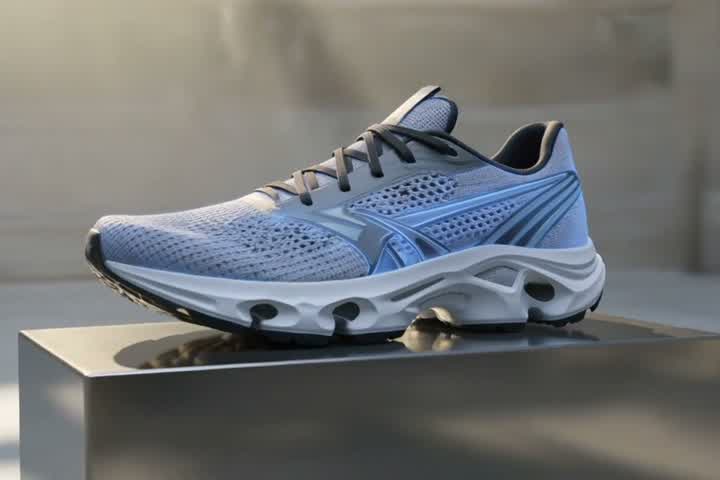
Seedance 2.5
Create cinematic AI videos with expressive motion and synchronized audio using Seedance 2.5.
00:00
00:00
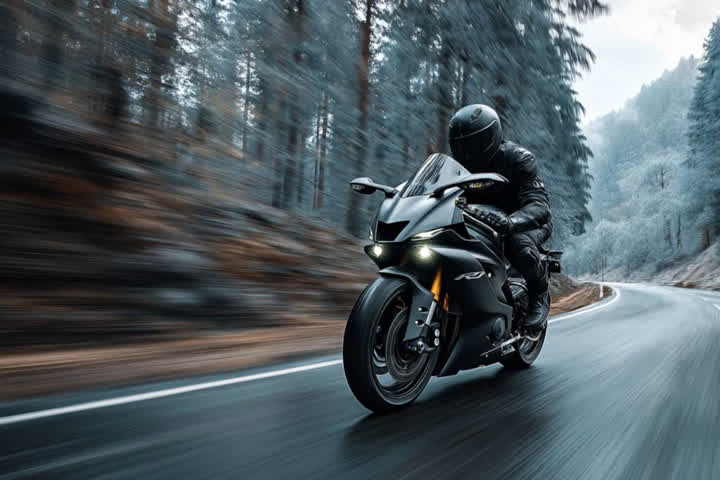
Wan AI
Create cinematic videos from text or images with Wan AI.
00:00
00:00
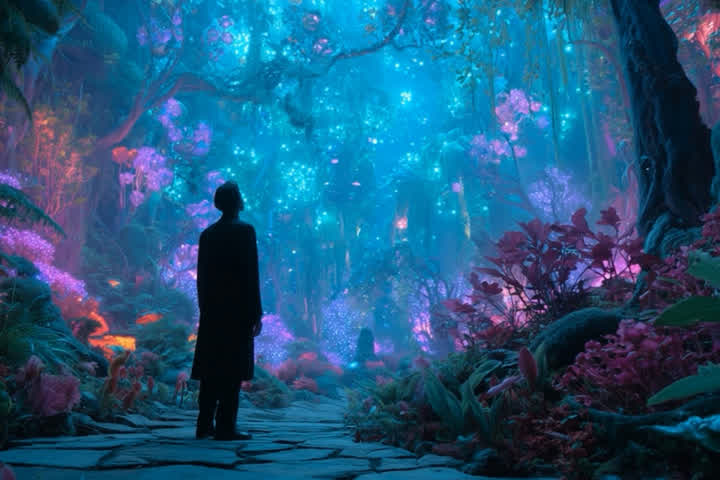
Sora 2 Alternative
Create AI videos from text or images with flexible model choices.
00:00
00:00
Google Veo 3.1
Turn your text or images into cinematic AI videos with Google's Veo 3.1.
00:00
00:00
PixVerse v5.5
Create high-quality AI videos with PixVerse on insMind.
00:00
00:00
Seedance 1.5 Pro
Create videos with native audio and visuals, perfectly synced.
I can quickly animate social concepts and get a complete clip with matching ambience instead of editing audio separately.
@Elena · Social Media Creator