

00:00
00:00
Remove Text from Video with AI in One Click

00:00
00:00
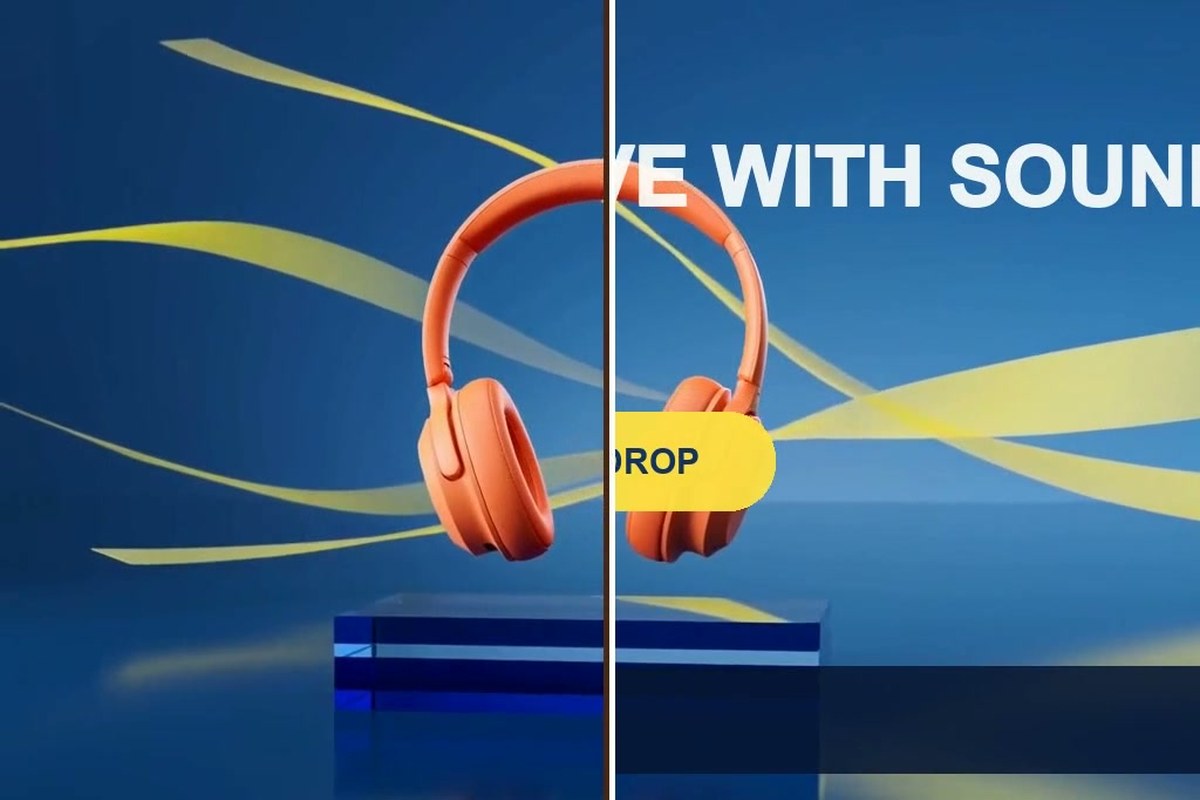
Remove Any Type of Text from Video
00:00
00:00
Accurately Remove Complex Moving Text from Video

00:00
00:00
Batch Remove Text from Multiple Videos
What Text Can You Remove from a Video?
Clean six common types of burned-in or overlaid text while preserving the original scene and motion.
00:00
00:00
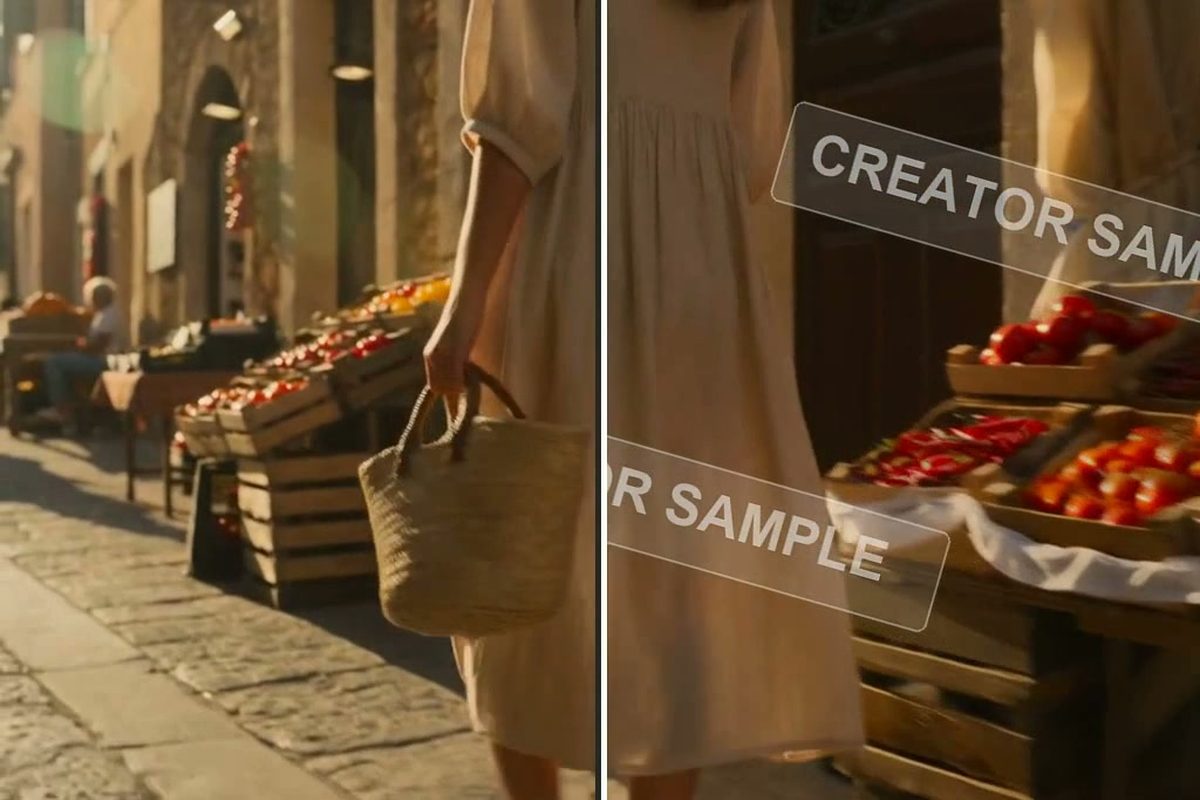
Remove Text Watermarks from Video
Clear a channel name, creator handle, sample label, or other text-based watermark from footage you own or are authorized to edit. For mixed graphic and text marks, try the dedicated video watermark remover and inspect the full result before reuse.
00:00
00:00
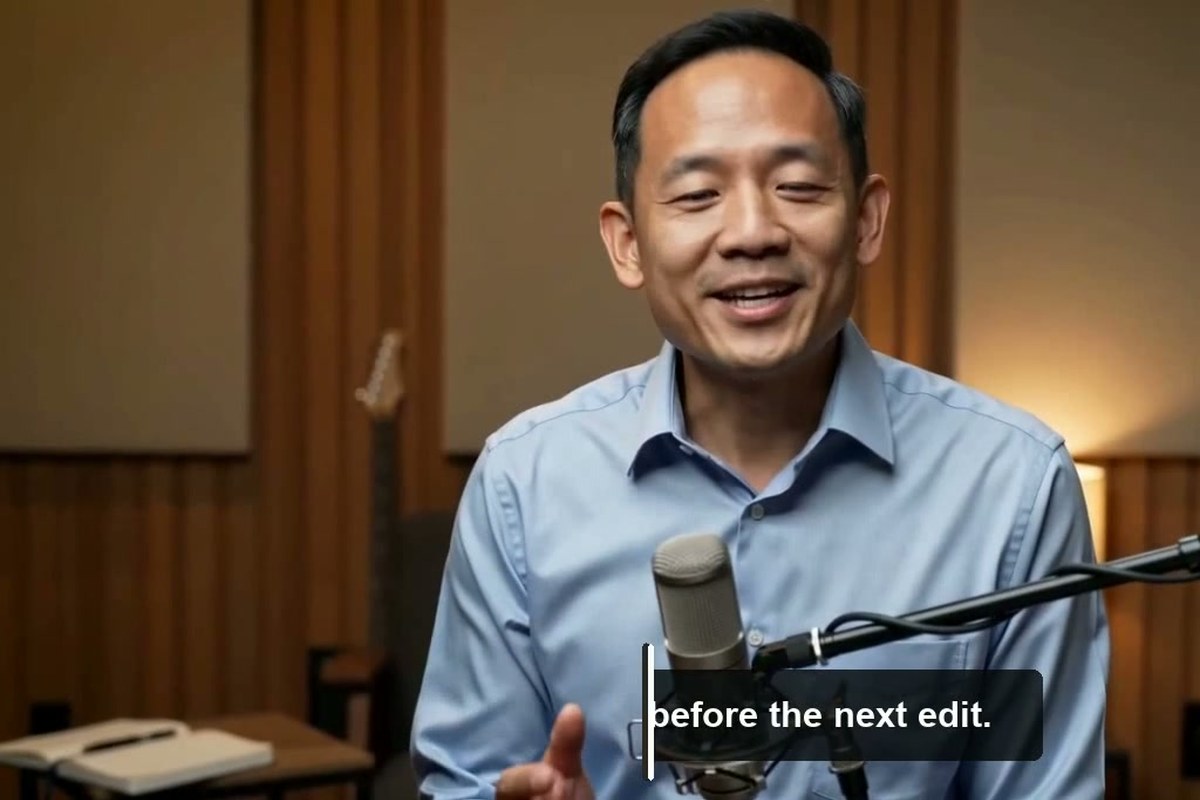
Remove Subtitles from Video
Remove burned-in subtitle lines to prepare a clean master for a new language, revised translation, or different edit. AI reconstructs the image behind the words instead of forcing you to crop the bottom of the frame.
00:00
00:00
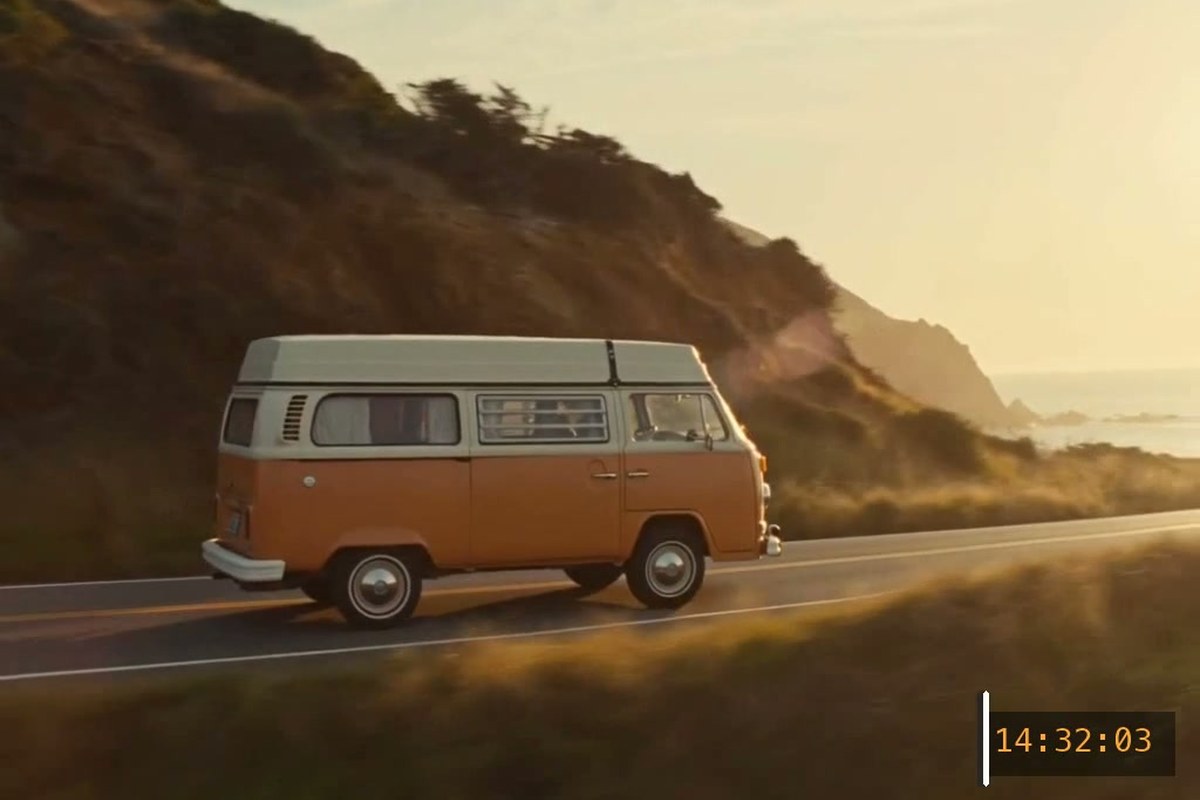
Erase Timestamps and Date Stamps from Video
Clean camera dates, recording times, timecode-like labels, and other text stamps from archival or reused clips. A precise prompt helps AI focus on the stamp while leaving the rest of the frame intact.

00:00
00:00
Delete Overlay Text from Video
Remove promotional headlines, lower thirds, prices, calls to action, usernames, and other copy placed over a scene. Reuse the clean footage for a new offer or layout without rebuilding the original shoot.
00:00
00:00
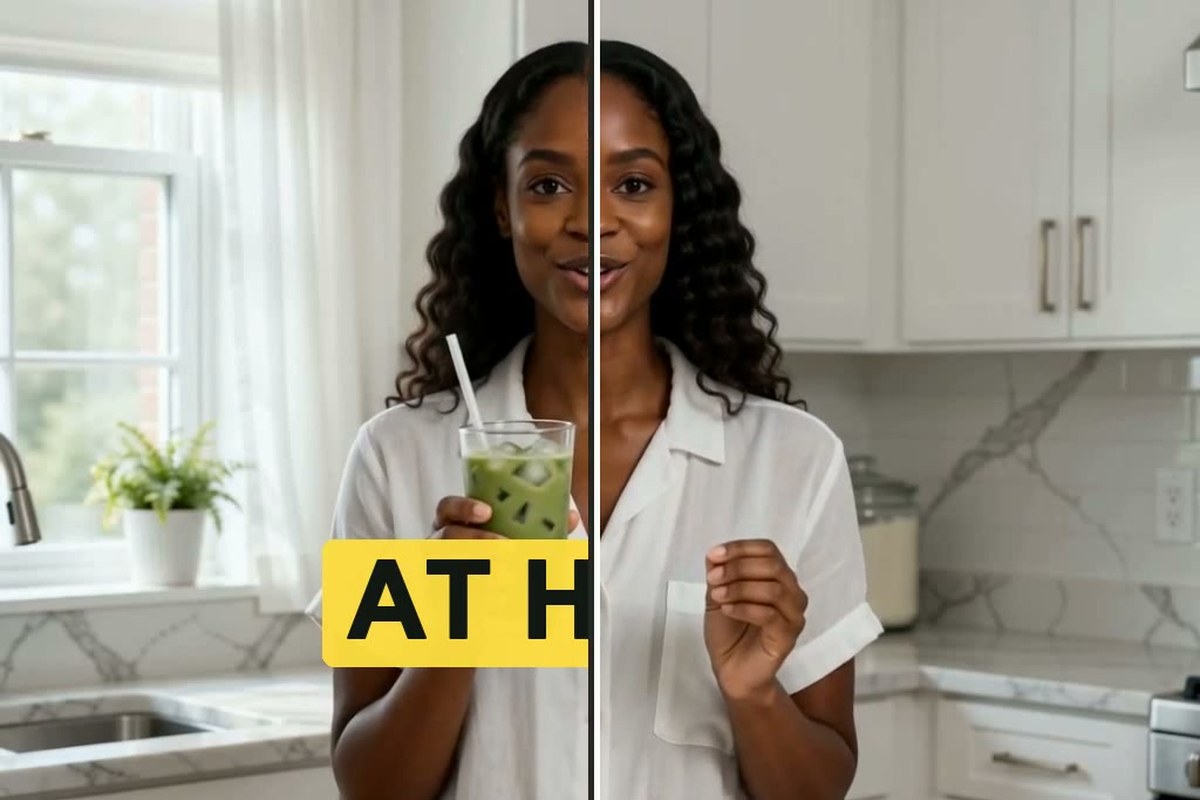
Remove Caption Text from Video
Erase large social captions, animated word-by-word text, and creator-style phrases placed around a subject. This gives you a clean clip for a new hook, language, platform, or caption design.
00:00
00:00
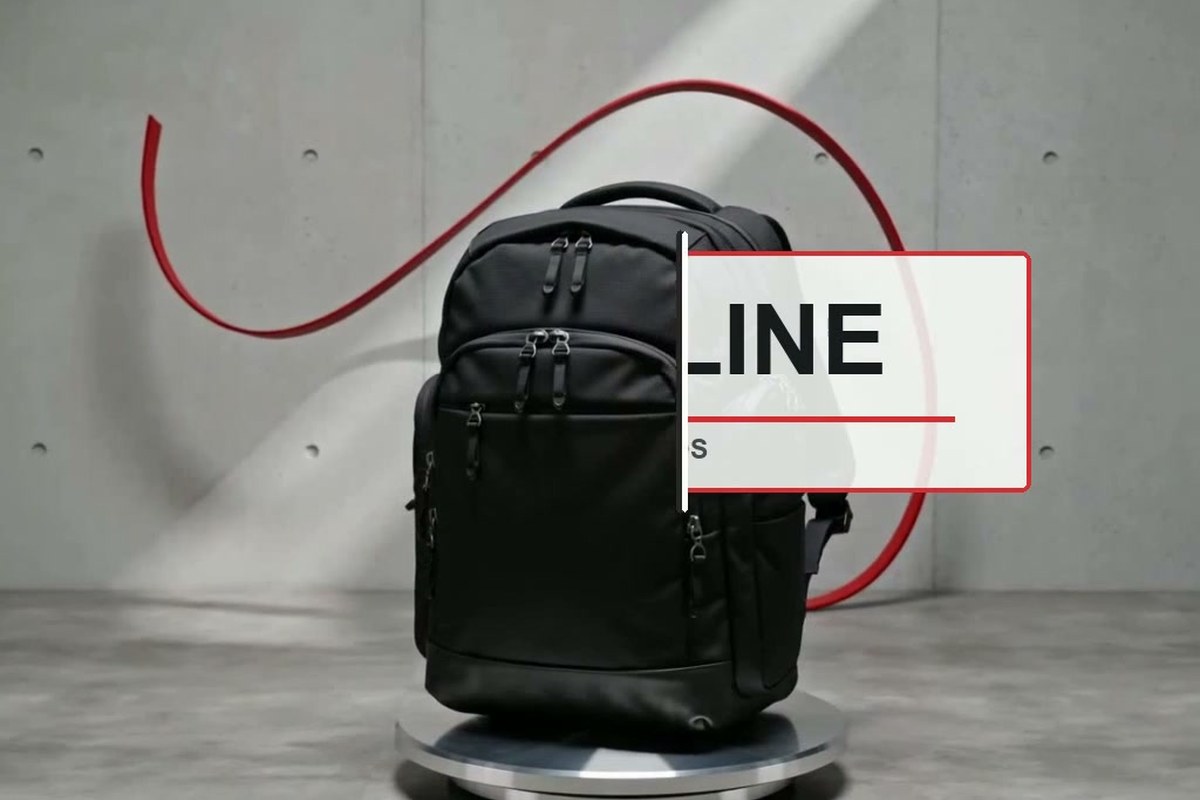
Delete Text Logos from Video
Remove a wordmark, brand name, or other logo built mainly from text when you have permission to edit the video. Describe where the text logo appears so the model can rebuild the changing background around it.
How to Remove Text from a Video with AI
Step 1: Upload Your Video
Upload the video that contains the unwanted text. Preview the original once and note where the text appears, especially if it only shows during part of the clip.
Step 2: Enter a Text Removal Prompt
Tell AI exactly what should disappear. Include the text type, color, position, or timing when useful, such as: “Remove the white subtitle text at the bottom throughout the video and reconstruct the background naturally.”
Step 3: Choose a Model and Erase the Text
Open the model menu and choose an available video model, such as Seedance 2.0 or Seedance 2.5. Click the Send button, and insMind will begin processing the video from your prompt.
Step 4: Preview and Download
Watch the full affected section, not just the first clean frame. If letters, blur, or flicker remain, make the prompt more specific and generate again. Download the result once the text is gone and the scene looks natural in motion.
Why Choose insMind as Your AI Video Text Remover?

Natural Reconstruction, Not a Blurred Patch
Instead of placing a soft block over the words, AI rebuilds the covered region from the surrounding visual context so the cleanup can blend into the scene.

Stable Results Across Moving Frames
The goal is a cleanup that stays consistent as the camera, subject, lighting, and background change. Preview the motion closely so flicker or ghost letters do not slip into the final version.

Prompt-Based Video Editing
Describe the text you want gone in plain language. There is no need to draw a mask around every word or repeat the same correction frame by frame.

Multiple Video Models to Choose From
Choose Seedance 2.0, Seedance 2.5, or another video model currently available in your workspace. A different model can be useful when the scene, motion, or removal target changes.

Batch Mode for Repeated Cleanup
Apply one clear instruction to several uploaded videos when the same kind of text appears across a campaign, product set, or group of creator clips.

Preview Before You Download
Watch the repaired area in motion, refine the instruction, and generate another version before keeping the final video.
Frequently Asked Questions
How do I remove text from a video?


Upload the video to insMind, enter a prompt that identifies the text you want removed, and choose an available video model. Click Send, then preview the result through every affected frame. If needed, add the text color, position, or timing to the prompt and generate again before downloading.
Can AI remove text from a video without blur?
AI can reconstruct the area behind text instead of simply blurring or covering it. The result depends on the scene: a small label over a simple background is usually easier than large moving text over a face, hand, or detailed product. Preview the video in motion and refine the prompt if the repaired area still looks soft or inconsistent.
Can I remove text from a video online for free?
You can try the free AI video text remover tool online with the access or credits currently available in insMind. The number of generations, supported models, and download options can depend on current account rules. Free access should not be read as unlimited processing or guaranteed use without signing in.
What types of text can the video text remover erase?
It can be used for text watermarks, subtitles, social captions, timestamps, date stamps, lower thirds, prices, usernames, promotional copy, and text-led logos. Describe one clear target at a time when several different overlays appear. Only remove text from videos you own or have permission to modify.
Can it remove moving or animated text from a video?
Yes. You can ask AI to remove scrolling text, animated captions, tracked labels, or words that appear during a specific section. Moving text is more demanding than a fixed corner label, so check for missed letters, flicker, or unstable background detail before downloading.
How do I remove burned-in subtitles from a video?
Upload the clip and enter a prompt such as “Remove the subtitle text at the bottom throughout the video and reconstruct the scene behind it.” Burned-in subtitles are part of the image, so they cannot be switched off like a separate subtitle track. AI edits the visible frames to create a clean version for relocalization or a new caption layout.
Can I remove caption text, timestamps, and text logos?
Yes. Name the exact overlay in the prompt and add its location when useful, for example “the yellow caption above the product” or “the date stamp in the lower right.” Text logos that include detailed graphic symbols may require the broader video watermark removal workflow.
Can I remove text from a full video online for free?
You can process the uploaded video rather than cleaning a single screenshot. State whether the text appears throughout the full video or only during a particular section, then review the complete affected range after generation. Available duration and processing access depend on the current model and account settings.
Can I batch remove text from multiple videos?
Yes. Batch Mode lets you upload multiple related videos and apply one prompt to the set. It works best when the target is similar across the clips, such as the same campaign line, date, or corner label. Review each output because backgrounds and motion may differ from one video to another.
Will removing text reduce the original video quality?
AI rebuilds the area covered by the unwanted text, and every generative edit can affect fine detail. Results vary with text size, motion, compression, and what sits behind the words. Compare the preview with the source and avoid repeated exports when preserving detail matters.
More AI Tools for Cleaning and Reusing Video
00:00
00:00
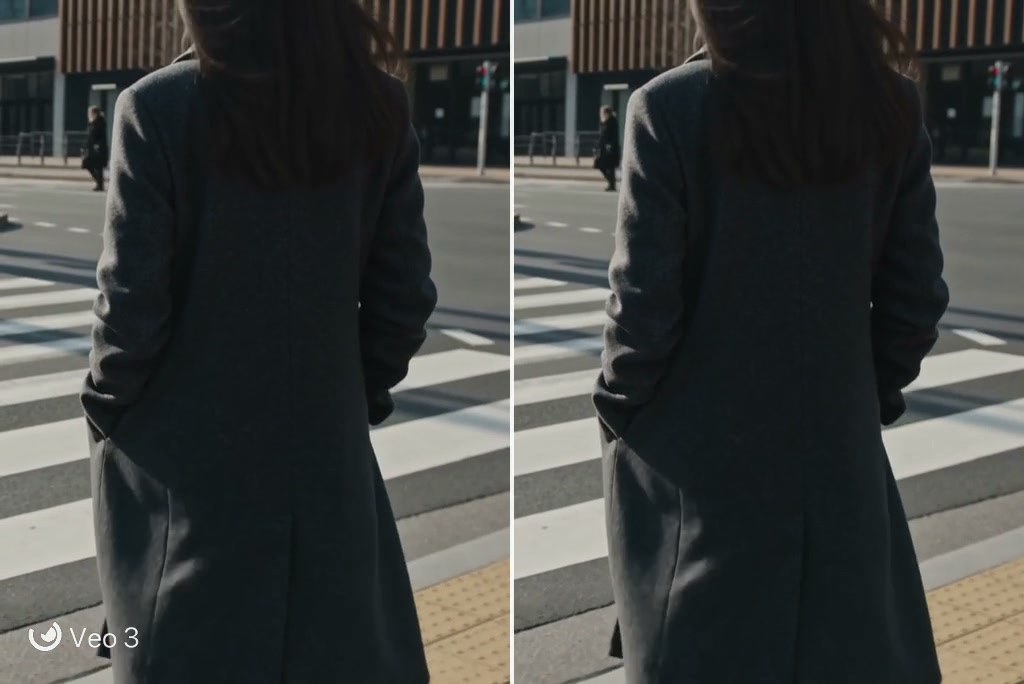
Video Watermark Remover
Remove text, logos, and other watermark elements from video with AI.

00:00
00:00
AI Video Editor
Edit, clean, and refine video from your browser with AI tools.

00:00
00:00
AI Video Enhancer
Improve video clarity and prepare cleaned footage for reuse.

00:00
00:00
AI Video Generator
Create new video from text or images with multiple AI models.

00:00
00:00
Video Background Changer
Replace a video background and give existing footage a new setting.
00:00
00:00
HD Video Converter
Convert video to HD for clearer playback and easier reuse.
00:00
00:00
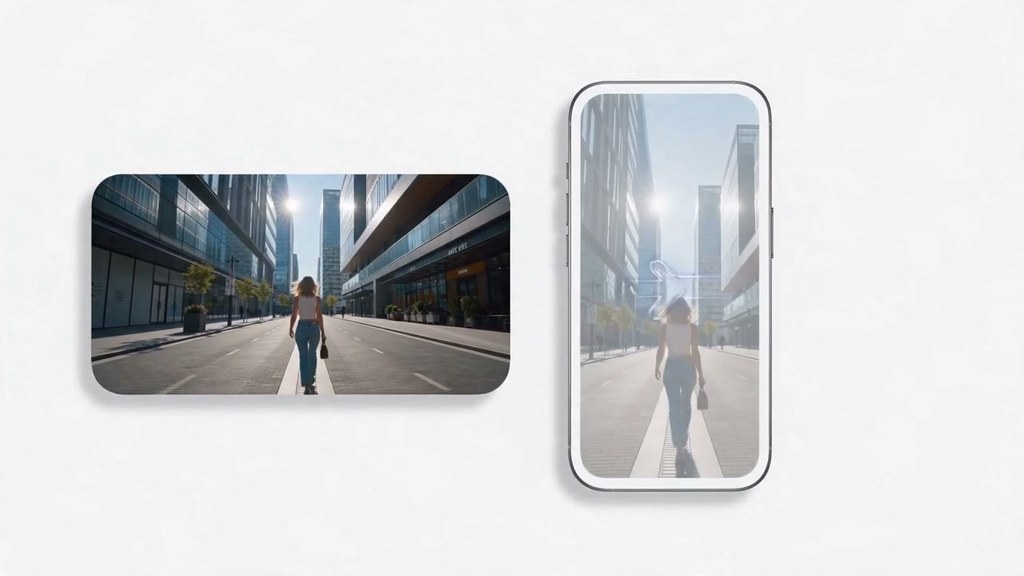
Landscape to Portrait Video Converter
Reframe horizontal footage for vertical social channels with AI.

00:00
00:00
Vertical Video to Horizontal Converter
Expand vertical video into a natural horizontal composition.