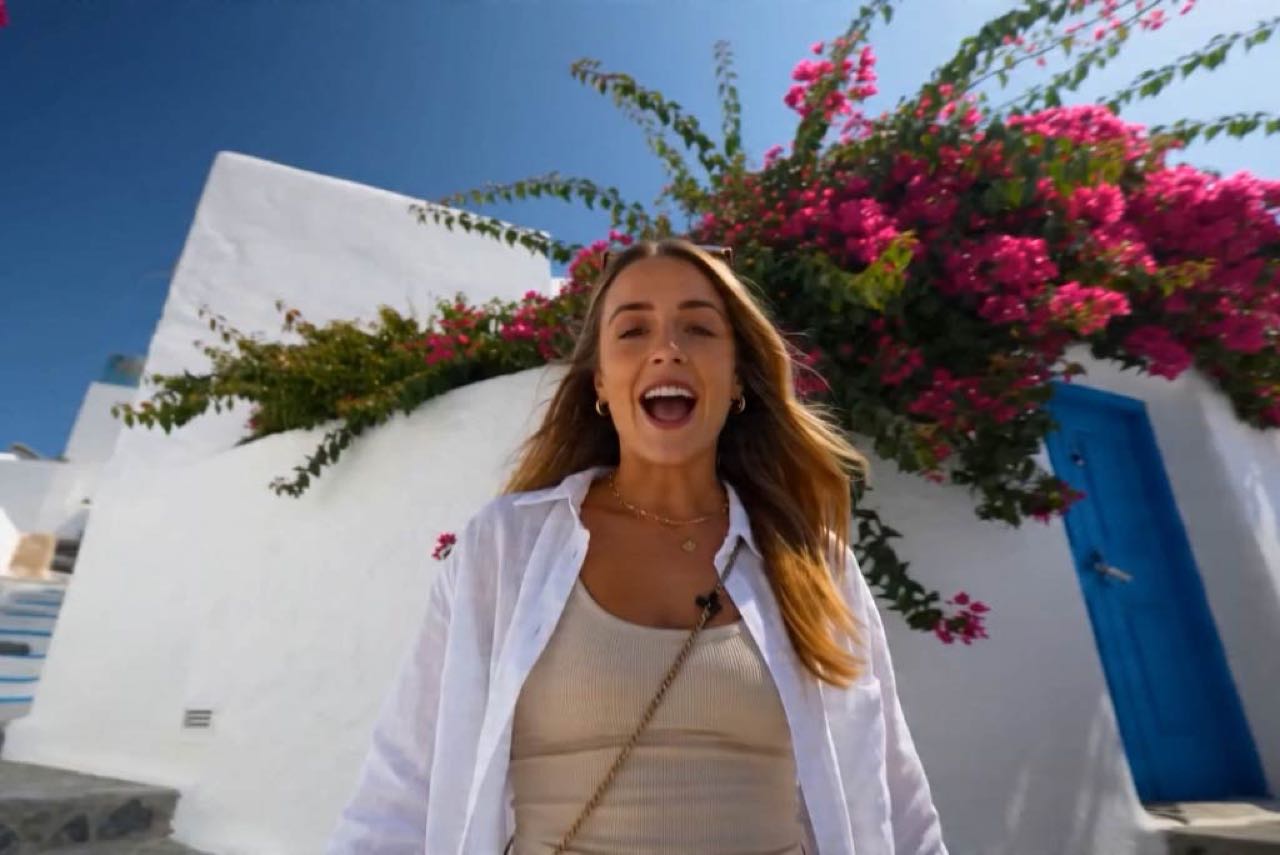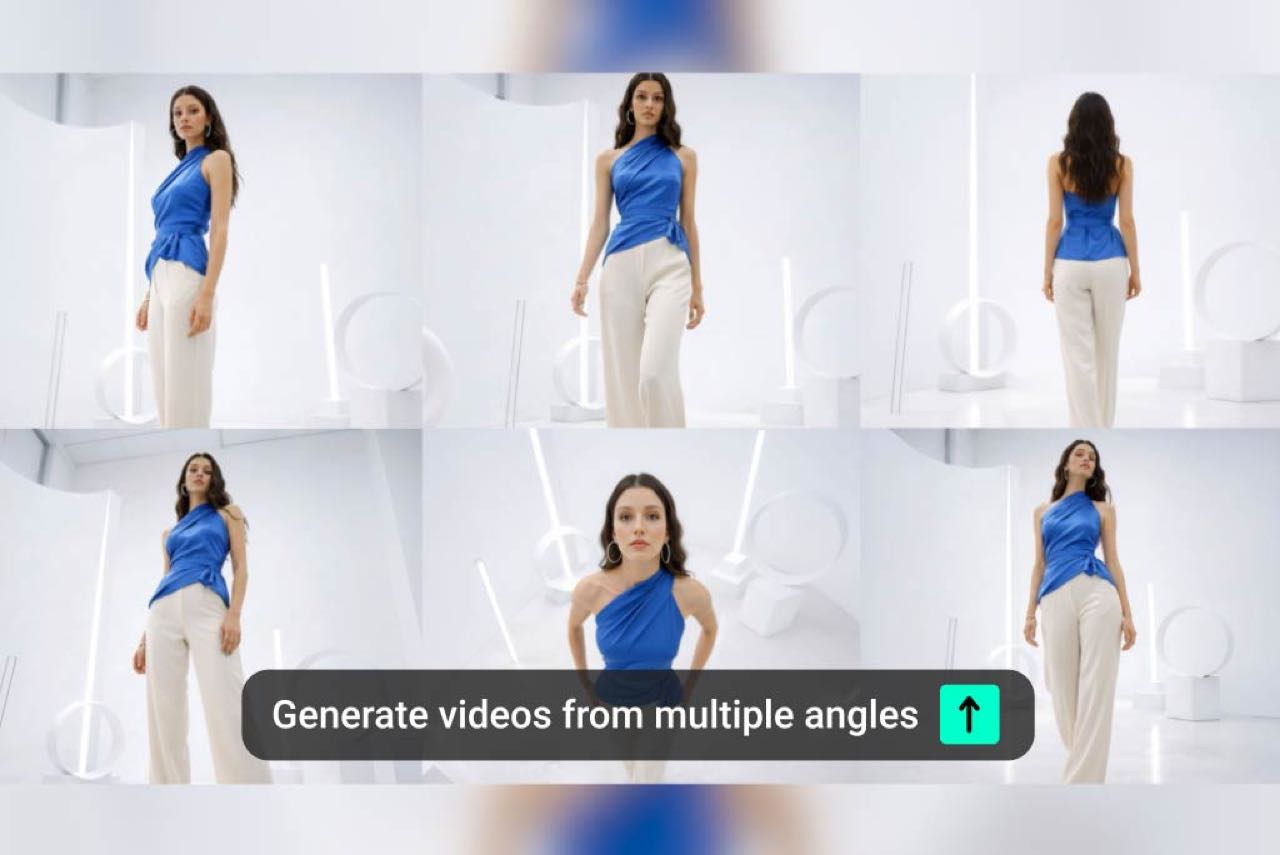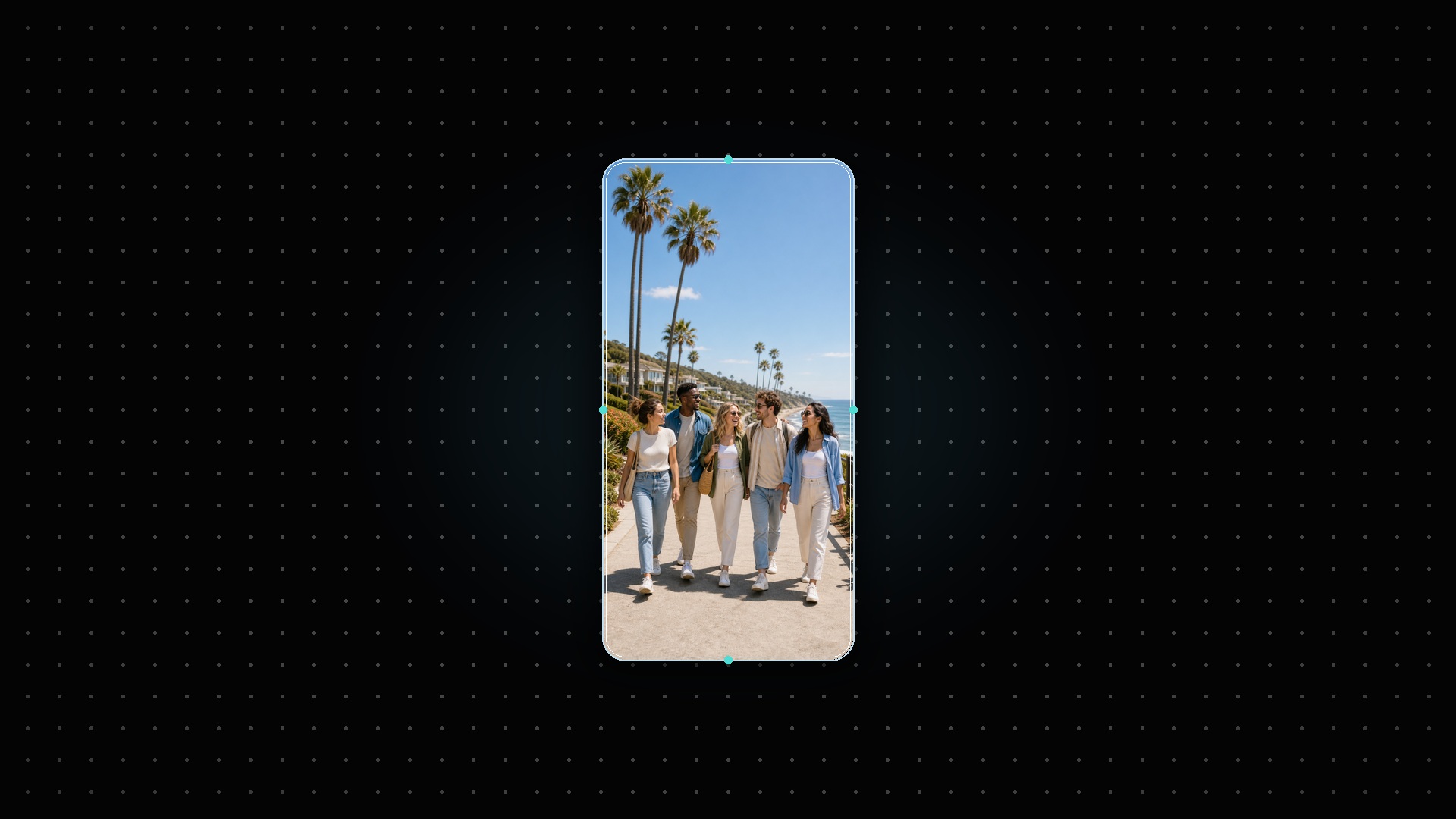
Change Portrait Video to Landscape
Turn a phone-shot portrait video into a horizontal landscape version without rebuilding the edit. Use insMind to keep the main subject centered, add a clean background when needed, and prepare a wider video for YouTube, presentations, ads, or website sections.
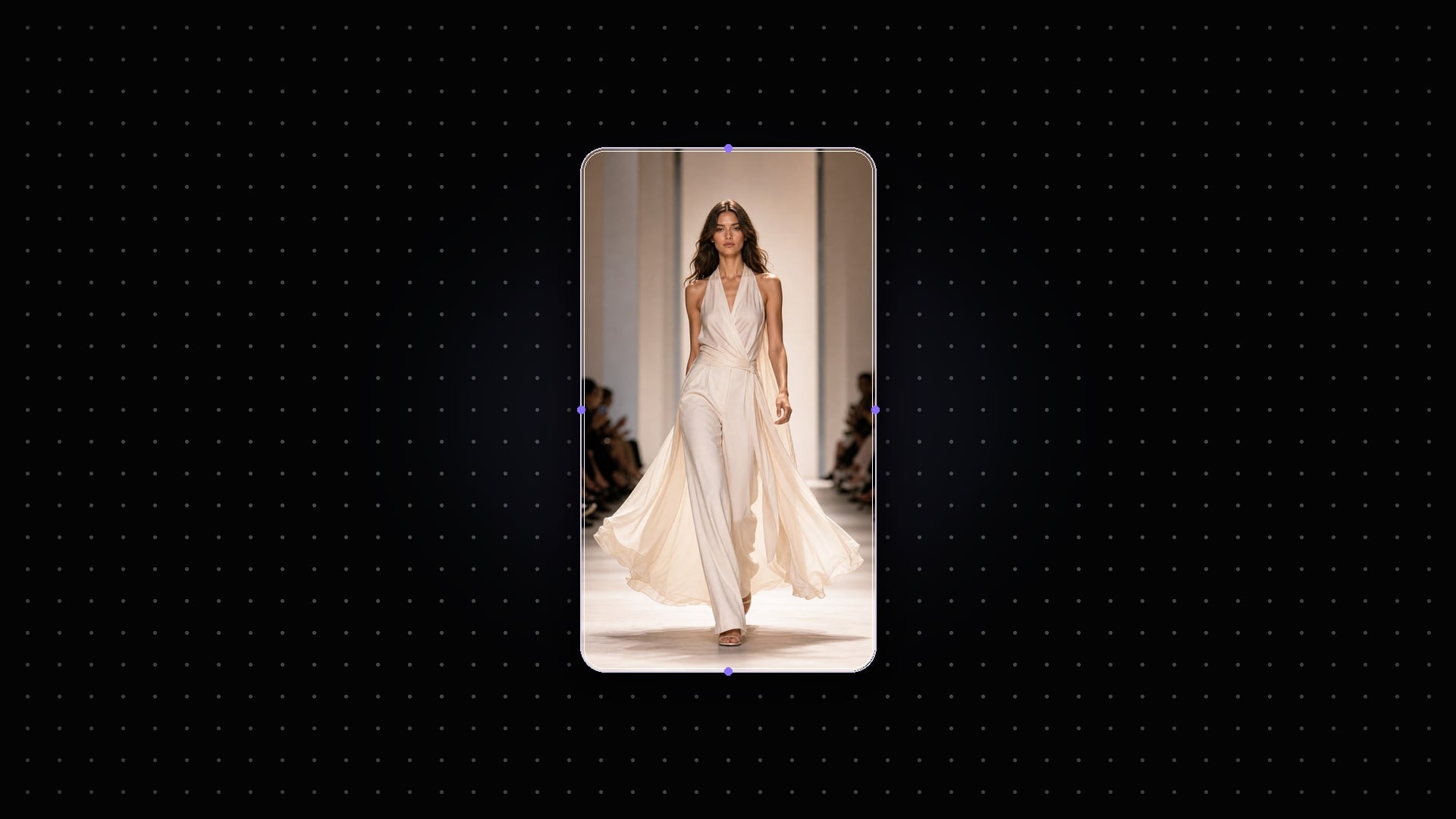
Resize for Social Media and Websites
Adapt one video for multiple placements instead of exporting separate edits from scratch. Convert vertical clips into horizontal ads, reshape landscape footage into vertical social cuts, and create cleaner versions for websites, product pages, Reels, Shorts, and campaign previews.
How to Convert Vertical Video to Horizontal with AI
Step 1: Upload a Video
Upload the vertical, portrait, horizontal, or landscape video you want to resize. Use a clear source clip so AI can keep the main subject, motion, and important details intact.
Step 2: Enter Your Prompt
Tell AI exactly how you want the video adjusted. You can ask to convert vertical video to horizontal, change portrait to landscape, add a soft background, or keep the subject centered.
Step 3: Generate
Click and let AI create a new video in the target format. The tool adjusts the canvas, framing, and background treatment based on your prompt.
Step 4: Edit or Download
Review the generated result and refine the prompt if the framing needs more control. When the video looks right, download it for social media, ads, websites, or presentations.
Why Choose insMind Vertical Video to Horizontal Converter

AI Frame Adjustment
Tell AI how to reshape the video, then generate a cleaner horizontal or vertical version with less manual editing.

Portrait to Landscape
Change portrait video to landscape for YouTube, product pages, presentations, website banners, and horizontal ads. For the reverse workflow, try the Landscape to Portrait Video Converter.

No-Crop Options
Use blur background or extended framing to preserve the subject when a direct crop would cut away important details. You can also refine backgrounds with the Video Background Changer.

Beginner-Friendly Editing
Convert video orientation with simple instructions instead of timeline edits, keyframes, and manual canvas setup.

Clean Output Workflow
Preview, refine, and download a new video version without switching between multiple desktop editing tools.

Social Format Support
Resize one video for TikTok, Reels, Shorts, YouTube, landing pages, ads, and other common campaign placements.
FAQs About Converting Vertical Video to Horizontal
How do I convert vertical video to horizontal?


Can I make a portrait video landscape without cropping?
Can I convert horizontal video to vertical too?
Will changing video orientation reduce video quality?