AI Image
AI Video
Photo Editor
Resources
InspirationsPricing

Remove People from Photos Online with AI Effortlessly

Erase any unwanted people from your photo with seamless AI. Our AI people remover is easy to use: upload, mark the person, and delete. Get a clean image instantly.

00:00
00:00
Or drop image here, paste image or URL
Try with one of these
insMind AI Crying Filter Sample 1
insMind AI Crying Filter Sample 2
insMind AI Crying Filter Sample 3
insMind AI Crying Filter Sample 4
insMind AI Crying Filter Sample 5
Remove People from the Background Seamlessly

Remove People from the Background Seamlessly

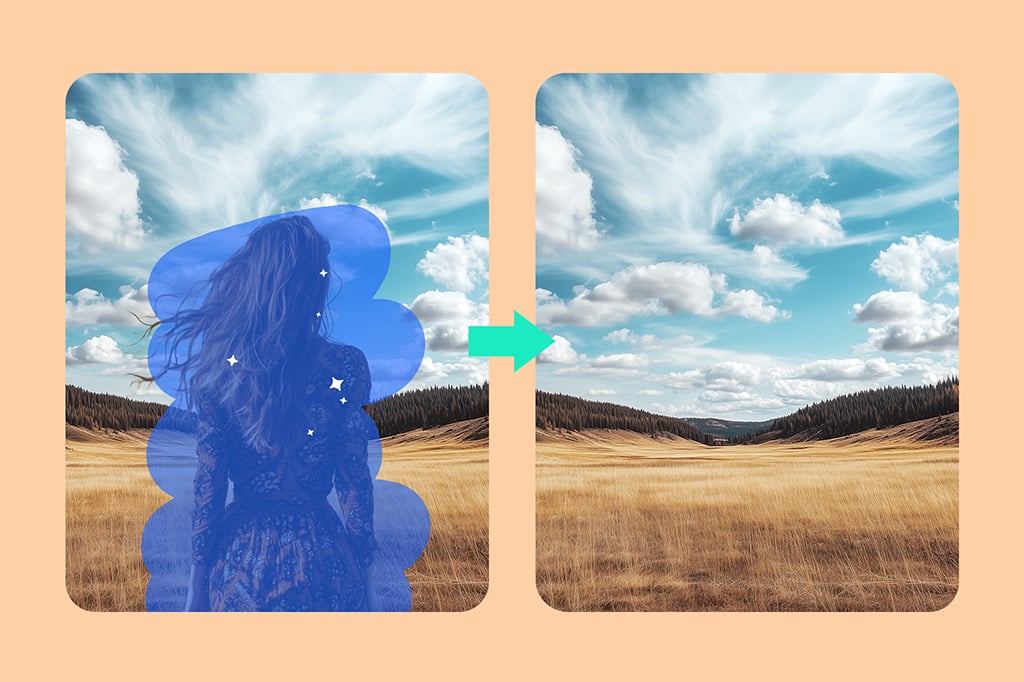
Looking for an easy AI person remover? insMind is the best online tool to help you remove someone from a photo. It ensures a seamless output without affecting the original background. With advanced AI technology, it detects the person you want to delete and fills in the background with a natural result.


Whether you need it for social media posts or professional product photos, it is a great helper for your everyday tasks. Start removing people from the background of your picture instantly.
Erase Person from Background Now
Edit out Person in Photo Automatically

Edit out Person in Photo Automatically

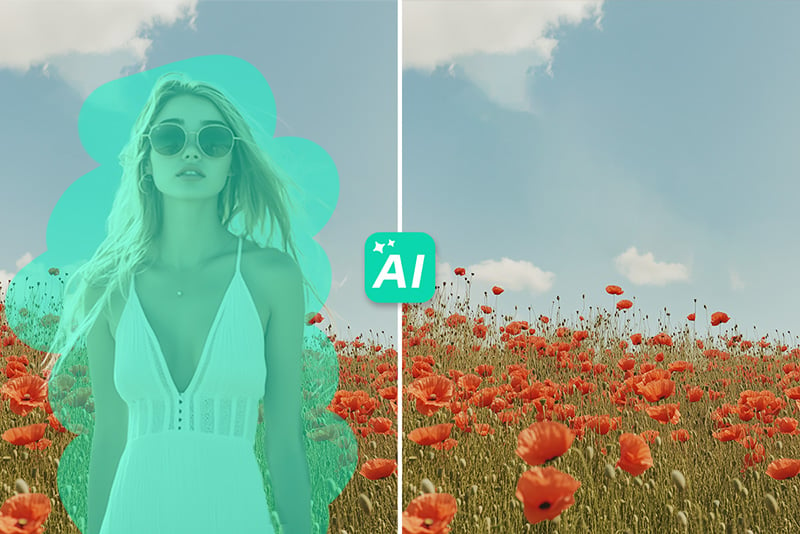
Want to cut someone out of your picture? This photo editor removes person from pictures with an automatic process. No manual photoshopping is needed; just upload and let AI help you. It can cut people out of the picture precisely and naturally.


Whether you want to erase people for better street photography, protect the privacy of a person in your photo, or simply focus on the main subject—you've found the right tool!

Erase Person Instantly
Erase Anyone from Any Photo with AI

Erase Anyone from Any Photo with AI

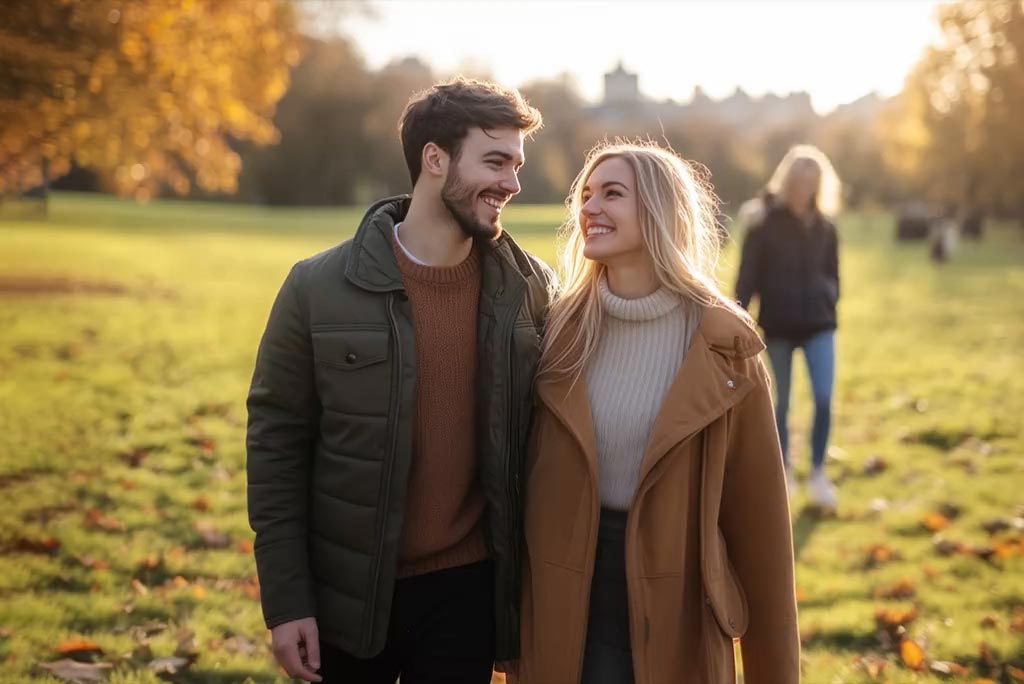
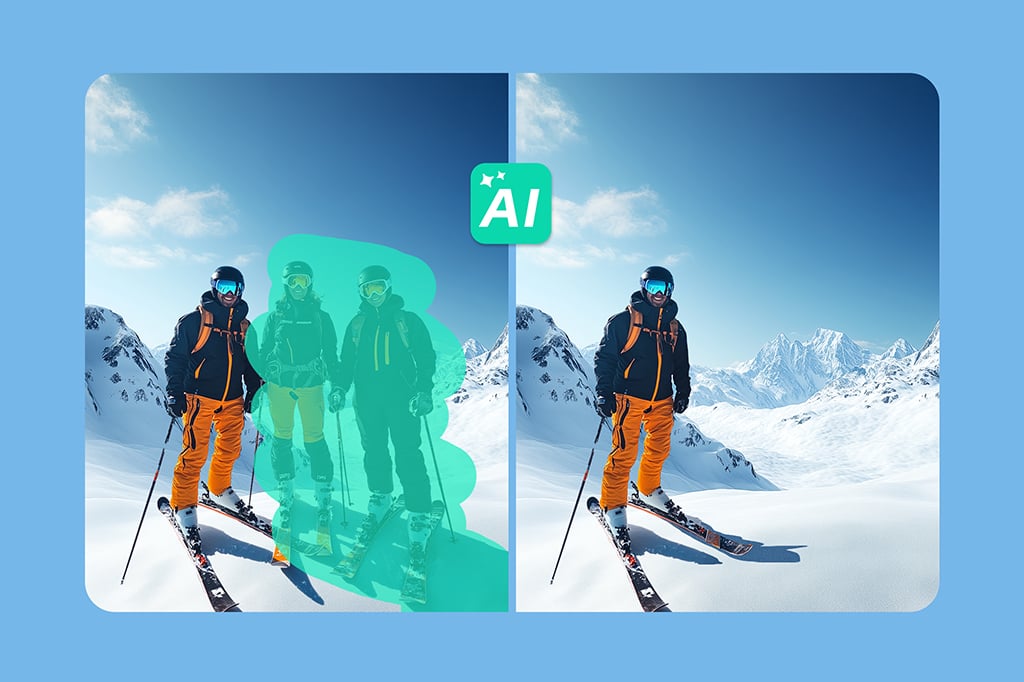
Whether you want to remove the person beside you, the crowd in the background, or the person next to the product, our tool can help. Our AI person remover can erase anyone from your photos easily.


Whether it is a travel photo, a wedding photo, a landscape photo, or a family portrait, it is easy for you to erase someone. You can truly erase anyone from any photo. Start using our magic eraser now.

Erase People from Photo Now
Delete Someone from Picture on the Go

Delete Someone from Picture on the Go

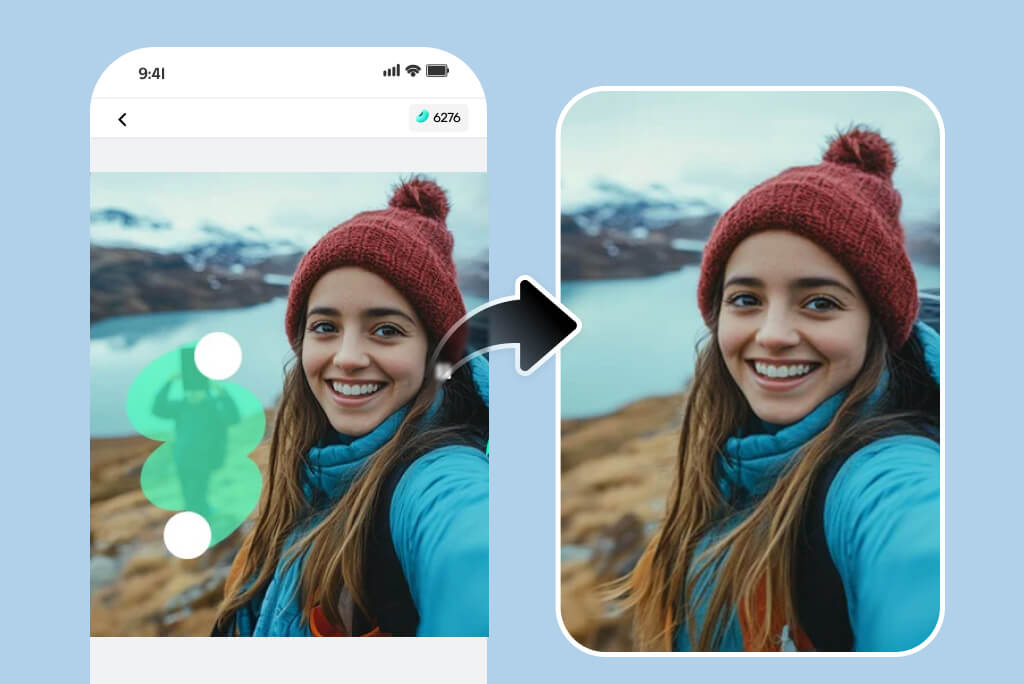
Our AI background people remover empowers you to deal with photos anytime, anywhere. When you are not on a desktop, you can also use your mobile phone to delete person from photos easily.


Mobile use is becoming more and more popular now. You may take a picture on your phone and retouch your photo directly without having to transfer it to your desktop. You can delete people from pictures by using our tool on your mobile browser, or you can download our iOS and Android apps.

Delete People from Photo Now

Explore More People Removal Features

How to Remove People from Pictures with AI — Step-by-Step Guide

Step 1. Upload your image
1

1 Step 1. Upload your image

Upload your image file, or simply drag and drop it into the interface.
Step 2. Mark the person
2

2 Step 2. Mark the person

Use the brush tool, lasso tool, or selection tool to highlight the person you want to remove. Adjust the brush size for more precise selection.
Step 3. Erase the person
3

3 Step 3. Erase the person

Click the "Erase" button. The AI person remover will delete the selected person in a few seconds.
Step 4. Download the edited image
4

4 Step 4. Download the edited image

Click the "Download" button to save your image in your preferred format and size.

What Can You Erase with AI People Remover?

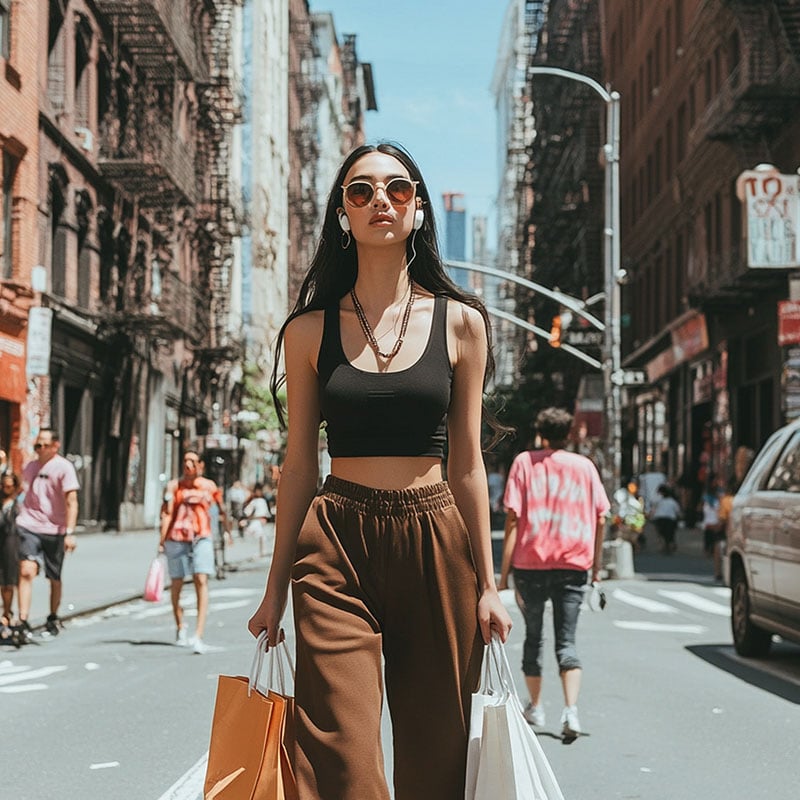
Remove passersby from photos

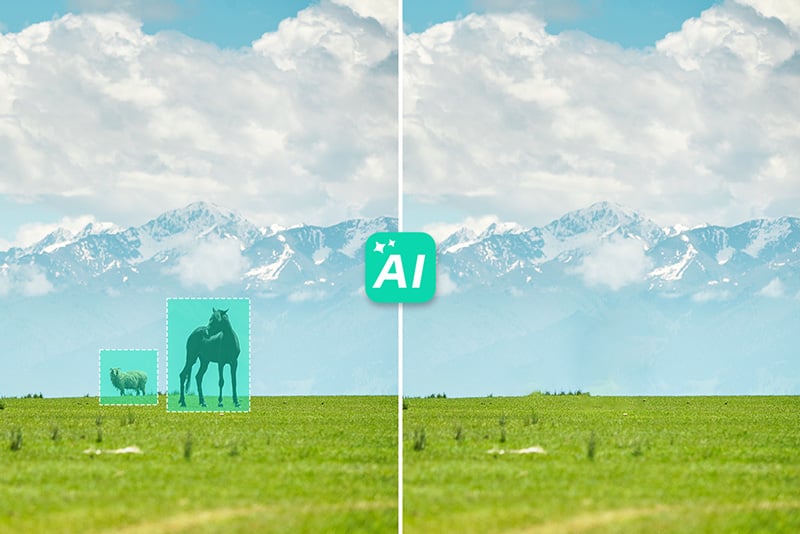
Passersby often appear when you take pictures outdoors. Don't worry—you can easily delete them and let the main subject stay in focus.

Remove crowds from the background

Our AI tool can remove not only a single person but also entire crowds with precision. Best of all, it preserves the original background perfectly.

Remove your ex from a photo

Want to erase your ex-partner from your pictures? Yes, you can. Simply upload your photo, mark your ex, and erase. Your photo will be all about you again.

Remove photobombers from travel photos

Got unexpected photobombers in your travel shots? No problem. Erase any distractions and get a clean, perfect keepsake in seconds.

Remove people from product photos for clean listings

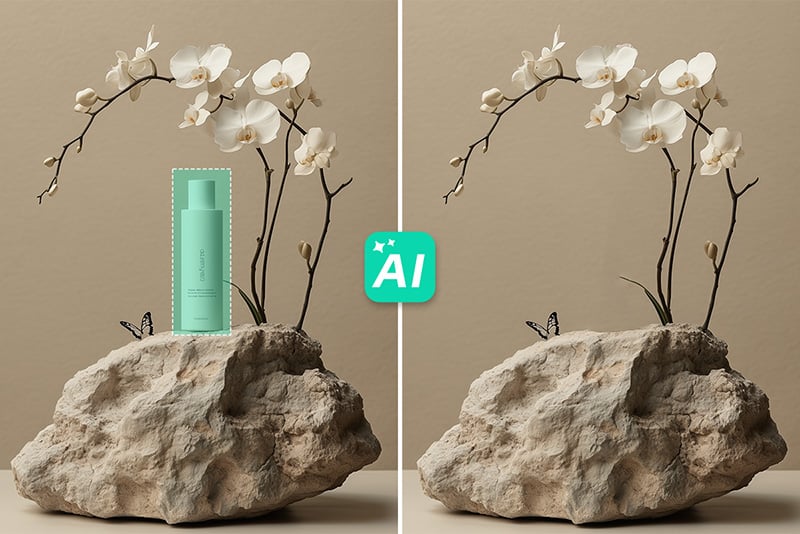
Need clean product listings for your online store? Remove any people in the background to meet requirements, keep the focus on your product, and boost sales easily.

Crop someone out of a group photo

Want to crop someone out of a group, event, or family photo? Let our AI person remover help you. Protect privacy and get a clean photo ready to share.

Remove strangers from outdoor photos

Did a random stranger appear in your outdoor pictures? Cleaning up your photos has never been easier. Remove strangers instantly with our AI tool.

Erase reflections of people in mirrors or glass

Sometimes people appear in mirrors or window reflections. We've got you covered—you can precisely erase those reflections in seconds.

Who Is the AI Person Remover For?

It enables users to effortlessly eliminate unwanted individuals from images, resulting in clean, distraction-free photos.

E-commerce Sellers

E-commerce Sellers

Improve your product's portrait by erasing all intruding individuals to avoid drawing attention to them other than to your product.

Photographers

Photographers

Learn how to eliminate people in the background or anything you do not want in your photos when taking landscape photos.

Any Person

Any Person

Enhance your images by getting rid of those unwanted individuals who invaded your memorable photos.

Social Media Influencer

Social Media Influencer

Delete unwanted people from pictures and create clean posts for your social media. Get more engagement instantly.

Why Choose insMind People Remover?

Efficient and Easy

Efficient and Easy

insMind People Remover is also easy to use and quite efficient so it does not take much to erase people from a picture.
High-Quality Results

High-Quality Results

Obtain polished appearances to your images, making it possible to have clean images without any trace of unwanted elements.
Versatile Editing Options

Versatile Editing Options

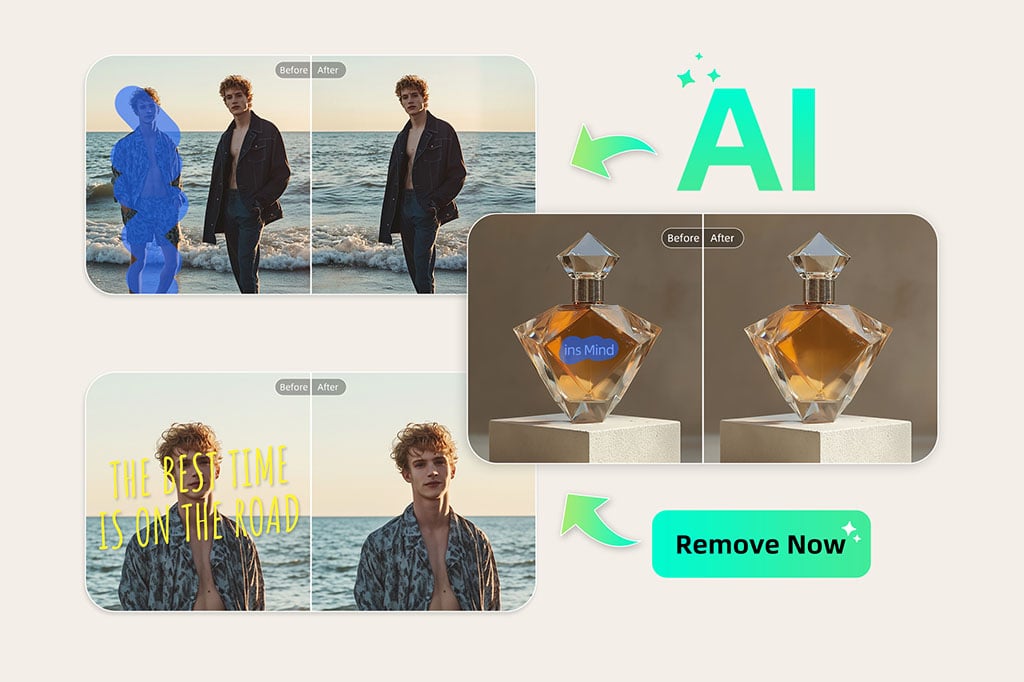
In addition to people eradication, insMind enables you to deal with text, watermarks, logos, and glare, etc.

FAQs about Removing Soneone frm Pictures

Is it easy to remove people from photos with insMind?

insmind expand icon
Yes, the insMind People Remover tool was created to be friendly to the end users. In this case, its interface can hardly be called complex, which means that even inexperienced people will easily master deleting the unnecessary parts from the images. It has useful tips and instructions that help a person at each stage of working with the online tool.

Does insMind support removing objects other than people?

insmind expand icon
Absolutely! Originally intended for people eliminating, insMind People Remover is a versatile photo editor that lets you delete people, texts, logos, watermarks, and glare from images. It is a very useful tool that guarantees that the selected images are not distracted by anything unnecessary.

Does insMind decrease the image quality after editing?

insmind expand icon
The insMind People Remover employed the best algorithms. It guarantees that the portions of your photo that you have edited have a clean integration with the rest of the image background. This helps in attaining the intended natural look without evidence of the editing done on the image. Hence, you get the most realistic and natural-looking photos.

Do I need to download any software to use insMind People Remover?

insmind expand icon
No downloads are necessary. As already mentioned, insMind People Remover is an online tool, that is, it can be run from a browser directly, and no installation of special programs is required.

Can I use insMind people remover for professional requirements?

insmind expand icon
Yes, for sure, people remover developed by insMind can be used not only for professional purposes but also for everyday personal tasks. It is ideal for improving the quality of e-commerce product images, landscape pictures, or personal images for whichever professional use is needed so anyone can use it.

You might also be interested in

Make your pictures pop with features that are completely free.