



Photo Stamp Remover: Remove Date and Time Stamps Online

Upload a photo, brush over the date, time, location, name, or camera stamp, and preview a cleaner image before downloading. Best for personal photos, travel shots, product images, and archives.

Photo Stamp Remover: Remove Date and Time Stamps Online
Or drop image here, paste image or URL
Try with one of these
Remove Stamp from Photo 1
Remove Stamp from Photo 2
Remove Stamp from Photo 3
Remove Stamp from Photo 4
Remove Stamp from Photo 5
Photo Stamp Remover: Remove Date and Time Stamps Online
Remove Date and Time Stamps from Photos

Remove Date and Time Stamps from Photos

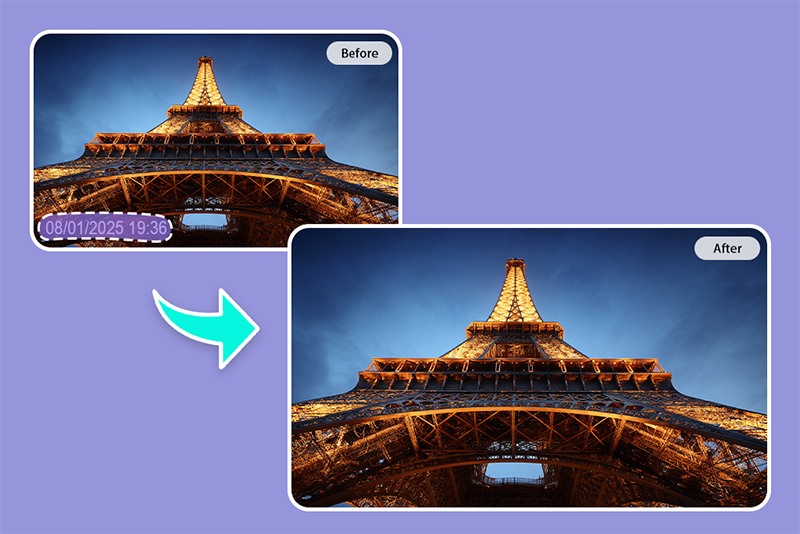
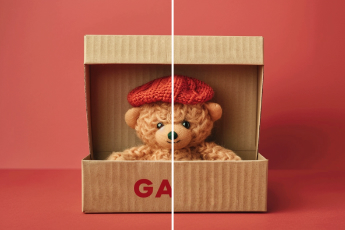
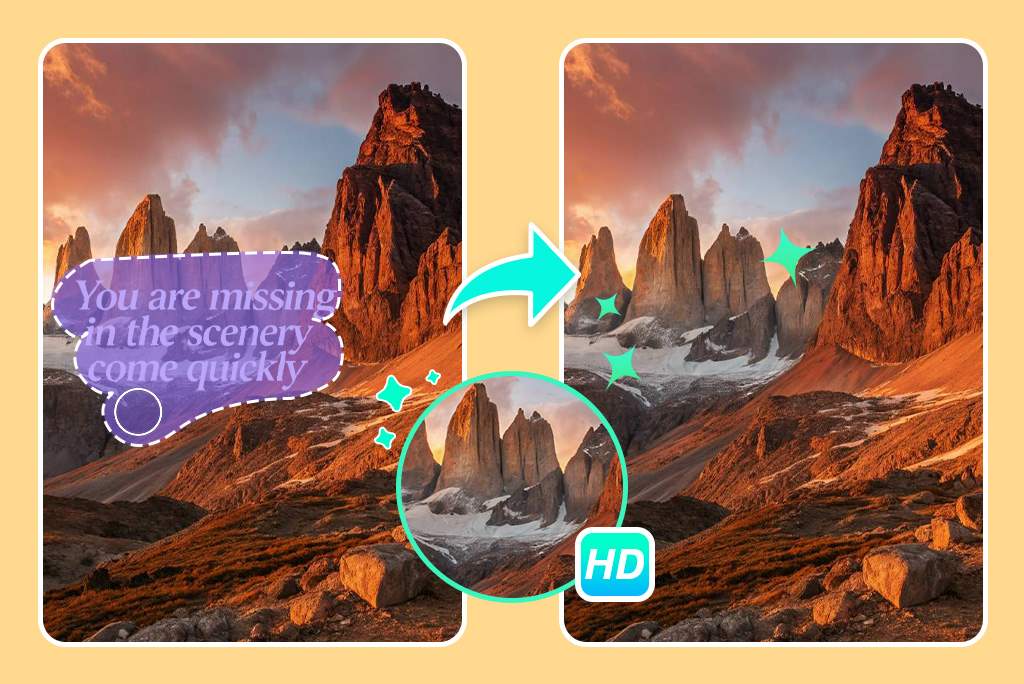
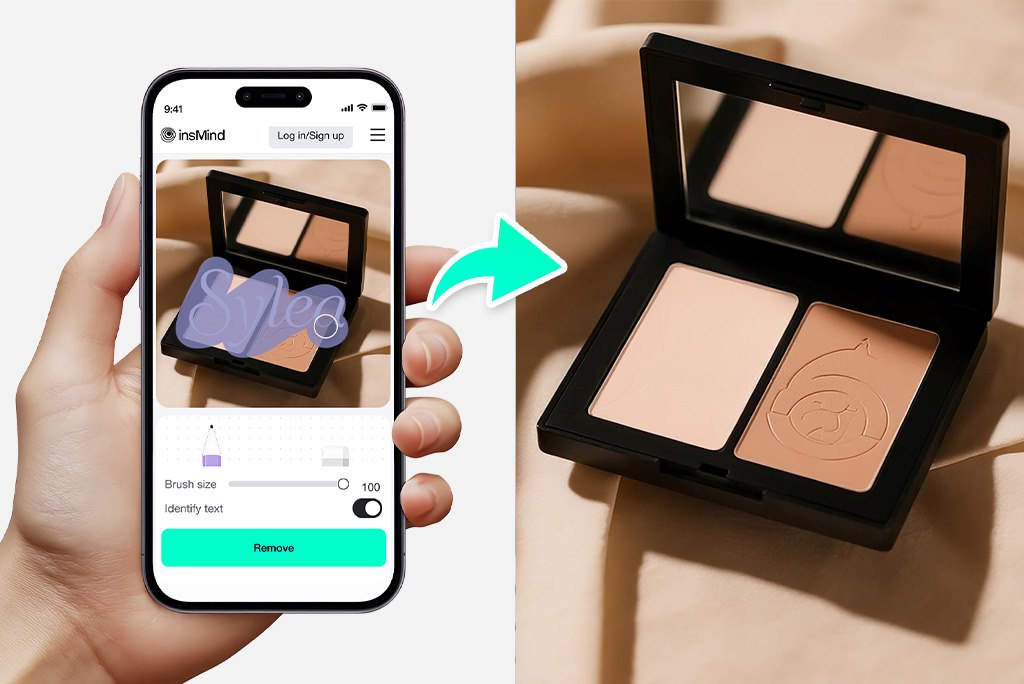
Old digital cameras and mobile apps often leave date or time stamps in the corner of a photo. Use the photo stamp remover to brush over the stamp and rebuild the nearby background.


Zoom in before confirming the edit. Small corner stamps on simple backgrounds usually clean up better than large stamps over faces, text, or detailed patterns.
Remove Stamp Now
Clean Location, Name, or Camera Marks

Clean Location, Name, or Camera Marks

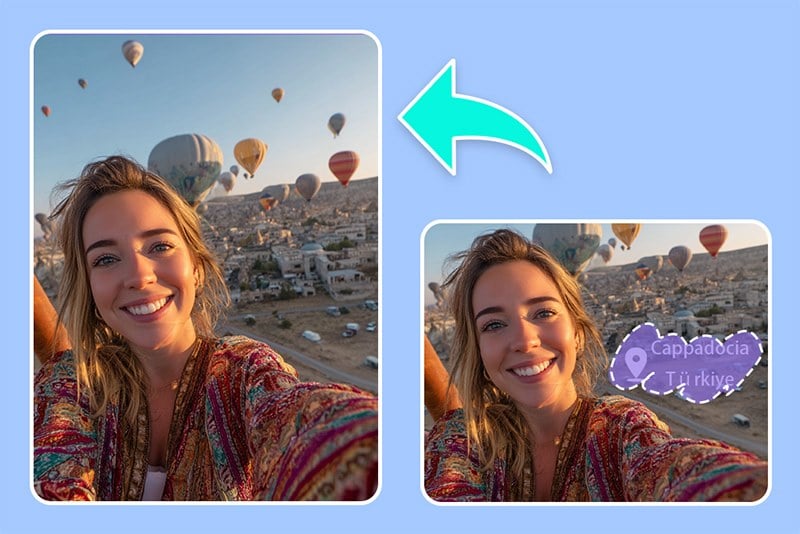
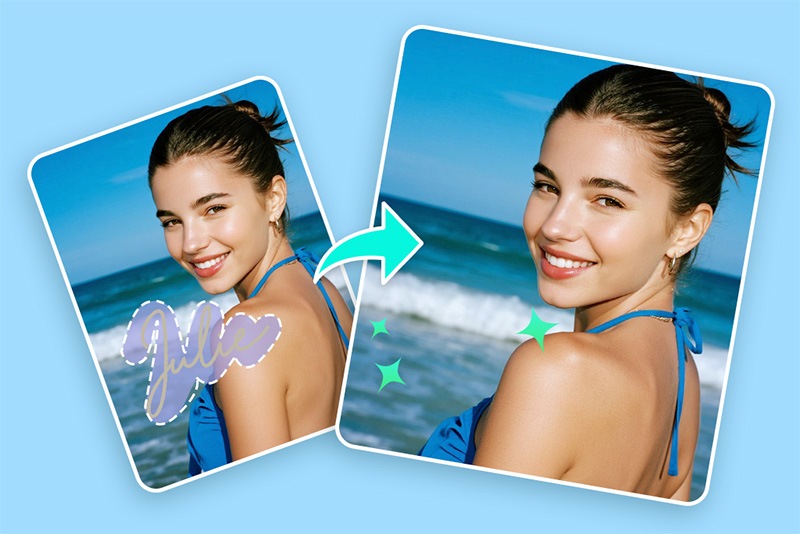
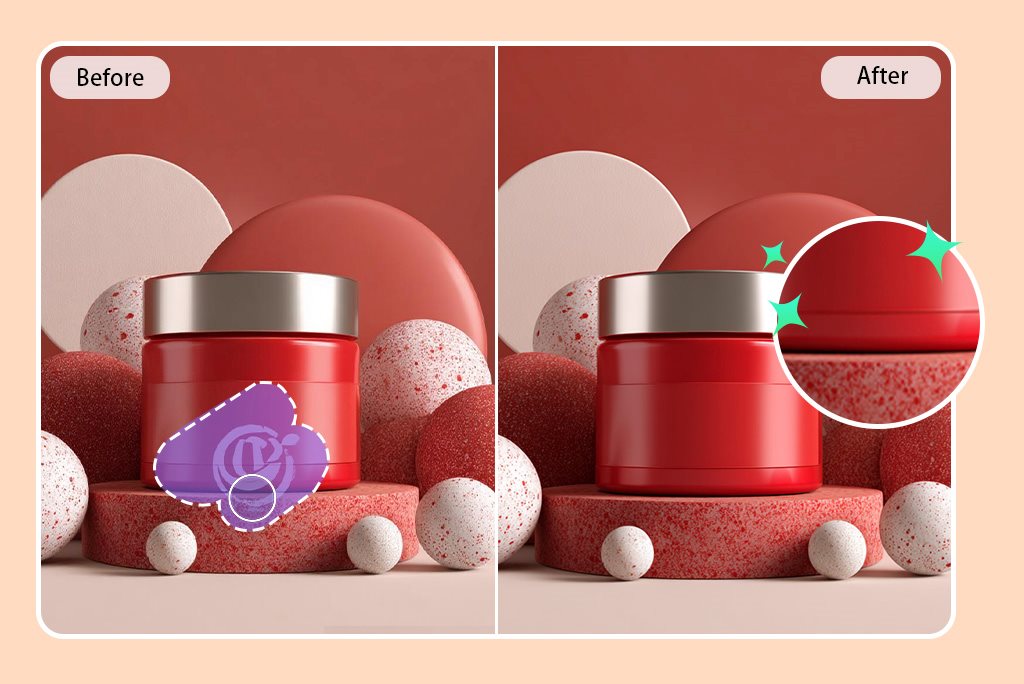
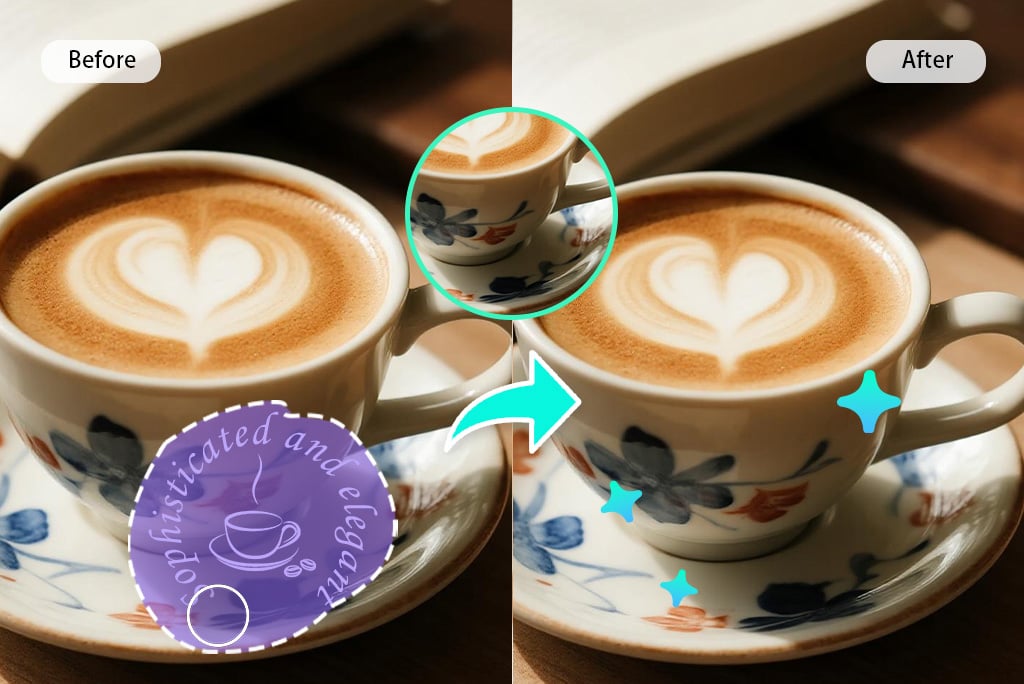
Remove location labels, usernames, camera overlays, event stamps, or small printed marks from images you own or have permission to edit. This helps make personal photos, product shots, and internal visuals less distracting.


Avoid using stamp removal to misrepresent official documents, copyrighted images, or third-party ownership. The tool is for cleanup, privacy, and design preparation.

Remove Stamp Now
Repair the Area Around the Stamp

Repair the Area Around the Stamp

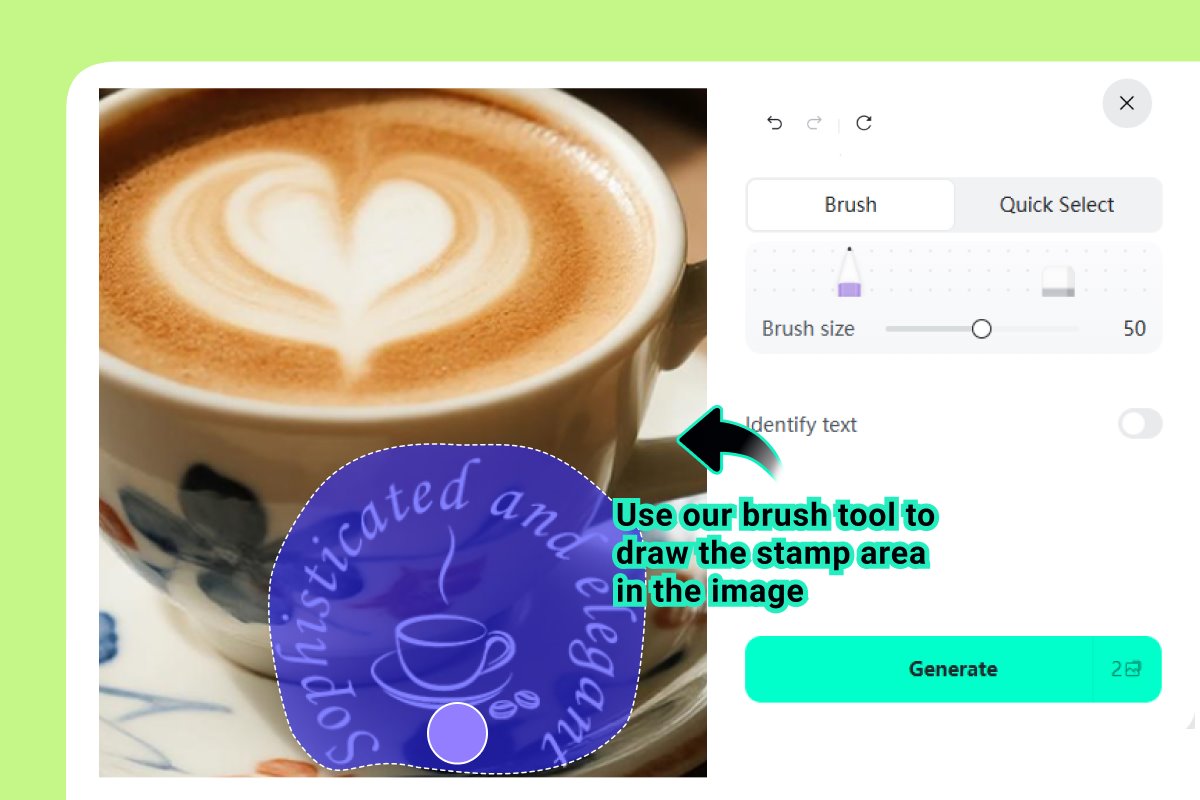
A good stamp removal result depends on the surrounding texture. Brush slightly beyond the edges of the stamp so the AI has enough nearby pixels to blend the repair naturally.


For busy backgrounds, try smaller brush strokes and review the result after each edit instead of covering a large area at once.

Remove Stamp Now

How to Remove a Stamp from a Photo

Upload the image, brush over the stamp, preview the repair, and download the cleaned version.

Upload the stamped photo
1

1 Upload the stamped photo

Choose a photo with a date, time, location, name, watermark-style stamp, or camera mark you want to clean. Use the highest quality version you have.
Brush over the stamp
2

2 Brush over the stamp

Select the stamp area carefully. Include the full text or mark, but avoid brushing over important faces, product details, or document information unless you intend to remove them.
Preview and download the result
3

3 Preview and download the result

Check the repaired area at full size. If the background looks uneven, undo and try a smaller brush or repeat the edit in sections before downloading.

Common Stamp Removal Needs

Clean distracting stamps while keeping the useful parts of your image intact.

Remove Date Stamp from Photo

Remove Date Stamp from Photo

Clean date stamps from family photos, travel pictures, and old camera images so the photo feels less dated and easier to share.

Remove Location Stamp for Privacy

Remove Location Stamp for Privacy

Erase visible location labels before posting personal photos online. Review the image carefully if the location stamp overlaps people or important details.

Remove Name or Camera Stamp

Remove Name or Camera Stamp

Tidy screenshots, mockups, or photos with small name labels, camera overlays, or app stamps when you have the right to edit the image.

Where a Photo Stamp Remover Helps

Use stamp cleanup for personal, commercial, and internal images when the mark is distracting and you have permission to edit it.

Clean Product Photos

Clean Product Photos

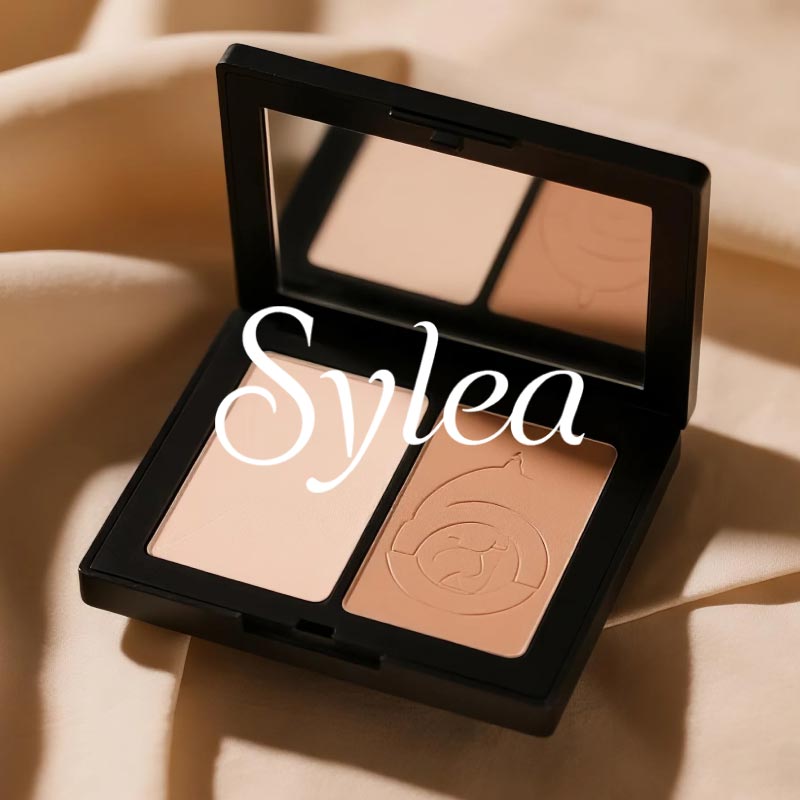
Remove small date, SKU, or camera stamps from product photos before catalog, marketplace, or internal presentation use.

Prepare Marketing Images

Prepare Marketing Images

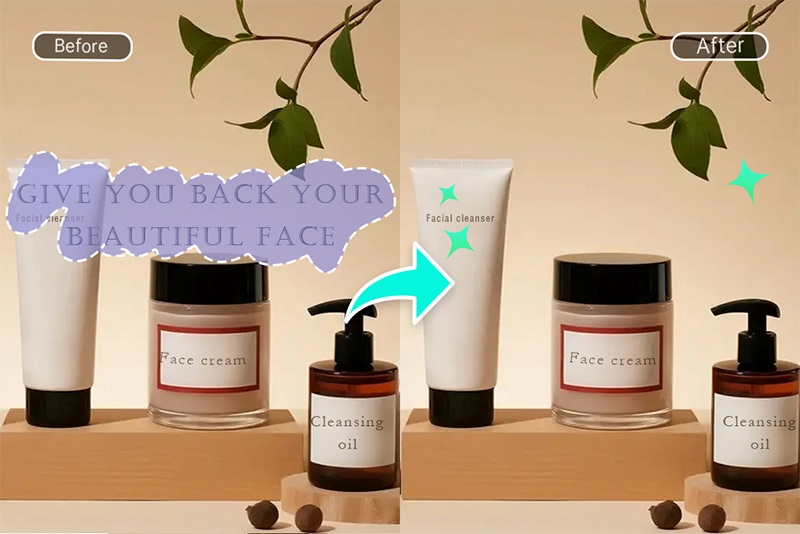
Tidy old campaign visuals, banners, or social assets by removing outdated stamps and small overlay marks that distract from the message.

Tidy Scanned Files and Archives

Tidy Scanned Files and Archives

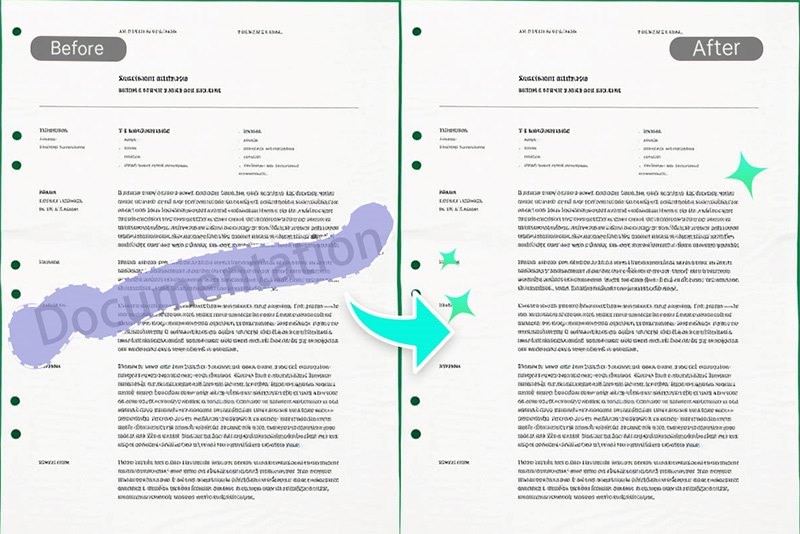
Clean training images, archive photos, or scanned visuals when a stamp blocks the view. Do not remove marks from official documents in a misleading way.

Share Cleaner Social Photos

Share Cleaner Social Photos

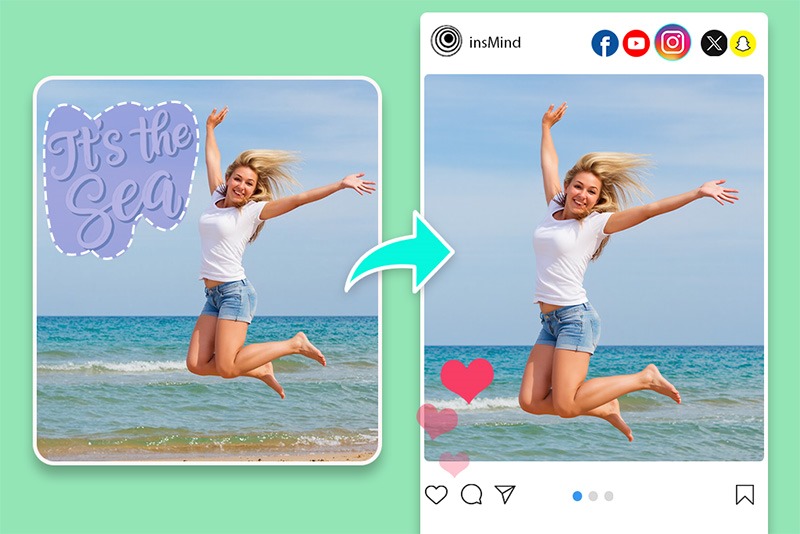
Remove visible date, time, or app stamps from personal photos before posting, especially when the stamp draws attention away from the subject.

Rate this tool:
4.7(275 votes)

Why Use insMind to Remove Photo Stamps?

Controlled Brush Editing

Controlled Brush Editing

You choose the stamp area instead of applying a broad automatic edit, which helps protect nearby faces, products, or background details.

Works for Different Stamp Types

Works for Different Stamp Types

Use it on date stamps, time stamps, location labels, app marks, name stamps, and small overlay text when the image is yours to edit.

Easy Cleanup Workflow

Easy Cleanup Workflow

Upload, brush, preview, and download in the browser. If the first repair needs work, adjust the selection and try again before saving.

Photo Stamp Remover FAQs

How do I remove a date stamp from a photo?

insmind expand icon
Upload the photo, brush over the full date stamp, and preview the repaired area. If the stamp sits on a busy background, use smaller brush strokes for a cleaner blend.

Can I remove a time stamp or location stamp?

insmind expand icon
Yes. You can remove date, time, location, name, and small camera stamps from photos you own or have permission to edit.

Will the background look natural after removing the stamp?

insmind expand icon
It depends on the photo. Simple skies, walls, water, and blurred backgrounds usually blend more easily. Detailed patterns, faces, and text behind the stamp may need extra review.

Can I remove stamps from scanned documents?

insmind expand icon
You can clean training images or scanned visuals when appropriate, but do not remove official marks in a way that misleads people or changes the meaning of a document.

What is the best photo for stamp removal?

insmind expand icon
Use the highest quality version of the image and make sure the stamp area is visible. A small stamp in a corner is usually easier to remove than a large stamp across the subject.

What else can I remove from photos?

insmind expand icon
You can also remove small text, shadows, glare, people, or unwanted objects with related cleanup tools, depending on the image and the area you select.

More Tools for Cleaning Photos

Remove nearby distractions, repair backgrounds, or prepare the image after cleaning a stamp.