
AI Social Media Video Generator
Use our AI social media video generator to make short clips from ideas, photos, and product images.
00:00
00:00
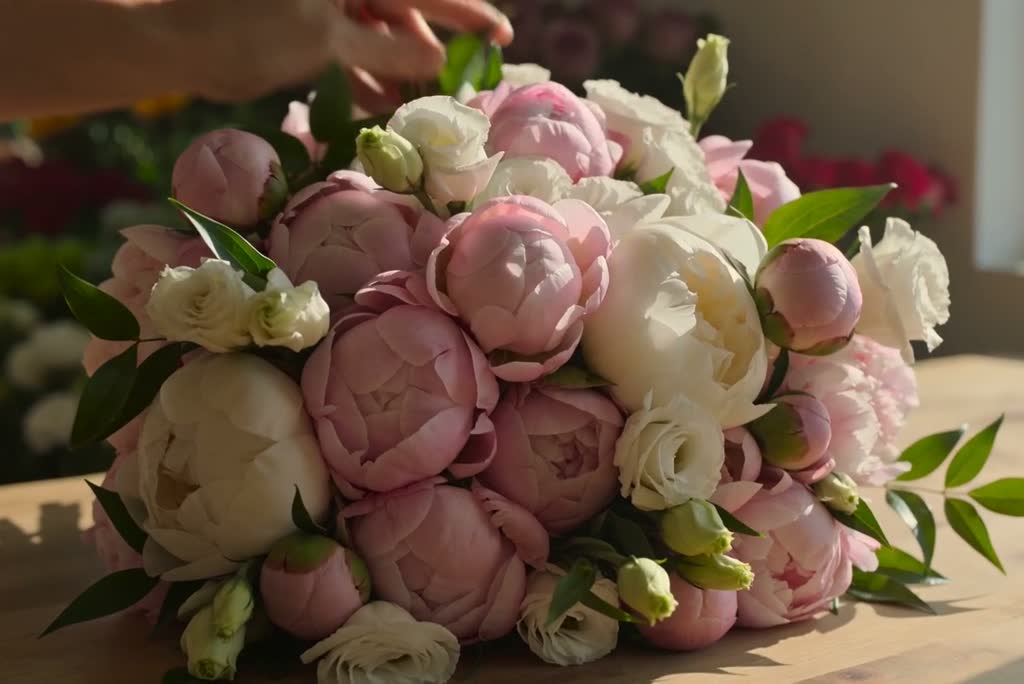
Create Social Media Videos from Text
00:00
00:00
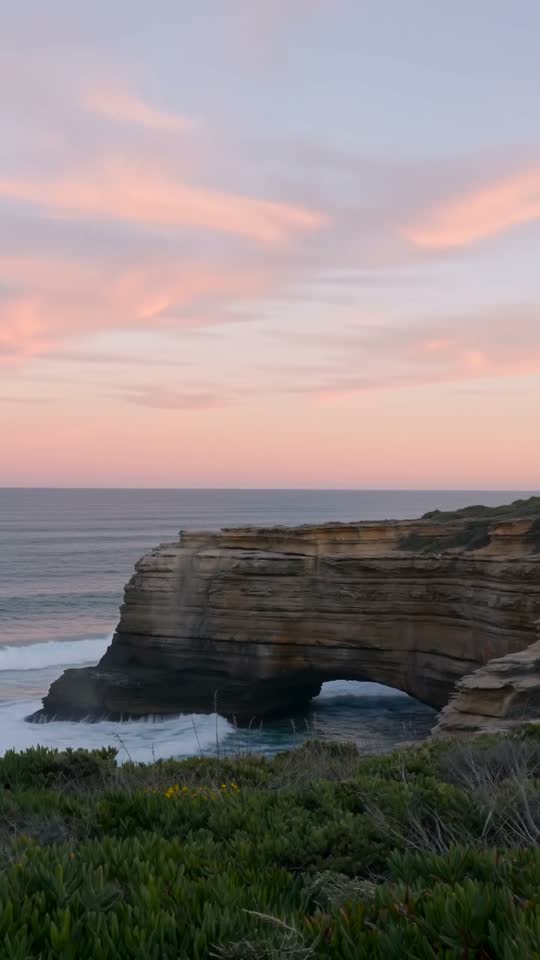
Turn Your Photos into Social Media Clips

Make Talking Videos for Tips and Updates

00:00
00:00
Create Product Promos for Social Feeds
What Can You Create for Social Media?
Explore short video ideas for creators, brands, and everyday posts.

Short-Form Hooks
A creator can test a close-up, a surprising action, or a quick reveal as the first shot of a Reel or TikTok post.

Product Launch Teasers
A shop can show a new item's color, texture, or use before launch day, then choose the reveal that best represents it.

Quick Tips and Mini Tutorials
A coach or maker can turn one useful point into a short visual lesson with a clear action on screen.

YouTube Shorts Previews
A video creator can preview one moment from a longer story and give viewers a reason to watch the full piece.

Event Announcements
A local business can show the mood of an upcoming event alongside its key message, then add final details when posting.

Brand Stories
A small team can show a material, workspace, or behind-the-scenes moment that gives its next post a more personal feel.
How to Make a Social Media Video with AI
Step 1: Add an Idea or Image.
Start with a short idea or upload a photo. Give the video one clear subject, such as a person, place, or product.
Step 2: Describe the Clip.
Tell the AI what should happen on screen. Mention the movement, mood, and where you plan to post it. Select an available model and ratio if needed.
Step 3: Generate Your Video.
Create the first version and see whether the main action is clear. If it misses the point, adjust the prompt before trying again.
Step 4: Preview and Download.
Check the subject, motion, and any product details. Download the version that fits your post.
Why Choose insMind for Social Media Videos?

Start Quickly
Move from a rough idea or image to a first video without setting up a shoot or timeline.

Easy to Use
Describe what you want in plain language. You can change the direction as your idea takes shape.

Multiple AI Video Models
Try different models in one workspace and choose the one that suits your scene.

Formats for Different Posts
Select an available aspect ratio for vertical, square, or wider videos before you generate.

Infinite Canvas
Keep ideas, reference images, and video results together while you plan your next posts.

Images and Videos Together
Prepare a visual and turn it into a video without moving between separate creative tools.
Frequently Asked Questions About AI Social Media Videos
What is an AI social media video generator?


It is a tool that turns a written idea or image into a video you can use for a social post. You guide the subject, look, and motion with your input.
Can I create a social media video without filming?
Yes. You can start with text or an existing image. Review the result before posting, especially when a person or product needs to look accurate.
Can I use a photo instead of a text prompt?
Yes. Upload a clear photo and describe the movement you want. A photo can help guide the subject and look of the clip.
Can I make talking videos for social media?
Yes. insMind has a talking-photo workflow for turning a portrait and message into a speaking clip. Keep the script short for a social post, and check the face, voice, and wording before you share it.
Can I create product videos for my brand?
Yes. Start with a clear product image and describe the scene or detail you want to show. Check the output against the real product before publishing.
Which social platforms can I use these videos on?
You can make clips for TikTok, Instagram Reels, YouTube Shorts, and other channels. Check the size and length requirements of the platform where you plan to post.
What video ratio should I choose?
Vertical 9:16 is common for short-form feeds. Square 1:1 or wider 16:9 may suit other placements. Available ratios can depend on the model you choose.
Do I need video editing skills?
No. You can start with a prompt or image and adjust your instructions after reviewing the result.
Can I make different versions of the same idea?
Yes. Change your prompt, reference image, or available settings to try another take. Review each version and keep the one that fits your message.
Is the AI social media video maker free to use?
You can try this tool online for free. Available features and usage limits may vary by account and permissions.
Explore More AI Video Tools
00:00
00:00
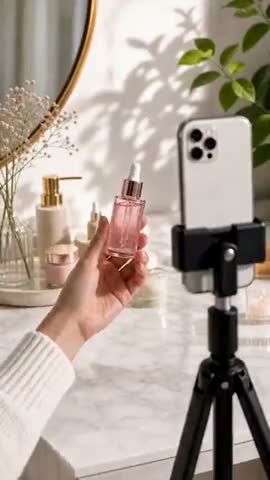
AI TikTok Video Generator
Create vertical clips for your next TikTok post.

00:00
00:00
AI Reel Video Generator
Turn an idea or photo into an Instagram Reel.
00:00
00:00
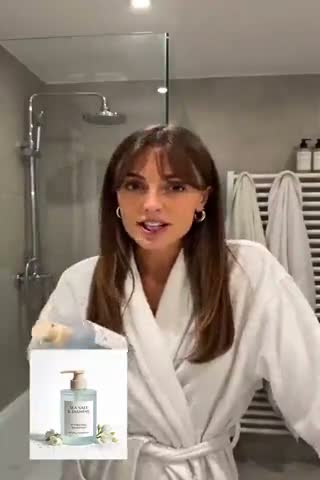
AI UGC Video Generator
Make creator-style social videos with AI.

00:00
00:00
AI Product Demo Generator
Show how a product looks or works in motion.

00:00
00:00
AI Talking Photo Generator
Make a portrait speak for a short update.
00:00
00:00
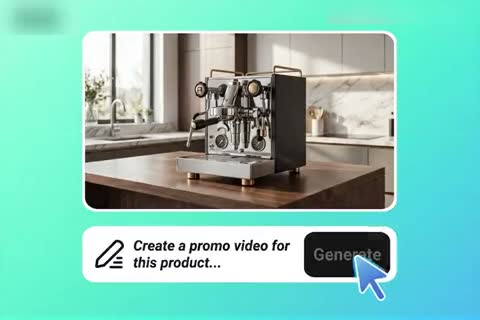
AI Promo Video Maker
Create a short product promo for your feed.
00:00
00:00
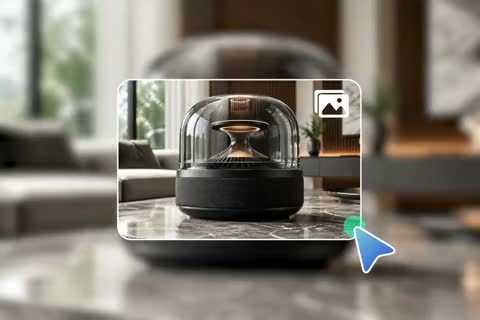
Image to Video
Add natural movement to your photos.
00:00
00:00
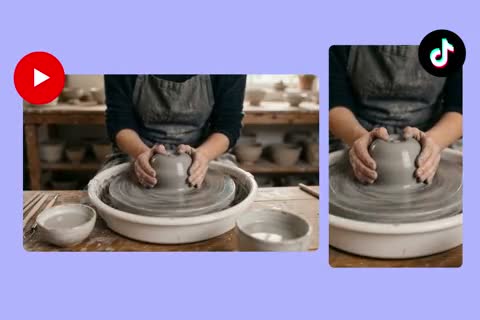
Tutorial Video Maker
Create a quick visual lesson or how-to clip.